Website Best in category 9 results Builder AI Tool

Popular AI tools in the Builder field of Website include Webflow、Dorik、Droip、Landing、Coconaut.ai、FindWise、Notice、Wondersites、Diy Website Builder, etc., helping you quickly improve efficiency.

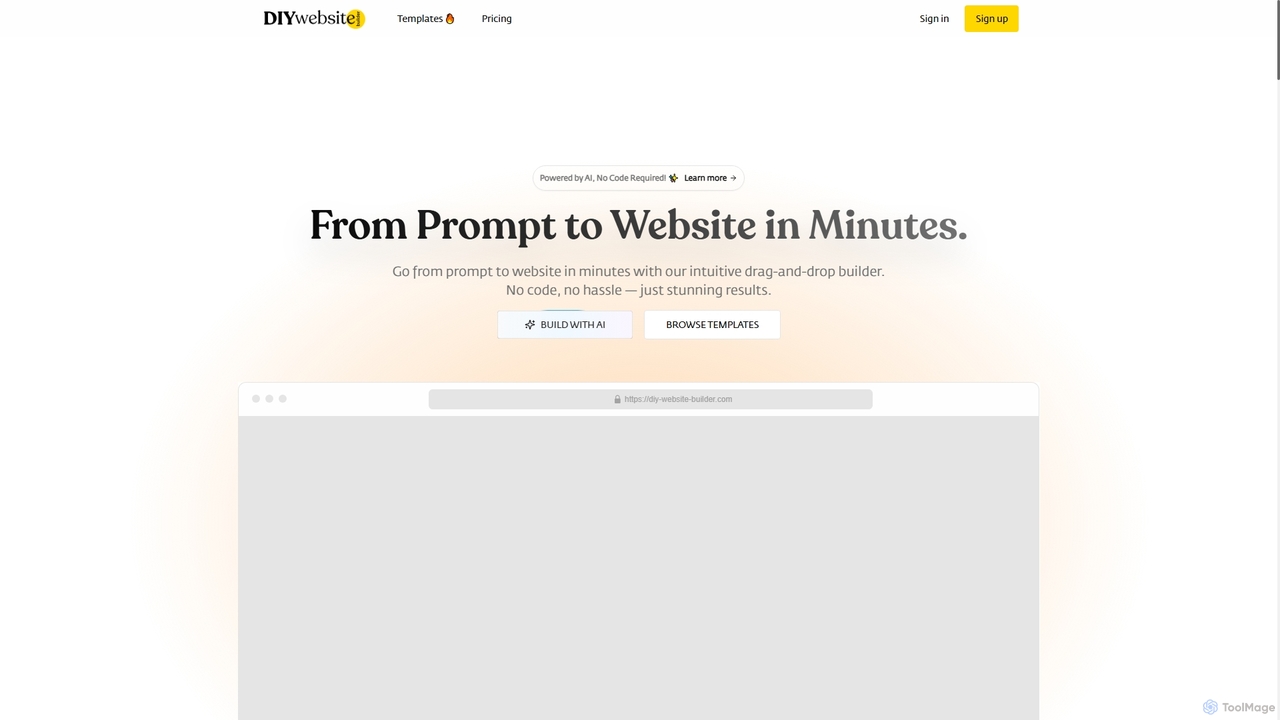
Diy Website Builder

Diy Website Builder

An AI-powered, no-code website builder that allows users to create professional, responsive websites in minutes from a simple …

2.5K
Wondersites

Wondersites

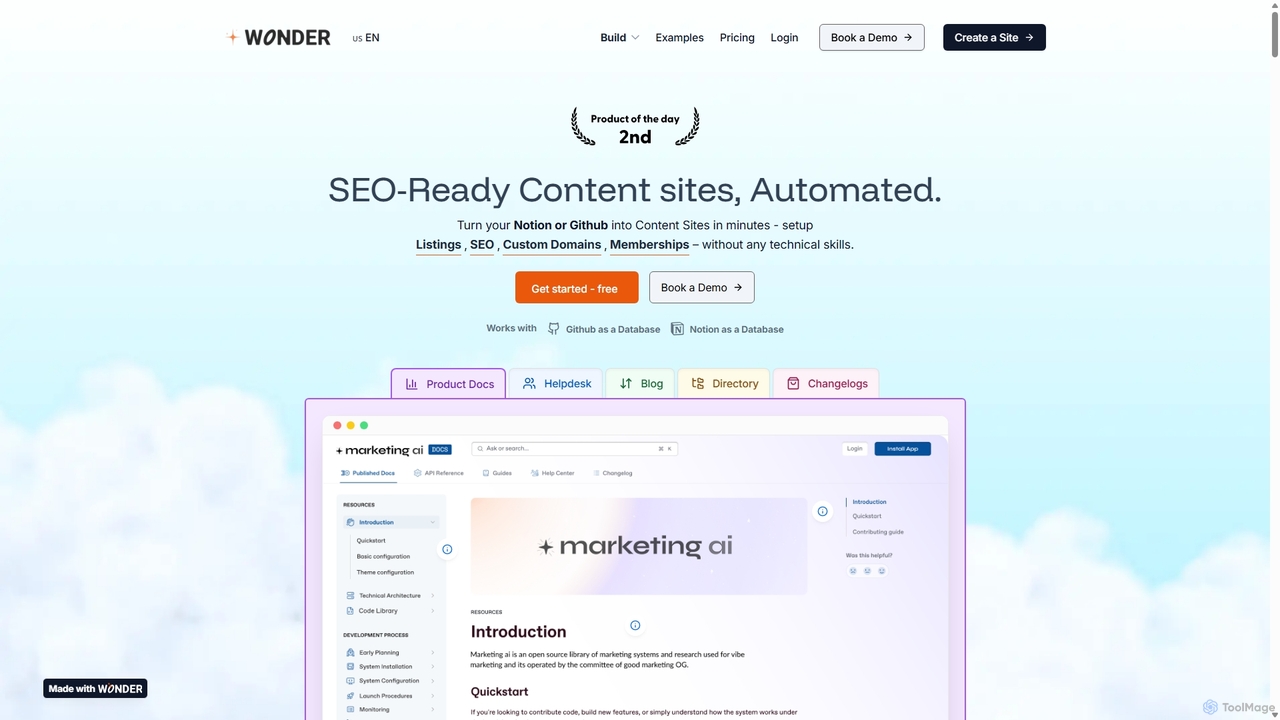
Wondersites is a no-code platform that transforms your Notion or Github databases into fully functional, SEO-ready websites in …

2.6K
Webflow

Webflow

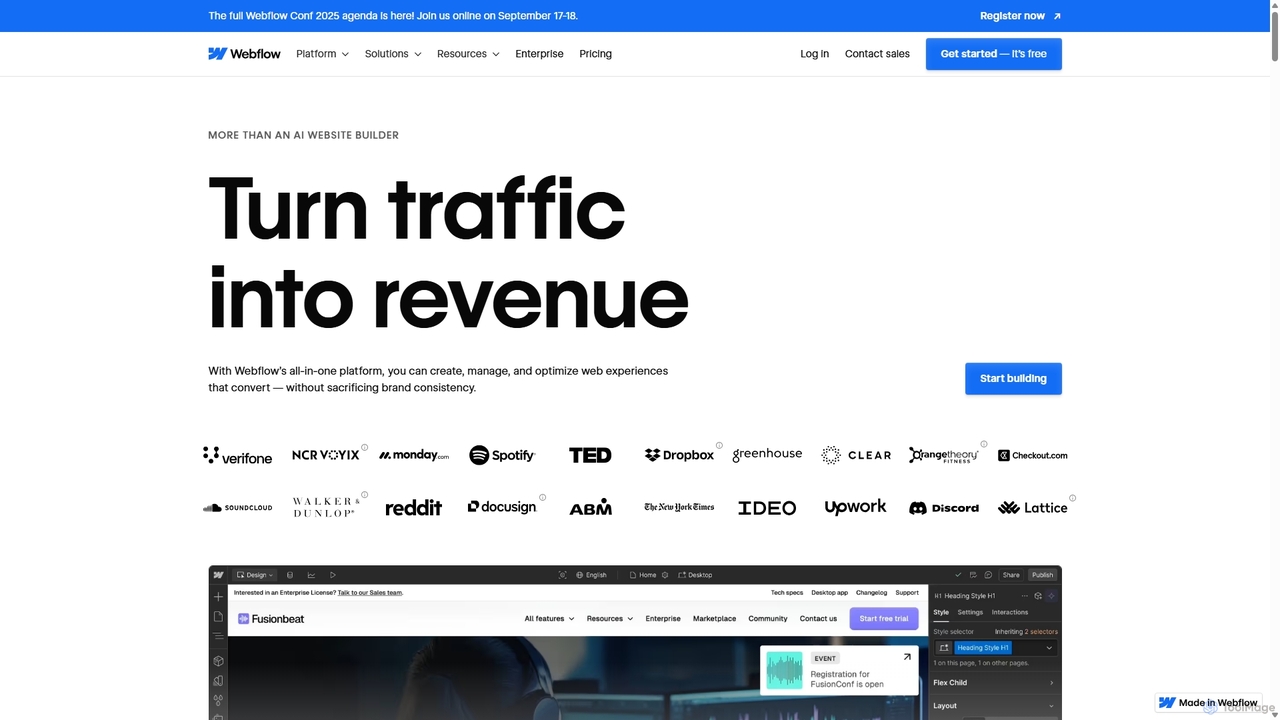
Webflow is a visual development platform that empowers users to design, build, and launch professional, custom websites without …

6.8M
Dorik

Dorik

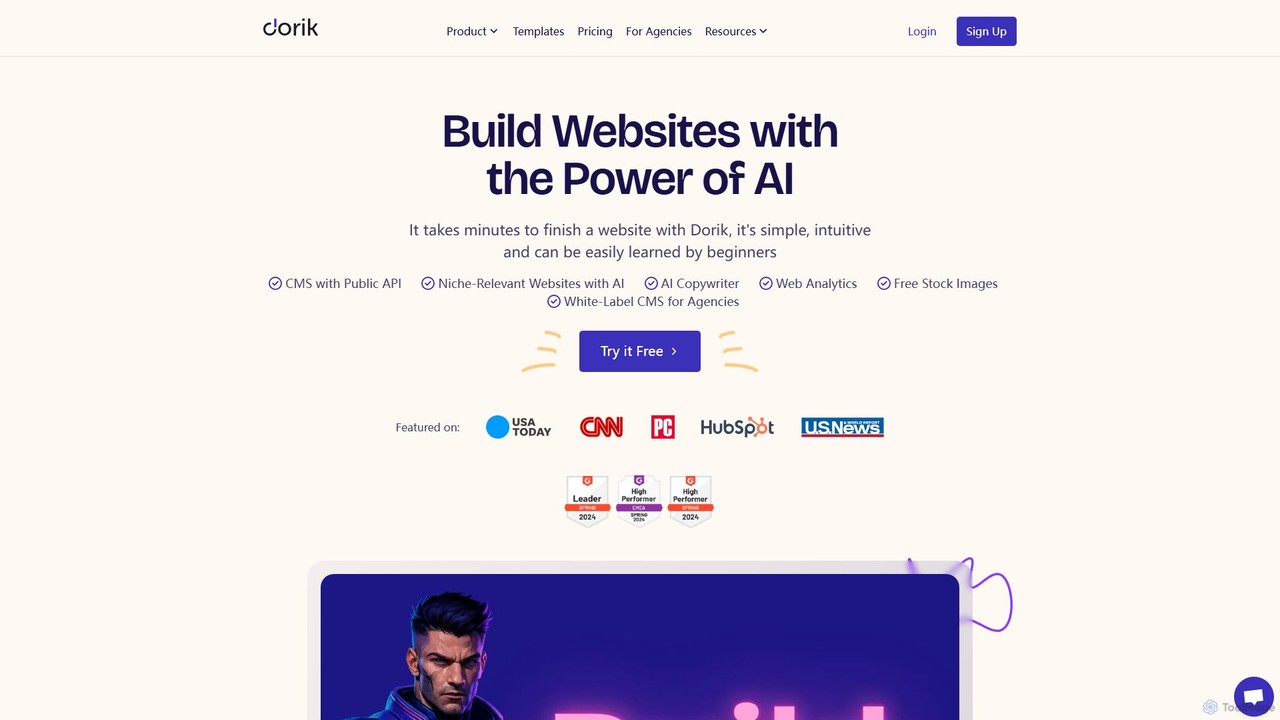
Dorik is an AI-powered, no-code website builder that enables users to create stunning, professional websites in minutes. It …

93.5K
Notice

Notice

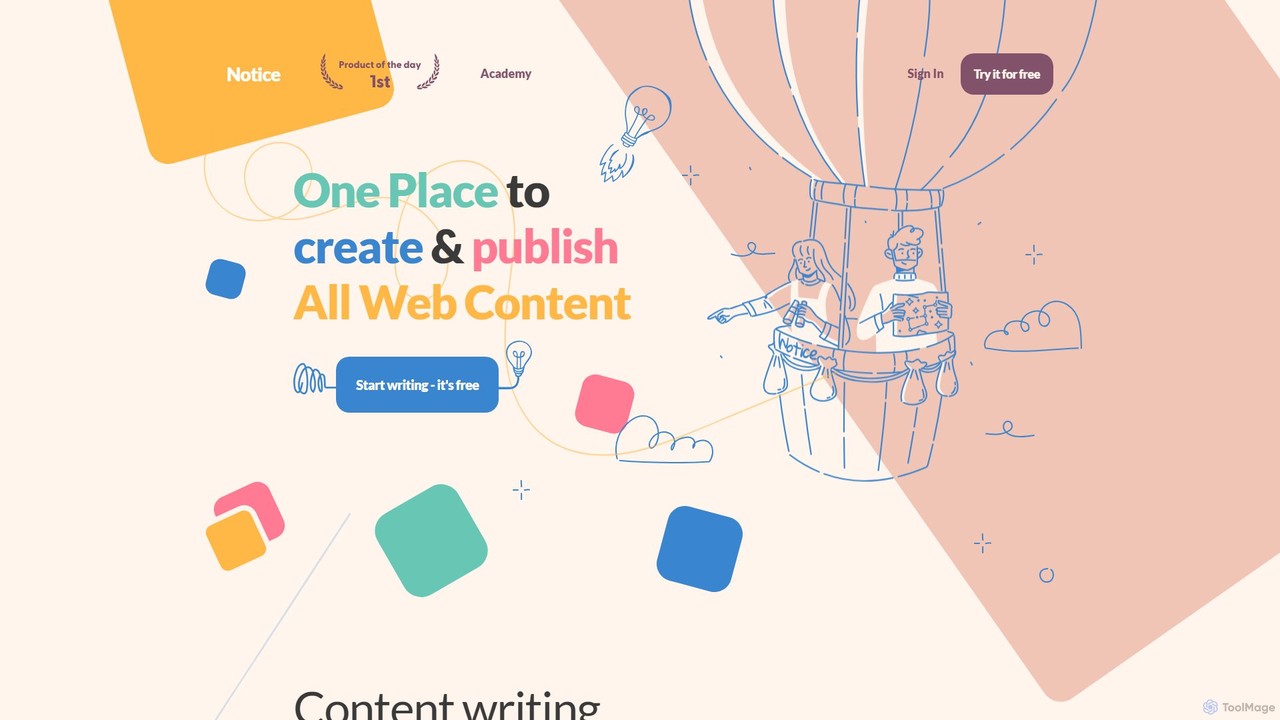
Notice is an all-in-one AI-powered content creation and management platform. It enables users to easily create, collaborate on, …

2.6K
Droip

Droip

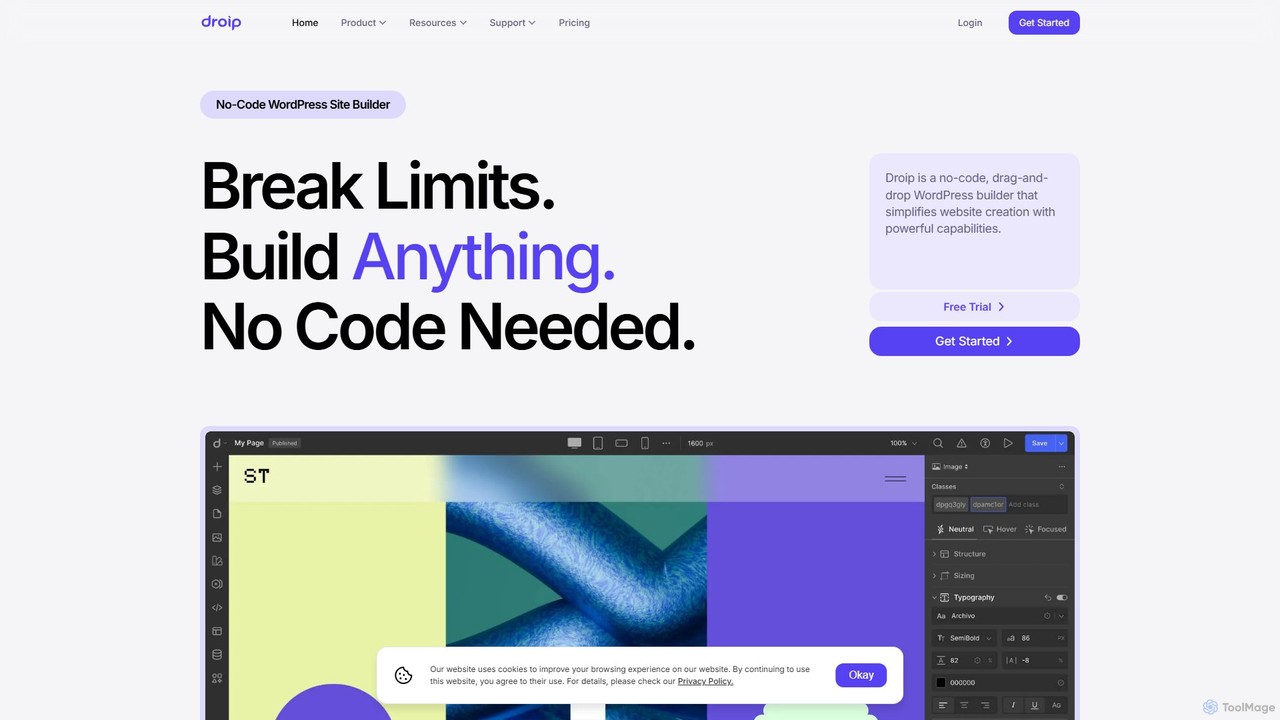
Droip is a no-code, drag-and-drop WordPress website builder designed for creating high-performance, visually stunning websites. It features an …

50.6K
Landing

Landing

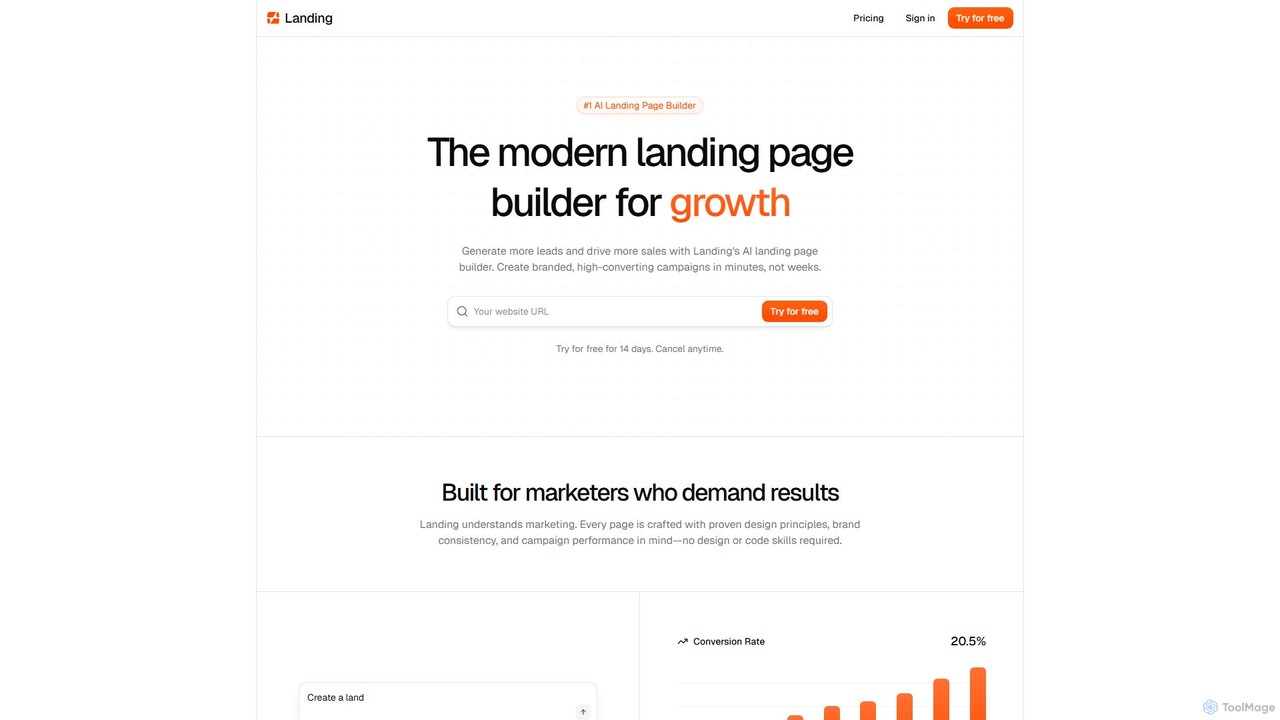
Landing is an AI-powered landing page builder designed for marketers to create high-converting, branded campaign pages in minutes. …

6.9K
Coconaut.ai

Coconaut.ai

Coconaut.ai is a no-code platform that allows you to create custom AI chatbots powered by your own data. …

3.9K
FindWise

FindWise

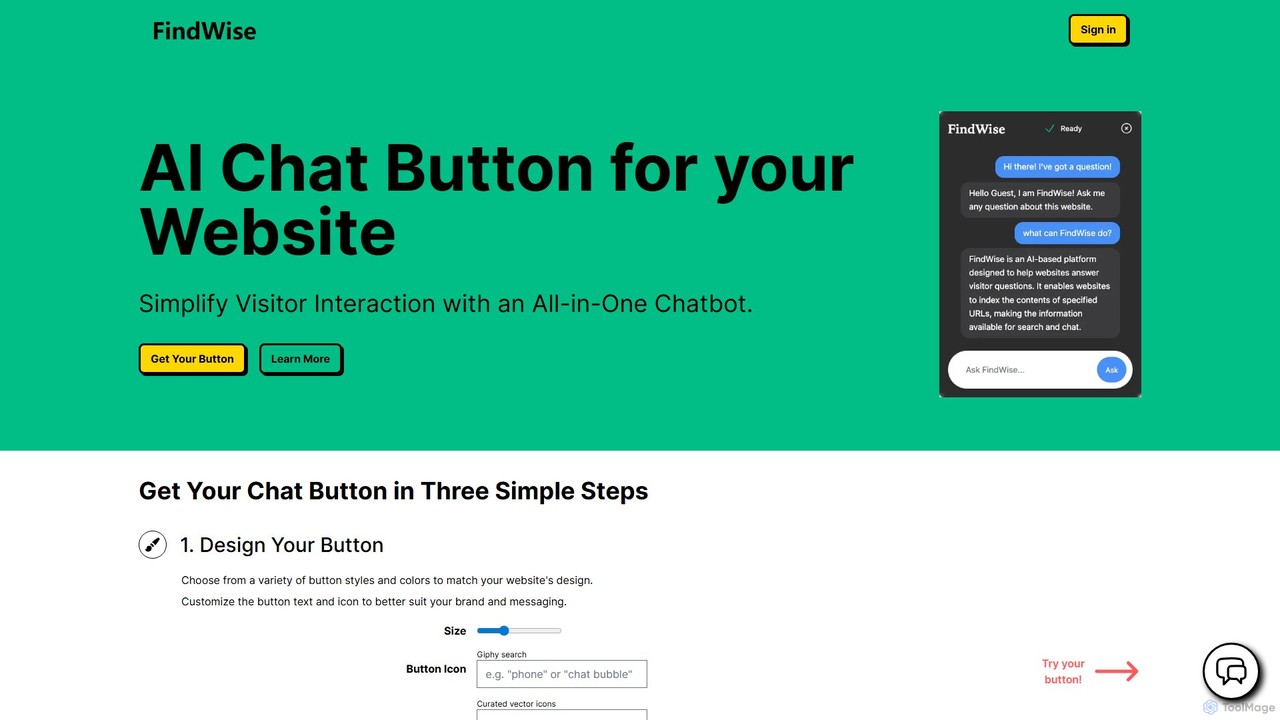
FindWise is an AI platform that allows you to add a customizable AI chat button to your website. …

2.7K

About Builder

AI Builders are tools that enable users to create websites, landing pages, and simple applications through a visual, drag-and-drop interface, requiring no coding knowledge. These platforms use artificial intelligence to suggest layouts, generate relevant text and images, and automatically optimize the design for different devices. This approach empowers entrepreneurs, marketers, and small businesses to launch a professional online presence quickly and cost-effectively. Unlike traditional development, AI Builders provide intelligent templates and components that streamline the entire creation process from concept to publication.

Core Features

  • Visual Drag-and-Drop Editor: Intuitively arrange text, images, and other elements on a page without writing code.
  • AI Content & Design Suggestions: Automatically generates text, suggests suitable images, and recommends color palettes and layouts.
  • Responsive Templates: Offers a library of pre-designed, mobile-friendly templates that adapt to any screen size.
  • Pre-built Components: Includes ready-to-use modules like contact forms, image galleries, buttons, and maps.
  • One-Click Publishing: Simplifies the process of taking a website live with integrated hosting and domain connection.

Use Cases

AI Builders are widely used by marketers to create campaign-specific landing pages, startups to rapidly develop a minimum viable product (MVP) website, and freelancers or artists to build online portfolios. Small business owners also leverage these tools to establish an online store or a professional business site without hiring a developer.

How to Choose

When selecting an AI Builder, consider the quality and variety of templates, as this determines the initial look of your site. Evaluate the sophistication of its AI features—does it assist with just layout, or also with content creation and SEO? Also, check its integration capabilities with other marketing or analytics tools, and ensure the pricing model aligns with your budget and future growth needs.

BuilderUse Cases

1

Launch a Startup MVP Website

A non-technical founder needs a professional website to showcase their new product and attract early investors. Using an AI builder, they select a modern template that matches their brand identity. The AI content generator helps them write compelling copy for the homepage, features, and about us sections. Within a few hours, they have a fully functional, responsive website with a contact form integrated, allowing them to launch their online presence and start collecting leads without writing a single line of code.

2

Create High-Converting Marketing Landing Pages

A marketing team needs to quickly create multiple landing pages for a new advertising campaign targeting different customer segments. Using an AI builder, they can duplicate a base template and use the AI to generate unique headlines, calls-to-action, and benefit lists for each segment. This allows for rapid A/B testing of different messages and layouts to optimize conversion rates, all managed within the marketing team without relying on developer resources.

3

Build an Online Portfolio for Creatives

A freelance photographer wants to showcase their work to attract new clients. They use an AI builder with visually-focused templates and gallery components. They can easily drag and drop their high-resolution images, and the AI automatically optimizes them for web performance without losing quality. The builder also helps structure the portfolio with sections for different projects, an 'About Me' page, and a contact form, resulting in a professional and fast-loading online portfolio created in a single afternoon.

4

Set Up a Simple E-commerce Store

A small business owner wants to start selling handmade goods online but has a limited budget and no technical skills. They choose an AI builder with integrated e-commerce functionality. The platform guides them through adding products, setting prices, and writing descriptions with AI assistance. It also provides secure payment gateway integrations and simple inventory management, allowing them to launch a fully operational online store and start accepting orders in just a few days.

5

Create an Event Registration Page

An event organizer needs a dedicated webpage for an upcoming workshop. Using an AI builder, they can quickly create a single-page site that includes all essential information: event schedule, speaker bios, and location details. They use a pre-built form component to handle registrations and can even integrate it with a payment processor to collect fees. The AI helps generate engaging text to encourage sign-ups, and the entire page is live and ready to share in under an hour.

6

Develop an Internal Knowledge Base

A project manager needs a central hub for team documentation, guidelines, and project updates. Instead of using complex wiki software, they use an AI builder to create a simple, password-protected website. They can easily structure information with text blocks, embed training videos, and create a clear navigation menu. The AI can help summarize long documents into key bullet points, making information easily digestible for the team. This results in a user-friendly internal resource that is easy to maintain and access.

BuilderFrequently Asked Questions