
Fjorney Overview
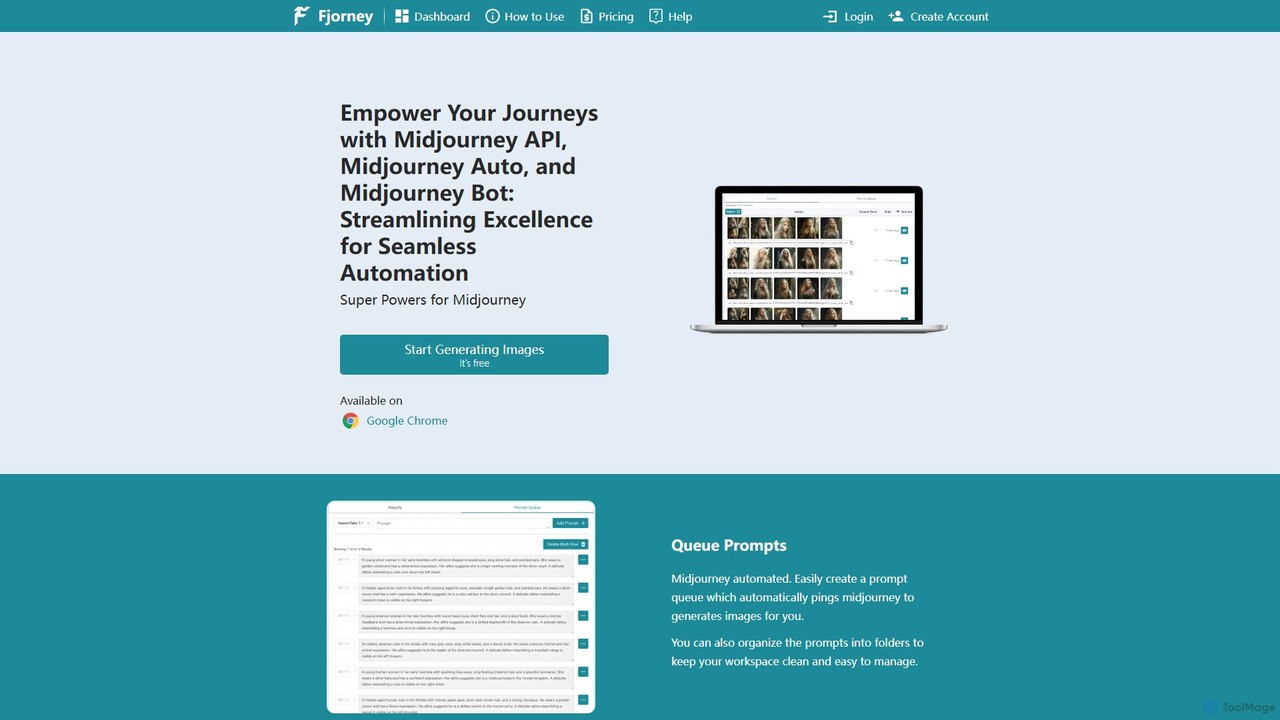
Fjorney is a comprehensive toolkit designed to supercharge your experience with Midjourney, the popular AI image generator. It acts as a powerful bridge, offering automation, API access, and creative assistance to streamline the entire image creation process. By operating as a simple-to-install Google Chrome extension, Fjorney automates the interaction with Midjourney on Discord, allowing users to focus on creativity rather than manual, repetitive tasks. Whether you're a developer looking to integrate AI image generation into an application, a content creator needing to produce visuals in bulk, or an artist exploring new creative frontiers, Fjorney provides the essential features to enhance your workflow and unlock new possibilities.
The platform is built around the core concept of seamless automation. It eliminates the need to manually copy and paste prompts one by one into Discord. Instead, you can build organized queues, let the bot work in the background, and receive a steady stream of high-quality images. This is complemented by a robust API that opens up Midjourney's capabilities to programmatic control, making it a valuable asset for any tech-savvy creator or business.
How to use Fjorney
Getting started with Fjorney is designed to be quick and straightforward, taking less than a minute to set up. Follow these simple steps to begin automating your Midjourney generations:
- Install the Extension: Add the Fjorney extension to your Google Chrome browser from the official store.
- Create an Account: Sign up for a Fjorney account on their website. A free plan is available to get you started.
- Link Your Discord: Once the extension is installed and you are logged in, paste your Midjourney Discord channel URL into the Fjorney extension's settings. This allows the tool to communicate with your Midjourney account.
- Queue Your Prompts: Start adding your image prompts to the queue within the Fjorney dashboard. You can organize them into folders for better management.
- Start Generating: Hit the "Start" button, and Fjorney will begin automatically sending your prompts to Midjourney in the background.
- (For API Users): To use the API, generate an API key from your "My Account" page. You must leave a computer running with the Fjorney extension installed and the browser open. You can then use the API endpoints as detailed in their documentation to generate images programmatically.
Core Features of Fjorney
- Midjourney API: Gain programmatic access to Midjourney. With a simple API key, developers can integrate Midjourney's image generation capabilities directly into their own websites, apps, or automated workflows.
- Midjourney Auto & Prompt Queue: The flagship automation feature. Create a list of prompts that Fjorney will automatically process for you. This is perfect for batch generation, saving hours of manual work. You can also organize prompts into folders to keep your projects tidy.
- AI Prompt Generator: If you have an idea but struggle to write a detailed, effective prompt, this feature is for you. Simply input a few keywords or a basic concept, and Fjorney's AI will generate a rich, descriptive prompt optimized for Midjourney.
- Prompt Variation Generator: Found a prompt that produces great results? Use this tool to instantly generate multiple similar but unique variations of that prompt, allowing you to explore different facets of a creative idea without starting from scratch.
Use Cases for Fjorney
Fjorney's versatility makes it suitable for a wide range of users and applications:
- Developers: Integrate AI-powered image generation into SaaS products, mobile apps, or internal tools. Automate the creation of user-specific visuals or placeholder images.
- Marketers and Content Creators: Generate hundreds of unique images for social media campaigns, blog posts, advertisements, and newsletters. Maintain a consistent visual style by reusing and varying successful prompts.
- E-commerce Businesses: Create product mockups, lifestyle images, and marketing materials at scale without the need for expensive photoshoots.
- Artists and Designers: Rapidly prototype ideas, explore visual concepts, and generate a vast library of inspirational images. Use the prompt variation tool to refine artistic direction efficiently.
Advantages of Fjorney
Using Fjorney provides several key benefits over using Midjourney manually:
- Massive Time Savings: The automation of prompt submission is the biggest advantage, freeing you from the tedious task of managing the Discord interface.
- Enhanced Workflow Efficiency: The prompt queue and folder organization bring a structured, professional workflow to your creative projects.
- Seamless Integration: The API is a game-changer for developers, making Midjourney a component that can be built upon, rather than just a standalone tool.
- Increased Creative Output: The prompt generation and variation tools help you overcome creative blocks and multiply your creative output with minimal effort.
- Accessibility: It simplifies the Midjourney process, making advanced batch generation and API access available to users who may not have the technical skills to build their own bots.
Pricing and Plans
Fjorney operates on a freemium model, making it accessible for everyone to try. While specific pricing details are available on their website, the structure includes:
- Free Plan: A starting tier that allows users to test the core features and understand how the tool works.
- Subscription Plans: For users who need more volume and advanced features, Fjorney offers paid subscription plans. These are available on a monthly or annual basis, with the annual plan typically offering a discount. You can manage or cancel your subscription at any time through your "My Account" page on the Fjorney website.
Fjorney Alternatives
Slashimagine
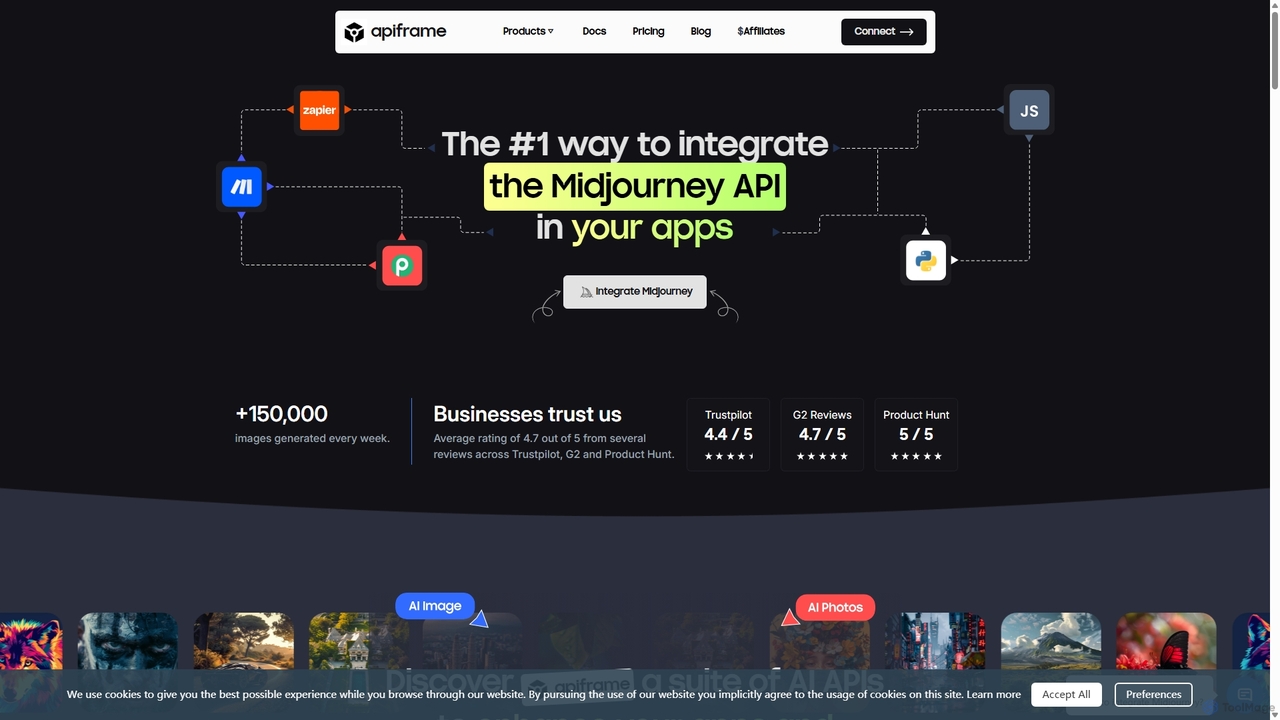
A developer-focused platform offering a unified REST API for leading AI generative models. It specializes in providing reliable, scalable access to Midjourney for high-quality image generation, as well as APIs for video creation (RunwayML, Luma AI), faceswapping, and realistic photo generation. It simplifies integration, manages underlying complexities like Discord accounts, and provides tools for developers to easily embed AI creativity into their applications and workflows.
Api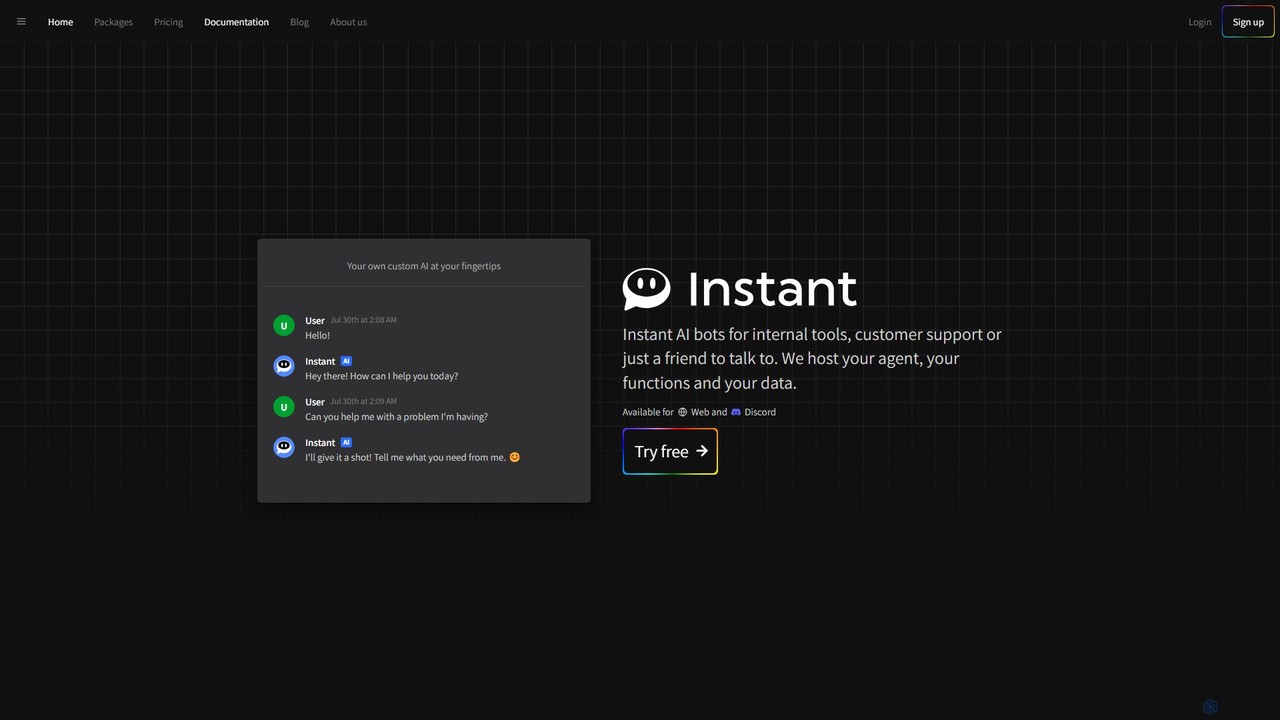
Instant.bot
Instant.bot is a powerful platform for creating and deploying custom AI chatbots for internal tools, customer support, and community engagement. It offers seamless integration with Web and Discord, including features like image generation and custom functions, all hosted on their platform.
Chatbots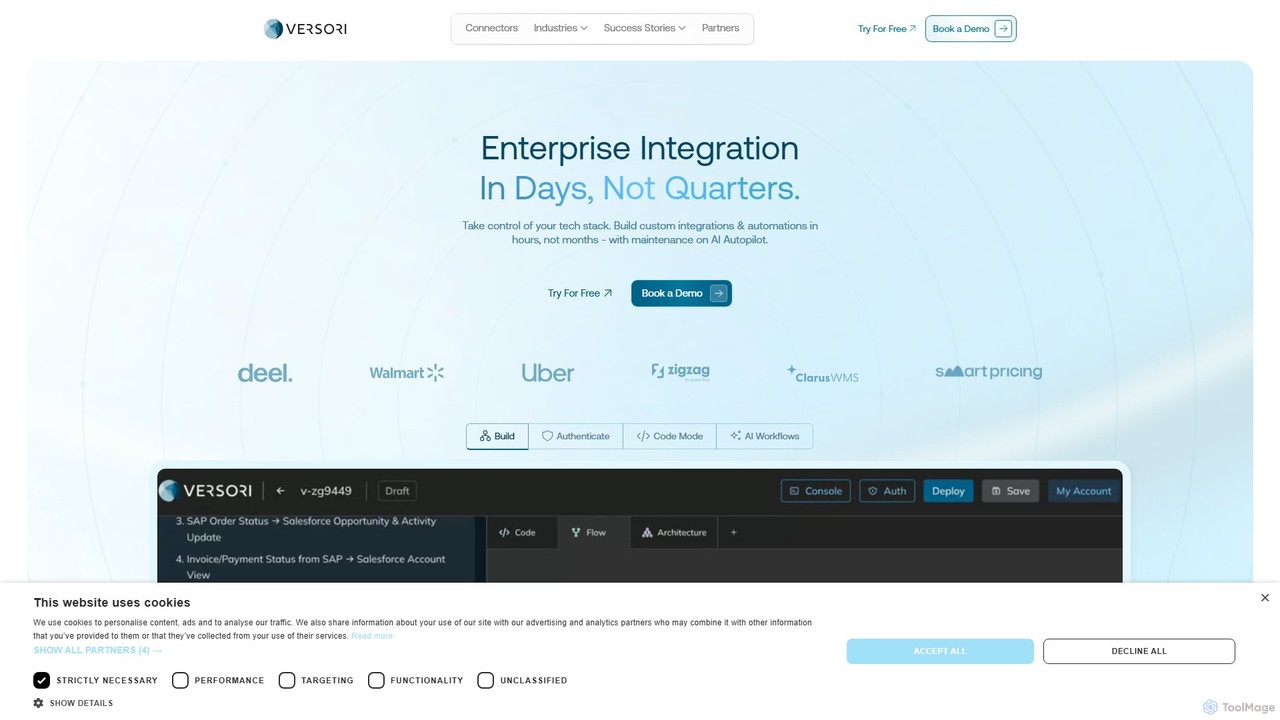
Versori
Versori is an Agentic Integration Platform that uses AI to build custom software integrations in days, not months. It empowers sales-led teams to close deals faster by fulfilling any integration request without relying on engineering resources, featuring self-healing agents and a white-glove service.
Sales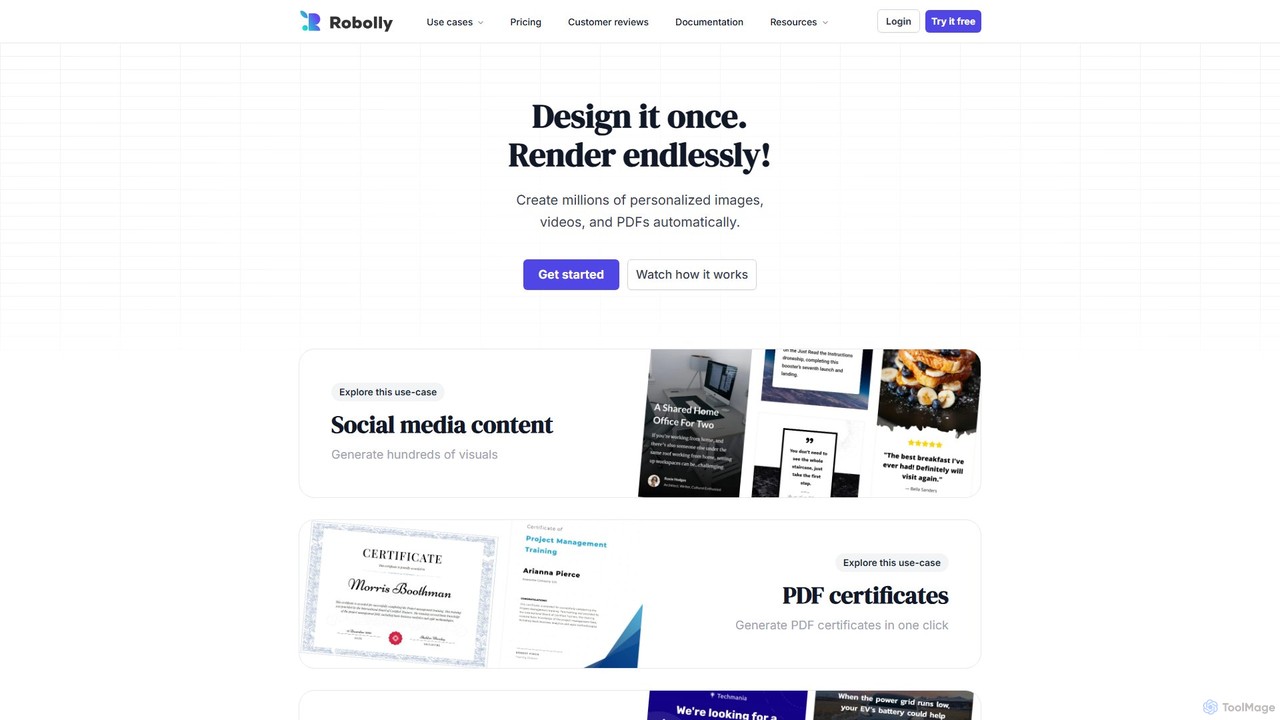
Robolly
Robolly is an all-in-one platform for automated visual content generation. Design a template once and use its API and bulk generation tools to create millions of personalized images, videos, and PDFs on-demand. It's ideal for marketers, developers, and businesses looking to scale their content production efficiently.
Image Generation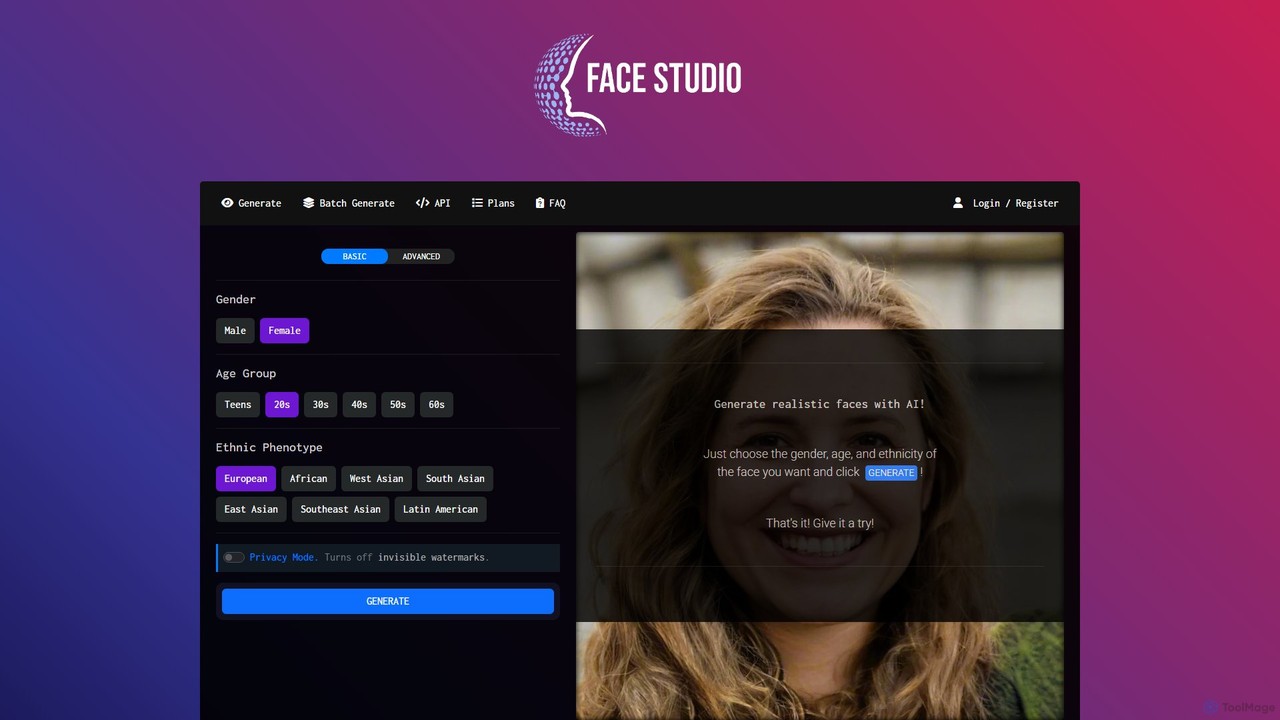
Face Studio
Face Studio is a powerful AI-powered tool for instantly generating high-resolution, realistic human faces. Users can specify demographics like gender, age, and ethnicity to create unique, royalty-free faces for various purposes, including game design, research, and marketing, without licensing concerns.
Avatar GenerationFjorney Categories
Fjorney Embed Widget
Copy this embed code to place the badge on your blog, article, or product site and send readers directly to this ToolMage detail page.

Related AI tools
Instant.bot
Instant.bot is a powerful platform for creating and deploying custom AI chatbots for internal tools, customer support, and community engagement. It offers seamless integration with Web and Discord, including features like image generation and custom functions, all hosted on their platform.
Chatbots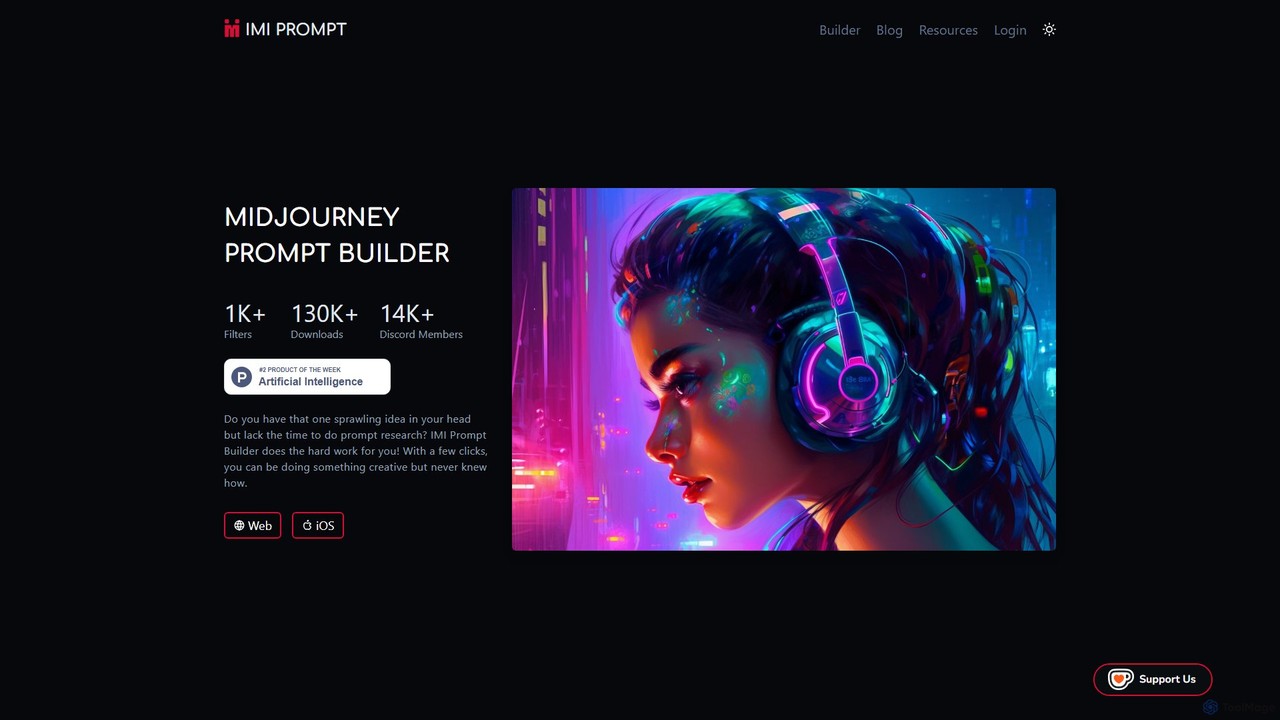
imiprompt
imiprompt is an advanced prompt builder for Midjourney, designed to simplify the creation of complex and detailed text-to-image prompts. With over 1,000 filters for styles, colors, and objects, it empowers users of all skill levels to generate stunning AI art by translating simple ideas into sophisticated, ready-to-use prompts compatible with the latest Midjourney versions.
Creative Assistant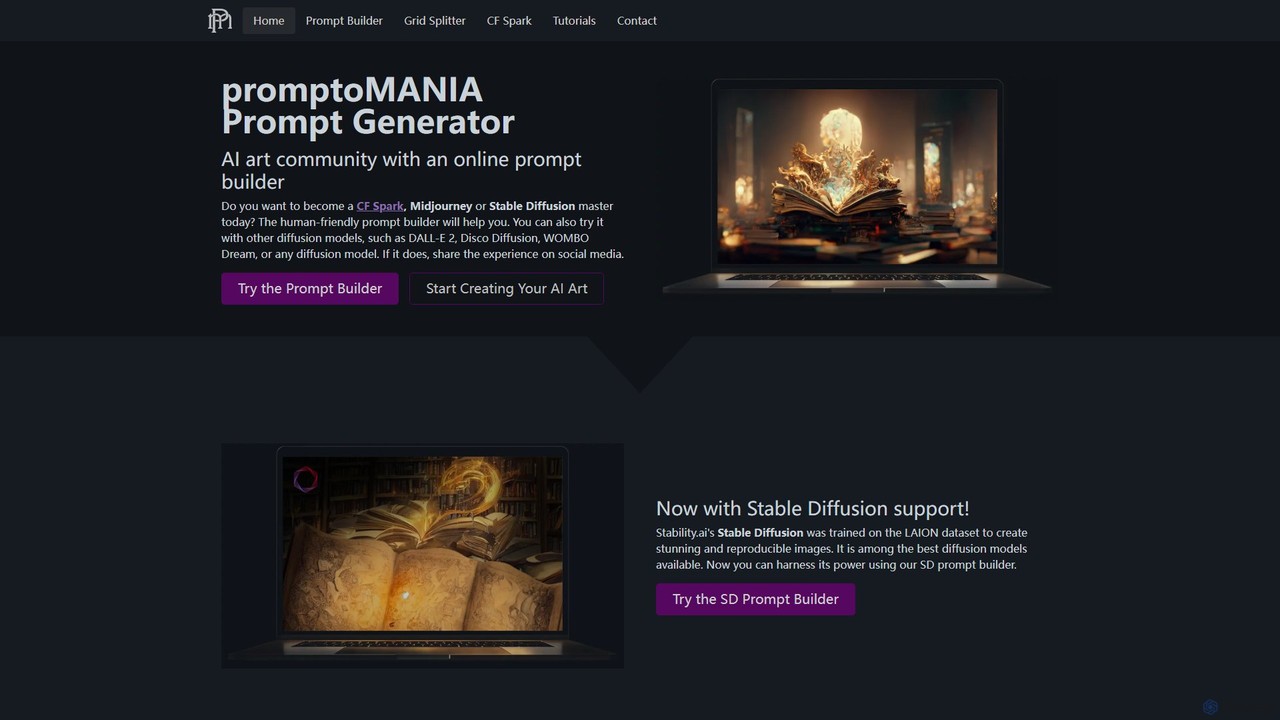
promptoMANIA
A free, user-friendly AI art prompt builder and helper tool. It enables users to create detailed and complex prompts for various AI art generators like Midjourney, Stable Diffusion, and DALL-E 2. Features include a visual prompt builder, interactive tutorials, and a handy grid splitter tool to separate generated images.
Prompt Engineering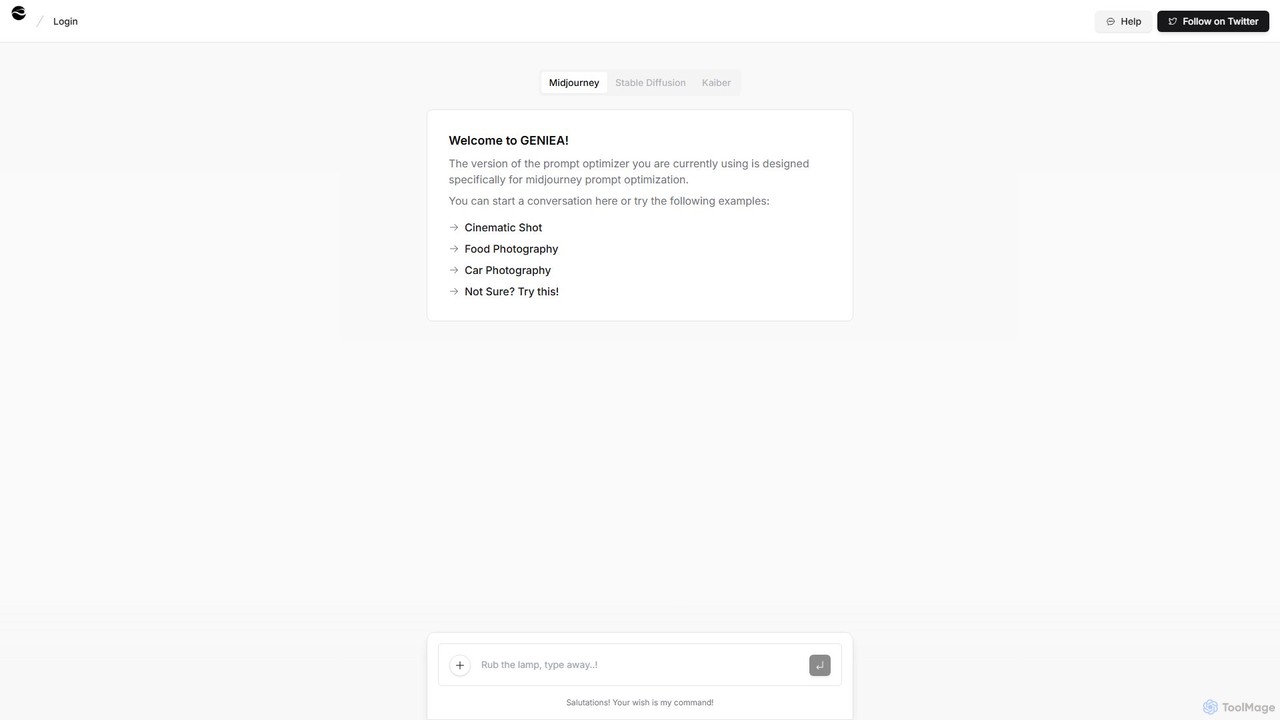
Geniea
Geniea is an AI-powered prompt optimizer designed to help users create superior prompts for text-to-image models like Midjourney, Stable Diffusion, and Kaiber. Through a simple conversational interface, it transforms basic ideas into detailed, effective prompts, unlocking higher quality and more creative AI-generated art. It's perfect for artists, marketers, and hobbyists alike.
Generative Art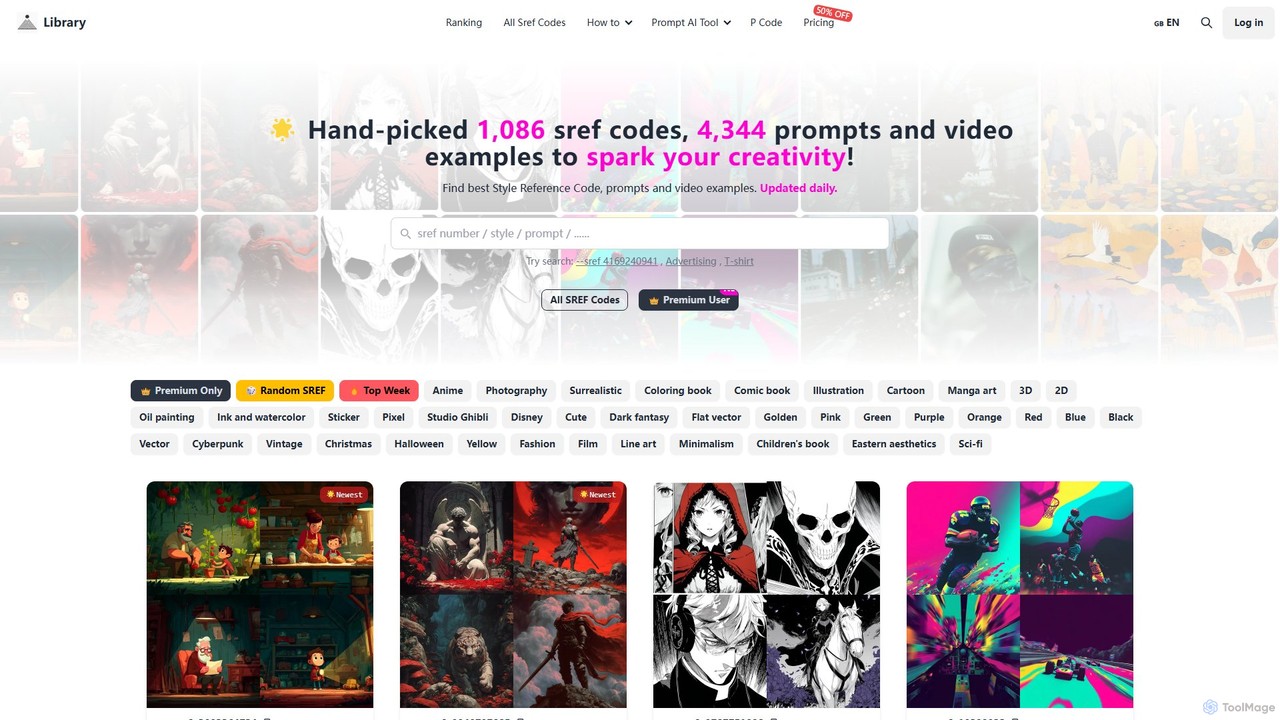
Midjourneysref
A comprehensive library of Midjourney SREF codes, prompts, and video examples. It offers over 1,000 hand-picked style reference codes and 4,000+ prompts, updated daily, to help AI artists discover new styles, spark creativity, and generate high-quality images with ease. It also includes AI-powered prompt helper tools.
Inspiration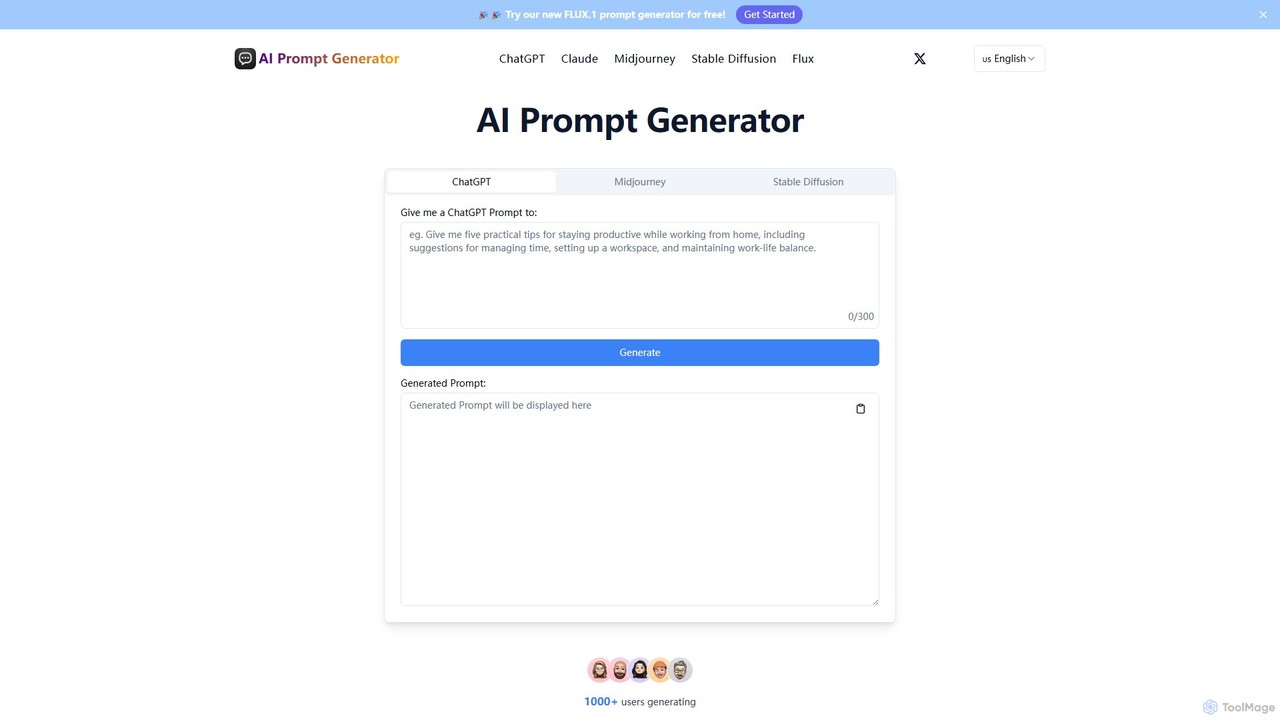
aipromptgenerator
A free AI prompt generator that creates and optimizes high-quality prompts for various AI models, including ChatGPT, Claude, Midjourney, and Stable Diffusion. Enhance your creativity and get better results from AI for content creation, art generation, and more.
Image Generation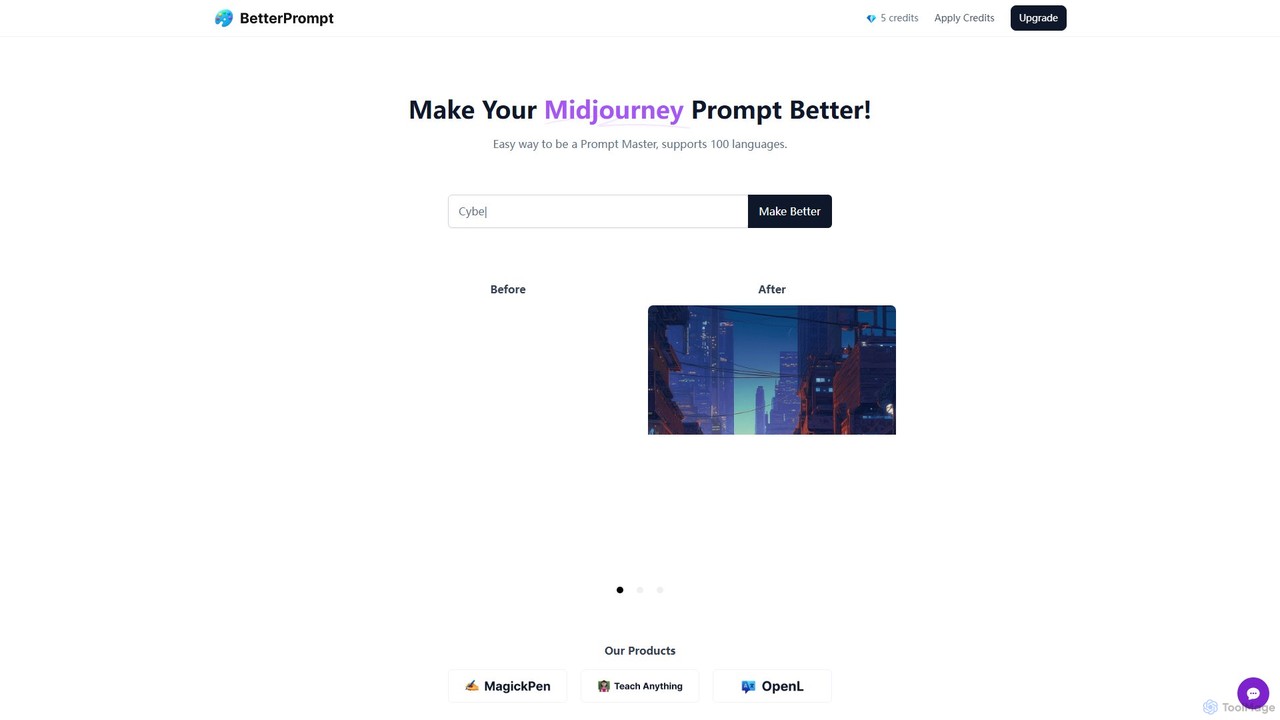
BetterPrompt
BetterPrompt is a free AI-powered tool that enhances your Midjourney prompts. It transforms simple text ideas into detailed, artistic, and effective prompts, helping you create stunning AI images effortlessly. It supports over 100 languages, making it accessible to a global audience of artists and creators.
Ai Art
Jyek
Jyek is an AI agent platform that understands objectives, creates execution plans, uses tools, and delivers verifiable results for complex, multi-step tasks.
Automation
PromptxArt
PromptxArt is an AI-powered online tool designed to help users generate detailed and creative prompts for text-to-image art generators like Midjourney, Stable Diffusion, and DALL-E. It simplifies the complex process of prompt engineering, enabling both beginners and professionals to create stunning visual art by transforming simple ideas into sophisticated, well-structured prompts.
Prompt GenerationVersori
Versori is an Agentic Integration Platform that uses AI to build custom software integrations in days, not months. It empowers sales-led teams to close deals faster by fulfilling any integration request without relying on engineering resources, featuring self-healing agents and a white-glove service.
SalesRobolly
Robolly is an all-in-one platform for automated visual content generation. Design a template once and use its API and bulk generation tools to create millions of personalized images, videos, and PDFs on-demand. It's ideal for marketers, developers, and businesses looking to scale their content production efficiently.
Image GenerationFace Studio
Face Studio is a powerful AI-powered tool for instantly generating high-resolution, realistic human faces. Users can specify demographics like gender, age, and ethnicity to create unique, royalty-free faces for various purposes, including game design, research, and marketing, without licensing concerns.
Avatar Generation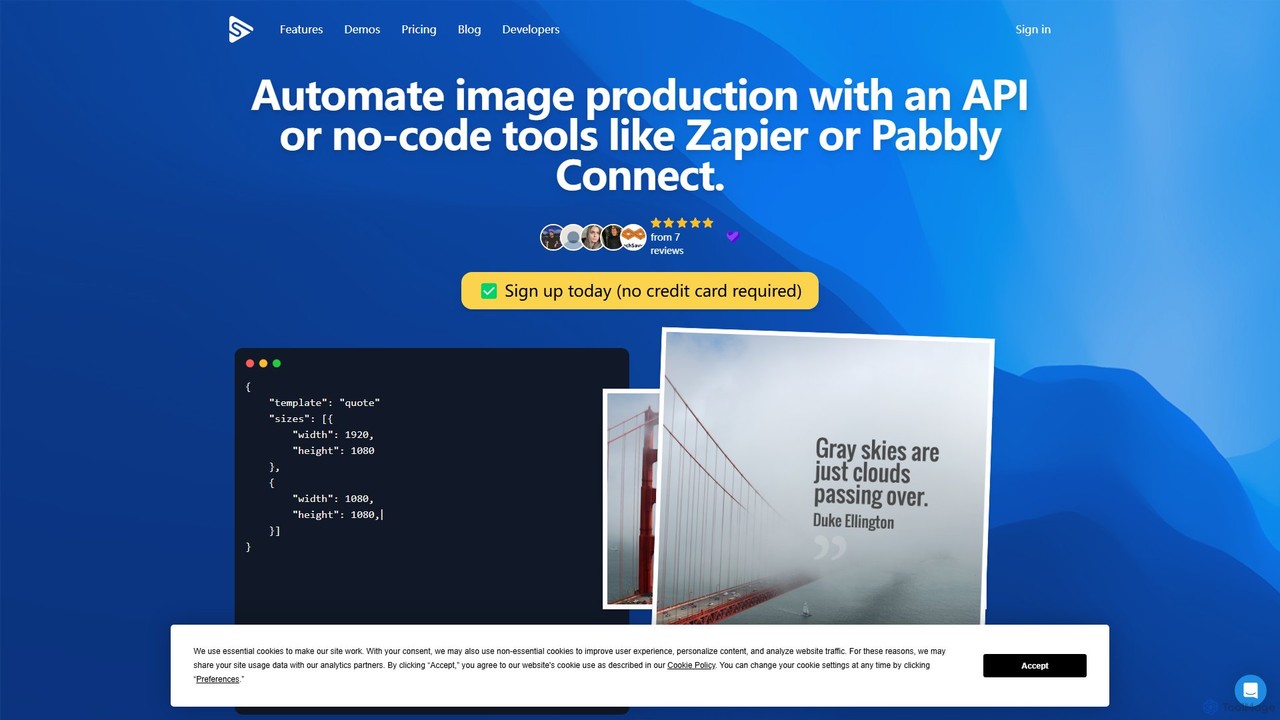
Switchboard Canvas
Switchboard Canvas is a powerful API and no-code platform for automating image and PDF generation. Create dynamic, personalized visuals from templates for marketing, e-commerce, and social media. Integrate with tools like Canva, Zapier, and Airtable to streamline your content workflow.
Image Generation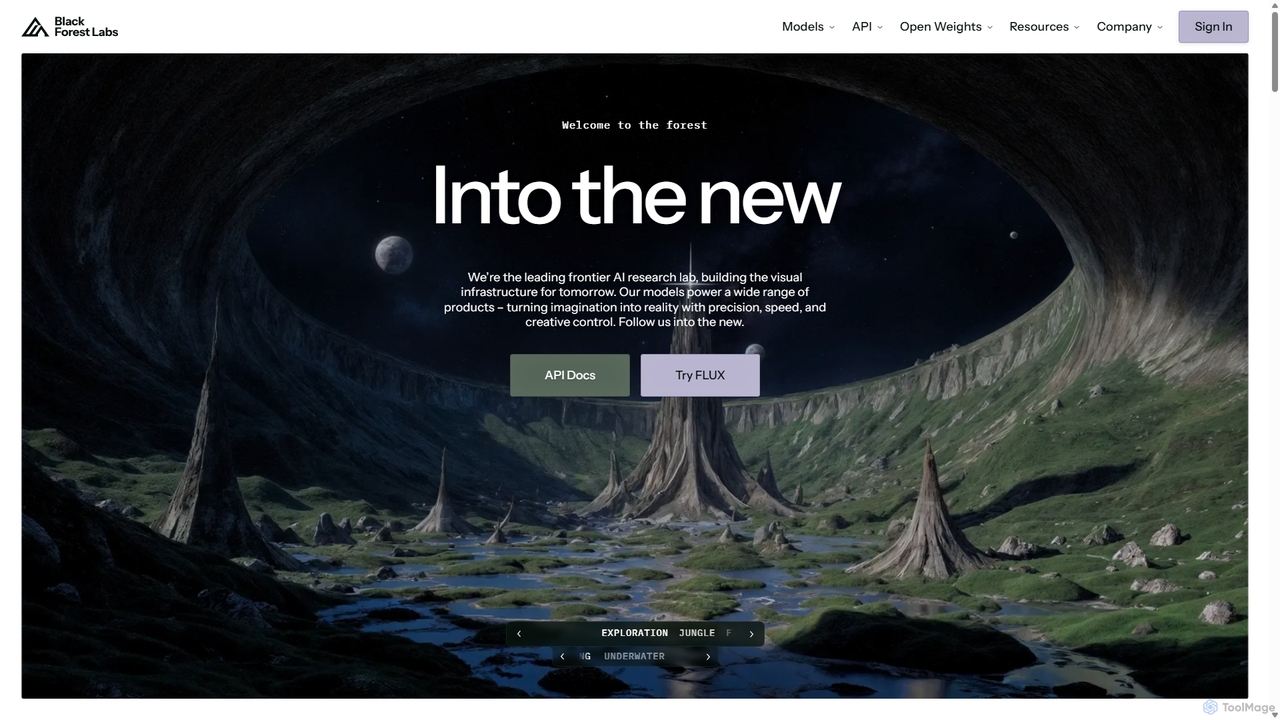
Blackforestlabs
Black Forest Labs is a frontier AI research lab developing advanced visual infrastructure. Their flagship FLUX models offer state-of-the-art, high-speed image generation and editing. They provide access via a user-friendly Playground, a powerful API for developers, and open-weight models for custom deployment, turning imagination into reality with unparalleled precision and creative control.
Api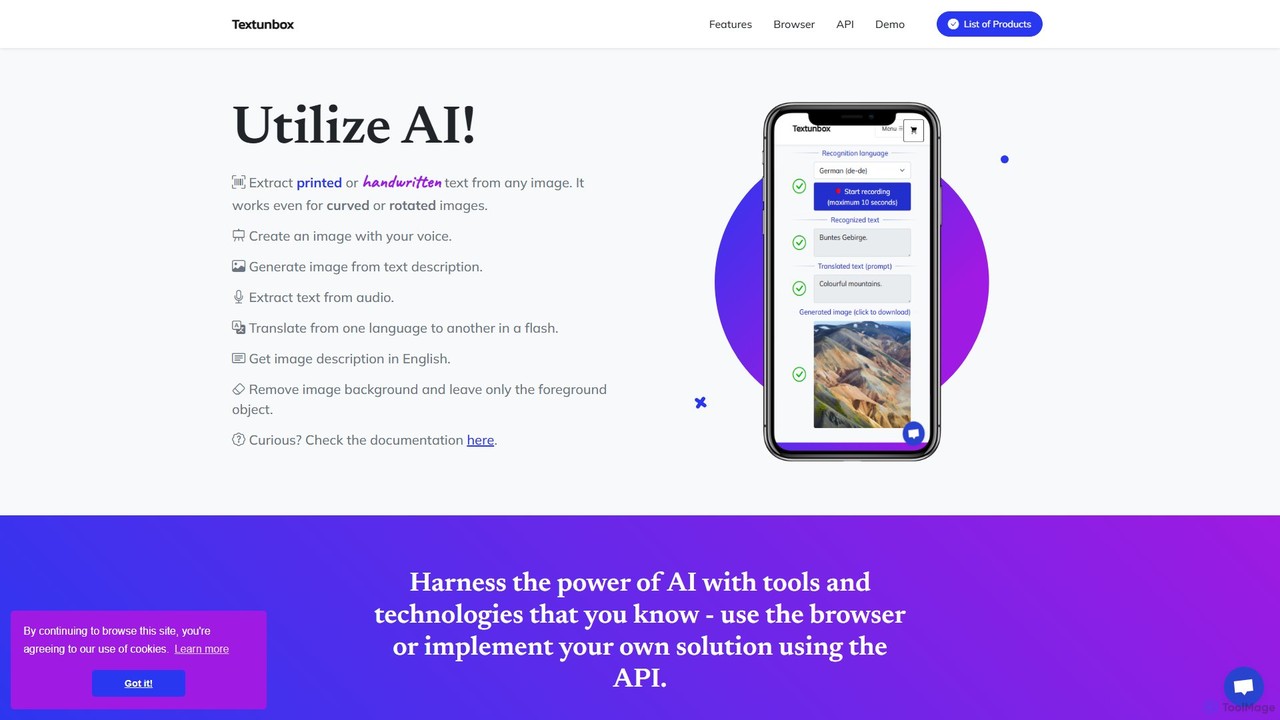
TextUnbox
TextUnbox is a versatile AI toolkit offering a suite of services including OCR for printed and handwritten text, DALL-E powered image generation, background removal, audio transcription, and multi-language translation. It provides both user-friendly web applications for direct use and a comprehensive REST API for developer integration, making it a flexible solution for various text, image, and audio processing needs.
Transcription
Fjorney Comments (0)
Sign in to comment.
Sign inNo comments yet.