

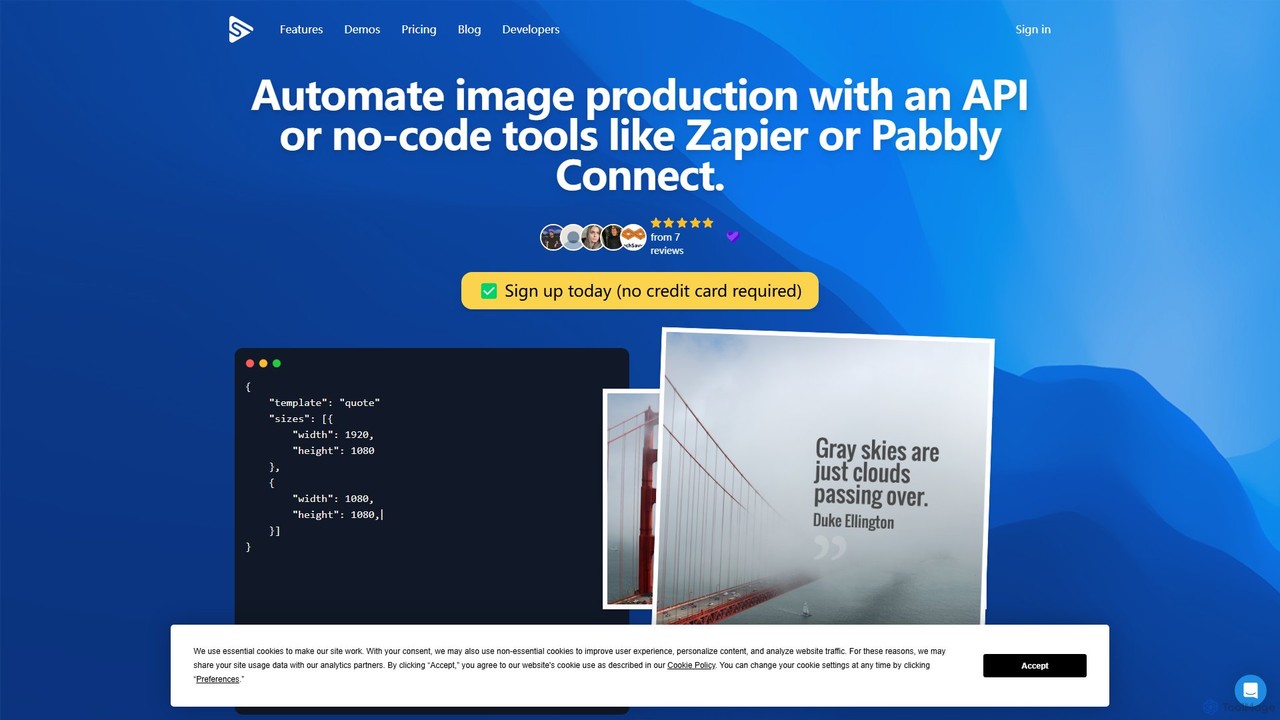
Switchboard Canvas Overview
Switchboard Canvas is a versatile tool designed to automate the creation of visual content at scale. It functions as a dynamic image and PDF generation API, empowering developers, marketers, and agencies to produce a vast number of unique visuals from a single responsive template. Whether you need to generate thousands of personalized ad banners, social media posts, or e-commerce product images, Switchboard Canvas provides the infrastructure to do so efficiently through both programmatic API calls and no-code integrations.
The platform is built for flexibility, allowing users to design templates in its intuitive editor or import existing designs from Canva. Once a template is set, dynamic elements like text, images, colors, and QR codes can be modified via API requests or through connections with popular services like Google Sheets, Airtable, and Zapier. This makes it an ideal solution for automating repetitive design tasks and delivering highly personalized content to your audience.
How to use Switchboard Canvas
The workflow for Switchboard Canvas is straightforward and designed for automation:
- Design a Template: Start by creating a responsive template using the built-in Switchboard Canvas designer. You can add dynamic text fields, image placeholders, and other elements. Alternatively, you can import your existing designs directly from Canva to get started quickly.
- Connect Your Data: Choose your automation method. For developers, this means making a simple API call to the Switchboard endpoint, passing the data for each element you want to change. For no-code users, you can connect your template to a data source like a Google Sheets document or an Airtable base. You can even add a button to your Airtable to trigger image creation with one click.
- Automate Generation: Trigger the image creation process. For example, a new row in Google Sheets or Airtable can automatically generate a new image. You can also use Zapier to connect Switchboard Canvas to hundreds of other apps, creating complex automation pipelines (e.g., generating a quote image when a new entry is added to a CRM and posting it via SkedSocial).
- Use Your Images: The generated images can be used immediately, sent directly to an AWS S3 bucket for storage, or integrated into an image CDN for global delivery. The platform can also generate multiple sizes and multi-lingual versions of an image in a single API call.
Core Features of Switchboard Canvas
- Image Generation API: A robust API to programmatically create unlimited variations of images and PDFs.
- Visual Template Designer: An easy-to-use, responsive template editor to design your base images.
- No-Code Integrations: Seamlessly connects with Zapier, Airtable, and Google Sheets for code-free automation.
- Canva Integration: Import your designs and assets directly from Canva to use as templates.
- Multi-Language Translation: Automatically translate text elements into over 70 languages in a single API request.
- PDF Generation: Automate the creation of personalized PDFs, such as certificates or reports.
- Background Removal: Programmatically remove backgrounds from images.
- QR Code Generation: Dynamically add QR codes to your templates.
- AWS S3 Integration: Automatically save generated assets to your own AWS S3 bucket.
- Adobe LUT Support: Apply Adobe 3D CUBE Lookup Table files (LUTs) for professional color grading.
Use Cases for Switchboard Canvas
Switchboard Canvas is ideal for a wide range of applications:
- Marketing Automation: Automatically create personalized banners for ad campaigns, social media content for different platforms (Instagram, Twitter, Facebook), and graphics for email marketing.
- E-commerce: Generate product images with dynamic information like prices, discounts, or customer reviews. Create promotional banners for sales events at scale.
- Content Creation: Automate the creation of featured images for blog posts, quote images for social media, and thumbnails for videos.
- Personalization at Scale: Produce personalized certificates of completion, event tickets, or direct mail visuals with unique recipient data.
- Data Visualization: Convert data from spreadsheets or databases into visually appealing charts and infographics for reports or social sharing.
Advantages of Switchboard Canvas
The primary advantage of Switchboard Canvas is its ability to scale visual content production dramatically. It saves countless hours of manual design work, reduces costs, and ensures brand consistency across all generated assets. Its dual API and no-code approach makes it accessible to both technical and non-technical teams, fostering collaboration. The flexibility to generate multiple sizes, formats (including PDF), and languages from one API call makes it a highly efficient tool for global marketing and operations.
Pricing and Plans
Switchboard Canvas operates on a freemium model, offering a 14-day free trial with no credit card required. During the trial, users can explore the platform's features, though they are limited to one image size per API call.
After the trial, users can choose from several paid plans:
- Creator Plan: Designed for individuals and small projects, allowing one image per API call.
- Agency Plan: Suited for agencies and larger businesses, this plan allows for the creation of up to three different image versions per API call and includes the multi-language translation feature.
- Enterprise Plan: A custom plan for large-scale operations, allowing for five image versions per API call and offering premium support.
If you exceed your monthly quota on any plan, subsequent API calls are charged at a rate of $0.10 per call.
Traffic
Latest traffic
Status
Monthly traffic trend
- 2025-9: 9.3K
- 2026-1: 7.1K
- 2026-2: 5.2K
- 2026-3: 7.0K
- 2026-4: 5.7K
- 2026-5: 3.1K
Geography
Top 5 countries / regions
- 🇳🇬Nigeria38.3%
- 🇺🇸United States25.1%
- 🇮🇳India19.1%
- 🇧🇷Brazil15.9%
- 🇪🇸Spain1.5%
Top keywords
| Keyword | Cost per click |
|---|---|
| ai switch board | $0.00 |
| placid | $1.54 |
| switchboard | $3.44 |
| switchboard ai | $0.00 |
| switchboard canvas | $0.00 |
Switchboard Canvas Alternatives
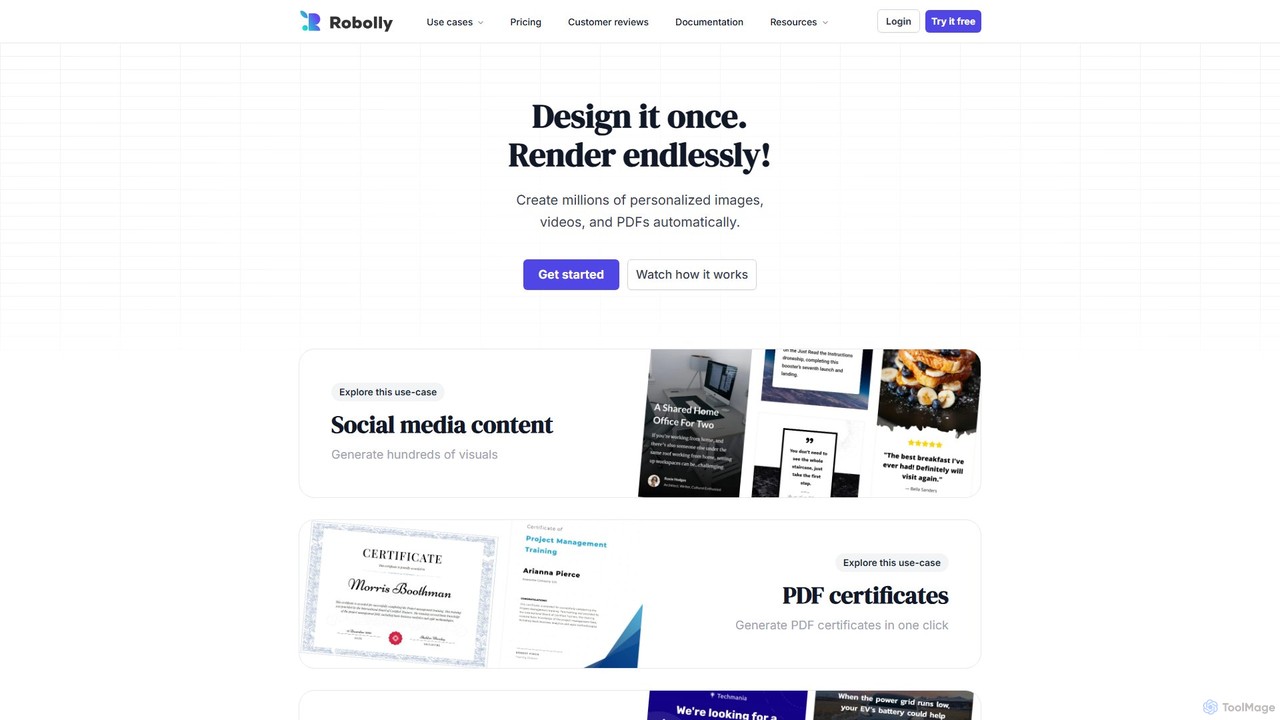
Robolly
Robolly is an all-in-one platform for automated visual content generation. Design a template once and use its API and bulk generation tools to create millions of personalized images, videos, and PDFs on-demand. It's ideal for marketers, developers, and businesses looking to scale their content production efficiently.
Image Generation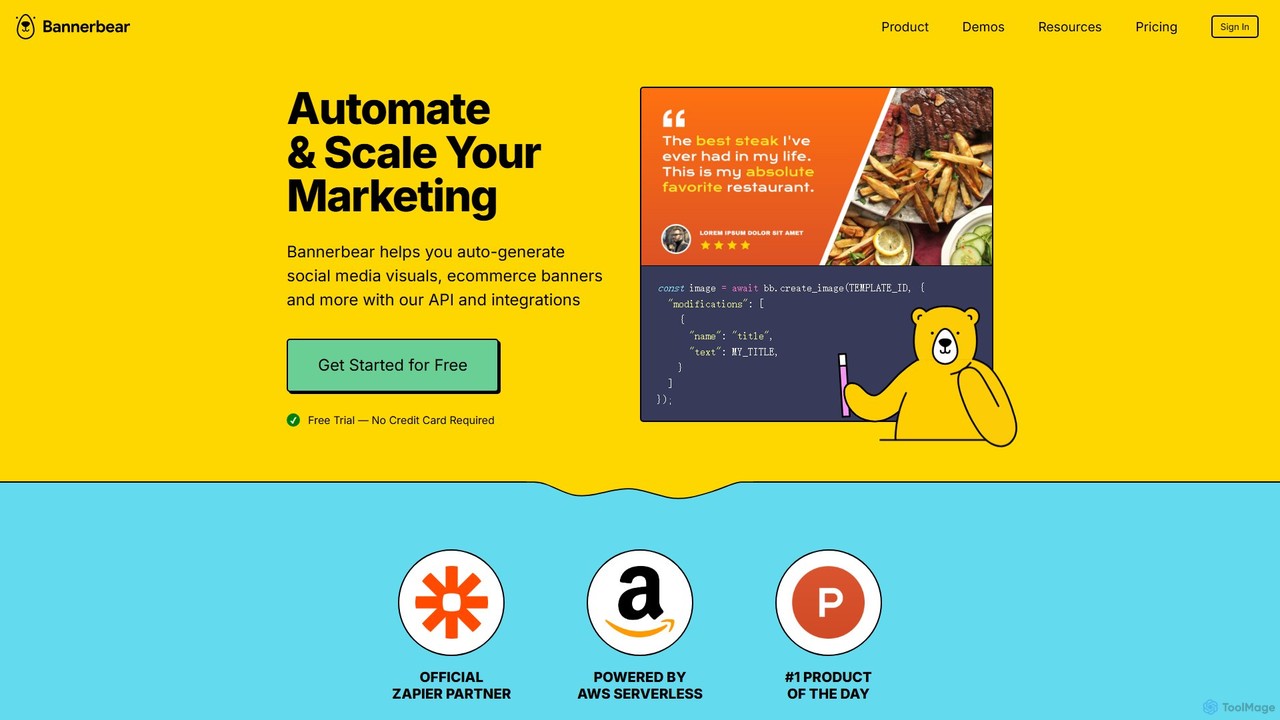
Bannerbear
Bannerbear is a powerful API for automating the generation of images, videos, and PDFs. It helps businesses scale their marketing efforts by creating dynamic social media visuals, e-commerce banners, and personalized content through templates and integrations with tools like Zapier, Airtable, and custom applications.
Image Generation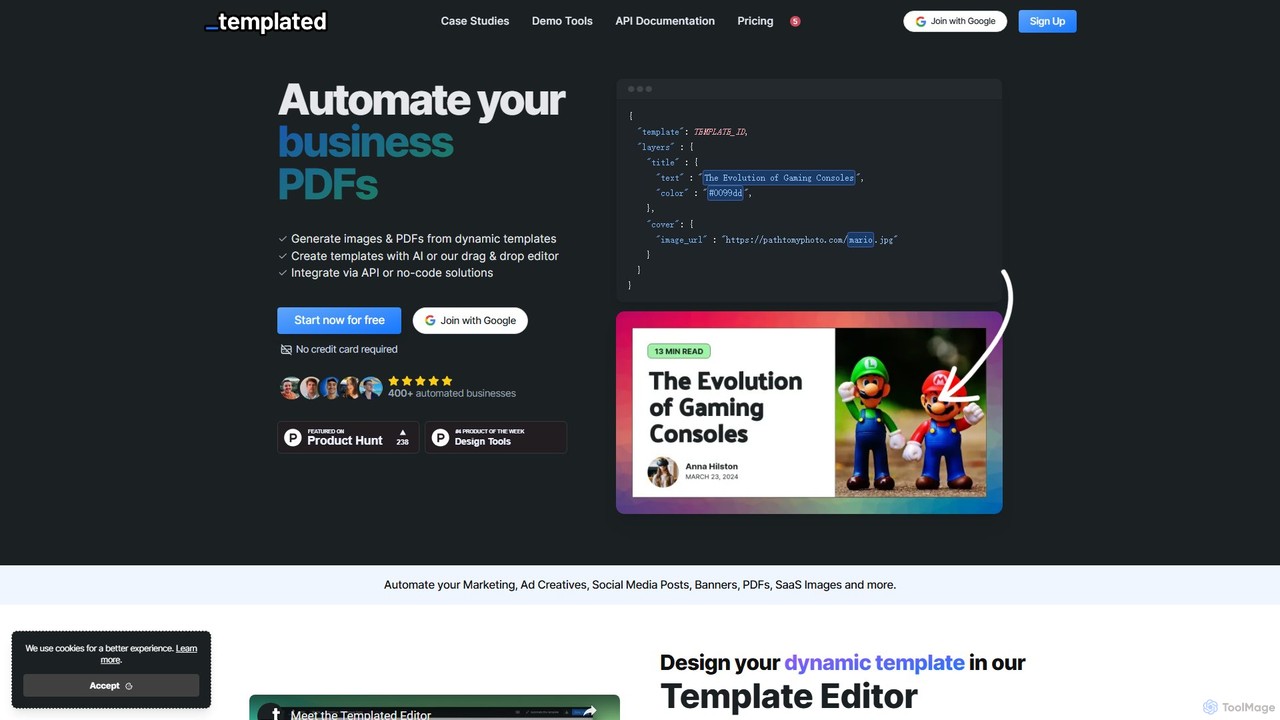
Templated
Templated is an API-first platform for automating the generation of images and PDFs from dynamic templates. It empowers businesses to create personalized marketing assets, social media content, ad creatives, and documents at scale. With an AI template generator, a user-friendly drag-and-drop editor, and seamless integrations with no-code platforms like Zapier and Make, Templated streamlines creative workflows for developers and marketers alike.
Image Generation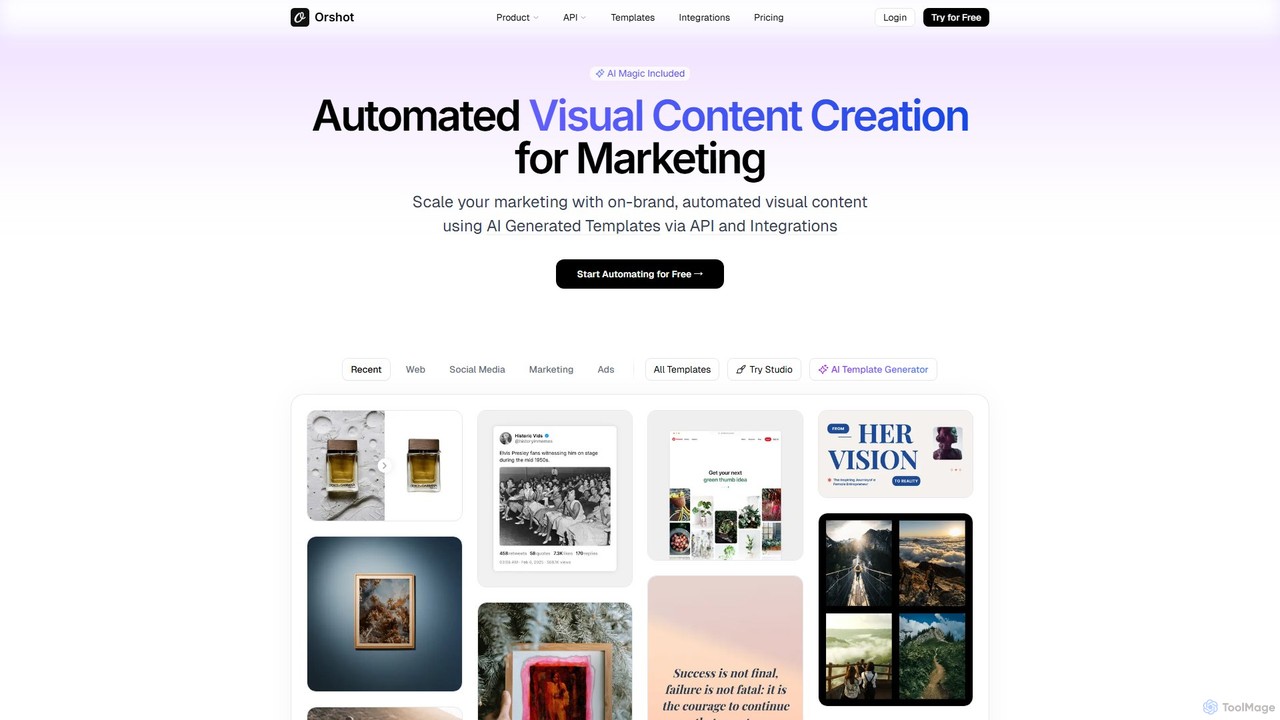
Orshot
Orshot is an AI-powered platform for automated visual content creation, designed for marketing teams. It enables users to scale their marketing efforts by generating on-brand, dynamic images and PDFs from templates via a robust API and various integrations like Zapier and n8n. It's ideal for automating social media graphics, e-commerce visuals, and personalized marketing assets.
Image Generation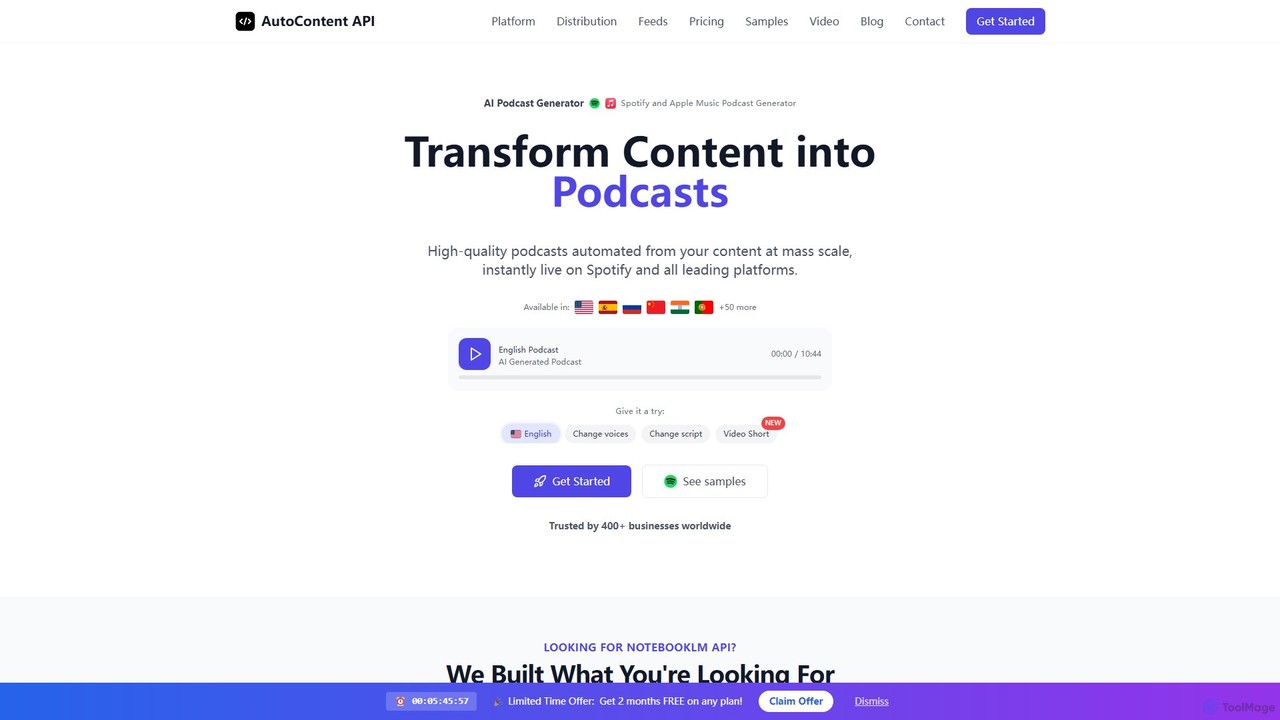
AutoContent API
AutoContent API is a powerful platform for developers and content creators to automatically generate high-quality podcasts and video shorts from any content source. It transforms text, URLs, and even real-time social media feeds into engaging audio and video, with features like voice cloning, multi-language support, and direct distribution to Spotify and Apple Music. It's a comprehensive solution for scaling content production.
Podcast GenerationSwitchboard Canvas Categories
Switchboard Canvas Embed Widget
Copy this embed code to place the badge on your blog, article, or product site and send readers directly to this ToolMage detail page.

Related AI tools
Robolly
Robolly is an all-in-one platform for automated visual content generation. Design a template once and use its API and bulk generation tools to create millions of personalized images, videos, and PDFs on-demand. It's ideal for marketers, developers, and businesses looking to scale their content production efficiently.
Image GenerationBannerbear
Bannerbear is a powerful API for automating the generation of images, videos, and PDFs. It helps businesses scale their marketing efforts by creating dynamic social media visuals, e-commerce banners, and personalized content through templates and integrations with tools like Zapier, Airtable, and custom applications.
Image GenerationTemplated
Templated is an API-first platform for automating the generation of images and PDFs from dynamic templates. It empowers businesses to create personalized marketing assets, social media content, ad creatives, and documents at scale. With an AI template generator, a user-friendly drag-and-drop editor, and seamless integrations with no-code platforms like Zapier and Make, Templated streamlines creative workflows for developers and marketers alike.
Image Generation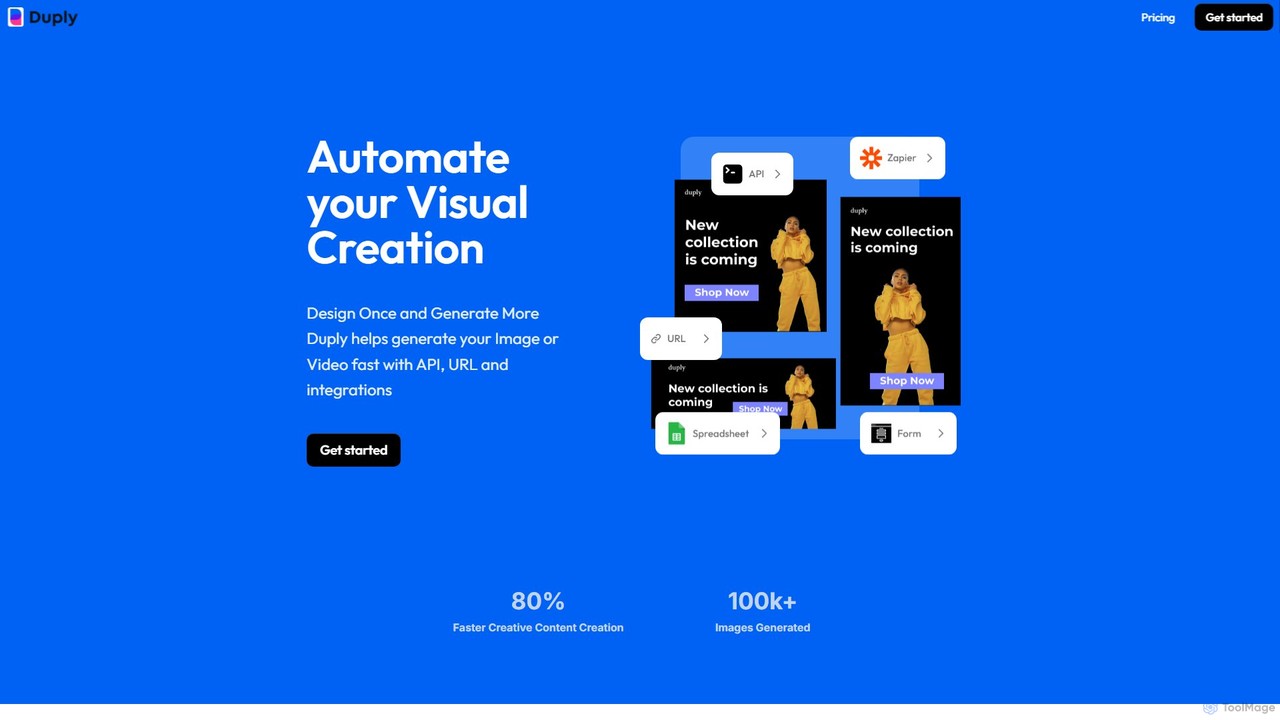
Duply
Duply is a visual automation platform that enables users to automatically generate personalized images and videos at scale. Using dynamic URLs, a powerful API, or no-code integrations with Zapier and Make.com, you can create countless variations from a single template. It's designed for marketers, developers, and businesses to streamline their visual content creation workflows, saving significant time and effort.
Image Generation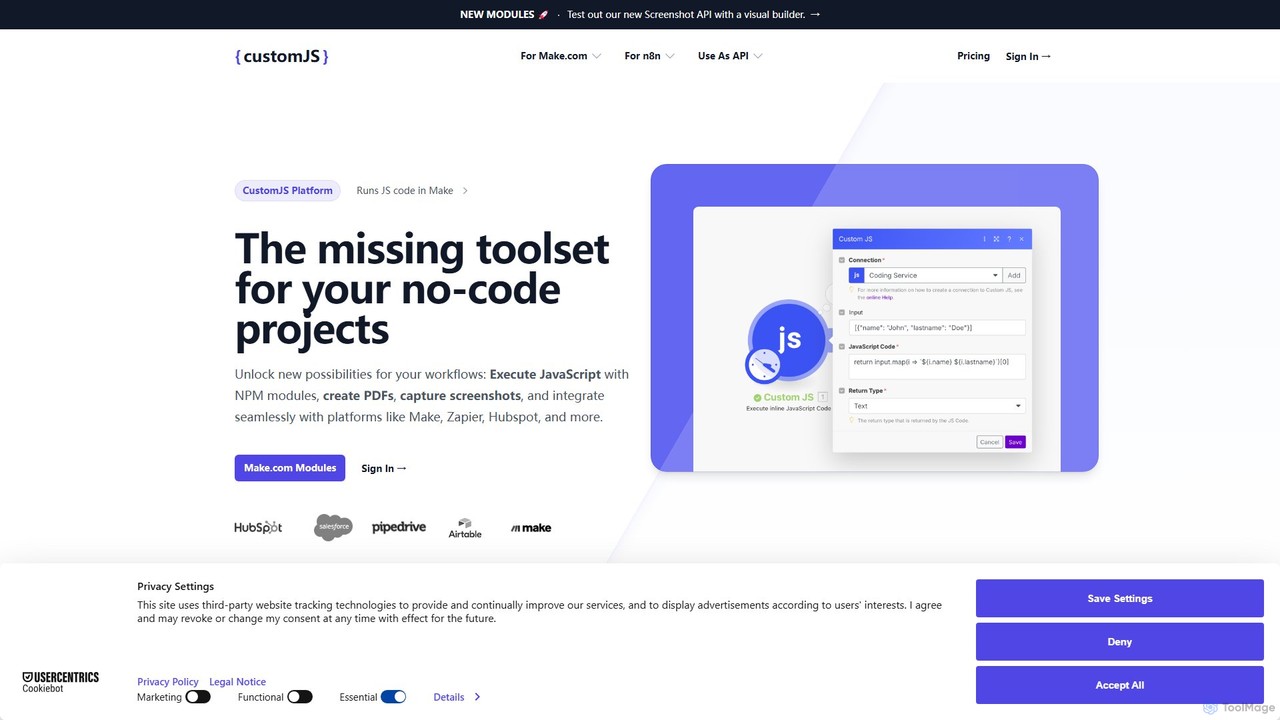
CustomJS
CustomJS is a powerful platform that bridges the gap between no-code and custom development. It allows you to execute JavaScript, use NPM modules, and integrate custom logic into your favorite automation platforms like Make, Zapier, and Airtable. Unlock advanced functionalities like PDF generation, web scraping, and API creation without managing your own servers.
Backend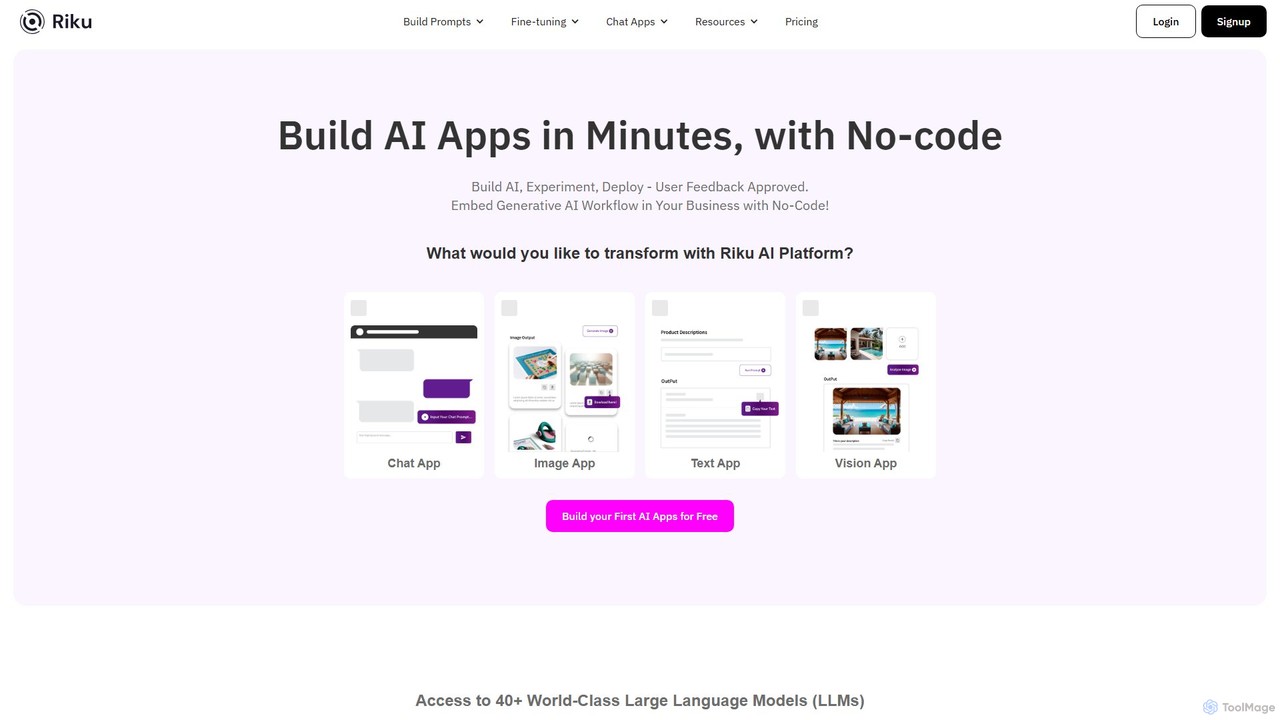
Riku.AI
Riku.AI is a powerful no-code platform that enables users to build, experiment with, and deploy custom AI applications in minutes. It provides a centralized hub to access over 40 world-class Large Language Models (LLMs), allowing you to create chatbots, generate content, and automate workflows without any coding knowledge. It's designed for solopreneurs, businesses, and developers alike.
Api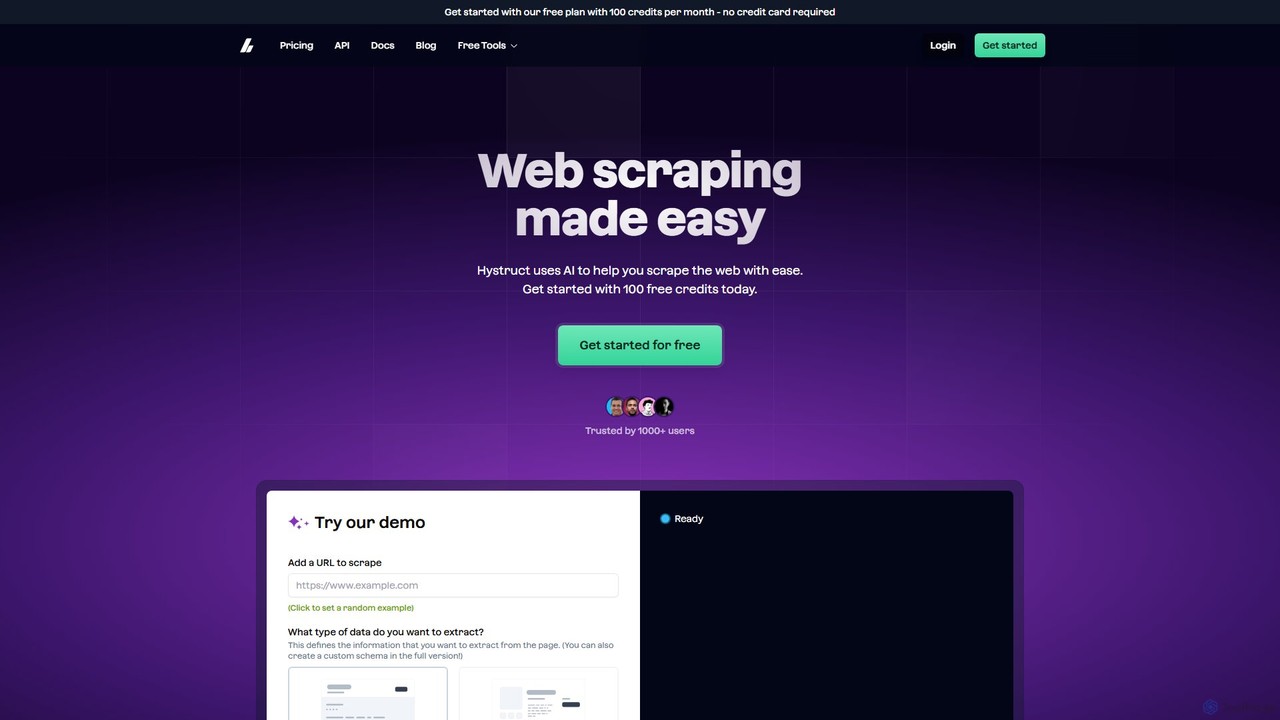
hystruct
hystruct is an AI-powered web scraping tool that simplifies data extraction. It allows users to easily turn unstructured web content into structured data using pre-built or custom schemas, without needing to code. With integrations like Zapier, it automates workflows for market research, lead generation, and more. It's designed for everyone from beginners to enterprise teams.
Scraping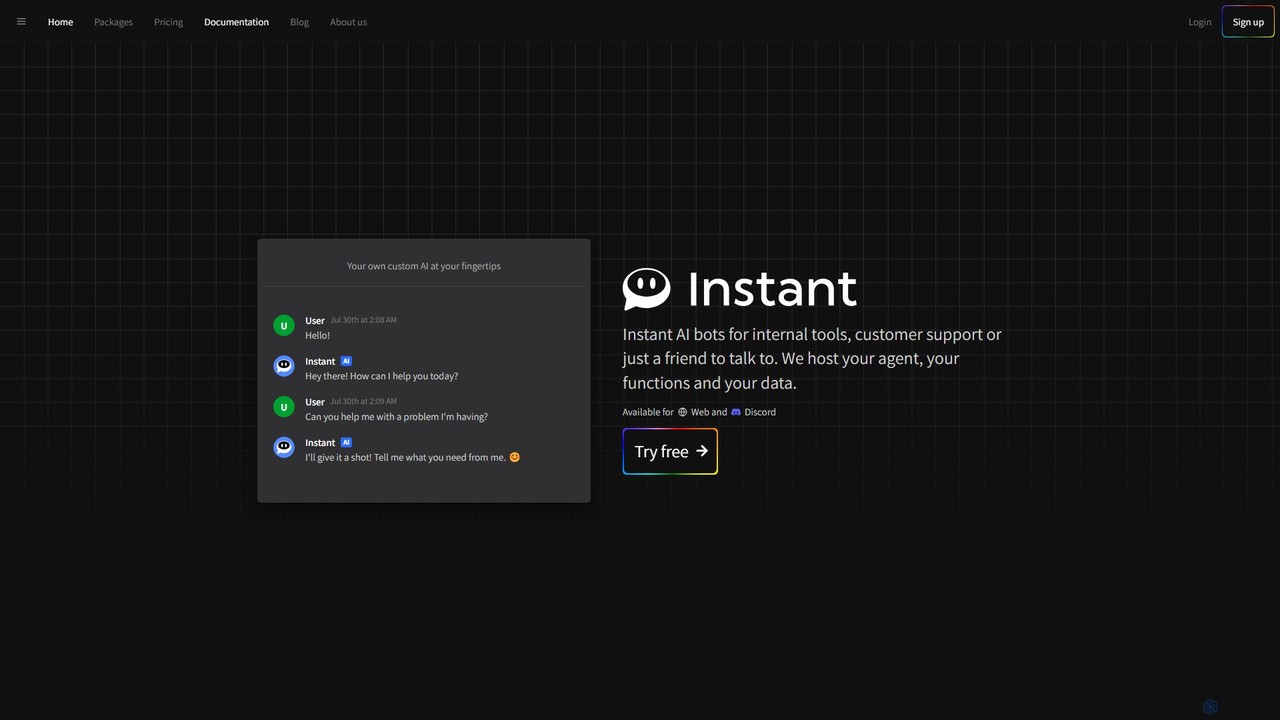
Instant.bot
Instant.bot is a powerful platform for creating and deploying custom AI chatbots for internal tools, customer support, and community engagement. It offers seamless integration with Web and Discord, including features like image generation and custom functions, all hosted on their platform.
Chatbots
Make
Make is a powerful visual platform that lets you design, build, and automate anything—from simple tasks to complex workflows—without code. It connects thousands of apps and services, including advanced AI tools like OpenAI and Google Gemini, enabling you to create intelligent automations and AI agents to streamline your business operations, marketing, sales, and more.
Crm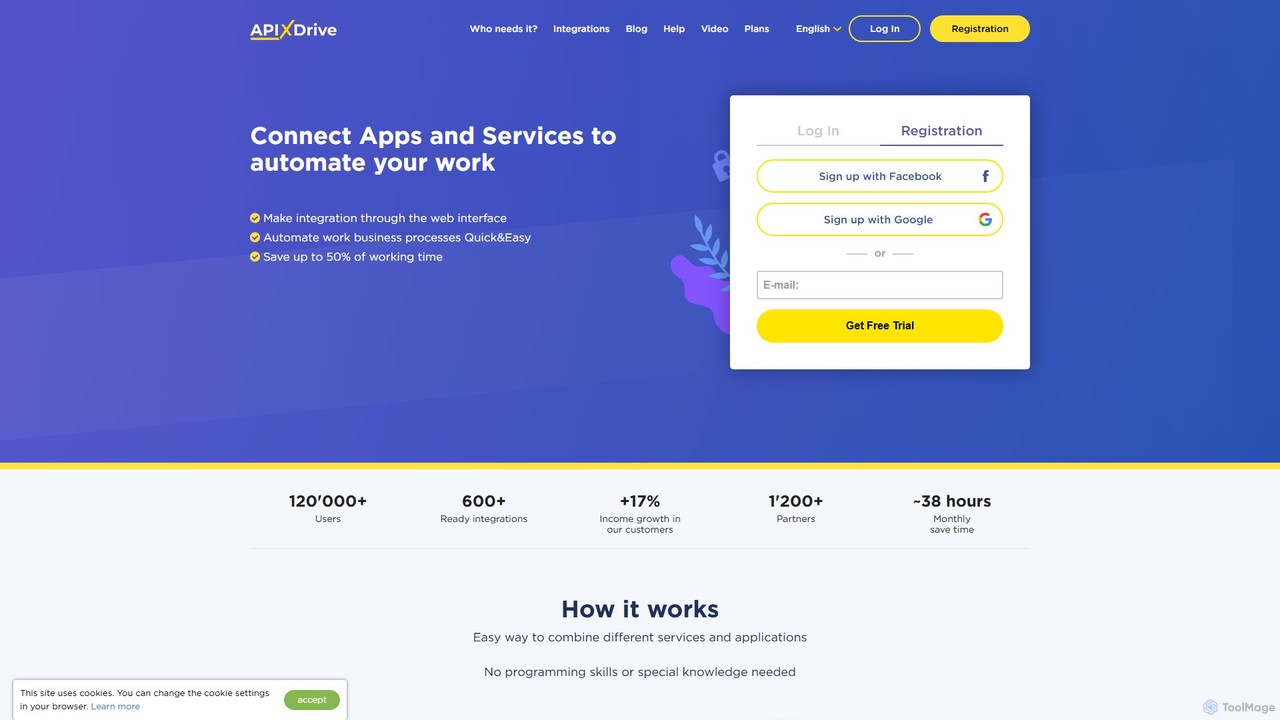
apix_drive
ApiX-Drive is a no-code integration platform that automates workflows by connecting over 600 apps and services. Easily link your CRM, marketing tools, e-commerce platforms, and AI applications like ChatGPT without any programming skills. Streamline data transfer, automate lead management, and save significant time.
Api Management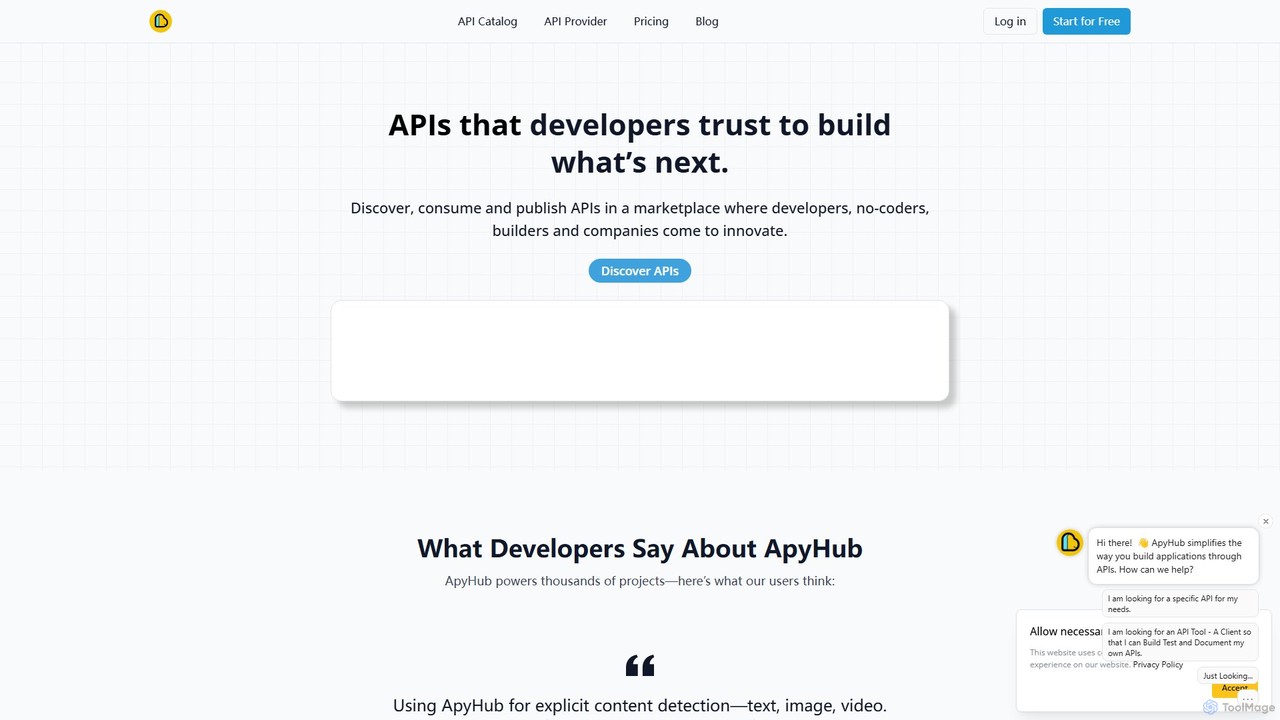
ApyHub
ApyHub is a comprehensive developer platform offering over 150 production-ready APIs. It's designed to accelerate application development by providing a vast catalog of utility and AI-powered APIs for tasks like data extraction, file manipulation, marketing automation, and e-commerce. It enables developers, no-coders, and teams to innovate faster by integrating trusted, pre-built functionalities, reducing boilerplate code and infrastructure management.
Text Generation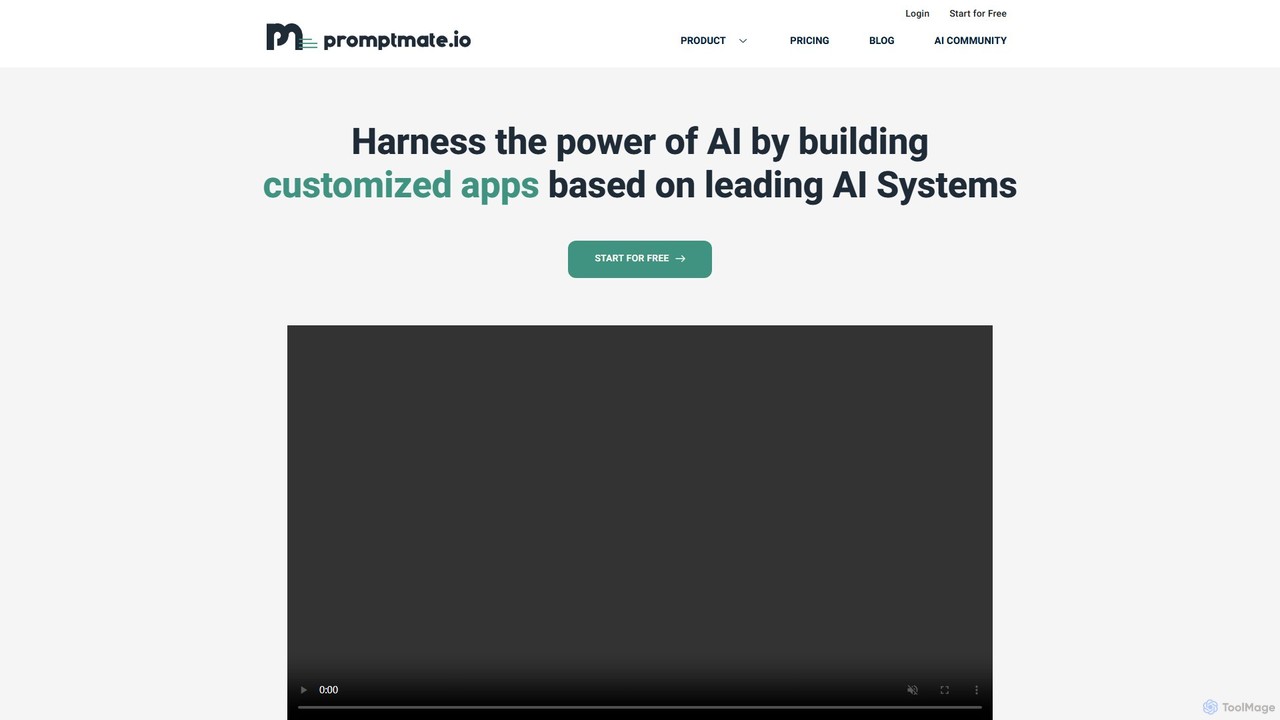
promptmate.io
promptmate.io is a no-code platform for building custom AI-powered applications and automating workflows. It integrates leading AI models like GPT, Gemini, and Claude, allowing users to create sophisticated tools for marketing, SEO, and data analysis without writing any code.
No Code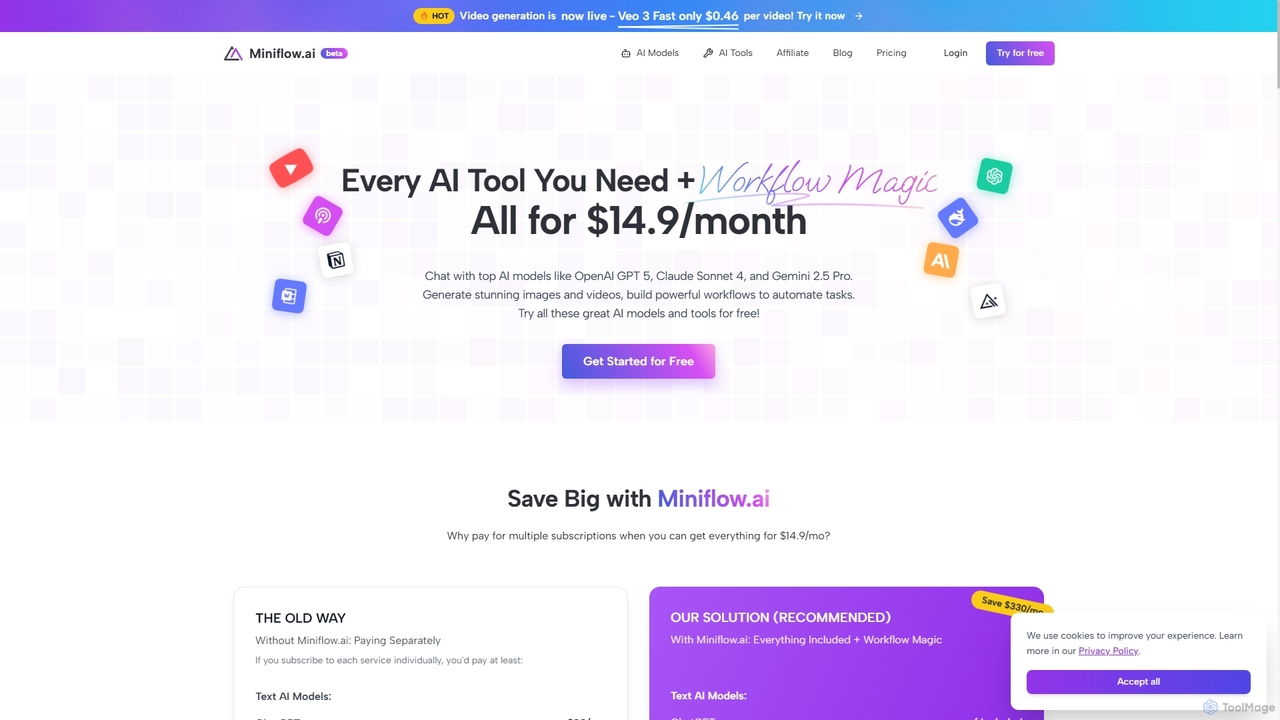
Miniflow.ai
Miniflow.ai is an all-in-one AI platform that consolidates top AI models for text, image, and video generation into a single subscription. It features a powerful no-code visual workflow builder, allowing users to chain multiple AI models and automate complex tasks, saving significant costs compared to individual subscriptions.
Ai Platform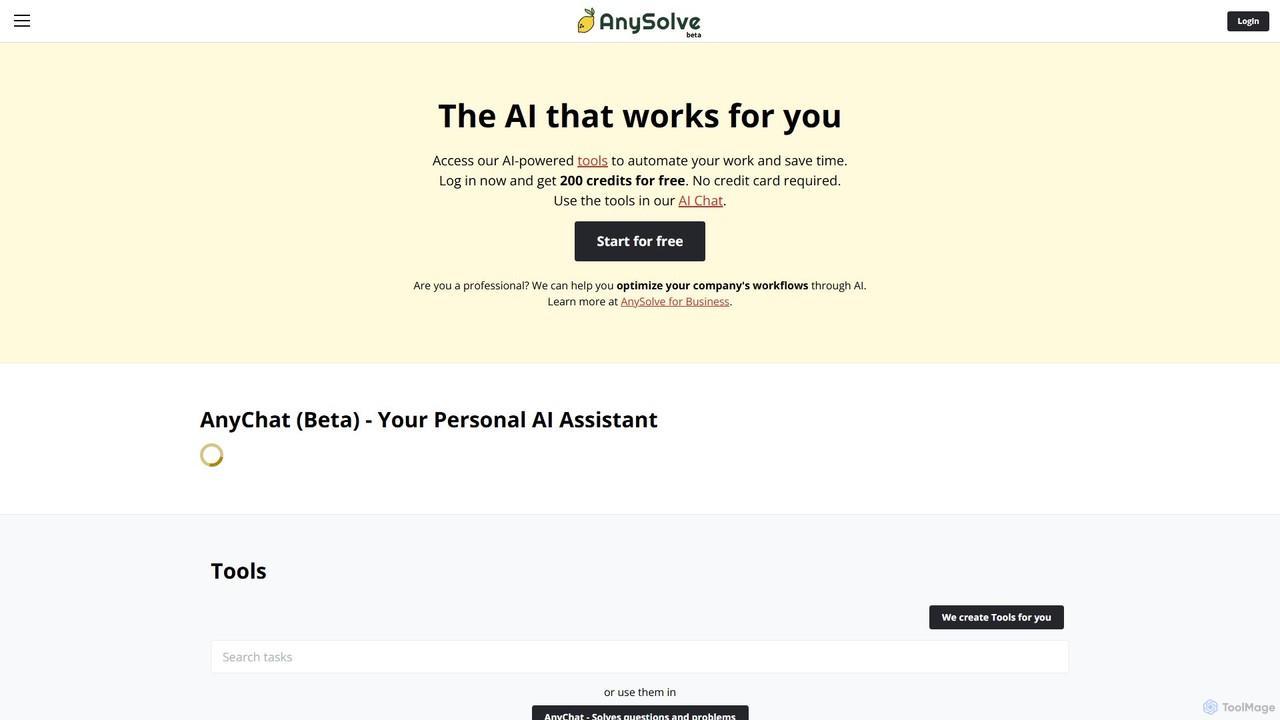
Anysolve
Anysolve is a versatile AI platform that allows users to discover, use, and create custom AI tools without any coding. It functions as a comprehensive hub for automating various professional and personal tasks, from writing and data analysis to image generation, by integrating powerful models like GPT and Stability AI.
Workflow Management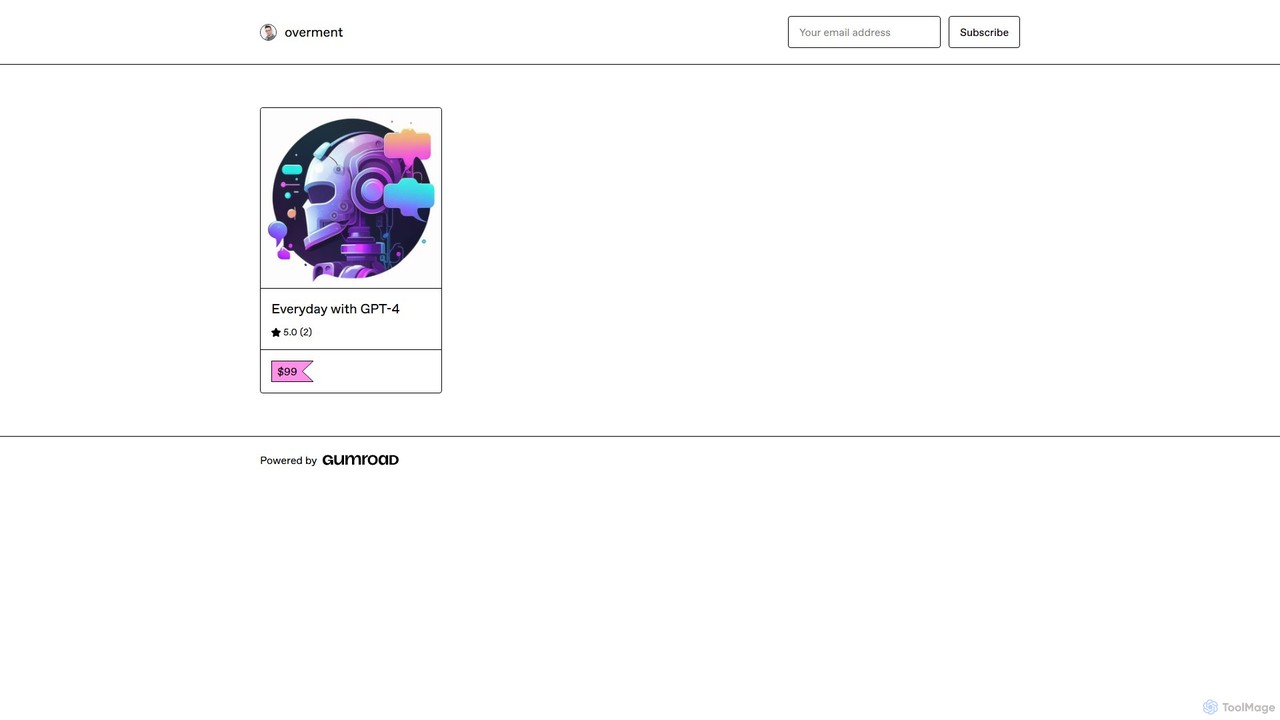
overment
overment offers the "Everyday with GPT-4" framework, a comprehensive 140+ page guide for integrating AI with automation. It teaches users to go beyond basic prompting by using tools like Zapier, Make, and Shortcuts to automate daily tasks in work, coding, and writing. This product is designed for both technical and non-technical users, providing ready-made scenarios, blueprints, and templates to unlock the full potential of GPT-4 across all devices.
Prompts
Switchboard Canvas Comments (0)
Sign in to comment.
Sign inNo comments yet.