

Jotengine Overview
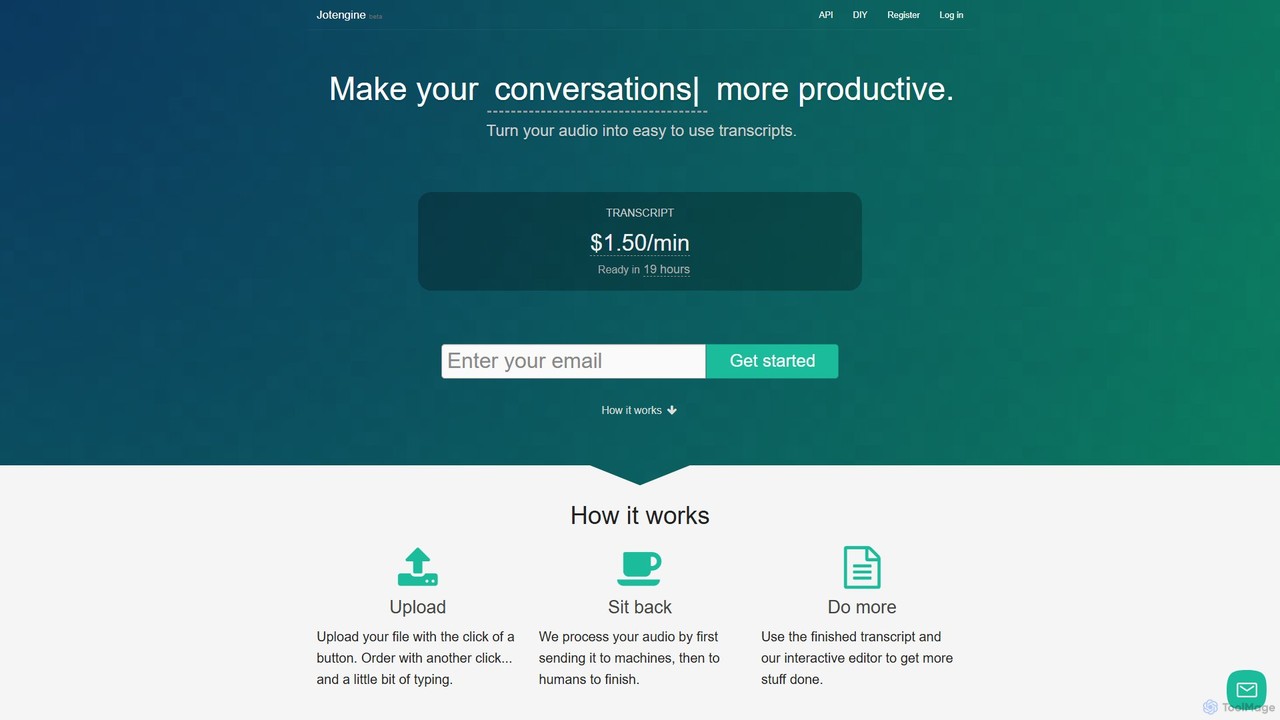
Jotengine is a comprehensive platform designed to make your audio and video content more productive and accessible. It provides a dual-solution approach to transcription: a high-quality, human-polished service and a powerful, free do-it-yourself (DIY) tool. The core service transforms audio and video files into easy-to-use, accurate transcripts and captions, aiming to save users valuable time and effort.
The primary service leverages a hybrid model, first processing audio with advanced AI and then having human professionals review and finalize the text. This ensures a high degree of accuracy, resulting in 'publishable quality' transcripts suitable for blogs, articles, and professional records. For video content, Jotengine creates precisely timed captions (SRT files) that improve accessibility and boost search engine optimization (SEO).
In addition to its paid services, Jotengine offers a unique and completely free DIY transcription tool. This tool runs entirely in your browser, ensuring absolute privacy as no audio or text data is ever uploaded to a server. It's designed for efficiency, with a suite of keyboard shortcuts that allow users to control audio playback, insert timestamps, and identify speakers without ever taking their hands off the keyboard. A standout feature is the 'auto-rewind' mode, which helps transcribers stay in the flow by automatically playing, pausing, and rewinding the audio in short intervals.
How to use Jotengine
Jotengine offers two distinct workflows:
For the Paid Transcription/Captioning Service:
- Upload: Simply upload your audio or video file to the Jotengine platform with a single click.
- Order: Place your order for either a transcript or captions. The process is quick and straightforward.
- Processing: Sit back while Jotengine's system processes your file. It first uses AI for a rapid initial draft, which is then perfected by human transcribers for accuracy.
- Receive & Edit: You'll receive the finished transcript, which you can use with the interactive editor. This editor syncs the text with the audio, allowing you to click on any word to instantly play that part of the recording. You can also make edits, such as renaming speakers or correcting details, directly in your browser.
For the Free DIY Tool:
- Add File: Open the DIY tool on the Jotengine website and add an audio or video file from your computer. No upload is necessary; the file is processed locally.
- Transcribe: Use the intuitive text editor to type what you hear.
- Use Shortcuts: Speed up your workflow by using keyboard shortcuts to play/pause, rewind, fast-forward, adjust playback speed, and insert timestamps or speaker tags.
- Export: Once finished, you can copy or save your completed transcript. Your work is automatically saved in the browser, so you won't lose it if you accidentally close the tab.
Core Features of Jotengine
- Hybrid Transcription Model: Combines automated machine transcription with human review to deliver highly accurate, reliable results.
- Interactive Transcript Editor: A powerful web-based editor that syncs text with audio, allowing for easy navigation, playback, and in-browser editing.
- Video Captioning: Generates time-stamped text in formats like SubRip (.srt), perfect for adding subtitles to videos for accessibility and SEO.
- Free & Private DIY Tool: A browser-based manual transcription tool that requires no account or data upload, ensuring 100% privacy and security.
- Advanced Keyboard Shortcuts: Both the editor and the DIY tool are equipped with extensive keyboard shortcuts to maximize transcription speed and efficiency.
- Transcription & Captioning API: Provides an API for developers to integrate Jotengine's transcription capabilities directly into their own applications and automate workflows.
- Multiple Export Options: Transcripts can be exported in various formats, including Word (.docx), Markdown (.md), and SubRip (.srt).
Use Cases for Jotengine
Jotengine is a versatile tool for a wide range of users:
- Podcasters and Journalists: To quickly transcribe interviews, podcasts, and audio notes for creating articles, show notes, and quotes.
- Video Creators and Marketers: To generate accurate captions for YouTube, Vimeo, and social media videos, improving viewer engagement and SEO ranking.
- Researchers and Academics: For transcribing lectures, focus groups, and research interviews for detailed analysis and record-keeping.
- Businesses and Professionals: To document meetings, webinars, conference calls, and training sessions, creating searchable records and improving team productivity.
- Students: To convert lectures and study group discussions into text for easier review and note-taking.
Advantages of Jotengine
Jotengine stands out with several key advantages:
- Accuracy: The human-in-the-loop process ensures transcripts are of publishable quality, far more reliable than purely automated solutions.
- Flexibility: It caters to different needs and budgets by offering both a premium 'done-for-you' service and a robust free DIY tool.
- Efficiency: The interactive editor and keyboard shortcuts are designed to streamline the review and editing process, saving users significant time.
- Privacy: The free DIY tool is a major benefit for users handling sensitive information, as all processing is done locally in the browser.
- Developer-Friendly: The API enables seamless integration for businesses and developers looking to automate their transcription needs.
Pricing and Plans
Jotengine offers a straightforward, pay-as-you-go pricing model for its services, alongside its free tool.
- Transcription Service: $1.50 per audio minute. This includes speaker identification and a high-quality transcript.
- Captioning Service: $0.50 per audio minute. This provides frequently timestamped text suitable for video subtitles.
- DIY Transcription Tool: Completely free to use, with no limits.
Traffic
Latest traffic
Status
Monthly traffic trend
- 2025-9: 6.1K
- 2026-1: 4.6K
- 2026-2: 4.0K
- 2026-3: 556
- 2026-4: 0
- 2026-5: 2.7K
Geography
Top 5 countries / regions
- 🇳🇬Nigeria98.1%
- 🇺🇸United States1.9%
Top keywords
| Keyword | Cost per click |
|---|---|
| andy bromberg | $0.00 |
| gustaf airbnb referral program | $0.00 |
| gustaf alstromer | $0.00 |
| tyler bosmeny | $0.00 |
| vinod khosla hiring advice | $0.00 |
Jotengine Alternatives
Transcri
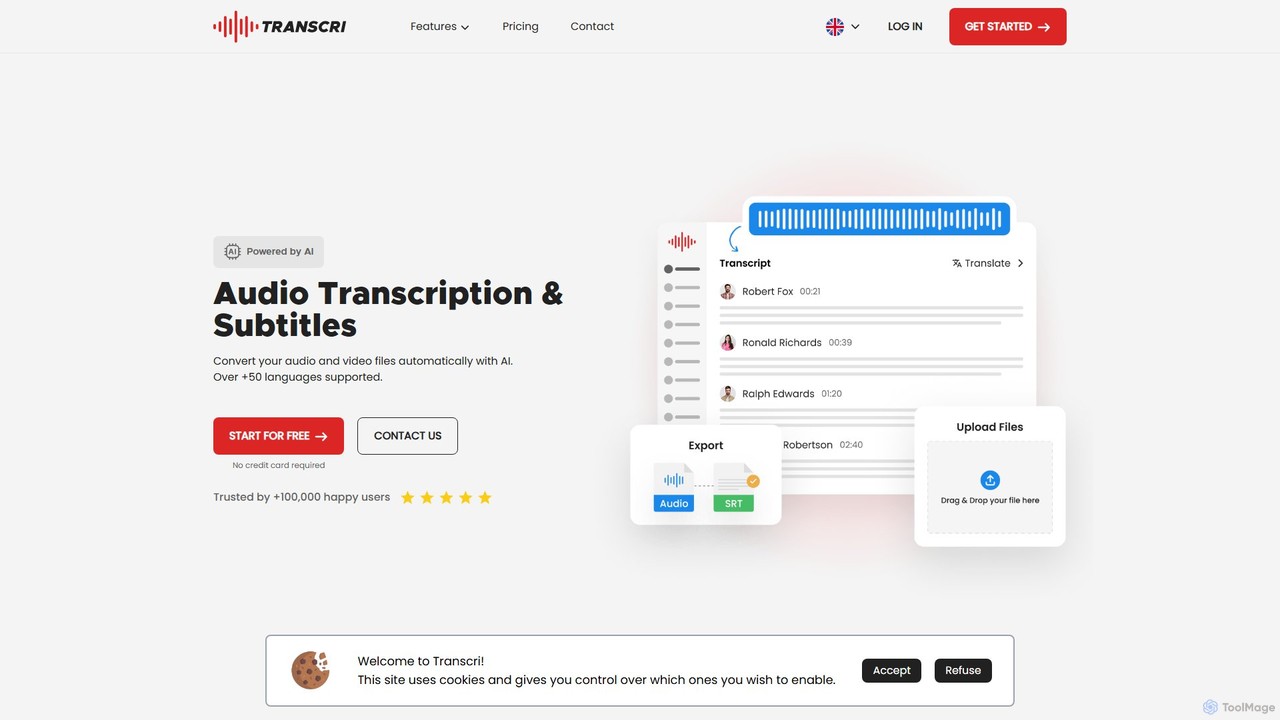
Transcri is an AI-powered platform for fast and accurate audio/video transcription and subtitle generation. It supports over 50 languages, offers up to 96% accuracy, and features speaker identification. Ideal for professionals in media, business, and education, it provides flexible export options, a collaborative workspace, and robust data security.
Speech To Text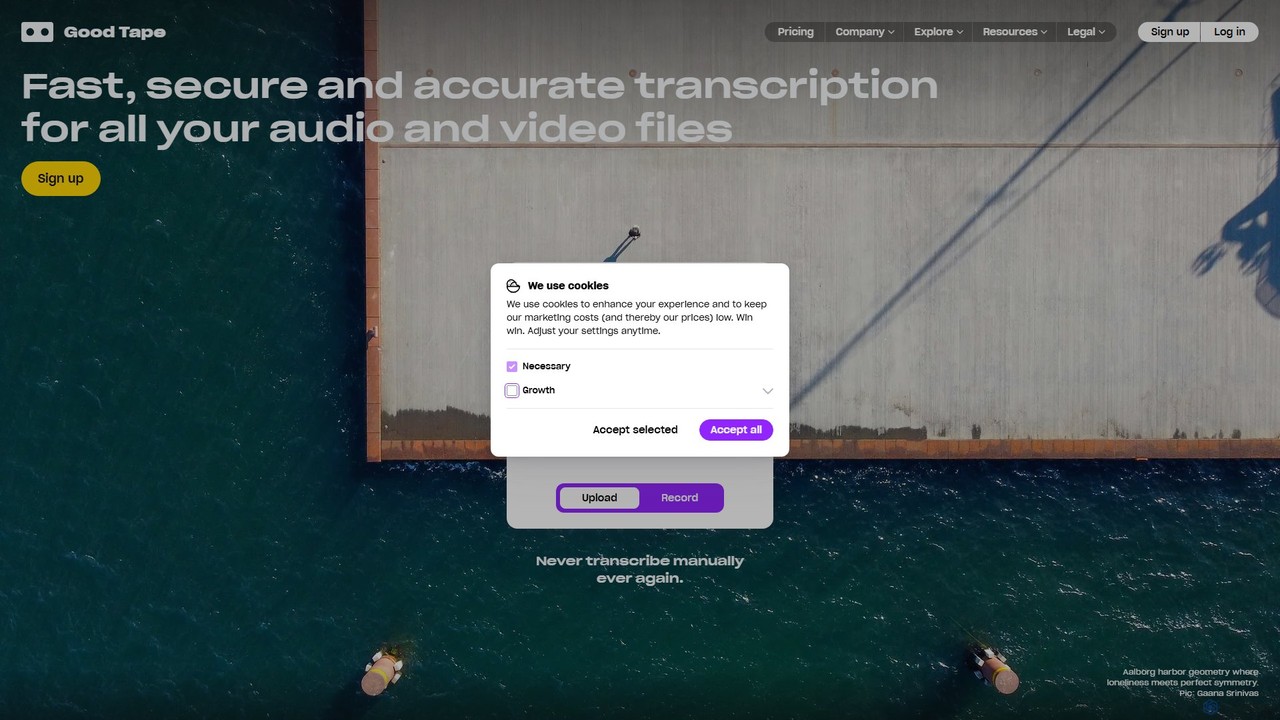
Good Tape
Good Tape is an AI-powered transcription service designed for journalists, researchers, and content creators. It provides fast, secure, and highly accurate transcriptions for audio and video files in over 90 languages. The platform focuses on a simple user experience, robust security, and delivering reliable text output to save users significant time and effort.
Speech To Text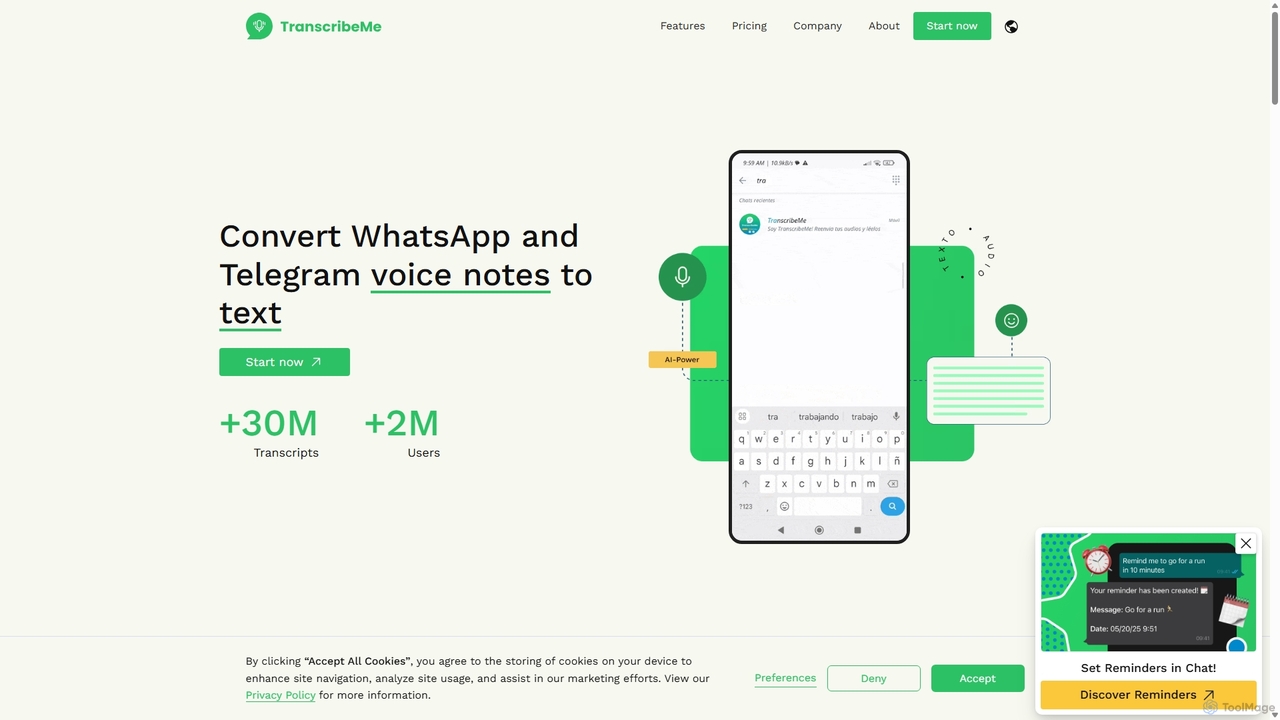
TranscribeMe
TranscribeMe is an advanced AI-powered transcription service that quickly and accurately converts audio and video files into text. It supports multiple languages, identifies different speakers, and provides an intuitive editor for easy review and correction. Ideal for podcasters, journalists, researchers, and students, TranscribeMe streamlines the process of creating searchable, editable transcripts.
Speech To Text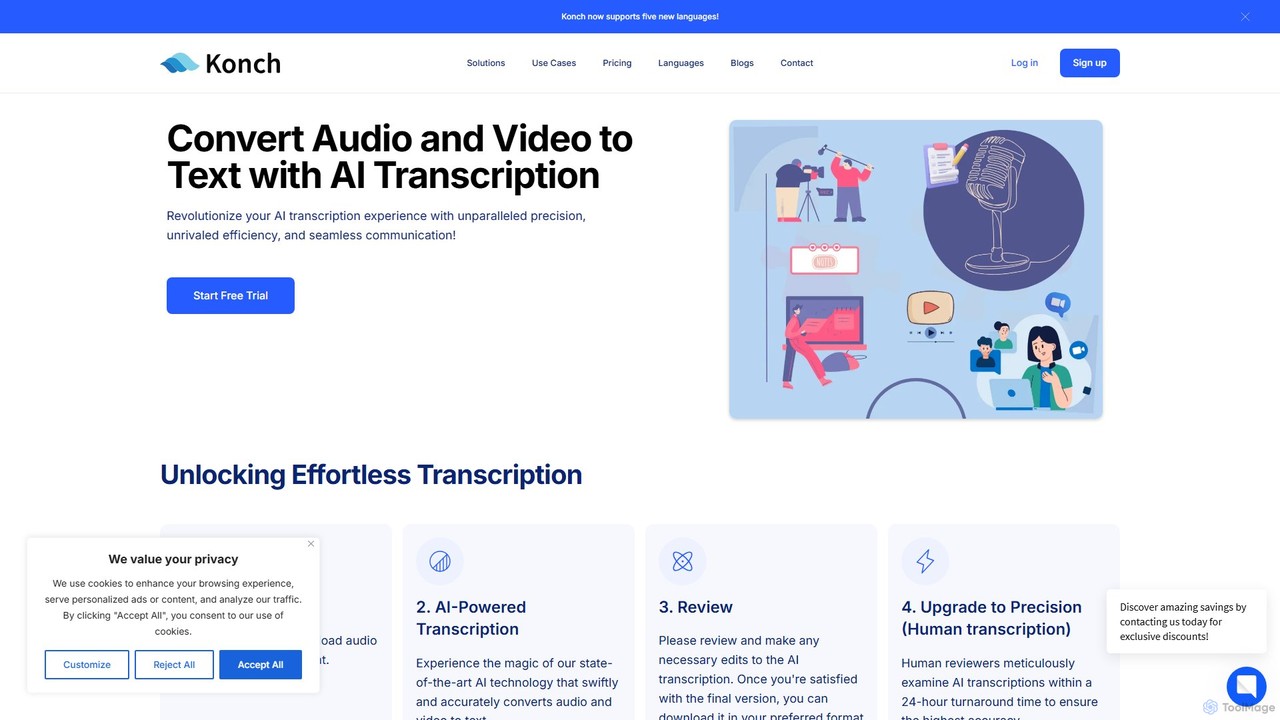
Konch
Konch is an advanced AI-powered transcription service that converts audio and video to text with up to 99% accuracy in over 55 languages. It offers real-time transcription, translation, and in-depth analysis features like summarization and speaker identification. Ideal for journalists, researchers, content creators, and businesses seeking to unlock insights from their voice and video content efficiently.
Speech To Text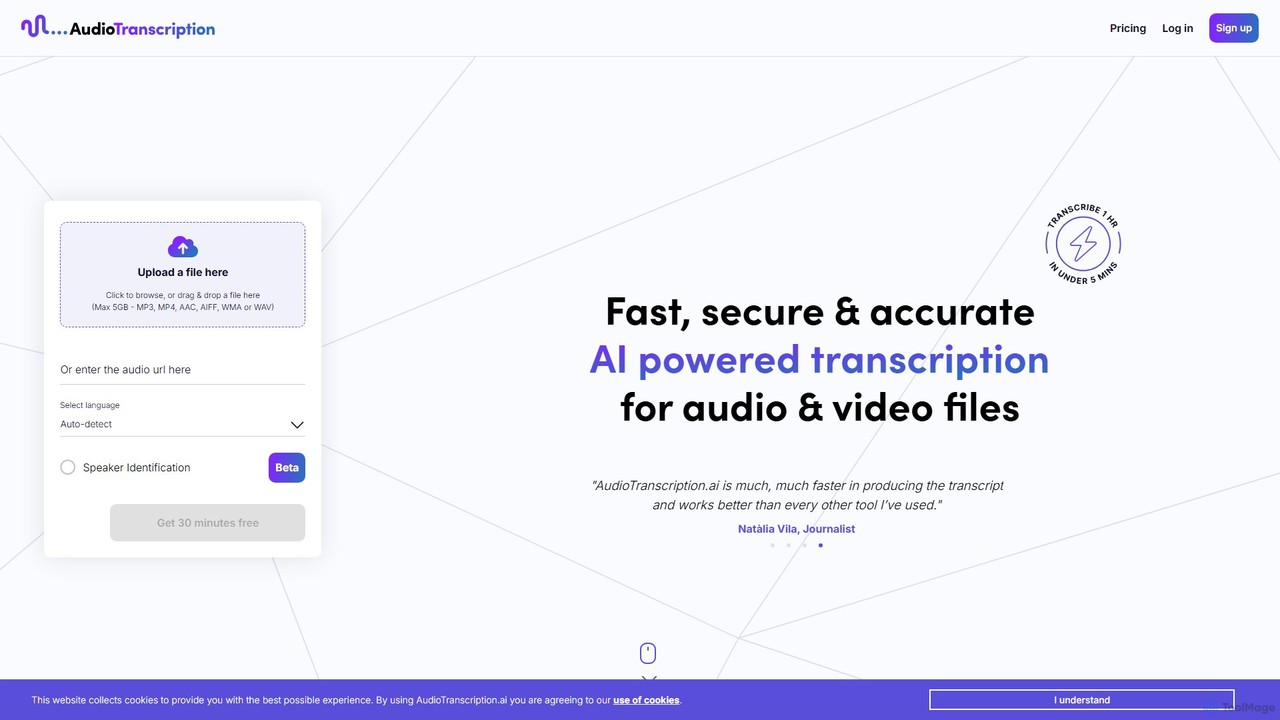
AudioTranscription.ai
An AI-powered transcription service that quickly and accurately converts audio and video files into text. It supports over 100 languages, features speaker identification, and offers a simple pay-as-you-go pricing model. Ideal for journalists, podcasters, and researchers seeking efficiency and accuracy.
Speech To TextJotengine Categories
Jotengine Embed Widget
Copy this embed code to place the badge on your blog, article, or product site and send readers directly to this ToolMage detail page.

Related AI tools
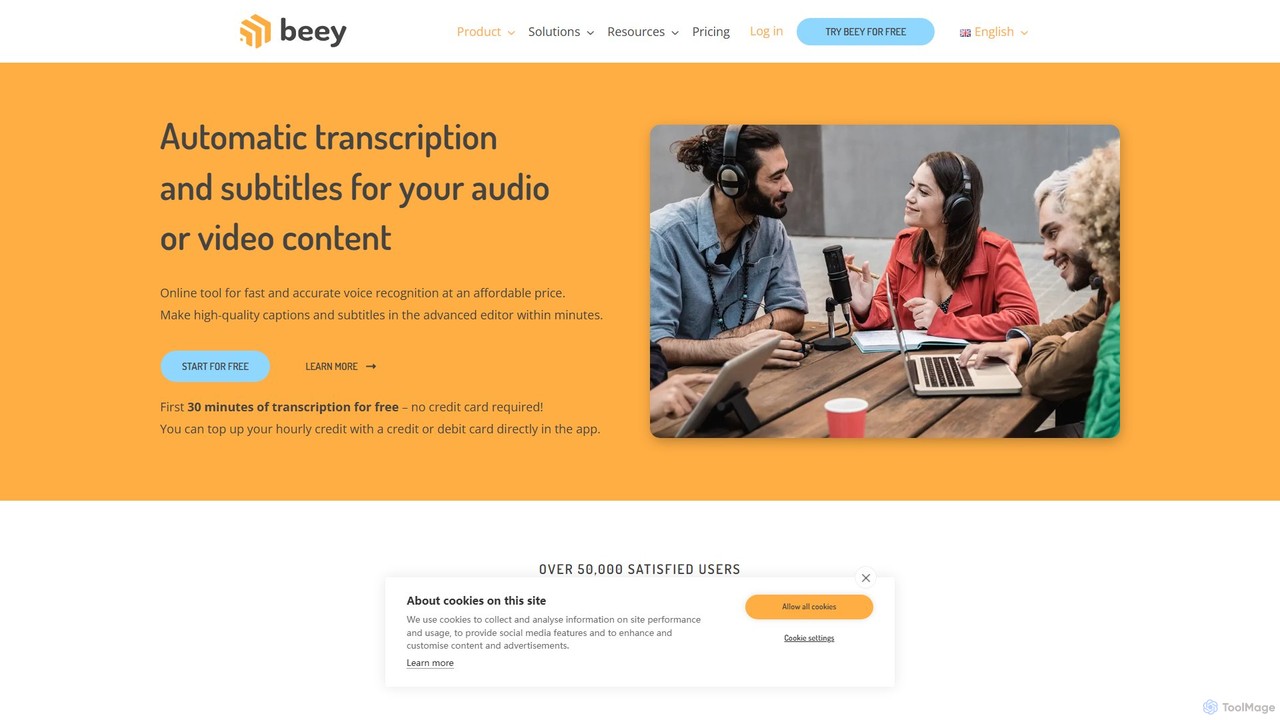
Beey
Beey is an AI-powered online tool for fast and accurate automatic transcription and subtitling of audio and video content. It supports over 30 languages, offers a smart editor for corrections, and provides features like speaker recognition, automatic translation, and team collaboration.
Content CreationTranscri
Transcri is an AI-powered platform for fast and accurate audio/video transcription and subtitle generation. It supports over 50 languages, offers up to 96% accuracy, and features speaker identification. Ideal for professionals in media, business, and education, it provides flexible export options, a collaborative workspace, and robust data security.
Speech To TextGood Tape
Good Tape is an AI-powered transcription service designed for journalists, researchers, and content creators. It provides fast, secure, and highly accurate transcriptions for audio and video files in over 90 languages. The platform focuses on a simple user experience, robust security, and delivering reliable text output to save users significant time and effort.
Speech To TextTranscribeMe
TranscribeMe is an advanced AI-powered transcription service that quickly and accurately converts audio and video files into text. It supports multiple languages, identifies different speakers, and provides an intuitive editor for easy review and correction. Ideal for podcasters, journalists, researchers, and students, TranscribeMe streamlines the process of creating searchable, editable transcripts.
Speech To TextKonch
Konch is an advanced AI-powered transcription service that converts audio and video to text with up to 99% accuracy in over 55 languages. It offers real-time transcription, translation, and in-depth analysis features like summarization and speaker identification. Ideal for journalists, researchers, content creators, and businesses seeking to unlock insights from their voice and video content efficiently.
Speech To TextAudioTranscription.ai
An AI-powered transcription service that quickly and accurately converts audio and video files into text. It supports over 100 languages, features speaker identification, and offers a simple pay-as-you-go pricing model. Ideal for journalists, podcasters, and researchers seeking efficiency and accuracy.
Speech To Text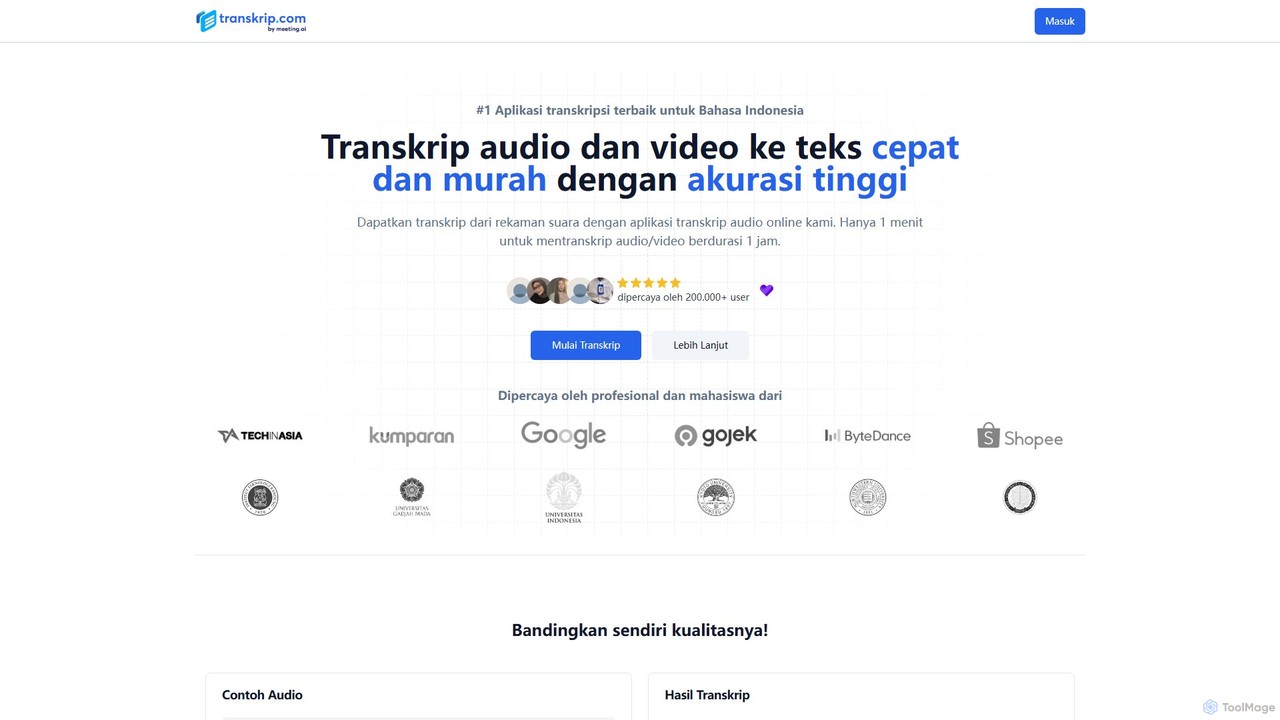
transkrip
transkrip is an AI-powered transcription service that quickly and accurately converts audio and video files into text. It specializes in Indonesian but supports over 25 other languages. With a simple pay-per-file model, it's ideal for students, journalists, and researchers who need fast, affordable, and reliable transcripts without a subscription. It handles large files and long durations, delivering timestamped and speaker-labeled text in minutes.
Speech To Text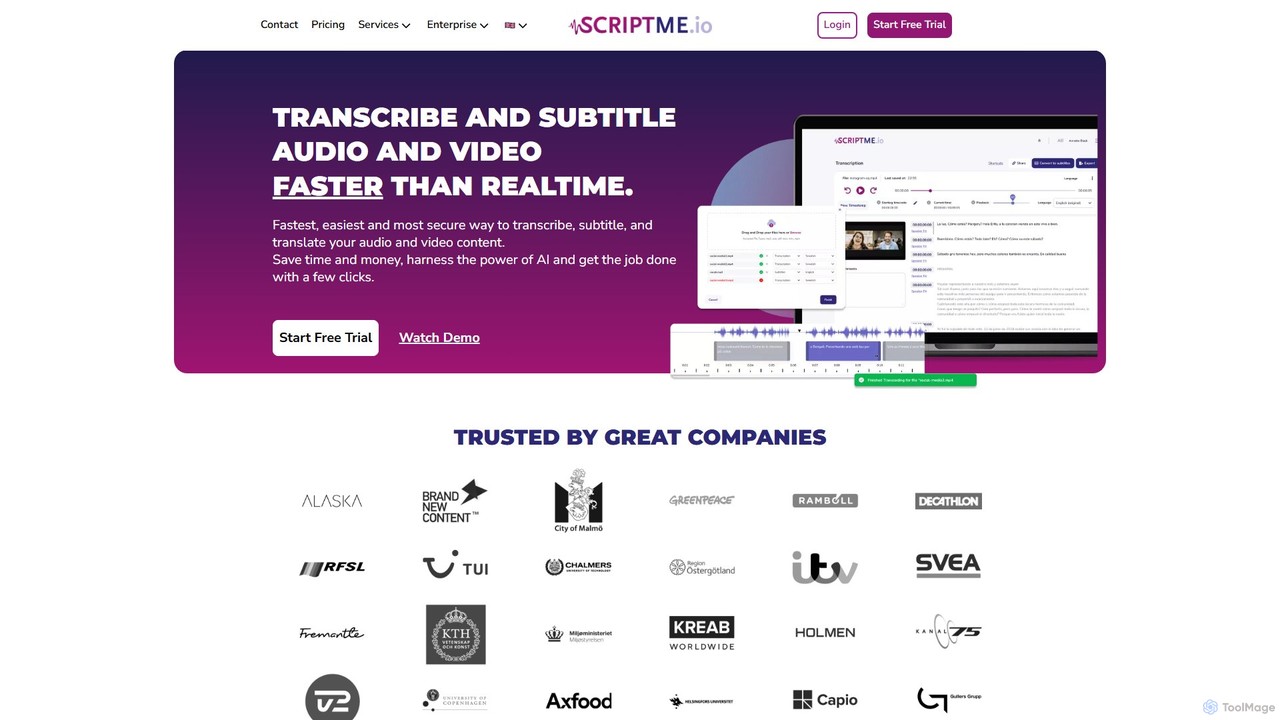
ScriptMe
ScriptMe is an AI-powered platform for fast and accurate automatic transcription of audio and video files. It also provides tools for generating and editing subtitles, making it ideal for content creators, journalists, researchers, and media companies looking to streamline their workflow and improve content accessibility.
Transcription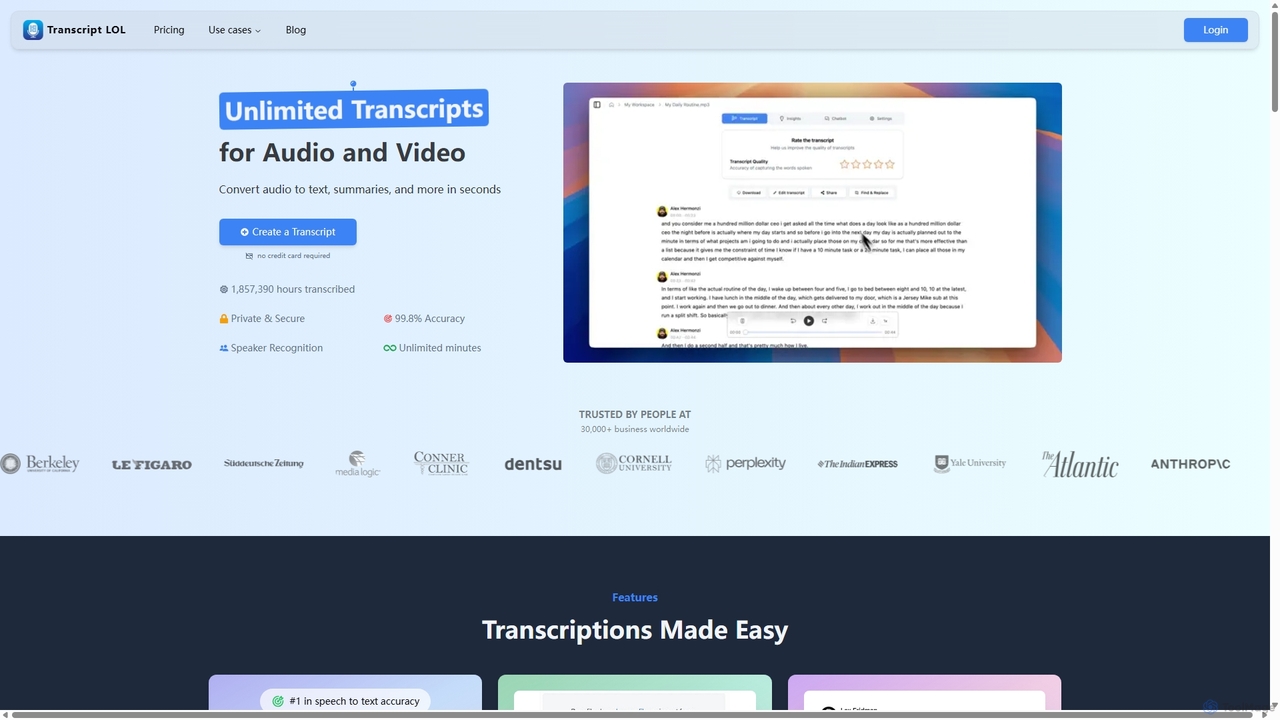
Transcript LOL
Transcript LOL is an AI-powered transcription service that rapidly converts audio and video files into accurate text. It offers unlimited transcriptions, speaker recognition, and advanced AI features to generate summaries, blog posts, social media content, and more, streamlining content creation and analysis workflows.
Speech To Text
Verba AI
Verba AI is an advanced AI-powered platform for highly accurate audio and video transcription. It converts speech to text in real-time across multiple languages, offering features like AI chat for text analysis, interactive quiz generation for students, and SRT subtitle creation for content creators. With unlimited transcription and versatile export options (PDF, SRT), it's designed to boost productivity for students, professionals, and creators by transforming spoken content into actionable, organized information.
Study Tools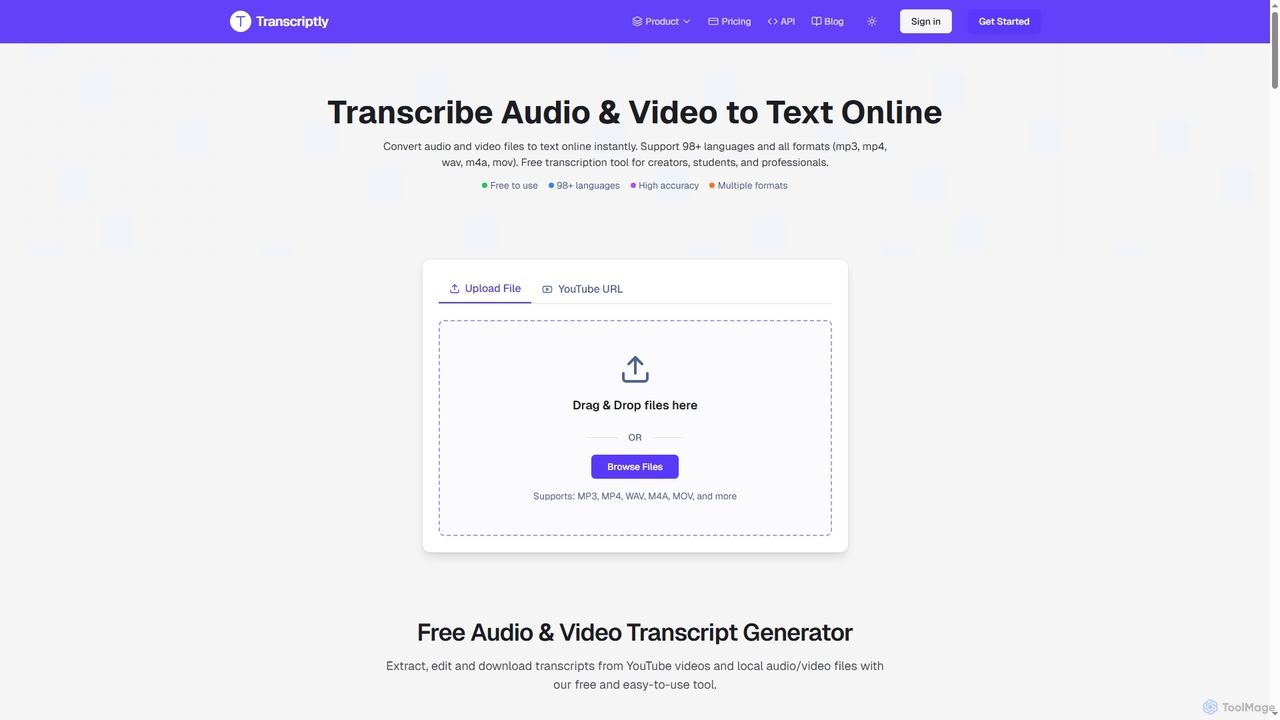
Transcriptly
Transcriptly is an AI-powered online platform that converts audio and video files into accurate text transcripts. Supporting over 98 languages and various formats, it offers fast processing, AI insights, and multiple export options for students, creators, professionals, and businesses.
Market Research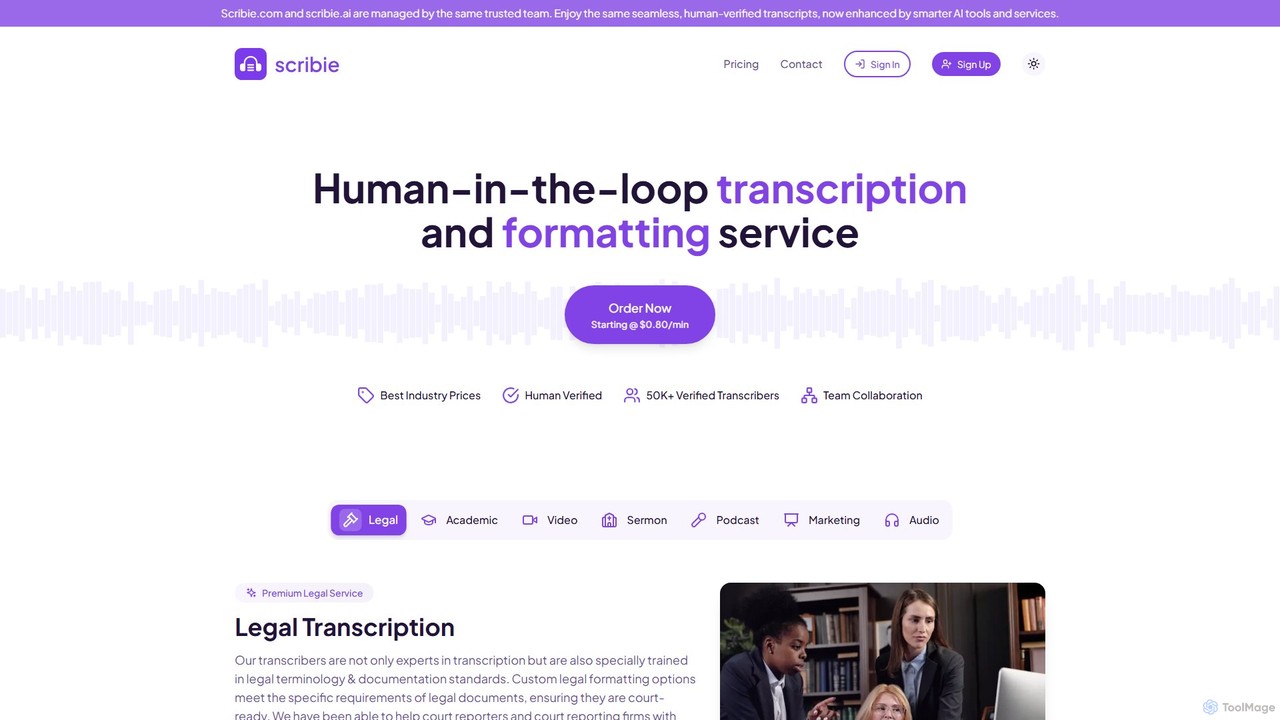
Scribie
Scribie offers AI-enhanced, human-verified transcription services, providing highly accurate and affordable transcripts. It combines advanced technology with a network of over 50,000 certified transcribers to guarantee 99% accuracy. Ideal for legal, academic, media, and business professionals, Scribie offers a simple, secure, and scalable solution for converting audio and video to text, starting at just $0.80 per minute.
Transcription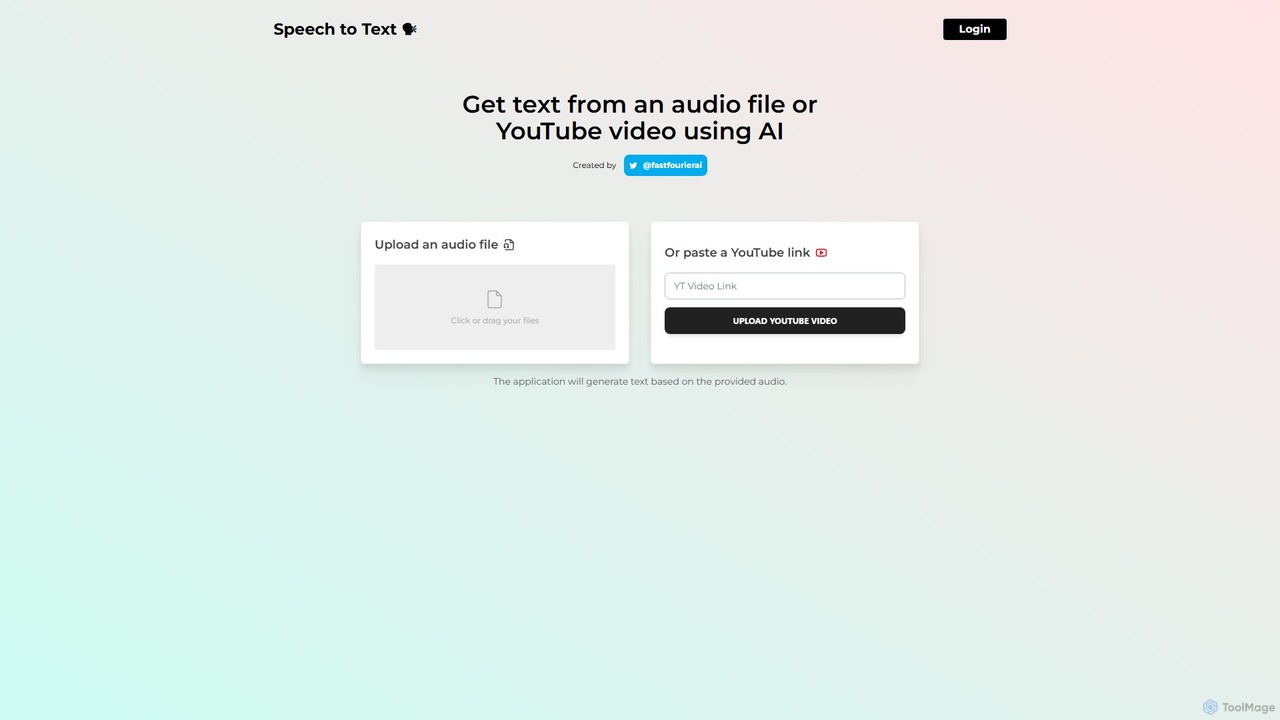
speechtotextai
speechtotextai is a free, AI-powered web tool that quickly transcribes audio files and YouTube videos into text. Simply upload a file or paste a YouTube link to receive an accurate, machine-generated transcript. Ideal for content creators, students, and professionals who need to convert spoken content into written format efficiently.
Transcription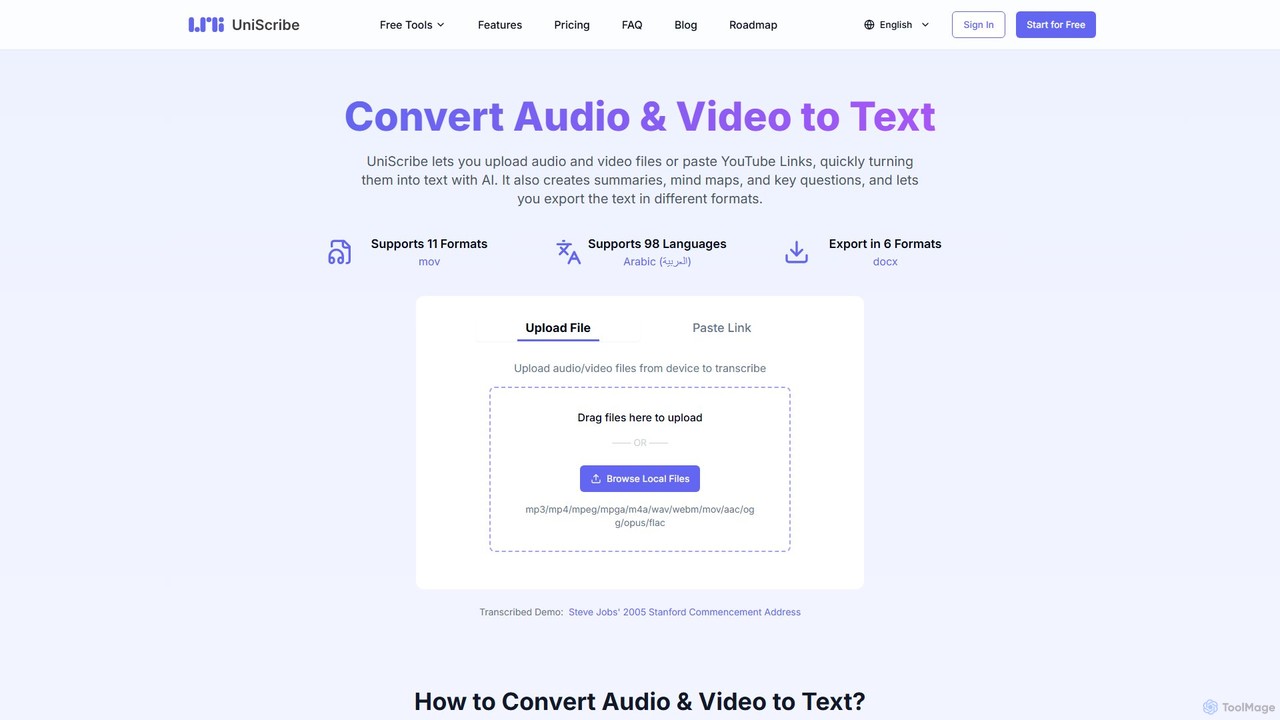
Uniscribe
Uniscribe is an AI-powered transcription service that quickly converts audio and video files into accurate text. It supports 98 languages and various file formats. Beyond simple transcription, Uniscribe automatically generates concise summaries, visual mind maps, and key questions from your content. Users can export transcripts in multiple formats like TXT, SRT, DOCX, and PDF, or share them directly via a link. It's an ideal tool for students, journalists, content creators, and researchers looking to save time and enhance productivity.
Speech To Text
Accuratescribe
Accuratescribe is an AI-powered transcription service that converts audio and video to text with 99.8% accuracy. Powered by Whisper technology, it supports 134+ languages, speaker detection, and large file processing. Ideal for content creators, researchers, and legal professionals, it offers fast, secure, and reliable transcription with flexible export options like SRT, VTT, DOCX, and PDF.
Speech To Text
Jotengine Comments (0)
Sign in to comment.
Sign inNo comments yet.