

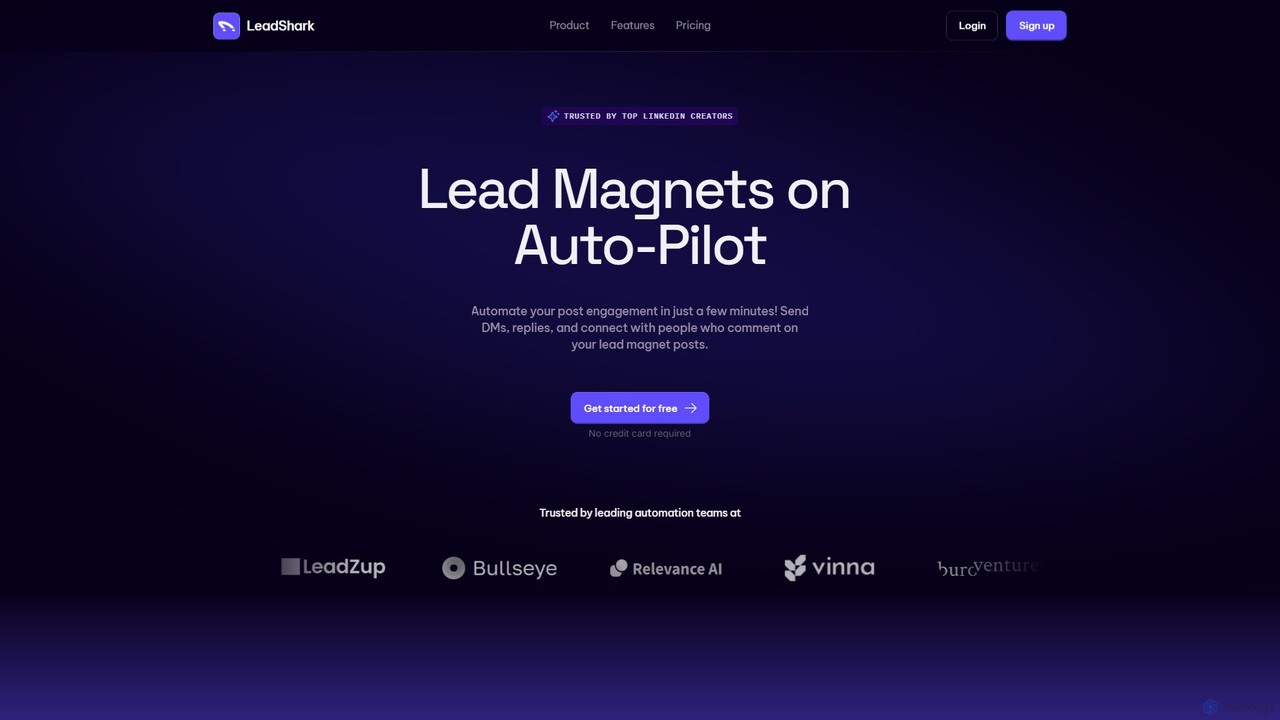
LeadShark Overview
LeadShark is a sophisticated automation platform designed to put your lead generation on autopilot, specifically targeting engagement on social media platforms like LinkedIn. In today's digital landscape, getting comments and likes on a post is only half the battle; converting that engagement into tangible business leads is the real challenge. LeadShark addresses this pain point directly by automating the entire process of lead magnet delivery and initial contact, ensuring no potential lead is ever missed.
The tool is built for content creators, marketers, sales teams, and agencies who use valuable content (lead magnets) like PDFs, guides, or templates to attract their ideal customer profile (ICP). Instead of manually replying to every comment and sending DMs one by one—a time-consuming and error-prone process—LeadShark takes over, allowing you to scale your outreach efforts effortlessly and focus on nurturing the warmest leads.
How to use LeadShark
Using LeadShark is a straightforward process designed for maximum efficiency:
- Create Your Lead Magnet Post: First, create a high-value post on a social media platform like LinkedIn, offering a free resource (e.g., an e-book, a checklist, a case study) and prompting users to comment to receive it.
- Connect Your Account: Sign up for LeadShark and securely connect your social media profile.
- Set Up an Automation: Create a new automation for your post. You'll configure the specific actions LeadShark should take. This includes crafting the automatic comment reply, writing the personalized DM that will deliver the link to your lead magnet, and setting filters.
- Define Your Filters: You can filter which commenters receive a DM based on keywords in their comments or profile, ensuring you're engaging with the most relevant audience.
- Activate and Monitor: Once you publish your post, activate the automation in LeadShark. The tool will then run in the background, engaging with new commenters in real-time. You can track all activity, including DM delivery rates, open rates, and response rates, directly from the LeadShark analytics dashboard to optimize your strategy.
Core Features of LeadShark
- Automated DMs and Replies: Instantly send personalized direct messages and public replies to everyone who comments on your designated posts.
- Lead Enrichment & Scoring: The platform analyzes commenters' profiles to enrich data and scores leads based on intent signals, helping you prioritize follow-ups with the most promising prospects.
- Lead Magnet Analytics: Gain deep insights into your campaigns with detailed analytics. Track key metrics like DMs sent, open rates, and response rates to measure ROI and refine your lead magnets.
- Scheduling & Pre-Automation: Prepare your automations in advance. You can schedule them to go live at the same time as your social media post, ensuring seamless execution.
- Webhook Integrations: Connect LeadShark to your existing CRM or marketing tools (like Zapier) using webhooks to create a fully integrated sales and marketing funnel.
- Advanced Filtering: Target your ideal customer profile (ICP) by filtering commenters, ensuring your lead magnet and follow-up messages only go to the most relevant individuals.
- Sales Navigator Integration (Apex Plan): For power users, this integration allows for even more sophisticated prospecting and lead management directly within the LinkedIn ecosystem.
- Full API Access (Apex Plan): Provides the flexibility to build custom integrations and workflows tailored to your specific business needs.
Use Cases for LeadShark
LeadShark is versatile and can be used by various professionals:
- Content Creators: Automatically distribute e-books, guides, and templates to grow their email list and audience.
- B2B Sales Teams: Generate a consistent stream of qualified leads by offering valuable industry reports or case studies on LinkedIn.
- Marketers: Drive registrations for webinars, demos, or events by automating the sign-up link delivery to interested commenters.
- Coaches and Consultants: Nurture potential clients by sharing free resources and automatically initiating conversations.
Advantages of LeadShark
The primary advantage of LeadShark is its ability to save massive amounts of time while maximizing lead capture efficiency. It transforms passive engagement into an active lead generation machine. Key benefits include scaling outreach without burnout, ensuring a rapid and professional response to every interested person, nurturing leads systematically, and providing the data needed to make informed decisions and improve campaign performance.
Pricing and Plans
LeadShark offers a tiered pricing structure with a 7-day free trial for all plans. A 17% discount is available for annual billing.
- Pro Plan: $39/month. Includes 50 running automations, 500 enrichment credits per month, auto-replies & DMs, scheduling, and webhook integrations.
- Pro+ Plan: $59/month. Includes 100 running automations, 1000 enrichment credits, everything in Pro, plus auto-liking comments and multiple DM templates.
- Apex Plan: $99/month. Includes unlimited running automations, unlimited enrichment credits, everything in Pro+, plus Sales Navigator Inbox Integration and full LeadShark API access.
Traffic
Latest traffic
Status
Monthly traffic trend
- 2025-9: 4.8K
- 2026-1: 3.9K
- 2026-2: 10.3K
- 2026-3: 15.0K
- 2026-4: 16.3K
- 2026-5: 23.7K
Geography
Top 5 countries / regions
- 🇺🇸United States53.5%
- 🇬🇧United Kingdom21.1%
- 🇮🇩Indonesia16.2%
- 🇮🇳India5.5%
- 🇧🇷Brazil3.7%
Traffic sources
| Source type | Percentage |
|---|---|
Direct | 96.0% |
Referral | 3.1% |
Email | 0.9% |
Top keywords
| Keyword | Cost per click |
|---|---|
| how do i connect linkedin to leadshark | $0.00 |
| lead shark | $0.00 |
| leadshark | $6.32 |
| leadshark connect | $0.00 |
| leads.sh founders | $0.00 |
LeadShark Videos on YouTube
John Peslar
![Watch Me Build an Instagram DM AI Appointment Setter That Doubles Appointments! [No Code Needed]](https://i.ytimg.com/vi/Cyjurk0HTyE/maxresdefault.jpg)
Carolina Posma


Victor Baggio | IA para Vendas

AI Promo Codes
LeadShark Alternatives
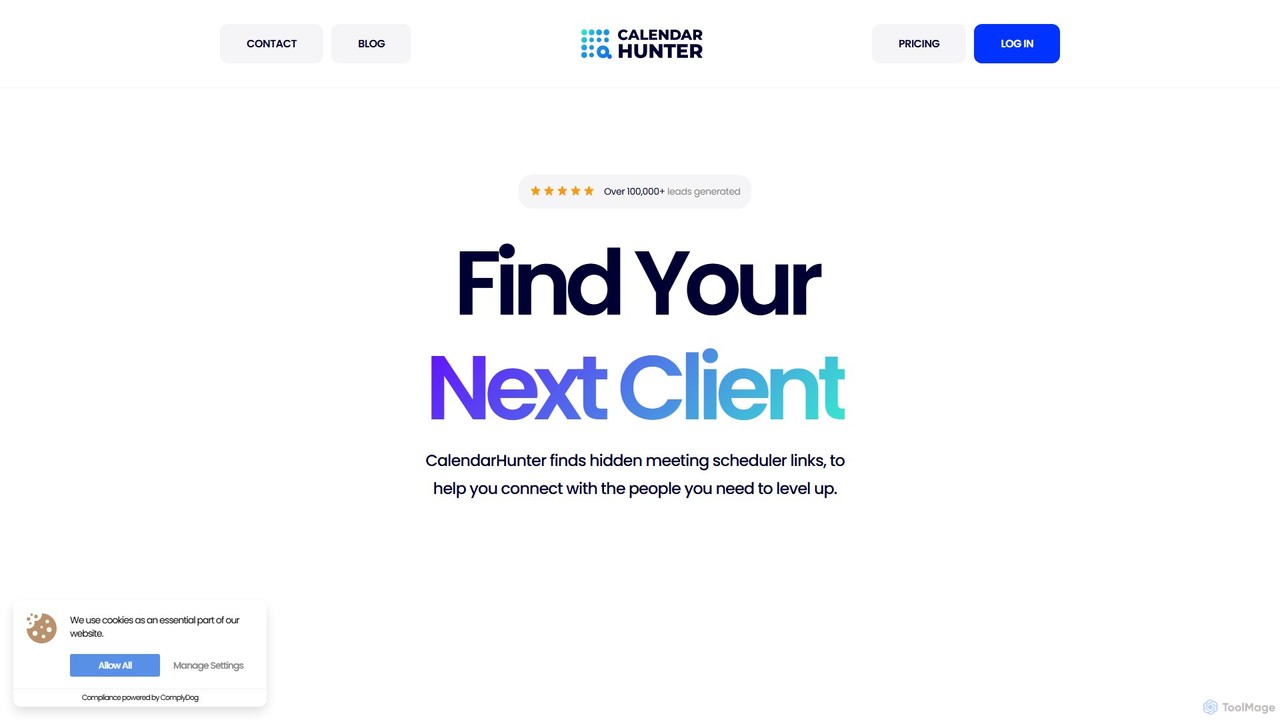
CalendarHunter
CalendarHunter is an AI-powered sales tool designed to accelerate the prospecting and outreach process. It automatically finds and extracts public scheduling links (like Calendly) of your prospects, primarily from LinkedIn. This allows sales teams to bypass back-and-forth emails and book meetings directly, significantly increasing efficiency and conversion rates.
Lead Generation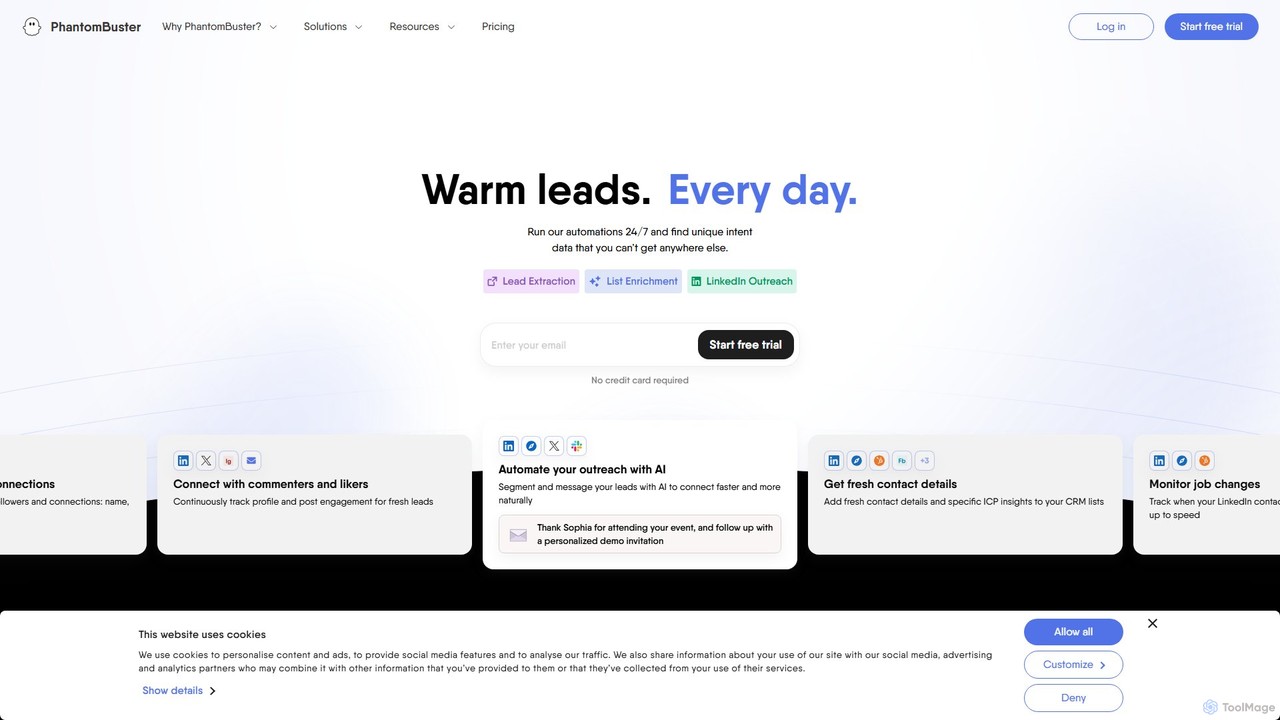
PhantomBuster
PhantomBuster is a leading cloud-based automation and data extraction tool designed for sales, marketing, and growth teams. It enables users to automate actions on the web, scrape valuable data from social media and websites like LinkedIn, Twitter, and Instagram, and generate qualified leads without needing to code.
Lead Generation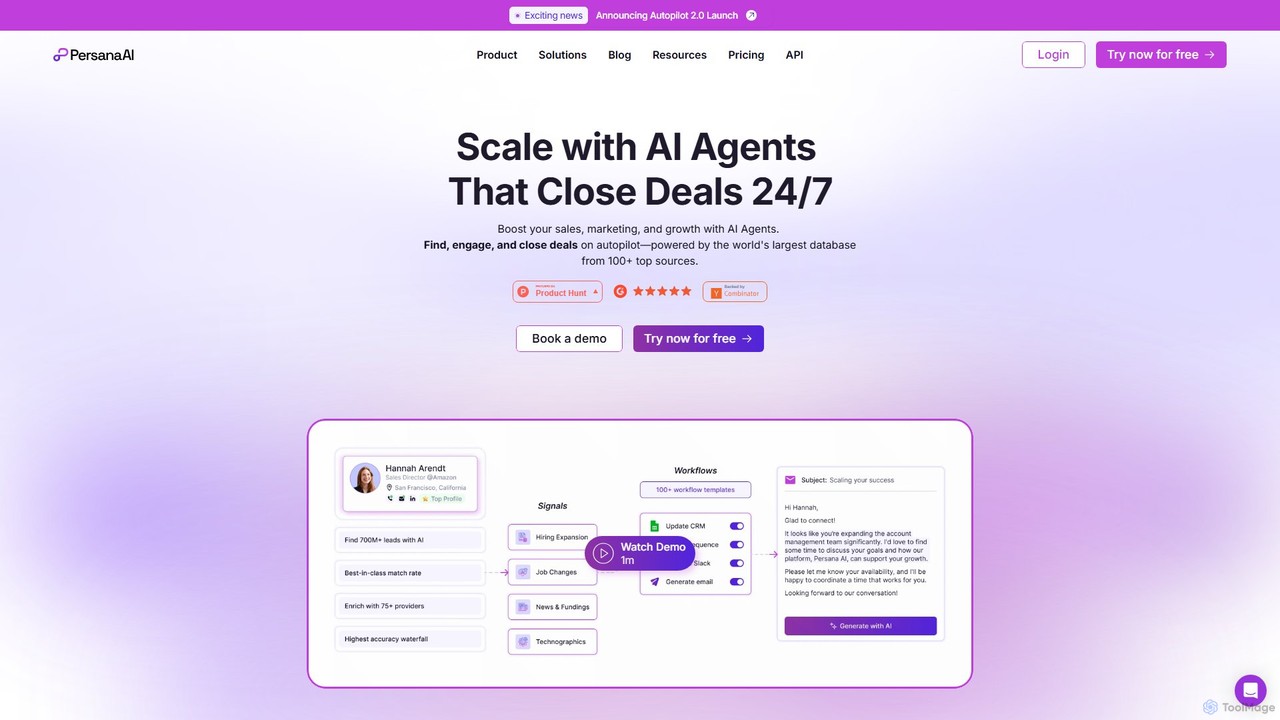
Persana AI
Persana AI is an all-in-one Go-To-Market (GTM) platform that leverages AI to automate sales prospecting, data enrichment, and personalized outreach. It consolidates data from over 75 sources, tracks real-time buying signals, and deploys AI agents to find, engage, and close deals 24/7, helping sales teams boost their pipeline and revenue.
Lead Generation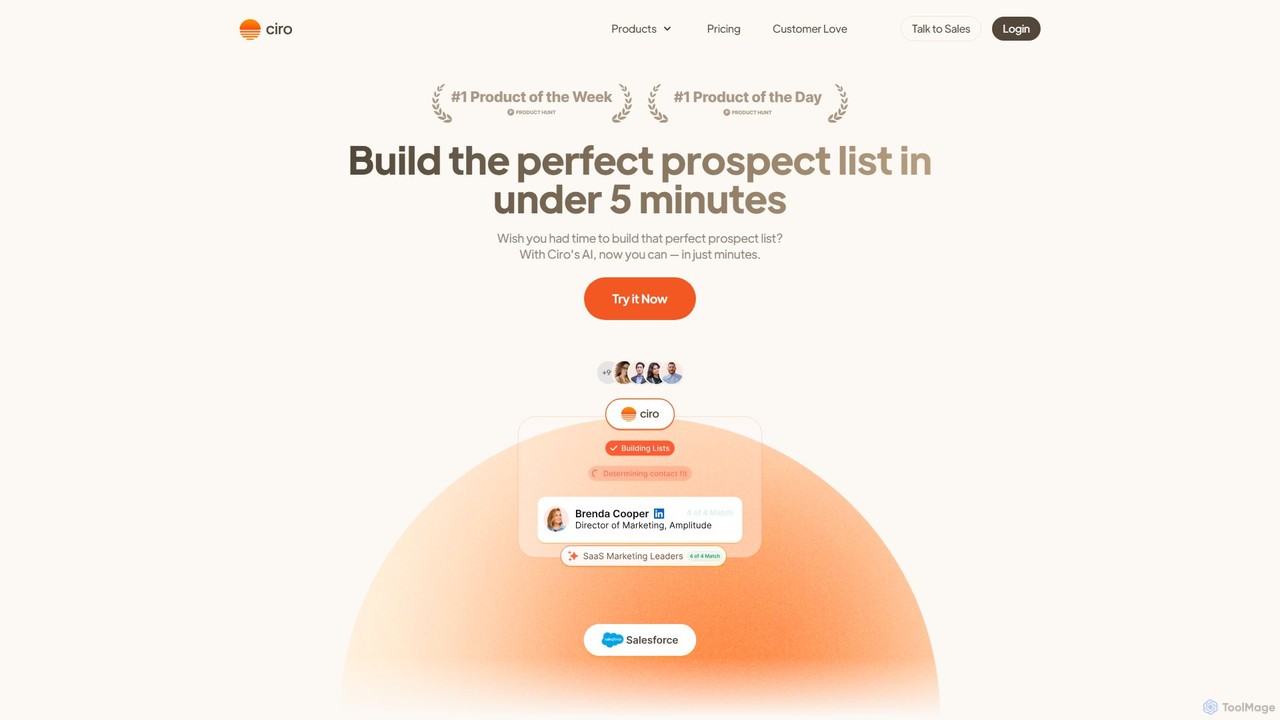
Ciro
Ciro is an AI-powered sales prospecting platform designed to build perfect prospect lists. It automates lead discovery using an AI Autopilot, enriches contact data with a unique waterfall system from over 10 providers, and integrates seamlessly with your CRM. Ciro helps sales teams increase connect rates and eliminate manual prospecting tasks.
Data Enrichment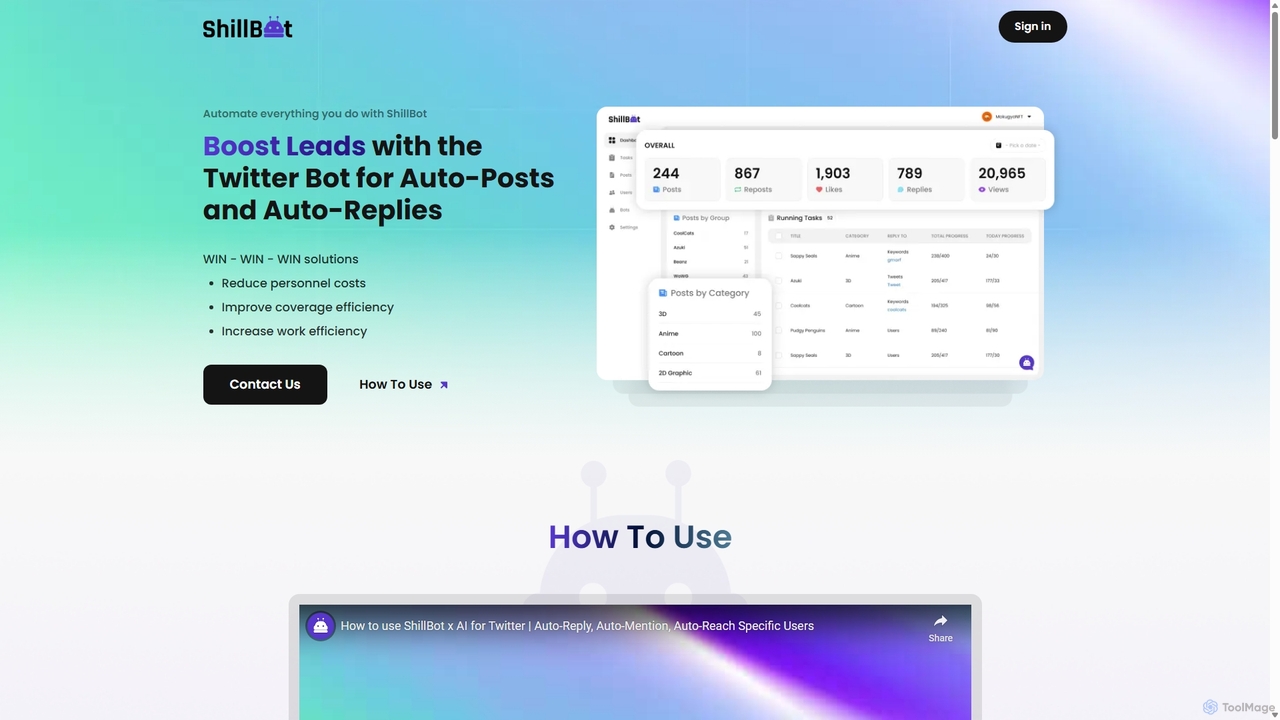
ShillBot
ShillBot is an AI-powered Twitter (X) automation tool designed to boost leads and engagement. It automates tasks like auto-replies, auto-mentions, and direct messages based on specific keywords and user profiles. By managing multiple accounts from a single dashboard and operating 24/7, ShillBot helps businesses reduce costs, improve marketing efficiency, and scale their outreach efforts on the platform.
Lead GenerationLeadShark Categories
LeadShark Embed Widget
Copy this embed code to place the badge on your blog, article, or product site and send readers directly to this ToolMage detail page.

Related AI tools
bestlinkedintools
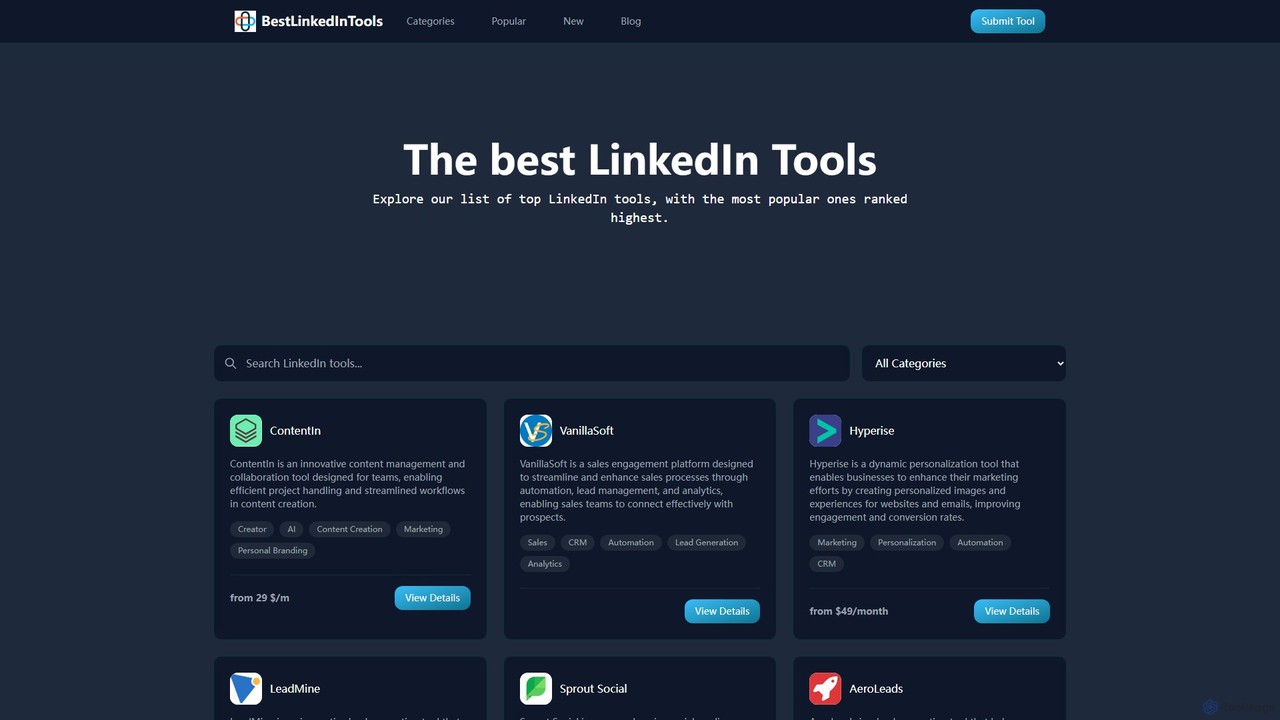
bestlinkedintools is a comprehensive directory for discovering, comparing, and selecting the best LinkedIn automation, marketing, and lead generation tools. It serves as a one-stop resource for professionals to enhance their LinkedIn strategy and for developers to showcase their software to a targeted audience.
ResourceCalendarHunter
CalendarHunter is an AI-powered sales tool designed to accelerate the prospecting and outreach process. It automatically finds and extracts public scheduling links (like Calendly) of your prospects, primarily from LinkedIn. This allows sales teams to bypass back-and-forth emails and book meetings directly, significantly increasing efficiency and conversion rates.
Lead Generation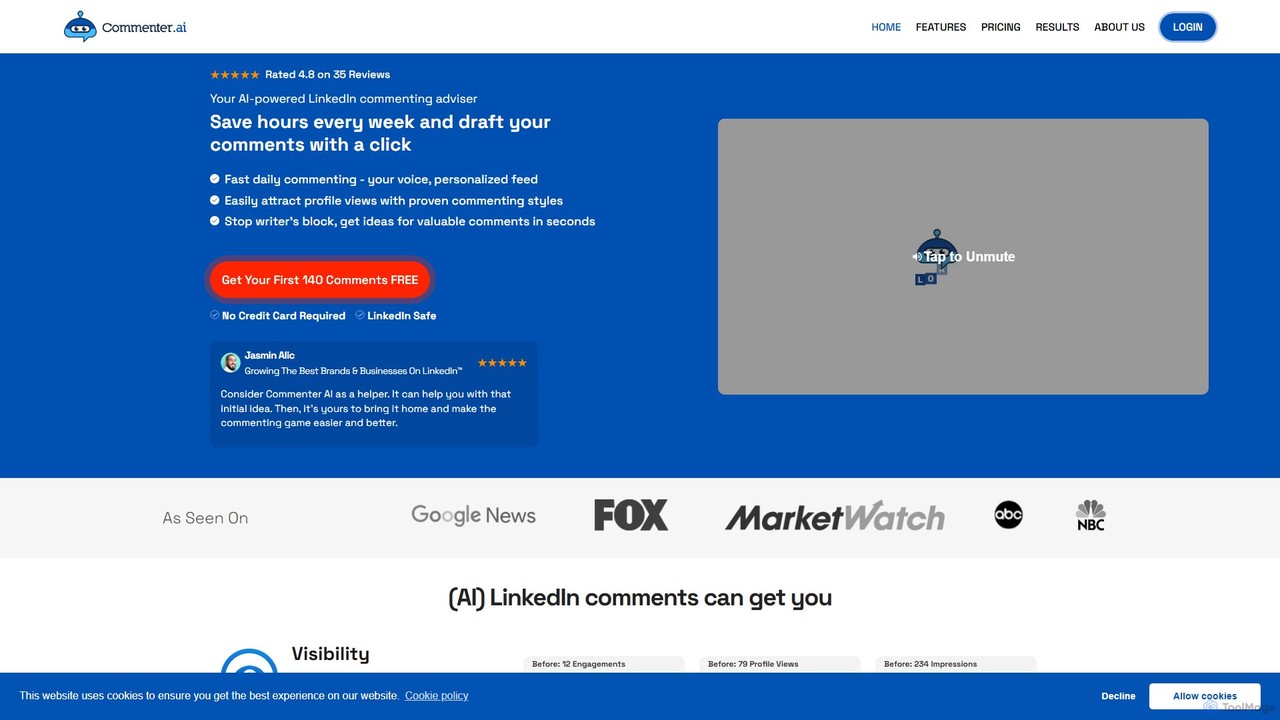
Commenter.ai
Commenter.ai is an AI-powered assistant designed to help you draft high-quality, engaging comments for LinkedIn, X, Instagram, and Meta. It saves hours of time, overcomes writer's block, and helps increase your visibility and lead generation. Personalize your tone, style, and voice to maintain authenticity while scaling your social media engagement efforts.
Lead Generation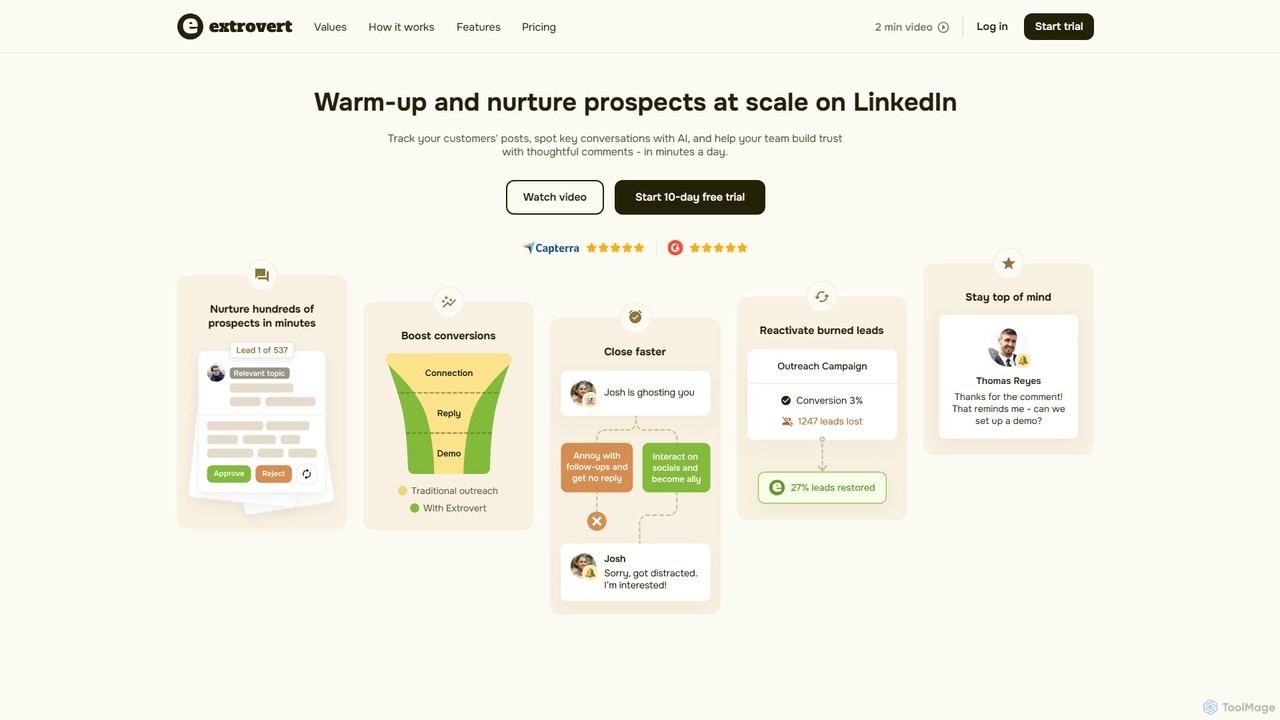
goextrovert
goextrovert is an AI-powered platform designed for sales teams to warm up and nurture prospects at scale on LinkedIn. It helps track customer posts, identifies key conversations with AI, and assists your team in building trust through thoughtful, AI-generated comments, all within minutes a day.
Automation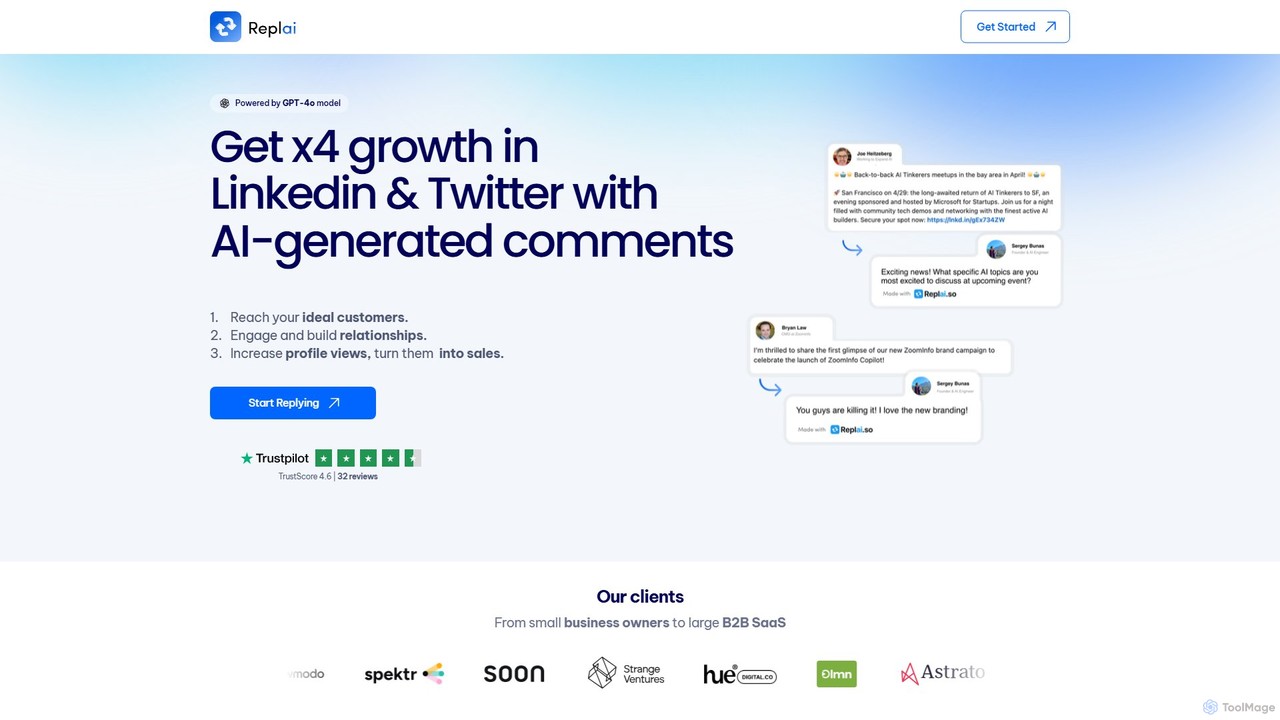
Replai.so
Replai.so is a GPT-4o powered Chrome extension that generates authentic, personalized comments for Twitter (X) and LinkedIn in one click. It's designed for sales, marketing, and business professionals to save time, increase engagement, build relationships, and drive profile views to grow their personal brand and generate leads.
Social Media Marketing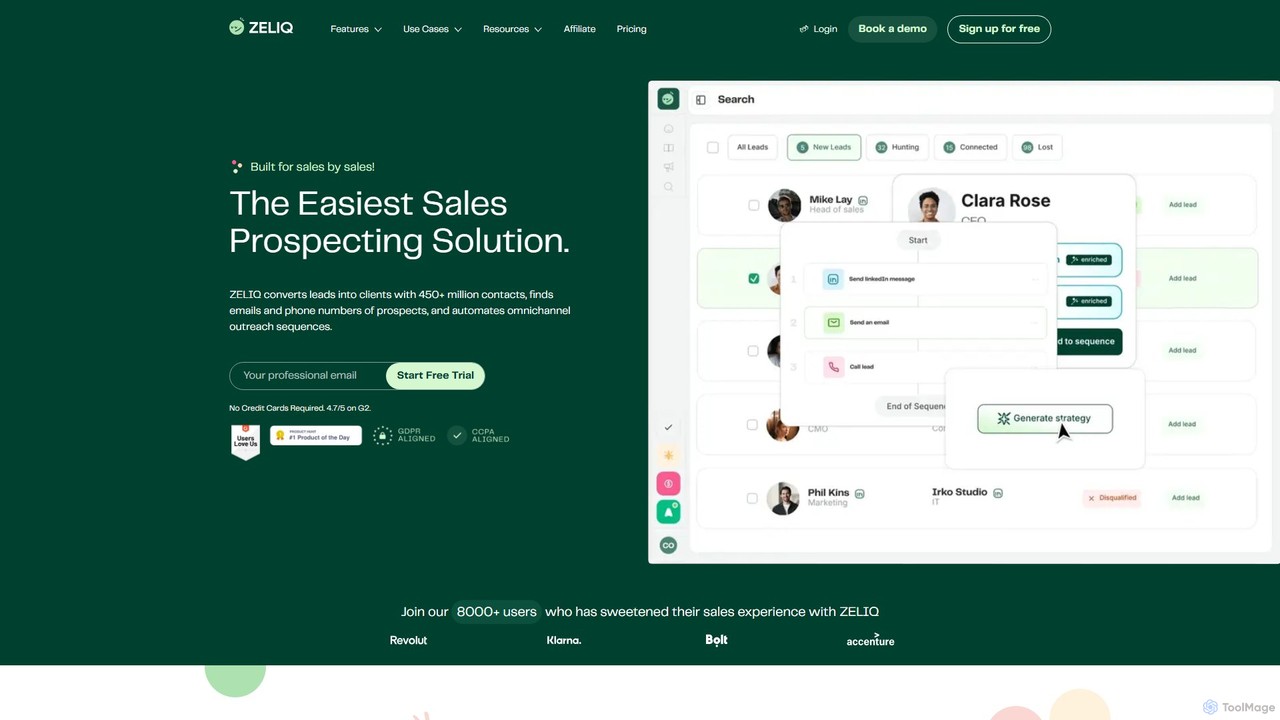
Zeliq
Zeliq is an all-in-one AI-powered sales prospecting platform designed to streamline the entire sales process. It helps users find leads from a database of over 450 million contacts, enrich them with verified emails and phone numbers, and automate omnichannel outreach sequences across email, LinkedIn, and VoIP.
Email Marketing
engage_ai
Engage AI is an AI-powered Chrome extension designed to help users write insightful and relevant comments on LinkedIn. It saves time, overcomes writer's block, and facilitates meaningful relationship-building by generating high-quality comments in various tones, boosting professional networking and lead generation.
Social Media Marketing
Looti
Looti is an AI-powered platform designed to help B2B businesses find hyper-qualified leads in minutes. It uses AI to discover accurate audiences from various sources and allows users to refine lists with over 20 advanced filters, providing actionable contact data and seamless CRM integrations.
Data Enrichment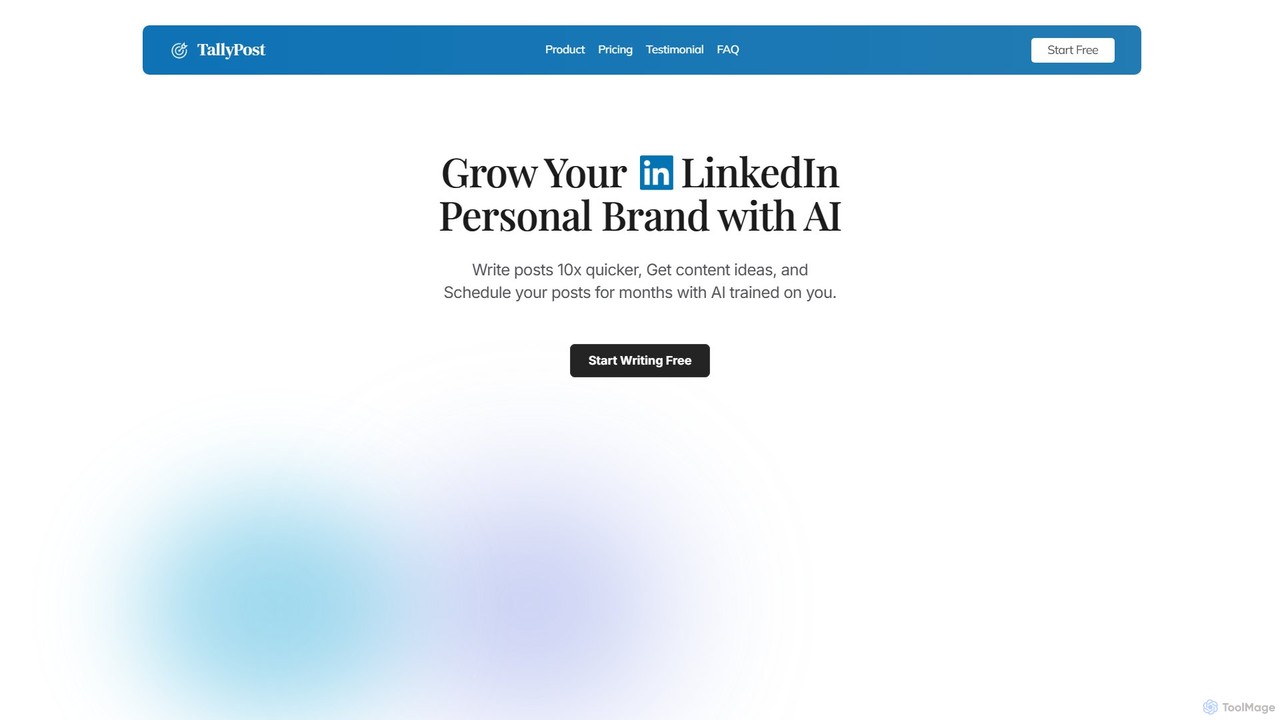
TallyPost
TallyPost is an AI-powered platform designed to help professionals, entrepreneurs, and thought leaders grow their personal brand on LinkedIn. It accelerates content creation by 10x, generates viral post ideas, and allows for scheduling posts months in advance, all with an AI trained on your unique voice.
Social Media Marketing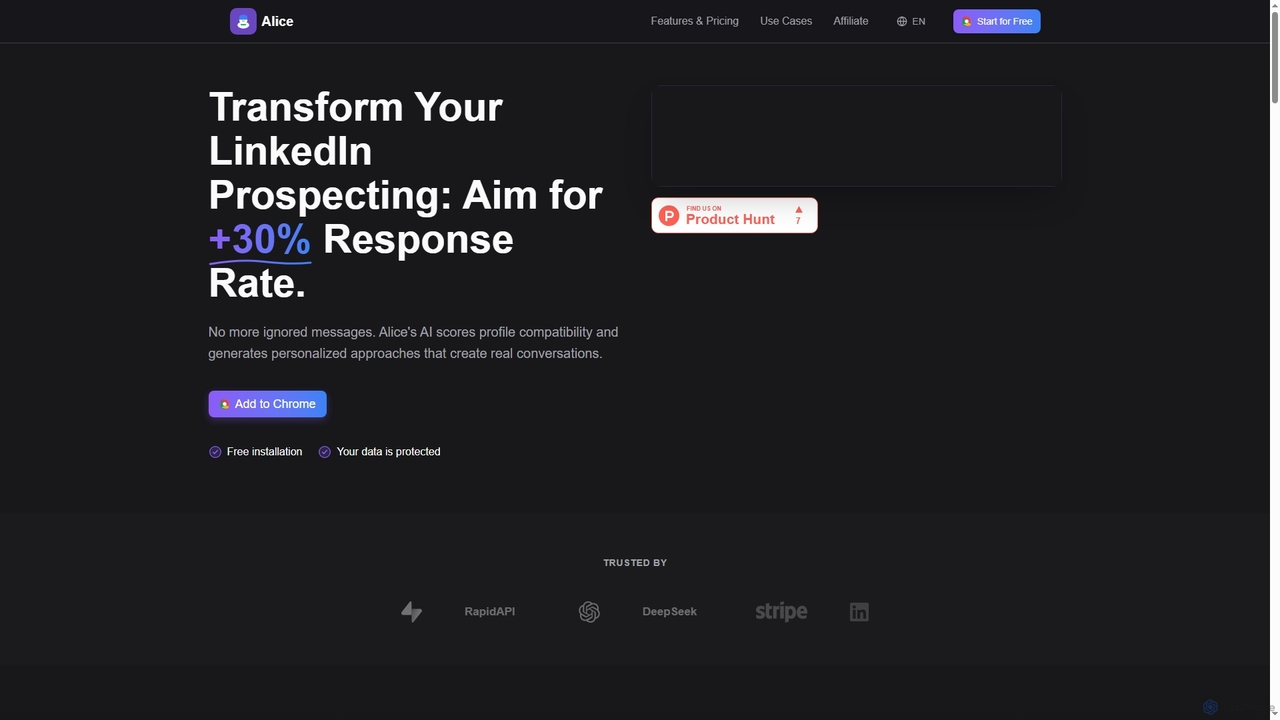
Alice
Alice is an AI-powered Chrome extension designed to revolutionize LinkedIn prospecting. It analyzes profile compatibility and generates highly personalized messages and icebreaker comments, aiming to boost your response rates by over 30% and streamline your lead generation efforts.
Outreach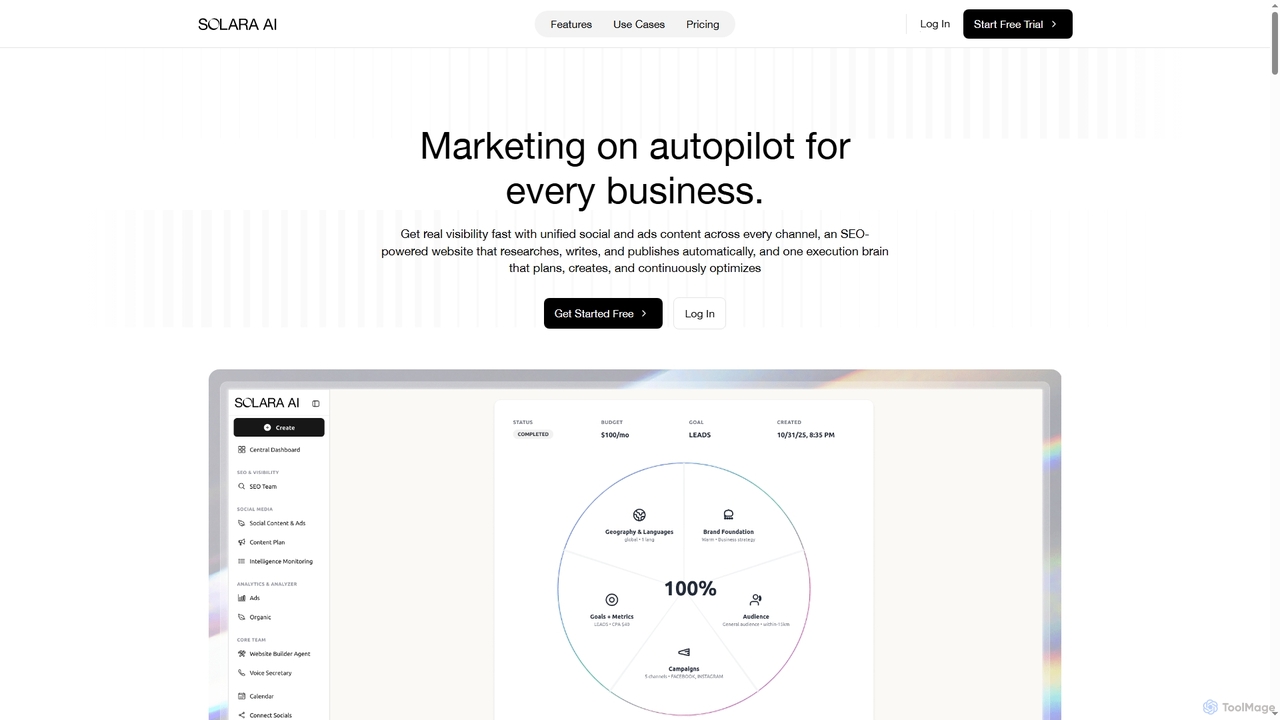
Solara
Solara is the first AI Marketing Agency, offering an all-in-one platform to automate website creation, SEO, content generation, video production, and customer engagement. It helps businesses, agencies, and e-commerce brands accelerate growth, generate leads, and optimize marketing efforts with intelligent automation and personalized outreach.
Video Generation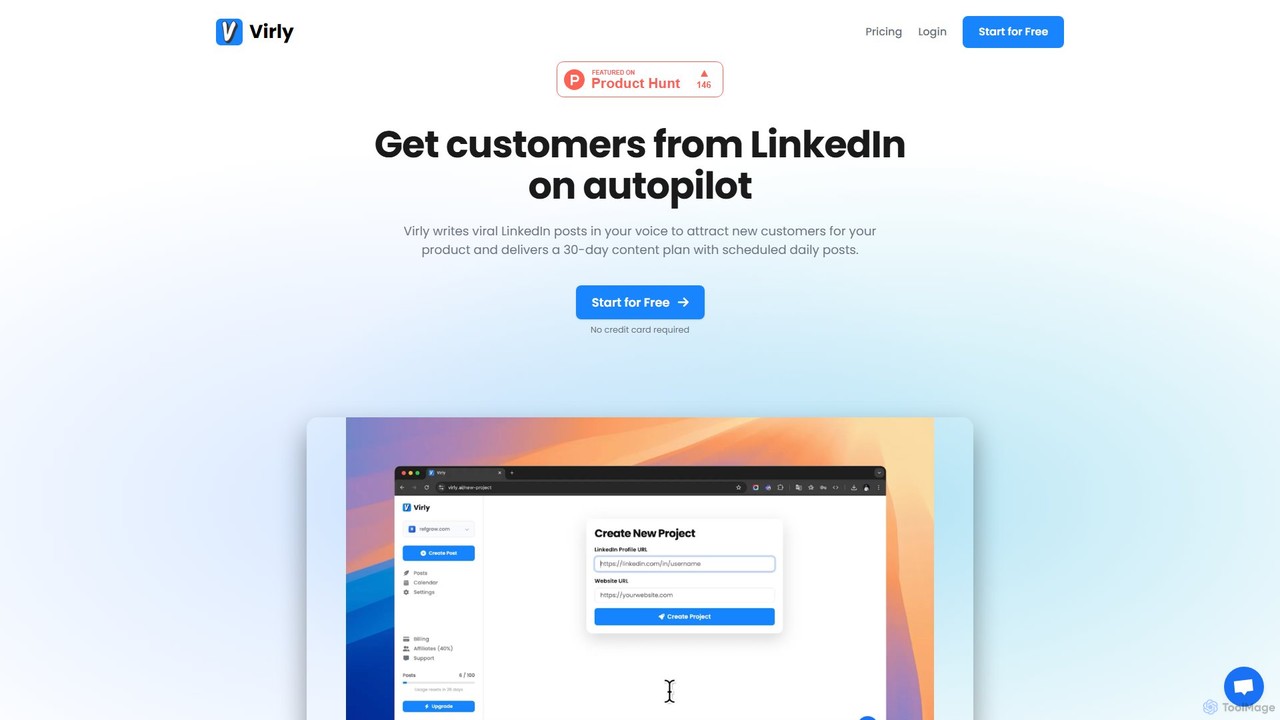
Virly
Virly is an AI-powered platform designed to help you create viral LinkedIn posts in your own authentic voice. It analyzes your personal writing style, generates content ideas, and provides tools for scheduling and growth, automating your LinkedIn marketing to generate leads and build your personal brand.
Linkedin
leads_sniper
Leads-Sniper is an AI-powered B2B lead generation and email finder tool designed for sales, marketing, and recruitment professionals. It accurately extracts and verifies business email addresses from professional networks like LinkedIn and company websites, helping you build high-quality prospect lists and automate your outreach process efficiently.
Email Marketing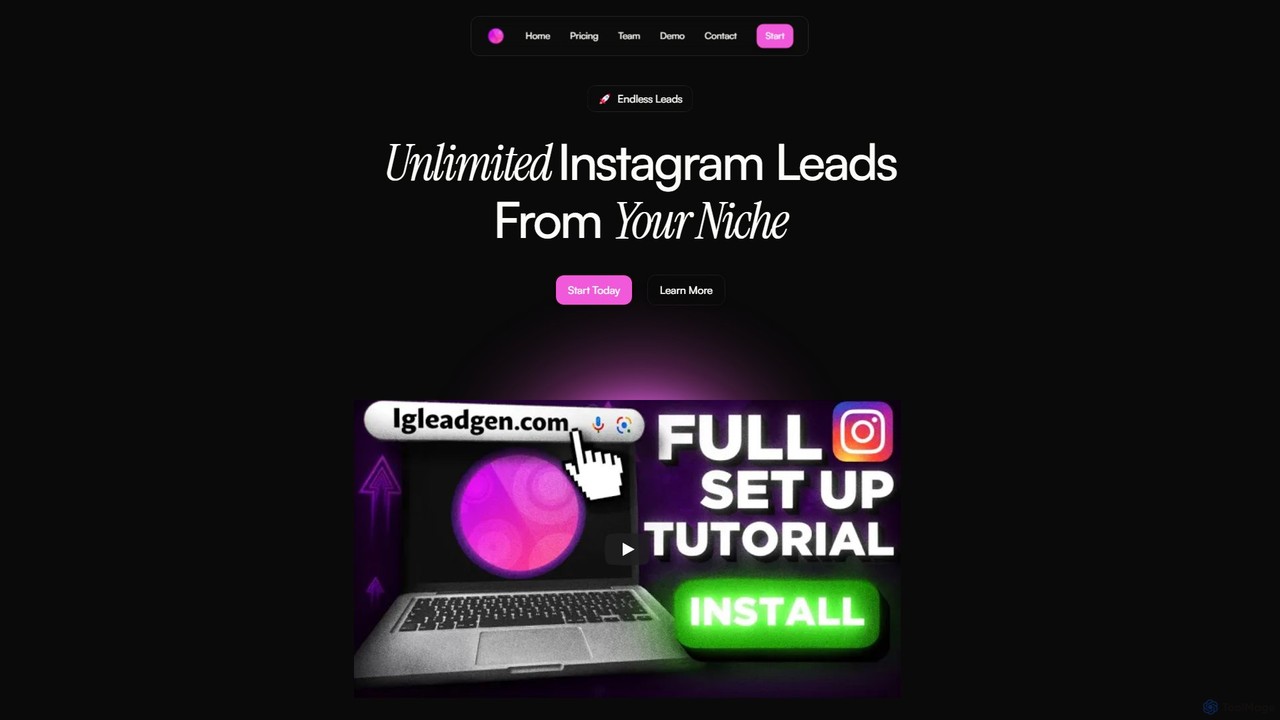
igleadgen
igleadgen is an AI-powered tool designed for Instagram marketing and lead generation. It enables users to extract unlimited, targeted leads from any niche using hashtag strategies, search for local businesses, analyze hashtag performance, and generate custom growth strategies to enhance their Instagram presence.
Social Media MarketingPhantomBuster
PhantomBuster is a leading cloud-based automation and data extraction tool designed for sales, marketing, and growth teams. It enables users to automate actions on the web, scrape valuable data from social media and websites like LinkedIn, Twitter, and Instagram, and generate qualified leads without needing to code.
Lead Generation
LeadShark Comments (0)
Sign in to comment.
Sign inNo comments yet.