

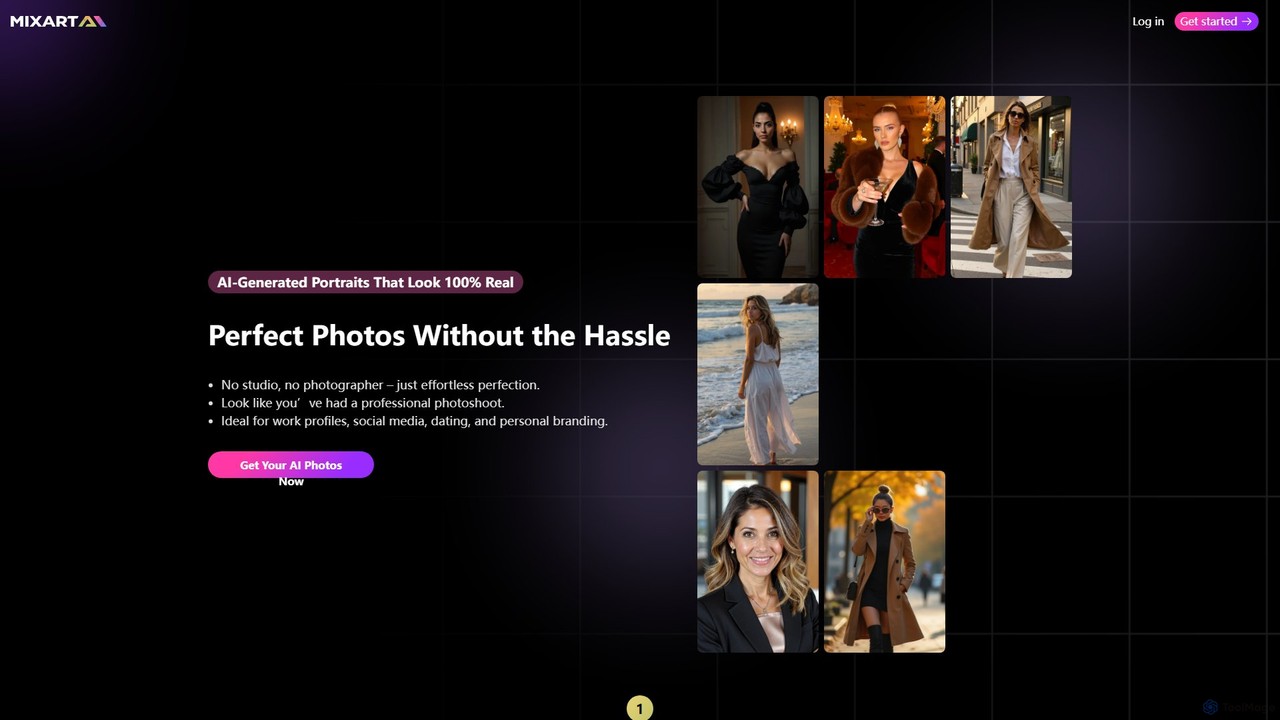
Mixart Overview
Mixart is an innovative AI platform designed to create stunning, hyper-realistic portraits and professional headshots without the need for a physical photoshoot. It leverages advanced artificial intelligence to transform your casual photos into high-quality images suitable for a wide range of personal and professional applications. Whether you need a new LinkedIn profile picture, engaging social media content, or a polished image for your dating profile, Mixart provides a fast, affordable, and convenient solution.
The platform's core offering is its AI portrait generation, which produces images that are virtually indistinguishable from those taken by a professional photographer. In addition to static images, Mixart has introduced a unique AI video feature, allowing users to animate their newly generated portraits into captivating 5-second videos, perfect for platforms like Instagram Reels and TikTok.
How to use Mixart
The process of creating professional photos with Mixart is streamlined into three simple steps:
- Upload Photos: Start by uploading at least 10 of your existing photos. For best results, use images that show your face from different angles, in various lighting conditions, and with a range of expressions.
- Choose Your Style: Select from a diverse library of predefined styles. Options include 'LinkedIn', 'Business', 'Casual', 'Wedding', and many more, allowing you to tailor the output to your specific needs.
- Generate and Receive: The AI gets to work, and within minutes, you will receive a gallery of 50 unique, professionally-styled portraits and headshots ready for you to download and use.
Core Features of Mixart
- AI Headshot & Portrait Generation: Creates high-resolution, realistic portraits from user-uploaded photos.
- AI Video Creation: Animates your AI-generated portraits into short, 5-second cinematic videos.
- Diverse Style Library: Offers a wide selection of styles, including professional, casual, formal, and creative themes.
- Fast Turnaround: Delivers a full set of images and videos in just a few minutes.
- No Studio Required: Eliminates the hassle and expense of a traditional photoshoot.
- Data Privacy: Ensures user data is handled securely.
Use Cases for Mixart
Mixart is ideal for a variety of purposes:
- Professional Branding: Create polished headshots for LinkedIn profiles, corporate websites, email signatures, and business cards.
- Social Media Profiles: Upgrade your profile pictures on platforms like Instagram, Facebook, Twitter, and TikTok.
- Dating Apps: Generate attractive and authentic-looking photos to enhance your dating profile.
- Personal Branding: Develop a consistent and professional visual identity for personal blogs, portfolios, or online presence.
- Content Creation: Use the AI-generated videos for engaging short-form content on Reels, TikTok, and YouTube Shorts.
Advantages of Mixart
Using Mixart offers several key benefits:
- Cost-Effective: Significantly cheaper than hiring a professional photographer and booking a studio.
- Time-Saving: Get dozens of high-quality photos in minutes, not days.
- Convenience: Create perfect shots from the comfort of your home, anytime you want.
- High-Quality Results: The AI is trained to produce photorealistic images that look authentic and professional.
- Versatility: Provides both static images and dynamic video content from a single set of uploads.
Pricing and Plans
Mixart operates on a credit-based, pay-as-you-go system. There are no monthly subscriptions. You can purchase credits in bundles, with discounts for larger packages. The generated images can be used for commercial projects.
- 50 Credits: $5
- 100 Credits: $9 (Originally $10)
- 200 Credits: $17 (Originally $20)
- 500 Credits: $40 (Originally $50)
- 1,000 Credits: $75 (Originally $100)
For any queries, users can contact their support at [email protected].
Mixart Alternatives

Momo
Momo is an AI-powered photo editor that creates hyper-realistic portraits and images of you in various styles and settings. By training the AI with a few of your photos, you can generate unlimited professional-quality pictures for CVs, social media, or personal exploration. It offers diverse scenarios like professional photoshoots, pregnancy photos, and even creating a 'mini-me' version of yourself, all accessible through a user-friendly mobile app and website.
Avatars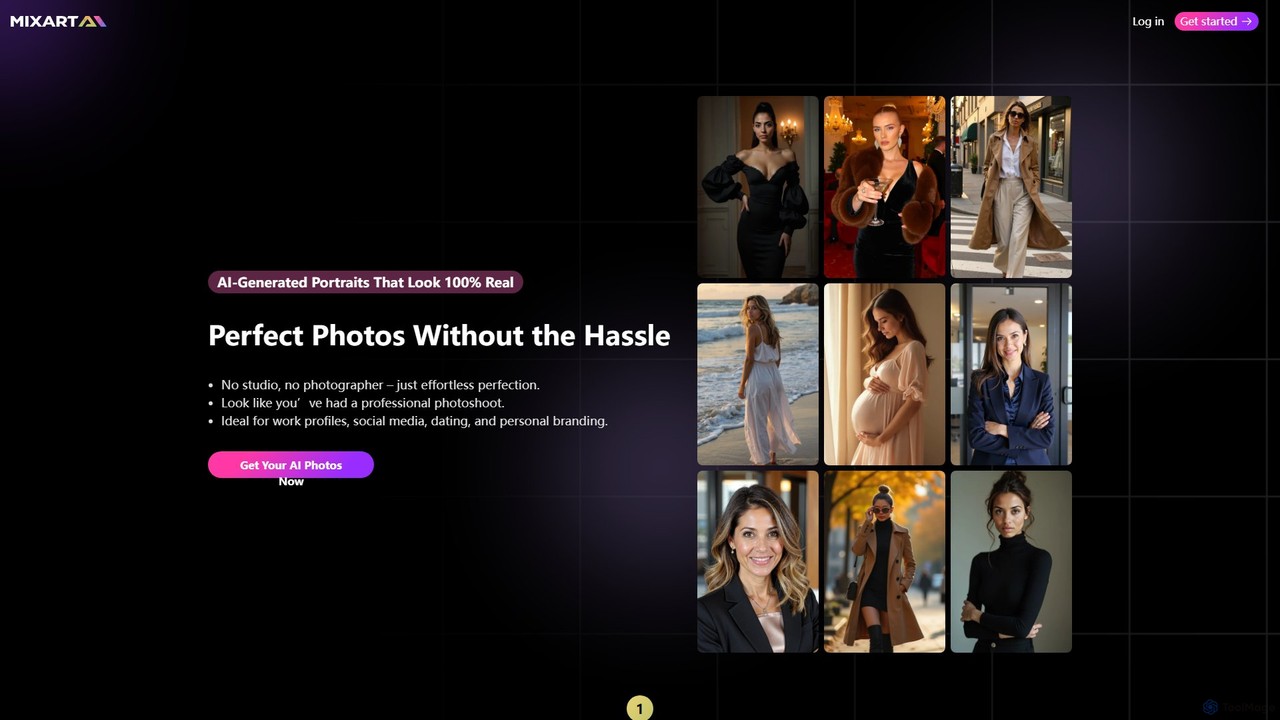
Maxartai
Maxartai is an AI-powered platform for creating realistic, professional-quality portraits and headshots without a physical photoshoot. Upload your photos to generate various styles for professional profiles, social media, or personal branding, and even animate them into short videos.
Avatars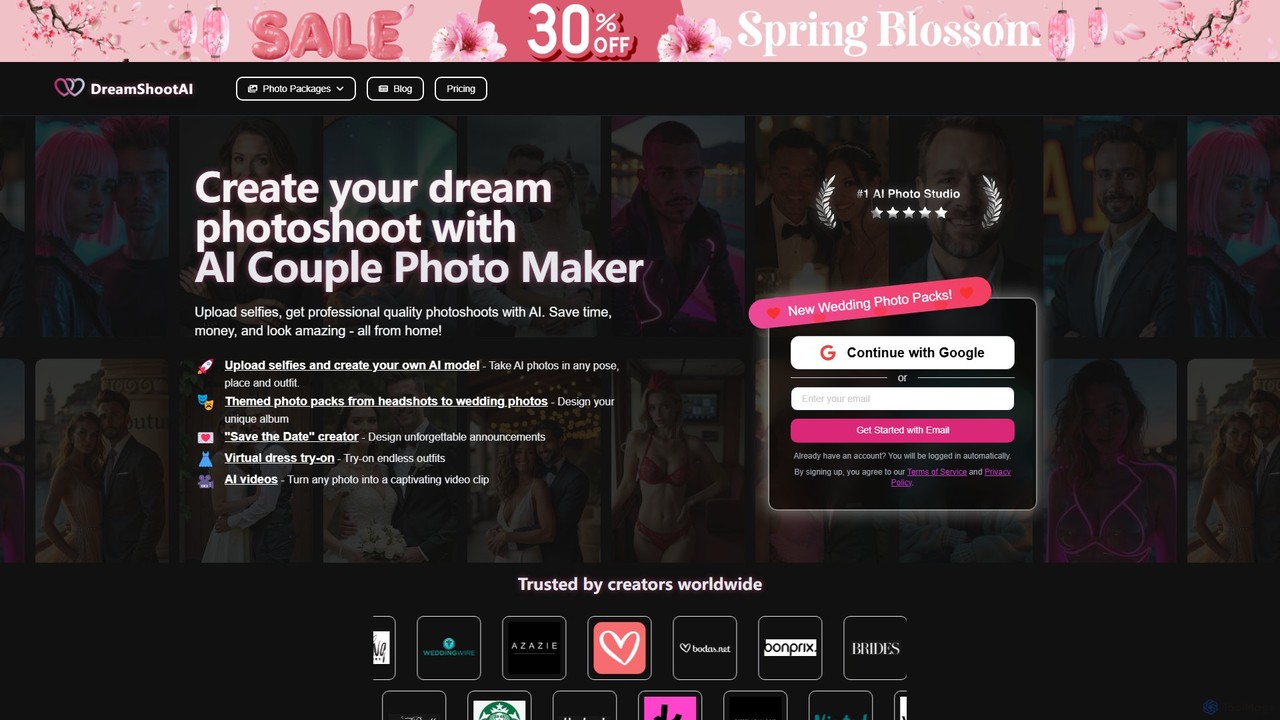
DreamShootAI
DreamShootAI is an AI-powered photo studio that transforms your selfies into professional-quality photoshoots for individuals and couples. Simply upload your photos to create a personalized AI model, then generate stunning images across various themes like weddings, professional headshots, holidays, and cyberpunk. It offers features like virtual try-on, AI video creation, and themed photo packs, providing a cost-effective and convenient alternative to traditional photography.
Avatars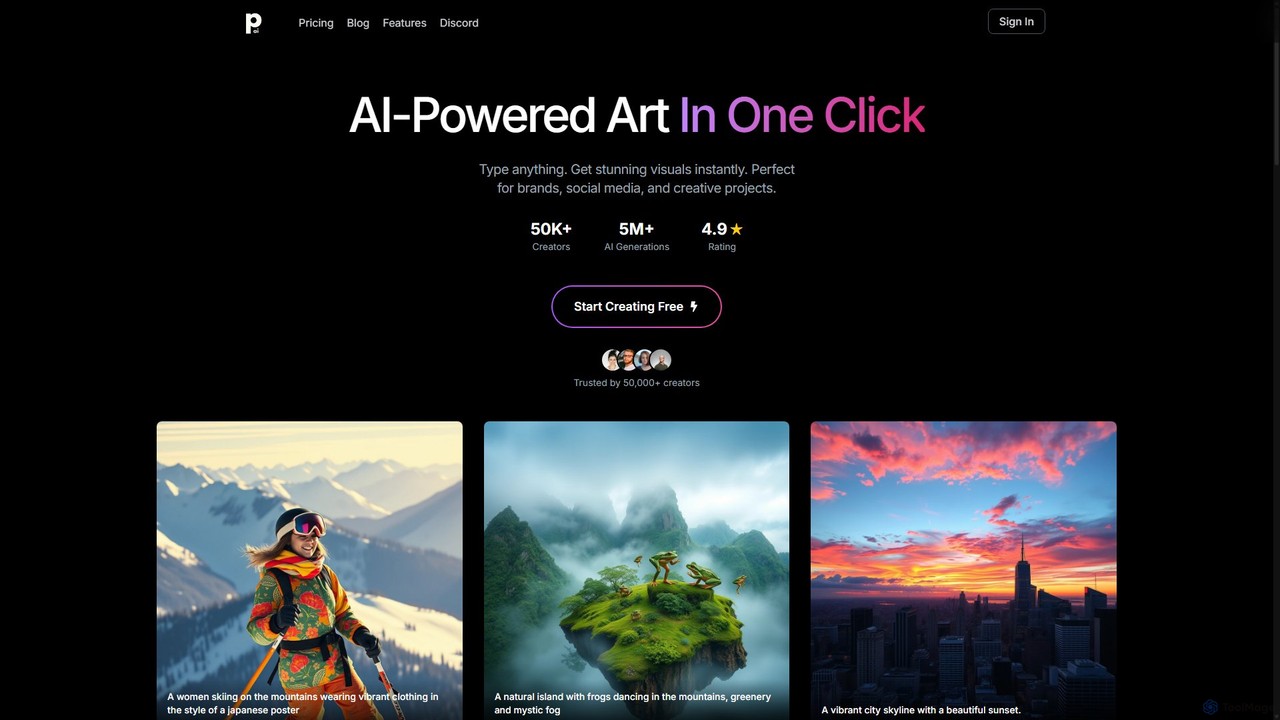
PhotoGenius
PhotoGenius is an all-in-one AI-powered visual creation platform. Instantly generate stunning images, interactive 3D models, videos, and professional marketing assets from simple text prompts. Ideal for creators, marketers, and businesses looking to produce high-quality visuals quickly and efficiently.
Graphic Design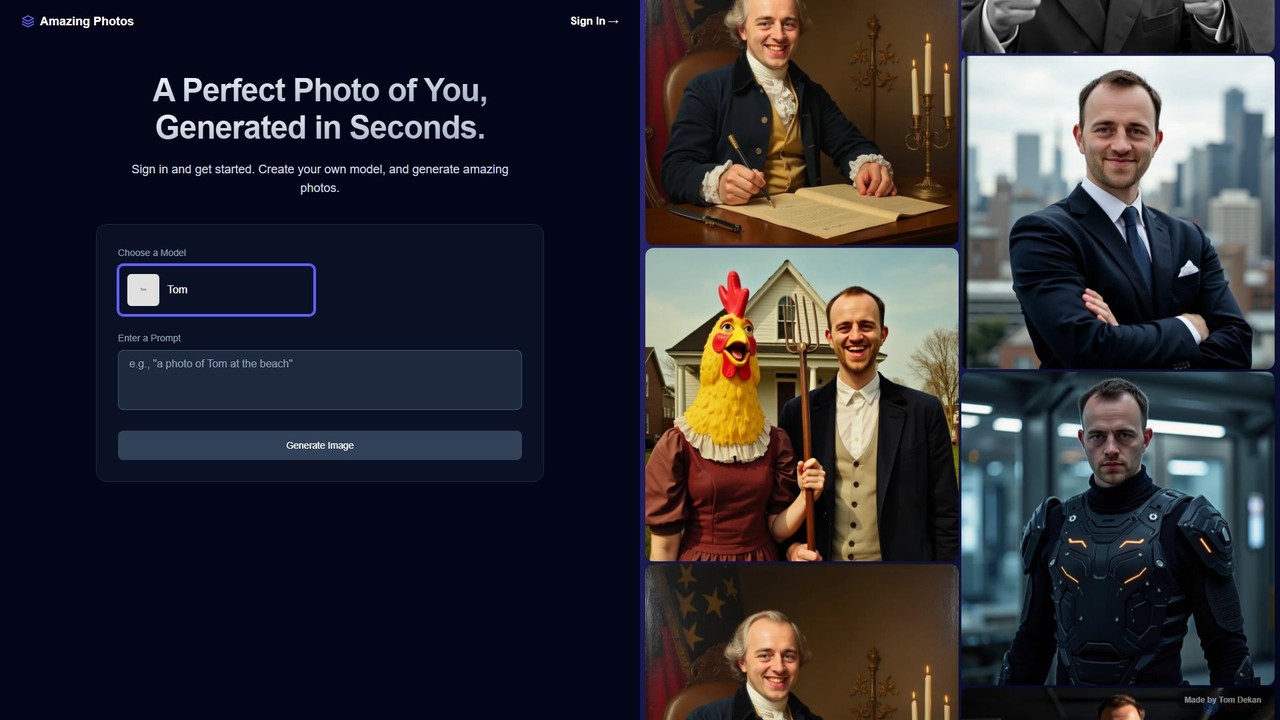
Amazing Photos
Amazing Photos is an AI-powered platform that generates stunning, photorealistic portraits and professional headshots. By training a personalized AI model with your photos, you can create hundreds of unique images in various styles for social media, professional profiles, and creative projects in seconds.
Profile Picture MakerMixart Categories
Mixart Embed Widget
Copy this embed code to place the badge on your blog, article, or product site and send readers directly to this ToolMage detail page.

Related AI tools

dreamery
Dreamery is a versatile AI platform that instantly transforms your photos into professional headshots, artistic portraits, and more. It also features a powerful AI voice cloner and text-to-speech tool. With a flexible pay-per-use model, you get free credits to start without any subscription or credit card required, making it accessible for everyone.
Voice CloningMomo
Momo is an AI-powered photo editor that creates hyper-realistic portraits and images of you in various styles and settings. By training the AI with a few of your photos, you can generate unlimited professional-quality pictures for CVs, social media, or personal exploration. It offers diverse scenarios like professional photoshoots, pregnancy photos, and even creating a 'mini-me' version of yourself, all accessible through a user-friendly mobile app and website.
Avatars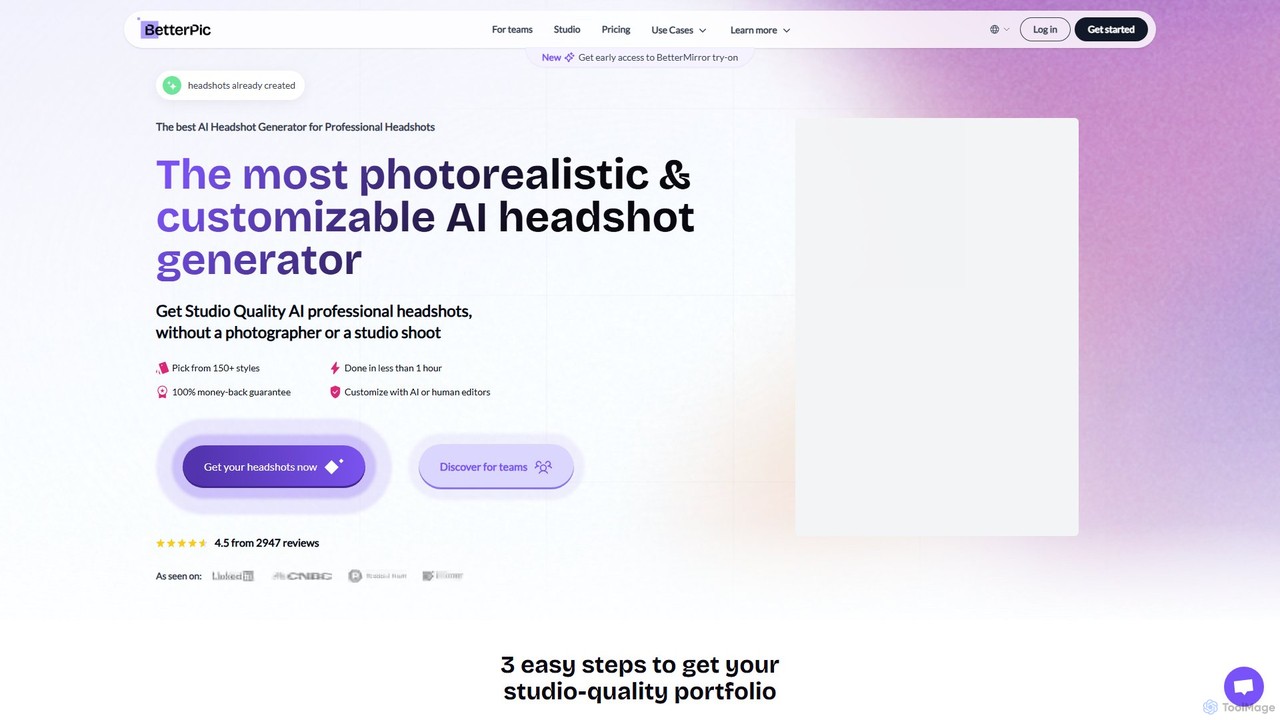
betterpic
betterpic is an AI-powered headshot generator that creates photorealistic, studio-quality 4K professional headshots in under an hour. Simply upload a few of your photos, choose from over 150 styles, and let the AI generate a diverse portfolio. It offers advanced editing tools, a money-back guarantee, and full commercial rights, making professional imagery accessible and affordable for everyone.
Headshot Generator
qfoto_ai
qfoto_ai is an AI-powered headshot and portrait generator that creates professional-quality photos in minutes. Simply upload your photo, choose from a variety of styles like professional, artistic, or casual, and receive a diverse portfolio. It offers a cost-effective and convenient alternative to traditional photoshoots, perfect for social media, business profiles, and personal use. Get stunning, lifelike portraits 24/7 without the need for a photographer.
Image Generation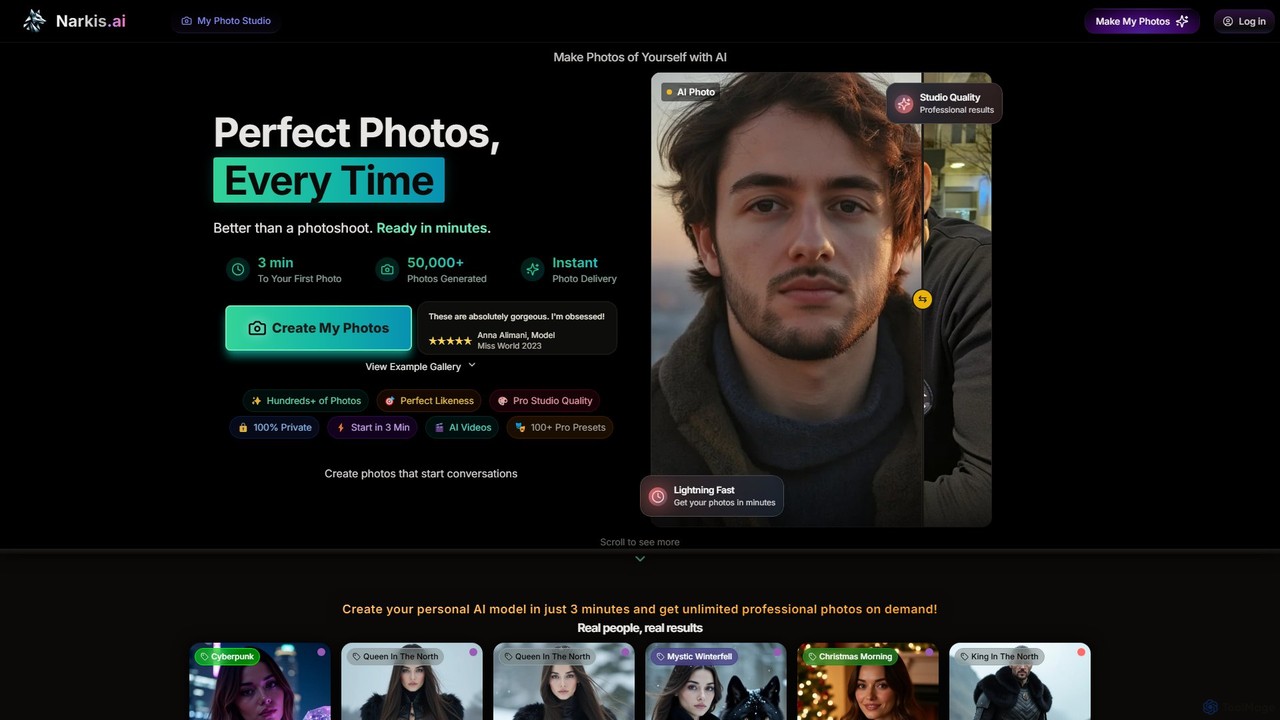
Narkis.ai
Narkis.ai is an AI-powered platform that creates stunning, professional-quality photos and videos of yourself. By uploading a few of your photos, you can generate a personal AI model in minutes, enabling you to create unlimited headshots, social media content, and creative portraits in any style imaginable.
Entertainment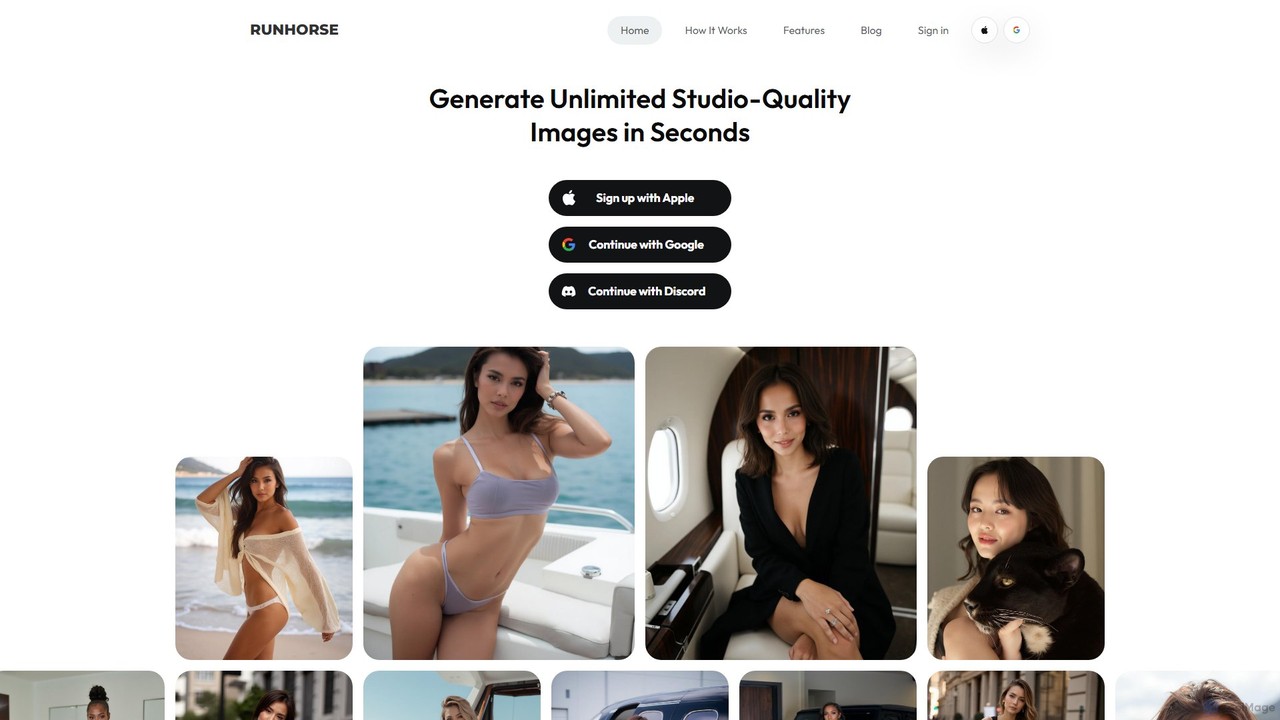
Runhorse AI
Runhorse AI is an AI-powered photoshoot generator app for iOS and Android. It transforms your uploaded photos into unlimited, studio-quality portraits, headshots, and creative images in seconds. Features include virtual clothing try-on, thousands of styles, and Full HD quality, perfect for social media, professional profiles, and marketing.
Generators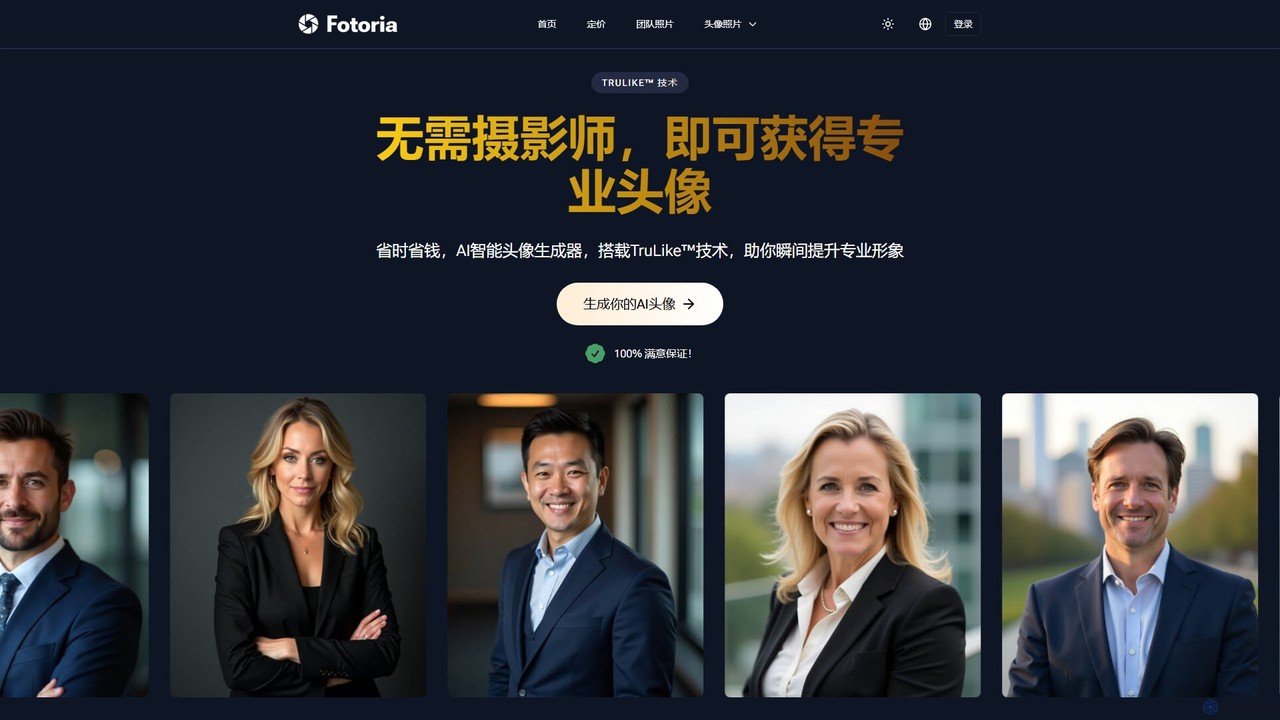
Fotoria
Fotoria is an AI-powered headshot generator that transforms your selfies into professional-quality portraits using its proprietary TruLike™ technology. Get studio-level photos for LinkedIn, resumes, and corporate profiles in minutes, saving time and money compared to traditional photoshoots. Choose from various styles and get full commercial rights.
Avatar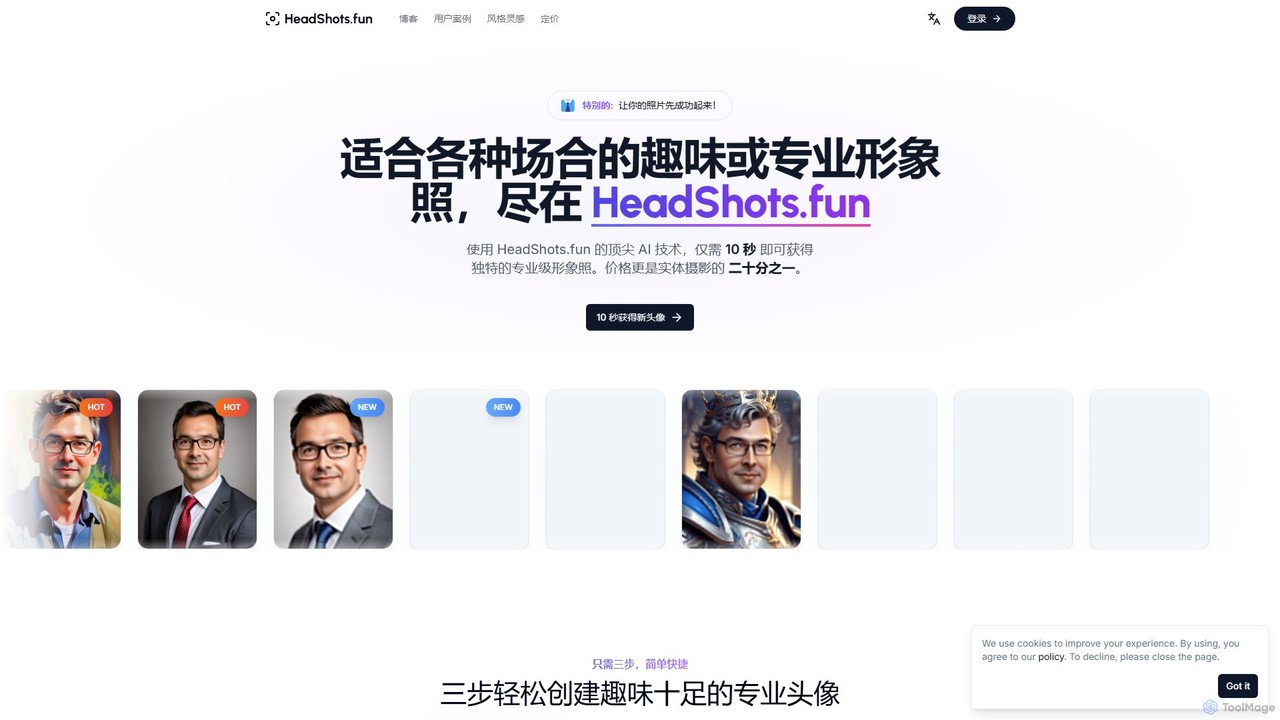
HeadShots.fun
HeadShots.fun is an AI-powered headshot generator that creates professional and fun profile pictures in just 10 seconds. Simply upload a few selfies, choose from a wide variety of styles or create your own, and receive high-quality, photorealistic headshots suitable for LinkedIn, corporate websites, and social media, at a fraction of the cost of a traditional photoshoot.
Social Media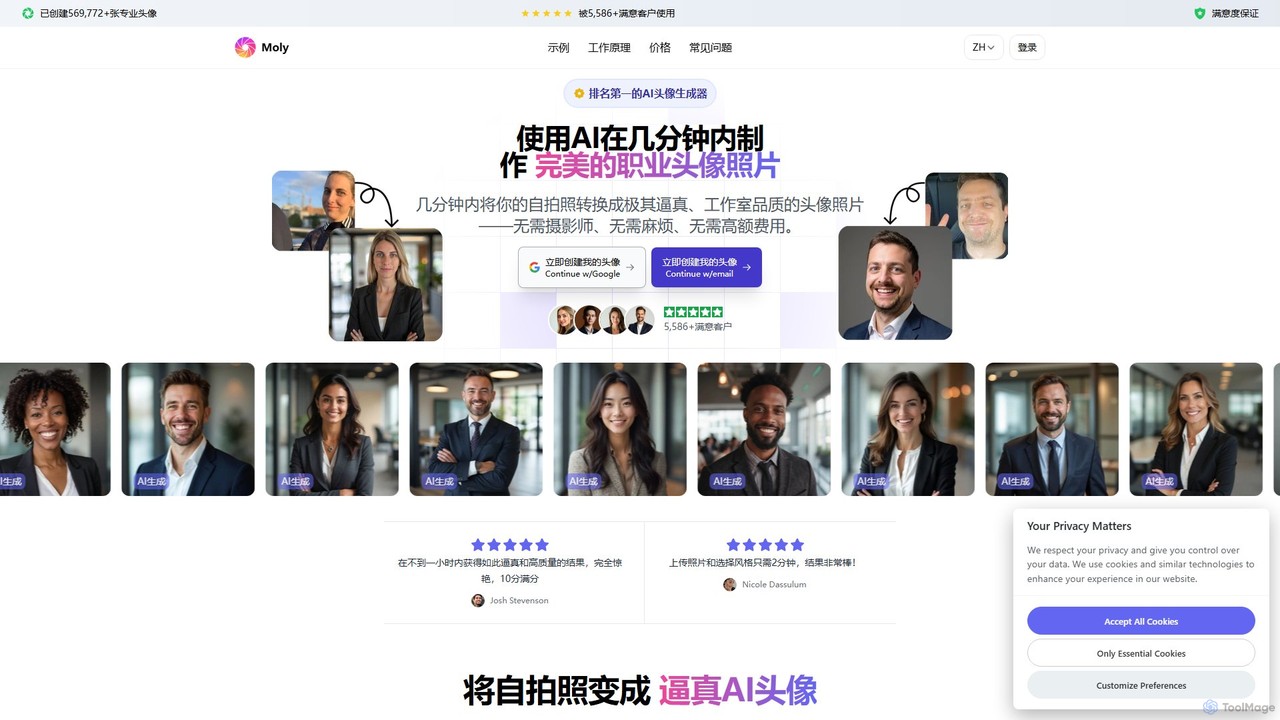
Moly
Moly is an AI-powered headshot generator that transforms your selfies into hundreds of professional, studio-quality portraits in minutes. Choose from a vast library of styles, backgrounds, and outfits to create the perfect headshot for your LinkedIn profile, company website, or personal brand, all at a fraction of the cost of a traditional photoshoot.
Avatar Generator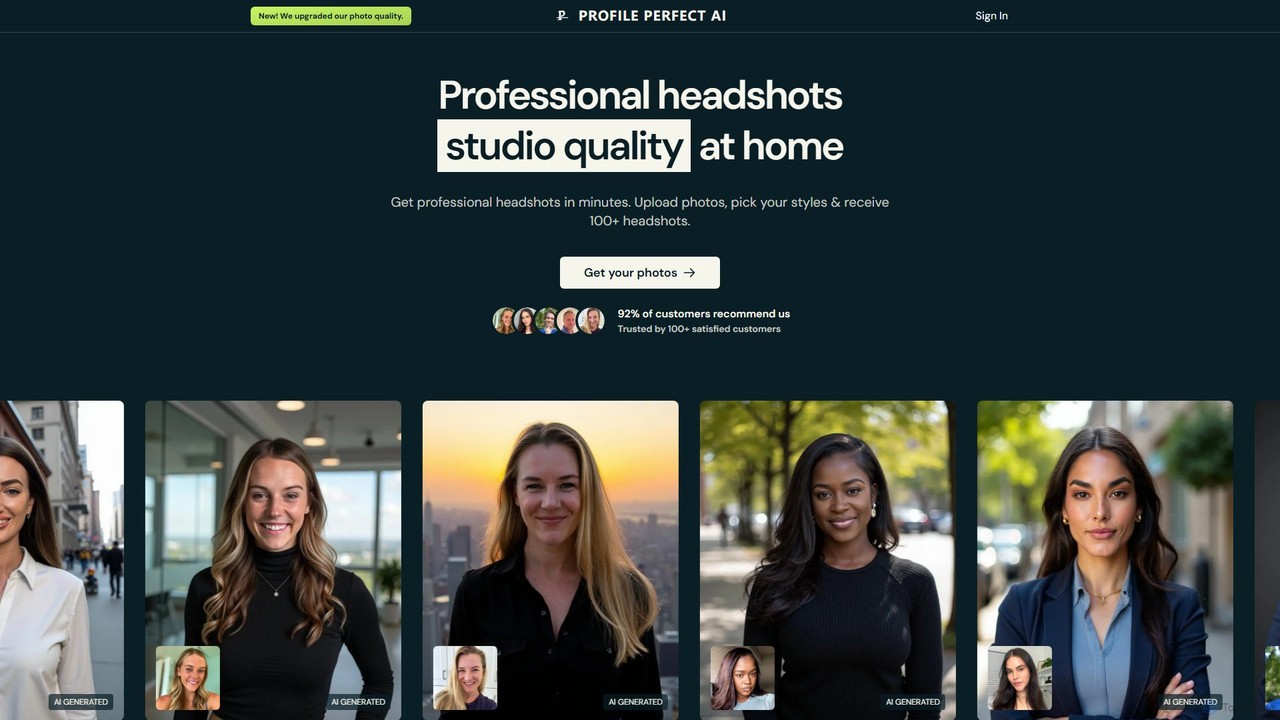
ProfilePerfectAI
ProfilePerfectAI is an AI-powered headshot generator that creates professional, studio-quality photos from your selfies. In minutes, receive over 100 headshots in various styles, perfect for LinkedIn, CVs, and social media. It offers a fast, affordable, and convenient alternative to traditional photoshoots, with full commercial rights and a satisfaction guarantee.
Profile Picture
PictureAI
PictureAI is an AI-powered photoshoot generator that creates hundreds of professional, studio-quality photos of you in various styles. Simply upload a few of your existing photos, and the AI will generate realistic headshots, portraits, and creative images for LinkedIn, social media, dating profiles, and more, eliminating the need for a physical photoshoot.
Generative Art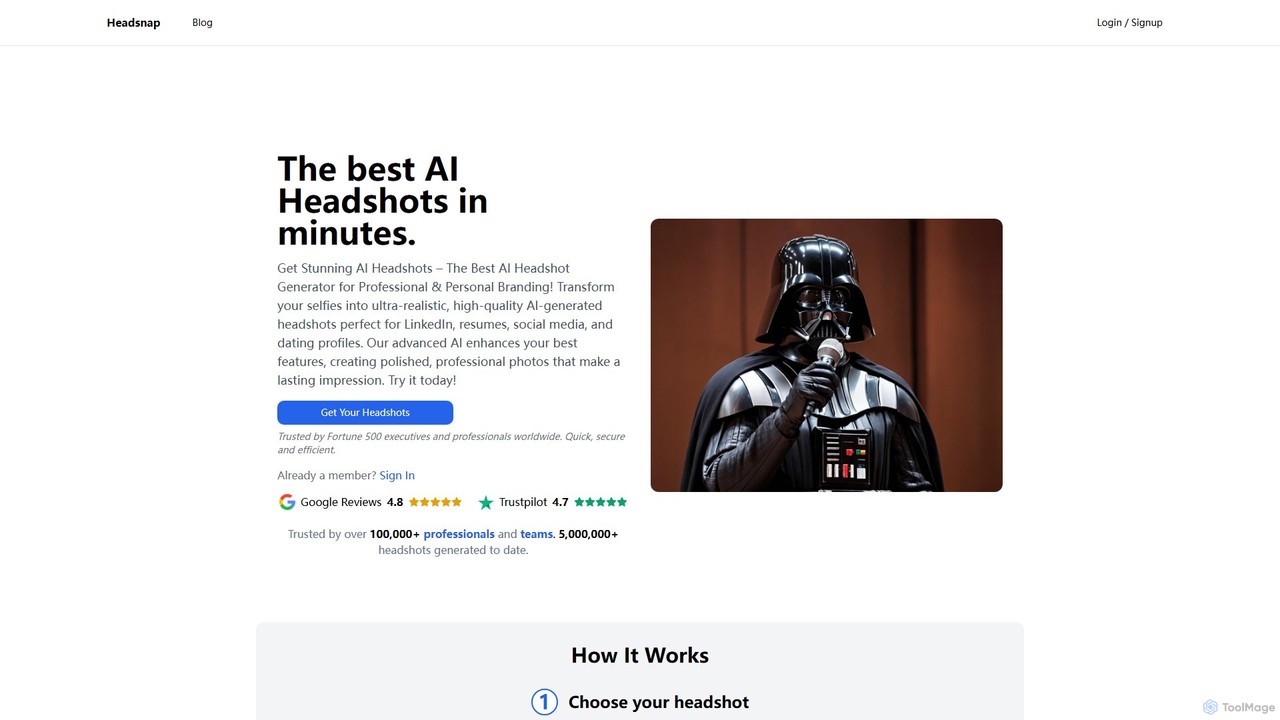
headsnap
Headsnap is an AI-powered headshot generator that transforms your selfies into high-quality, professional photos in minutes. Ideal for LinkedIn, resumes, social media, and dating profiles, it offers over 15 styles, 4K resolution, and a commercial license. Simply upload a few selfies, and let the AI create polished, realistic headshots that enhance your personal and professional brand, eliminating the need for expensive photoshoots.
Headshot GenerationMaxartai
Maxartai is an AI-powered platform for creating realistic, professional-quality portraits and headshots without a physical photoshoot. Upload your photos to generate various styles for professional profiles, social media, or personal branding, and even animate them into short videos.
Avatars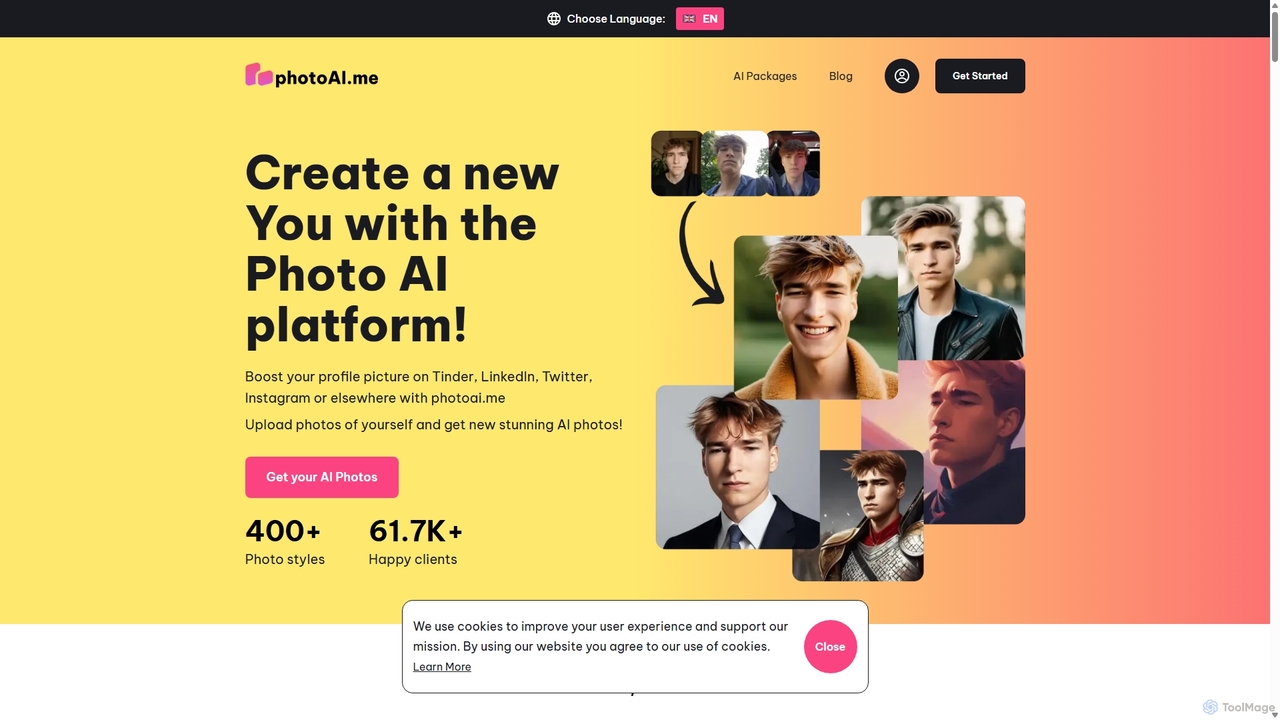
PhotoAI
PhotoAI is an AI-powered photo generator that transforms your selfies into hundreds of high-quality, stylized images. By uploading 10-20 of your photos, you can generate professional headshots for LinkedIn, captivating profile pictures for dating apps like Tinder, or creative avatars in various artistic styles such as Polaroid, vintage, or fantasy. The process is simple and fast, delivering over 100 unique AI-generated photos within hours, helping you enhance your digital presence effortlessly.
Photo Editing
PhotoGPT
PhotoGPT is an AI-powered tool that transforms your selfies into professional and creative headshots. Upload a few of your photos to train a personalized AI model, then generate hundreds of high-quality images in various styles, from business professional and realtor to cyberpunk and glamour. It's a fast, affordable alternative to traditional photoshoots, perfect for resumes, social media profiles, and dating apps.
Image Generation
Mixart Comments (0)
Sign in to comment.
Sign inNo comments yet.