ToolMage
Sign in

Best 3 Portrait Generator for Image

Popular Portrait Generator in Image include TryHijab, Amazing Photos, and Mixart, helping you work more efficiently.

Mixart
Paid

Mixart

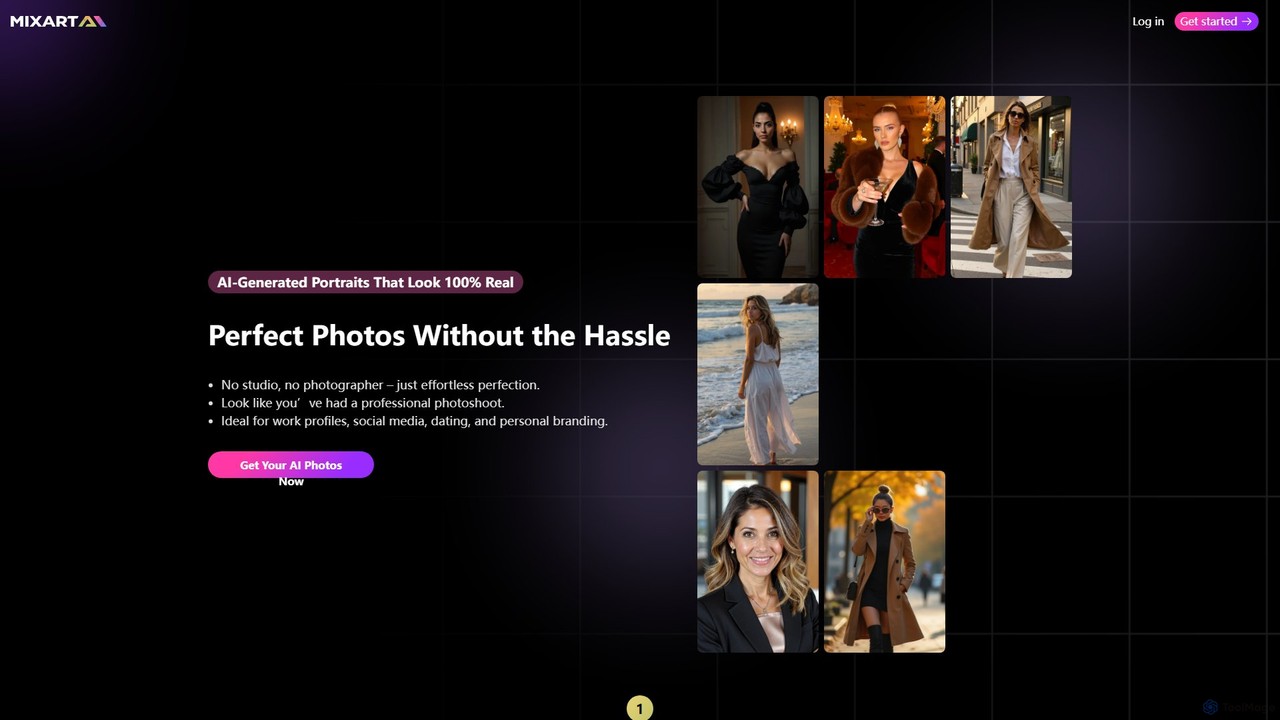
Mixart is an AI-powered tool that generates 100% realistic, professional-quality portraits and headshots. Simply upload your photos, choose a style, and receive dozens of studio-grade images in minutes. It also offers a feature to turn your AI portraits into short, cinematic videos for social media.

Avatars
Visits 4.1KFavorites 143Likes 146
Amazing Photos
Paid

Amazing Photos

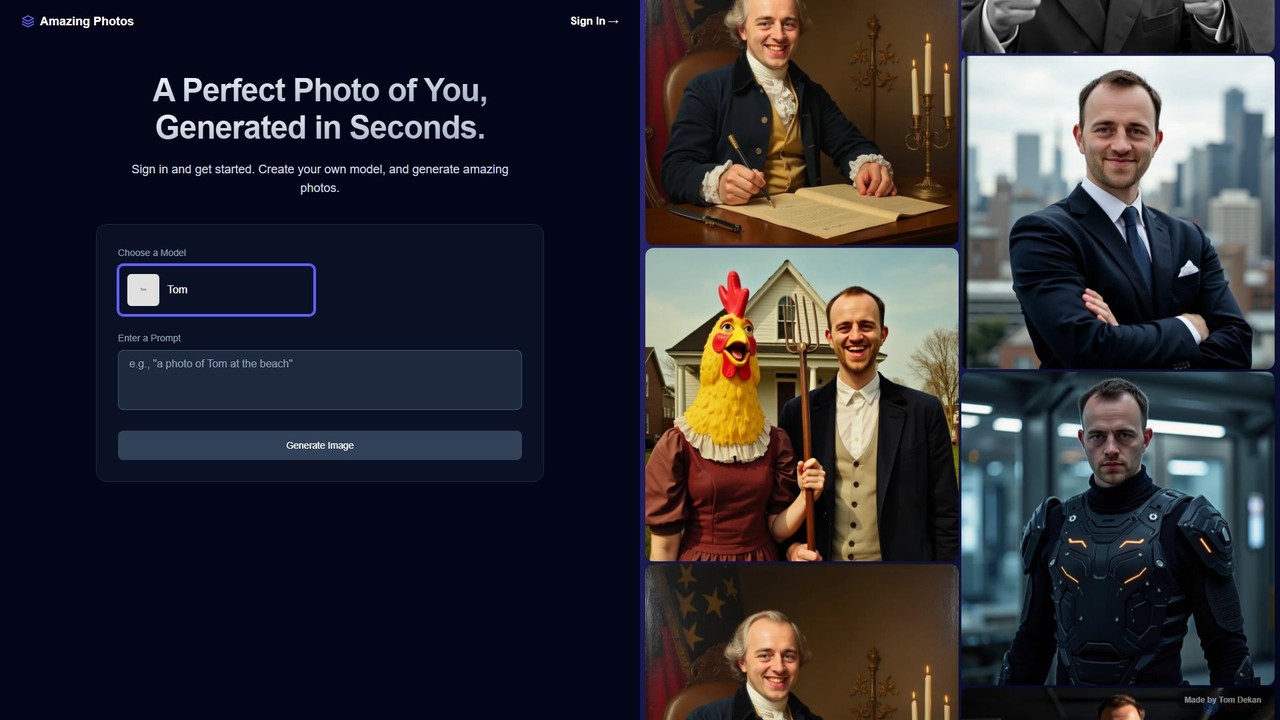
Amazing Photos is an AI-powered platform that generates stunning, photorealistic portraits and professional headshots. By training a personalized AI model with your photos, you can create hundreds of unique images in various styles for social media, professional profiles, and creative projects in seconds.

Profile Picture Maker
Visits 4.2KFavorites 103Likes 109
TryHijab
Paid

TryHijab

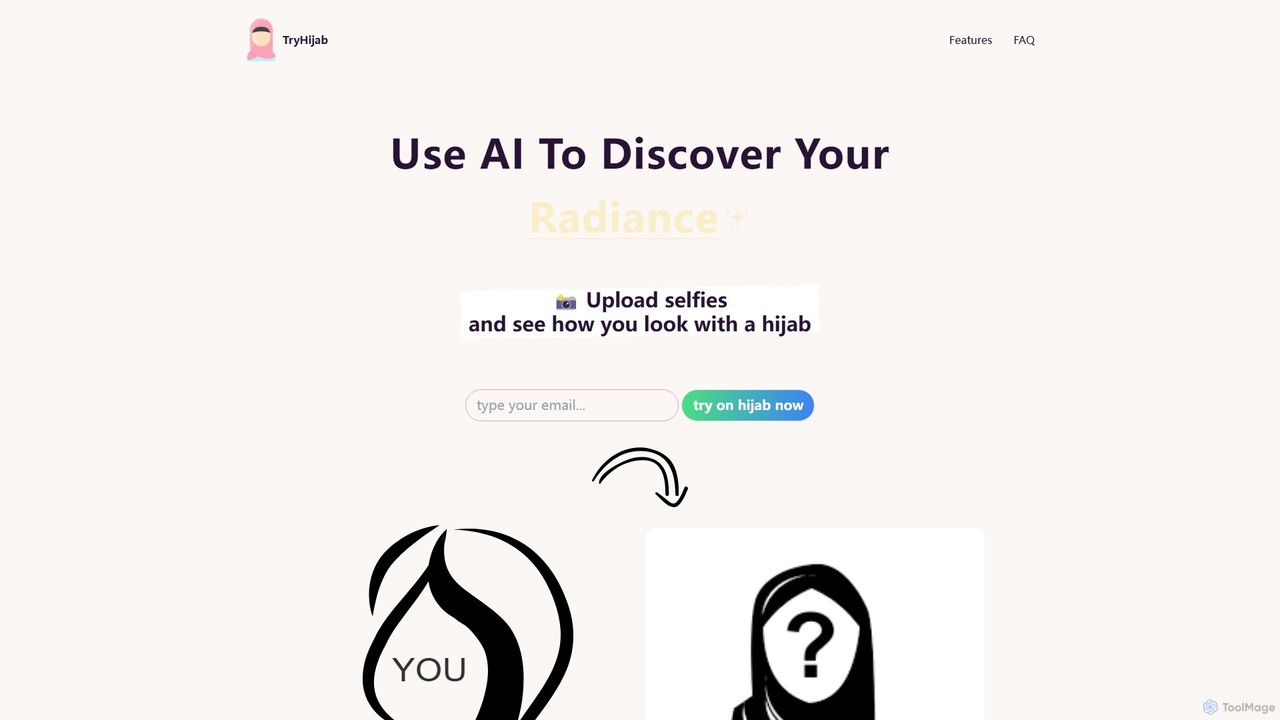
TryHijab is an AI-powered tool that allows you to virtually try on a hijab using your selfies. Simply upload a photo, and the AI will generate realistic, high-definition images of you wearing various beautiful hijab styles. It's a private and inspiring way to explore modest fashion, discover your unique radiance, and visualize a significant personal or spiritual choice without needing a physical hijab.

Style
Visits 5.5KFavorites 123Likes 120

About Portrait Generator

Portrait Generators are AI-powered tools specifically designed to create realistic or stylized human and character portraits. Leveraging advanced generative AI models like Diffusion Models and GANs, these tools can transform text descriptions, reference images, or user-defined parameters into unique visual representations. They are invaluable for artists, content creators, and individuals seeking to generate diverse facial expressions, character concepts, or personalized avatars with unprecedented speed and customization.

Core Features

  • Text-to-Portrait Generation: Create detailed portraits from simple text prompts, specifying features, emotions, and styles.
  • Style Transformation: Convert existing photos into various artistic styles, such as anime, cartoon, or oil painting.
  • Granular Customization: Adjust specific attributes like age, gender, ethnicity, hair color, facial expressions, and clothing.
  • Batch Variation: Generate multiple unique portrait variations from a single input or prompt for creative exploration.
  • Background Control: Easily modify or remove portrait backgrounds to fit different contexts.

Use Cases

These tools are widely adopted in digital art, marketing, and personal branding. For instance, game developers use them to rapidly prototype character designs, while social media managers create diverse profile pictures or marketing visuals. Content creators leverage them to illustrate articles or stories with unique character imagery, saving time and resources compared to traditional methods.

How to Choose

When selecting a Portrait Generator, consider the desired output style (realistic vs. stylized), the level of customization offered for facial features and expressions, and the ease of use. Evaluate the quality of the AI model's output, the range of available artistic styles, and whether it supports features like batch generation or API integration for larger projects. Pricing models and community support are also important factors.

Featured tool rankings

Portrait Generator use cases

1

Designing Unique Game Characters

Game developers and concept artists can use Portrait Generators to rapidly prototype diverse character designs. By inputting text prompts describing a character's appearance, age, and style, they can generate multiple variations of faces and expressions. This accelerates the initial design phase, allowing for quick iteration and visualization of character concepts before committing to detailed modeling, saving significant time and resources in game development.

2

Creating Diverse Social Media Avatars

Individuals and social media managers can generate a wide array of personalized avatars for various platforms. Users can input their preferences for style (e.g., realistic, cartoon, anime), facial features, and accessories to create unique profile pictures that reflect their personality or brand. This allows for quick updates and consistent branding across different social media channels without needing professional photography or illustration skills.

3

Illustrating E-books and Digital Comics

Authors and independent publishers can utilize Portrait Generators to create consistent and expressive character illustrations for their e-books, digital comics, or web novels. By maintaining a consistent style and character features across multiple generated portraits, they can bring their stories to life visually without the high cost and time commitment of hiring a dedicated illustrator for every image. This democratizes visual storytelling for independent creators.

4

Generating Marketing Campaign Personas

Marketing professionals can quickly create visual representations of their target audience personas. By generating diverse portraits that match demographic and psychographic profiles, marketers can better visualize their ideal customers. This helps in tailoring marketing messages, designing more effective ad creatives, and fostering a deeper understanding of the target market without relying on stock photos or expensive photoshoots, leading to more impactful campaigns.

5

Visualizing Historical Figures or Fictional Characters

Researchers, educators, and writers can use Portrait Generators to visualize historical figures based on descriptions or to bring fictional characters to life from their imagination. This can enhance educational materials, make historical narratives more engaging, or provide visual aids for creative writing. The ability to generate portraits in various styles (e.g., classical painting, modern photography) adds flexibility and depth to visual storytelling and learning.

6

Personalizing Virtual Meeting Backgrounds

Remote workers and online presenters can create unique, professional, or whimsical virtual backgrounds featuring AI-generated portraits. Instead of generic stock images, users can generate a stylized portrait of themselves or a fictional character to use as a background element, adding a personal touch or a creative flair to their virtual presence. This enhances engagement and memorability in online interactions, making virtual meetings more dynamic and personalized.

Portrait Generator FAQ

What are AI Portrait Generators?

AI Portrait Generators are specialized artificial intelligence tools that create images of faces or full-body characters. They leverage advanced generative models to produce unique portraits from text descriptions, reference photos, or user-defined parameters. These tools are distinct from general image editors as their primary focus is on generating human or human-like likenesses, often with options for diverse styles, expressions, and features.

How do AI Portrait Generators work?

AI Portrait Generators typically work using deep learning models, primarily Generative Adversarial Networks (GANs) or Diffusion Models. These models are trained on vast datasets of human faces and images, learning patterns, features, and styles. When a user provides a prompt (text, image, or parameters), the AI uses this input to guide its generation process, synthesizing new pixel data to construct a unique portrait that matches the specified criteria. The process involves complex algorithms that understand and replicate human facial anatomy and artistic styles.

What's the difference between a Portrait Generator and a general AI Image Generator?

While both fall under the umbrella of AI image generation, a Portrait Generator is a specialized subset. General AI Image Generators can create a wide variety of images, from landscapes to abstract art, based on diverse prompts. A Portrait Generator, however, is specifically optimized and trained to produce human or character faces and full-body likenesses. This specialization allows for more granular control over facial features, expressions, and human-specific attributes, often resulting in higher quality and more consistent results for portraiture compared to a general-purpose tool.

What features should I look for in a Portrait Generator?

When choosing a Portrait Generator, prioritize features that align with your creative needs. Look for robust text-to-portrait capabilities for detailed prompting, and extensive style transfer options to achieve various artistic looks. Granular control over facial features, expressions, age, and ethnicity is crucial for customization. Batch generation for multiple variations, background manipulation, and high-resolution output are also important. Consider user interface intuitiveness and integration options if you plan to incorporate it into existing workflows.

Can AI Portrait Generators create diverse and inclusive portraits?

Yes, modern AI Portrait Generators are increasingly designed to create diverse and inclusive portraits. Developers are actively working to train these models on more representative datasets to ensure they can generate a wide range of ethnicities, ages, genders, and facial features accurately and without bias. Users can often specify these attributes in their prompts to ensure the generated portraits reflect the desired diversity, making them valuable tools for promoting representation in various media and content.