ToolMage
Sign in

Best 3 Profile Picture Maker AI tools for Image

Popular Profile Picture Maker AI tools in Image include Maxartai, Mixart, and SnapFusion.ai, helping you work more efficiently.

Maxartai
Freemium

Maxartai

Maxartai is an AI-powered platform for creating realistic, professional-quality portraits and headshots without a physical photoshoot. Upload your photos to generate various styles for professional profiles, social media, or personal branding, and even animate them into short videos.

Avatars
Visits 5KFavorites 127Likes 116
Mixart
Paid

Mixart

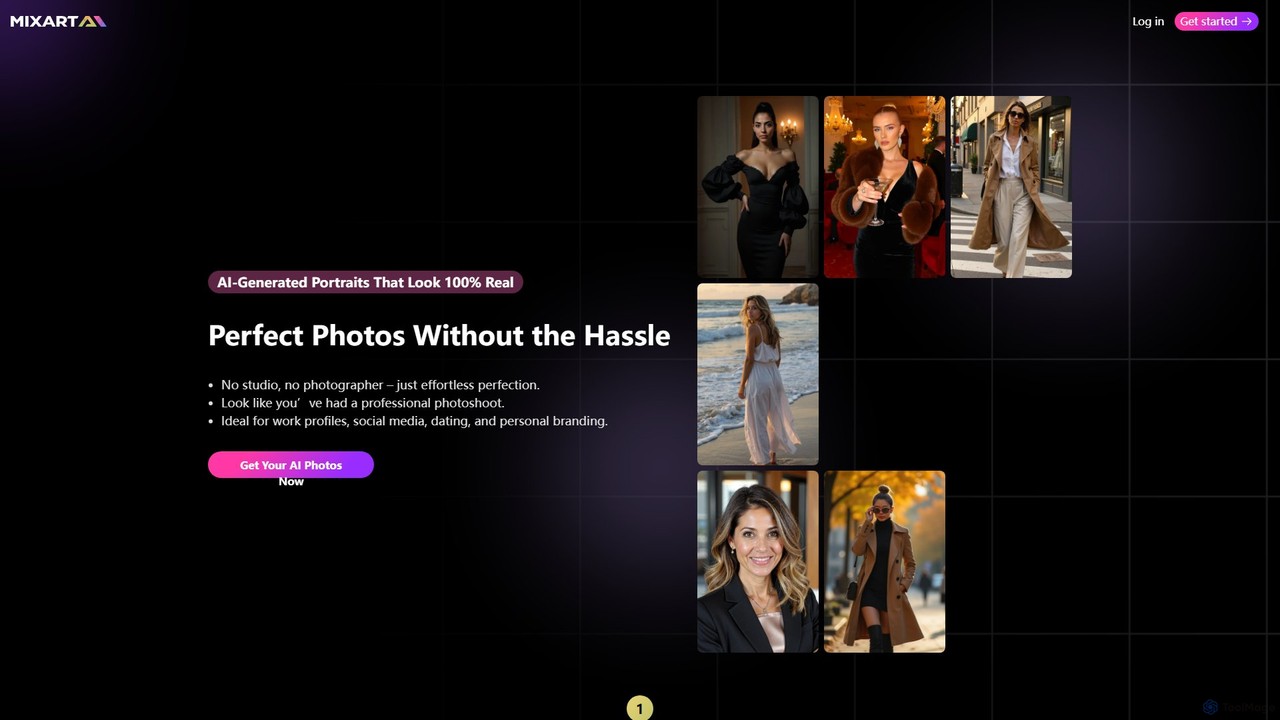
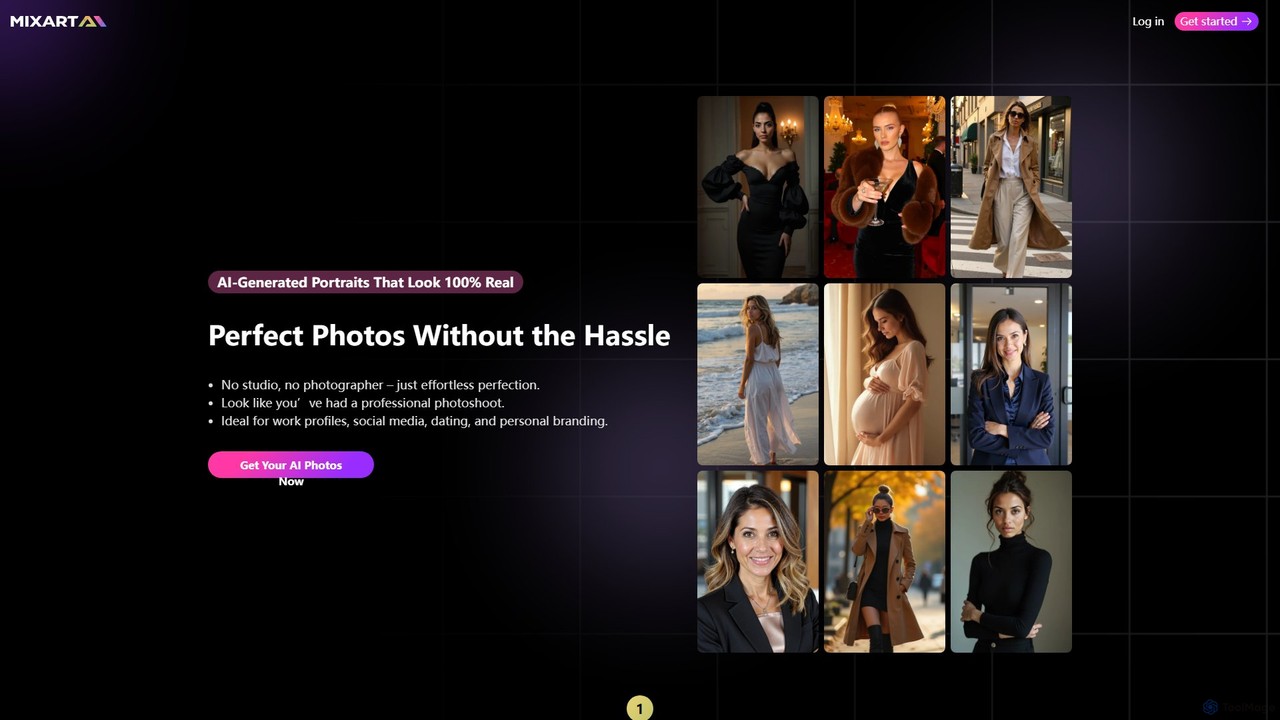
Mixart is an AI-powered tool that generates 100% realistic, professional-quality portraits and headshots. Simply upload your photos, choose a style, and receive dozens of studio-grade images in minutes. It also offers a feature to turn your AI portraits into short, cinematic videos for social media.

Avatars
Visits 5KFavorites 151Likes 153
SnapFusion.ai
Paid

SnapFusion.ai

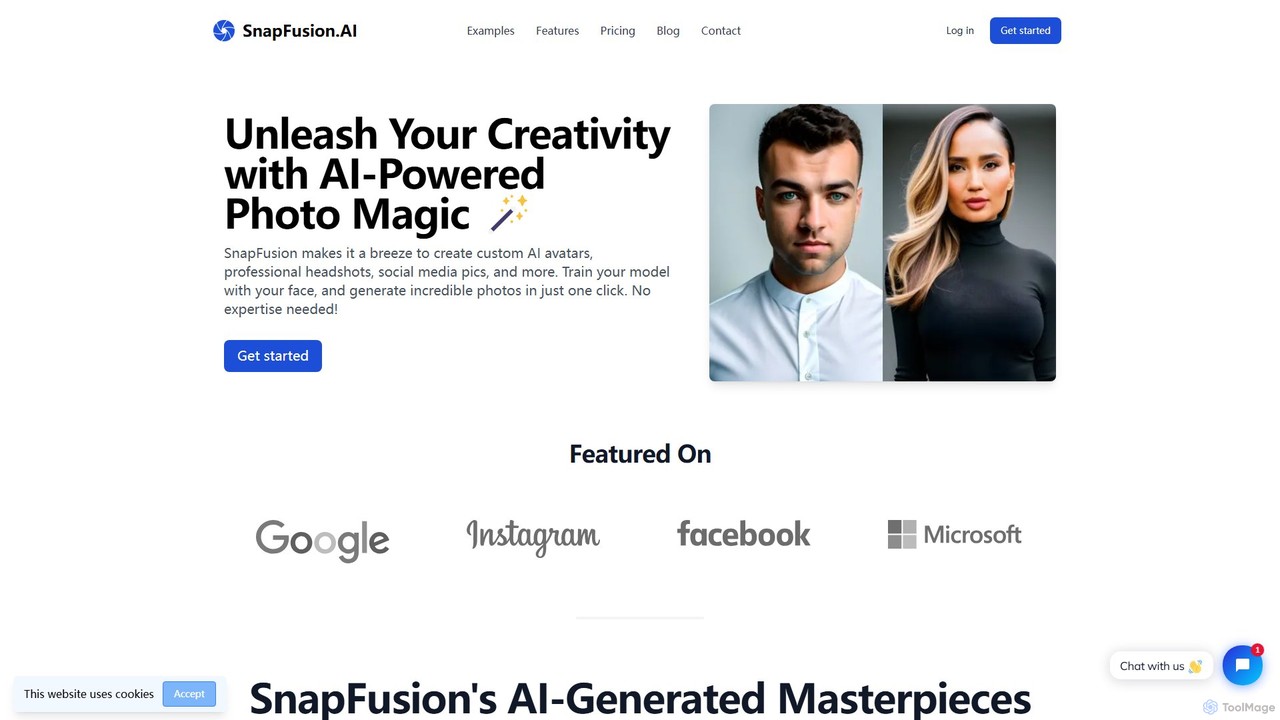
SnapFusion.ai is an AI-powered tool that allows users to create custom photos, including professional headshots, social media avatars, and more. By training a personalized AI model with your own face, you can generate hundreds of high-quality, unique images in a variety of styles with just one click. It features a user-friendly interface and a flexible, no-subscription pricing model.

Avatar Generation
Visits 4.9KFavorites 110Likes 105

About Profile Picture Maker

AI Profile Picture Makers are specialized tools that use generative AI to create unique, stylized, or professional avatars and headshots. By analyzing user-uploaded photos or text prompts, these tools can produce a wide variety of images in different styles, from photorealistic corporate headshots to artistic cartoons. They are designed to help individuals and brands establish a compelling and consistent visual identity across digital platforms. Unlike general image editors, these makers offer features specifically tailored for portraits, such as background replacement, style transfer, and expression adjustment.

Core Features

  • Style Customization: Apply various artistic styles like anime, cartoon, fantasy, or professional studio lighting to your photos.
  • AI Headshot Generation: Upload a set of your photos to train a model that generates brand-new, high-quality headshots in different poses and outfits.
  • Background Manipulation: Instantly remove, replace, or generate custom backgrounds to match a specific theme or professional setting.
  • Facial Feature Enhancement: Subtly adjust lighting, smooth skin, and modify expressions to create the most flattering version of your portrait.
  • Batch Creation: Generate dozens or even hundreds of profile picture variations from a single request, providing ample options to choose from.

Use Cases

These tools are widely used by professionals looking to create polished LinkedIn headshots without a photoshoot, content creators aiming for a unique brand identity on social media, and remote teams seeking consistent avatars for internal platforms. They are also popular for generating custom avatars for gaming profiles, online forums, and personal social accounts.

How to Choose

When selecting an AI Profile Picture Maker, consider the variety and quality of styles offered. Evaluate the input requirements—some need multiple photos to train a model, while others work with a single image. Pay close attention to the platform's privacy policy regarding your photo data. Finally, compare pricing models, such as one-time purchase packs versus recurring subscriptions, to find what best suits your needs.

Profile Picture Maker use cases

1

Create a Professional LinkedIn Headshot

A job seeker or professional wants to enhance their online presence on platforms like LinkedIn. Instead of arranging an expensive photoshoot, they upload 10-15 casual photos of themselves to an AI Profile Picture Maker. The tool trains a personalized model and generates a gallery of high-resolution, professional headshots with various business-appropriate outfits, neutral backgrounds, and confident expressions. This allows them to present a polished and credible image to recruiters and potential clients, significantly improving their profile's first impression.

2

Design Unique Avatars for Social Media Branding

A content creator or influencer needs a distinctive and memorable profile picture to stand out across Instagram, Twitter, and TikTok. They use an AI tool to transform a standard photo into various artistic styles, such as anime, 3D cartoon, or fantasy art. The AI generates dozens of options, allowing them to choose an avatar that perfectly matches their personal brand and content theme. This consistent, eye-catching visual helps increase follower recognition and engagement across all their channels.

3

Unify Team Visuals for Corporate Branding

A remote-first company wants to create a professional and uniform look for its employees on its website, Slack, and email signatures. An HR or marketing manager uses an AI Profile Picture Maker to process each team member's photo. They can apply a consistent branded background, a specific artistic filter, or generate headshots where everyone is wearing a similar color palette. This process is much faster and more cost-effective than coordinating individual professional photoshoots, resulting in a cohesive brand identity across the organization.

4

Generate Custom Avatars for Gaming Profiles

A gamer wants a unique avatar for their Discord, Twitch, and Steam profiles that reflects their gaming persona. Instead of using generic in-game character images, they upload a photo to an AI tool. They can then generate versions of themselves as a fantasy knight, a sci-fi cyborg, or a character in their favorite game's art style. This provides a highly personalized and cool avatar that helps them build a recognizable identity within their gaming communities and on streaming platforms.

5

Experiment with Creative and Artistic Self-Portraits

An individual wants to create fun and artistic profile pictures for personal social media accounts like Facebook or WhatsApp. They use an AI Profile Picture Maker to explore different creative themes without needing any artistic skill. They can see themselves rendered as a historical figure, a superhero, or in a pop-art style. This allows for creative self-expression and provides a constant stream of fresh, engaging content to share with friends and family, often tied to seasons, holidays, or current trends.

6

A/B Test Profile Pictures for Online Marketing

A marketer, consultant, or user on a dating app wants to determine which profile picture yields the best engagement. They use an AI tool to generate multiple variations of a headshot with subtle differences: one smiling, one serious, one with glasses, one without, each with slightly different lighting or backgrounds. They can then run A/B tests on social media ads, professional networks, or dating profiles to gather data on which image performs best. This data-driven approach helps optimize their online presence for maximum impact.

Profile Picture Maker FAQ

What is an AI Profile Picture Maker?

An AI Profile Picture Maker is a specialized software tool that uses artificial intelligence, particularly generative models, to create or enhance profile pictures. Unlike a standard photo editor, it doesn't just apply filters; it can generate entirely new, high-quality headshots, transform your photo into different artistic styles (like cartoons or paintings), or place you in professional settings with new outfits and backgrounds. These tools are trained specifically on portrait photography to produce realistic and aesthetically pleasing results for social media, professional networks, and online avatars.

How to choose the right AI Profile Picture Maker?

To choose the right tool, consider these factors:

  • Desired Style: Determine if you need photorealistic professional headshots, creative avatars (e.g., anime, fantasy), or simple style transfers. Different tools excel in different areas.
  • Input Requirements: Check how many photos you need to upload. Tools that generate new headshots often require 10-20 images to train a model, while simpler stylizers may only need one.
  • Privacy Policy: Since you are uploading personal photos, carefully review how the company stores, uses, and protects your data. Choose services with clear and trustworthy privacy policies.
  • Cost and Pricing Model: Compare costs. Some offer a one-time fee for a pack of images, while others use a subscription model. Consider the value you get in terms of the number and quality of images produced.
What's the difference between a Profile Picture Maker and a general AI Image Generator?

The main difference lies in their specialization and training data. A general AI Image Generator (like Midjourney or DALL-E) is trained on a vast, diverse dataset of images and text, allowing it to create almost any scene imaginable. However, it can be difficult to create a consistent character that looks like you across multiple images. A Profile Picture Maker is a specialized subset of this technology. It is fine-tuned specifically on portraits and often uses your own photos to create a model of your face, ensuring the output is a high-quality, consistent, and recognizable depiction of you in various styles.

Do I need to upload my own photos to use these tools?

Yes, for most advanced AI Profile Picture Makers, you need to upload a set of your own photos. Typically, this ranges from 10 to 20 clear pictures of your face from different angles and in various lighting conditions. This collection of photos is used to 'train' a custom AI model on your likeness. Once the model is trained, the tool can generate new, unique images of you that don't exist anywhere else. Some simpler tools might only require one photo to apply a stylistic filter, but these offer less customization and realism.

Who can benefit from using an AI Profile Picture Maker?

A wide range of users can benefit from these tools. This includes:

  • Professionals and Job Seekers: To create affordable, high-quality headshots for LinkedIn and corporate websites.
  • Content Creators and Influencers: To establish a unique and consistent visual brand across social media platforms.
  • Remote Teams: To create uniform and professional avatars for internal communication tools like Slack or Teams.
  • Gamers and Online Community Members: To design personalized avatars that reflect their online persona.
  • General Users: Anyone looking for a fun, creative, and easy way to update their profile pictures for personal social accounts.