

Paraphraser Overview
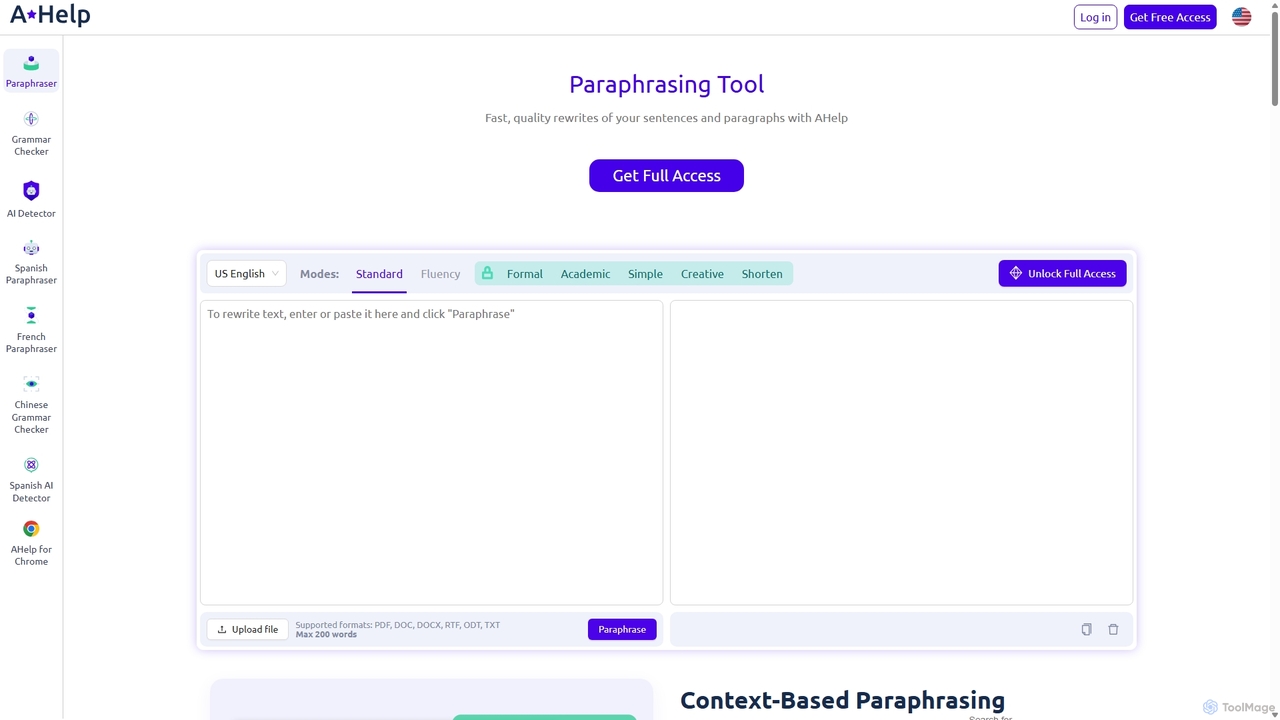
Paraphraser by AHelp is a sophisticated AI writing assistant designed to transform your text into clear, unique, and contextually accurate content. Unlike basic synonym replacement tools, it analyzes the underlying meaning and intent of your sentences to produce fresh, high-quality rewrites. This makes it an indispensable tool for students, academics, writers, and professionals who need to articulate ideas in a new way, improve readability, or avoid accidental plagiarism. With its versatile modes and multi-language support, Paraphraser adapts to your specific writing needs, whether you're drafting an academic paper, a business report, or creative content.
How to use Paraphraser
Using the Paraphraser tool is a simple and intuitive three-step process:
- Input Your Text: You can either copy and paste your text directly into the input field on the website or upload a file. The tool supports various formats, including PDF, DOC, DOCX, RTF, ODT, and TXT. The word counter will help you keep track of the length.
- Set Your Preferences: Choose the language you want the output in and select one of the 7 available paraphrasing modes to match your desired tone and style. Options range from 'Standard' and 'Fluency' for general improvements to 'Academic' and 'Formal' for more specific requirements.
- Paraphrase and Refine: Click the “Paraphrase” button to let the AI work its magic. Review the generated text. If it's not quite right, you can try again with a different mode to fine-tune the result. Once you are satisfied, simply copy the new text to your clipboard and use it in your work.
Core Features of Paraphraser
- 7 Paraphrasing Modes: Tailor your rewritten text with modes like Standard, Fluency, Formal, Academic, Simple, Creative, and Shorten to achieve the perfect tone and style.
- Context-Based Analysis: The AI goes beyond simple word swapping, understanding the context to ensure the original meaning and intent are fully preserved.
- Multilingual Capabilities: Works effectively in 9+ languages, including English, Spanish, Portuguese, German, French, Italian, Dutch, Korean, and Japanese, making it a versatile tool for global users.
- Large Document Processing: The premium version can handle up to 6,000 words at once, allowing you to paraphrase long essays, reports, or chapters in a single go.
- File Upload Support: Directly upload documents in various formats (PDF, DOC, DOCX, etc.), streamlining your workflow.
- Browser Extensions: Integrate Paraphraser directly into your workflow with free extensions for Google Chrome and Microsoft Edge, providing writing assistance wherever you type.
- Plagiarism Prevention: By generating unique versions of existing text, the tool is an excellent resource for avoiding accidental plagiarism and ensuring content originality.
Use Cases for Paraphraser
Paraphraser is valuable for a wide range of users. Students can use it to rephrase research material for essays and assignments, helping them understand complex topics and avoid plagiarism. Academic researchers can refine their papers for publication, ensuring clarity and a formal tone. Content creators and marketers can repurpose existing content for blogs, social media, and websites, saving time while maintaining originality. Business professionals can use it to draft clear and concise emails, reports, and presentations. It's also a great tool for non-native English speakers looking to improve the fluency and naturalness of their writing.
Advantages of Paraphraser
The primary advantage of Paraphraser is its focus on contextual accuracy, which delivers more natural and meaningful results than many competitors. The variety of modes offers unparalleled flexibility, allowing users to adapt the output for any occasion. Its ability to handle large documents and support multiple languages makes it a powerful and efficient tool for serious writing projects. Furthermore, the availability of browser extensions ensures that this powerful assistance is always just a click away, seamlessly integrating into your daily tasks.
Pricing and Plans
Paraphraser operates on a freemium model, offering both free and premium access:
- Free Plan: This plan is ideal for quick tasks and casual users. It includes access to the 'Standard' and 'Fluency' modes with a word limit of 200 words per submission.
- Premium Plan: For users with more demanding needs, the Premium plan unlocks the full potential of the tool. It grants access to all 7 paraphrasing modes (including Formal, Academic, Simple, Creative, and Shorten) and significantly increases the word limit to 6,000 words per submission. This plan is designed for students, professionals, and writers handling extensive documents.
Paraphraser Alternatives

Paraphrase Tool
An AI-powered writing assistant that offers paraphrasing in over 100 languages with 18+ writing modes. It also includes a plagiarism checker, grammar checker, text generator from keywords, and an automatic citation creator, making it an all-in-one solution for students, writers, and content creators.
Academic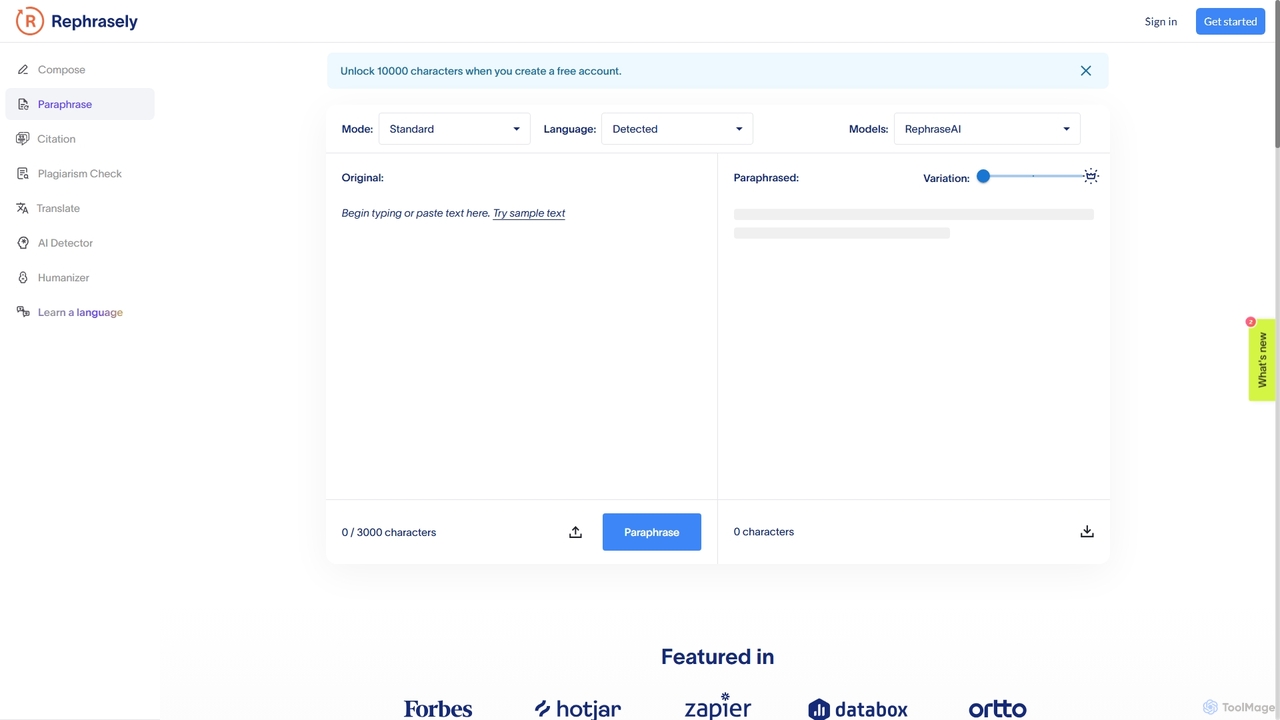
Rephrasely
Rephrasely is a comprehensive AI-powered writing assistant that offers a suite of tools to enhance your writing process. It features a powerful paraphrasing tool with over 18 modes, a content composer that generates text from keywords, a plagiarism checker supporting 50+ languages, and an automatic citation generator. Supporting over 100 languages, Rephrasely is designed for students, writers, and professionals to improve clarity, overcome writer's block, and ensure originality.
Academic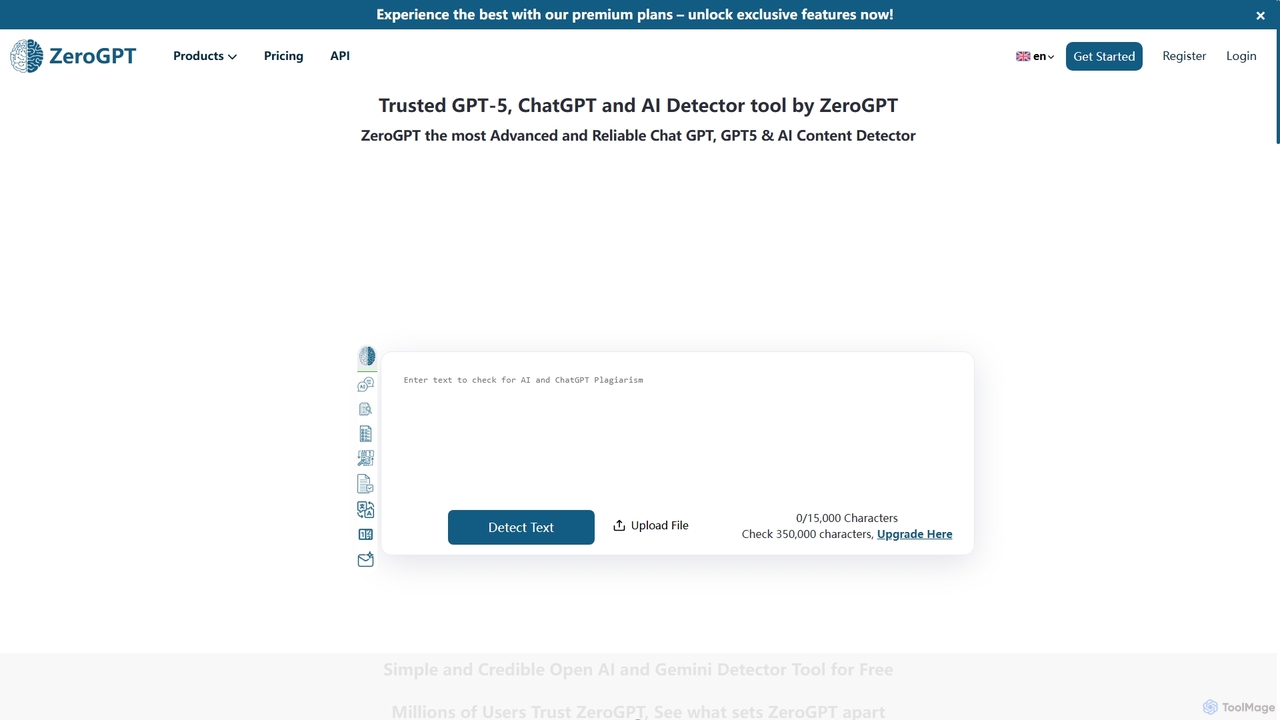
ZeroGPT
ZeroGPT is an advanced AI content detector and a comprehensive writing toolkit. It accurately identifies text generated by models like ChatGPT, GPT-5, and Gemini. The platform also offers a suite of tools including a plagiarism checker, paraphraser, summarizer, grammar check, and more to enhance writing quality and ensure originality.
Academic Integrity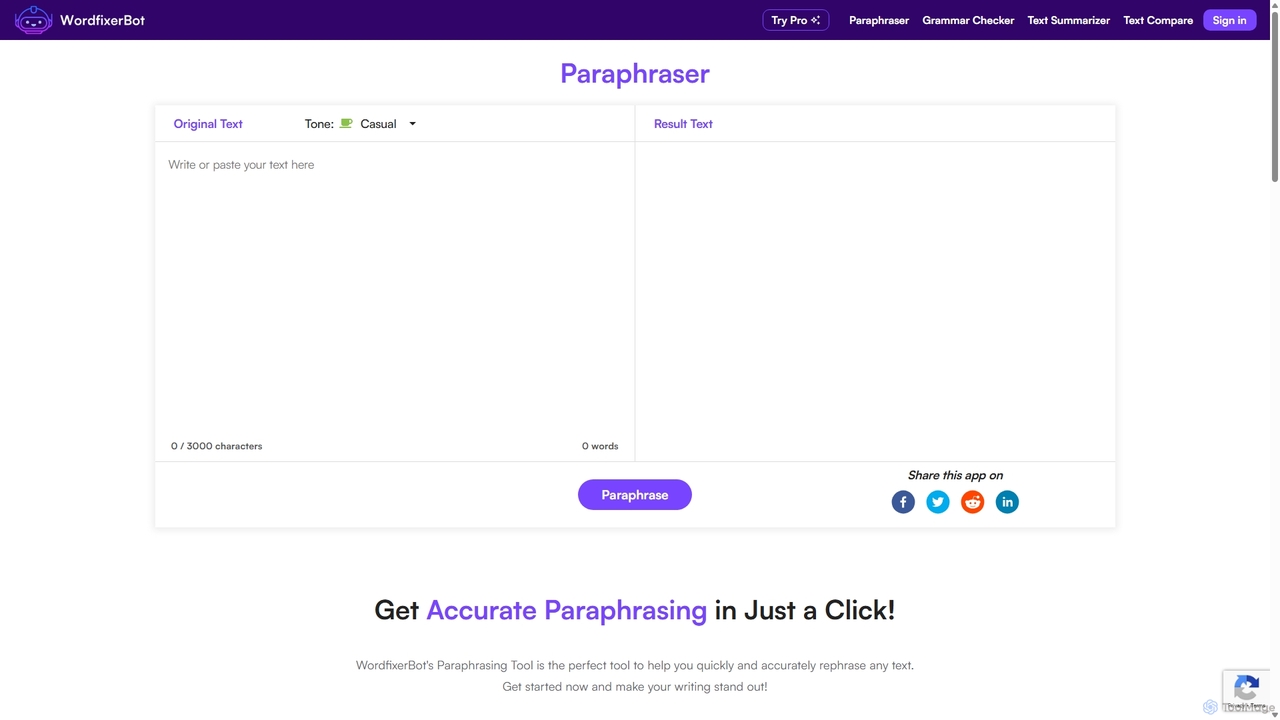
WordfixerBot
WordfixerBot is an AI-powered writing suite designed to enhance text quality. It offers a versatile paraphrasing tool with multiple tones, an accurate grammar checker, a concise text summarizer, and a text comparison tool. Ideal for students, writers, and professionals to improve clarity, avoid plagiarism, and streamline their writing process.
Learning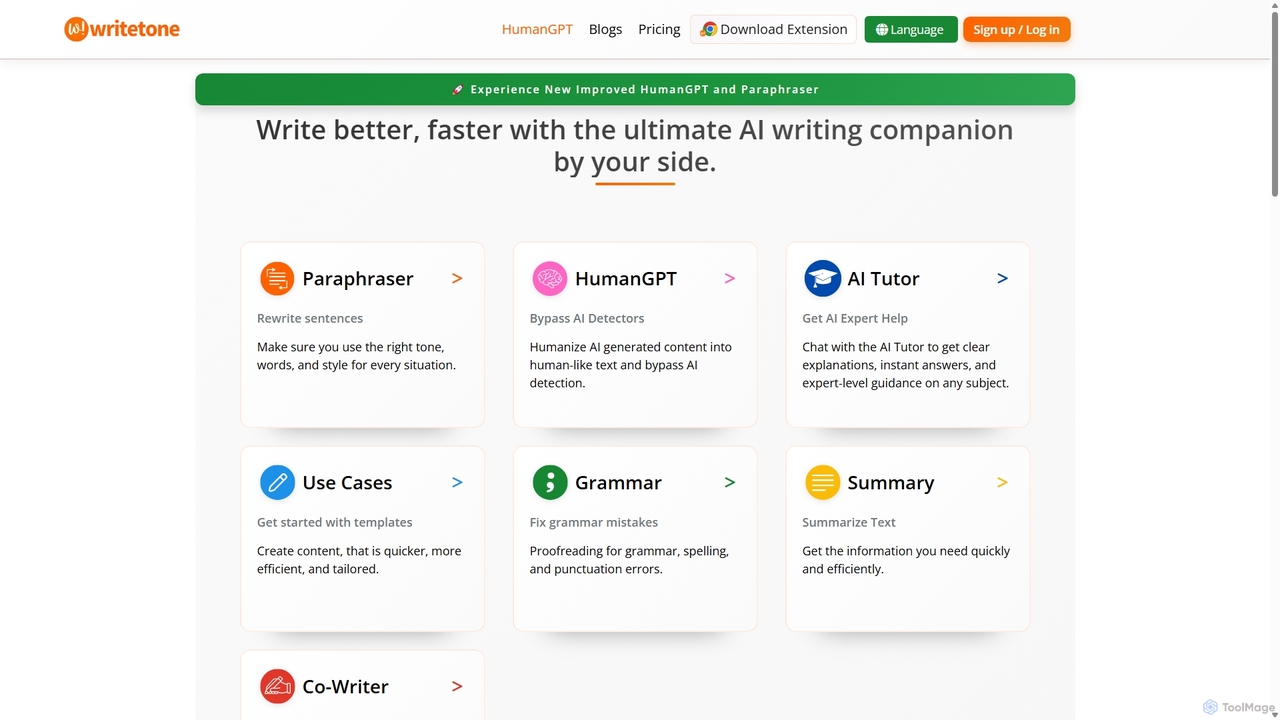
Writetone
Writetone is an AI-powered writing companion designed to help users write better and faster. It offers a comprehensive suite of tools including a paraphraser, grammar checker, summarizer, and a unique HumanGPT feature to bypass AI detection. With over 90 writing tones and support for 50+ languages, it adapts to any writing style for emails, academic papers, marketing copy, and more. It's an all-in-one platform for students, marketers, and writers.
Academic WritingParaphraser Categories
Paraphraser Jobs
Paraphraser Embed Widget
Copy this embed code to place the badge on your blog, article, or product site and send readers directly to this ToolMage detail page.

Related AI tools
Paraphrase Tool
An AI-powered writing assistant that offers paraphrasing in over 100 languages with 18+ writing modes. It also includes a plagiarism checker, grammar checker, text generator from keywords, and an automatic citation creator, making it an all-in-one solution for students, writers, and content creators.
AcademicWordfixerBot
WordfixerBot is an AI-powered writing suite designed to enhance text quality. It offers a versatile paraphrasing tool with multiple tones, an accurate grammar checker, a concise text summarizer, and a text comparison tool. Ideal for students, writers, and professionals to improve clarity, avoid plagiarism, and streamline their writing process.
Learning
Jyek
Jyek is an AI agent platform that understands objectives, creates execution plans, uses tools, and delivers verifiable results for complex, multi-step tasks.
AutomationZeroGPT
ZeroGPT is an advanced AI content detector and a comprehensive writing toolkit. It accurately identifies text generated by models like ChatGPT, GPT-5, and Gemini. The platform also offers a suite of tools including a plagiarism checker, paraphraser, summarizer, grammar check, and more to enhance writing quality and ensure originality.
Academic IntegrityRephrasely
Rephrasely is a comprehensive AI-powered writing assistant that offers a suite of tools to enhance your writing process. It features a powerful paraphrasing tool with over 18 modes, a content composer that generates text from keywords, a plagiarism checker supporting 50+ languages, and an automatic citation generator. Supporting over 100 languages, Rephrasely is designed for students, writers, and professionals to improve clarity, overcome writer's block, and ensure originality.
AcademicWritetone
Writetone is an AI-powered writing companion designed to help users write better and faster. It offers a comprehensive suite of tools including a paraphraser, grammar checker, summarizer, and a unique HumanGPT feature to bypass AI detection. With over 90 writing tones and support for 50+ languages, it adapts to any writing style for emails, academic papers, marketing copy, and more. It's an all-in-one platform for students, marketers, and writers.
Academic Writing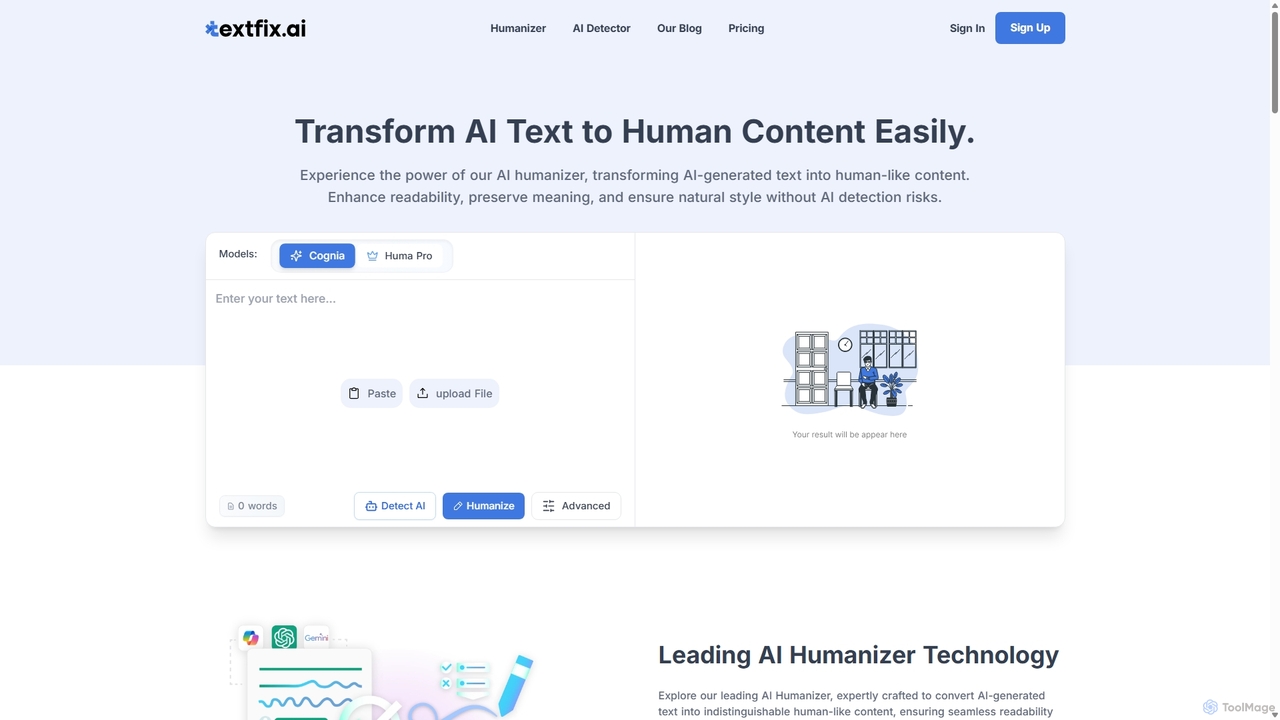
AI Humanizer Pro
AI Humanizer Pro transforms robotic AI-generated text into natural, human-like content. It's designed to bypass all major AI detectors, making it an essential tool for students, SEO specialists, marketers, and writers who need to produce authentic, undetectable content. Enhance readability, maintain your unique voice, and ensure your work passes AI scrutiny with advanced rewriting technology.
Academic Writing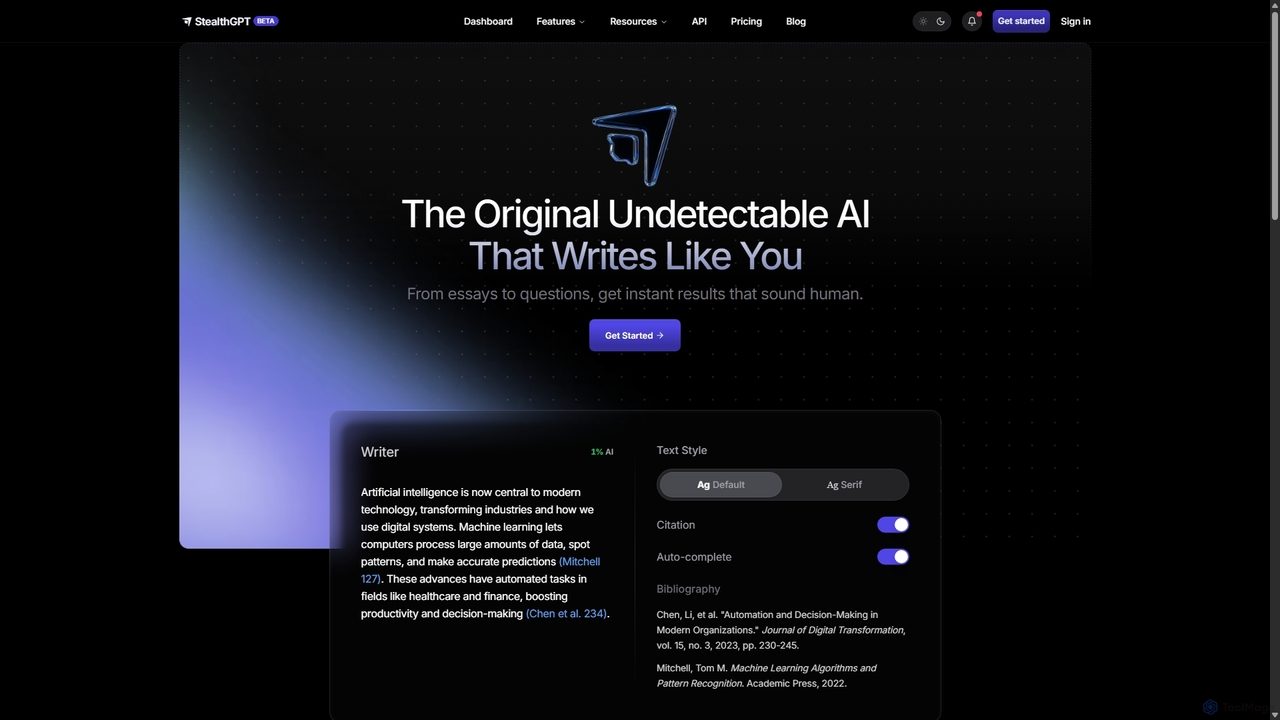
StealthGPT
StealthGPT is an advanced AI writing tool designed to generate undetectable, human-like content. It specializes in bypassing all major AI detectors, including Turnitin and GPTZero. Featuring an AI Humanizer, Essay Writer, and SEO tools, it's ideal for students, content creators, and professionals who need to produce authentic-sounding text while maintaining privacy and originality.
Academic Writing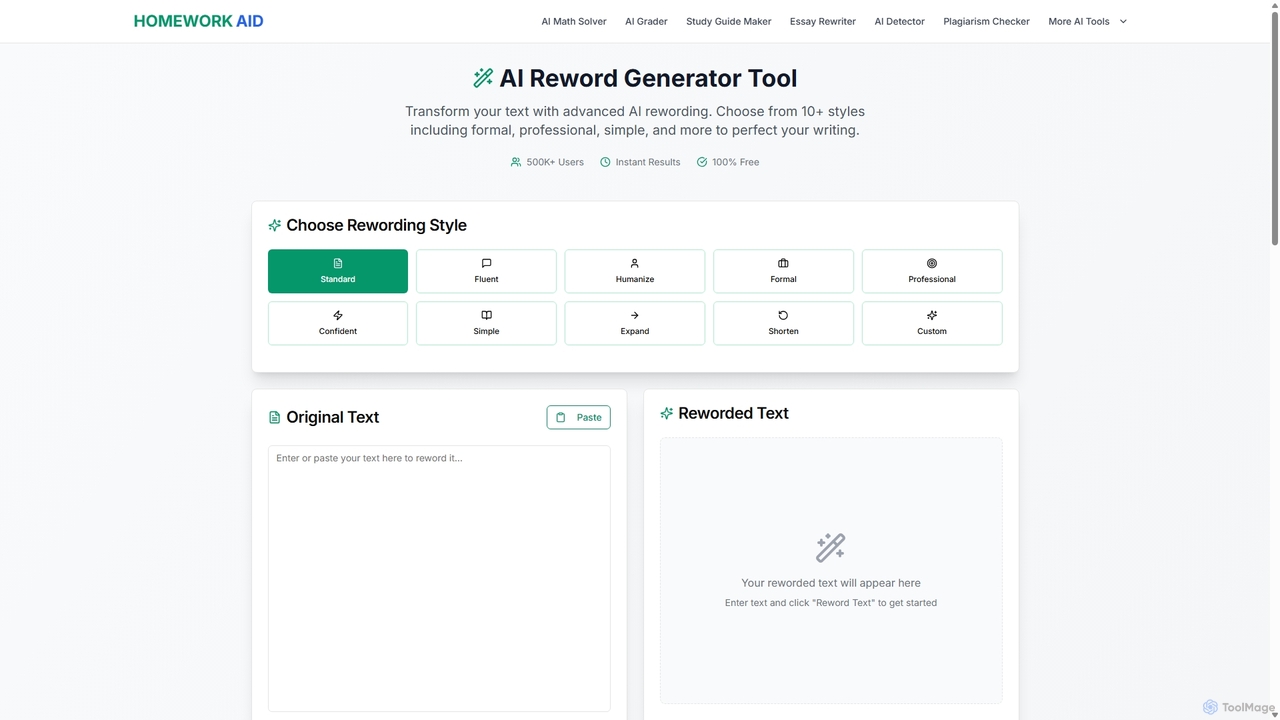
Reword Generator
Reword Generator is a free, AI-powered tool designed to transform your writing. It offers over 10 distinct styles—from formal to casual—to help you rephrase sentences, improve clarity, and enhance your tone. Ideal for students, writers, and professionals, it provides instant, high-quality results without any registration or limits, ensuring your original meaning is always preserved.
Paraphraser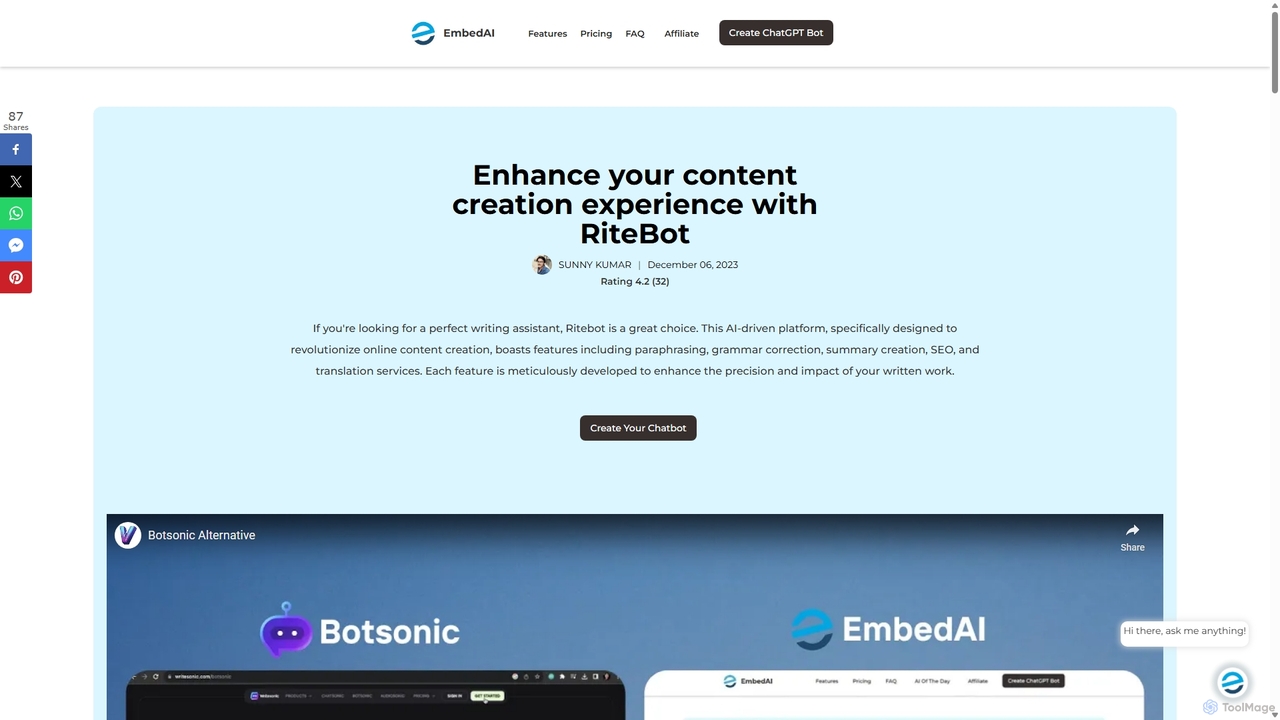
Ritebot
Ritebot is an all-in-one AI writing assistant powered by ChatGPT. It offers a comprehensive suite of free tools, including a paraphraser, grammar checker, summarizer, translator, and SEO optimizer. Designed for content creators, marketers, students, and bloggers, Ritebot streamlines the writing process, enhances content quality, and boosts online visibility by leveraging advanced AI capabilities in a user-friendly interface.
Assistant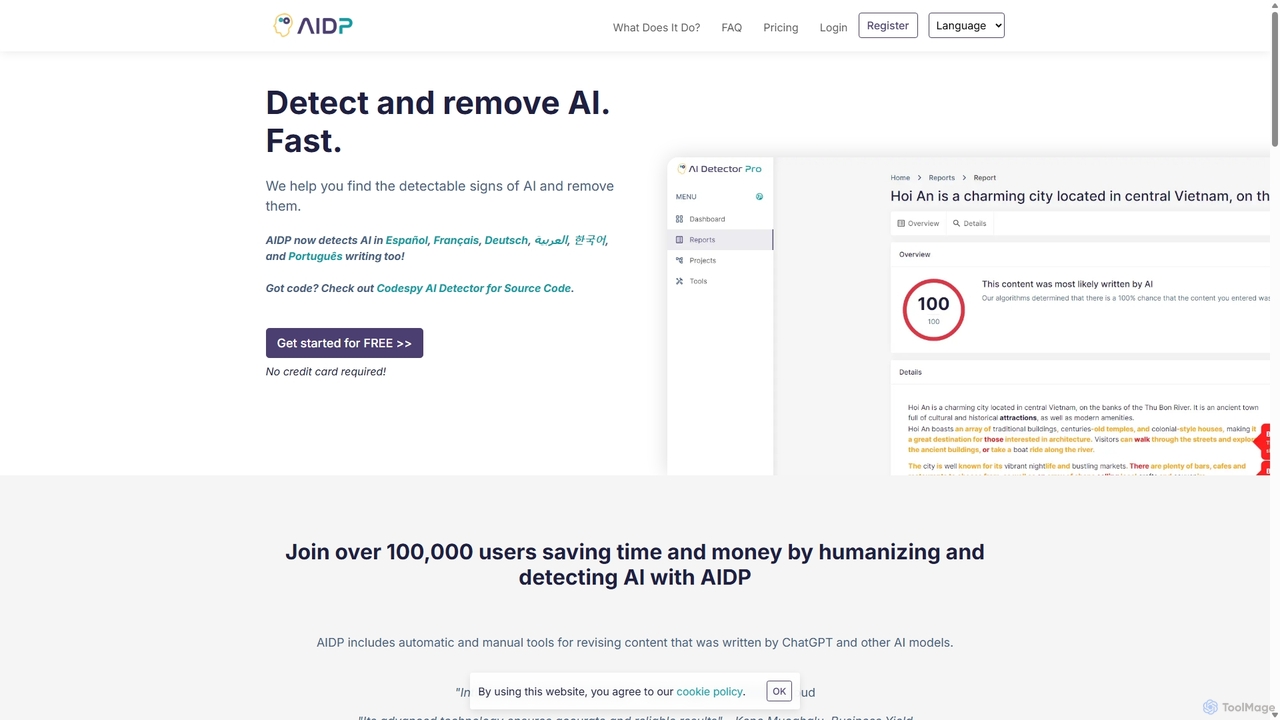
AI Detector Pro
AI Detector Pro is a comprehensive tool designed to detect AI-generated content and humanize it to bypass detection. It offers advanced features like tone analysis, phraseology highlighting, and multilingual support, making it ideal for writers, students, and SEO specialists who need to ensure their content is authentic and undetectable.
Academic Integrity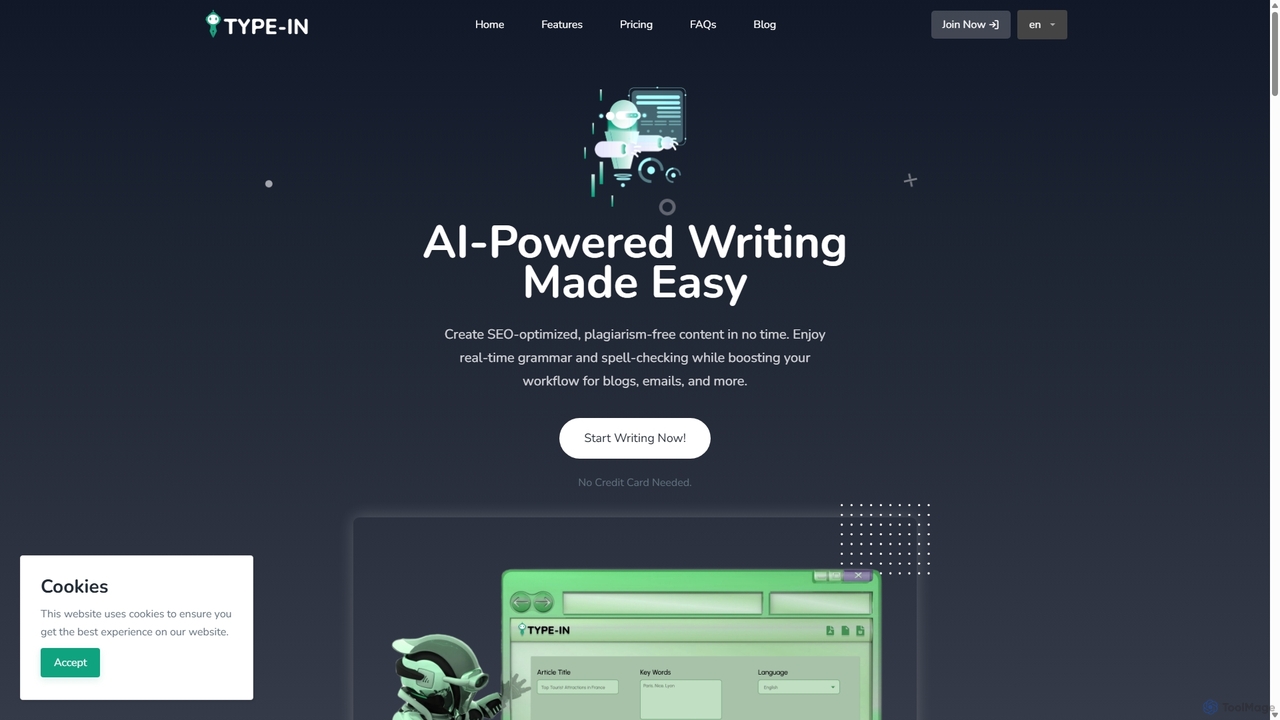
Type In
Type In is an AI-powered writing assistant designed to streamline content creation. It helps users generate SEO-optimized, plagiarism-free articles, blogs, emails, and more. Key features include real-time grammar checks, multilingual support, various writing styles and tones, and a suite of over 20 content templates. Available as a web app and Chrome extension, it caters to marketers, students, and business professionals seeking to enhance productivity and writing quality.
Academic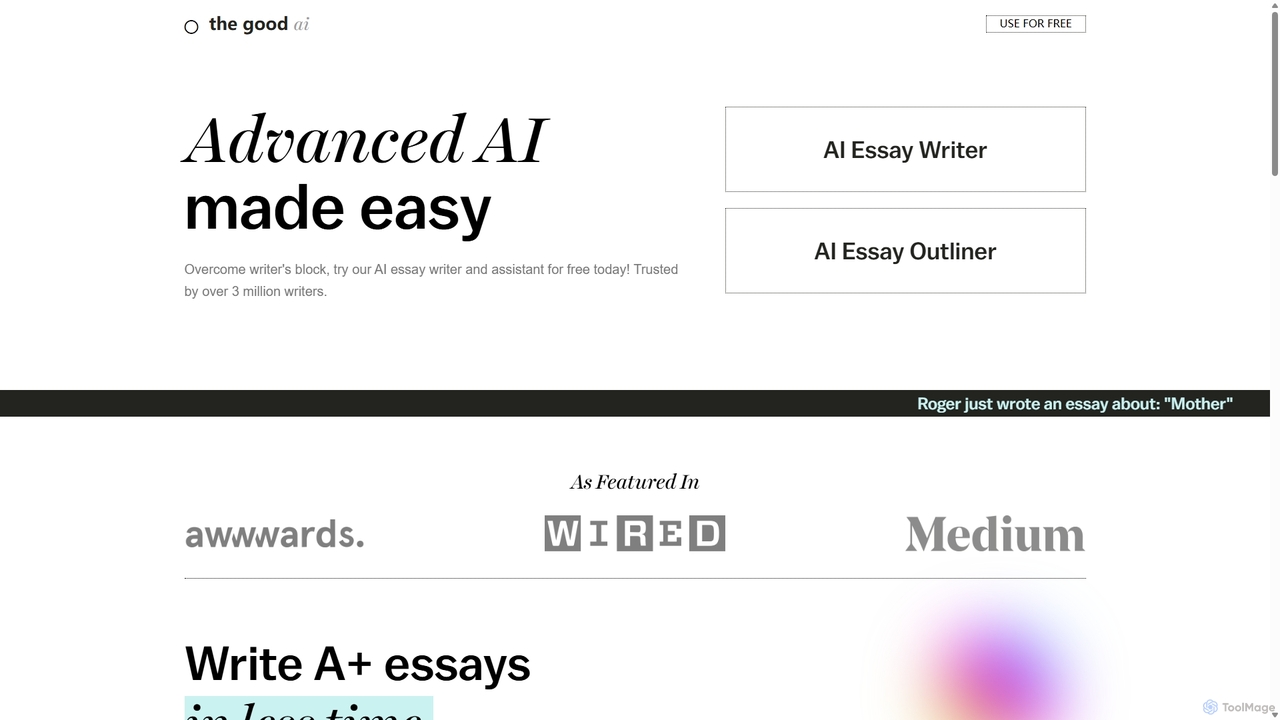
The Good Ai
An AI-powered essay writer and assistant designed to help students and writers overcome writer's block. It generates well-structured essays, outlines, and provides advanced editing tools like grammar checking, AI autocomplete, and an AI detector to ensure originality. It's trained on millions of high-quality essays to produce accurate and unique content for a wide range of academic subjects.
Student Tools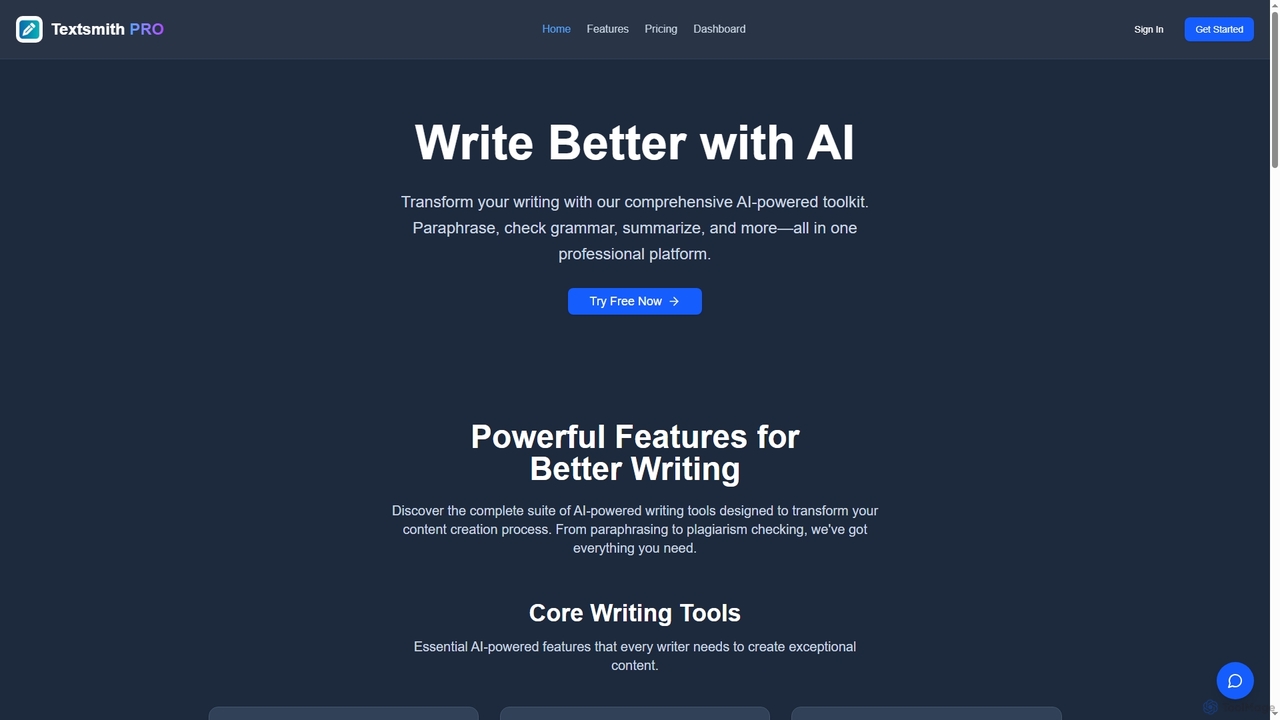
Textsmith Pro
Textsmith Pro is a comprehensive AI writing assistant designed to enhance writing quality and productivity. It offers a suite of tools including an advanced paraphraser with 10+ modes, a grammar checker, plagiarism detection, an AI humanizer, a smart translator for over 20 languages, and a citation generator. Ideal for writers, students, and professionals, it helps create clear, original, and publication-ready content efficiently.
Research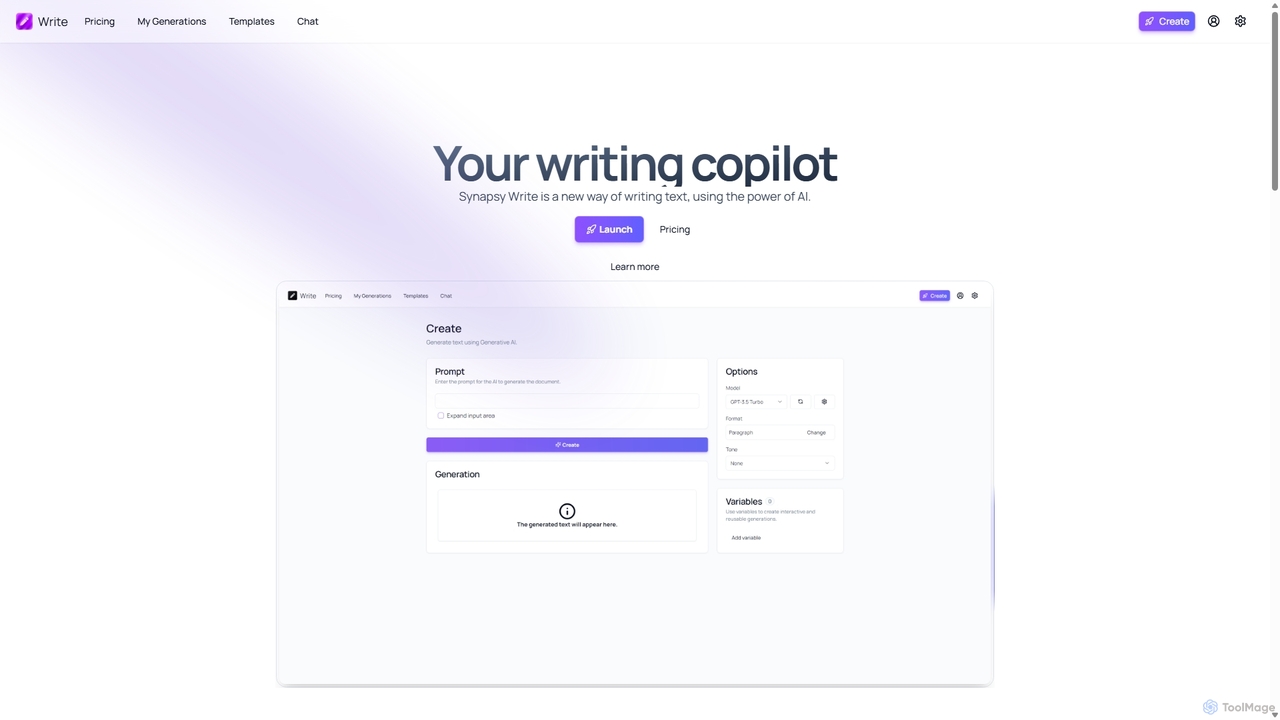
Synapsy Write
Synapsy Write is an open-source AI writing copilot designed to enhance productivity and creativity. It supports multiple advanced AI models like GPT-4o and Claude 3.5, offering versatile text generation, an integrated editor, advanced controls with variables, and specialized tools for creating essays, tables, and in-depth text analysis.
Academic Writing
Paraphraser Comments (0)
Sign in to comment.
Sign inNo comments yet.