

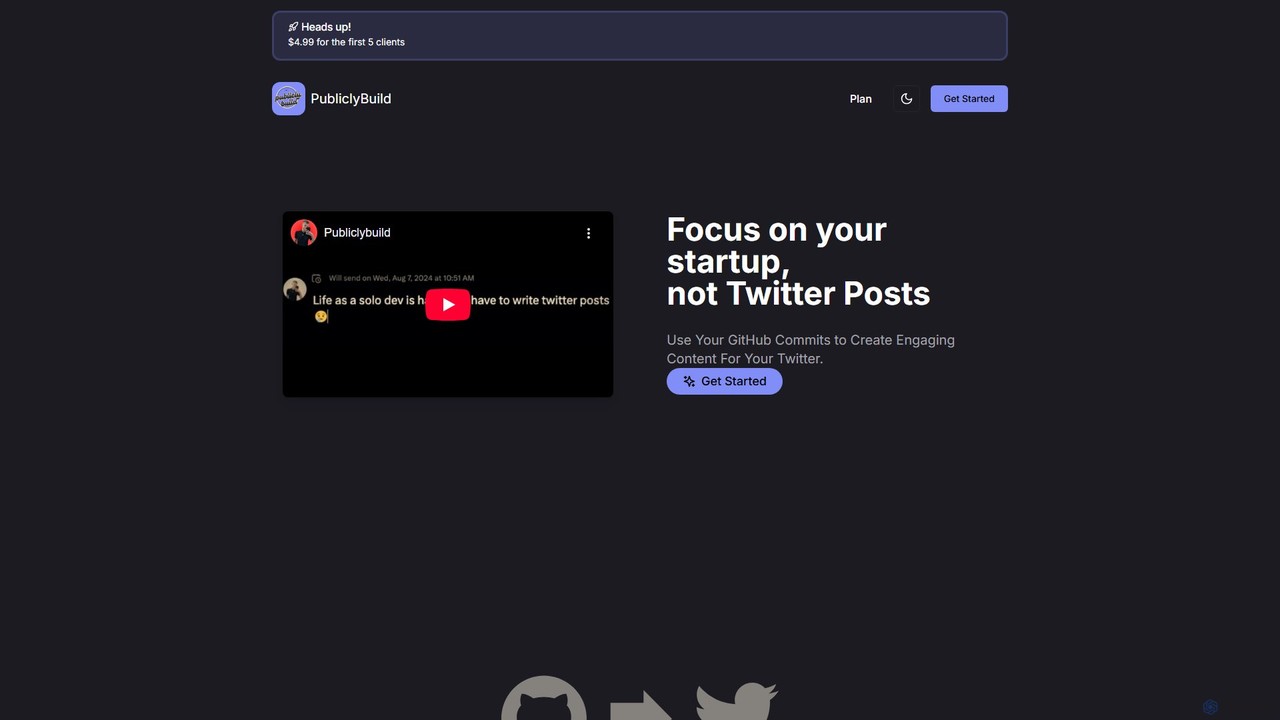
PubliclyBuild Overview
PubliclyBuild is a specialized AI tool designed to bridge the gap between software development and social media marketing, specifically for the 'build in public' movement. Many developers, indie hackers, and startup founders want to share their journey and progress with their audience on platforms like Twitter, but find it time-consuming to craft engaging posts consistently. PubliclyBuild solves this problem by intelligently automating the process.
The tool seamlessly integrates with your GitHub account, monitoring your code repositories for new commits. When you push a commit, PubliclyBuild's AI engine analyzes the commit message (e.g., 'feat: implement new user dashboard' or 'fix: correct video playback issue'). It then transforms this technical information into several human-friendly, engaging tweet options. These generated tweets are not just simple reformulations; they are crafted to be interesting to a wider audience, often including relevant emojis and hashtags to increase visibility and engagement. This allows you to maintain an active, authentic presence on Twitter, showcasing real progress without the manual effort of writing and scheduling posts.
How to use PubliclyBuild
Getting started with PubliclyBuild is designed to be a quick, no-code process that takes only a minute:
- Sign Up: Create an account on the PubliclyBuild website.
- Connect GitHub: Authorize PubliclyBuild to access your GitHub account. You can then select the specific public or private repositories you want to monitor.
- Connect Twitter: Link your Twitter account to allow PubliclyBuild to post or schedule tweets on your behalf.
- Configure Settings: Choose your preferred workflow. You can set the tool to automatically post the best-generated tweet or to save all generated options as drafts for you to review, edit, and post manually.
- Start Committing: Continue your normal development workflow. Every time you push a commit to a connected repository, PubliclyBuild will automatically fetch it and begin the content generation process.
- Engage Your Audience: Your Twitter feed will now be populated with consistent updates about your project's development, helping you build a community and keep your followers engaged.
Core Features of PubliclyBuild
- Automated GitHub Commit Monitoring: Continuously watches your selected repositories for new commits to turn into content.
- AI-Powered Tweet Generation: Leverages advanced large language models (LLMs) to convert technical commit messages into compelling and easy-to-understand Twitter posts.
- Multiple Content Variations: For each commit, it generates several different tweet styles and tones, giving you the flexibility to choose the one that best fits your brand voice.
- Auto-Posting and Scheduling: Offers the ability to fully automate your Twitter updates by posting directly, ensuring a consistent stream of content without any manual intervention.
- One-Minute, No-Code Setup: A simple and intuitive onboarding process that doesn't require any technical configuration or coding.
- Unlimited Tweet Generation: The plan allows for an unlimited number of commits to be processed and tweets to be generated, supporting active development projects.
Use Cases for PubliclyBuild
PubliclyBuild is ideal for anyone building software who wants to share their journey:
- Indie Hackers & Solopreneurs: Effortlessly document the development of your product to build an audience and attract early customers.
- Startup Founders: Maintain transparency and build hype by consistently sharing product updates, bug fixes, and new features.
- Open-Source Developers: Keep the community engaged and informed about the progress of your projects, encouraging contributions and adoption.
- Developers Building a Personal Brand: Showcase your coding skills, work ethic, and project progress to a professional network.
Advantages of PubliclyBuild
Using PubliclyBuild offers significant advantages over manual social media management:
- Time Efficiency: Frees up valuable time, allowing you to focus on coding and product development rather than marketing tasks.
- Enhanced Consistency: Automates posting, which is key to growing an audience and maintaining engagement on social media platforms.
- Authentic Content: The content is based on real development work, making your updates feel genuine and transparent.
- Overcomes Writer's Block: Eliminates the pressure of coming up with creative content, as the AI handles the heavy lifting of copywriting.
- Simple and Affordable: Features a straightforward, one-time payment model, making it an accessible tool for individuals and small teams.
Pricing and Plans
PubliclyBuild offers a simple, one-time payment plan, making it a lifetime deal (LTD).
- PubliclyBuild Plan: A one-time payment of $9.99 (promotional price, discounted from the regular price of $39.99).
- Features Included: The plan includes fetching commits from your GitHub, unlimited AI-powered tweet generation, and the option for auto-posting to Twitter. Once purchased, the tool is yours to use forever.
There is also a mention of a special introductory offer of $4.99 for the first few clients, highlighting that it's a great time for early adopters to get on board.
PubliclyBuild Alternatives
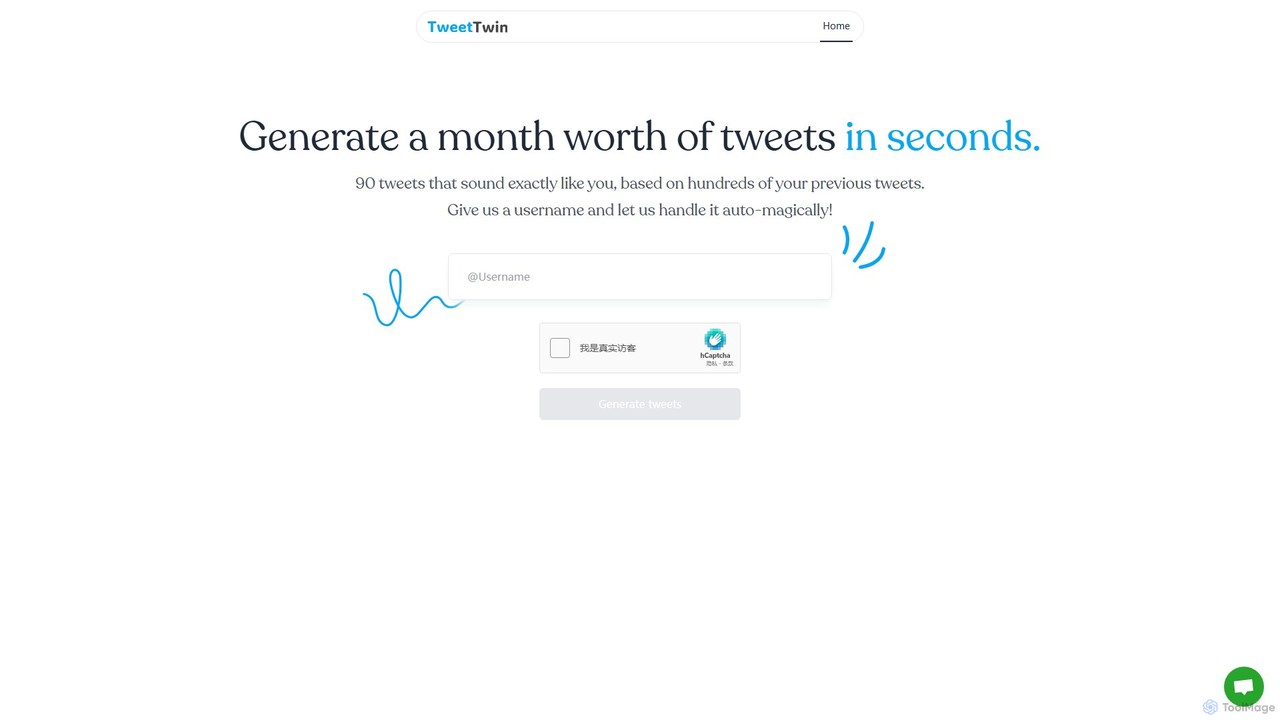
TweetTwin
TweetTwin is an AI-powered tool that generates a month's worth of tweets in seconds. By analyzing hundreds of your past tweets, it learns your unique voice and style to create 90 authentic posts that sound exactly like you. Simply enter your Twitter username to get started.
Social Media Marketing
Sivi
Sivi is an AI-powered design generator that instantly creates on-brand marketing visuals. Using its advanced Large Design Model (LDM), it transforms text and brand assets into unique, customizable designs for ads, social media, banners, and more in over 72 languages. It's a template-free solution for marketers and businesses to produce high-quality, consistent visual content quickly and efficiently, without needing design expertise.
Graphic Design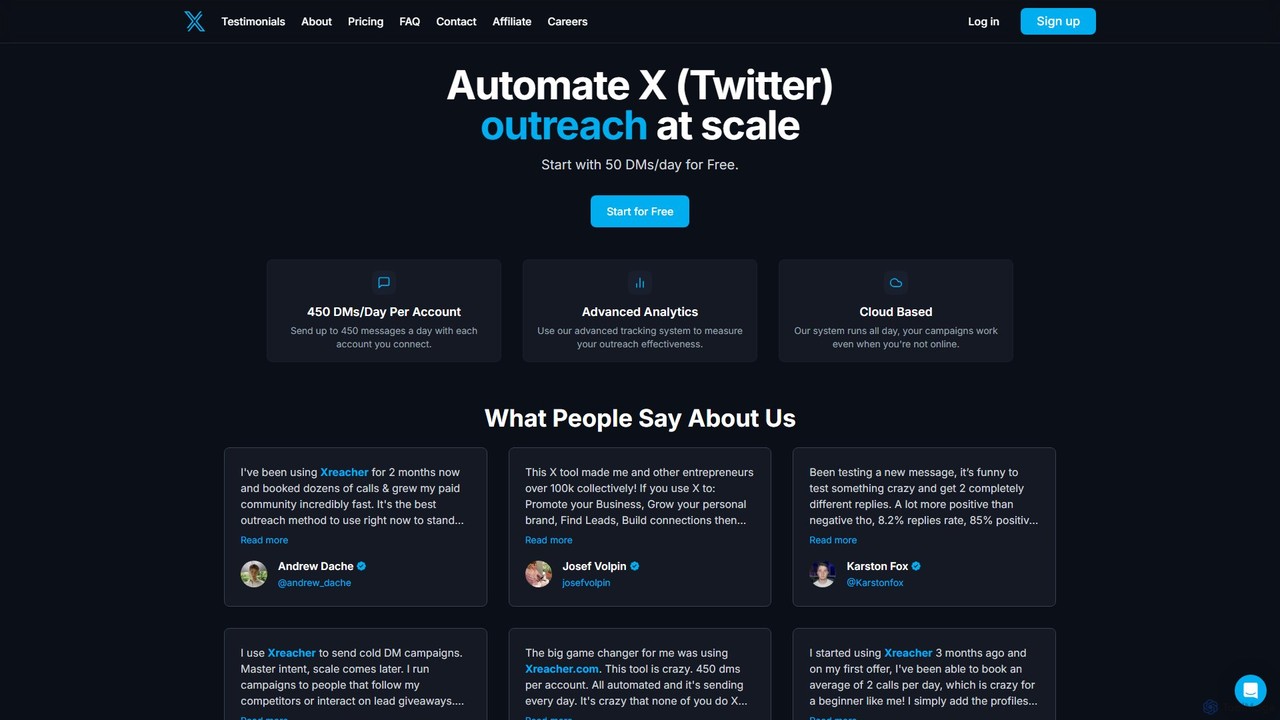
Xreacher
Xreacher is a powerful cloud-based automation tool for X (formerly Twitter) outreach. It enables users to send hundreds of personalized DMs daily, scrape targeted leads, manage multiple accounts, and track campaign performance with advanced analytics, all from a single platform.
Social Media Marketing
drippi
Drippi is an AI-powered cold outreach assistant for Twitter/X. It automates hyper-personalized DM campaigns, scrapes targeted leads, and provides in-depth analytics to boost reply rates. Ideal for founders, sales teams, and agencies looking to scale their outreach efforts efficiently.
Social Media Marketing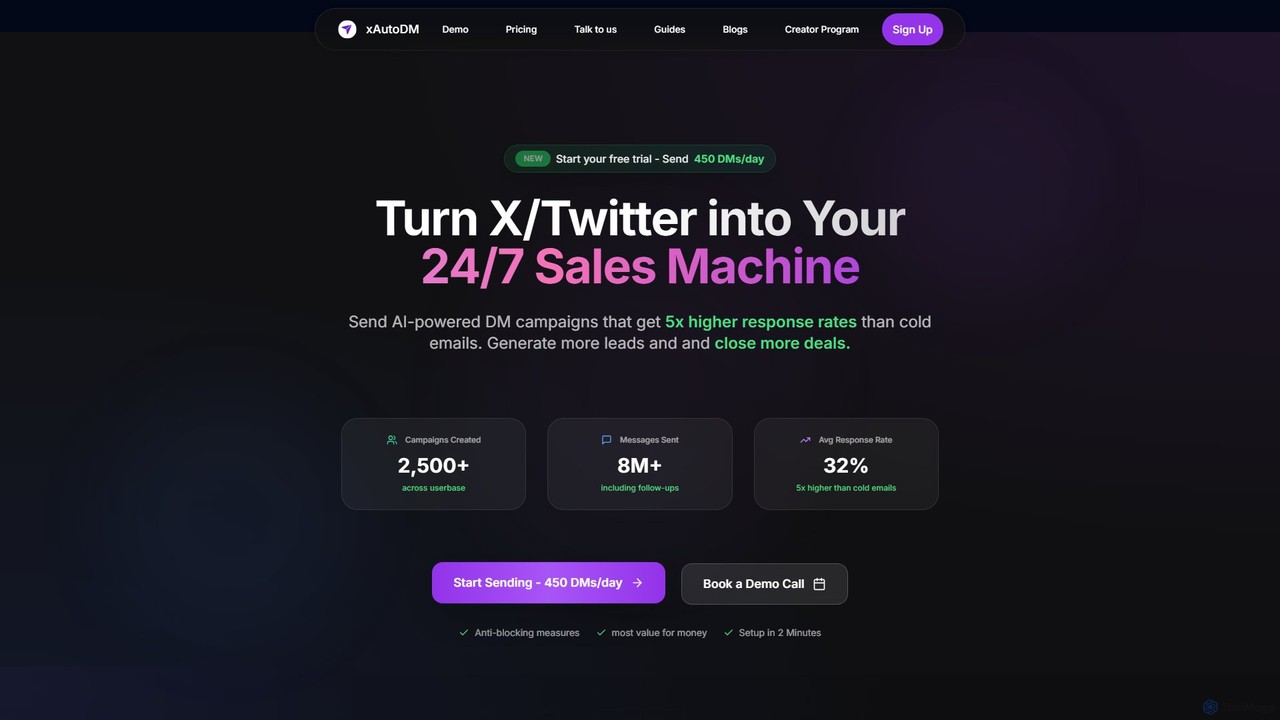
xautodm
xautodm is an AI-powered automation tool that transforms your X/Twitter account into a 24/7 sales and lead generation machine. It sends hyper-personalized cold DMs at scale by analyzing user profiles, achieving up to 5x higher response rates than traditional cold emails. The platform allows you to scrape followers from any profile, manage campaigns with real-time analytics, and automate your entire outreach process securely and efficiently.
Social Media MarketingPubliclyBuild Categories
PubliclyBuild Embed Widget
Copy this embed code to place the badge on your blog, article, or product site and send readers directly to this ToolMage detail page.

Related AI tools
makerpeak
makerpeak is an all-in-one platform for indie hackers, solopreneurs, and makers. It integrates project management, real-time business analytics (MRR, churn), user feedback, and changelogs into a single, intuitive dashboard. Stop juggling multiple tools and focus on building and growing your projects.
AnalyticsTweetTwin
TweetTwin is an AI-powered tool that generates a month's worth of tweets in seconds. By analyzing hundreds of your past tweets, it learns your unique voice and style to create 90 authentic posts that sound exactly like you. Simply enter your Twitter username to get started.
Social Media Marketing
Yep.so
Yep.so is an AI-powered, no-code landing page builder designed for rapid idea validation. It enables founders and creators to go from concept to a live, lead-capturing page in minutes. With features like AI-generated content, pre-built components, email collection, and integrations, Yep.so streamlines the process of launching and testing new ventures without any coding skills. It's the fastest way to build a professional landing page and start collecting signups.
Landing Page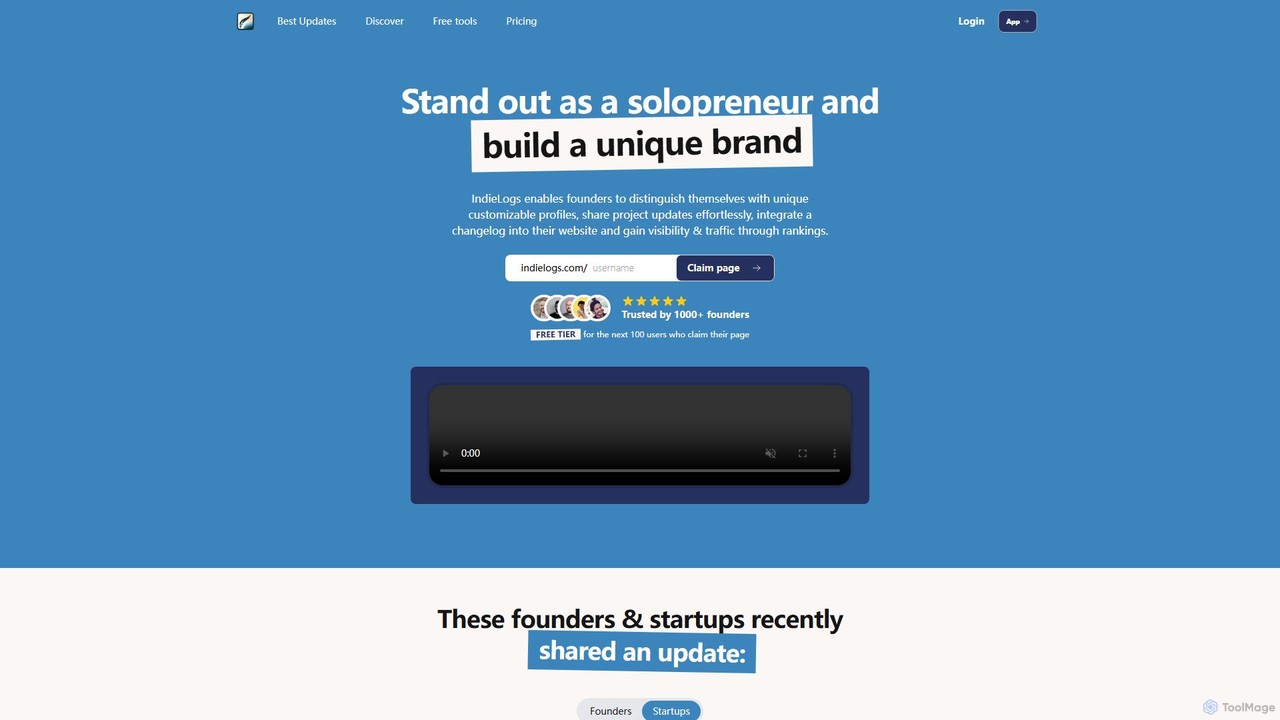
indielogs
IndieLogs is a platform for solopreneurs and indie hackers to build their personal brand by sharing their startup journey. It enables founders to create customizable profiles, post project updates in a structured changelog, and embed this timeline directly onto their own websites. This "building in public" approach helps increase visibility, build trust with an audience, and drive traffic through community rankings and features.
Documentation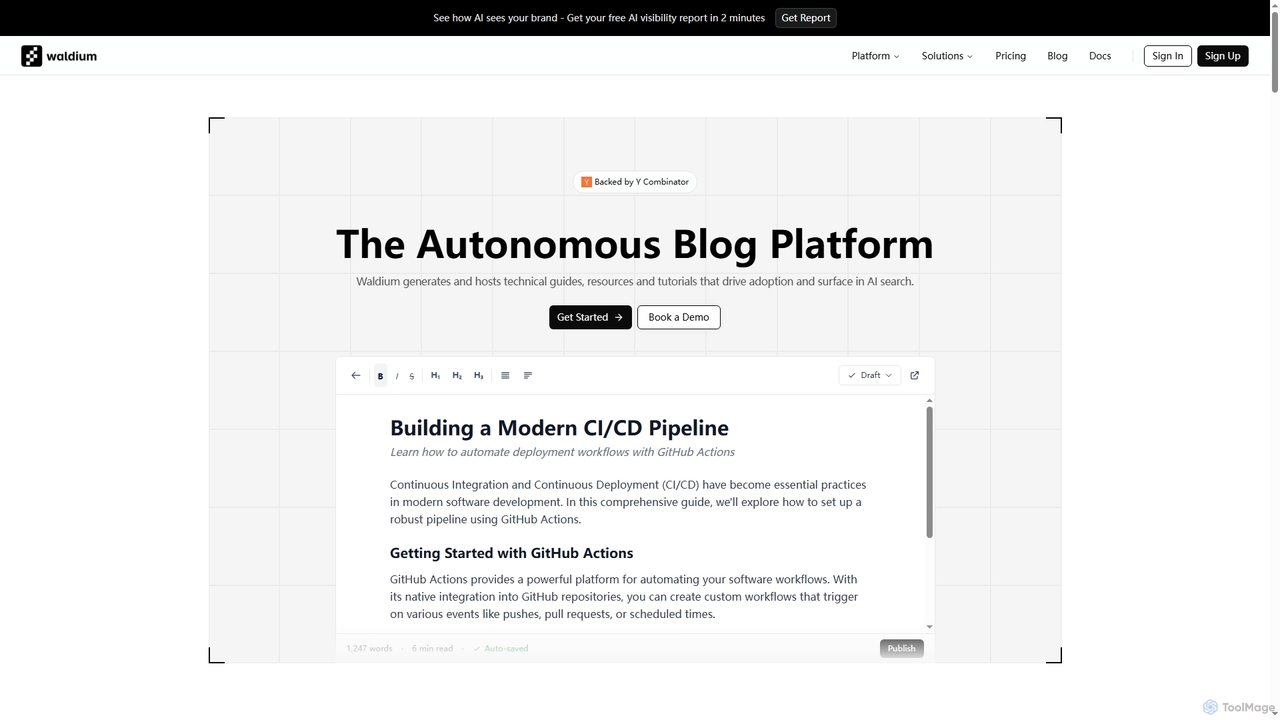
Waldium
Waldium is an autonomous blog platform designed for developer tools, leveraging AI to generate and host technical guides, tutorials, and resources. It optimizes content for AI search engines like ChatGPT and Claude, ensuring developer products are discoverable and drive adoption.
Content Performance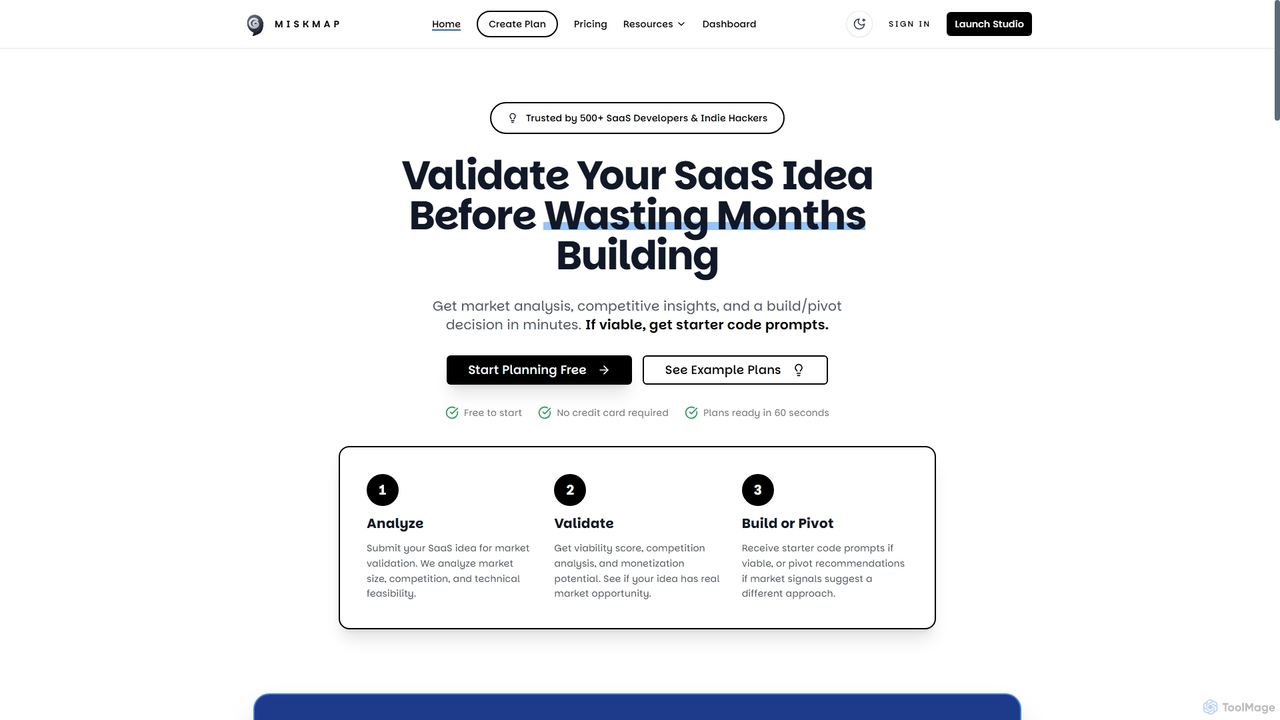
Miskmap
Miskmap is an AI-powered platform designed for SaaS developers and indie hackers to validate their business ideas before writing any code. It provides data-driven market analysis, competitive insights, a viability score, and actionable build plans in minutes.
Startup Tools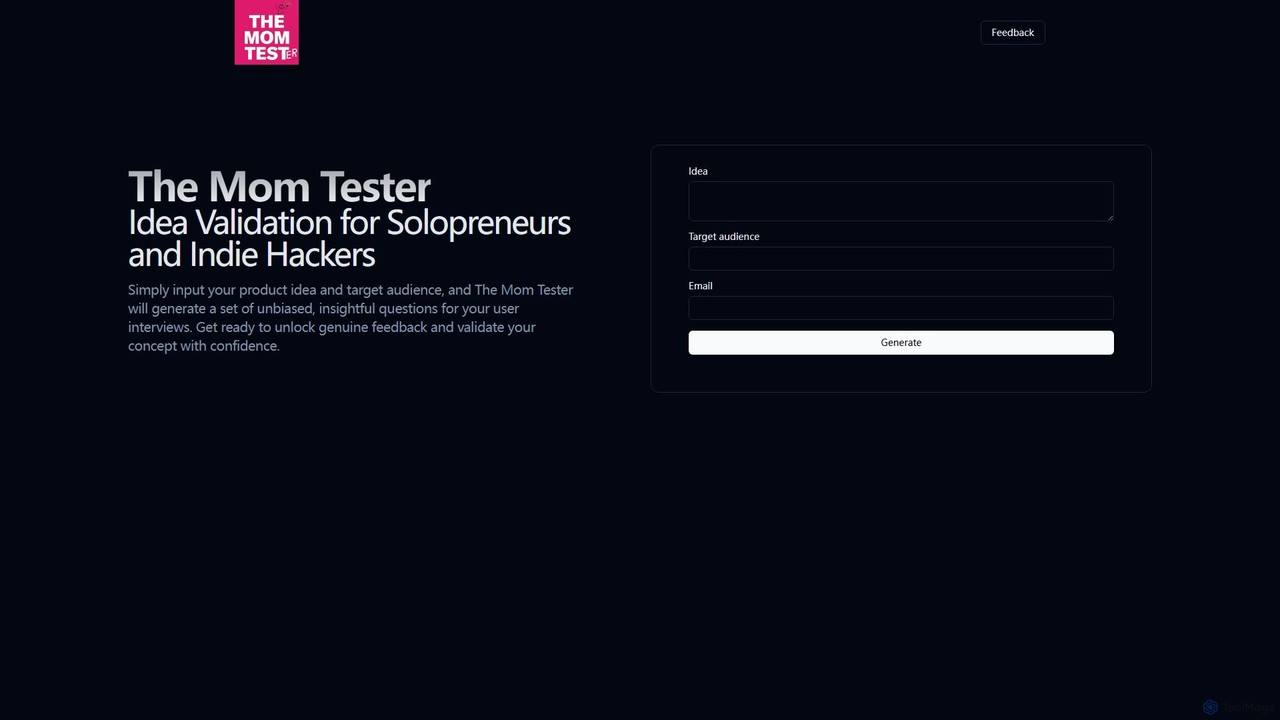
The Mom Tester
The Mom Tester is an AI-powered tool designed for solopreneurs and indie hackers to validate their business ideas. By inputting a product concept and target audience, it generates a set of unbiased, insightful questions based on 'The Mom Test' methodology, helping you conduct effective user interviews and gather genuine feedback to confidently assess your concept's viability.
Idea Validation
AppLogoCreator
AppLogoCreator is an AI-powered tool designed for indie hackers, startups, and developers to generate stunning, unique logos in seconds. Simply describe your desired logo, and the AI will produce multiple high-resolution design ideas. You get full commercial rights to your creations.
Image Generator
Jyek
Jyek is an AI agent platform that understands objectives, creates execution plans, uses tools, and delivers verifiable results for complex, multi-step tasks.
Automation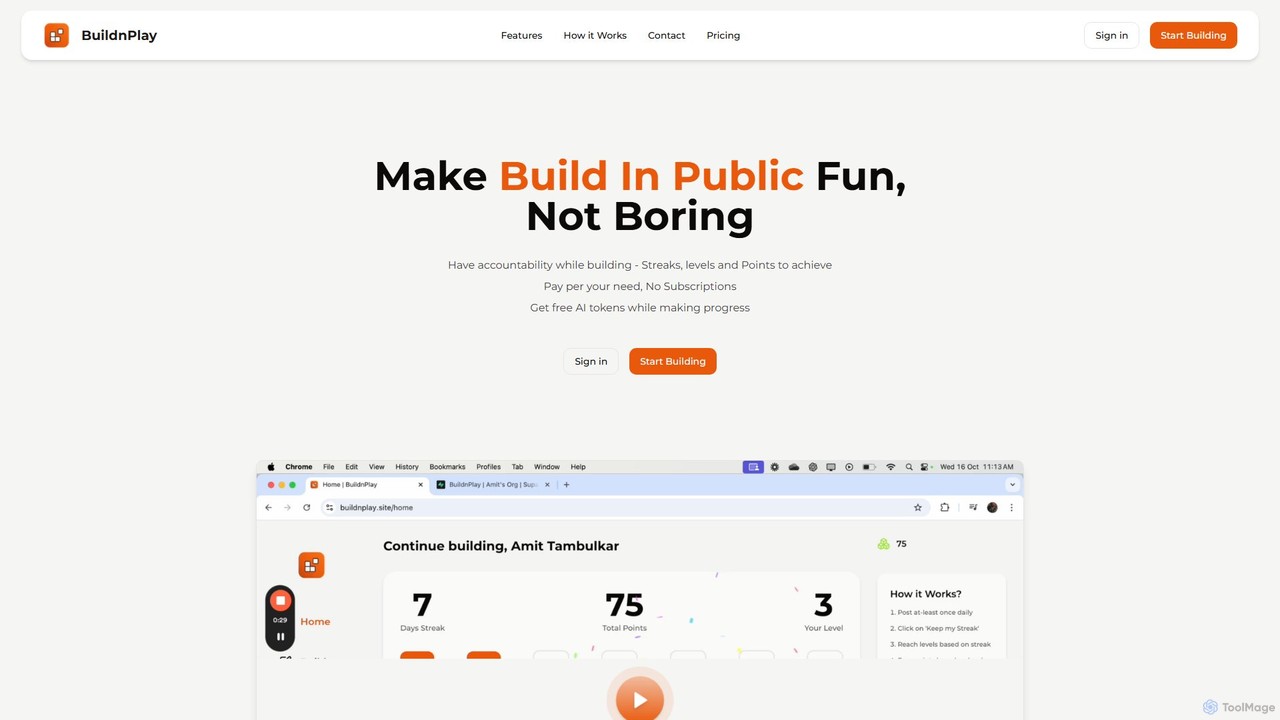
buildnplay
buildnplay transforms the 'Build in Public' journey into a fun, gamified experience. It helps creators, developers, and entrepreneurs stay accountable with streaks, levels, and points. Use its integrated AI to refine social media posts and earn rewards for your consistency, all with a flexible pay-as-you-go model.
Motivation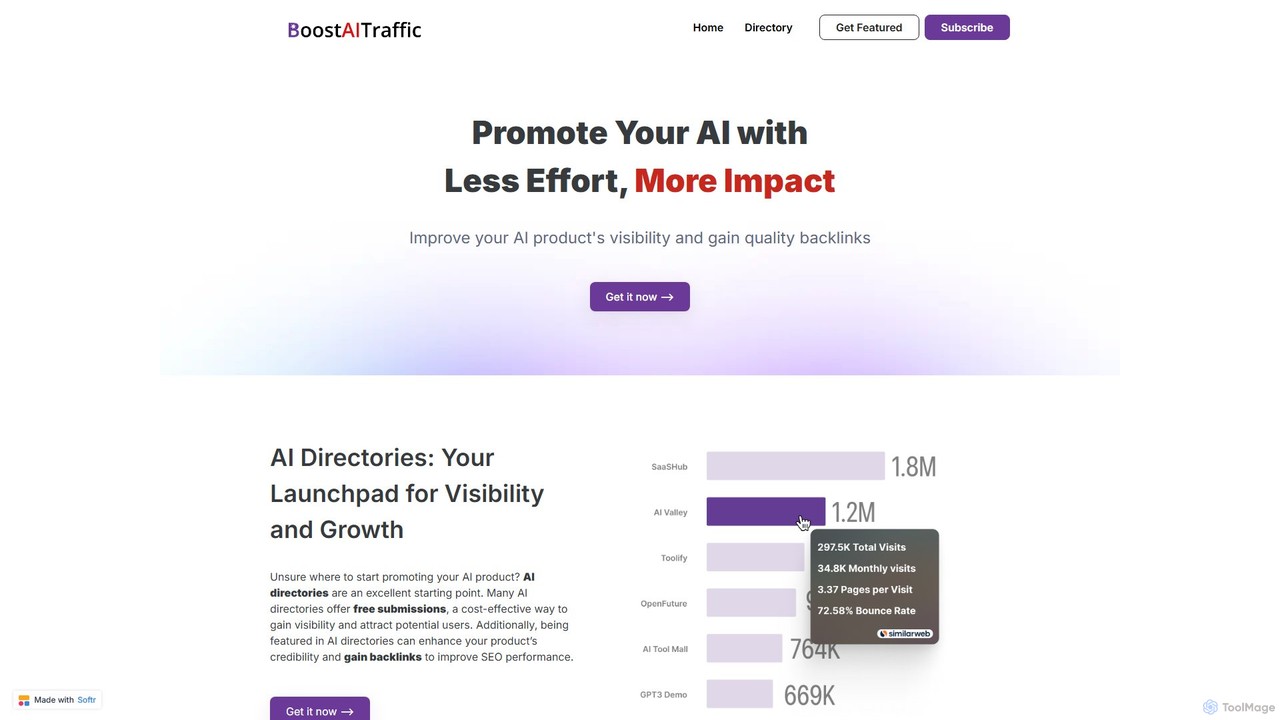
boostaitraffic
boostaitraffic is a service for AI creators, startups, and indie makers to accelerate product promotion. It provides a curated, data-rich list of over 250 AI directories and platforms, complete with authority scores and traffic data. This resource, delivered as an organized Notion file, saves hundreds of hours by streamlining the submission process, helping users gain visibility, acquire high-quality backlinks, and improve SEO performance with minimal effort.
PromotionSivi
Sivi is an AI-powered design generator that instantly creates on-brand marketing visuals. Using its advanced Large Design Model (LDM), it transforms text and brand assets into unique, customizable designs for ads, social media, banners, and more in over 72 languages. It's a template-free solution for marketers and businesses to produce high-quality, consistent visual content quickly and efficiently, without needing design expertise.
Graphic DesignXreacher
Xreacher is a powerful cloud-based automation tool for X (formerly Twitter) outreach. It enables users to send hundreds of personalized DMs daily, scrape targeted leads, manage multiple accounts, and track campaign performance with advanced analytics, all from a single platform.
Social Media Marketingdrippi
Drippi is an AI-powered cold outreach assistant for Twitter/X. It automates hyper-personalized DM campaigns, scrapes targeted leads, and provides in-depth analytics to boost reply rates. Ideal for founders, sales teams, and agencies looking to scale their outreach efforts efficiently.
Social Media Marketingxautodm
xautodm is an AI-powered automation tool that transforms your X/Twitter account into a 24/7 sales and lead generation machine. It sends hyper-personalized cold DMs at scale by analyzing user profiles, achieving up to 5x higher response rates than traditional cold emails. The platform allows you to scrape followers from any profile, manage campaigns with real-time analytics, and automate your entire outreach process securely and efficiently.
Social Media Marketing
PubliclyBuild Comments (0)
Sign in to comment.
Sign inNo comments yet.