

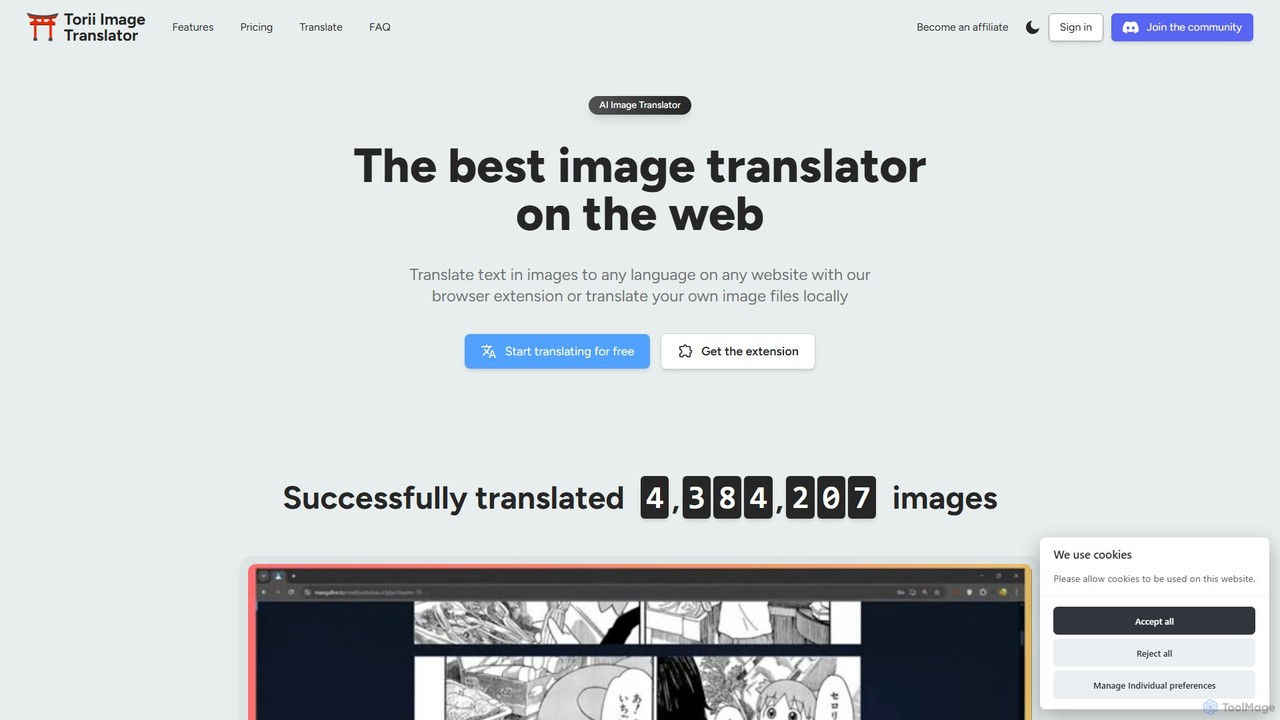
toriitranslate Overview
toriitranslate is a state-of-the-art AI image translation tool designed to break down language barriers in visual content. It operates primarily as a browser extension, seamlessly integrating into your web experience to provide instant translations of text found in images. Whether you're an avid reader of manga and manhwa, a professional scanlator, or someone who frequently encounters foreign text in images, toriitranslate offers a powerful and intuitive solution. By leveraging the most advanced AI models like GPT-4o, Gemini, and DeepSeek, it delivers high-quality, context-aware translations directly on the original image, making it feel as if the content was originally in your language.
How to use toriitranslate
Getting started with toriitranslate is simple and straightforward. Follow these steps to begin translating images instantly:
- Installation: Install the toriitranslate browser extension from the Chrome Web Store or Firefox Add-ons. It is compatible with most Chromium-based browsers (Chrome, Edge, Brave) and Firefox.
- On-Page Translation: Navigate to any website containing images with text, such as a raw manga chapter. Hover your mouse over an image, and the Torii gate icon will appear. Click the icon to translate the text in-place.
- Automatic Translation: For reading entire chapters or articles, use the 'Auto-Translate' feature. A single click will process and translate all eligible images on the page, allowing for a smooth, uninterrupted reading experience.
- Local File Translation: If you have image files (PNG, JPG, WEBP) or even PDFs stored on your computer, you can use the uploader on the toriitranslate website. Simply drag and drop your files to translate them in bulk.
- Screen Crop Translation: For text in videos, complex UIs, or non-standard images, use the screen crop tool. Activate it via the right-click context menu or a keyboard shortcut (Alt+Shift+X), then draw a box around the desired area for an instant overlay translation.
Core Features of toriitranslate
- Instant In-Place Translation: Translates text directly within the image on any webpage, preserving the original layout and context.
- Advanced AI Model Selection: Offers a choice of leading AI models, including GPT-4o, Gemini Flash, DeepSeek, and Claude 3.5 Sonnet, allowing users to balance between speed, cost, and translation quality.
- Full Translation Editing Suite: Provides comprehensive tools to customize translations. Users can change fonts (including popular manga fonts like WildWords), adjust text size, color, stroke, background, and even rewrite the translated text.
- AI Cleanup & Inpainting: Features a powerful, GPU-accelerated inpainting tool to cleanly remove original text from images. It also includes a standard paint brush and eraser, making it a mini-Photoshop for scanlators.
- Smart Screen Cropping: Instantly translates any selected portion of your screen, perfect for subtitles in videos, application interfaces, or any visual content.
- Bulk Local File Processing: The website supports uploading and translating hundreds of images or entire PDF documents at once, and you can download the results as a convenient ZIP file.
- Cross-Platform & Mobile Support: Works on all major desktop browsers and on mobile devices through browsers that support extensions, such as Kiwi Browser (Android) and Orion Browser (iOS).
- Extensive Language Support: Detects and translates between over 120 languages, making it a truly global tool.
Use Cases for toriitranslate
toriitranslate is a versatile tool with a wide range of applications:
- Manga & Comic Readers: Instantly read raw, untranslated manga, manhwa, and webtoons from Japan, Korea, and other countries without waiting for official or fan translations.
- Scanlators & Translators: Streamlines the scanlation workflow by combining OCR, AI translation, text removal (inpainting), and typesetting into a single, efficient tool.
- Content Consumers: Understand text in social media images, infographics, and memes in foreign languages.
- Gamers & App Users: Translate in-game text or user interfaces of applications that are not localized.
- Travelers & Expats: Quickly translate menus, signs, product labels, and documents by taking a picture and uploading it.
Advantages of toriitranslate
toriitranslate stands out from other translation tools due to its specialized features and user-centric design. Its primary advantage is the combination of high-quality AI translation with powerful, integrated image editing tools. This creates a seamless experience that other tools, like Google Lens, cannot match, especially for content like manga where text placement and appearance are crucial. The ability to choose between different AI models gives users control over their experience, while the constant updates ensure the tool always incorporates the latest technology. Its active developer and responsive customer support also contribute to a reliable and user-friendly service.
Pricing and Plans
toriitranslate operates on a freemium model, allowing users to try the service for free before committing. The pricing is based on a flexible, pay-as-you-go credit system, where credits are used for translations. Credits do not expire.
- Free Trial: New users receive free credits to test the full functionality of the tool.
- One-Time Purchases:
- Baseline: 2,500 credits for $5.99.
- Most Popular: 6,000 credits for $12.99 (offering a 10% discount).
- Custom Amount: Larger packages like 15,000 credits for $29.99 (offering a 20% discount) are available for power users.
The cost per translation is low, especially when using efficient models like DeepSeek or GPT-4o-mini, making it an affordable solution for regular use.
Traffic
Latest traffic
Status
Monthly traffic trend
- 2025-9: 112.5K
- 2026-1: 129.7K
- 2026-2: 113.5K
- 2026-3: 164.8K
- 2026-4: 150.1K
- 2026-5: 168.3K
Geography
Top 5 countries / regions
- 🇺🇸United States38.0%
- 🇻🇳Vietnam25.6%
- 🇩🇪Germany14.4%
- 🇰🇷South Korea13.9%
- 🇹🇭Thailand8.1%
Traffic sources
| Source type | Percentage |
|---|---|
Direct | 93.4% |
Referral | 6.5% |
Email | 0.1% |
Top keywords
| Keyword | Cost per click |
|---|---|
| image translator | $0.85 |
| manga translator | $0.43 |
| manga translator extension | $2.33 |
| torii image translator | $2.37 |
| translate manga | $1.08 |
toriitranslate Alternatives
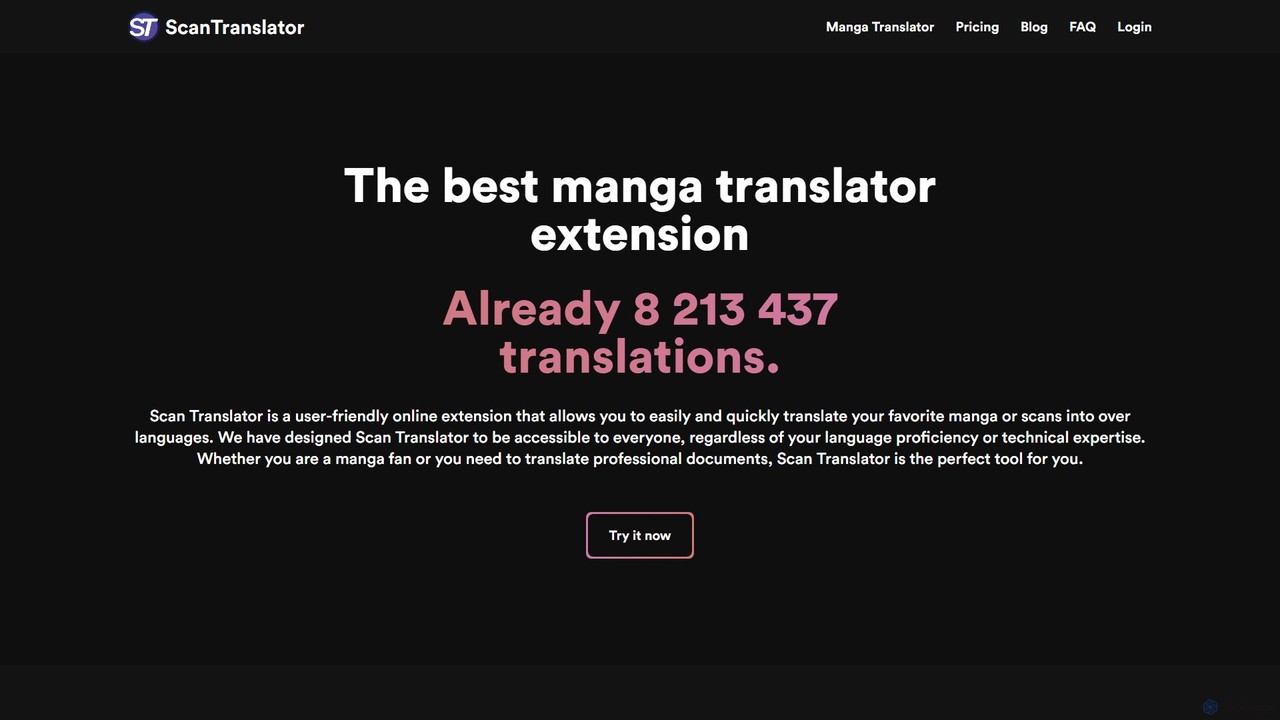
Scan Translator
Scan Translator is an AI-powered browser extension and web tool designed for instantly translating raw manga, manhwa, and other scanned images. It supports over 50 languages, utilizing advanced OCR and translation technologies like DeepL and Google Vision to provide fast, accurate, and high-quality translations directly on the image.
Comics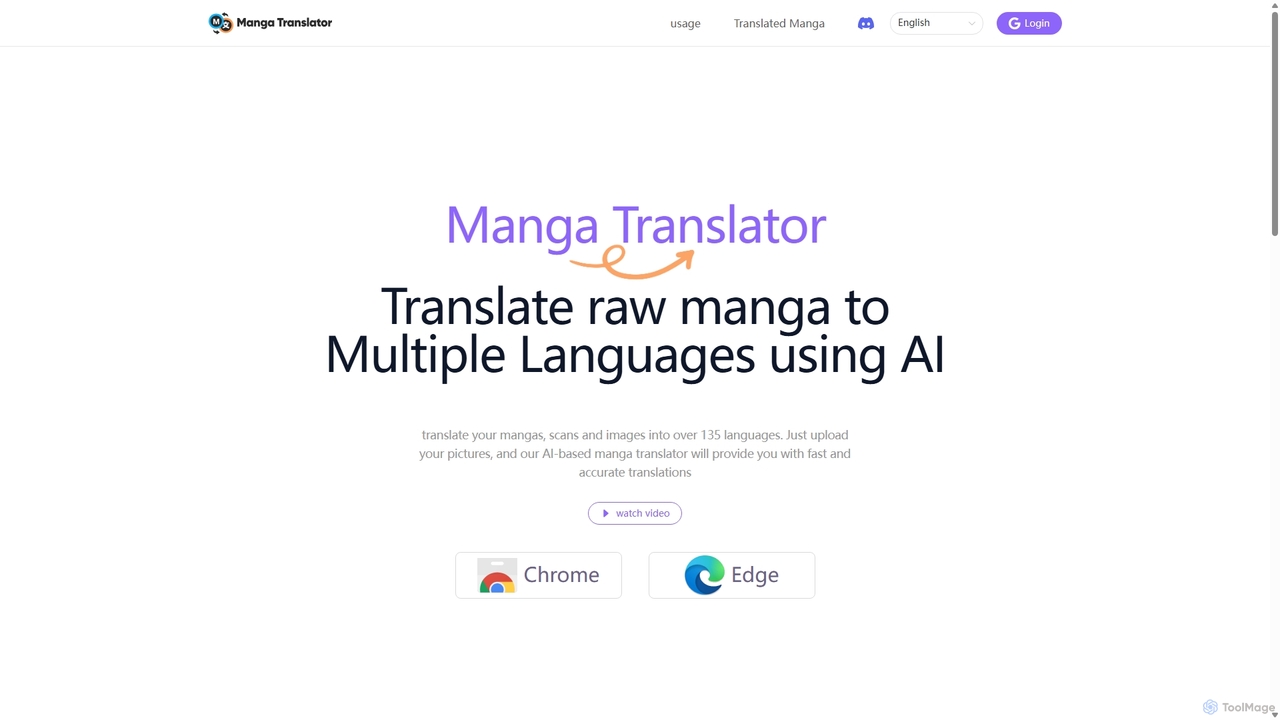
Manga Translator
An AI-powered browser extension for Chrome and Edge that instantly translates manga, manhua, and comics into over 135 languages. Enjoy your favorite series without language barriers, with support for on-page translation, image uploads, and both vertical and horizontal text.
Chrome Extensions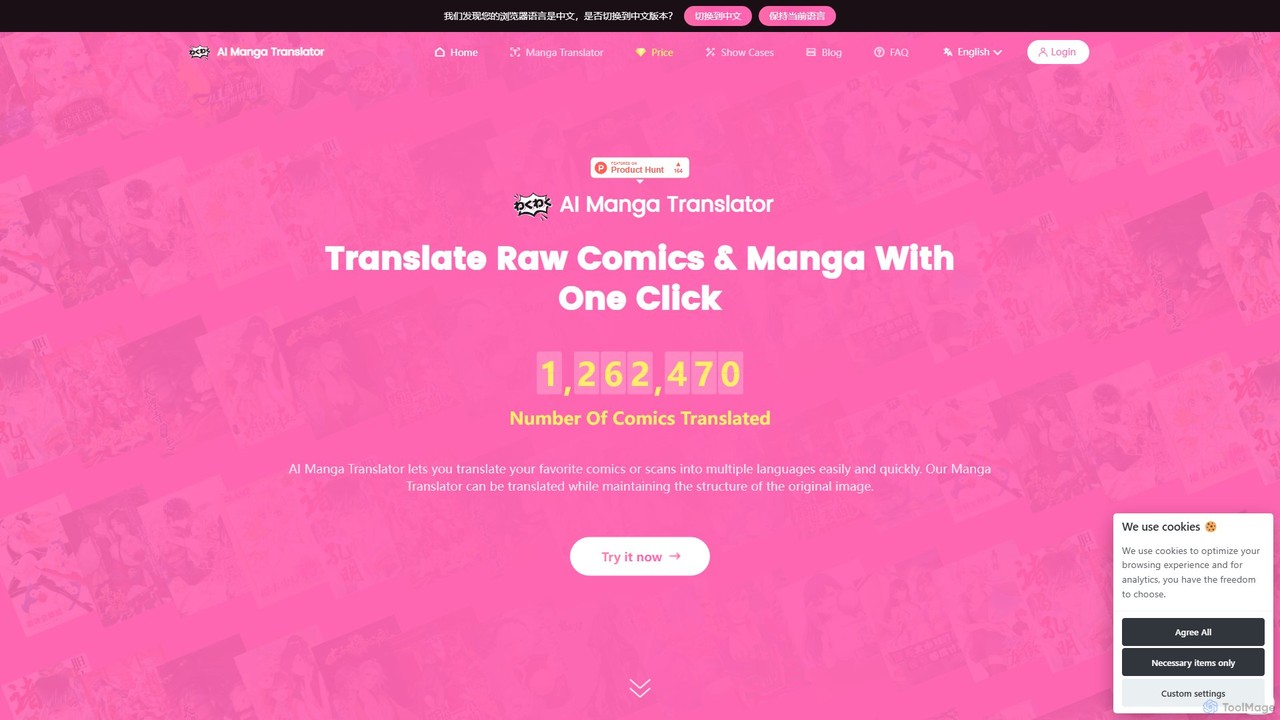
AI Manga Translator
An AI-powered tool for instantly translating manga, comics, and scanned images into over 50 languages. It preserves the original artwork and style by accurately detecting, translating, and redrawing text. Supports multiple advanced translation engines like GPT-4o, DeepL, and Papago for high-quality results. Available as a web tool and Chrome extension.
Comics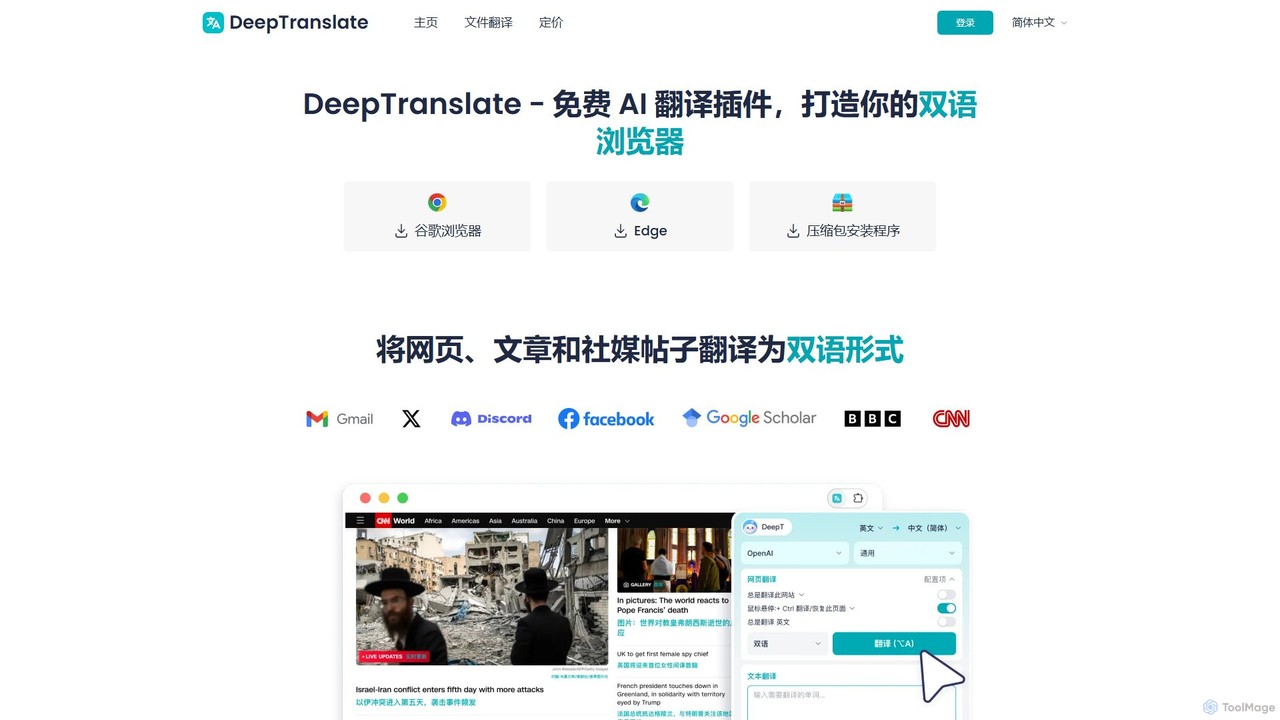
Deeptranslate
Deeptranslate is a free AI-powered browser extension that provides instant, high-quality bilingual webpage translations. It integrates multiple leading translation engines like GPT, Claude, and Google Translate, allowing users to view original and translated text side-by-side for enhanced comprehension and learning.
Chrome Extensions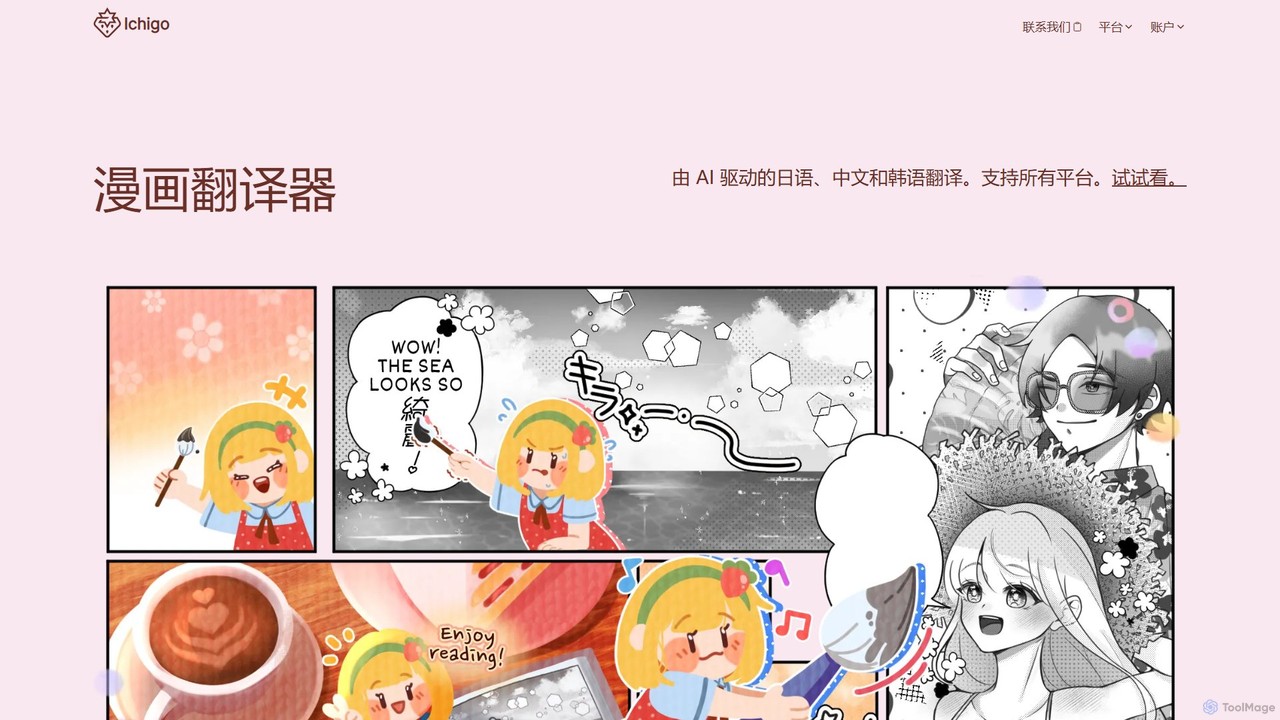
ichigoreader
ichigoreader is an AI-powered manga translator that instantly translates Japanese, Chinese, and Korean comics into multiple languages. Powered by GPT-4o mini, it uses advanced OCR and inpainting to deliver high-quality translations while preserving the original artwork and layout. Simply upload your PDF, ZIP, or image files and get a fully translated, downloadable version in seconds. Ideal for manga fans, language learners, and scanlation groups.
Comicstoriitranslate Categories
toriitranslate Embed Widget
Copy this embed code to place the badge on your blog, article, or product site and send readers directly to this ToolMage detail page.

Related AI tools
Scan Translator
Scan Translator is an AI-powered browser extension and web tool designed for instantly translating raw manga, manhwa, and other scanned images. It supports over 50 languages, utilizing advanced OCR and translation technologies like DeepL and Google Vision to provide fast, accurate, and high-quality translations directly on the image.
ComicsManga Translator
An AI-powered browser extension for Chrome and Edge that instantly translates manga, manhua, and comics into over 135 languages. Enjoy your favorite series without language barriers, with support for on-page translation, image uploads, and both vertical and horizontal text.
Chrome Extensionsichigoreader
ichigoreader is an AI-powered manga translator that instantly translates Japanese, Chinese, and Korean comics into multiple languages. Powered by GPT-4o mini, it uses advanced OCR and inpainting to deliver high-quality translations while preserving the original artwork and layout. Simply upload your PDF, ZIP, or image files and get a fully translated, downloadable version in seconds. Ideal for manga fans, language learners, and scanlation groups.
ComicsAI Manga Translator
An AI-powered tool for instantly translating manga, comics, and scanned images into over 50 languages. It preserves the original artwork and style by accurately detecting, translating, and redrawing text. Supports multiple advanced translation engines like GPT-4o, DeepL, and Papago for high-quality results. Available as a web tool and Chrome extension.
Comics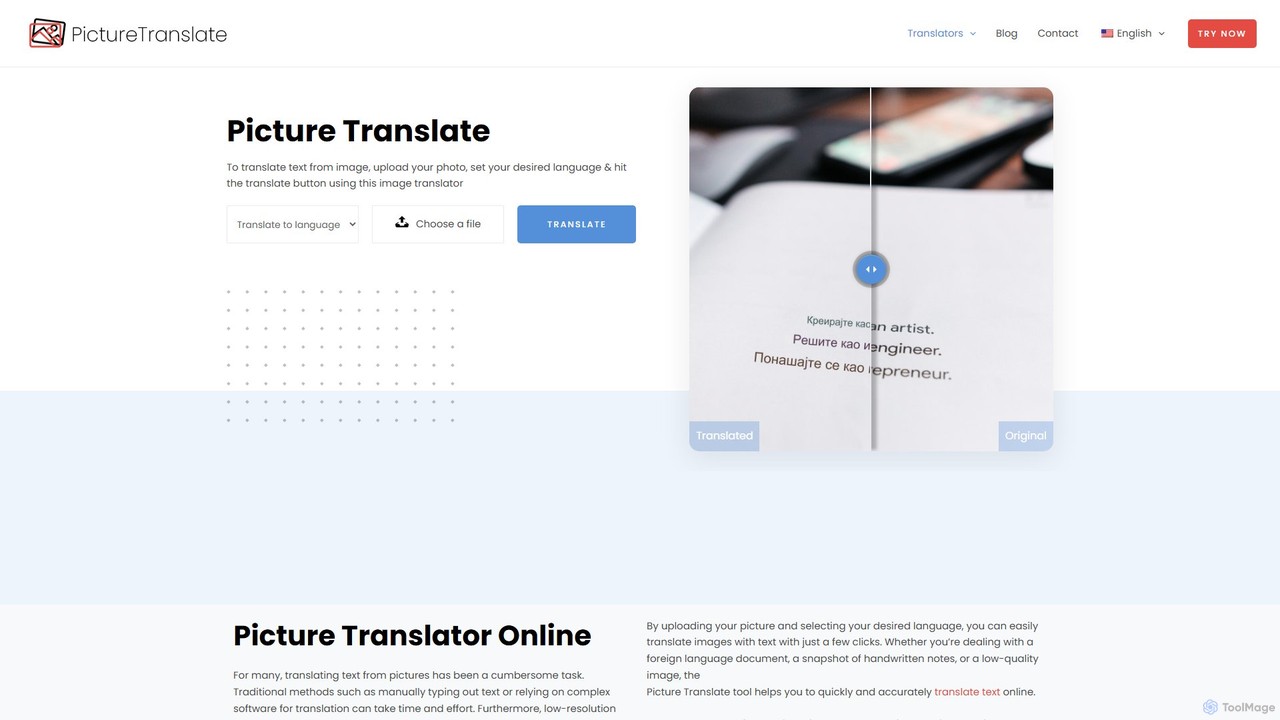
Picture Translate
Picture Translate is a free, AI-powered online tool that instantly translates text from images. Using advanced OCR technology, it accurately extracts and translates text from photos, screenshots, and documents into numerous languages. It's ideal for travelers, students, and professionals needing quick, on-the-go translations.
Learning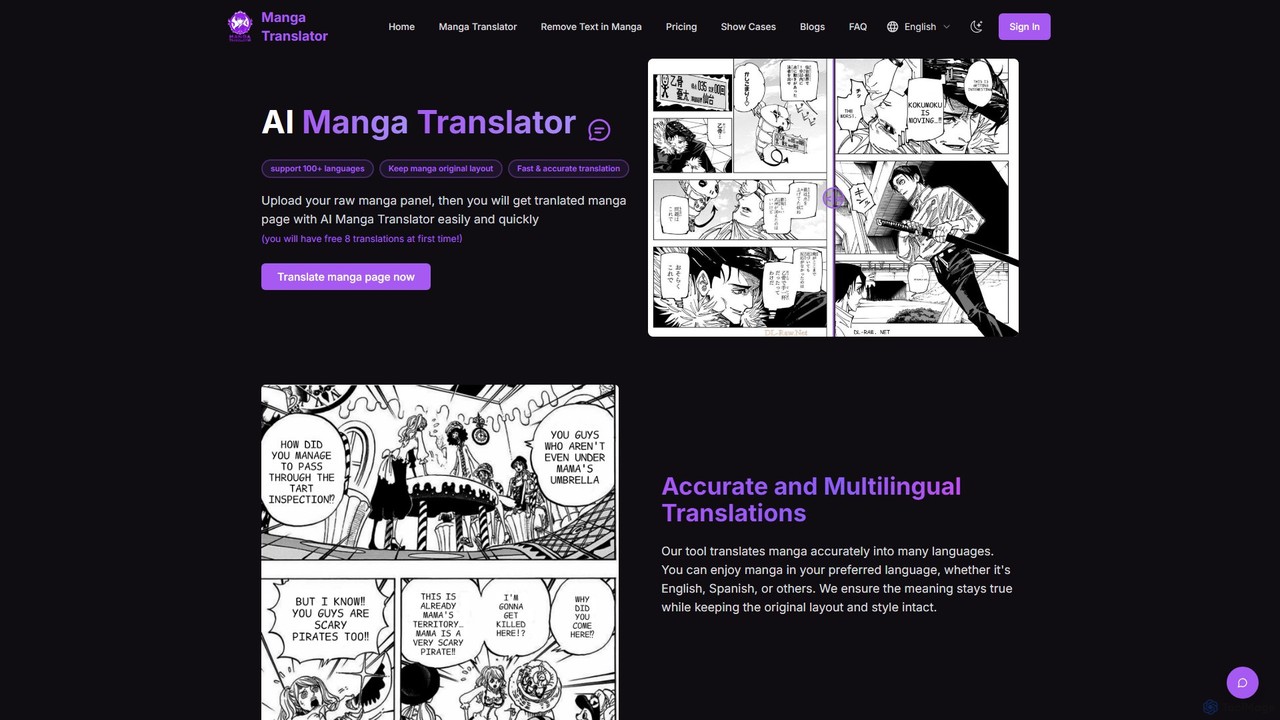
mangatranslator
mangatranslator is an AI-powered online tool for instantly translating manga, manhwa, and comics into over 100 languages. It automatically detects, translates, and cleans text while perfectly preserving the original artwork and layout. Ideal for fans, scanlators, and language learners, it supports various image and e-book formats, offering fast, accurate results with a user-friendly interface and a generous free plan.
Comics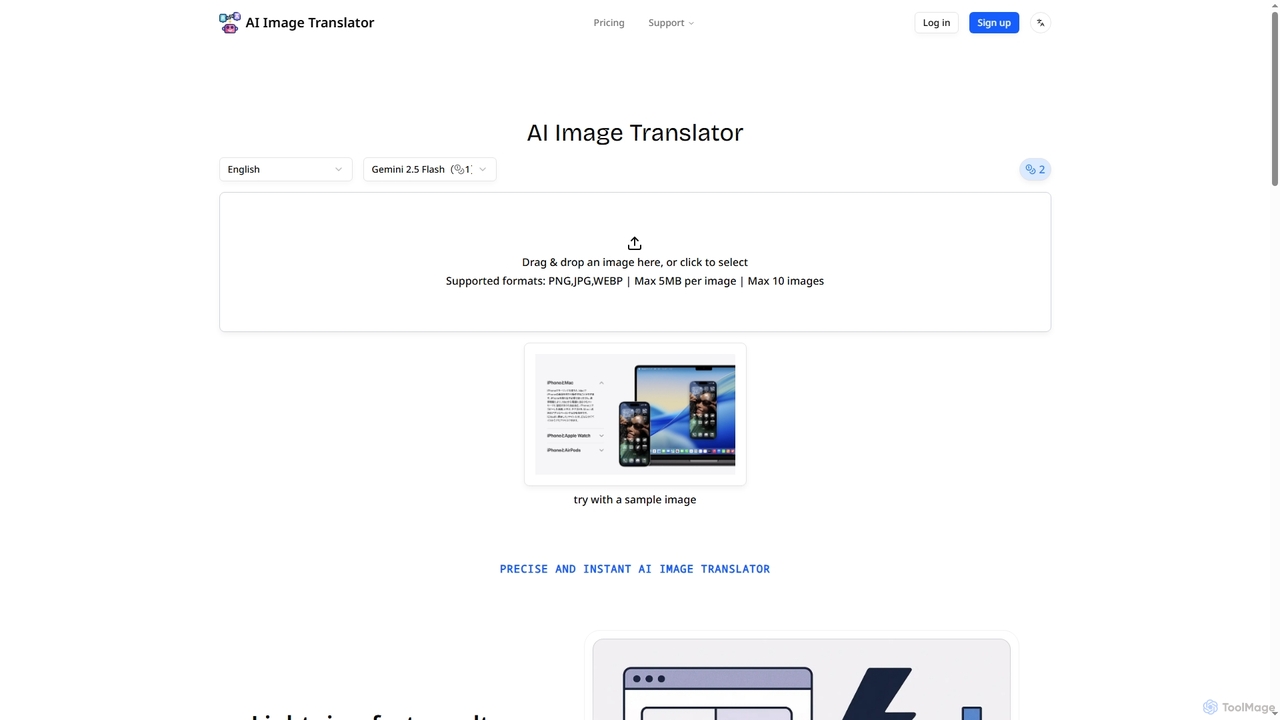
AI Image Translator
AI Image Translator is an advanced tool that precisely translates text within images into over 100 languages. It features lightning-fast processing, automatic text detection, and smart restoration to seamlessly integrate translated content while preserving original visual integrity.
Translation
comictranslate.net
An AI-powered platform designed to automatically translate comics, manga, and webtoons. It uses advanced OCR to detect text, AI inpainting to clean artwork, high-quality machine translation, and automatic typesetting to place translated text back into speech bubbles, streamlining the entire localization process.
Translation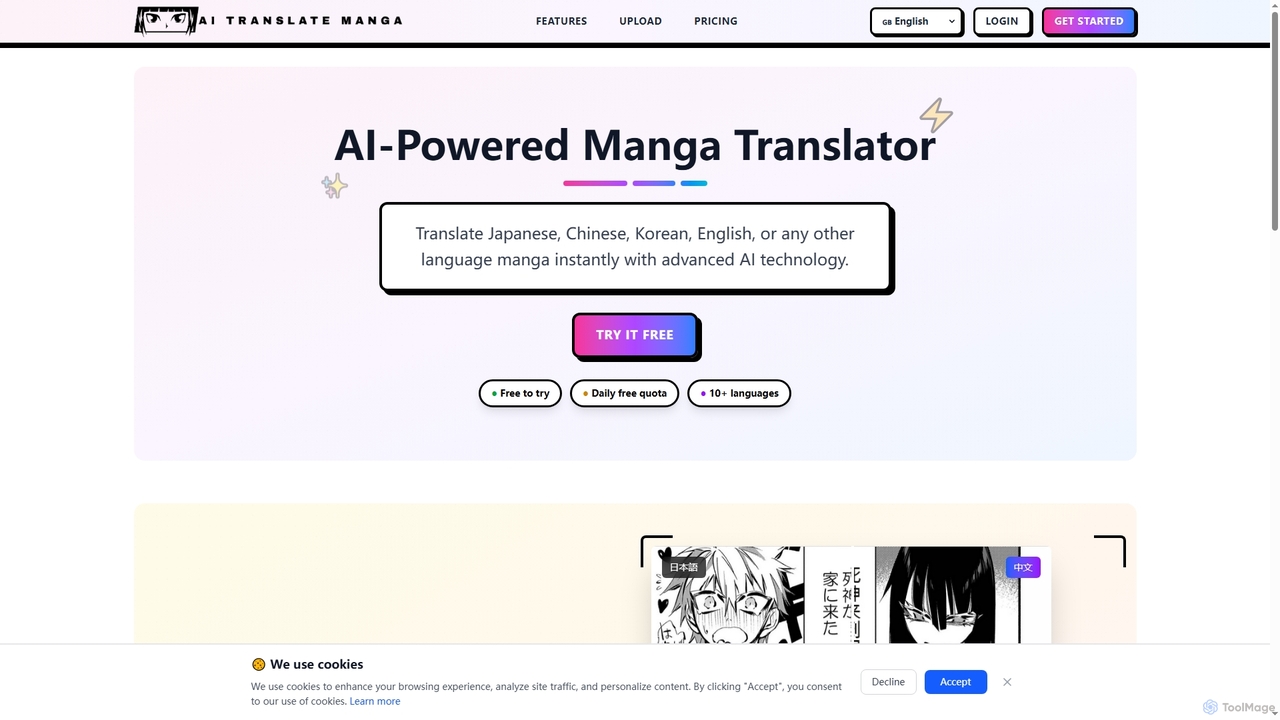
AI Translate Manga
AI Translate Manga is an advanced AI-powered tool designed to instantly translate manga from Japanese, Chinese, Korean, English, and other languages. It offers precise text recognition and context-aware translation, making manga accessible to a global audience.
ExtensionsDeeptranslate
Deeptranslate is a free AI-powered browser extension that provides instant, high-quality bilingual webpage translations. It integrates multiple leading translation engines like GPT, Claude, and Google Translate, allowing users to view original and translated text side-by-side for enhanced comprehension and learning.
Chrome Extensions
getmerlin
getmerlin is a versatile AI assistant powered by top models like GPT-4o and Claude 3.5. Available as a browser extension and app, it integrates seamlessly into your workflow to summarize content, draft emails, generate text and images, and enhance research on any website. It acts as an all-in-one productivity tool, saving time and money by consolidating multiple AI services into a single subscription.
Chrome Extensions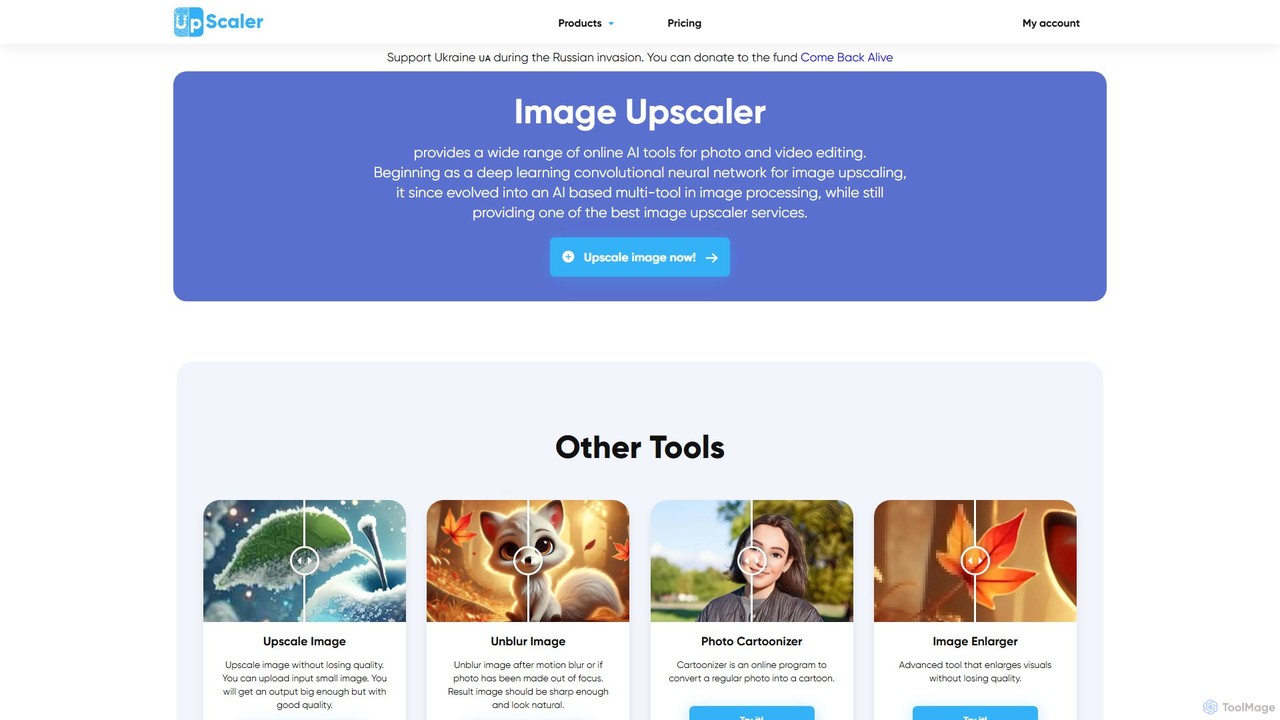
ImageUpscaler
An all-in-one AI-powered platform for image enhancement. Upscale photos up to 4x without quality loss, remove backgrounds, deblur images, generate art from text, and utilize a wide range of creative tools like cartoonizers, colorizers, and object removers. Ideal for professionals and hobbyists.
Graphics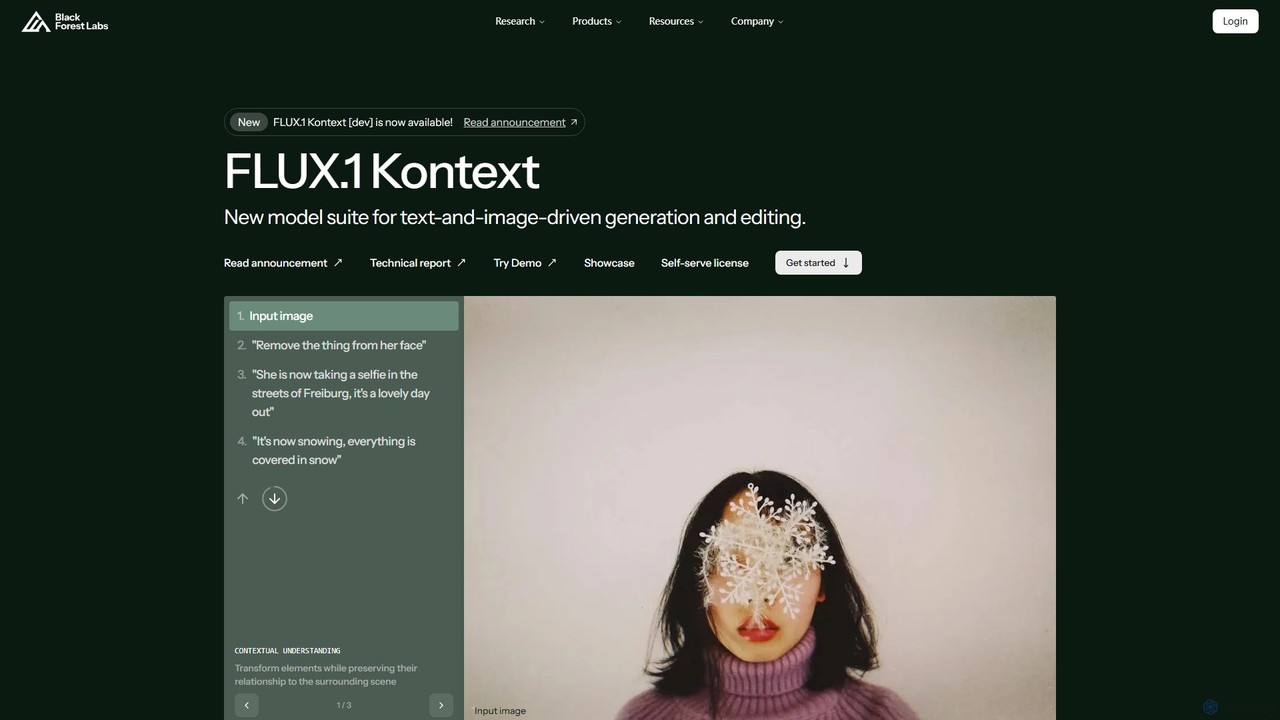
Black Forest Labs FLUX.1
FLUX.1 by Black Forest Labs is an advanced AI model suite for context-aware image generation and editing. It allows users to modify images using both text and image prompts, ensuring character consistency, precise local edits, and style preservation. It offers open-weight models for developers and commercial licenses for businesses, redefining iterative creative workflows.
Api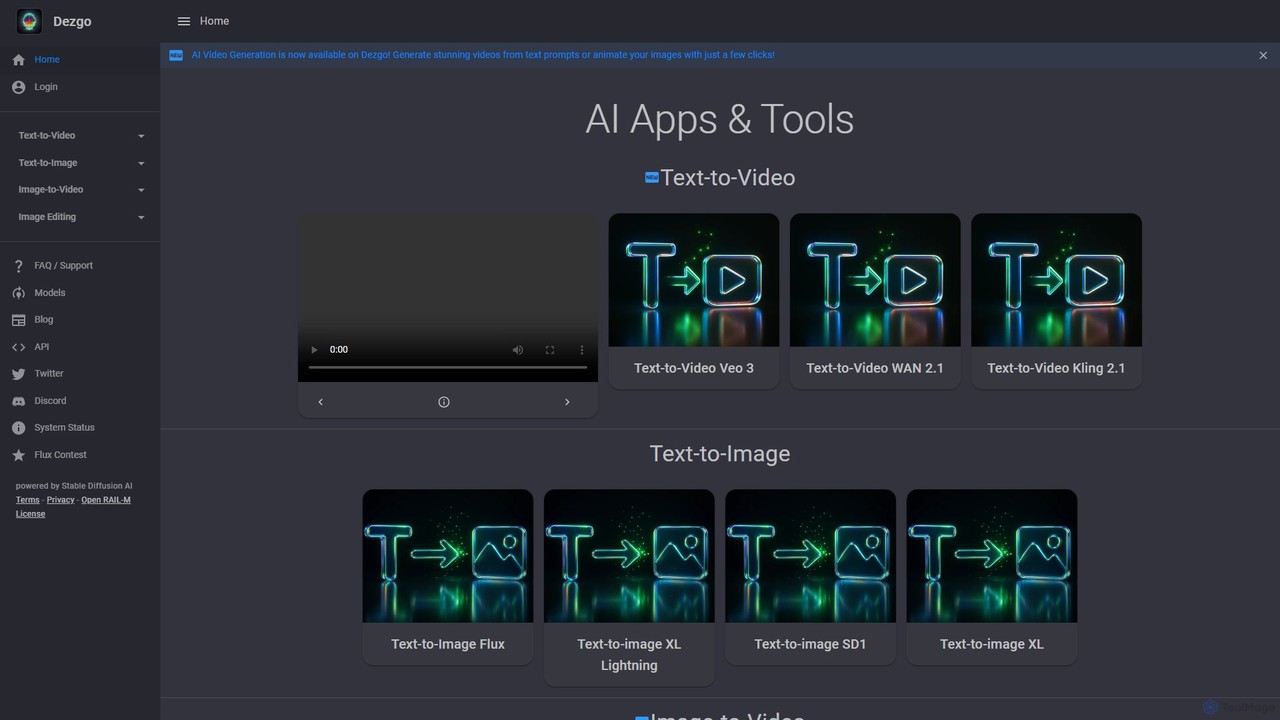
Dezgo
Dezgo is a versatile AI-powered platform for generating high-quality images and videos from text descriptions. It offers a suite of tools including text-to-image, text-to-video, image editing, upscaling, and inpainting, utilizing various advanced models like Stable Diffusion. It operates on a freemium model, providing both a free-to-use version and a pay-as-you-go 'Power Mode' for unrestricted access.
Image Editing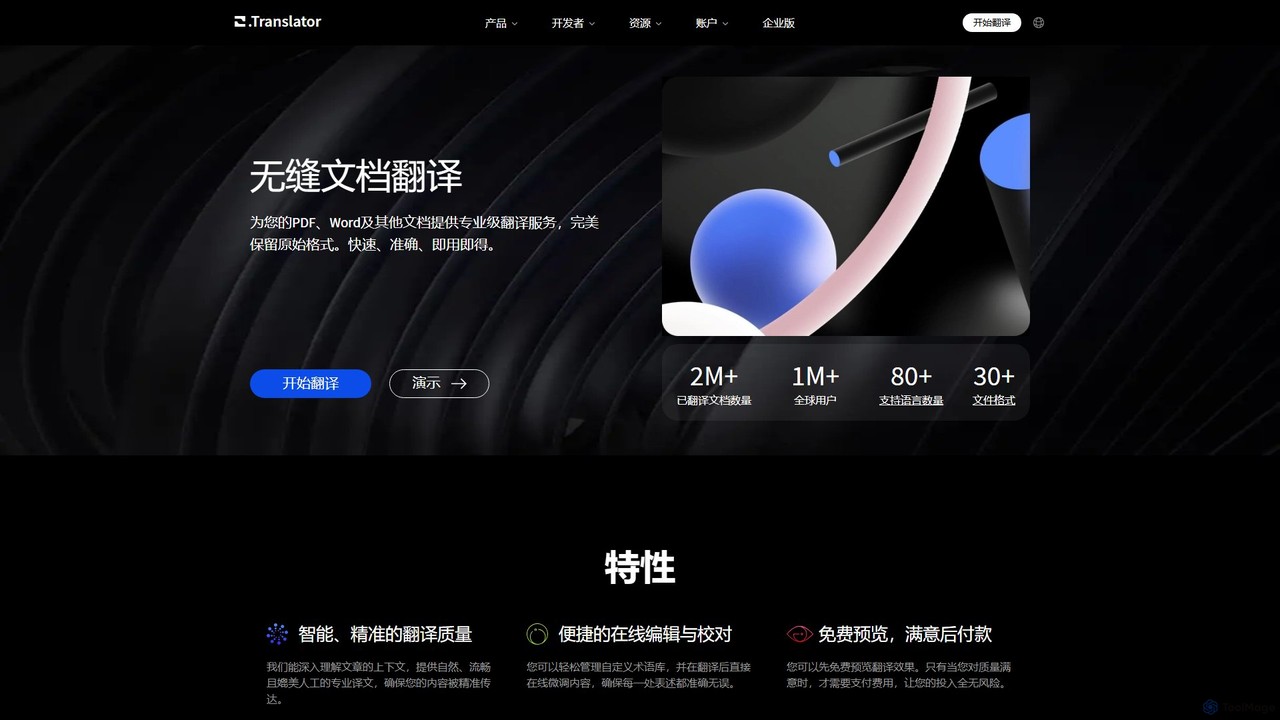
O.Translator
An AI-powered document translator that supports over 30 file formats (PDF, Word, EPUB, etc.) and 80+ languages. It excels at preserving the original layout and formatting, offering high-quality, context-aware translations with a unique free preview feature to ensure satisfaction before payment.
Documents
toriitranslate Comments (0)
Sign in to comment.
Sign inNo comments yet.