


WordPress Overview
WordPress is a free and open-source content management system (CMS) that powers over 43% of all websites on the internet. It is a versatile and powerful platform that allows anyone, from individual bloggers to large corporations, to build and manage a professional online presence. Originally created as a blogging tool, WordPress has evolved into a full-featured website builder, capable of creating everything from personal portfolios and business websites to complex e-commerce stores, membership sites, and online communities.
The core of the modern WordPress experience is the intuitive Block Editor (also known as Gutenberg). This editor allows you to build your pages and posts using modular content blocks for text, images, videos, buttons, columns, and more. This visual, drag-and-drop approach makes it easy to create rich, dynamic layouts in real-time without writing a single line of code. For those who need deeper customization, WordPress provides full access to the underlying code, offering limitless possibilities for developers.
How to use WordPress
Getting started with the self-hosted WordPress.org platform involves a few key steps:
- Domain and Hosting: First, you need to purchase a domain name (e.g., yoursite.com) and a web hosting plan from a provider. Most hosting companies offer one-click WordPress installation.
- Installation: Install the WordPress software on your hosting account. This is often an automated process, but the famous '5-minute install' is also an option for manual setup.
- Choose a Theme: Log in to your WordPress dashboard and navigate to the Appearance section. You can choose from thousands of free themes in the official directory or upload a premium theme to define the visual style of your site.
- Customize Your Site: Use the Site Editor to customize your theme's colors, fonts, and layout. You can create custom headers, footers, and page templates to match your brand.
- Add Plugins: Extend your site's functionality by installing plugins. Add a contact form, improve SEO with a plugin like Yoast SEO, set up an online store with WooCommerce, or integrate AI-powered content tools.
- Create Content: Start creating pages (like 'About' or 'Contact') and posts (for your blog) using the Block Editor. Organize your content with categories and tags for easy navigation.
Core Features of WordPress
- Flexible Block Editor: An intuitive, visual editor for building custom page and post layouts with content blocks.
- Vast Theme Ecosystem: Access to thousands of free and premium themes to control every aspect of your site's design.
- Powerful Plugin Architecture: Extend functionality with over 59,000 free plugins for SEO, security, e-commerce, forms, analytics, AI integrations, and more.
- Open-Source Freedom: As open-source software, you have full ownership of your content and complete control over your site's code and data.
- Built-in Media Management: An integrated media library to easily upload, organize, and manage images, videos, and documents.
- User Roles and Permissions: Manage a team of contributors with different access levels, such as Administrator, Editor, Author, and Contributor.
- SEO-Friendly Foundation: WordPress is built with search engine optimization in mind, and its capabilities can be supercharged with dedicated SEO plugins.
- Global Community: Backed by a massive, active global community of developers and users who provide support through forums, documentation, and local events (WordCamps).
Use Cases for WordPress
Thanks to its flexibility, WordPress is used to power a diverse range of websites, including:
- Blogs and Personal Websites: The platform's original and still a primary use case for writers, artists, and hobbyists.
- Business and Corporate Websites: From small local businesses to large enterprises like Sony Music and The Walt Disney Company.
- E-commerce Stores: With the WooCommerce plugin, WordPress becomes a powerful and fully customizable e-commerce platform.
- Portfolios: A popular choice for photographers, designers, and artists to showcase their work.
- News and Magazine Sites: Robust enough to handle the high traffic and complex content structures of publications like The New York Times Company and Rolling Stone.
- Non-Profit and Educational Websites: Used by organizations and universities worldwide, including official sites for Sweden and NASA.
- Online Communities: Build forums, social networks, and membership sites using plugins like BuddyPress and bbPress.
Advantages of WordPress
The enduring popularity of WordPress stems from its key advantages:
- Cost-Effective: The core WordPress software is completely free. Your main costs are for hosting and a domain name, making it an affordable starting point.
- Ultimate Flexibility: With themes and plugins, you can build virtually any type of website and add any feature you can imagine.
- User-Friendly: The dashboard and Block Editor are designed to be intuitive, making it accessible for beginners without technical skills.
- Scalability: WordPress can scale from a small personal blog to a high-traffic enterprise website handling millions of visitors.
- Full Ownership and Control: Unlike closed platforms, you own your website and all its data. You are never locked into a single provider.
- Strong Security: The core software is regularly updated by a dedicated security team, and numerous plugins are available to further harden your site's defenses.
Pricing and Plans
The WordPress.org software itself is 100% free and open-source to download and use. However, to create a publicly accessible website, you will need to account for the following costs:
- Web Hosting: This is where your website's files are stored. Costs can range from a few dollars per month for shared hosting to hundreds for dedicated servers, depending on your traffic and needs.
- Domain Name: This is your website's address (e.g., yoursite.com). It typically costs around $10-20 per year.
- Premium Themes & Plugins (Optional): While thousands of themes and plugins are free, you may choose to purchase premium versions for more advanced features and dedicated support. These are one-time or recurring costs.
In summary, while the platform is free, the total cost of running a WordPress site is variable and depends entirely on your specific requirements and choices.
Traffic
Latest traffic
Status
Monthly traffic trend
- 2025-9: 9.7M
- 2026-1: 9.1M
- 2026-2: 8.3M
- 2026-3: 8.8M
- 2026-4: 8.1M
- 2026-5: 8.5M
Geography
Top 5 countries / regions
- 🇺🇸United States43.0%
- 🇮🇳India21.3%
- 🇯🇵Japan12.2%
- 🇬🇧United Kingdom11.9%
- 🇩🇪Germany11.6%
Traffic sources
| Source type | Percentage |
|---|---|
Direct | 55.8% |
Referral | 43.0% |
Email | 1.2% |
Top keywords
| Keyword | Cost per click |
|---|---|
| download wordpress | $1.85 |
| wordpress | $1.17 |
| wordpress 7 | $2.50 |
| wordpress 7.0 | $3.33 |
| wordpress download | $1.36 |
WordPress Videos on YouTube


POSIMYTH - WordPress Tutorials



Ferdy․com | Ferdy Korpershoek
WordPress Alternatives

Jimdo
Jimdo is an intuitive website builder designed for small businesses, freelancers, and entrepreneurs. It uses AI-powered technology to help users create professional websites, online stores, or portfolios in minutes without any coding knowledge. Featuring customizable templates, integrated SEO tools, and e-commerce functionality, Jimdo simplifies the process of building a strong online presence, allowing business owners to focus on growth.
Online Store Builder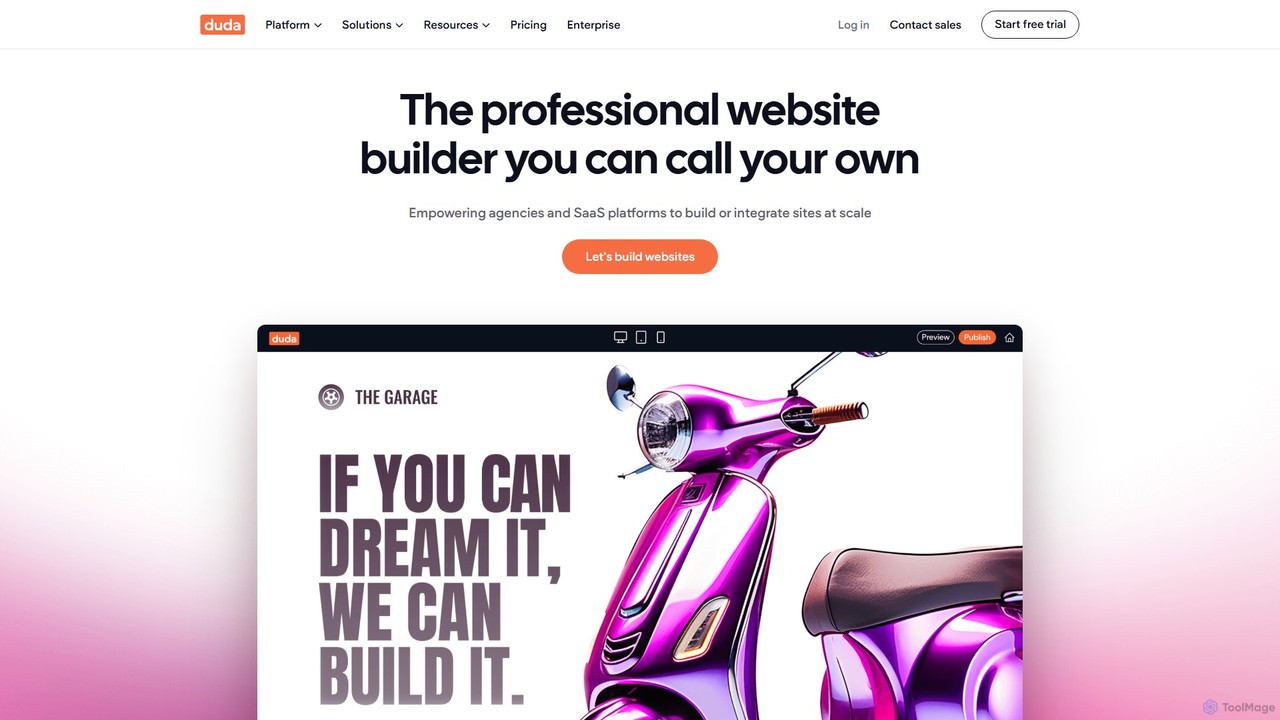
Duda
Duda is a professional website builder designed for digital agencies and SaaS platforms. It leverages AI to streamline site creation, content generation, and SEO optimization, enabling users to build high-performance, scalable, and fully white-labeled websites efficiently without coding.
Agency
butternut.ai
Butternut.ai is an AI-powered website builder designed for small businesses, freelancers, and entrepreneurs. It enables users to generate a fully functional, professional website in just 20 seconds by simply describing their business. The platform requires no coding or design skills and provides an all-in-one solution including hosting, SEO, an AI blog writer, and e-commerce capabilities.
Store Builder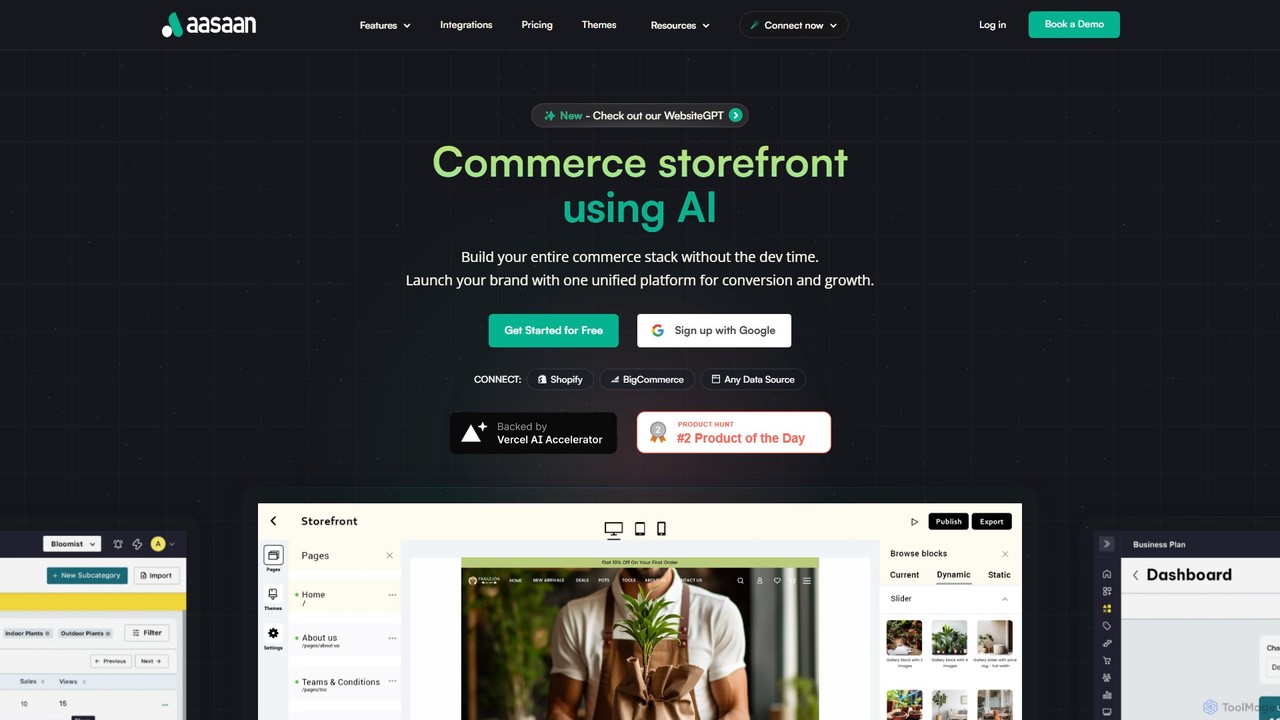
aasaan
Aasaan is an AI-powered, no-code headless commerce platform that enables businesses to build high-performance e-commerce storefronts and mobile apps. It connects to any data source like Shopify or BigCommerce, offering a unified dashboard for store management, analytics, and SEO optimization. Launch a fast, scalable, and fully customizable online store without any development time.
Website Builder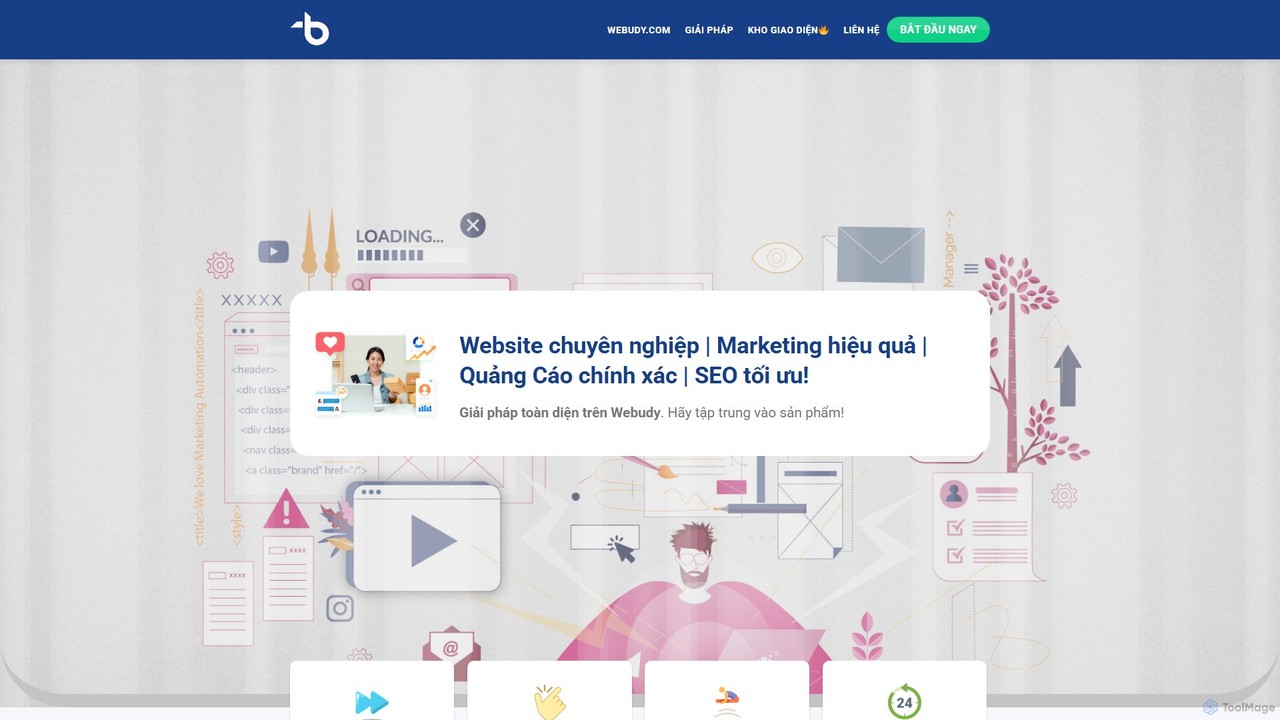
Webudy
Webudy is an all-in-one, AI-powered platform designed to help businesses establish a strong online presence. It offers comprehensive services including professional website design with over 500 templates, advanced SEO optimization, high-quality content creation, and integrated digital marketing campaigns across multiple channels.
E CommerceWordPress Categories
WordPress Embed Widget
Copy this embed code to place the badge on your blog, article, or product site and send readers directly to this ToolMage detail page.

Related AI tools
Webflow
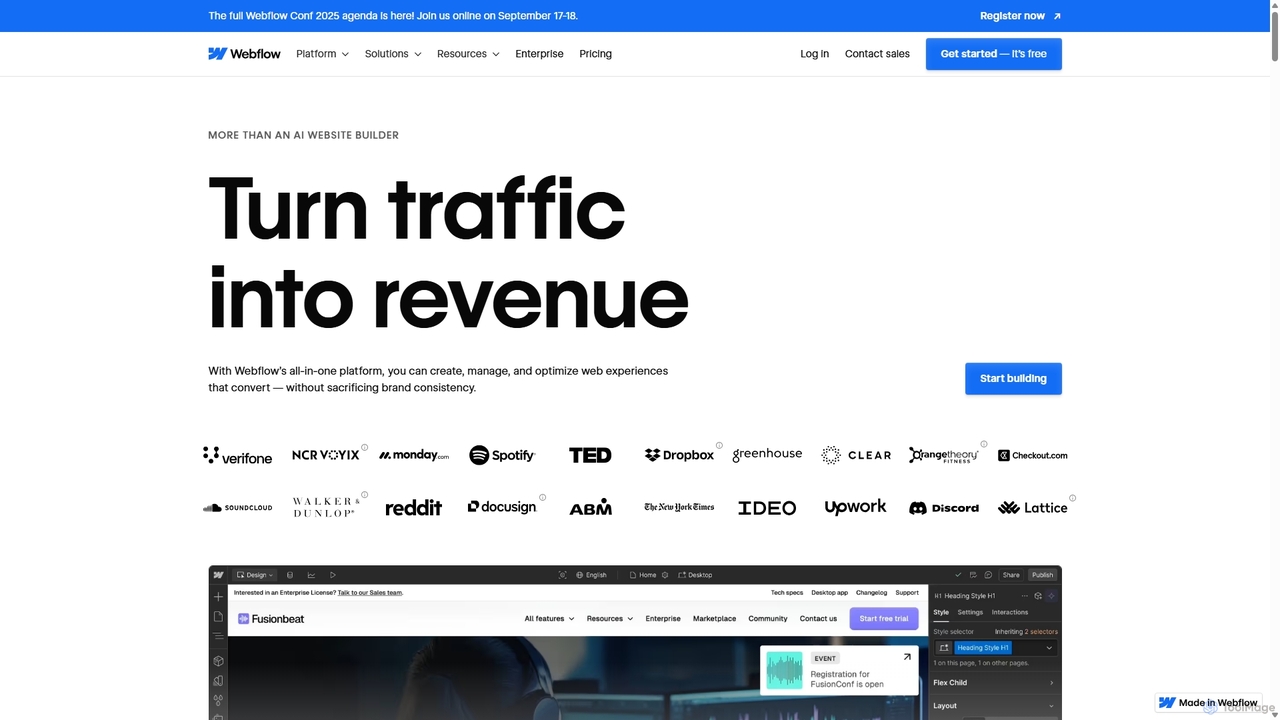
Webflow is a visual development platform that empowers users to design, build, and launch professional, custom websites without writing code. It combines a powerful visual designer, a flexible CMS, and high-performance hosting into a single platform, enhanced with AI features for faster creation and optimization.
Web Design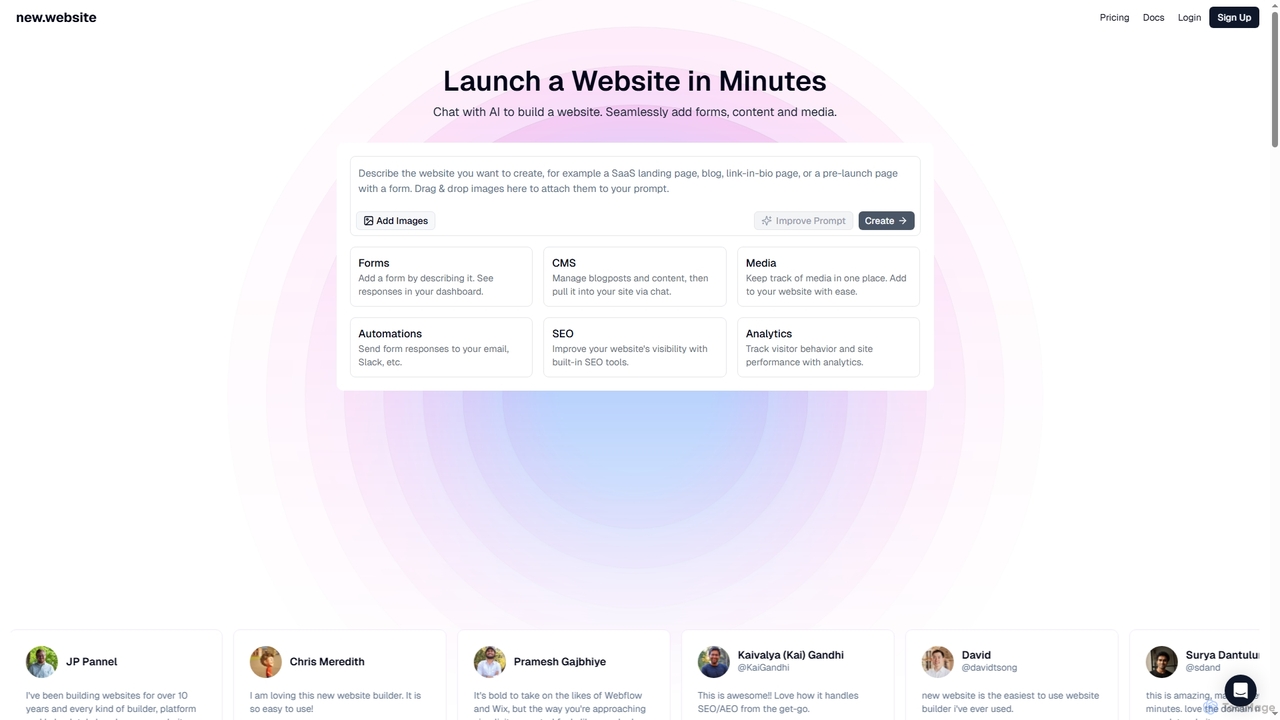
New
New is an AI-powered website builder that enables users to launch professional websites in minutes through simple chat commands. It integrates essential features like forms, content management, media libraries, SEO tools, and analytics into one seamless platform, making website creation accessible and efficient for businesses and individuals alike.
3D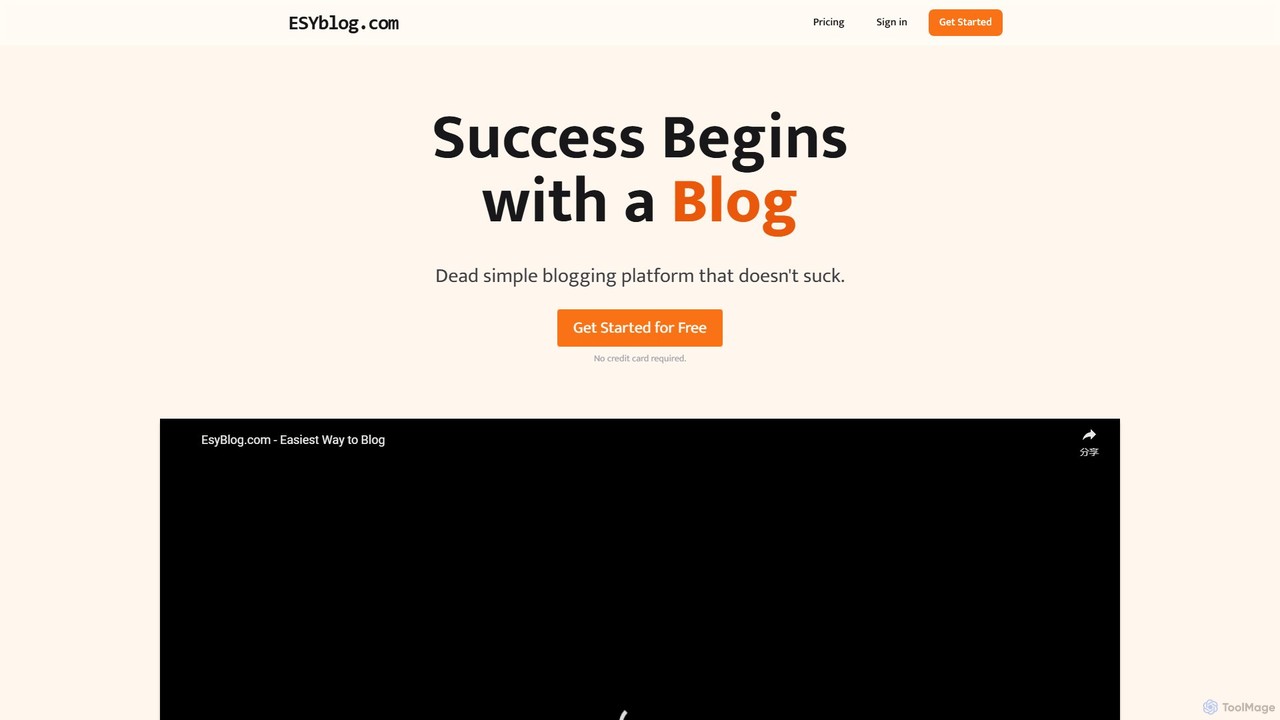
esyblog
esyblog is a dead-simple blogging platform designed for users who want a fast, affordable, and user-friendly alternative to complex systems like WordPress. It enables anyone to create a stunning, SEO-optimized blog in minutes without any coding skills. Features include custom domains, newsletters, multiple themes, and AI-powered SEO optimization, making it ideal for hobbyists, professionals, and businesses.
Content CreationJimdo
Jimdo is an intuitive website builder designed for small businesses, freelancers, and entrepreneurs. It uses AI-powered technology to help users create professional websites, online stores, or portfolios in minutes without any coding knowledge. Featuring customizable templates, integrated SEO tools, and e-commerce functionality, Jimdo simplifies the process of building a strong online presence, allowing business owners to focus on growth.
Online Store Builder
Jyek
Jyek is an AI agent platform that understands objectives, creates execution plans, uses tools, and delivers verifiable results for complex, multi-step tasks.
AutomationDuda
Duda is a professional website builder designed for digital agencies and SaaS platforms. It leverages AI to streamline site creation, content generation, and SEO optimization, enabling users to build high-performance, scalable, and fully white-labeled websites efficiently without coding.
Agencybutternut.ai
Butternut.ai is an AI-powered website builder designed for small businesses, freelancers, and entrepreneurs. It enables users to generate a fully functional, professional website in just 20 seconds by simply describing their business. The platform requires no coding or design skills and provides an all-in-one solution including hosting, SEO, an AI blog writer, and e-commerce capabilities.
Store Builderaasaan
Aasaan is an AI-powered, no-code headless commerce platform that enables businesses to build high-performance e-commerce storefronts and mobile apps. It connects to any data source like Shopify or BigCommerce, offering a unified dashboard for store management, analytics, and SEO optimization. Launch a fast, scalable, and fully customizable online store without any development time.
Website BuilderWebudy
Webudy is an all-in-one, AI-powered platform designed to help businesses establish a strong online presence. It offers comprehensive services including professional website design with over 500 templates, advanced SEO optimization, high-quality content creation, and integrated digital marketing campaigns across multiple channels.
E Commerce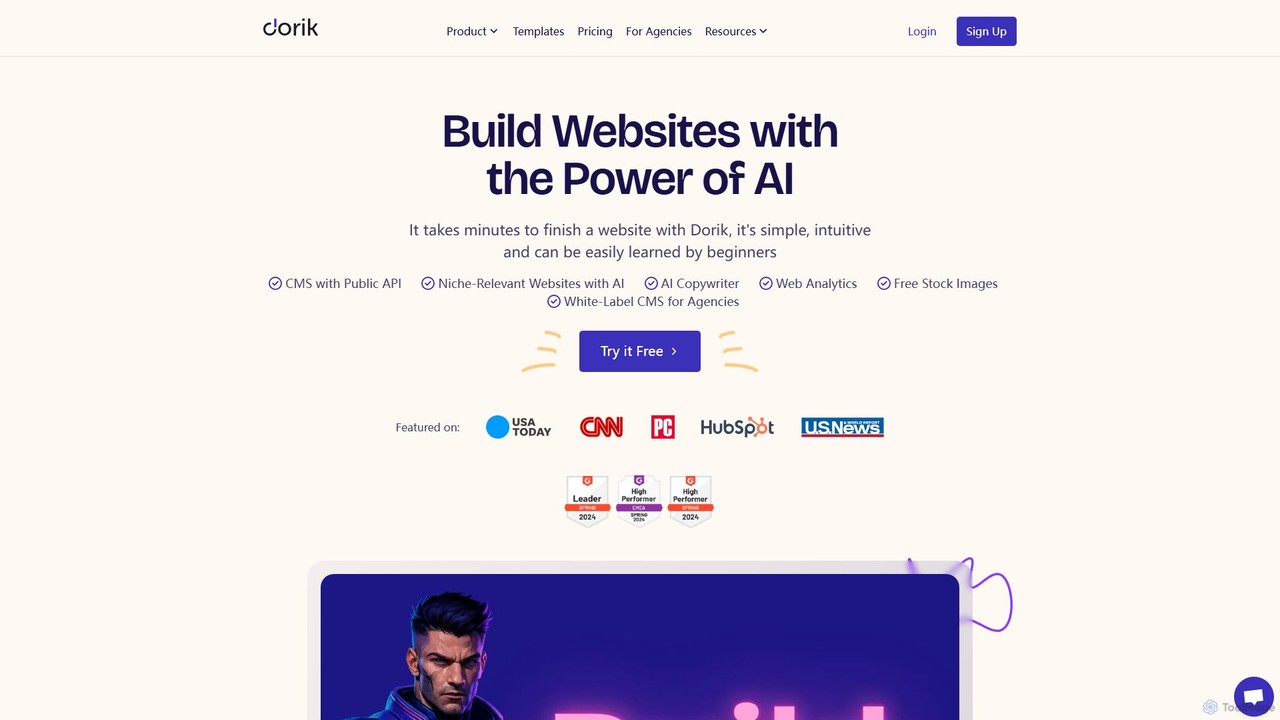
Dorik
Dorik is an AI-powered, no-code website builder that enables users to create stunning, professional websites in minutes. It features an intuitive drag-and-drop editor, AI content and image generation, a built-in CMS, and robust hosting. Designed for beginners, agencies, and businesses, Dorik offers an affordable and flexible solution for building everything from landing pages and blogs to complex, data-driven sites with Airtable integration.
Landing Page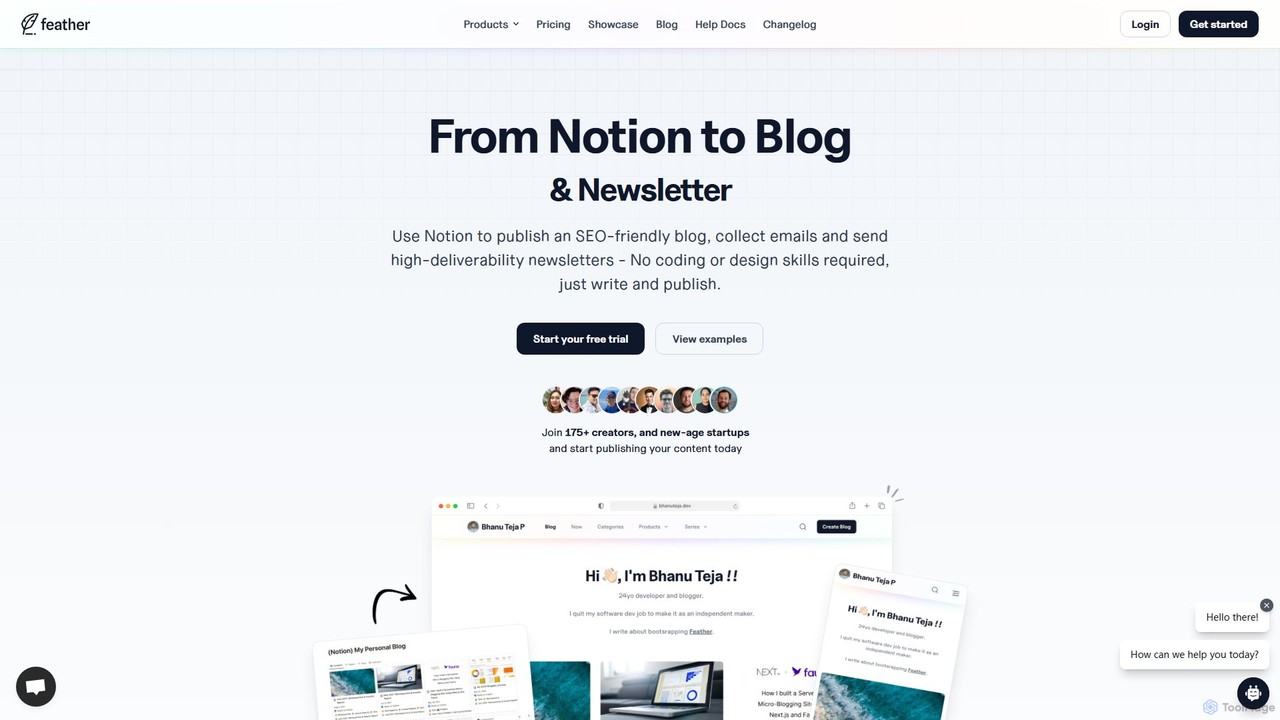
Feather
Feather is a no-code platform that transforms your Notion pages into a fully-featured, SEO-optimized blog and newsletter in minutes. It's designed for creators and startups to publish content seamlessly, manage subscribers, and analyze performance without any coding. Simply write in Notion, and Feather handles the rest, from hosting to SEO and email delivery.
Content Creation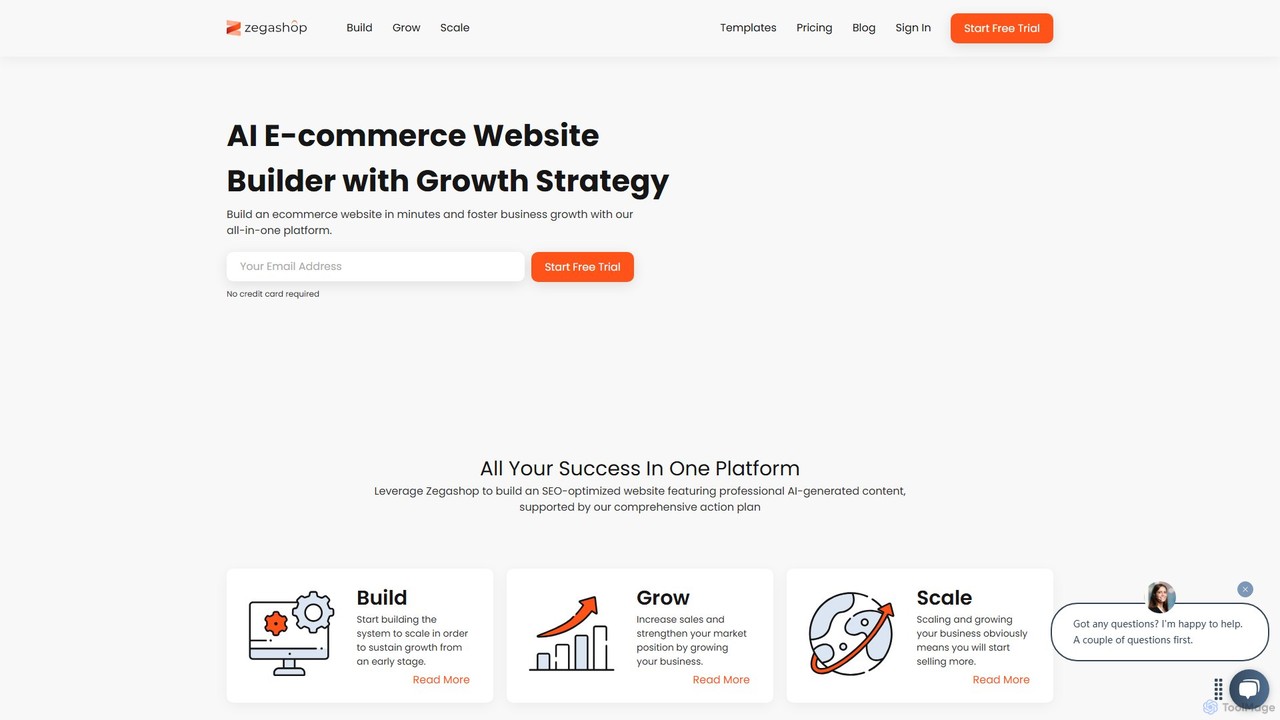
Zegashop
Zegashop is an all-in-one AI-powered eCommerce platform that enables users to build a professional online store in minutes. It integrates a drag-and-drop website builder with AI-generated content, SEO optimization tools, and a comprehensive growth strategy to help businesses launch, manage, and scale their operations effectively. No technical expertise is required.
Website Builder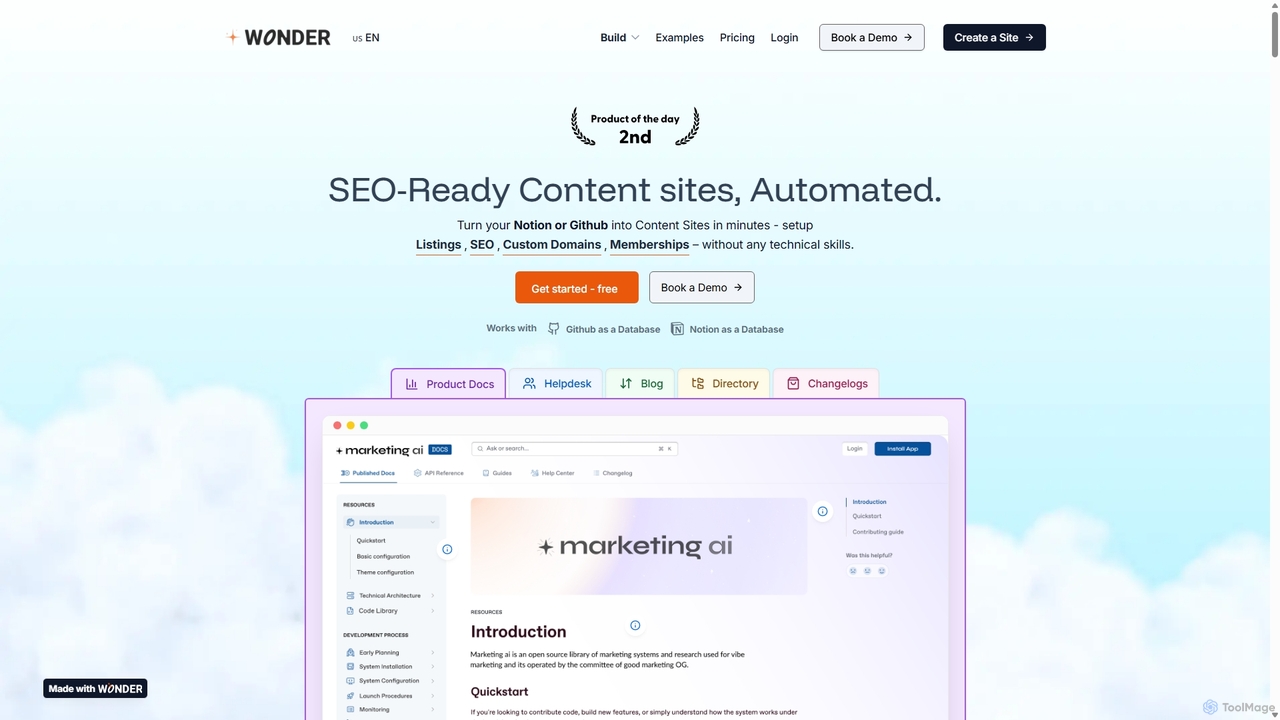
Wondersites
Wondersites is a no-code platform that transforms your Notion or Github databases into fully functional, SEO-ready websites in minutes. Build blogs, helpdesks, directories, and marketplaces without any technical skills. It features AI-powered site creation, built-in analytics, membership paywalls, and seamless integrations.
Content Management
Studio.Design
Studio.Design is a powerful no-code website builder that empowers designers and creators to turn ideas into fully responsive, animated websites with complete creative freedom. It features an intuitive visual editor, real-time collaboration, an integrated CMS, and AI-powered SEO tools, allowing you to publish professional sites in a single click.
Web Design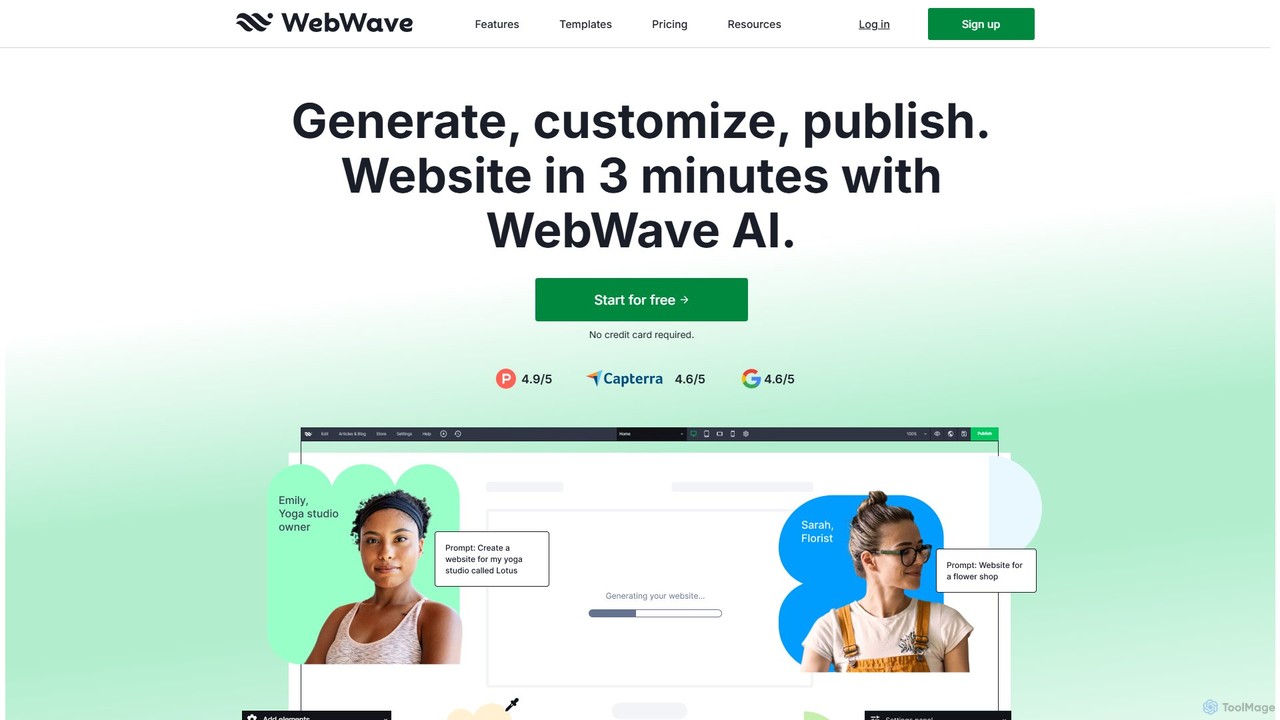
WebWave
WebWave is an AI-powered, no-code website builder that allows users to create professional, responsive websites in minutes. It features a drag-and-drop editor with pixel-perfect precision, inspired by graphic design tools, offering complete creative freedom. Users can generate a site with AI, customize templates, or start from scratch. It's ideal for small businesses, freelancers, and agencies, offering e-commerce, blogging, SEO tools, and white-label solutions.
Store Builder
WordPress Comments (0)
Sign in to comment.
Sign inNo comments yet.