
ToolMage
Sign in

Best 1 Simulation AI tools for 3D & Design

Popular Simulation AI tools in 3D & Design include blackshark.ai, helping you work more efficiently.

blackshark.ai
Paid

blackshark.ai

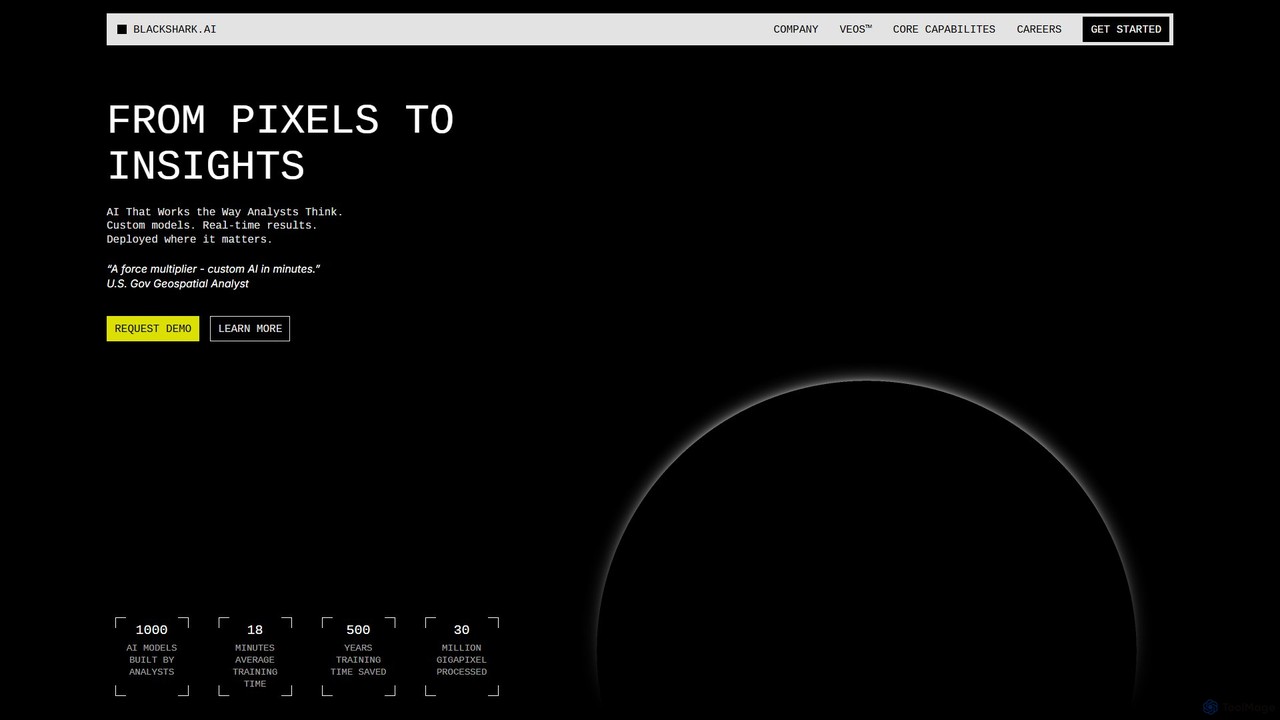
blackshark.ai is an AI-powered Visual Earth Operating System (VEOS) that transforms satellite, aerial, and drone imagery into actionable 2D/3D geospatial intelligence and realistic simulations. It empowers analysts to rapidly train custom AI models for detection, classification, and monitoring, serving the defense, infrastructure, and autonomy sectors with unprecedented speed and flexibility.

Simulation
Visits 22KFavorites 157Likes 151

About Simulation

AI Simulation tools are a class of software used to create dynamic, predictive digital models of real-world systems and processes. As a specialized area within 3D & Design, these tools go beyond static visuals to model behavior, interactions, and outcomes over time. They leverage physics engines, agent-based modeling, and machine learning to build interactive environments where users can test hypotheses, train AI agents, or forecast future events without real-world risk. This capability makes them essential for complex analysis and decision-making in various fields.

Core Features

  • Physics Engine: Simulates real-world physical laws such as gravity, friction, and fluid dynamics for realistic interactions.
  • Agent-Based Modeling (ABM): Allows for the creation of autonomous agents that interact with each other and the environment based on predefined rules.
  • Scenario Generation: Enables users to define and run multiple 'what-if' scenarios to compare outcomes and test system resilience.
  • Data Integration: Connects with real-world data sources to create more accurate and validated simulation models (digital twins).
  • Procedural Content Generation (PCG): Uses algorithms to automatically create large-scale, complex, and varied environments for testing or training.

Use Cases

AI Simulation tools are widely used in engineering for virtual prototyping and stress testing of products. In urban planning, they model traffic flow and pedestrian movement to optimize city infrastructure. The robotics and autonomous vehicle industries rely heavily on simulation to train and validate AI algorithms in safe, controlled virtual environments before deploying them in the real world.

How to Choose

When selecting an AI Simulation tool, consider the required level of fidelity and realism for your model. Evaluate its domain-specific capabilities, such as support for fluid dynamics or multi-agent systems. Assess its integration with other software in your workflow, like CAD or data analysis platforms. Finally, consider the tool's scalability to handle the complexity of your models and the computational performance for real-time analysis.

Featured tool rankings

Simulation use cases

1

Training Autonomous Driving Systems in Virtual Worlds

Automotive engineers and AI developers use simulation platforms to create millions of miles of virtual driving scenarios. These environments can safely replicate hazardous road conditions, rare edge cases, and complex traffic interactions that are impractical or dangerous to test in the real world. By training AI models in these simulations, they can rapidly iterate on perception and control algorithms, significantly accelerating the development and validation of self-driving technology while ensuring higher safety standards before on-road deployment.

2

Simulating Structural Integrity for Architectural Design

Structural engineers and architects use simulation software to create digital twins of buildings, bridges, and other large structures. Within these virtual models, they can apply forces that mimic real-world events like earthquakes, high winds, or heavy loads. The simulation's physics engine calculates stress, strain, and potential failure points throughout the structure. This process allows designers to identify and reinforce weak areas, optimize material usage, and ensure compliance with safety codes long before construction begins, preventing costly and dangerous design flaws.

3

Developing and Testing Robotic Arms in a Virtual Factory

Robotics engineers create a digital twin of a factory floor to program, test, and optimize robotic arms. In this simulated environment, they can develop complex motion paths for tasks like assembly or welding without risking damage to expensive physical hardware. The simulation allows for testing thousands of cycles to check for long-term reliability and potential collisions with other machinery. This virtual commissioning process significantly reduces physical setup time, minimizes production downtime, and allows for safer, more efficient automation solutions.

4

Optimizing City Traffic Flow with Agent-Based Simulation

Urban planners and traffic engineers use agent-based modeling to simulate the movement of thousands of individual vehicles, pedestrians, and public transport units within a city. Each 'agent' follows its own rules and goals, creating a complex, dynamic traffic system. Planners can then test interventions, such as changing traffic light timings, adding a new subway line, or creating pedestrian-only zones, and observe the emergent effects on congestion, travel times, and air quality. This provides data-driven insights to make informed decisions for urban development projects.

5

Creating Realistic Physics for Video Game Environments

Game developers use simulation tools, specifically physics engines, to create believable and immersive worlds. These engines govern how objects interact, from the way a character jumps to how a building collapses under an explosion. By simulating properties like mass, friction, and elasticity, developers can produce dynamic and unpredictable gameplay moments. This enhances player engagement by making the game world feel more responsive and authentic, moving beyond simple, pre-scripted animations to a system where actions have realistic consequences.

6

Modeling Complex Climate Systems for Scientific Research

Climate scientists use advanced simulation platforms to model the Earth's atmosphere, oceans, and ecosystems. These complex simulations incorporate vast amounts of data and physical principles to forecast long-term climate trends. Researchers can run scenarios to test the potential impact of different factors, such as varying levels of greenhouse gas emissions or changes in solar radiation. The results of these simulations are crucial for understanding climate change, predicting its effects on different regions, and providing a scientific basis for international policy decisions.

Simulation FAQ

What are AI Simulation tools?

AI Simulation tools are advanced software applications that create dynamic, interactive digital models of real-world systems. Unlike static 3D models, they use physics engines and AI algorithms to simulate behavior and processes over time. This allows users to test 'what-if' scenarios, predict outcomes, and train AI agents in a virtual environment. They are commonly used in fields like engineering, robotics, urban planning, and scientific research to analyze complex systems without real-world costs or risks.

How do I choose the right AI Simulation tool?

To choose the right tool, consider these factors:

  • Domain Specificity: Select a tool designed for your field, whether it's robotics, fluid dynamics, or urban planning, as it will have relevant features and libraries.
  • Fidelity and Realism: Determine the level of accuracy you need. Some projects require high-fidelity physics and rendering, while others can use simpler, faster models.
  • Scalability: Ensure the tool can handle the complexity and scale of your simulation, from a single object to millions of interacting agents.
  • Integration: Check for compatibility with your existing software, such as CAD tools for importing models or data analysis platforms for processing results.
What's the difference between AI Simulation and standard 3D Modeling?

The key difference is static versus dynamic. Standard 3D Modeling focuses on creating a static visual representation of an object or environment—its shape, texture, and appearance. AI Simulation takes a 3D model and makes it dynamic and interactive. It adds layers of physics, rules, and behaviors, allowing the model to change and react over time. In short, 3D modeling shows what something looks like, while AI simulation shows how something works and behaves.

What are the main benefits of using AI in simulation?

AI significantly enhances simulations in several ways:

  • Increased Realism: AI can learn from real-world data to create more realistic and unpredictable behaviors for agents, such as pedestrians or vehicles.
  • Automated Scenario Generation: AI can procedurally generate vast and diverse testing environments, creating millions of unique scenarios to validate systems like autonomous vehicles.
  • Optimization: AI algorithms can run thousands of simulation variations to automatically find the most optimal design or strategy, such as the most efficient factory layout.
  • Accelerated Processing: Machine learning models can be used to approximate complex physical calculations, speeding up simulation times dramatically.
Who typically uses AI Simulation software?

A diverse range of professionals rely on AI simulation software. This includes:

  • Engineers (mechanical, civil, automotive) for virtual prototyping, stress testing, and product validation.
  • AI and Robotics Researchers to train and test algorithms for robots and autonomous vehicles in safe virtual environments.
  • Urban Planners and Traffic Analysts to model city dynamics and optimize infrastructure.
  • Game Developers to create realistic physics and interactive environments that enhance gameplay.
  • Scientists (climatologists, biologists) to model and understand complex natural systems.