ToolMage
Sign in

Best 34 Ai Art AI tools for Art

Popular Ai Art AI tools in Art include Higgsfield, LiblibAI, Artguru, Seduced, Bylo.ai, CreateAIAsian, idyllic, cgdream, AliveAI, and Aipose, helping you work more efficiently.

AliveAI
Freemium

AliveAI

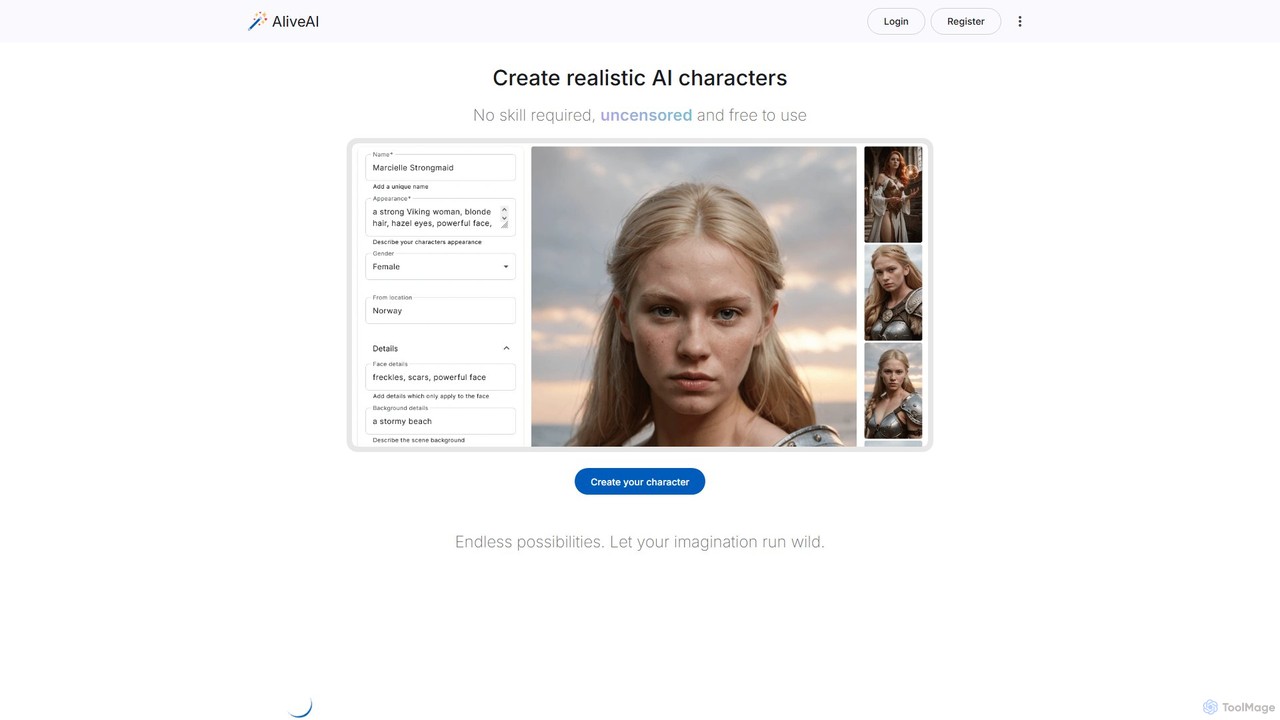
AliveAI is an uncensored AI image and video generator designed for ultimate creative freedom. It specializes in creating hyper-realistic, photorealistic characters and scenes without content restrictions. Leveraging advanced models like SDXL, it empowers artists, designers, and creators to generate any image imaginable, including NSFW, anime, and social media influencer styles, with speed and ease.

Ai Art
Visits 141.9KFavorites 142Likes 126
Imaginator
Paid

Imaginator

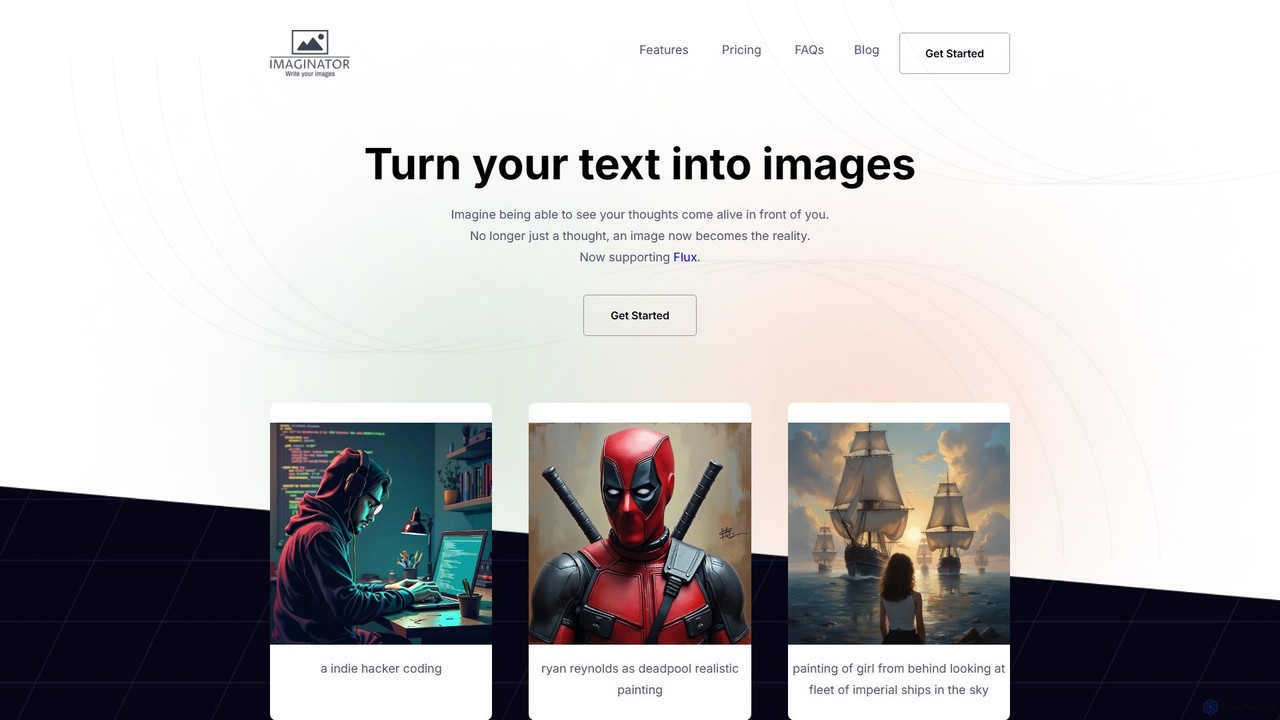
Imaginator is an advanced AI image generator that transforms your text descriptions into stunning visuals. Leveraging the cutting-edge Flux model, it allows users to create high-quality, realistic, and artistic images from simple prompts. It features a straightforward credit-based system and is designed for creators, developers, and marketers.

Ai Art
Visits 6.6KFavorites 137Likes 147
stablediffusionai.ai
Freemium

stablediffusionai.ai

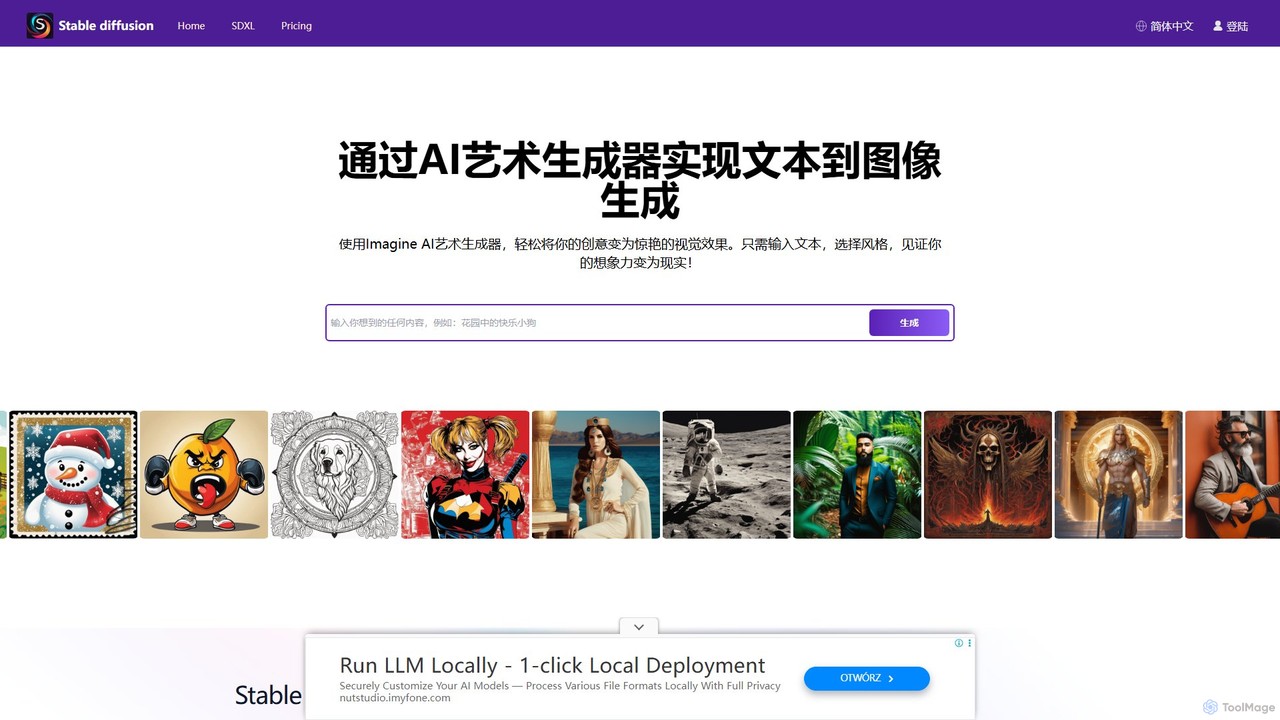
stablediffusionai.ai is a user-friendly online platform for generating high-quality AI art using the powerful Stable Diffusion XL model. It allows users to transform text prompts into stunning visuals, offering features like preset styles, negative prompts, and high-resolution output. Suitable for both beginners and experienced artists, it provides a simple interface to explore advanced AI image generation, including image editing and model customization with LoRAs and embeddings. A freemium model offers both free access and premium plans for enhanced features.

Ai Art
Visits 59.8KFavorites 171Likes 158
idyllic
Freemium

idyllic

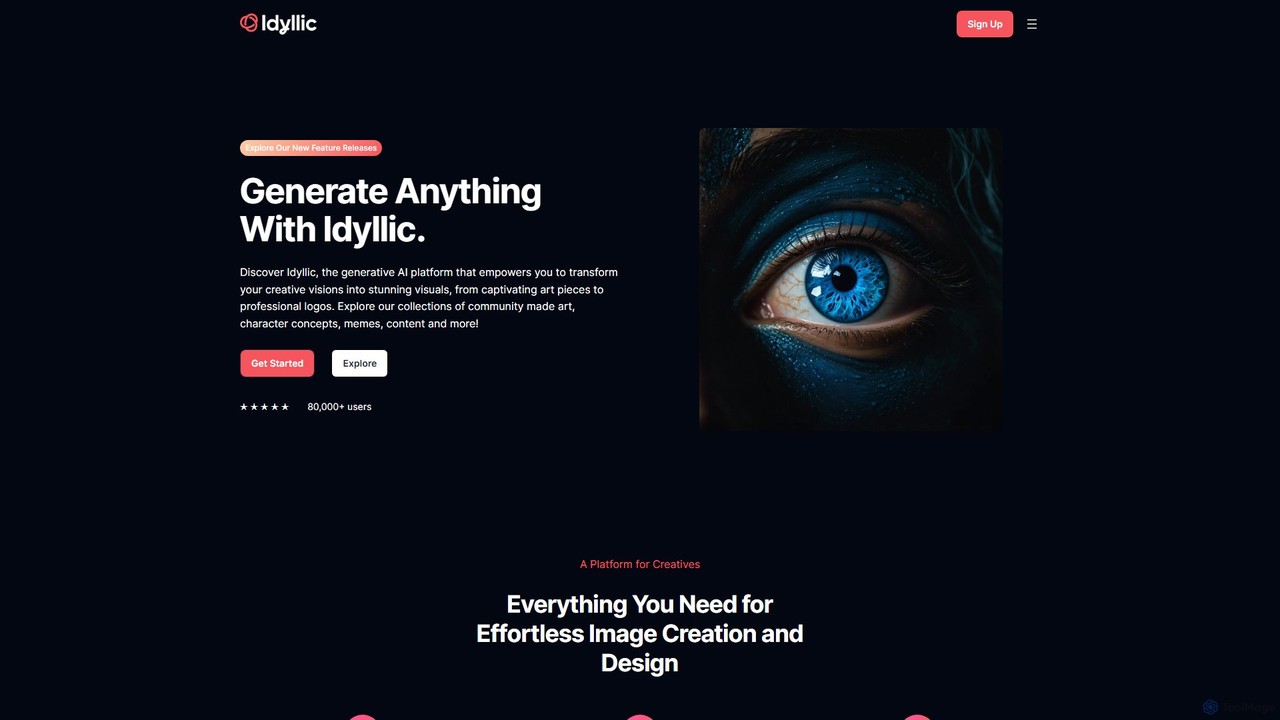
Idyllic is a generative AI platform that transforms text descriptions into stunning visuals. It empowers users to create, edit, and remix images, from art and logos to marketing materials, using intuitive conversational commands and powerful blending features. It's designed for both creatives and professionals, requiring no prior design skills.

Ai Art
Visits 310.1KFavorites 140Likes 130
Higgsfield
Freemium

Higgsfield

Higgsfield is a generative AI video and image platform for creative professionals. It offers unparalleled cinematic control over camera movements, consistent character creation, and a vast library of styles and visual effects. It's designed for filmmakers, music video directors, and social media storytellers to produce high-quality, stylized content efficiently.

Ai Art
Visits 24.3MFavorites 149Likes 130
retouchpro
Paid

retouchpro

retouchpro is a powerful AI image generation platform that creates stunning, high-quality images in seconds. Leveraging Stable Diffusion XL, it offers a wide variety of styles, from realistic photos to anime and fantasy art. It features unlimited character creation, pre-built templates, and social media optimization, making it ideal for influencers, artists, and agencies.

Ai Art
Visits 6.2KFavorites 146Likes 146
Poify
Freemium

Poify

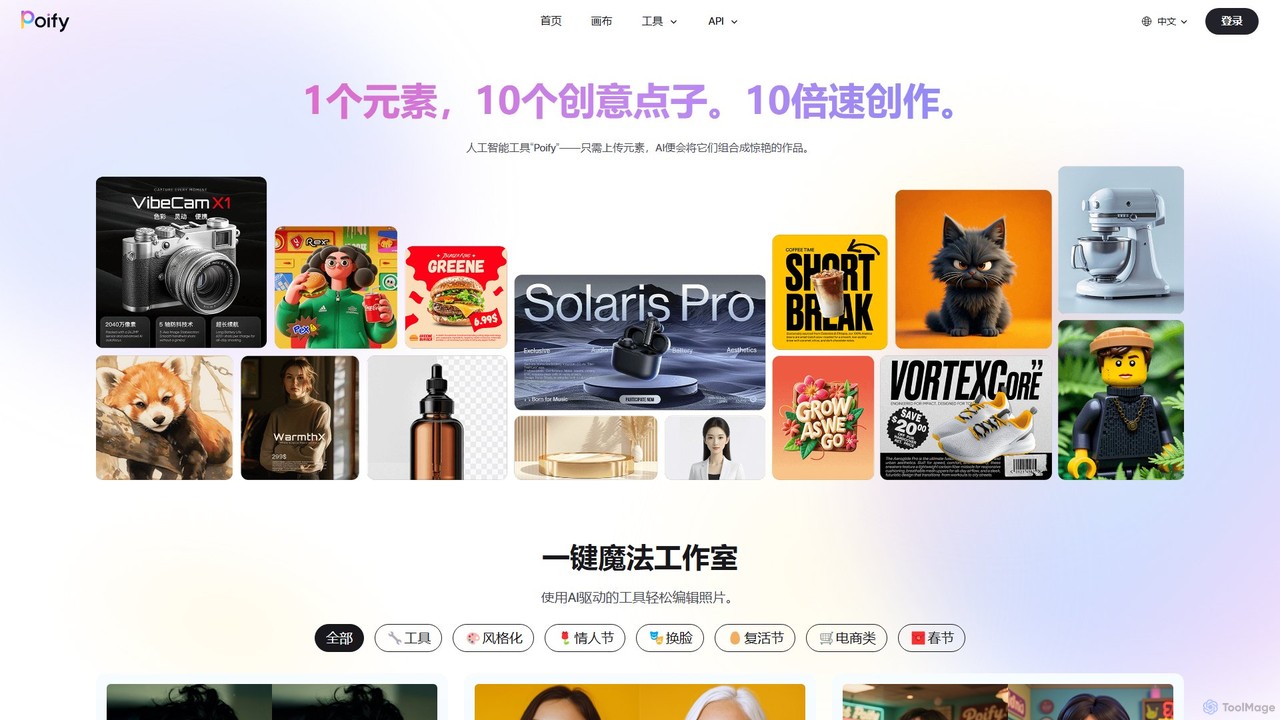
Poify is an AI-powered creative suite for image generation and editing. It offers a wide range of tools, from one-click photo retouching and background removal to advanced features like AI stylization, virtual try-on for e-commerce, and text-to-image generation. It's designed to accelerate the creative process for designers, marketers, and content creators.

Ai Art
Visits 6.2KFavorites 119Likes 126
AI Up House
Free

AI Up House

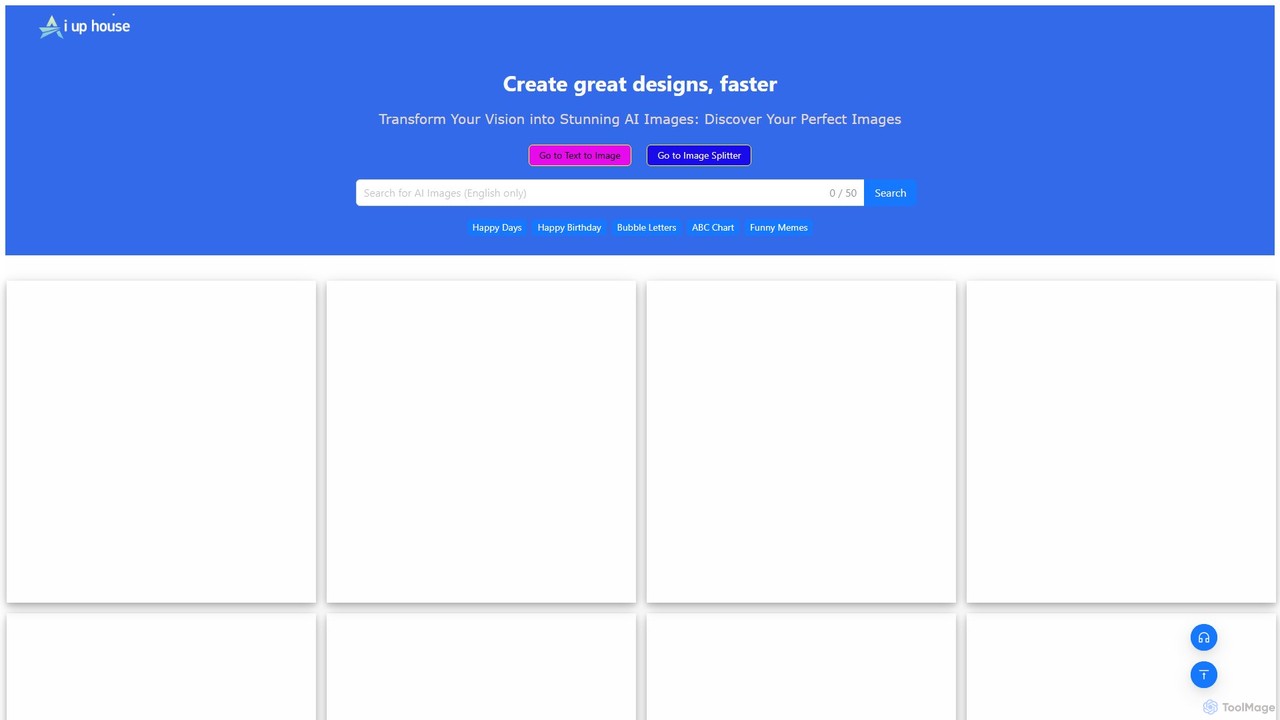
A free AI platform for discovering and creating stunning images. It features a vast, copyright-free gallery with unique themes like "Up House" and "Pokemon Cakes," alongside powerful tools like a Text-to-Image generator and an Image Splitter for all your creative needs.

Ai Art
Visits 8.8KFavorites 154Likes 168
AI Genie
Freemium

AI Genie

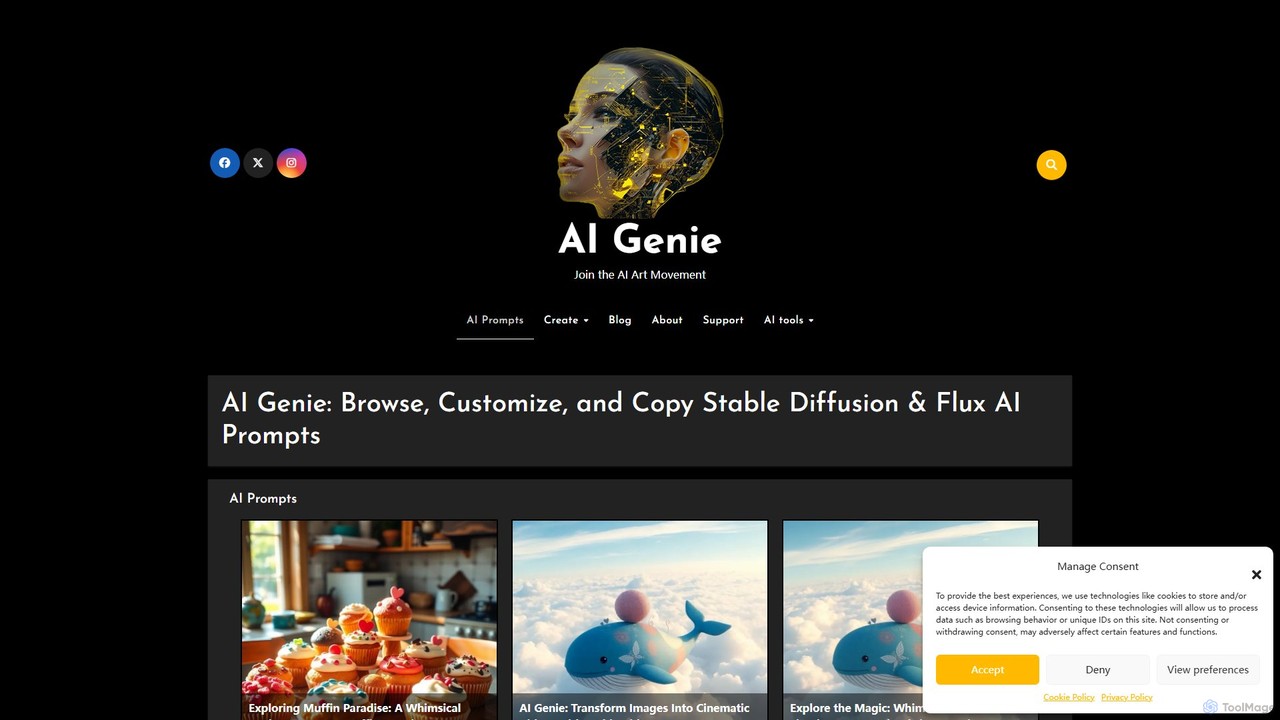
AI Genie is an iOS app designed for AI art enthusiasts and creators. It provides a vast library of high-quality prompts for Stable Diffusion, Flux AI, and Stable Video Diffusion, allowing users to browse, customize, and copy complex prompts with ease. It simplifies prompt engineering and helps create stunning images and videos.

Ai Art
Visits 6KFavorites 123Likes 124
LiblibAI
Freemium

LiblibAI

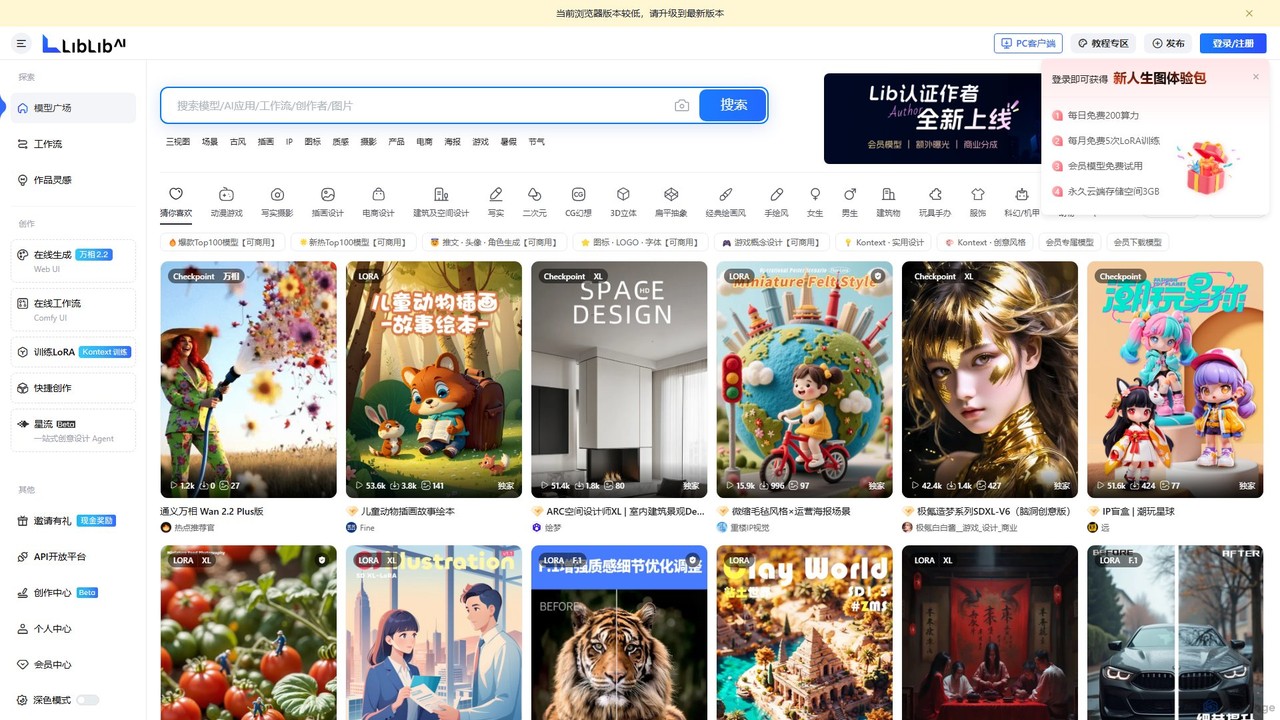
LiblibAI is a leading AI creation platform and community, focusing on AI model sharing for image generation. It offers a vast library of Stable Diffusion models, including Checkpoints and LoRAs, with a special emphasis on anime, gaming, and unique Chinese artistic styles. Users can generate images online or download models for local use.

Ai Art
Visits 2.2MFavorites 120Likes 130

About Ai Art

AI Art generators are tools that create original visual artworks from text descriptions or other inputs using artificial intelligence. They leverage complex algorithms like diffusion models or Generative Adversarial Networks (GANs) to interpret prompts and synthesize unique images. This enables artists, designers, and creators to rapidly visualize concepts, explore diverse styles, and produce high-quality visuals. Unlike traditional digital art software, AI Art tools focus on generation and co-creation rather than direct manual manipulation.

Core Features

  • Text-to-Image Generation: Creates images from detailed written descriptions or prompts.
  • Image-to-Image Transformation: Modifies an existing image based on a text prompt or style reference.
  • Style Transfer: Applies the artistic style of one image to the content of another.
  • Inpainting & Outpainting: Intelligently fills in missing parts of an image or extends its boundaries to create a larger canvas.
  • Model Customization: Allows users to train the AI on specific datasets or select from various pre-trained artistic models.

Use Cases

AI Art tools are widely used by digital artists for concept art and inspiration, marketing teams for creating unique social media content, and game developers for generating character concepts and environments. Content creators also use them to produce custom illustrations for articles and videos, moving beyond generic stock photography.

How to Choose

When selecting an AI Art generator, consider the image quality and its ability to understand complex prompts. Evaluate the range of available styles and the level of control offered through advanced settings. Also, carefully review the platform's policy on commercial usage rights for the generated images, as this varies significantly. Finally, assess the user interface and the pricing model (e.g., subscription vs. credits).

Featured tool rankings

Ai Art use cases

1

Concept Art for Game Development

A game artist needs to quickly generate multiple visual concepts for a new character. Instead of spending days sketching, they use an AI Art generator. They input detailed text prompts like 'cyberpunk warrior with neon armor, rainy city background, cinematic lighting, 8k detail.' The tool produces dozens of high-quality visual starting points in minutes. The artist can then iterate by changing keywords to explore different designs, armor styles, or color palettes, drastically reducing initial brainstorming and sketching time and accelerating the pre-production pipeline.

2

Unique Marketing Visuals for Social Media

A social media manager needs to create eye-catching, original images for a campaign that stand out from stock photos. They use an AI Art tool to generate visuals aligned with the campaign theme, such as 'a minimalist product shot of a skincare bottle on a bed of glowing moss.' Using features like outpainting, they can easily adjust the image's aspect ratio for different platforms like Instagram Stories or Twitter posts. This process allows for the rapid creation of a consistent set of on-brand, unique visuals, increasing audience engagement and avoiding stock photo fatigue.

3

Storyboarding for Film and Animation

A film director or storyboard artist needs to visualize key scenes before production begins. Using an AI Art generator, they can quickly translate script descriptions into visual panels. For example, a prompt like 'wide angle shot, two astronauts looking at a giant alien monolith on Mars, dramatic sunset' can generate multiple compositional ideas instantly. This allows for rapid iteration on narrative flow, camera angles, and mood without the time-consuming process of manual drawing for each frame, making the pre-visualization phase more efficient and creative.

4

Personalized Art and Interior Design Mockups

An interior designer wants to show a client how custom artwork could look in their living room. They take a photo of the room and use an AI Art tool's inpainting feature. They select the area of an existing painting on the wall and replace it by generating a new piece from a prompt like 'large abstract oil painting with shades of blue and gold to match the cushions.' This provides the client with a realistic, instant preview of how custom art will fit the space, aiding in decision-making and offering a highly personalized service.

5

Generating Illustrations for Editorial Content

A blogger writing an article about data privacy needs a compelling header image. Instead of searching for generic stock photos of padlocks, they use an AI Art generator with a prompt like 'a symbolic image of data privacy, a glowing digital brain protected by a transparent shield, minimalist style.' The tool generates a unique, conceptually relevant illustration that enhances the article's message. This allows content creators to produce custom visuals that are perfectly tailored to their content, improving reader engagement and avoiding copyright issues.

6

Fashion and Textile Pattern Design

A fashion designer is brainstorming new patterns for an upcoming collection. They use an AI Art generator to rapidly create a wide variety of seamless, tileable patterns. By inputting prompts like 'seamless pattern of watercolor botanicals, art deco style, pastel colors,' they can generate hundreds of unique pattern ideas in a single session. This accelerates the creative process, provides a vast library of visual inspiration, and allows for the creation of truly novel fabric designs that would be time-consuming to develop manually.

Ai Art FAQ

What is AI Art?

AI Art refers to any artwork created with the assistance of artificial intelligence. Specifically, AI Art generators use complex models like diffusion or GANs to interpret text or image prompts and generate entirely new, original images. Unlike traditional digital art tools where the artist directly manipulates pixels, AI Art is a collaborative process where the user guides the AI with descriptive language to create a visual outcome. This technology enables the rapid creation of everything from photorealistic images to abstract paintings.

How to choose the right AI Art generator?

Choosing the right AI Art generator depends on your specific needs. Consider the following factors:

  • Image Quality & Realism: Does the tool produce high-resolution, coherent images that accurately follow your prompts?
  • Style Versatility: Does it offer a wide range of styles (e.g., photorealistic, anime, fantasy) and allow you to blend them?
  • Control & Features: Look for advanced features like negative prompts, image-to-image generation, inpainting, and control over parameters like guidance scale.
  • Commercial Use Policy: Carefully check the terms of service to understand if you can use the generated images for commercial projects. This varies greatly between platforms.
  • Ease of Use & Community: A simple interface is good for beginners, while a strong community can provide inspiration and support for writing better prompts.
What's the difference between AI Art generators and photo editors like Photoshop?

The core difference lies in creation versus manipulation. AI Art generators create new images from scratch based on text prompts, synthesizing pixels to form an original piece of art. Photo editors like Adobe Photoshop are primarily designed to manipulate existing images by editing pixels, adjusting colors, combining layers, or removing objects. While modern photo editors are integrating AI features for tasks like object selection or generative fill, their fundamental purpose is to edit pre-existing visuals, whereas an AI Art generator's main function is to generate them.

Can I use AI-generated art for commercial purposes?

The ability to use AI-generated art for commercial purposes depends entirely on the terms of service of the specific tool you use. Some platforms grant users full ownership and commercial rights to the images they create, especially with paid subscriptions. Others may restrict commercial use, require attribution, or have different rules for free versus paid tiers. The legal landscape around AI art copyright is still evolving globally. Therefore, it is crucial to always read and understand the licensing agreement of your chosen AI Art generator before using its output for any business-related activities.

What are 'prompts' in AI Art?

A 'prompt' is the text instruction given to an AI Art generator to describe the image you want to create. The quality and detail of the prompt directly influence the output. Effective prompts are specific and descriptive, often including:

  • Subject: The main focus of the image (e.g., 'an ancient oak tree').
  • Style: The artistic style (e.g., 'in the style of Van Gogh', 'photorealistic', 'anime').
  • Composition: How the scene is framed (e.g., 'wide-angle shot', 'close-up portrait').
  • Lighting & Mood: The atmosphere (e.g., 'cinematic lighting', 'misty morning', 'dramatic').
  • Details: Specific elements to include (e.g., 'wearing a red cloak', 'with glowing runes').

Crafting good prompts, often called 'prompt engineering,' is a key skill for getting the best results from AI Art tools.