ToolMage
Sign in

Best 3 Documentation AI tools for Business

Popular Documentation AI tools in Business include VetRec, Talkatoo, and ScribVet, helping you work more efficiently.

VetRec
Freemium

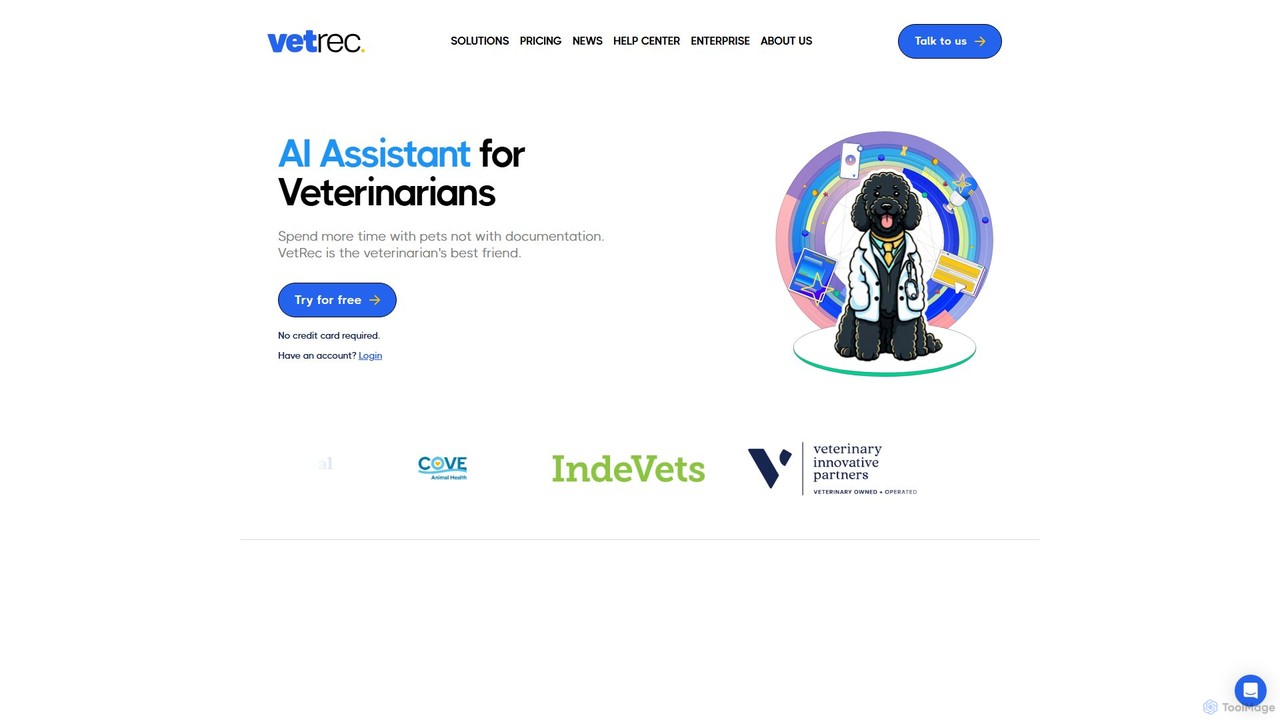
VetRec

VetRec is an AI-powered scribe and assistant for veterinarians, designed to automate clinical documentation. It records consultations, generates SOAP notes, summarizes medical histories, and integrates with PiMS, saving vets over two hours daily and allowing more focus on patient care.

Documentation
Visits 29.3KFavorites 114Likes 131
Talkatoo
Paid

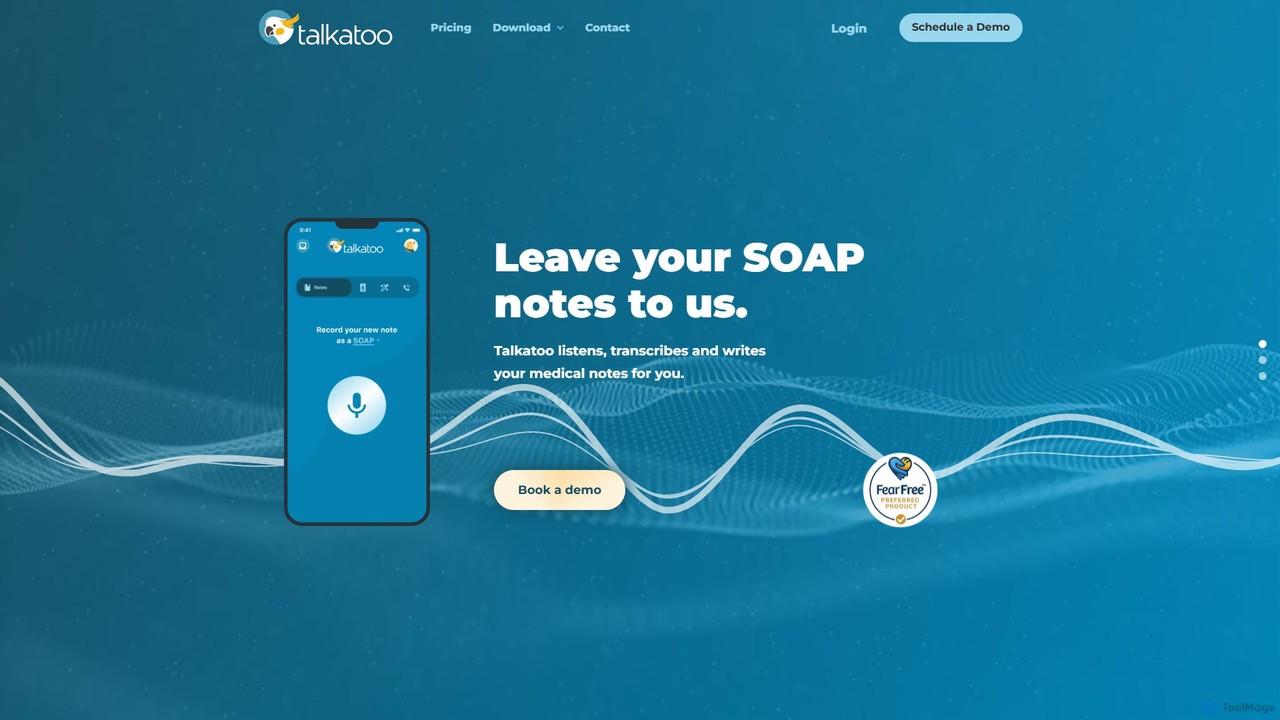
Talkatoo

Talkatoo is an AI-powered dictation and scribe software specifically designed for veterinary professionals. It automates the creation of medical notes, such as SOAP notes, by transcribing and structuring conversations. It also offers features like call summaries and an AI assistant to streamline administrative tasks, saving veterinarians hours of paperwork.

Documentation
Visits 14.8KFavorites 106Likes 108
ScribVet
Freemium

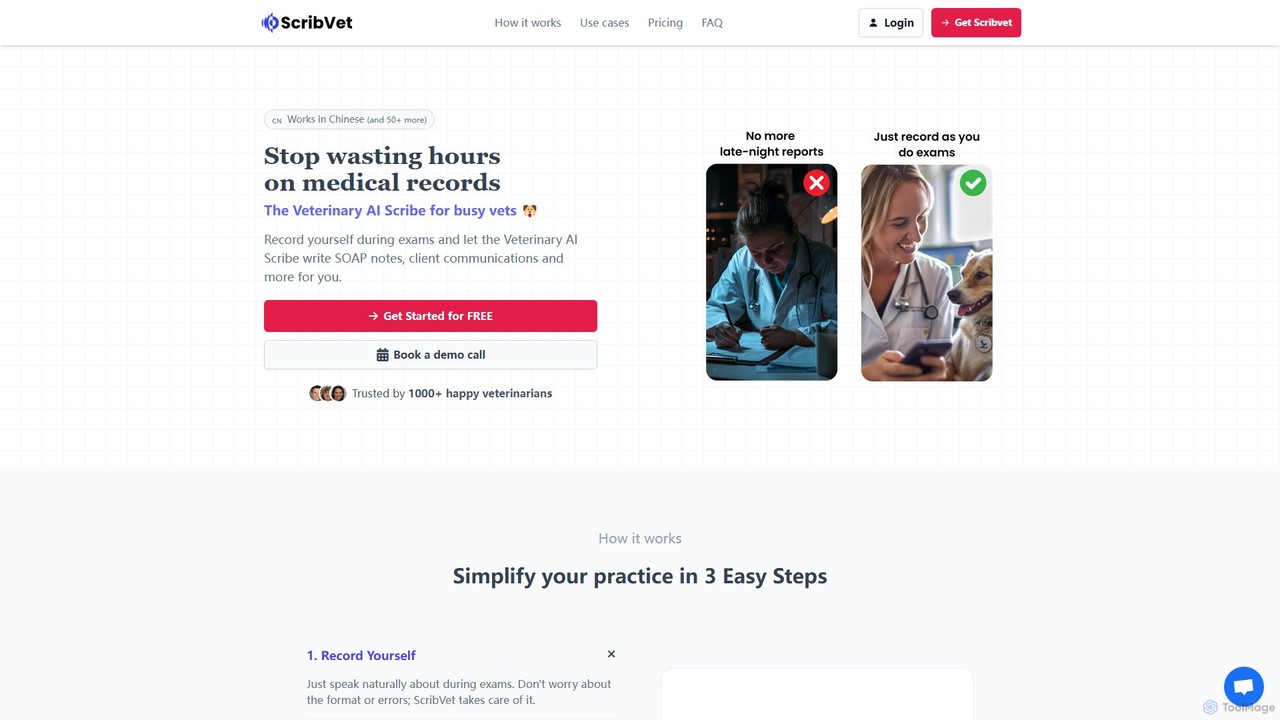
ScribVet

ScribVet is an AI-powered veterinary scribe designed for busy veterinarians. It records exam audio and automatically transcribes it into structured SOAP notes, client communications, and other essential documents. By automating paperwork, it helps vets save hours, reduce administrative burnout, and improve work-life balance. It supports over 50 languages and offers customizable templates to fit any practice's needs.

Documentation
Visits 6.1KFavorites 119Likes 134

About Documentation

AI Documentation tools are designed to automate and enhance the creation, management, and optimization of business documents and knowledge bases. Leveraging natural language processing (NLP) and machine learning, these tools streamline tasks from content generation and summarization to intelligent search and version control. They significantly improve information accessibility, accuracy, and efficiency across an organization, supporting better decision-making and operational workflows within the broader business context.

Core Features

  • Automated Content Generation: Drafts reports, manuals, and articles from structured data or prompts.
  • Intelligent Summarization: Condenses lengthy documents into concise, key takeaways.
  • Version Control & Collaboration: Manages document revisions and facilitates team co-editing with AI insights.
  • Semantic Search & Q&A: Enables users to find information quickly and get direct answers from document repositories.
  • Automated Translation: Translates documents into multiple languages while preserving context.

Applicable Scenarios

Businesses across various sectors, from tech to finance, utilize these tools to manage their vast amounts of internal and external documentation. Technical writers can automate drafting user manuals, legal teams can streamline contract analysis, and HR departments can efficiently update policy documents. This ensures consistent, up-to-date information is readily available to employees and customers.

How to Choose

When selecting an AI documentation tool, consider its integration capabilities with existing systems like CRM or project management platforms. Evaluate the accuracy and flexibility of its content generation and summarization features, ensuring it aligns with your specific document types. Assess the security protocols for sensitive information and the scalability to handle your organization's growing documentation needs. Finally, review user-friendliness and support for ease of adoption.

Featured tool rankings

Documentation use cases

1

Automate Technical Manual Creation

Technical writers and product teams can use AI documentation tools to automatically generate drafts of user manuals, API documentation, and product guides. By feeding the tool product specifications, code comments, or existing data, it can structure and write initial content, significantly reducing the manual effort and ensuring consistency across complex documentation sets. This accelerates time-to-market for new products.

2

Streamline Policy and Procedure Updates

HR departments and compliance officers frequently update company policies, standard operating procedures (SOPs), and legal documents. AI documentation tools can monitor regulatory changes, suggest relevant updates to existing documents, and even draft new sections based on predefined templates and legal requirements. This ensures compliance and keeps internal guidelines current with minimal manual oversight.

3

Enhance Internal Knowledge Base Management

Large organizations often struggle with maintaining an up-to-date and easily searchable internal knowledge base. AI documentation tools can automatically categorize new articles, identify outdated information for review, and improve search functionality through semantic understanding. Employees can quickly find answers to common questions, reducing support requests and boosting productivity.

4

Generating Marketing Collateral from Product Data

Marketing teams can leverage AI documentation tools to transform raw product data, feature lists, and technical specifications into engaging marketing collateral such as brochures, website copy, and sales sheets. The AI can adapt the tone and style for different audiences, ensuring brand consistency and accelerating the creation of diverse promotional materials without extensive manual rewriting.

5

Summarize Research Papers and Reports

Researchers, analysts, and business strategists often need to quickly grasp the essence of lengthy research papers, market reports, or financial analyses. AI documentation tools can intelligently summarize these documents, extracting key findings, methodologies, and conclusions. This allows professionals to review more information in less time, facilitating faster decision-making and knowledge acquisition.

6

Automate Legal Document Drafting and Review

Legal professionals can utilize AI documentation tools to draft standard contracts, agreements, and legal briefs based on templates and specific case details. Furthermore, these tools can review existing documents for clauses, inconsistencies, or compliance issues, highlighting areas that require human attention. This significantly reduces the time spent on repetitive legal tasks and enhances accuracy.

Documentation FAQ

What are AI Documentation tools?

AI Documentation tools are software solutions that use artificial intelligence, primarily natural language processing (NLP) and machine learning, to automate and optimize various aspects of document creation, management, and utilization. They aim to streamline workflows related to generating content, organizing information, and making documents more accessible and intelligent for users. These tools are crucial for businesses seeking to enhance efficiency in knowledge management and information dissemination.

How do AI Documentation tools differ from traditional document management systems?

Traditional document management systems (DMS) primarily focus on storage, retrieval, and basic version control. AI Documentation tools go beyond this by actively understanding, generating, and processing content. They can automate drafting, summarize complex texts, perform semantic searches, and even suggest improvements or translations, offering a proactive and intelligent approach to document handling that traditional DMS lacks. This intelligence allows for deeper insights and greater automation.

What are the key benefits of using AI Documentation tools for businesses?

Businesses benefit significantly from AI Documentation tools through increased efficiency, improved accuracy, and enhanced accessibility of information. They reduce the manual effort in content creation and updates, minimize errors through automated checks, and make it easier for employees and customers to find relevant information quickly. This leads to faster decision-making, better compliance, and a more productive workforce, ultimately saving time and resources.

Can AI Documentation tools integrate with existing business software?

Yes, most modern AI Documentation tools are designed with integration capabilities in mind. They often offer APIs or direct connectors to popular business software such as CRM systems (e.g., Salesforce), project management tools (e.g., Jira, Asana), content management systems (CMS), and enterprise resource planning (ERP) platforms. Seamless integration ensures that documentation workflows are embedded within existing operational processes, enhancing data flow and consistency across the organization.

What security considerations should I have when using AI Documentation tools?

When using AI Documentation tools, especially with sensitive business data, security is paramount. Key considerations include data encryption (both in transit and at rest), robust access controls and user permissions, and compliance with relevant data privacy regulations like GDPR or CCPA. It's also important to understand the vendor's data handling policies, including where data is stored and how it's used for AI model training, to ensure your information remains confidential and secure.