Thatch
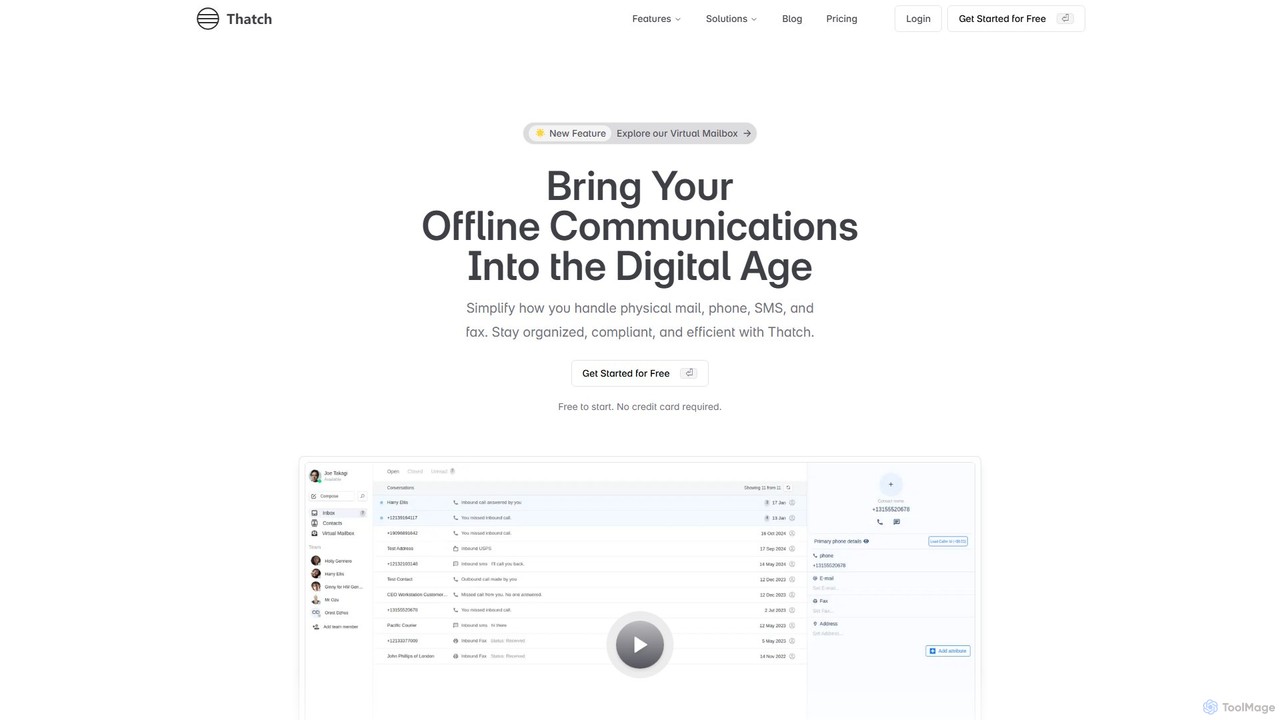
Thatch is a unified communications platform that digitizes and centralizes your offline business communications. It provides a virtual …
Thatch is a unified communications platform that digitizes and centralizes your offline business communications. It provides a virtual mailbox with AI-powered mail summaries, a cloud phone system, online faxing, and outbound mail services, all managed from a single, secure dashboard. Ideal for remote teams, legal firms, and healthcare providers seeking efficiency and compliance.
Stable
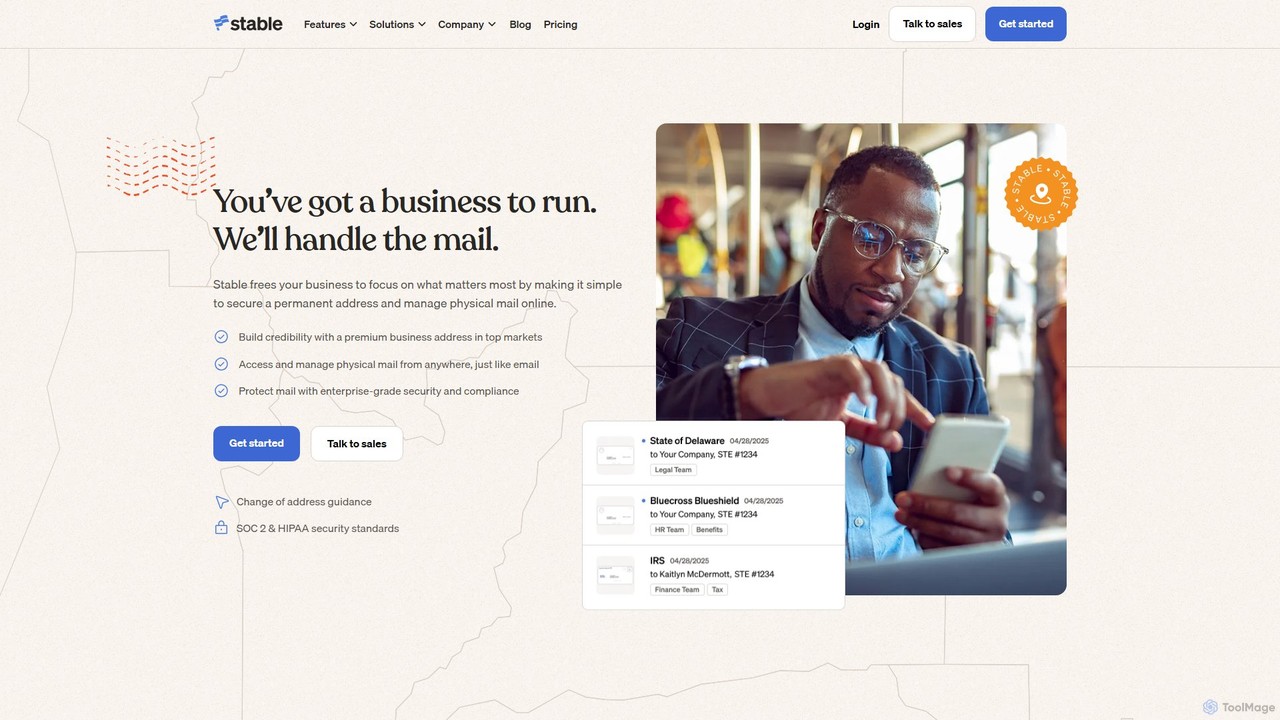
Stable provides an AI-powered virtual address and mailbox for businesses. It digitizes physical mail, automates workflows, and enables …
Stable provides an AI-powered virtual address and mailbox for businesses. It digitizes physical mail, automates workflows, and enables remote management of all correspondence. This service offers a permanent, professional business address for registration, compliance, and vendor relations, simplifying operations for companies of all sizes, from startups to IPO-stage enterprises.
About Virtual Office
Virtual Office platforms are immersive digital environments designed to replicate the collaborative and social aspects of a physical workspace for remote and hybrid teams. These tools go beyond simple chat or video conferencing by creating persistent online spaces where users can interact through avatars and engage in spontaneous conversations. They leverage AI for features like automated meeting summaries and intelligent status updates, aiming to boost productivity and foster a strong team culture regardless of physical location.
Core Features
- Spatial Audio & Proximity Chat: Enables spontaneous, natural conversations based on avatar proximity, mimicking real-life interactions.
- AI Meeting Assistant: Automatically transcribes discussions, identifies action items, and generates concise summaries to save time.
- Customizable Virtual Spaces: Allows teams to design their digital office with dedicated rooms for projects, meetings, and social gatherings.
- Integrated Collaboration Tools: Combines whiteboards, document editors, and screen sharing within a single, unified platform.
- Intelligent Presence Status: Automatically updates user availability based on calendar events and activity, reducing interruptions.
Use Cases
Virtual Offices are ideal for remote-first companies seeking to build a cohesive culture and streamline daily operations. They are also highly effective for hybrid teams needing to bridge the gap between in-office and remote employees, ensuring equitable communication. Project-based teams, such as software developers or creative agencies, use these platforms to create dedicated virtual war rooms for focused collaboration.
How to Choose
When selecting a Virtual Office tool, evaluate its integration capabilities with your existing workflow apps like Slack or Google Workspace. Consider the level of customization available for the virtual space to match your company culture. Assess the quality of its AI features, such as transcription accuracy and summary relevance. Finally, examine the platform's scalability to ensure it can support your team's growth and its security protocols to protect sensitive information.
Virtual OfficeUse Cases
Establishing a Digital HQ for Remote-First Companies
For fully distributed companies, a virtual office serves as the central hub for all work and social activities. Teams start their day by logging in, seeing colleagues' avatars, and engaging in informal 'water cooler' chats via proximity audio. Daily stand-ups are held in a dedicated meeting room, with the AI assistant automatically capturing notes and action items. This persistent environment helps build camaraderie and a shared sense of presence that is often lost in remote work, directly improving team cohesion and reducing feelings of isolation.
Unifying Hybrid Team Collaboration
A marketing team with members split between home and the office uses a virtual office to create a level playing field. Remote employees are no longer just a face on a screen; their avatars can move around the digital space, join conversations, and participate in brainstorming sessions on a shared virtual whiteboard. This parity of experience ensures that crucial impromptu discussions aren't missed by remote workers. The platform's intelligent status updates also make it clear who is available, regardless of their physical location.
Facilitating Agile Development Sprints
An agile software development team uses dedicated virtual rooms for each sprint. The 'Sprint Planning Room' contains a virtual task board, while the 'Dev Room' is used for pair programming and ad-hoc technical discussions. The AI meeting assistant records all sprint review meetings, providing searchable transcripts and summaries. This setup keeps all sprint-related communication and documentation centralized, improving focus and making it easy for any team member to catch up on progress or decisions.
Conducting Immersive Employee Onboarding
An HR department onboards new remote hires using a structured virtual office experience. New employees receive a guided tour of the digital headquarters, meeting different teams in their respective virtual 'departments.' Training sessions are held in a virtual auditorium, and an AI-powered knowledge base serves as an instant resource for company policies and procedures. This interactive approach makes onboarding more engaging and helps new hires feel connected to the company culture from day one.
Managing Client Projects in a Shared Space
A design agency creates a private, branded virtual office room for each major client project. This space acts as a persistent hub where agency staff and clients can meet, review designs on a shared screen, leave feedback on a virtual whiteboard, and access all project files. The AI assistant summarizes all client check-in calls, ensuring both parties have a clear record of decisions and next steps. This transparency and constant access builds stronger client relationships and streamlines the feedback loop.
Hosting Virtual Events and All-Hands Meetings
A large enterprise uses its virtual office platform to host company-wide all-hands meetings and internal events. Employees gather in a virtual auditorium where executives present from a digital stage. Breakout sessions are facilitated by moving avatars to smaller, designated virtual rooms for more focused discussions. The platform's ability to support large numbers of concurrent users with features like Q&A and polling makes it a more interactive and engaging alternative to a standard webinar.