ToolMage
Sign in

Best 1 Virtual Assistant for Chatbot

Popular Virtual Assistant in Chatbot include RichlyAI, helping you work more efficiently.

RichlyAI
Freemium

RichlyAI

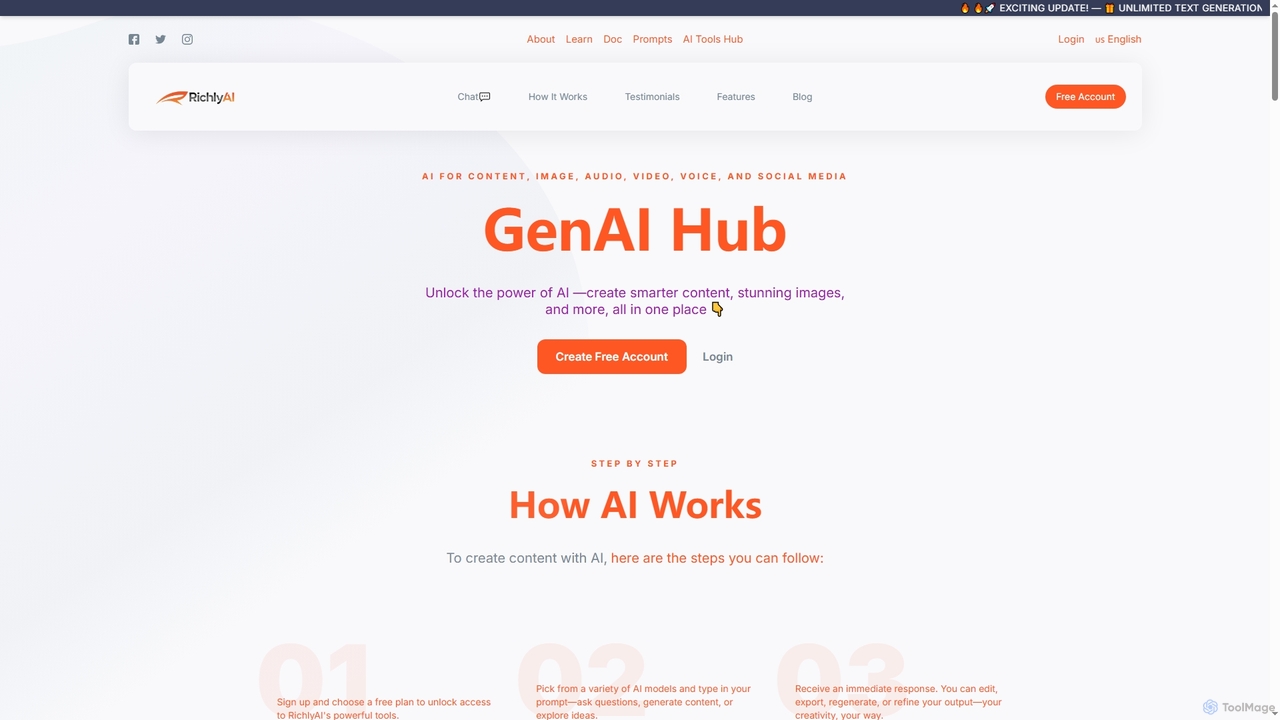
RichlyAI is an all-in-one AI platform designed to streamline content creation, code generation, chatbot development, and social media automation. It empowers users to generate text, stunning images, and code, while also enabling the creation and training of personalized virtual assistants for enhanced productivity.

Virtual Assistant
Visits 11.8KFavorites 84Likes 100

About Virtual Assistant

Virtual Assistants are AI-powered tools designed to automate and streamline a wide range of administrative, organizational, and information retrieval tasks. Leveraging advanced natural language processing (NLP) and machine learning, these assistants can understand user commands, learn preferences, and execute complex workflows autonomously. They significantly enhance personal and professional productivity by offloading repetitive duties and providing instant access to information.

Core Features

  • Task Automation: Automatically schedules meetings, sets reminders, manages to-do lists, and handles routine data entry.
  • Email Management: Filters, prioritizes, drafts responses, and organizes emails based on user preferences and content.
  • Information Retrieval: Quickly searches and synthesizes data from various sources, providing concise answers or summaries.
  • Personalized Interaction: Learns user habits and preferences to offer tailored suggestions and proactive assistance.
  • Integration Capabilities: Connects with calendars, CRM systems, project management tools, and other business applications.

Applicable Scenarios

Virtual Assistants are invaluable for busy professionals, small business owners, and teams seeking to optimize their daily operations. They excel in environments where administrative burdens consume significant time, such as managing a CEO's schedule, automating customer service inquiries, or assisting content creators with research and organization. Their ability to handle routine tasks frees up human capital for more strategic work.

How to Choose

When selecting a Virtual Assistant, consider its natural language understanding capabilities, ensuring it accurately interprets your commands and context. Evaluate its integration ecosystem to confirm compatibility with your existing tools like calendars, email clients, and project management software. Assess the scope of tasks it can automate, its customization options for personalized workflows, and the level of data security and privacy offered. Finally, compare pricing models and customer support to find a solution that aligns with your budget and technical needs.

Featured tool rankings

Virtual Assistant use cases

1

Automating Meeting Scheduling and Reminders

For busy executives and team leads, a Virtual Assistant can take over the tedious process of coordinating meetings. Users simply state their availability and attendees, and the assistant automatically finds a common time, sends invitations, and sets reminders across all participants' calendars, significantly reducing administrative overhead and preventing scheduling conflicts.

2

Efficient Email Inbox Management

Professionals overwhelmed by daily email volumes can leverage a Virtual Assistant to sort, prioritize, and even draft responses. The assistant learns to filter spam, highlight urgent messages, categorize emails into folders, and suggest replies based on content, ensuring critical communications are addressed promptly while reducing cognitive load.

3

Personalized Information Retrieval and Summarization

Researchers, journalists, and students can use a Virtual Assistant to quickly gather and summarize information from the web or internal databases. By posing a question or topic, the assistant can scour relevant sources, extract key facts, and present them in a concise, digestible format, saving hours of manual research and reading.

4

Streamlining Administrative Tasks for Small Businesses

Small business owners often juggle multiple roles. A Virtual Assistant can automate routine administrative tasks like managing customer inquiries, updating CRM records, sending follow-up emails, or generating simple reports. This allows owners to focus on core business growth activities rather than getting bogged down in daily operations.

5

Assisting Content Creators with Research and Organization

Content creators, including bloggers and YouTubers, can utilize Virtual Assistants for topic research, fact-checking, and organizing content ideas. The assistant can help brainstorm keywords, find relevant statistics, compile source materials, and maintain a structured content calendar, enhancing productivity and content quality.

6

Proactive Task Management and Workflow Automation

For individuals managing complex projects, a Virtual Assistant can proactively manage tasks and automate workflows. It can monitor project deadlines, send alerts for overdue items, initiate follow-up actions based on task completion, and integrate with project management tools to keep teams aligned and on track, ensuring smooth project execution.

Virtual Assistant FAQ

What are Virtual Assistants?

Virtual Assistants are AI-powered software tools designed to perform tasks and services for an individual or organization, often through voice commands or text input. Unlike general chatbots, they focus on proactive task automation, personalized assistance, and managing specific workflows like scheduling, email, and information retrieval, acting as a digital personal aide.

How do Virtual Assistants differ from traditional Chatbots?

While both use AI for conversational interaction, Virtual Assistants are primarily task-oriented and proactive, focusing on automating personal or professional duties like scheduling, email management, and data organization. Traditional chatbots are typically reactive, designed for specific conversational flows, answering FAQs, or guiding users through a predefined process, often in customer service or support contexts.

What are the key benefits of using a Virtual Assistant?

Using a Virtual Assistant offers several key benefits, including significant time savings by automating repetitive tasks, increased productivity by allowing users to focus on high-value work, improved organization through automated scheduling and information management, and enhanced decision-making with quick access to summarized data. They also provide personalized support that adapts to individual user preferences.

What types of tasks can a Virtual Assistant automate?

Virtual Assistants can automate a wide array of tasks, including managing calendars and scheduling meetings, drafting and sending emails, setting reminders and managing to-do lists, retrieving and summarizing information from various sources, making travel arrangements, and integrating with other applications to streamline workflows like CRM updates or project tracking.

How do I choose the best Virtual Assistant for my needs?

To choose the best Virtual Assistant, first identify your primary needs: do you need help with scheduling, email, research, or a combination? Evaluate its natural language understanding capabilities, integration with your existing software (e.g., Google Calendar, Outlook, Slack), customization options for specific workflows, and its security features. Consider user reviews, pricing, and the level of support offered to ensure it aligns with your requirements and budget.