ToolMage
Sign in

Best 3 Infrastructure As A Service AI tools for Cloud Computing

Popular Infrastructure As A Service AI tools in Cloud Computing include AWS, UniHosted, and Carpathian, helping you work more efficiently.

Carpathian
Paid

Carpathian

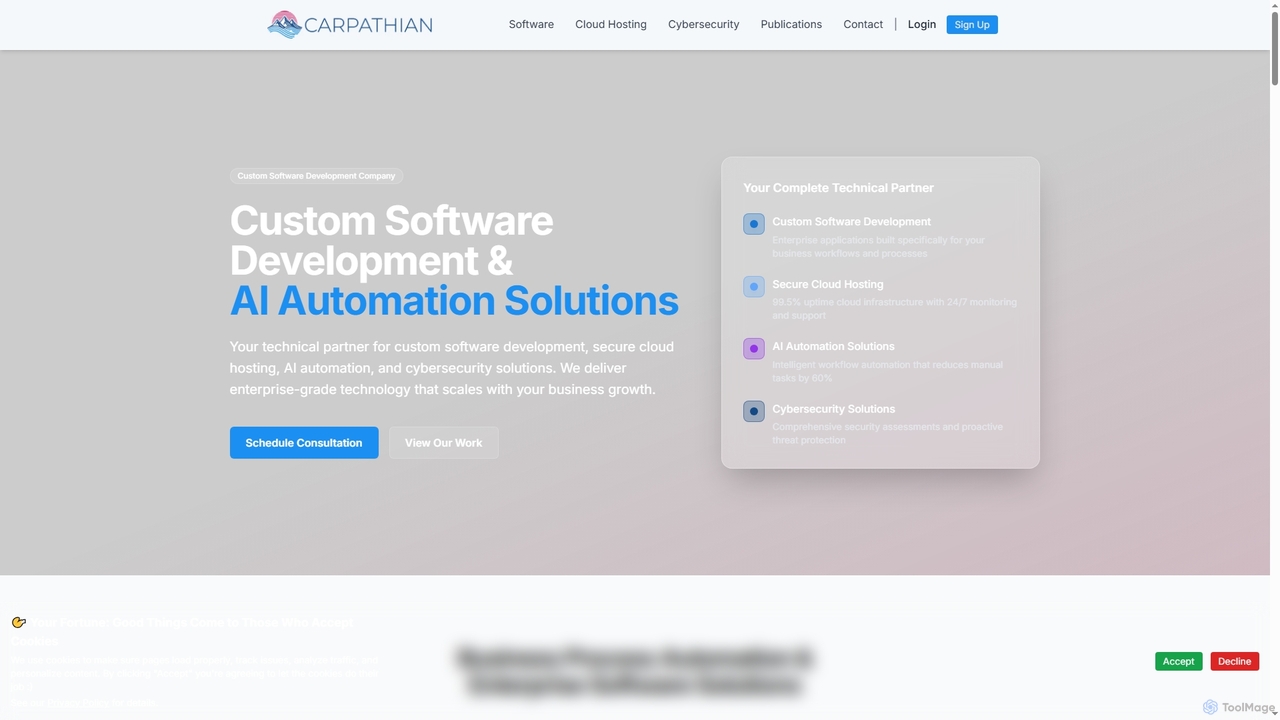
Carpathian is a comprehensive technical partner specializing in custom software development, AI automation solutions, secure cloud hosting, and robust cybersecurity services. They deliver enterprise-grade technology designed to scale with business growth, reduce manual tasks, enhance efficiency, and protect digital assets.

Machine Learning Operations
Visits 5.6KFavorites 123Likes 148
AWS
Freemium

AWS

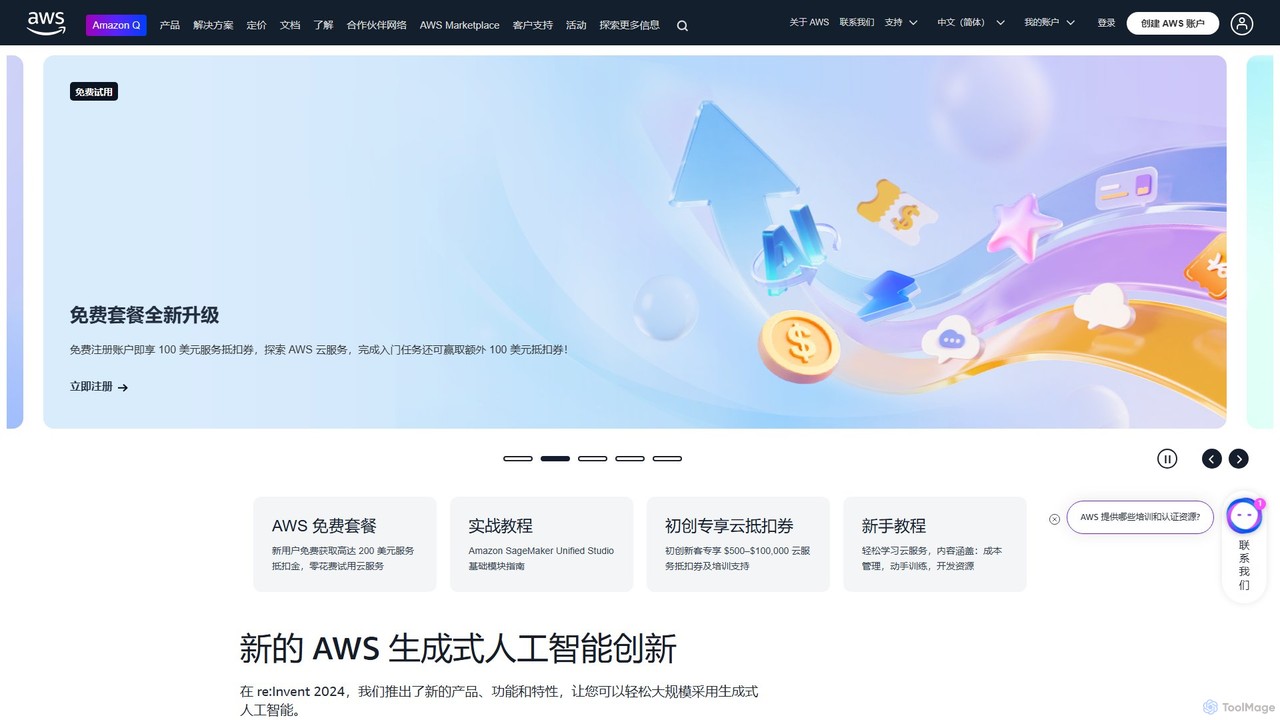
Amazon Web Services (AWS) is the world's most comprehensive and broadly adopted cloud platform, offering over 200 fully featured services from data centers globally. It provides a vast suite of AI and machine learning tools, including Amazon Bedrock for building generative AI applications with leading foundation models, Amazon SageMaker for the complete ML lifecycle, and the powerful Amazon Nova models for advanced text, image, and video generation.

Machine Learning
Visits 59.1MFavorites 112Likes 109
UniHosted
Freemium

UniHosted

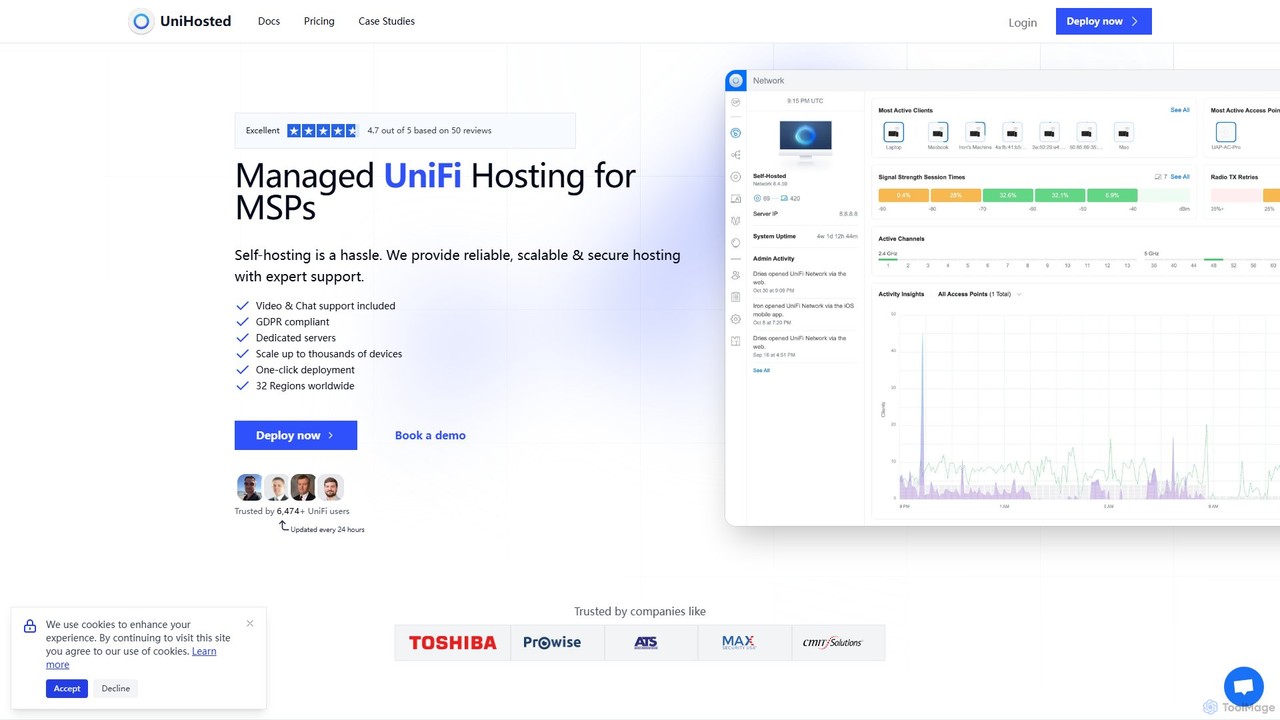
UniHosted offers specialized, managed UniFi hosting for MSPs and IT professionals. It provides a reliable, scalable, and secure cloud-based platform to deploy and manage UniFi controllers, eliminating the complexities and security risks of self-hosting. Features include one-click deployment, daily backups, advanced security, and expert support.

Infrastructure As A Service
Visits 90KFavorites 97Likes 114

About Infrastructure As A Service

Infrastructure As A Service (IaaS) provides virtualized computing resources over the internet, forming the foundational layer of cloud computing. Users gain access to virtual machines, storage, networks, and operating systems without needing to manage the underlying physical hardware. This model offers unparalleled flexibility and control, allowing businesses to scale resources up or down dynamically based on demand, optimizing costs and operational efficiency.

Core Features

  • Virtual Machines (VMs): Provision and manage virtual servers with chosen operating systems and configurations.
  • Virtual Storage: Scalable block and object storage solutions for data persistence and backup.
  • Virtual Networking: Configure virtual private clouds (VPCs), subnets, IP addresses, and network security groups.
  • Load Balancing & Auto-scaling: Distribute traffic across multiple instances and automatically adjust resources based on demand.
  • API Access: Programmatic control over infrastructure resources for automation and integration.

Use Cases

IaaS is ideal for organizations requiring granular control over their computing environment, from hosting complex web applications and enterprise systems to running big data analytics and development/testing environments. It enables rapid provisioning of resources for new projects and efficient management of fluctuating workloads.

How to Choose

When selecting an IaaS provider, consider factors such as scalability options, performance guarantees (SLAs), pricing models (on-demand, reserved instances), security features, compliance certifications, and the breadth of available services and management tools. Evaluate the ease of integration with existing systems and the vendor's ecosystem for support and additional tools.

Infrastructure As A Service use cases

1

Hosting Scalable Web Applications

A rapidly growing e-commerce business needs to host its web application and database. Using IaaS, they can provision virtual servers, scalable storage, and load balancers. As traffic fluctuates, auto-scaling features automatically add or remove server instances, ensuring high availability and performance during peak seasons without over-provisioning resources during off-peak times, significantly reducing infrastructure costs.

2

Development and Testing Environments

Software development teams require isolated and reproducible environments for coding, testing, and staging. With IaaS, developers can quickly spin up and tear down virtual machines with specific operating systems and software configurations. This agility accelerates the development lifecycle, reduces environment setup time, and ensures consistency across different stages, leading to faster release cycles and fewer deployment issues.

3

Big Data Processing and Analytics

Enterprises dealing with massive datasets for analytics, machine learning, or data warehousing can leverage IaaS. They can provision high-performance virtual machines with ample memory and storage, along with virtual networks for data transfer. This allows them to run complex data processing jobs, such as Hadoop or Spark clusters, on demand, scaling compute resources only when needed for analysis, optimizing cost and processing power.

4

Disaster Recovery and Business Continuity

Organizations need robust disaster recovery (DR) solutions to protect critical data and applications. IaaS enables them to replicate their on-premises infrastructure to a cloud environment. In case of a primary site failure, they can quickly spin up virtual machines and restore data from backups in the cloud, ensuring minimal downtime and business continuity. This approach is often more cost-effective than maintaining a secondary physical data center.

5

High-Performance Computing (HPC)

Research institutions and engineering firms often require immense computational power for simulations, scientific modeling, or rendering. IaaS provides access to specialized virtual machines with powerful CPUs, GPUs, and high-speed networking. Users can provision large clusters of these resources on demand for specific projects, paying only for the compute time used, which is far more economical than purchasing and maintaining dedicated HPC hardware.

6

Enterprise Application Hosting

Large enterprises can migrate their existing mission-critical applications, such as ERP (Enterprise Resource Planning) or CRM (Customer Relationship Management) systems, to an IaaS environment. This allows them to maintain control over the operating system and application stack while offloading the management of physical servers, storage, and networking to the cloud provider. It offers improved scalability, reliability, and reduced operational overhead compared to on-premises hosting.

Infrastructure As A Service FAQ

What is Infrastructure As A Service (IaaS)?

Infrastructure As A Service (IaaS) is a cloud computing model that provides virtualized computing resources over the internet. It gives users access to fundamental IT infrastructure like virtual machines, storage, networks, and operating systems, which they can manage and configure themselves. The cloud provider handles the underlying physical hardware, ensuring scalability, reliability, and cost-effectiveness for various workloads.

How does IaaS differ from Platform As A Service (PaaS) and Software As A Service (SaaS)?

IaaS provides the most control, offering virtualized infrastructure components like VMs and networks, where users manage the OS, applications, and data. PaaS offers a complete development and deployment environment, abstracting the underlying infrastructure, so developers focus solely on code. SaaS delivers fully functional applications over the internet, with users only interacting with the software interface. IaaS is the foundational layer, PaaS builds on IaaS, and SaaS is the most abstracted.

What are the key benefits of using IaaS?

The primary benefits of IaaS include significant cost savings by eliminating the need for physical hardware purchases and maintenance, enhanced scalability to dynamically adjust resources based on demand, and increased flexibility and control over the computing environment. It also offers improved reliability, disaster recovery capabilities, and faster provisioning of resources, accelerating development and deployment cycles.

Who typically uses Infrastructure As A Service?

IaaS is widely used by IT departments, system administrators, and developers who require granular control over their infrastructure. It's suitable for startups needing flexible, low-cost infrastructure, enterprises migrating existing applications, and organizations running demanding workloads like big data analytics, high-performance computing, or complex web applications. Any entity seeking to avoid the capital expenditure and operational burden of managing physical hardware can benefit.

What security considerations are important for IaaS?

While IaaS providers secure the underlying cloud infrastructure, users are responsible for security within their virtual machines and applications. Key considerations include configuring network security groups (firewalls), managing identity and access management (IAM), encrypting data at rest and in transit, regularly patching operating systems and applications, and implementing robust backup and disaster recovery strategies. Shared responsibility is a core concept in IaaS security.