ChatScope AI
ChatScope AI integrates top-tier AI models like ChatGPT, Dall-E, and Bard directly into your Slack workspace. Boost team …
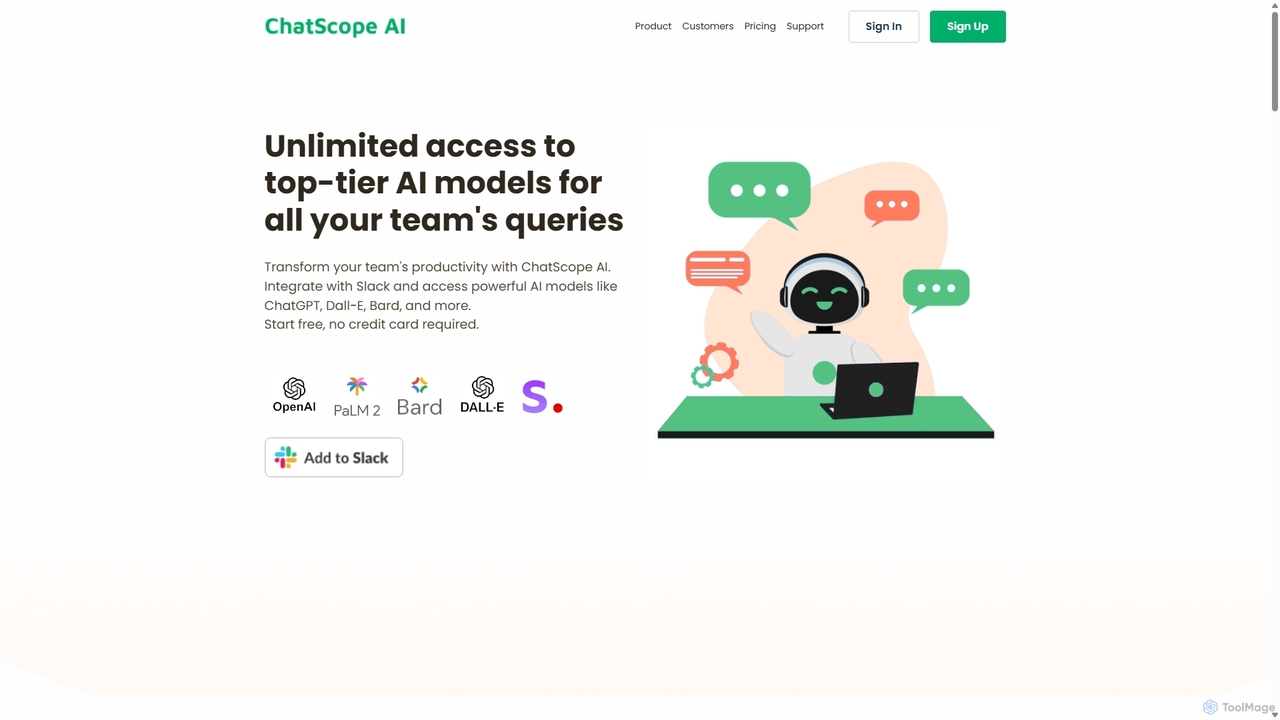
ChatScope AI integrates top-tier AI models like ChatGPT, Dall-E, and Bard directly into your Slack workspace. Boost team productivity by answering questions, summarizing threads, brainstorming ideas, and generating content, all within your existing communication channels. It's a cost-effective solution designed for seamless collaboration and enhanced efficiency.
About Slack Assistant
Slack Assistant tools are AI-powered applications designed to integrate seamlessly with Slack, enhancing team communication and productivity. These assistants leverage natural language processing (NLP) and machine learning to understand user queries, automate routine tasks, and provide intelligent insights directly within your Slack workspace. They aim to streamline workflows, reduce manual effort, and foster more efficient collaboration among team members.
Core Features
- Automated Q&A: Instantly answers common questions by accessing internal knowledge bases or external data sources.
- Meeting Summarization: Automatically transcribes and summarizes meeting discussions, highlighting key decisions and action items.
- Task Management & Reminders: Helps create, assign, and track tasks, sending timely reminders to ensure deadlines are met.
- Information Retrieval: Quickly fetches relevant documents, data, or reports based on natural language requests.
- Sentiment Analysis: Monitors team communication for sentiment trends, helping identify potential issues or areas for improvement.
Applicable Scenarios
Slack Assistants are invaluable for teams across various functions, from project management to customer support. They can automate daily stand-up updates, provide instant access to company policies for new hires, or help customer service teams quickly find solutions to common queries, significantly reducing response times and improving service quality.
How to Choose
When selecting a Slack Assistant, consider its integration depth with your existing tools and workflows, its customization options for specific team needs, and the robustness of its AI capabilities. Evaluate its security protocols for data privacy, user-friendliness, and scalability to ensure it can grow with your team. Also, compare pricing models and support options.

Slack AssistantUse Cases
Automate Daily Stand-up Reports
Project managers and team leads can configure a Slack Assistant to prompt team members for daily updates on their progress, blockers, and plans. The assistant then compiles these responses into a concise summary, which can be shared in a dedicated channel or directly to stakeholders, saving significant time compared to manual collection and aggregation.
Provide Instant Knowledge Base Access
Customer support teams or new employees often need quick access to company policies, product FAQs, or technical documentation. A Slack Assistant can be trained on these internal resources, allowing users to ask questions in natural language and receive immediate, accurate answers without leaving Slack, drastically reducing search time and improving efficiency.
Summarize Meetings and Extract Action Items
For teams that conduct frequent virtual meetings, a Slack Assistant can integrate with video conferencing tools to transcribe discussions. Post-meeting, it generates a concise summary, identifies key decisions, and extracts actionable tasks with assigned owners and deadlines, ensuring everyone is aligned and follow-ups are not missed.
Proactive Task Reminders and Follow-ups
Team members can delegate task management to a Slack Assistant. By simply mentioning the assistant with a task and a deadline, it will create the task, send timely reminders to the assignee, and follow up on completion status. This helps individuals and teams stay organized, manage their workload effectively, and ensure project milestones are met.
Monitor Team Sentiment and Morale
HR professionals or team leaders can utilize a Slack Assistant to anonymously analyze communication patterns and sentiment within public channels. The assistant can identify trends in team morale, detect potential conflicts, or highlight positive feedback, providing valuable insights that help foster a healthier and more productive work environment.
Streamline Customer Support Escalation
When a customer support agent encounters a complex issue in Slack that requires expert intervention, a Slack Assistant can help. It can analyze the query, suggest relevant internal experts or channels, and even automatically create a ticket in a CRM system, ensuring that critical issues are routed efficiently and resolved faster.