Communication Best in category 2 results Slack Integration AI Tool

Popular AI tools in the Slack Integration field of Communication include OrgaNice、Coffice, etc., helping you quickly improve efficiency.

Free
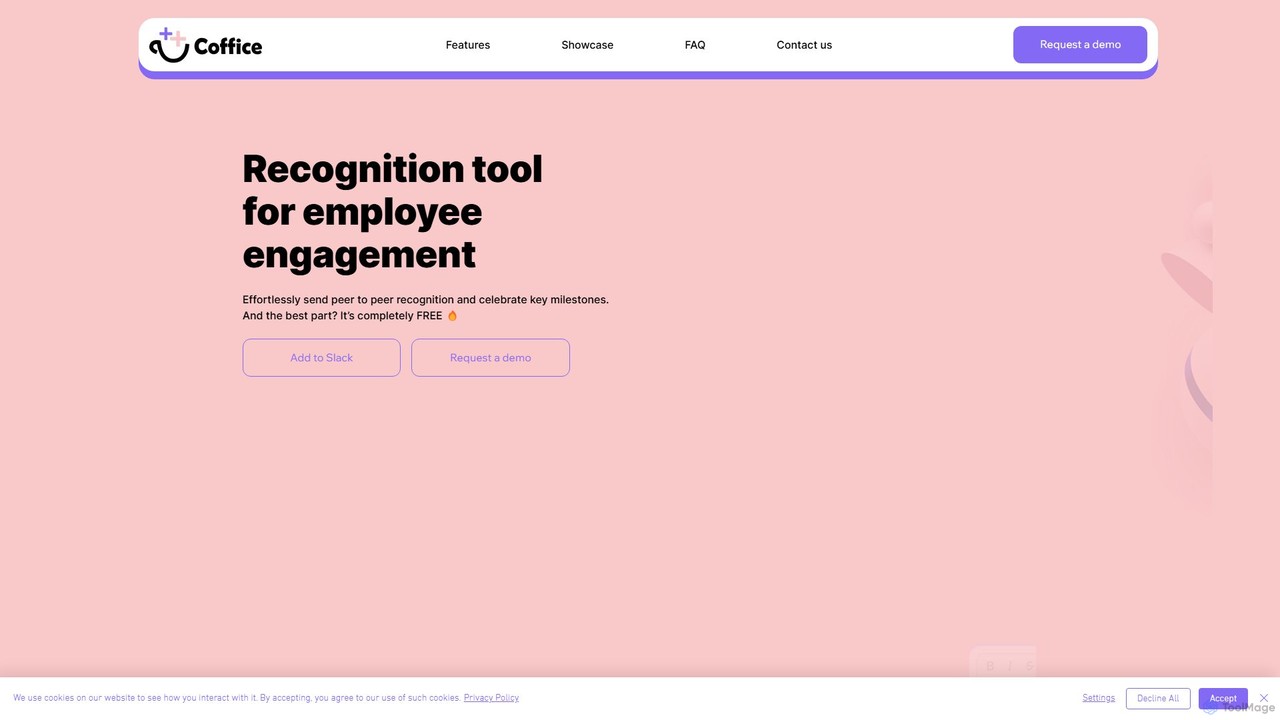
Coffice

Coffice

Coffice is a completely free Slack tool designed to boost employee engagement and team morale. It facilitates peer-to-peer …

3.2K
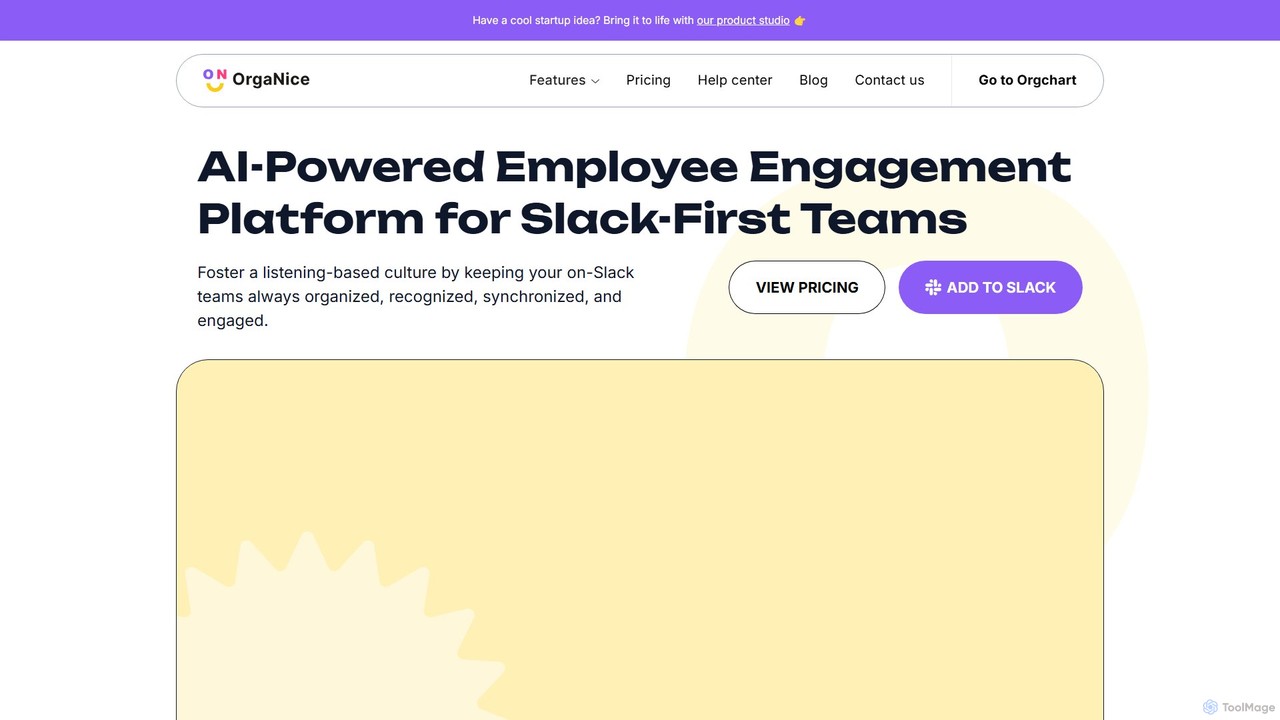
OrgaNice

OrgaNice

OrgaNice is an AI-powered employee engagement platform designed for Slack-first teams. It automates HR tasks, builds dynamic org …

5.2K

About Slack Integration

Slack Integration tools are AI-powered applications designed to connect directly with your Slack workspace, transforming it into a centralized operational hub. These tools leverage natural language processing (NLP) to understand commands, automate tasks, and retrieve information from other services within your chat interface. By embedding AI functionalities into conversations, they streamline workflows, reduce context switching between applications, and enhance team productivity. This allows teams to manage projects, access data, and trigger actions without ever leaving their primary communication platform.

Core Features

  • In-Channel Commands: Execute tasks, query databases, or trigger workflows using simple text commands directly in Slack channels.
  • Automated Notifications & Summaries: Receive intelligent alerts from other apps and get AI-generated summaries of long conversations or channel activity.
  • Contextual Workflow Automation: Trigger multi-step actions across different services based on messages, emoji reactions, or scheduled events.
  • Natural Language Data Access: Ask questions in plain language to retrieve reports, metrics, and insights from connected business intelligence or analytics tools.
  • Intelligent Task Creation: Convert messages into actionable tasks in project management tools like Asana or Jira with a single click or command.

Use Cases

These tools are widely adopted by teams that rely heavily on Slack for real-time collaboration, such as software development, marketing, sales, and customer support. For instance, a development team can monitor CI/CD pipeline status, a sales team can receive and assign new CRM leads, and a support team can create helpdesk tickets directly from user messages, all within Slack.

How to Choose

When selecting a Slack Integration tool, first evaluate its compatibility with your existing tech stack—does it connect to your CRM, project management, and other critical software? Assess the complexity of the workflow automation it supports and its ease of use for non-technical team members. Finally, carefully review its security protocols and data access permissions to ensure it complies with your company's policies.

Slack IntegrationUse Cases

1

Automate Daily Stand-up Meetings for Agile Teams

For a remote agile team, conducting daily stand-up meetings can be time-consuming. An AI Slack integration automates this process by prompting each team member in a dedicated channel for their updates on progress, plans, and blockers. The tool then collects all responses, formats them into a coherent summary, and posts it for everyone to see. This creates a searchable log of daily progress and saves the team 15-30 minutes each day, eliminating the need for a synchronous video call.

2

Triage Customer Support Issues from Slack

When a critical customer issue is mentioned in a public channel, a support agent needs to act fast. Instead of manually copying information, they can use a Slack integration to convert the message into a helpdesk ticket (e.g., in Zendesk or Jira) with a simple emoji reaction or a slash command. The AI tool automatically populates the ticket with the message content, user details, and conversation context. This ensures no issue is missed, creates a formal tracking record, and streamlines the support workflow significantly.

3

Receive Real-time Sales Lead Alerts and CRM Updates

For sales teams, speed is critical. An AI integration can instantly send a notification to a sales channel the moment a new lead fills out a form on the website. The alert includes key details from the CRM (e.g., Salesforce). Team members can then claim the lead with a button click or update its status directly from Slack. This eliminates delays in follow-up and removes the need for manual data entry in the CRM, allowing sales reps to focus on engaging with potential customers.

4

Access Business Intelligence Reports with Simple Questions

An executive or team lead often needs quick access to data during a discussion. Instead of logging into a separate BI tool like Tableau or Looker, they can use an AI Slack integration to ask questions in natural language, such as "@BI-bot what were our sales figures last week?" The bot queries the connected data source, generates a concise summary or chart, and posts it directly in the channel. This provides instant, on-demand data access, facilitating faster, data-driven decision-making within the flow of conversation.

5

Streamline Content Creation and Approval Workflows

A content marketing team can use a Slack integration to manage their entire workflow. When a writer posts a link to a new draft, an AI tool can automatically create a task in their project management system (e.g., Asana), assign it to an editor, and send a notification. The editor can leave feedback, and once they mark it as approved (perhaps with an emoji), the tool updates the task status and notifies the next person in the chain, such as a designer. This creates a transparent, automated approval process, reducing manual follow-ups and delays.

6

Monitor Code Deployments and System Health

For DevOps and engineering teams, Slack is a central command center. An AI integration can post real-time updates from CI/CD tools like Jenkins or GitHub Actions, notifying the team of successful builds or deployment failures. Furthermore, it can pipe in alerts from monitoring systems (e.g., Datadog). If a critical alert fires, the AI can automatically create a high-priority incident ticket in a system like PagerDuty and summarize the relevant metrics in the Slack channel, enabling a faster incident response.

Slack IntegrationFrequently Asked Questions