ToolMage
Sign in

Best 1 Spam Filtering AI tools for Communication

Popular Spam Filtering AI tools in Communication include Unspam, helping you work more efficiently.

Unspam
Paid

Unspam

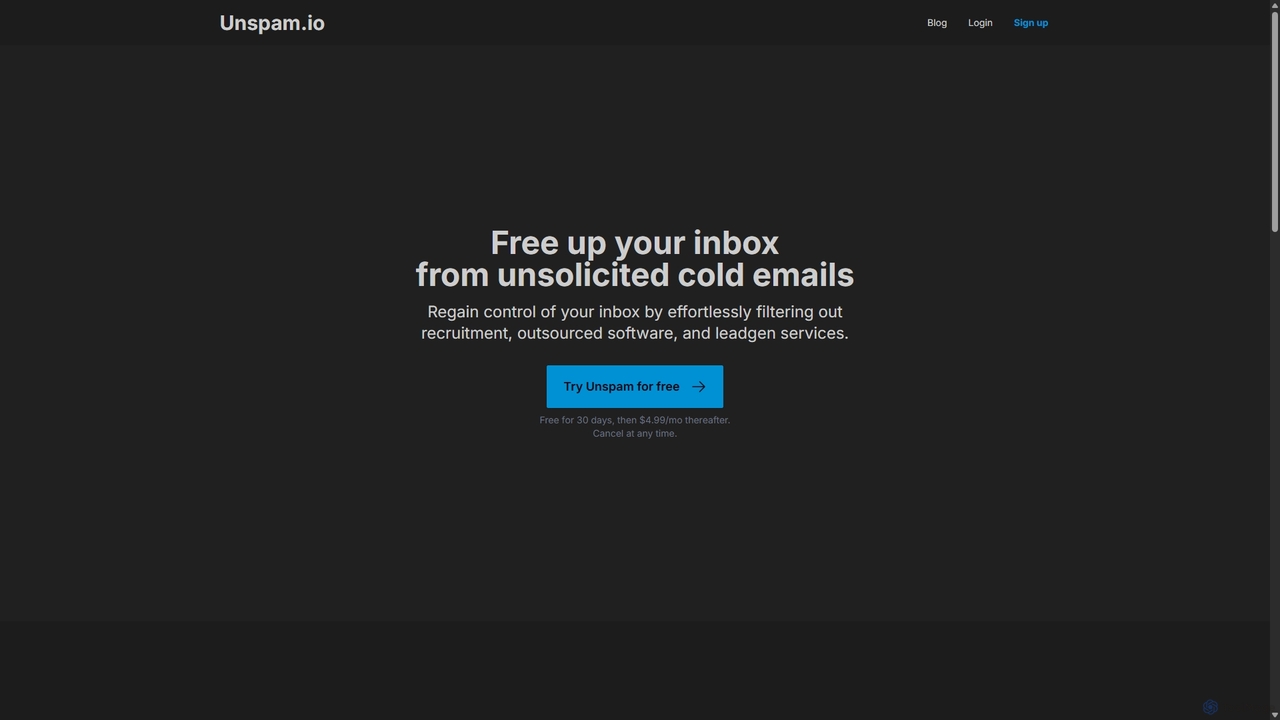
Unspam is an AI-powered tool designed to clean up your inbox by automatically filtering unsolicited cold emails. It seamlessly integrates with Gmail and Google Workspace to identify and remove spam from recruiters, outsourced software services, and lead generation agencies, allowing you to focus on important communications.

Inbox Organization
Visits 5.3KFavorites 100Likes 103

About Spam Filtering

Spam Filtering tools are AI-powered applications that automatically identify and block unwanted, malicious, or unsolicited emails from reaching an inbox. These tools utilize machine learning models, including Natural Language Processing (NLP), to analyze email content, sender reputation, and behavioral patterns in real-time. Their primary value lies in enhancing email security, protecting users from phishing scams and malware, and improving productivity by maintaining a clean, relevant inbox. Unlike traditional rule-based filters, AI spam filtering systems continuously adapt to new threats, offering more dynamic and accurate protection.

Core Features

  • Behavioral Analysis: Learns from user actions, such as marking emails as spam or not spam, to personalize filtering rules and improve accuracy over time.
  • Sender Reputation Scoring: Evaluates the sender's domain, IP address, and historical sending patterns to assess their trustworthiness before an email is delivered.
  • Content and Link Scanning: Uses NLP to detect suspicious language, phishing attempts, malicious URLs, and unsafe attachments within the email body.
  • Adaptive Threat Detection: Continuously updates its algorithms to recognize and block new and evolving spam tactics, including zero-day attacks.
  • Quarantine Management: Safely isolates potentially harmful emails, allowing users or administrators to review them before permanent deletion or delivery.

Applicable Scenarios

These tools are essential for businesses of all sizes to protect their corporate email infrastructure from cyber threats. IT administrators use them to enforce security policies across an organization. Individuals also leverage advanced spam filtering to augment the native protection of their email providers, ensuring a higher level of security for personal communications and sensitive data.

Selection Criteria

When choosing a spam filtering tool, consider its detection accuracy and the rate of false positives. Evaluate its integration capabilities with your existing email platform (e.g., Google Workspace, Microsoft 365). Also, assess the level of customization available for setting filter sensitivity and rules, and check for robust reporting features that provide insights into blocked threats.

Spam Filtering use cases

1

Protecting Corporate Email Systems

An IT administrator for a medium-sized enterprise is tasked with reducing the risk of phishing attacks and malware infections across the company. They deploy an AI spam filtering solution that integrates with their Microsoft 365 environment. The tool's AI engine analyzes all incoming emails for suspicious links, unusual sender behavior, and language patterns common in phishing attempts. It automatically quarantines high-risk emails and provides the IT team with detailed threat reports. This proactive approach significantly reduces the number of malicious emails reaching employees' inboxes, minimizing security incidents and protecting sensitive company data.

2

Securing a Freelancer's Professional Inbox

A freelance graphic designer uses their primary email for client communication, project delivery, and invoicing. Their inbox is frequently targeted by spam, including fake job offers and phishing attempts disguised as client requests. To protect their business, they subscribe to an AI spam filtering service. The service learns to distinguish legitimate client inquiries from sophisticated spam. It successfully blocks emails with malicious attachments pretending to be project files and filters out clutter, allowing the designer to focus on real client work without worrying about security threats or wasting time deleting junk mail.

3

Filtering a High-Volume Customer Support Inbox

A customer support team for an e-commerce store receives hundreds of emails daily to their shared 'support@' address. A significant portion is spam, which buries genuine customer inquiries and delays response times. By implementing an AI spam filter, the team can automatically sift out junk mail. The AI is trained to recognize legitimate support requests based on keywords like 'order number,' 'return,' and 'shipping issue.' This ensures that support agents' queues are filled only with valid tickets, improving team efficiency and leading to faster, more reliable customer service.

4

Preventing Spam Sign-ups on Web Forms

A marketing team runs a newsletter and uses a sign-up form on their website to collect leads. The form is constantly targeted by bots, resulting in a subscriber list filled with fake email addresses. This skews their marketing analytics and increases email bounce rates. They integrate a spam filtering tool with their web form. The tool uses IP reputation checks and behavioral analysis (like how quickly the form is filled out) to identify and block bot submissions in real-time. As a result, their mailing list becomes cleaner, analytics are more accurate, and their email sender reputation improves.

5

Improving Email Marketing Campaign Deliverability

An email marketer is preparing to send a campaign to 50,000 subscribers. Before launching, they use a spam filtering tool's pre-check feature to analyze their email content. The tool scans the email for common spam triggers, such as certain keywords, excessive capitalization, or poor HTML formatting. It also checks if the sending domain is on any blacklists. The tool provides a 'spam score' and actionable recommendations for improvement. By making the suggested changes, the marketer significantly increases the email's deliverability rate, ensuring it reaches subscribers' inboxes instead of their spam folders, maximizing campaign ROI.

6

Managing a Public Figure's Personal Email

A public figure receives a high volume of unsolicited emails, ranging from fan mail to business proposals and a large amount of spam. Their executive assistant uses an advanced AI spam filter to manage the inbox. The tool is configured with custom rules to prioritize emails from known contacts and specific domains (like agents or media outlets). It effectively filters out junk and low-priority messages, allowing the assistant to quickly identify and respond to important communications. This system saves hours of manual sorting each day and ensures critical opportunities are not missed.

Spam Filtering FAQ

What is AI Spam Filtering?

AI Spam Filtering is an advanced approach to blocking unwanted emails that uses artificial intelligence and machine learning. Unlike traditional filters that rely on static rules and keyword lists, AI systems analyze a wide range of signals, including email content, sender reputation, link behavior, and even the user's personal email habits. This allows them to detect sophisticated phishing attempts, new types of spam, and malware with much higher accuracy. They continuously learn and adapt, becoming more effective over time as spammers change their tactics.

How to choose the right AI spam filtering tool?

Choosing the right tool depends on your specific needs. Consider the following factors:

  • Detection Accuracy: Look for high accuracy rates in detecting spam and phishing, with a low rate of false positives (legitimate emails marked as spam).
  • Integration: Ensure the tool seamlessly integrates with your existing email platform, such as Google Workspace, Microsoft 365, or other clients.
  • Customization and Control: Check if you can adjust filter sensitivity, create custom whitelists/blacklists, and define specific rules for your organization.
  • Reporting and Analytics: A good tool should provide clear reports on blocked threats, trends, and overall email security posture.
  • Scalability: Select a solution that can grow with your needs, whether you're an individual, a small business, or a large enterprise.
What's the difference between AI spam filters and standard email client filters?

The main difference lies in their sophistication and adaptability. Standard filters, like those built into Gmail or Outlook, are effective for general use but often rely on broader, rule-based systems and data from a massive user base. Dedicated AI spam filtering tools offer more advanced capabilities:

  • Granular Control: They provide deeper customization options for businesses, allowing administrators to set specific policies.
  • Advanced Threat Detection: They often specialize in identifying zero-day threats, spear-phishing, and business email compromise (BEC) attacks that generic filters might miss.
  • Behavioral Learning: They adapt more quickly to the specific types of emails you receive, learning your personal or organizational patterns for better accuracy.
  • Detailed Reporting: They typically offer comprehensive analytics on threat types and trends, which is crucial for business security.
Can AI spam filters block phishing and malware attacks?

Yes, this is one of their primary functions. AI spam filters are highly effective at blocking phishing and malware. They go beyond simple keyword matching by using Natural Language Processing (NLP) to understand the context and intent of an email. They can identify deceptive language, analyze URLs for malicious patterns without a user clicking on them (link scanning), and inspect attachments for harmful code. By analyzing millions of emails, these systems learn to recognize the subtle characteristics of phishing campaigns and malware distribution tactics, providing a critical layer of security against these dangerous threats.

What happens to emails that are filtered as spam?

Emails identified as spam are typically moved to a separate 'Junk' or 'Spam' folder, or a secure 'Quarantine' area managed by the filtering tool. This prevents them from cluttering the main inbox while still allowing users to review them. Users can check this folder to find any legitimate emails that were incorrectly filtered (false positives) and move them back to the inbox. This action also helps train the AI, teaching it that similar emails in the future are not spam. Most systems automatically delete emails from the spam folder after a set period, usually 30 days, to save space.