Communication Best in category 1 results Unified Messaging AI Tool

Popular AI tools in the Unified Messaging field of Communication include Libingo, etc., helping you quickly improve efficiency.

Libingo

Libingo

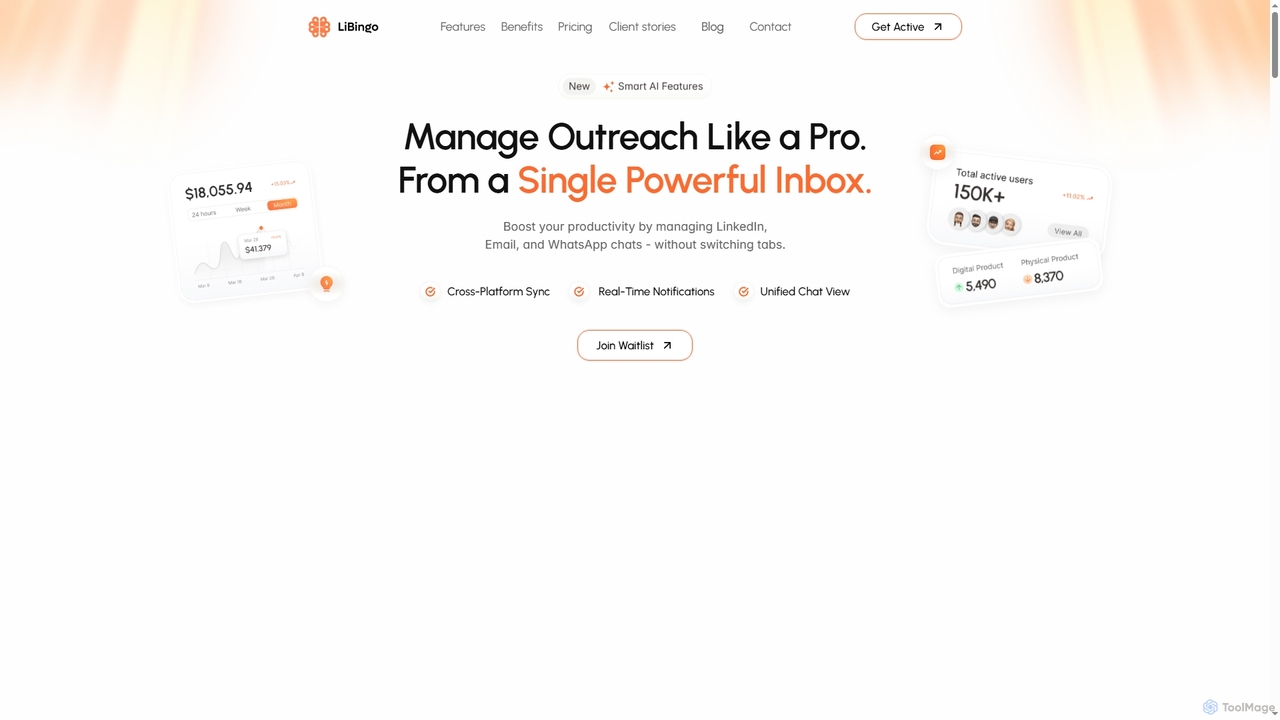
Libingo is an AI-powered multi-channel outreach platform that unifies LinkedIn, Email, and WhatsApp communications into a single smart …

3.9K

About Unified Messaging

Unified Messaging is a category of AI-powered tools that integrate diverse communication channels into a single, cohesive platform. These tools leverage AI to centralize and intelligently manage emails, voicemails, faxes, SMS, and instant messages, transforming fragmented interactions into a streamlined experience. By consolidating communication streams, Unified Messaging enhances accessibility, improves response times, and boosts overall productivity for individuals and organizations. It represents an evolution in how we interact, making communication more efficient and context-aware.

Core Features

  • Voicemail-to-Text Transcription: AI automatically converts spoken voicemails into readable text, accessible via email or messaging apps.
  • Cross-Channel Inbox: Consolidates emails, voicemails, faxes, SMS, and chat messages into one unified interface for easy management.
  • Intelligent Notification & Routing: AI analyzes message content and sender to prioritize, filter, and route communications to the most appropriate channel or recipient.
  • Automated Response Suggestions: Generates context-aware draft replies for common inquiries across different messaging platforms.
  • Spam & Threat Detection: AI identifies and filters unwanted or malicious communications across all integrated channels.

Applicable Scenarios

Businesses with high volumes of multi-channel customer inquiries can use Unified Messaging to ensure no message is missed and responses are consistent. Remote teams benefit from a centralized hub for all internal and external communications, reducing context switching and improving collaboration. Professionals managing multiple client interactions across various platforms find it invaluable for maintaining organized and timely responses.

How to Choose

When selecting a Unified Messaging solution, consider its integration capabilities with existing CRM, ERP, and productivity suites. Evaluate the breadth of communication channels supported (email, SMS, voice, fax, chat, video) and the accuracy of AI features like transcription and sentiment analysis. Assess scalability for future growth and the level of customization offered for notification rules and workflow automation. Finally, prioritize solutions with robust security protocols and compliance certifications.

Unified MessagingUse Cases

1

Streamlining Customer Support Communications

Customer service teams often juggle inquiries across email, phone, chat, and social media. Unified Messaging tools centralize all these interactions into a single agent dashboard. AI can transcribe voicemails, categorize incoming messages by urgency or topic, and even suggest relevant knowledge base articles or draft responses, enabling agents to handle more queries efficiently and provide consistent, timely support.

2

Enhancing Remote Team Collaboration

For distributed or hybrid teams, communication can become fragmented across various platforms like Slack, email, and video conferencing. Unified Messaging integrates these tools, allowing team members to access all project-related communications—from meeting summaries to shared documents and chat discussions—in one place. This reduces information silos, minimizes context switching, and ensures everyone stays informed, regardless of their preferred communication method.

3

Managing Executive & High-Volume Personal Communications

Executives and busy professionals receive a constant stream of communications from multiple sources. Unified Messaging helps by consolidating emails, voicemails, and urgent messages into a single, prioritized inbox. AI can intelligently filter spam, transcribe voicemails for quick scanning, and highlight critical messages, allowing them to efficiently triage and respond to important communications without missing crucial updates.

4

Automating Sales Lead Follow-ups

Sales professionals need to respond quickly to leads from various channels like website forms, social media, and direct emails. Unified Messaging tools can integrate these lead sources, automatically transcribing initial calls or messages and flagging them for follow-up. AI can even suggest personalized email or SMS templates based on the lead's initial inquiry, significantly speeding up the response process and improving conversion rates.

5

Centralizing Emergency & Crisis Communications

During emergencies, rapid and coordinated communication across multiple channels is critical. Unified Messaging platforms can be used to disseminate urgent alerts via SMS, email, and automated voice calls simultaneously to employees, stakeholders, or affected communities. All incoming responses or inquiries are then consolidated, allowing crisis management teams to monitor feedback and respond efficiently from a single interface, ensuring timely information flow.

6

Optimizing Field Service & Mobile Workforce Communication

Field technicians or mobile workforces often rely on a mix of phone calls, SMS, and email for job assignments, updates, and client communication. Unified Messaging provides a mobile-friendly hub where all work-related communications—dispatch orders, client messages, internal team updates—are accessible in one place. Voicemails can be quickly read as text, and urgent messages prioritized, ensuring technicians have all necessary information on the go, improving service delivery and responsiveness.

Unified MessagingFrequently Asked Questions