Content Creation Best in category 3 results Audio AI Tool

Popular AI tools in the Audio field of Content Creation include CoHost、mumbler、SoundSoReal, etc., helping you quickly improve efficiency.

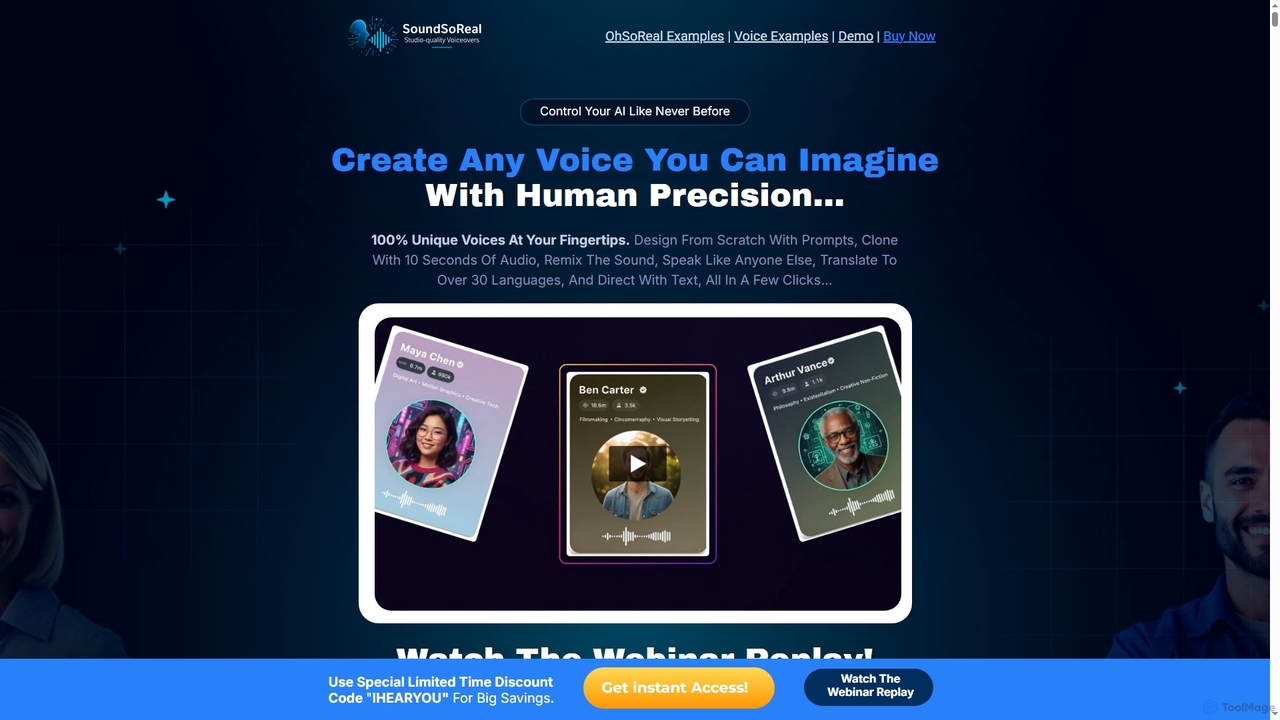
SoundSoReal

SoundSoReal

SoundSoReal is an innovative AI voice designer that empowers creators, marketers, and storytellers to generate 100% unique, human-like …

2.4K
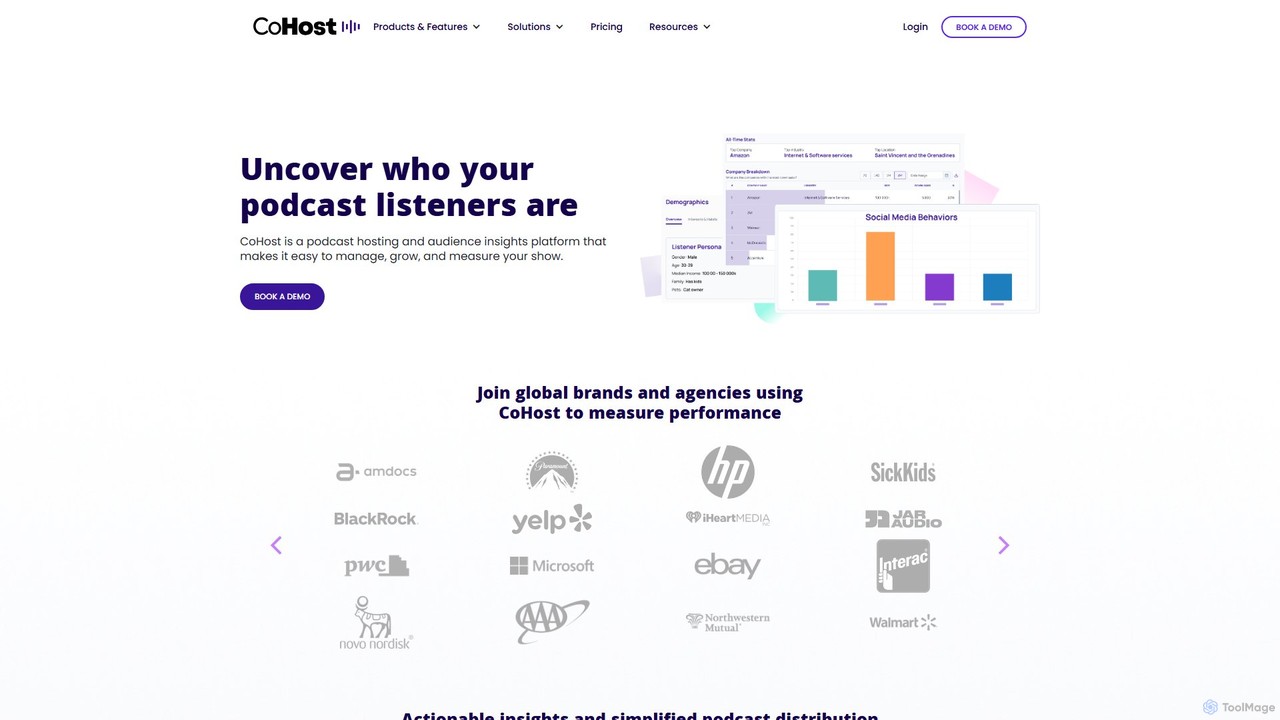
CoHost

CoHost

CoHost is an all-in-one podcast hosting and analytics platform designed for brands, agencies, and professional podcasters. It provides …

37.6K
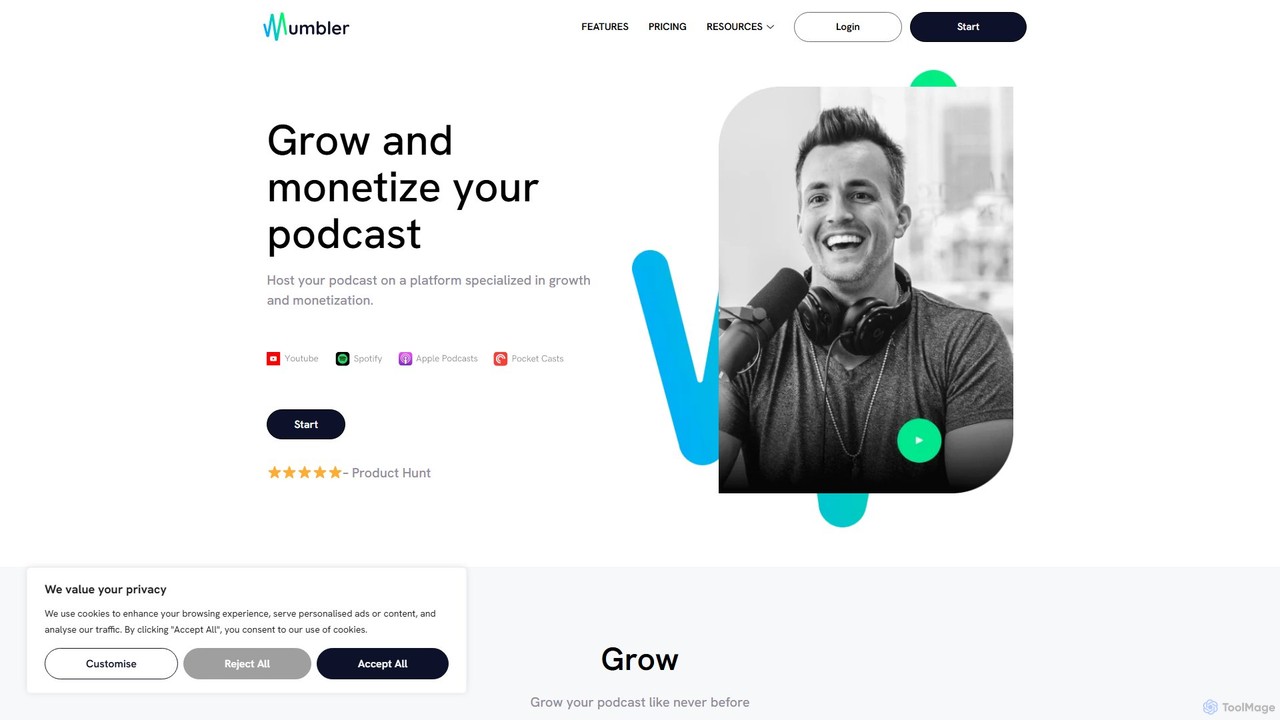
mumbler

mumbler

Mumbler is an all-in-one podcast hosting platform designed for creators focused on growth and monetization. It provides a …

2.4K

About Audio

AI Audio tools are a class of software that leverage artificial intelligence to generate, manipulate, and enhance sound. These tools utilize advanced models for tasks like text-to-speech (TTS), voice cloning, music composition, and audio restoration. They provide powerful capabilities for automating audio production, making it accessible for creators and developers to produce high-quality voiceovers, music, and clean audio for various projects. The core value lies in reducing the time, cost, and technical barriers associated with traditional audio engineering.

Core Features

  • Text-to-Speech (TTS): Converts written text into highly realistic and expressive human-like speech.
  • Voice Cloning: Creates a digital replica of a specific voice from a short audio sample.
  • AI Music Generation: Composes original, royalty-free music tracks based on genre, mood, or text prompts.
  • Audio Enhancement: Automatically removes background noise, equalizes volume, and improves overall sound clarity.
  • Speech-to-Text Transcription: Provides fast and accurate transcription of spoken audio into written text.

Use Cases

These tools are widely used by podcasters, video creators, marketers, and e-learning developers for creating professional voiceovers and soundtracks. Musicians and game developers also use them to generate unique musical scores and sound effects, while businesses leverage them for automated customer service voice responses and meeting transcriptions.

How to Choose

When selecting an AI Audio tool, consider the primary function you need, such as voice generation or music composition. Evaluate the quality and naturalness of the audio output. Check for support for different languages and accents, integration options like APIs, and a pricing model that aligns with your usage volume (e.g., per-character, subscription-based).

AudioUse Cases

1

Create Multilingual Video Voiceovers

A marketing team needs to launch a product video in five different languages. Instead of hiring five separate voice actors and booking studio time, they use an AI Text-to-Speech tool. They upload the translated scripts and select a consistent brand voice for each language. The tool generates high-quality, synchronized audio files within minutes, drastically reducing production time from weeks to hours and cutting costs significantly.

2

Produce Royalty-Free Podcast Music

A podcast creator wants unique intro, outro, and background music for their show without risking copyright strikes or paying expensive licensing fees. Using an AI music generator, they input prompts like 'upbeat, motivational, electronic intro' and 'calm, ambient, background talk.' The AI produces several original tracks, which the creator can then customize and use freely, ensuring a consistent and professional sonic identity for their podcast.

3

Clone a Voice for Consistent Narration

An e-learning course creator needs to record dozens of short instructional videos but lacks the time for consistent recording sessions. They use a voice cloning tool by providing a few minutes of their own speech. The AI creates a digital model of their voice. Now, for any new script or update, they simply type the text, and the tool generates the audio in their own voice, maintaining perfect consistency in tone and quality across all course materials.

4

Restore and Clean Up Interview Audio

A journalist conducts an important interview in a noisy café, and the recording is filled with background chatter and clatter. Using an AI audio enhancement tool, they upload the audio file. The software automatically identifies and isolates the speakers' voices while suppressing the unwanted background noise. The result is a clean, clear, and professional-sounding recording ready for broadcast or transcription, saving hours of manual audio editing.

5

Automate Audiobook Production

An independent author wants to convert their novel into an audiobook but cannot afford the high cost of a professional narrator and studio. They utilize an advanced AI TTS platform designed for long-form content. The tool allows them to assign different voices to different characters and control pacing and emotion. The final output is a complete, ready-to-publish audiobook, making their work accessible to a wider audience at a fraction of the traditional cost.

6

Transcribe and Summarize Business Meetings

A project manager needs to keep accurate records of weekly team meetings and share action items efficiently. They use an AI transcription tool that records the meeting, identifies different speakers, and generates a complete, time-stamped transcript. The tool's AI capabilities also create a concise summary of the discussion, highlighting key decisions and assigned tasks, which can be shared with all participants immediately after the meeting.

AudioFrequently Asked Questions