ToolMage
Sign in

Best 2 Video Generation AI tools for Creative

Popular Video Generation AI tools in Creative include Google AI and Unfreezeit, helping you work more efficiently.

Unfreezeit
Paid

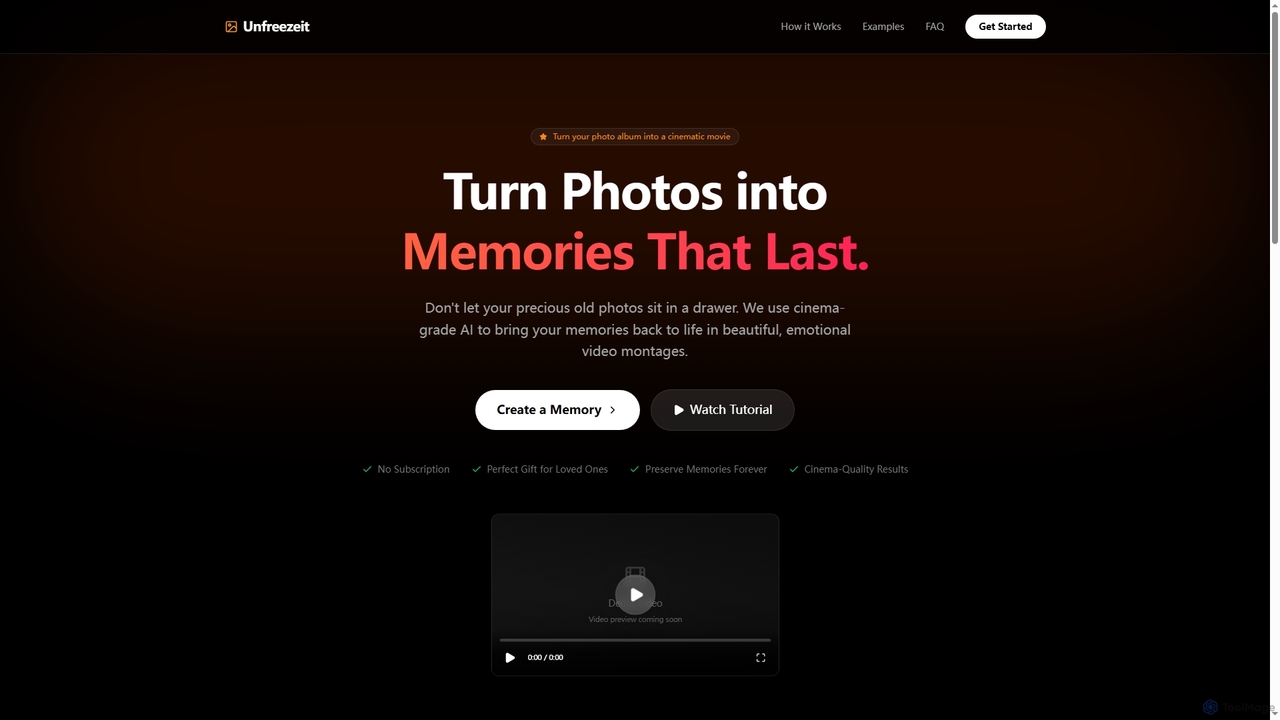
Unfreezeit

Unfreezeit is an AI-powered tool that transforms your cherished photo albums into cinematic, emotional video montages. Utilizing cinema-grade AI, it brings memories to life with one-time pricing, perfect for gifts or preserving family history.

Video Generation
Visits 4.1KFavorites 30Likes 26
Google AI
Freemium

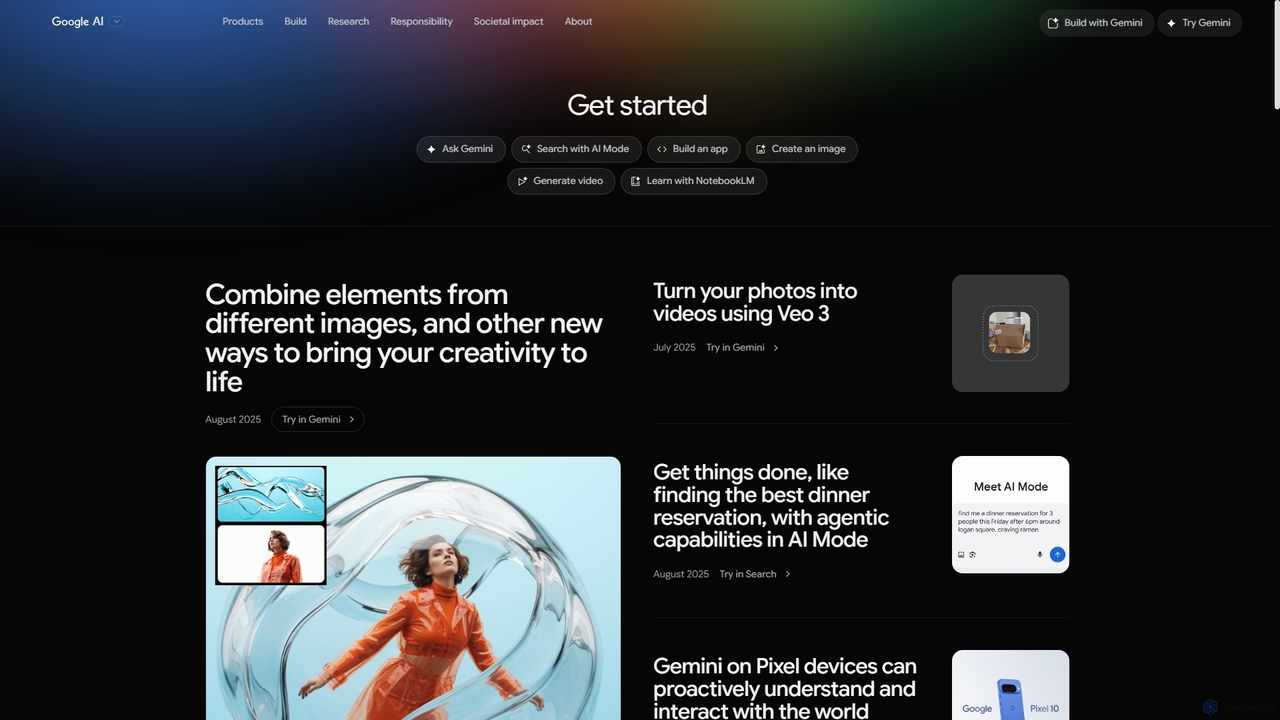
Google AI

Google AI is a comprehensive ecosystem of advanced artificial intelligence models, tools, and research initiatives. It encompasses the powerful Gemini family of models, developer platforms like Vertex AI, and applications across creativity, productivity, and scientific discovery, all built with a commitment to safety and responsibility.

Large Language Models
Visits 2.9MFavorites 110Likes 123

About Video Generation

AI Video Generation tools are a class of software that automatically creates new video content from text descriptions, images, or other data inputs. These tools leverage advanced generative models to synthesize sequences of images, ensuring motion and temporal consistency between frames. This technology enables marketers, artists, and content creators to produce short-form videos, animations, and visual concepts rapidly, bypassing traditional filming or complex animation workflows. Their primary value lies in the ability to visualize ideas and generate unique footage in minutes, significantly reducing production time and costs.

Core Features

  • Text-to-Video: Generates video clips directly from a written descriptive prompt.
  • Image-to-Video: Animates a static image by adding motion, depth, and dynamic effects.
  • Style Control: Applies specific artistic or cinematic styles (e.g., anime, photorealistic, 3D render) to the output.
  • Motion & Camera Control: Allows users to specify camera movements like pan, zoom, tilt, or dolly shots for more dynamic results.
  • Video-to-Video Transformation: Modifies the style or subject of an existing video based on a new prompt.

Use Cases

AI Video Generation tools are widely used in digital marketing for creating engaging social media ads and product showcases. Content creators use them to generate custom B-roll footage and animated explainers. In the film and gaming industries, they serve as powerful tools for pre-visualization and creating animated storyboards to prototype scenes before full production.

How to Choose

When selecting an AI Video Generation tool, first evaluate the output quality, focusing on visual realism, coherence, and lack of artifacts. Consider the level of control offered over camera movement, character consistency, and style. Also, assess the generation speed, video length limitations, and the pricing model (e.g., subscription vs. pay-per-credit). Finally, check the supported input types (text, image) to ensure they align with your creative workflow.

Featured tool rankings

Video Generation use cases

1

Creating Social Media Marketing Ads

A social media manager needs to create a short, eye-catching video ad for a new product launch on Instagram and TikTok. Instead of organizing a costly photoshoot, they use an AI Video Generation tool. They enter a prompt like 'A cinematic shot of a futuristic sneaker splashing through a puddle of glowing water, slow motion, 4K.' The AI generates several 5-10 second clips with different angles and lighting. This allows them to produce multiple ad variations for A/B testing in under an hour, without needing a camera crew or complex VFX software, significantly accelerating the campaign launch.

2

Generating B-Roll for Content Creators

A YouTuber is editing a documentary about space exploration and needs a specific shot of a nebula rotating, but cannot find suitable stock footage. Using an AI video generator, they input the prompt 'A vibrant, colorful nebula slowly rotating in deep space, hyper-realistic, cinematic lighting.' The tool produces a custom, royalty-free B-roll clip that perfectly matches the video's narrative and aesthetic. This saves hours of searching through stock libraries or the high cost of purchasing premium footage, allowing the creator to maintain visual consistency and quality throughout their project.

3

Prototyping Animated Storyboards

A film director needs to visualize a key scene for a pitch meeting to convey the mood and camera movement. Instead of relying on static drawings, they use an AI video tool to generate short animated sequences. They input a series of prompts like 'Wide shot of a character walking through a rainy, neon-lit city street, camera follows from behind.' This process creates a dynamic 'animatic' or moving storyboard that communicates the vision more effectively than static images, facilitating faster feedback and securing stakeholder approval more efficiently.

4

Producing Animated Explainer Videos

A product marketer is tasked with creating a short explainer video for a new software feature but lacks animation skills. Using an AI video tool, they can animate screenshots of the software interface by applying subtle zooms and pans with an image-to-video function. They combine these with text-to-video clips that illustrate abstract concepts related to the feature's benefits. The result is a professional-looking explainer video, assembled quickly and affordably, that makes complex information more engaging and understandable for the audience without hiring an animation agency.

5

Visualizing Architectural Concepts

An architect wants to show a client how a proposed building will look at different times of day. Instead of creating multiple time-consuming 3D renders, they upload a single static render to an AI video tool. Using the image-to-video feature, they apply prompts like 'Animate with clouds moving overhead, sunset lighting' and 'Show gentle rain falling on the facade.' The tool generates realistic, atmospheric video clips that bring the static design to life. This helps clients better visualize the final project and provides a more immersive experience than a simple image, facilitating faster design approval.

6

Creating Music Video Visuals

An independent musician with a limited budget needs compelling visuals for their new song to post on YouTube. A traditional video shoot is too expensive. They use an AI video generator, inputting lyrics or abstract concepts related to the song's theme, such as 'Surreal dreamscape with melting clocks and floating islands, psychedelic style.' The AI generates a series of unique, abstract, and narrative clips. The musician then edits these clips together to create a visually stunning music video that captures the song's mood, providing a high-production-value feel without the associated costs.

Video Generation FAQ

What is AI Video Generation?

AI Video Generation is a technology that uses artificial intelligence to create new video clips from various inputs, most commonly text prompts or static images. Unlike traditional video editors that modify existing footage, these tools synthesize entirely new visual sequences. They work by interpreting the input and generating a series of coherent frames that form a moving picture. Key features include text-to-video, image-to-video, and style transfer, making it a powerful tool for marketers, artists, and content creators to quickly visualize ideas without filming.

How to choose the right AI Video Generation tool?

To choose the right tool, consider these key factors:

  • Output Quality: Evaluate the realism, coherence, and resolution of the generated videos. Look for examples and check for visual artifacts or inconsistencies.
  • Control and Customization: Assess how much control you have over camera movements, character consistency, and artistic style. More control allows for more precise results.
  • Generation Speed and Limits: Consider how long it takes to generate a video and review any limitations on video length or the number of monthly generations.
  • Pricing Model: Compare subscription plans, pay-per-credit systems, and any free tiers. Ensure the cost aligns with your usage needs and budget.
  • Input Types: Verify that the tool supports the inputs you plan to use, such as text-to-video, image-to-video, or video-to-video.
What's the difference between AI Video Generation and AI Video Editing?

The core difference lies in creation versus modification. AI Video Generation creates entirely new video content from scratch based on prompts (synthesis). It's like an artist painting on a blank canvas. AI Video Editing tools use AI to enhance or automate the process of working with existing video footage. Their functions include automatic scene detection, removing silences, adding subtitles, or applying color correction. In short, generation makes something from nothing, while editing improves or alters something that already exists.

What are the main features of AI Video Generation tools?

Most AI Video Generation tools share a set of core features designed for creating dynamic visual content. The most common ones include:

  • Text-to-Video: The primary function, allowing users to generate a video clip by simply typing a descriptive text prompt.
  • Image-to-Video: This feature animates a static image, adding motion like panning, zooming, or subtle environmental effects.
  • Style Transfer: Users can apply a specific artistic style (e.g., cinematic, anime, watercolor) to their generated video, ensuring it matches a desired aesthetic.
  • Camera Controls: Advanced tools offer options to specify camera movements, such as 'zoom in,' 'pan left,' or 'dolly forward,' giving creators more narrative control.
Who can benefit from using AI Video Generation tools?

A wide range of professionals and creators can benefit from AI Video Generation tools. Key user groups include:

  • Marketers: For rapidly creating social media ads, product demos, and promotional content without large production budgets.
  • Content Creators: YouTubers and bloggers can generate unique B-roll, intros, and animated segments to enhance their videos.
  • Filmmakers and Animators: To quickly prototype scenes, create animated storyboards (animatics), and visualize concepts in pre-production.
  • Small Businesses: For producing affordable explainer videos, internal training materials, and website visuals without hiring a video production team.
  • Artists and Musicians: To create abstract visuals, animated album art, and entire music videos that match their creative vision.