ToolMage
Sign in

Best 3 Communication Platform for Customer Support

Popular Communication Platform in Customer Support include Sent, mtalkz, and PetsApp, helping you work more efficiently.

Sent
Freemium

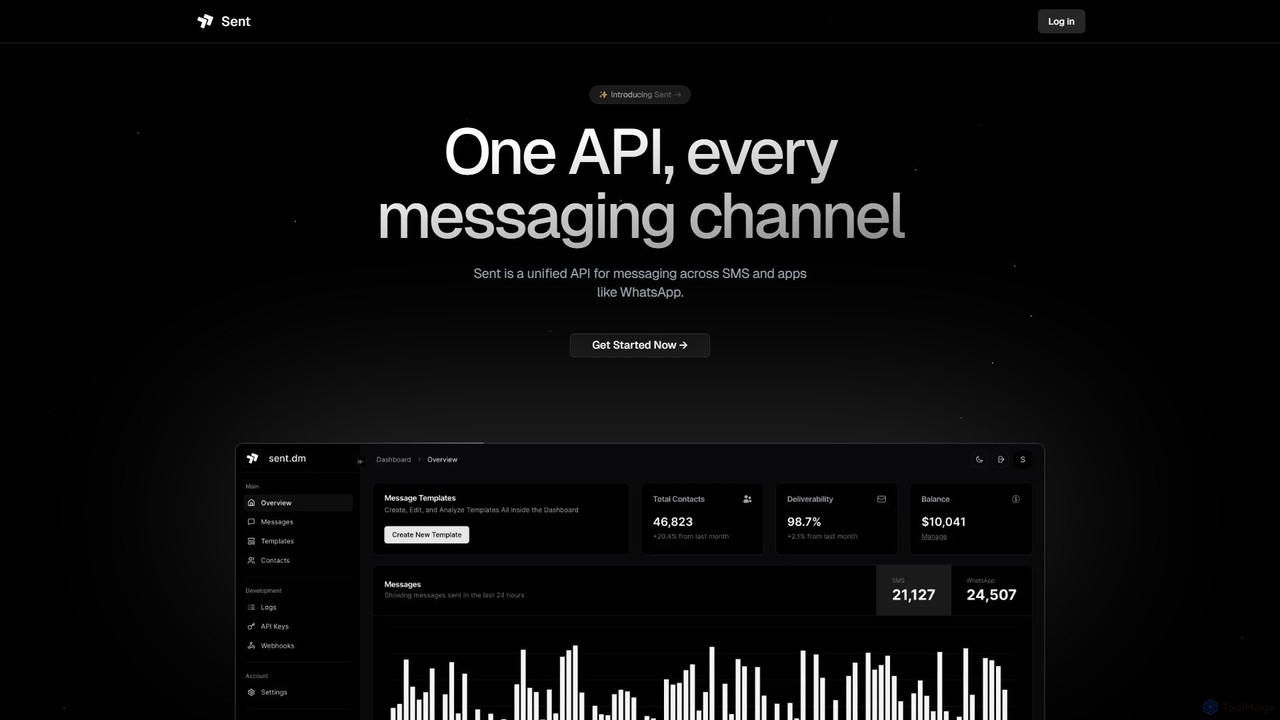
Sent

Sent is a unified messaging API platform that enables developers and businesses to communicate with customers across multiple channels like SMS, WhatsApp, iMessage, RCS, and Viber through a single API. It uses AI-powered intelligent routing to optimize delivery, significantly reduce costs, and simplify cross-channel communication, providing a first-class developer experience.

Communication Platform
Visits 104.1KFavorites 130Likes 132
PetsApp
Paid

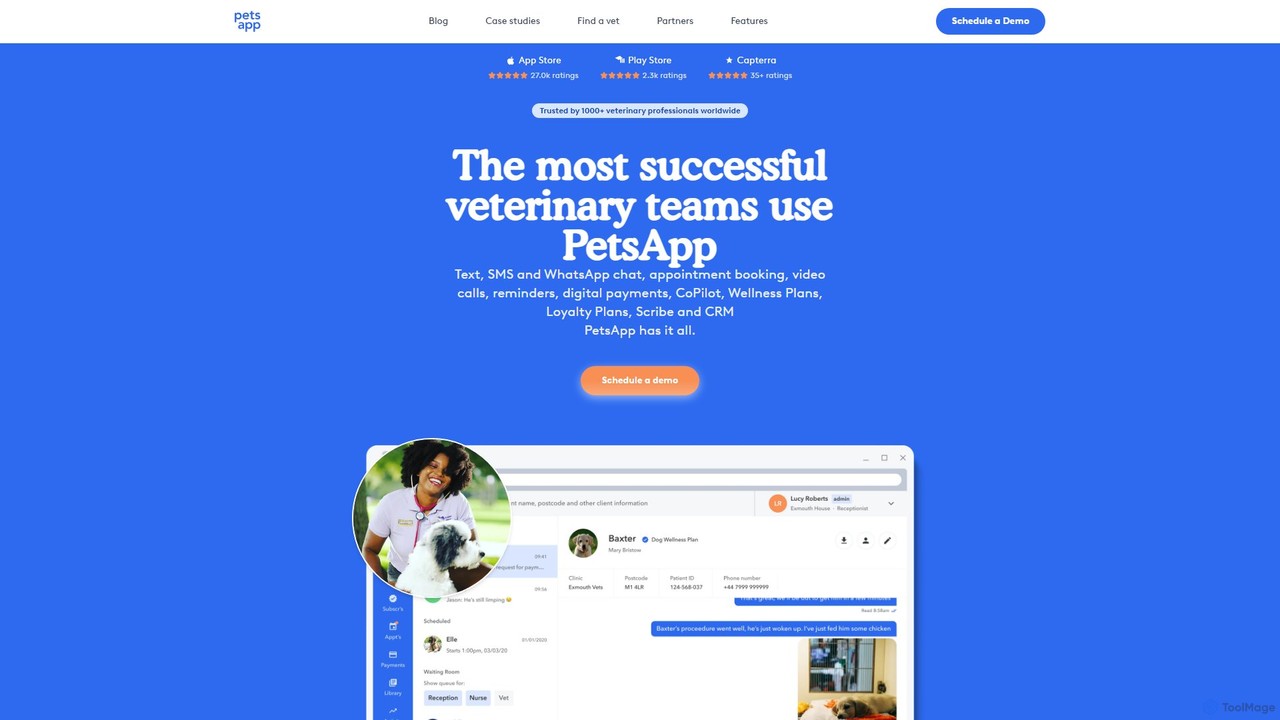
PetsApp

PetsApp is an all-in-one platform for veterinary practices, combining client communication, appointment booking, digital payments, and AI-powered assistants. It helps clinics save time, increase revenue, and enhance client relationships through tools like WhatsApp integration, wellness plans, and AI-driven note-taking.

Transcription
Visits 49.7KFavorites 122Likes 115
mtalkz
Paid

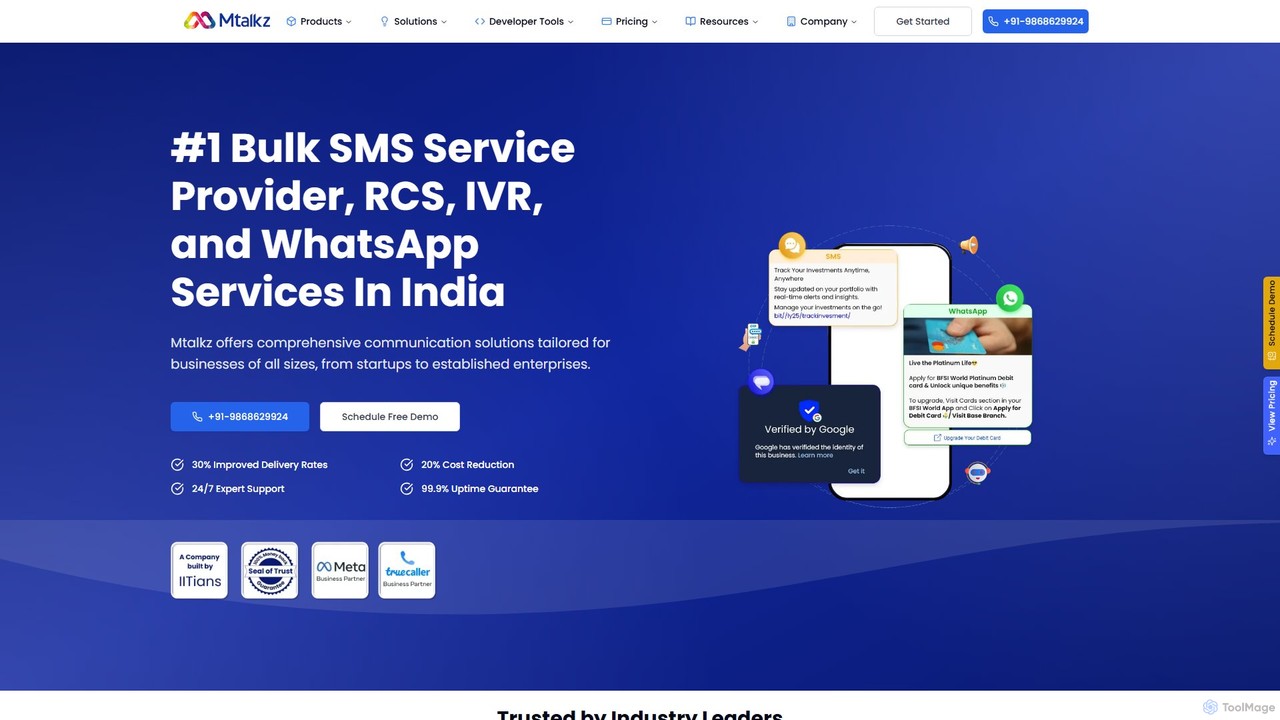
mtalkz

Mtalkz is a leading Communication Platform as a Service (CPaaS) in India, offering a comprehensive suite of services including Bulk SMS, WhatsApp Business API, RCS, Email, and IVR. It empowers businesses of all sizes to automate and optimize their customer communication, enhance engagement, and improve operational efficiency through a reliable, scalable, and developer-friendly platform.

Automation
Visits 68.3KFavorites 124Likes 120

About Communication Platform

A Communication Platform is a tool designed to centralize customer interactions from various channels into a single, unified interface, forming a key part of a customer support strategy. These platforms leverage AI to automate responses, route conversations intelligently, and provide support agents with rich contextual data. This enables businesses to deliver consistent, personalized, and efficient engagement across email, live chat, social media, and messaging apps. Unlike traditional helpdesks that focus on tickets, these platforms prioritize real-time, conversational relationships.

Core Features

  • Unified Inbox: Consolidates messages from all channels like email, chat, social media, and SMS into one collaborative view.
  • AI-Powered Automation: Deploys chatbots and automated workflows to handle routine inquiries, qualify leads, and route complex issues.
  • Proactive Messaging: Enables sending targeted, triggered messages for user onboarding, announcements, or support follow-ups.
  • Customer Data Integration: Syncs with CRMs and other tools to provide agents with a complete 360-degree view of the customer.
  • Team Collaboration Tools: Features such as internal notes, mentions, and conversation assignments to facilitate seamless teamwork.

Applicable Scenarios

These platforms are ideal for businesses that require real-time, multi-channel customer engagement, such as SaaS companies, e-commerce stores, and online service providers. They are used to manage everything from pre-sales inquiries and user onboarding to ongoing technical support, helping teams provide a cohesive customer experience across the entire journey.

Selection Criteria

When choosing a Communication Platform, first assess its channel coverage to ensure it supports your customers' preferred contact methods. Evaluate the sophistication of its AI and automation capabilities for efficiency gains. Check its integration ecosystem for compatibility with your existing CRM and marketing tools. Finally, consider its scalability and analytics features to support your business growth.

Featured tool rankings

Communication Platform use cases

1

Omnichannel Support for E-commerce Brands

An e-commerce support team uses a communication platform to manage customer inquiries during a major sales event. By consolidating website live chat, Facebook Messenger, and email support tickets into a unified inbox, agents can switch between conversations without changing tabs. AI chatbots handle common questions like 'Where is my order?', freeing up human agents to focus on complex issues like returns or product defects. This results in a 30% reduction in first response time and a significant increase in customer satisfaction scores during peak traffic periods.

2

Proactive User Onboarding for SaaS Companies

A SaaS company implements a communication platform to improve its new user onboarding process. Using proactive messaging features, they set up an automated sequence of in-app messages and emails. These messages are triggered by user actions, such as completing a key setup step or neglecting a core feature for three days. This guided tour helps users discover the product's value faster, leading to a 15% increase in user activation rates within the first week and a reduction in basic support queries from new customers.

3

Automated Lead Qualification for Sales Teams

A B2B sales team integrates a communication platform's chatbot on their pricing page. The chatbot engages visitors by asking qualifying questions about their company size, role, and specific needs. Based on the answers, it either schedules a demo with a sales representative for high-value leads or directs smaller leads to a self-service resource hub. This automates the top of the sales funnel, ensuring that sales reps spend their time only on the most promising prospects, increasing demo booking rates by 25%.

4

Internal IT Support via Slack or Teams

A large corporation's IT department uses a communication platform to streamline internal support requests. They integrate it with Slack, allowing employees to report issues or ask questions directly in a dedicated channel. An AI bot instantly answers common queries like 'how to reset my password' or 'VPN setup instructions'. For complex issues, the bot creates a ticket and assigns it to an available IT specialist, who can then communicate with the employee within the same Slack thread. This reduces resolution times and improves the employee support experience.

5

Social Media Community Management

A community manager for a consumer brand uses a communication platform to monitor all social media interactions. Instead of logging into Facebook, Instagram, and Twitter separately, they see all comments, mentions, and direct messages in one unified feed. They can use saved replies for common questions and collaborate with the marketing team using internal notes on specific customer posts. This centralized approach ensures a consistent brand voice, faster response times to public queries, and prevents any customer interaction from being missed.

6

Automated Appointment Booking for Services

A local service business, like a dental clinic or a salon, uses a communication platform's chatbot on their website and WhatsApp. The bot guides potential clients through the booking process, showing available time slots and collecting necessary information. It can also handle rescheduling requests and send automated appointment reminders via SMS a day before the appointment. This frees up reception staff from phone calls, reduces no-shows, and allows clients to book appointments 24/7, improving overall operational efficiency.

Communication Platform FAQ

What is an AI Communication Platform?

An AI Communication Platform is a software solution that centralizes customer conversations from multiple channels (like email, chat, social media) into a single interface. Its primary purpose is to enable businesses to manage all customer interactions in one place. Key features include a unified inbox, AI-powered chatbots for automation, proactive messaging capabilities, and integration with customer data systems like CRMs. They help teams provide faster, more consistent, and personalized support.

How is a Communication Platform different from a traditional Help Desk?

The main difference lies in their focus. A traditional Help Desk is primarily reactive and ticket-centric, designed to solve problems and close support tickets efficiently. A Communication Platform is proactive and conversation-centric, designed to build relationships and engage with customers across their entire journey. While a help desk manages issues, a communication platform manages customer relationships through ongoing, multi-channel conversations.

  • Help Desk: Focuses on issue resolution, ticket management, and SLAs.
  • Communication Platform: Focuses on real-time engagement, proactive messaging, and a unified customer view.
How to choose the right Communication Platform?

Choosing the right platform depends on your specific business needs. Consider these key factors:

  • Channel Coverage: Does it support the channels your customers use most (e.g., WhatsApp, Instagram DMs, live chat)?
  • Automation Capabilities: Evaluate the power and ease of use of its chatbot builder and automated workflow tools.
  • Integration Ecosystem: Ensure it connects seamlessly with your essential tools, such as your CRM, e-commerce platform, or analytics software.
  • Scalability and Pricing: Choose a platform with a pricing model that can grow with your team and contact volume without becoming prohibitively expensive.
Who can benefit from using a Communication Platform?

A wide range of teams and businesses can benefit from a communication platform. Key users include:

  • Customer Support Teams: To provide faster, more efficient, and personalized omnichannel support.
  • Sales Teams: To engage with website visitors, qualify leads with chatbots, and schedule demos automatically.
  • Marketing Teams: To run proactive campaigns, make announcements, and manage social media communities.
  • SaaS and E-commerce Businesses: To manage the entire customer lifecycle, from onboarding and pre-sales questions to post-purchase support.
What are the key features of a Communication Platform?

While features vary between tools, most modern communication platforms include a core set of functionalities:

  • Unified Inbox: A central dashboard to view and respond to messages from all connected channels.
  • AI Chatbots: Automated bots to answer FAQs, collect user information, and route conversations.
  • Proactive Messaging: Tools to send targeted outbound messages based on user behavior or segments.
  • Team Collaboration: Features like internal notes and conversation assignments for agents to work together.
  • Reporting & Analytics: Dashboards to track team performance, conversation volume, and customer satisfaction.