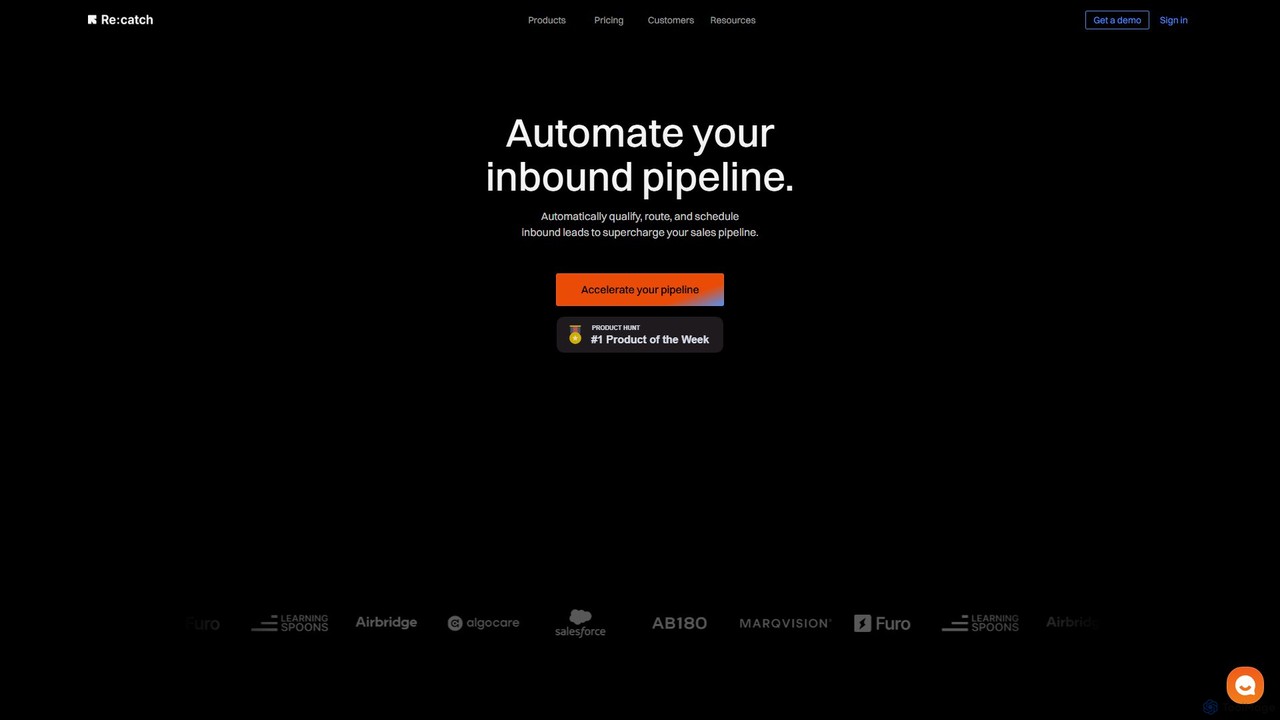
Re:catch
Re:catch is an AI-powered sales automation platform that automates your inbound pipeline. It helps B2B teams qualify, route, …
Re:catch is an AI-powered sales automation platform that automates your inbound pipeline. It helps B2B teams qualify, route, and schedule inbound leads instantly, accelerating the sales process and significantly increasing meeting conversion rates.
About Scheduling
AI Scheduling tools are applications that automate the process of booking appointments and managing calendars. These tools leverage AI to find optimal meeting times by integrating with existing calendars, automatically handling time zone conversions, and preventing double-booking. Their primary value is eliminating the back-and-forth communication required for scheduling, making them highly effective for sales, consulting, and customer support teams. Advanced platforms can also manage group polls, send automated reminders, and route meetings to the correct team member.
Core Features
- Calendar Integration & Sync: Provides real-time, two-way synchronization with popular calendars like Google Calendar, Outlook, and iCloud to reflect true availability.
- Automated Booking Links: Generates shareable links where clients or colleagues can view your availability and book a time slot directly.
- Time Zone Detection: Automatically detects the invitee's time zone and displays available slots in their local time to avoid confusion.
- Customizable Event Types: Allows users to create different types of meetings (e.g., 30-min demo, 1-hour consultation) with unique availability rules and questions.
- Automated Reminders & Follow-ups: Sends automated email or SMS notifications to all participants before a meeting to reduce no-shows.
Use Cases
AI Scheduling tools are widely used by client-facing roles such as sales representatives for booking demos, consultants for client consultations, and recruiters for coordinating interviews. In customer support, they enable clients to book technical support sessions seamlessly. They are also valuable for internal teams to coordinate cross-departmental meetings without manual effort.
How to Choose
When selecting an AI Scheduling tool, first consider its integration capabilities with your existing calendar, CRM, and video conferencing software. Evaluate the types of scheduling it supports, such as one-on-one, group, and round-robin distribution. Also, assess the level of customization available for booking pages and email notifications. Finally, compare pricing models based on your team size and required features.

SchedulingUse Cases
Automating Sales Demo Bookings
A sales development representative (SDR) embeds their AI scheduling link into their email signature and outreach campaigns. When a prospect is interested, they can click the link, view the SDR's real-time availability, and book a 30-minute demo in seconds without any back-and-forth emails. The tool automatically creates a calendar event for both parties, adds a video conference link, and sends a confirmation email, reducing administrative overhead and accelerating the sales cycle.
Coordinating Multi-Person Interviews
A recruiter needs to schedule a final-round interview between a candidate and three internal stakeholders (a hiring manager, a department head, and a senior engineer). Instead of manually checking four different calendars, the recruiter uses an AI scheduling tool. They select all participants, and the tool scans their integrated calendars to find and propose several mutually available time slots. The candidate then picks the most convenient time, and the event is automatically confirmed for everyone.
Streamlining Client Onboarding for Consultants
A freelance consultant offers several types of sessions for new clients: a 15-minute free discovery call, a 60-minute strategy session, and a 90-minute project kickoff. Using an AI scheduling tool, they create a dedicated booking page with these distinct event types. New clients can visit the page, choose the service they need, answer a few pre-qualification questions, and book a time that works for them. This automates the initial engagement process and ensures the consultant is prepared for each specific type of meeting.
Self-Service Booking for Customer Support
A SaaS company's support team often needs to schedule technical troubleshooting calls. Instead of having agents manually propose times, they include a scheduling link in their support ticket responses. Customers with complex issues can directly book a 45-minute screen-sharing session with an available support engineer. The tool can be configured with round-robin assignment, automatically distributing bookings evenly among the support team members, ensuring fair workload distribution and quick response times for customers.
Managing University Professor Office Hours
A university professor needs to manage weekly office hours for a class of over 100 students. To avoid long queues and ensure each student gets dedicated time, the professor sets up a scheduling page with 15-minute bookable slots during their available hours. Students can access the link via the course portal, see which times are still open, and book a slot in advance. The system can also be set to prevent last-minute bookings and send reminders to students, improving organization and attendance.
Organizing Internal Cross-Functional Team Meetings
A project manager needs to schedule a critical kickoff meeting with team members from engineering, marketing, and design departments, all of whom have packed and conflicting schedules. Using a group scheduling poll feature, the manager selects all required attendees and proposes a range of potential dates and times. The tool sends a poll to everyone, who can then vote on the times that work for them. The system automatically identifies the most popular time slot and allows the manager to book it with a single click.