jelli
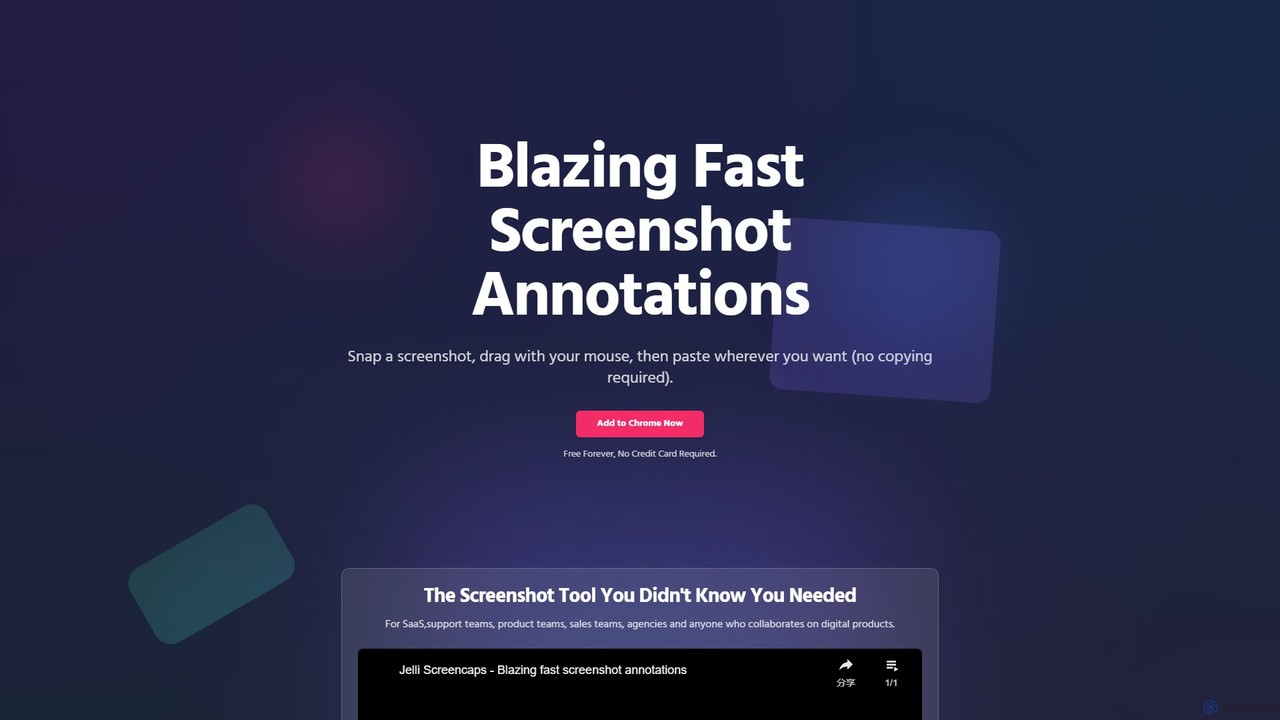
jelli is a blazing-fast Chrome extension for screenshot annotation. Instantly capture your screen, add arrows, rectangles, and other …
jelli is a blazing-fast Chrome extension for screenshot annotation. Instantly capture your screen, add arrows, rectangles, and other markups with simple mouse gestures, and paste the annotated image anywhere. Designed for support, product, and sales teams to streamline visual communication and feedback, jelli is completely free and enhances productivity by simplifying your workflow.
About Visual Feedback
Visual Feedback tools are a specialized category of customer support software that allows users to provide contextual feedback directly on a website, app, or digital document. These tools enable users to click on any element, add annotations, and leave comments, capturing a precise screenshot with their input. This process automatically includes crucial technical data like browser version, OS, and screen resolution, eliminating guesswork. By providing clear, actionable visual context, these tools dramatically streamline bug reporting, design reviews, and user experience improvement cycles.
Core Features
- Screen Annotation: Users can draw, highlight, add text, and use shapes on a screenshot to pinpoint specific issues or suggestions.
- Automatic Context Capture: Automatically records technical metadata such as browser, OS, screen size, and console logs with each feedback submission.
- Video Recording: Allows users to record their screen to demonstrate complex interactions, workflows, or multi-step bugs.
- Centralized Feedback Management: Provides a dashboard to collect, organize, tag, and prioritize all incoming visual feedback from various sources.
- Workflow Integrations: Seamlessly connects with project management tools like Jira, Trello, Asana, and communication platforms like Slack.
Use Cases
Visual Feedback tools are primarily used by software development teams, QA testers, UX/UI designers, and product managers. They are essential during user acceptance testing (UAT), internal design reviews, and for collecting live feedback from end-users. Marketing agencies also use them to gather client feedback on web pages and creative assets.
How to Choose
When selecting a Visual Feedback tool, consider its integration capabilities with your existing workflow (e.g., Jira, Slack). Evaluate the ease of use for the person providing feedback—it should be intuitive and require no installation. Also, assess the depth of technical data it captures automatically and the collaboration features available for your team to discuss and act on the feedback.

Visual FeedbackUse Cases
Streamline Bug Reporting for QA Teams
A Quality Assurance (QA) tester discovers a visual glitch on a web application's dashboard. Instead of manually writing a detailed report, they activate the visual feedback widget. They take a screenshot, use the annotation tool to circle the misaligned element, and add a comment: 'This button is overlapping with the text.' The tool automatically captures the browser version, OS, screen resolution, and console logs. A new ticket is instantly created in their Jira project with all the visual and technical context attached, reducing the reporting time by over 70% and eliminating back-and-forth communication with developers.
Gather Client Feedback on Web Designs
A design agency presents a new website mockup to a client. Instead of relying on ambiguous email feedback like 'make the logo bigger,' the agency provides a link where the client can use a visual feedback tool. The client can directly click on the header and leave a comment, 'Increase logo size by 20%.' They can highlight a block of text and suggest, 'Use a different font here.' This process centralizes all feedback in one place, tied to specific design elements. It prevents misunderstandings and allows designers to address precise, actionable change requests efficiently, speeding up the approval process significantly.
Improve User Onboarding with In-App Feedback
A SaaS company's product manager notices a high drop-off rate during the user onboarding process. To understand why, they implement a visual feedback widget within the application. When new users get confused or stuck on a particular step, they can click the widget, highlight the confusing UI element, and ask a question like, 'What does this button do?' The product team receives a stream of contextual feedback, revealing specific friction points in the onboarding flow. This data allows them to make targeted improvements, such as clarifying button labels or adding tooltips, leading to a 25% increase in successful onboarding completions.
Conduct User Acceptance Testing (UAT) for New Features
A software company is preparing to launch a major new feature and invites a group of beta testers for User Acceptance Testing (UAT). Each tester is equipped with a visual feedback tool on the staging environment. As they test the new workflows, they can instantly report any bugs, usability issues, or suggestions. For example, a tester can record a short video of a confusing multi-step process and submit it directly. This method provides developers with rich, undeniable evidence of issues, far more effective than text-based reports. It centralizes all UAT feedback, making it easy to track, prioritize, and resolve issues before the public launch.
Review Marketing Landing Pages with Stakeholders
A marketing team has designed a new landing page for an upcoming product launch. Before going live, they need feedback from the sales team, copywriters, and management. They share a preview link integrated with a visual feedback tool. Stakeholders can easily leave comments directly on the page. The sales manager might highlight the call-to-action button and comment, 'This should be a different color.' The copywriter can point to a headline and suggest alternative wording. This collaborative review process avoids long email chains and conflicting feedback, ensuring all suggestions are captured contextually and addressed before the page is published to customers.
Enhance E-commerce Checkout Experience
An e-commerce manager observes a high cart abandonment rate on the checkout page. To diagnose the problem, they add a non-intrusive visual feedback tab. A customer trying to apply a discount code that isn't working can click the tab, screenshot the checkout form, circle the error message, and write, 'This promo code is not being accepted.' The feedback, along with the user's session data, is sent directly to the support and development teams. This allows them to quickly identify and fix issues like faulty discount codes or confusing form fields, directly improving the checkout conversion rate and recovering potentially lost sales.