

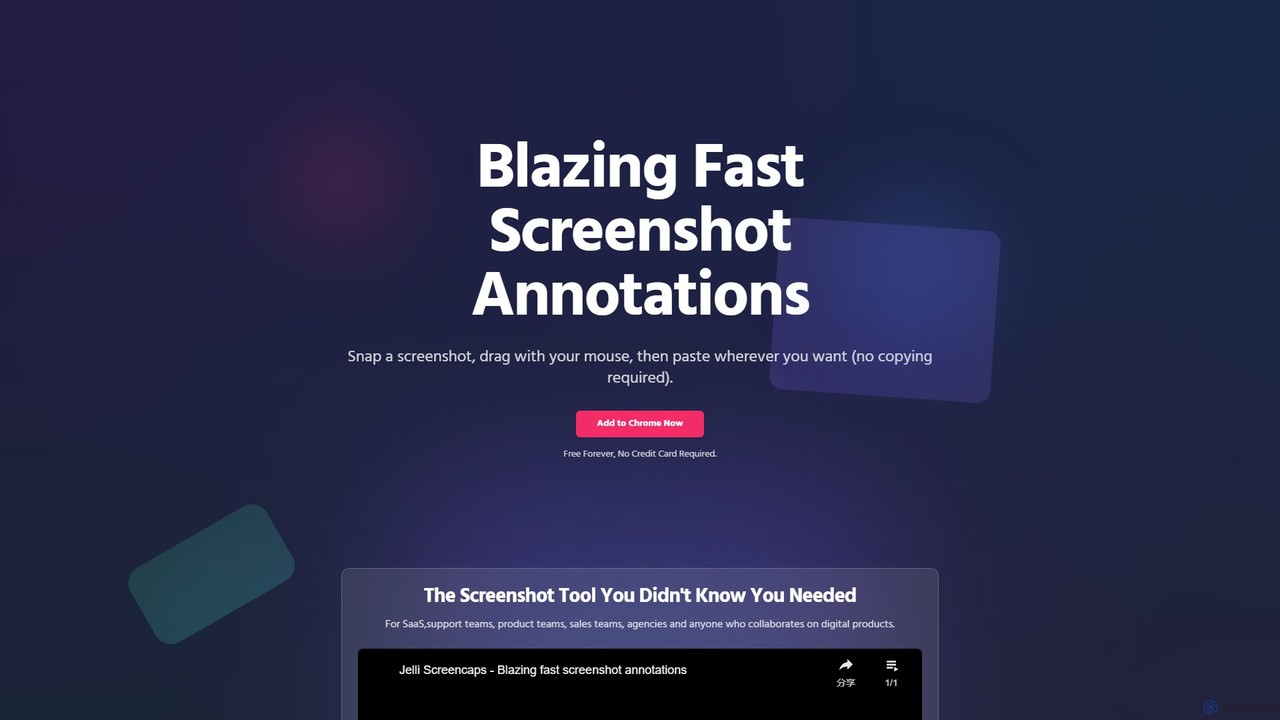
jelli Overview
jelli is a revolutionary Chrome extension designed to make screenshot annotation faster and more intuitive than ever before. It fundamentally streamlines the process of capturing, marking up, and sharing visual information. With jelli, you can say goodbye to the cumbersome multi-step process of taking a screenshot, saving it, opening it in an editor, adding annotations, saving it again, and finally sharing it. jelli condenses this entire workflow into a few seconds.
The tool is built for speed and efficiency, targeting professionals who rely on quick visual communication. This includes SaaS support teams, product managers, quality assurance testers, sales representatives, and creative agencies. Anyone who collaborates on digital products will find jelli to be an indispensable part of their toolkit.
How to use jelli
Getting started with jelli is incredibly simple and designed to integrate seamlessly into your daily tasks:
- Installation: Add the jelli extension to your Chrome browser from the Chrome Web Store. It's a lightweight and secure addition.
- Capture: Use the default keyboard shortcut CMD + SHIFT + S (on Mac) or CTRL + SHIFT + S (on Windows) to initiate a screen capture. You can also customize this shortcut in the extension's settings.
- Select: Your cursor will turn into a crosshair. Click and drag to select the area of the screen you wish to capture.
- Annotate: As soon as you release the mouse, the captured area is ready for annotation. The process is gesture-based and incredibly fast:
- Arrows: Simply click and drag your mouse from the starting point to the endpoint to create a perfect arrow.
- Rectangles: Double-click and then drag to draw a rectangle around an element.
- Text & Blur (Inferred): Add quick text notes to provide context or use a blur tool to obscure sensitive information before sharing.
- Paste: The magic of jelli is that the annotated image is automatically copied to your clipboard. There is no 'copy' button to press. Simply navigate to your desired application—be it Slack, Jira, Notion, Gmail, or a support ticket—and press CMD + V or CTRL + V to paste the image directly.
Core Features of jelli
- Instant Capture & Annotation: Go from screen to annotated image in seconds with intuitive shortcuts and gestures.
- Gesture-Based Markups: Draw arrows and rectangles with simple mouse movements, eliminating the need to select tools from a toolbar.
- Automatic Clipboard Copying: The annotated screenshot is instantly ready on your clipboard, streamlining the sharing process.
- Zero-Configuration Sharing: Paste your annotated image into virtually any application that supports image pasting, without any extra steps.
- Customizable Shortcuts: Set your own preferred keyboard shortcut for even faster access.
- Lightweight and Fast: jelli is designed to be non-intrusive and operate with maximum speed, ensuring it doesn't slow down your browser or workflow.
- Completely Free: jelli is offered as a free-forever tool, making powerful productivity accessible to everyone without a subscription.
Use Cases for jelli
jelli's speed and simplicity make it ideal for a wide range of professional scenarios:
- SaaS & Customer Support Teams: Quickly capture a user's issue, highlight the problem area with an arrow, and paste it directly into a Zendesk, Intercom, or Jira ticket for clear, visual bug reporting.
- Product & Development Teams: Provide precise visual feedback on new features or UI/UX changes. Annotate mockups or live staging environments to communicate changes effectively.
- Sales & Marketing Teams: Create quick visual guides for prospects, highlight key features in a product, or annotate images for simple social media posts.
- Agencies & Designers: Share rapid feedback on web designs, ad creatives, or other visual assets without interrupting the creative flow.
- General Collaboration: Anyone needing to quickly explain something visual to a colleague can use jelli to avoid lengthy text descriptions and prevent misunderstandings.
Advantages of jelli
The primary advantage of jelli is its incredible speed. It eliminates friction and saves valuable time with every screenshot. By automating the copy-to-clipboard function and using gestures for annotations, it boosts productivity significantly. Its seamless integration with popular collaboration tools makes it a natural fit for modern team workflows. Furthermore, being completely free removes any barrier to adoption for individuals or entire organizations.
Pricing and Plans
jelli is available completely free of charge. As stated on the official website, the tool is "Free Forever," and no credit card is required to install or use it. This makes it a no-risk, high-reward productivity tool for any user.
Traffic
Latest traffic
Status
Monthly traffic trend
- 2025-7: 598
- 2025-8: 174
- 2025-9: 813
- 2026-3: 0
- 2026-4: 0
- 2026-5: 417
Geography
Top 5 countries / regions
- 🇷🇺Russia100.0%
Top keywords
| Keyword | Cost per click |
|---|---|
| jelli | $0.00 |
jelli Alternatives
Screenity
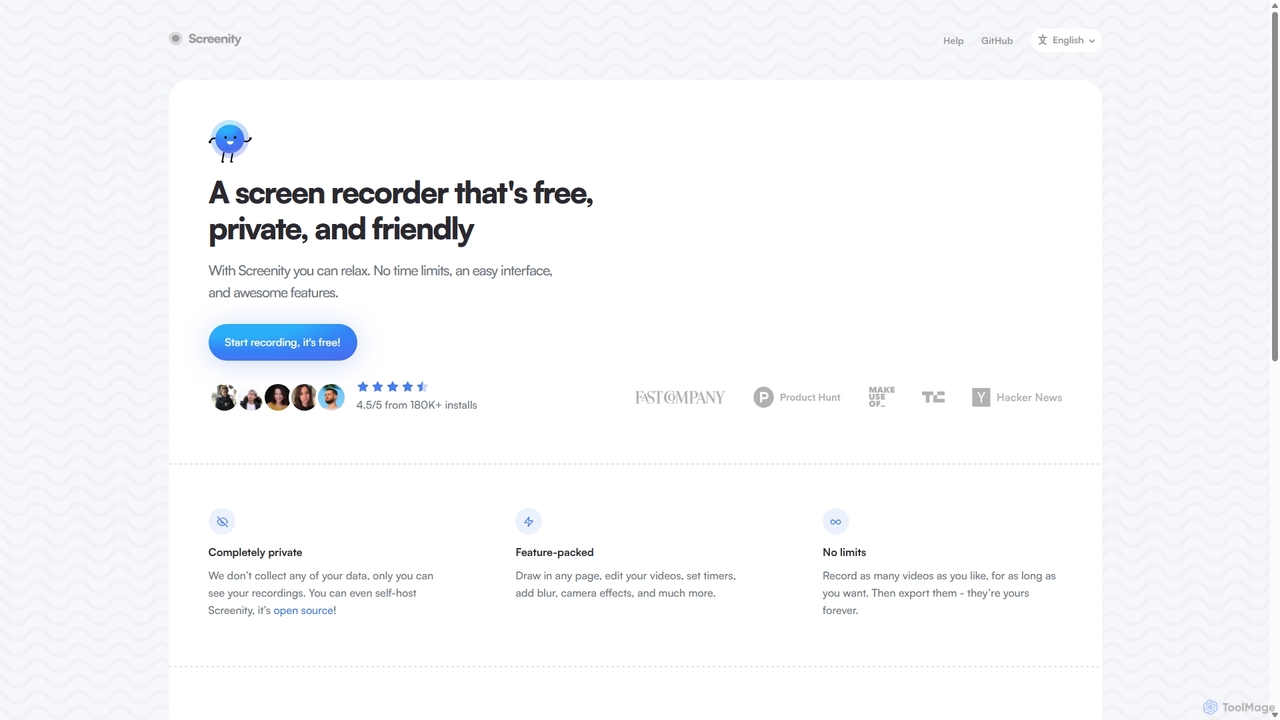
Screenity is a powerful, free, and privacy-focused screen and camera recorder for Chrome. It offers unlimited recording, annotation tools, and basic video editing without collecting any user data. Ideal for creating tutorials, demos, and presentations.
Bug Reporting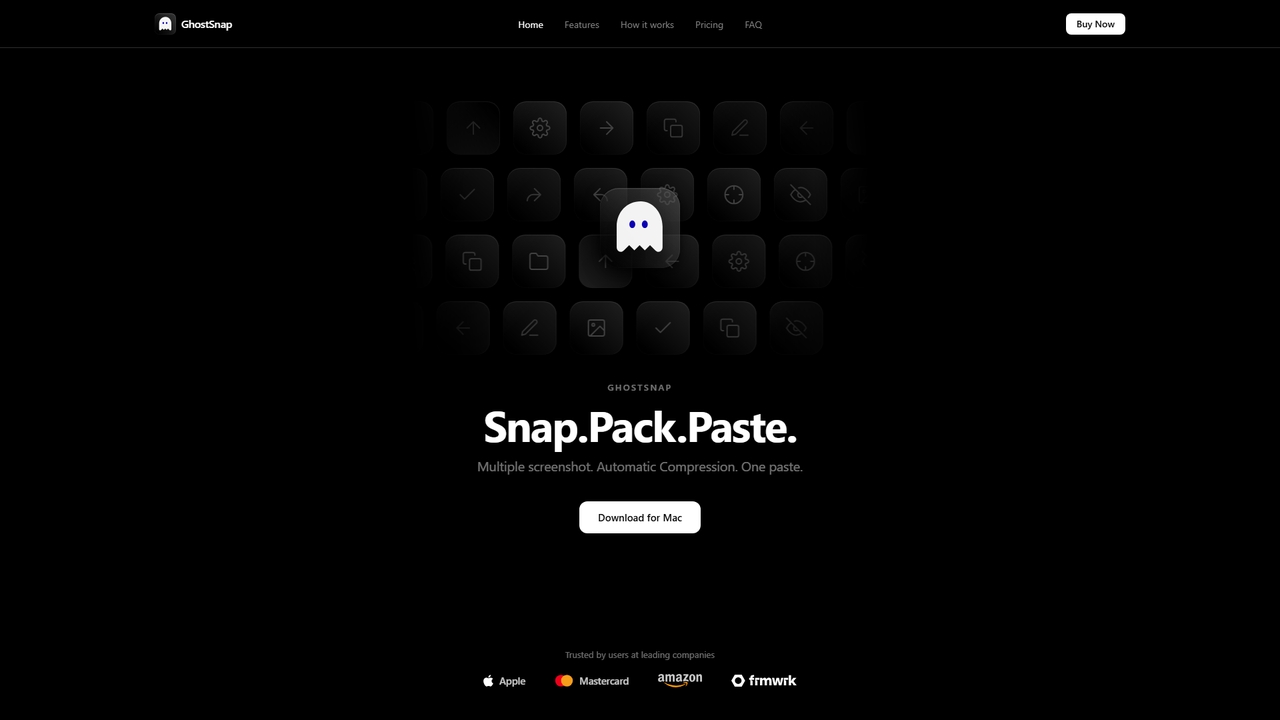
GhostSnap
GhostSnap is a macOS productivity tool that streamlines screenshot workflows. It allows users to capture multiple screenshots, automatically compresses them to save space and reduce token usage in AI tools, and pastes them all with a single command. It also features on-device OCR text extraction and image annotation.
Image Tools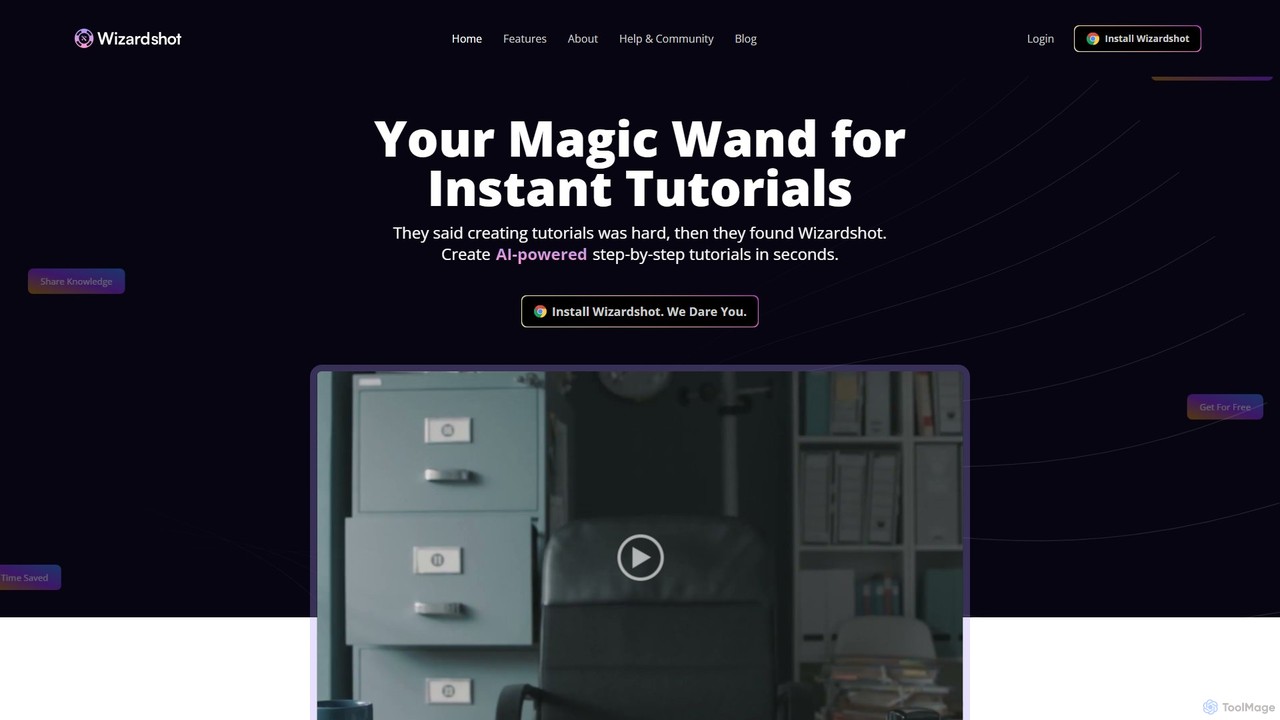
Wizardshot
Wizardshot is a free AI-powered tool that instantly creates step-by-step tutorials and guides from your screen recordings. As a Chrome extension and web app, it automates the process of documentation, allowing teams to generate how-to guides, SOPs, and training materials in seconds, not hours.
Onboarding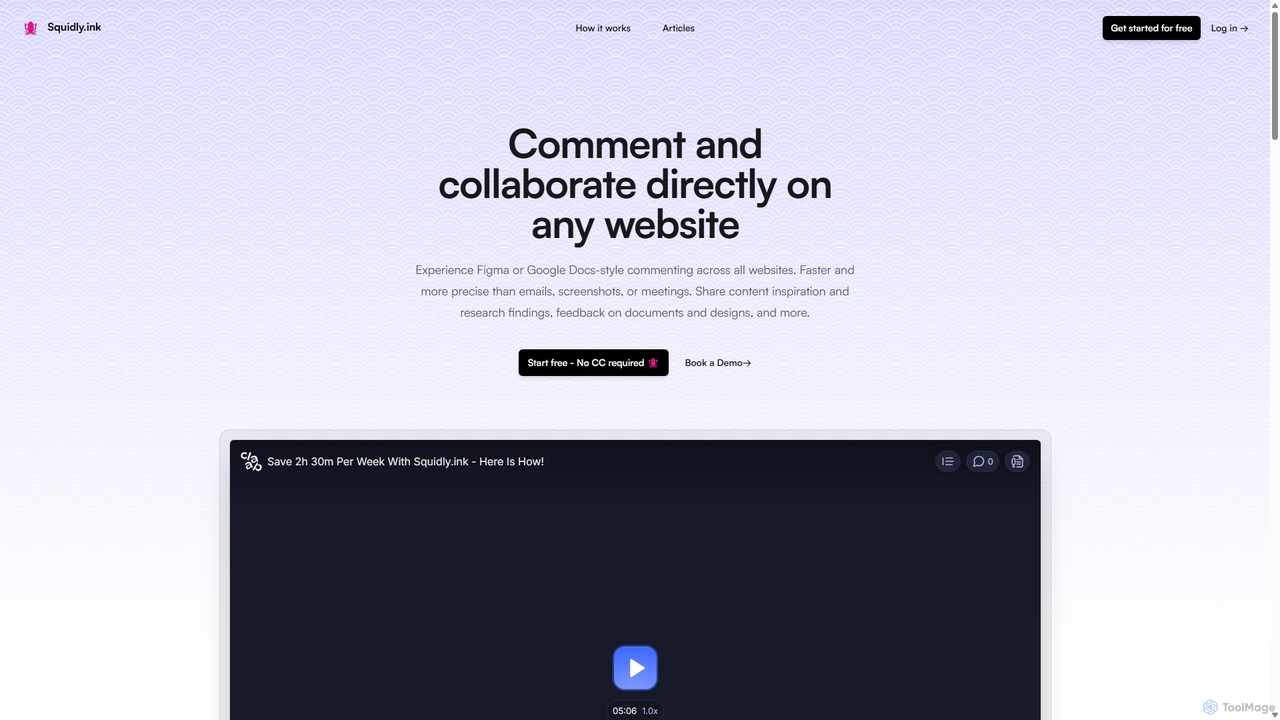
Squidly
Squidly is a collaborative browser extension that allows teams to leave comments directly on any website, similar to Figma or Google Docs. It streamlines feedback, eliminates the need for screenshots and meetings, and centralizes all discussions in one dashboard for enhanced productivity in remote and asynchronous work environments.
Review
Full Page Screenshot
A reliable Chrome browser extension for capturing flawless full-page screenshots. It intelligently handles complex, modern websites with dynamic content, infinite scrolling, and sticky elements. Features include precise element selection, cloud storage, and multiple export formats.
Web Designjelli Categories
jelli Embed Widget
Copy this embed code to place the badge on your blog, article, or product site and send readers directly to this ToolMage detail page.

Related AI tools
Screenity
Screenity is a powerful, free, and privacy-focused screen and camera recorder for Chrome. It offers unlimited recording, annotation tools, and basic video editing without collecting any user data. Ideal for creating tutorials, demos, and presentations.
Bug ReportingGhostSnap
GhostSnap is a macOS productivity tool that streamlines screenshot workflows. It allows users to capture multiple screenshots, automatically compresses them to save space and reduce token usage in AI tools, and pastes them all with a single command. It also features on-device OCR text extraction and image annotation.
Image ToolsWizardshot
Wizardshot is a free AI-powered tool that instantly creates step-by-step tutorials and guides from your screen recordings. As a Chrome extension and web app, it automates the process of documentation, allowing teams to generate how-to guides, SOPs, and training materials in seconds, not hours.
OnboardingSquidly
Squidly is a collaborative browser extension that allows teams to leave comments directly on any website, similar to Figma or Google Docs. It streamlines feedback, eliminates the need for screenshots and meetings, and centralizes all discussions in one dashboard for enhanced productivity in remote and asynchronous work environments.
ReviewFull Page Screenshot
A reliable Chrome browser extension for capturing flawless full-page screenshots. It intelligently handles complex, modern websites with dynamic content, infinite scrolling, and sticky elements. Features include precise element selection, cloud storage, and multiple export formats.
Web Design
Camp
Camp is an intelligent screenshot management tool for macOS and iOS. It uses AI to automatically title and tag your screenshots, transforming your cluttered capture folder into a searchable, organized library. It's built for privacy with all data stored locally.
Inspiration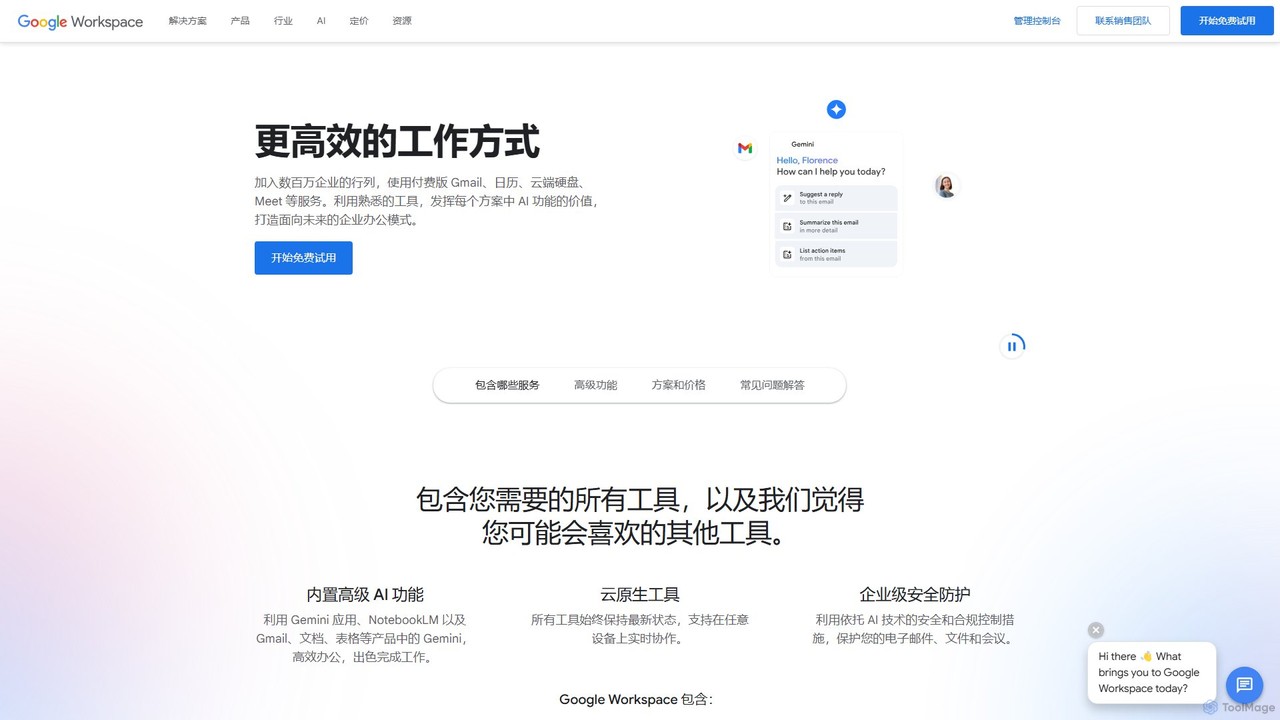
Google Workspace
Google Workspace is an integrated suite of secure, cloud-native collaboration and productivity apps powered by Google AI. It includes Gmail, Docs, Drive, Calendar, Meet, and more, designed to help teams of all sizes connect, create, and collaborate efficiently and securely from any device.
Office Suite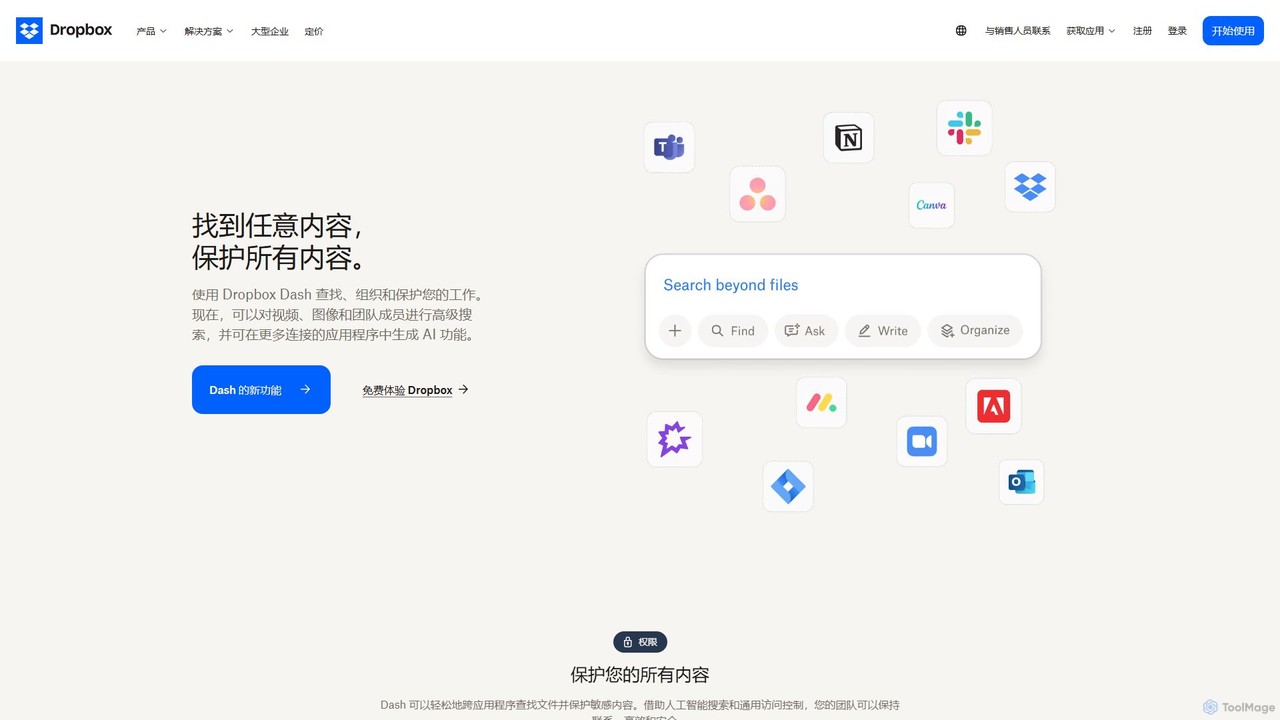
Dropbox
Dropbox is a modern workspace designed to reduce busywork, bringing your files, cloud content, and web shortcuts together in one place. It offers secure cloud storage, file synchronization, large file transfer, e-signatures, and AI-powered universal search to help you and your team stay organized, focused, and in sync.
Collaboration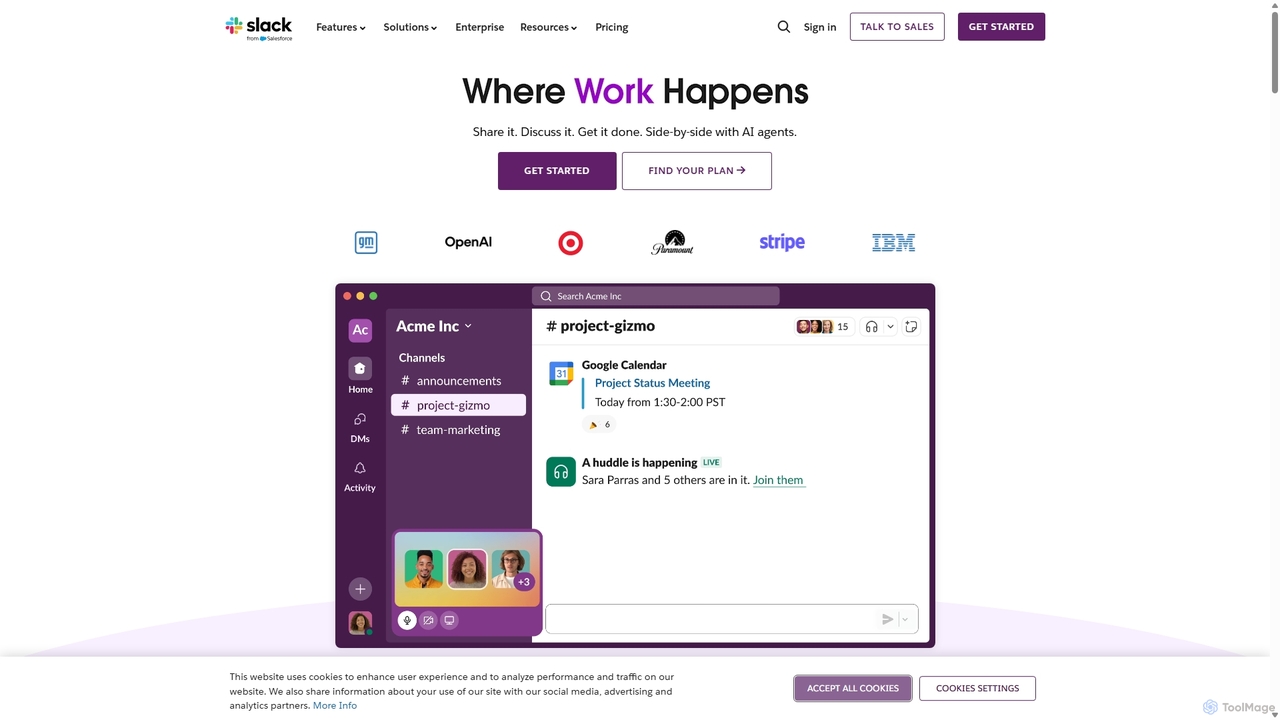
Slack
Slack is an AI-powered collaboration hub that connects your people, partners, and tools. It replaces email with faster, better-organized communication through channels. With integrated AI, workflow automation, and thousands of apps, Slack centralizes your work to boost productivity and streamline project management.
Project Management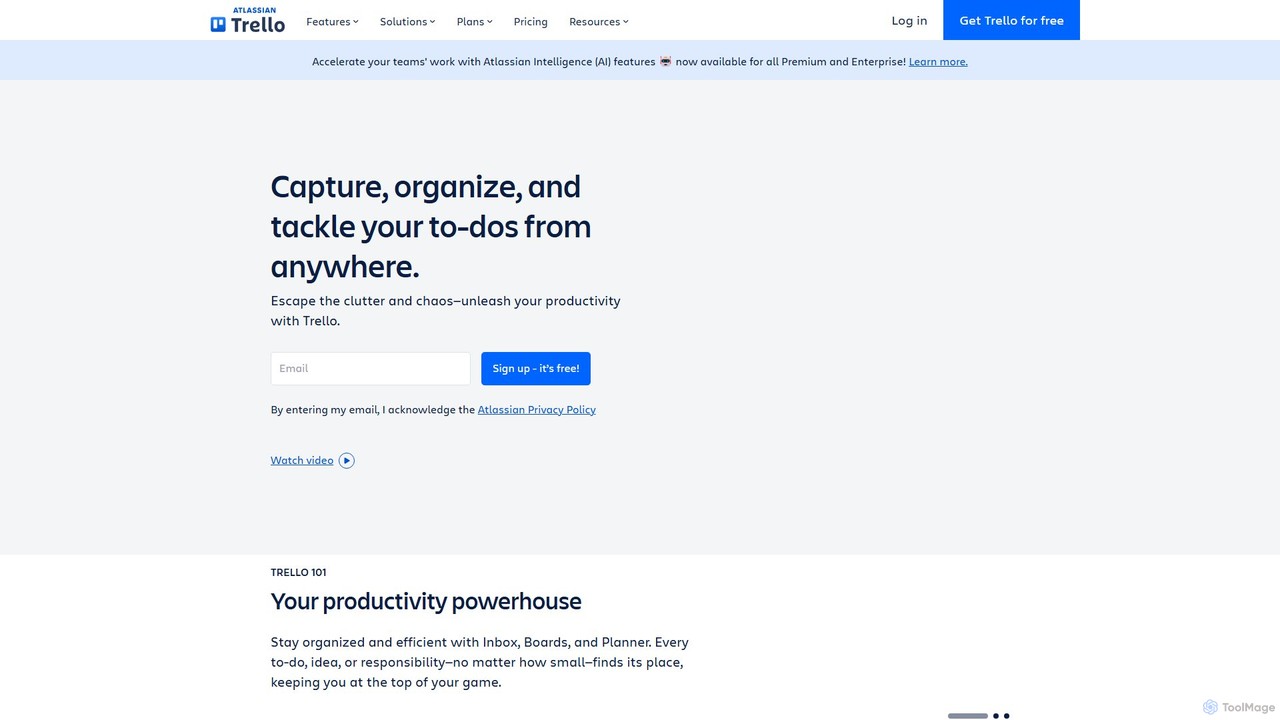
Trello
Trello is a visual collaboration and project management tool that helps teams organize tasks, collaborate on projects, and track progress using boards, lists, and cards. Enhanced with Atlassian Intelligence (AI), it streamlines workflows by turning communications into actionable items and automating repetitive tasks.
Workflow Automation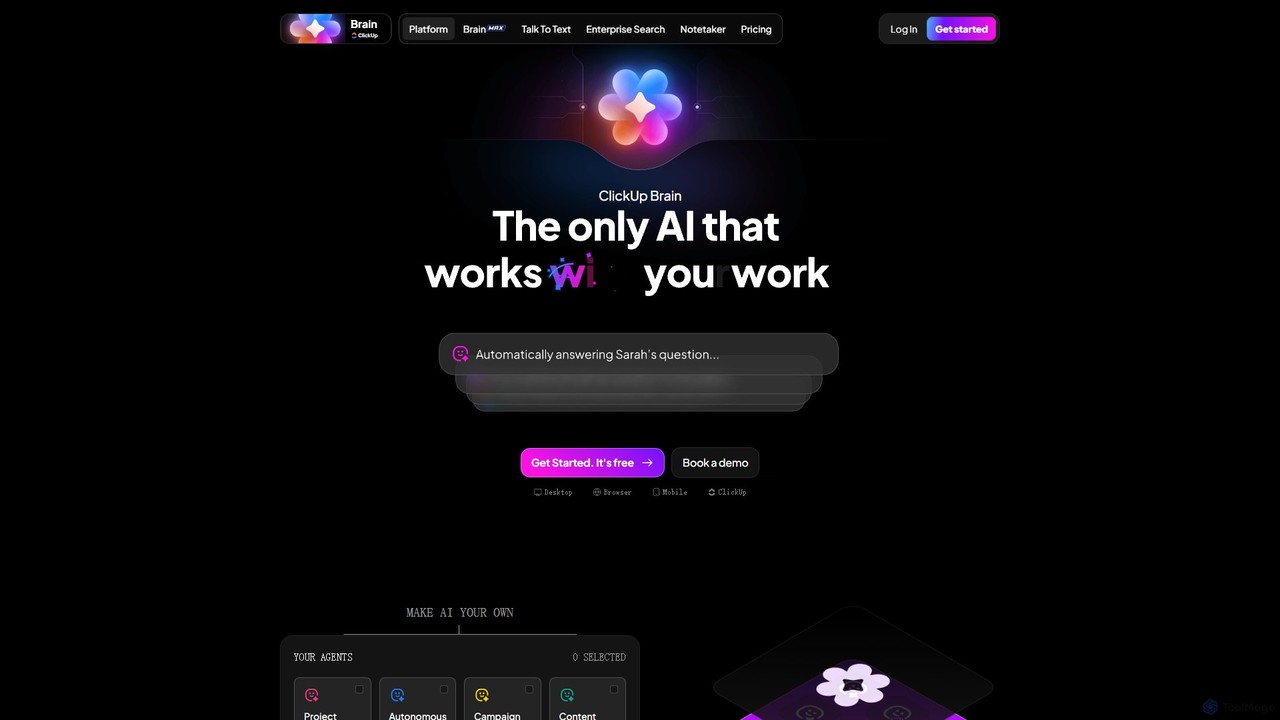
ClickUp Brain
ClickUp Brain is an all-in-one AI assistant integrated directly into the ClickUp productivity platform. It automates tasks, manages projects, summarizes meetings, and generates content by leveraging the full context of your work. It aims to replace multiple standalone AI tools by providing a unified, intelligent workspace that enhances team collaboration and accelerates project completion.
Collaboration
mega
mega is an intelligent cloud storage and digital asset management platform. It uses powerful AI to automatically organize, tag, and search your files, transforming how you manage your digital life. Securely store, share, and collaborate with AI-driven features that streamline workflows and help you find what you need instantly.
Digital Asset Management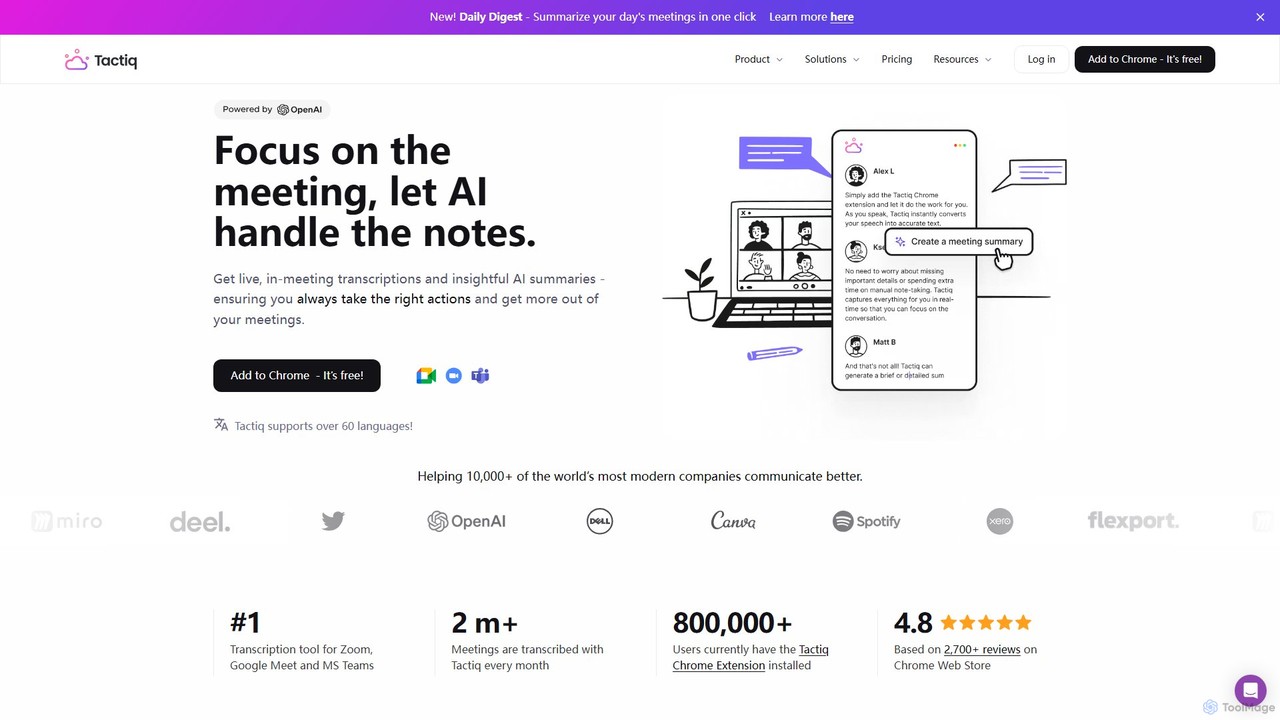
Tactiq
Tactiq is an AI-powered Chrome extension that provides real-time transcription, summaries, and actionable insights for Google Meet, Zoom, and MS Teams meetings. It operates without a bot, ensuring privacy while capturing every detail, identifying speakers, and automating post-meeting tasks like follow-up emails and action items.
Team Collaboration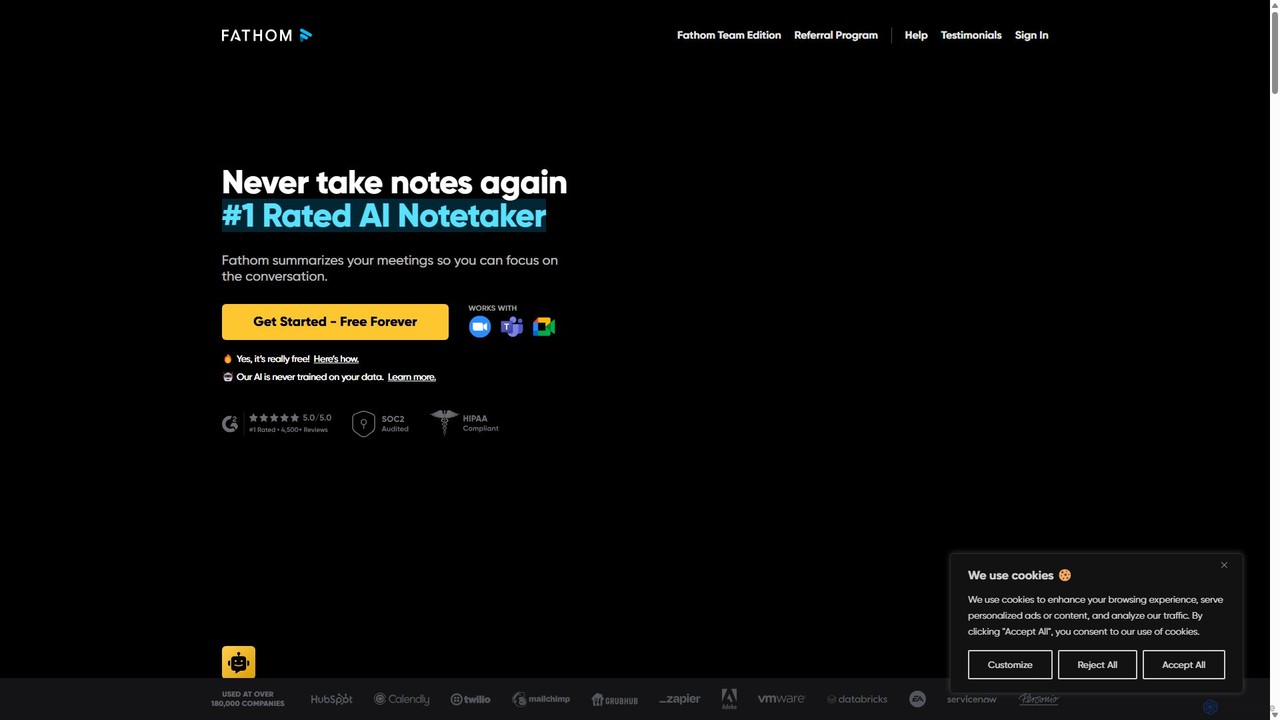
Fathom
Fathom is a top-rated AI meeting assistant that automatically records, transcribes, and summarizes your video calls on Zoom, Google Meet, and Microsoft Teams. It liberates you from note-taking, allowing full focus on the conversation. Fathom provides instant, shareable summaries and action items, and integrates seamlessly with your CRM and other productivity tools, saving significant time and boosting post-meeting efficiency.
Transcription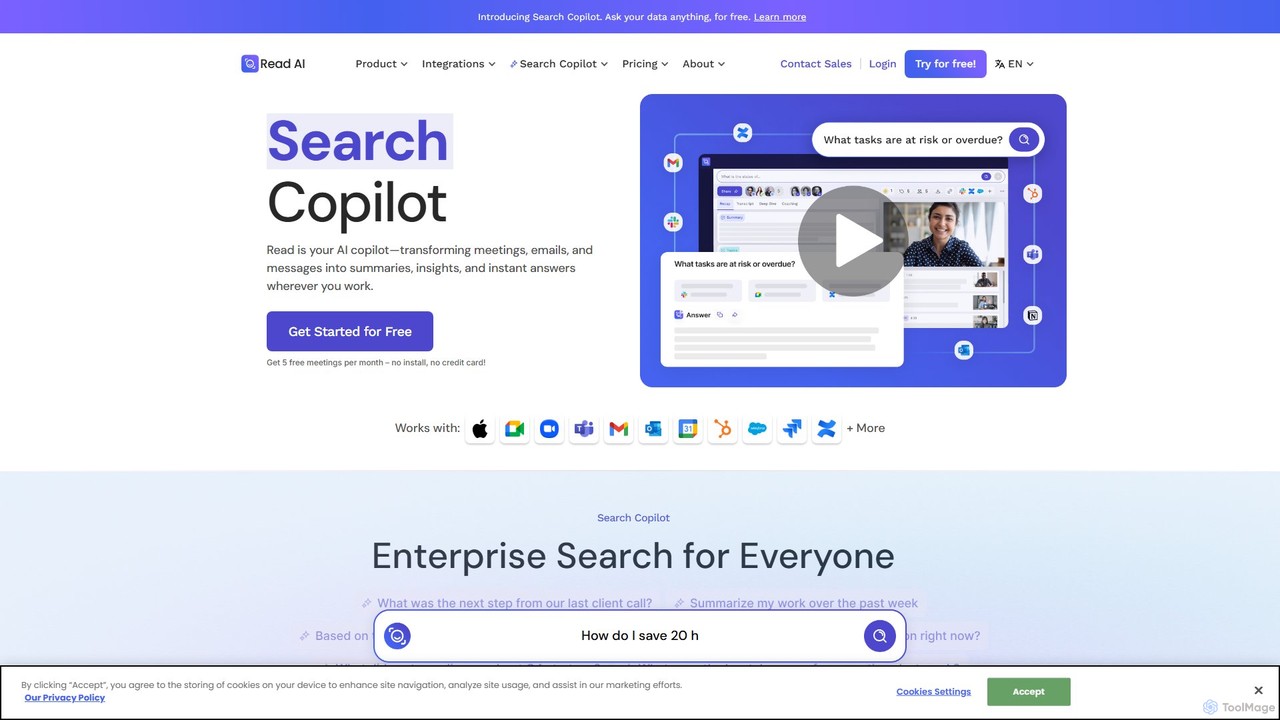
Read.ai
Read.ai is an AI-powered productivity platform that automatically summarizes meetings, generates transcripts, and provides actionable insights. Its flagship Search Copilot unifies information across all your work apps—meetings, emails, chats, and documents—creating a single, searchable knowledge base to boost team efficiency and break down data silos.
Knowledge Management
jelli Comments (0)
Sign in to comment.
Sign inNo comments yet.