Data Management Best in category 1 results Automation AI Tool

Popular AI tools in the Automation field of Data Management include Floqer, etc., helping you quickly improve efficiency.

Floqer

Floqer

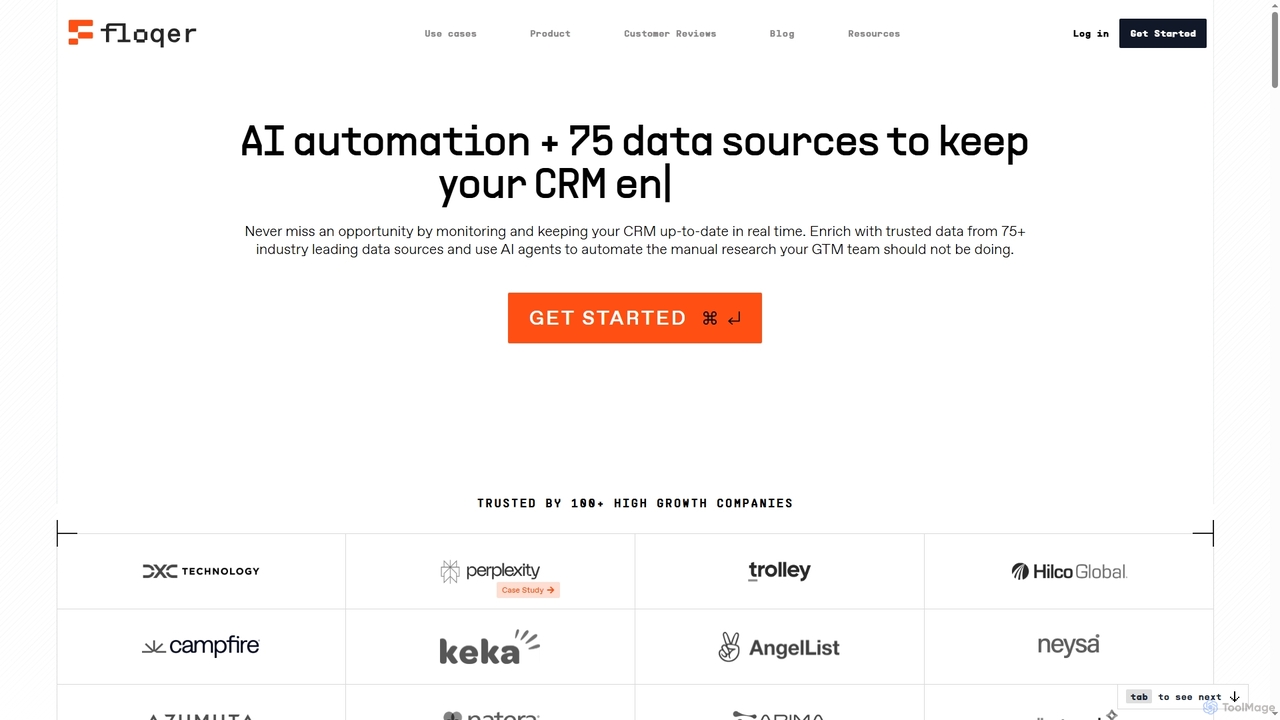
Floqer is an advanced AI-powered CRM data enrichment tool that automates real-time data updates from over 75 sources. …

7.5K

About Automation

AI Automation tools are designed to streamline repetitive tasks and complex workflows by leveraging artificial intelligence. These tools utilize machine learning and robotic process automation (RPA) to execute predefined actions, manage data flows, and make intelligent decisions, significantly enhancing operational efficiency within data management and beyond. They empower businesses to reduce manual effort, minimize errors, and accelerate processes across various departments, transforming how work gets done.

Core Features

  • Workflow Orchestration: Design, execute, and monitor multi-step processes across different applications and systems.
  • Intelligent Task Execution: Automate data entry, report generation, email responses, and content distribution based on AI-driven insights.
  • Data Integration & Sync: Seamlessly connect disparate data sources and applications, ensuring real-time data consistency.
  • Anomaly Detection: Proactively identify unusual patterns or errors in automated processes and data streams.
  • Decision Automation: Implement rule-based or AI-driven decision-making for approvals, routing, and resource allocation.

Use Cases

Businesses across various sectors, from finance to marketing, utilize AI automation to optimize operations. For instance, marketing teams automate lead nurturing sequences and social media posting, while IT departments streamline incident response and system maintenance. Customer service centers deploy AI bots to automate routine inquiries and ticket routing, freeing up human agents for complex issues.

How to Choose

When selecting an AI automation tool, consider its integration capabilities with existing systems, the complexity of workflows it can handle, and its scalability to grow with your needs. Evaluate the ease of use for non-technical users, the level of AI intelligence for decision-making, and the pricing model based on task volume or user count to ensure it aligns with your operational goals.

AutomationUse Cases

1

Automate Customer Support Ticket Routing

Customer service teams leverage AI automation to intelligently categorize incoming support tickets based on natural language understanding. The tool automatically routes tickets to the most appropriate department or agent, assigns priority levels, and can even trigger initial automated responses, drastically reducing response times and improving resolution efficiency.

2

Streamline Data Entry and Processing

Finance departments and data analysts use AI automation to extract information from invoices, receipts, and forms, then automatically input it into ERP or CRM systems. This eliminates manual data entry errors, accelerates financial reconciliation processes, and frees up staff from tedious, repetitive tasks, ensuring higher data accuracy and compliance.

3

Automate Marketing Campaign Workflows

Marketing professionals utilize AI automation to orchestrate multi-channel campaigns, from email sequences and social media posts to ad scheduling. The system can automatically segment audiences, personalize content delivery based on user behavior, and trigger follow-up actions, optimizing campaign performance and saving significant manual effort in campaign management.

4

Automate IT Incident Response

IT operations teams deploy AI automation to monitor system logs and network activity for anomalies. Upon detecting an incident, the tool can automatically trigger alerts, create trouble tickets, initiate diagnostic scripts, and even perform basic remediation steps like restarting services, significantly reducing downtime and improving system reliability.

5

Automate HR Onboarding Processes

HR departments use AI automation to manage the complex onboarding journey for new employees. This includes automatically sending welcome emails, distributing necessary forms, setting up access to internal systems, and scheduling initial training sessions. This ensures a consistent, efficient, and personalized onboarding experience, reducing administrative burden.

6

Automate Content Distribution and Scheduling

Content creators and social media managers employ AI automation to schedule and publish content across various platforms. The tool can analyze optimal posting times, adapt content formats for different channels, and even generate performance reports, ensuring consistent brand presence and maximizing content reach without constant manual oversight.

AutomationFrequently Asked Questions