
Data Management Best in category 1 results Digital Forms AI Tool

Popular AI tools in the Digital Forms field of Data Management include OptimumHQ, etc., helping you quickly improve efficiency.

OptimumHQ

OptimumHQ

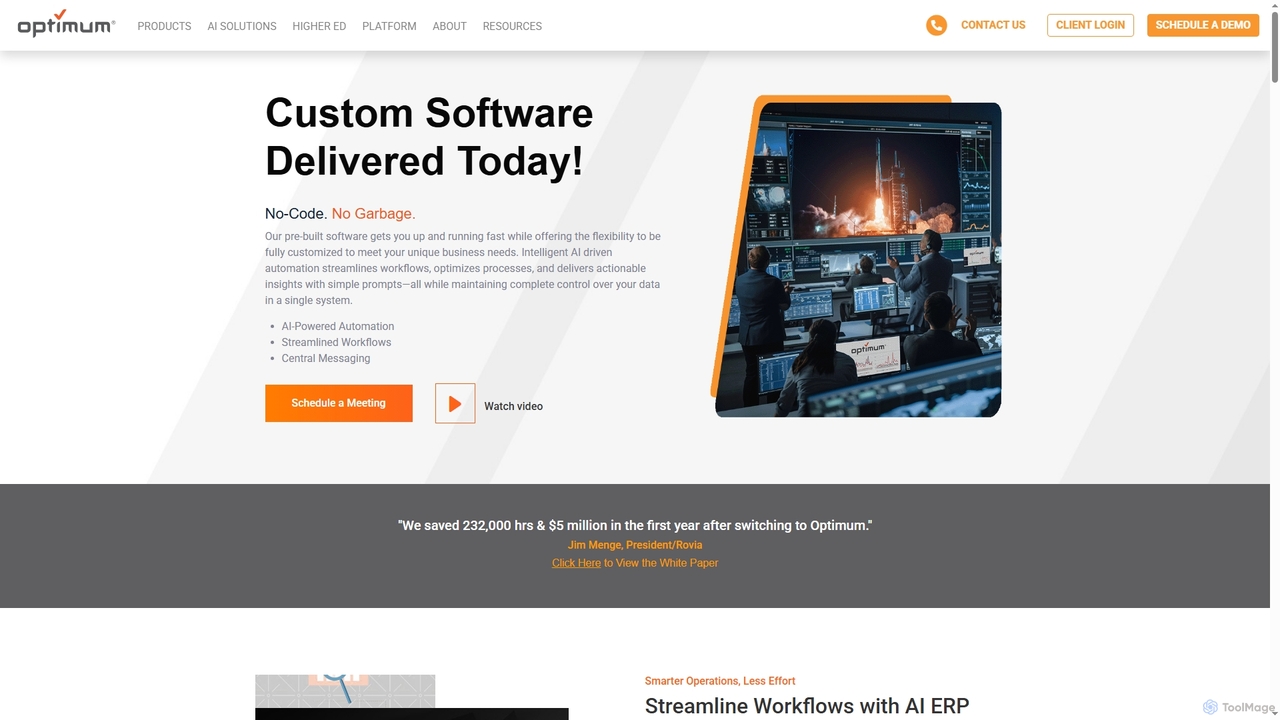
OptimumHQ is a no-code adaptive software platform that empowers businesses to rapidly create custom solutions, leveraging AI-driven automation …

53.3K

About Digital Forms

Digital Forms are tools designed to create, share, and manage online forms for efficient data collection. They leverage AI to go beyond static fields, offering features like conversational interfaces, intelligent conditional logic, and automated data validation. This transforms the data gathering process from a simple task into an interactive experience, significantly improving completion rates and data quality. As a key component of data management, these forms serve as the primary entry point for collecting structured information from users for analysis and workflow automation.

Core Features

  • AI Form Generation: Create complex forms from simple text prompts or descriptions.
  • Conversational Interface: Engage users with a chat-like experience to increase submission rates.
  • Advanced Conditional Logic: Dynamically adapt questions based on user's previous answers.
  • Automated Data Validation: Instantly verify information like emails and phone numbers to ensure data accuracy.
  • Response Analysis: Use AI to summarize open-ended text responses and identify key trends.

Use Cases

Digital Forms are widely used across various departments. Marketing teams use them for lead generation and customer feedback. HR departments streamline employee onboarding and performance reviews. Product teams gather user research and bug reports, while event organizers manage registrations and attendee preferences efficiently.

How to Choose

When selecting a Digital Form tool, consider the level of AI functionality required, from basic conditional logic to fully conversational AI. Evaluate its integration capabilities with your existing CRM, email marketing, or database systems. Also, assess the analytics features for understanding submission data and the tool's compliance with data privacy regulations like GDPR.

Digital FormsUse Cases

1

Interactive Lead Generation for Marketing

A marketing manager needs to capture high-quality leads from a new product landing page. Instead of a long, static form, they implement an AI-powered conversational form. The form engages visitors with questions like a sales representative would, asking about their company size and needs. Based on the answers, it uses conditional logic to ask relevant follow-up questions, qualifying the lead in real-time. This approach increases form completion rates by 40% and ensures the sales team receives well-vetted, actionable leads directly in their CRM.

2

Streamlining HR Employee Onboarding

An HR department uses a multi-page digital form to manage new hire onboarding. The form intelligently guides new employees through sections for personal information, tax forms, and equipment requests. It uses data validation to prevent common errors, such as incorrect social security numbers. Upon submission, the data is automatically routed to different systems: personal info to the HRIS, tax info to payroll, and equipment requests to the IT department. This automated workflow reduces manual data entry by over 90% and ensures a smooth, error-free onboarding experience for new hires.

3

Dynamic Customer Feedback Collection

A SaaS company's product manager wants to gather detailed feedback on a new feature. They create a digital form that first asks for an overall satisfaction score (1-10). If a user gives a low score (1-6), the form uses conditional logic to display open-ended questions about what went wrong. If the score is high (9-10), it asks what they liked most and if they would recommend it. This dynamic approach allows the product manager to collect targeted, relevant feedback instead of generic responses, leading to more actionable insights for product improvement.

4

Efficient Event Registration and Management

An event organizer for a tech conference uses a digital form for attendee registration. The form includes conditional logic for different ticket types (e.g., student, professional, VIP). Based on the ticket selected, it shows relevant options for workshop sign-ups and dietary preferences. The collected data is instantly synced with an event management platform, automating the creation of attendee badges and personalized schedules. This eliminates hours of manual data consolidation and reduces registration errors, ensuring a seamless experience for both organizers and attendees.

5

Conducting Academic or Market Research

A market researcher needs to distribute a complex survey with multiple branching paths. Using an advanced digital form builder, they design a questionnaire where participants are routed to different question sets based on their demographic information and initial responses. The tool's AI capabilities are used to analyze open-ended text answers, automatically categorizing them by sentiment and theme. This saves the researcher dozens of hours in manual data coding and allows them to quickly identify key trends and insights from a large volume of qualitative data.

6

Automating Client Intake and Service Requests

A small law firm uses a digital form on their website for new client intake. The form asks potential clients about their legal issue, using a conversational flow to make the process less intimidating. Based on the case type selected (e.g., family law, real estate), it requests specific initial documents to be uploaded. Once submitted, a case file is automatically created in their practice management software, and the appropriate paralegal is notified. This system ensures that all necessary information is collected upfront, reducing back-and-forth emails and allowing the firm to respond to new inquiries 50% faster.

Digital FormsFrequently Asked Questions