ToolMage
Sign in

Best 1 Comics & Storyboarding AI tools for Design

Popular Comics & Storyboarding AI tools in Design include Tooning, helping you work more efficiently.

Tooning
Freemium

Tooning

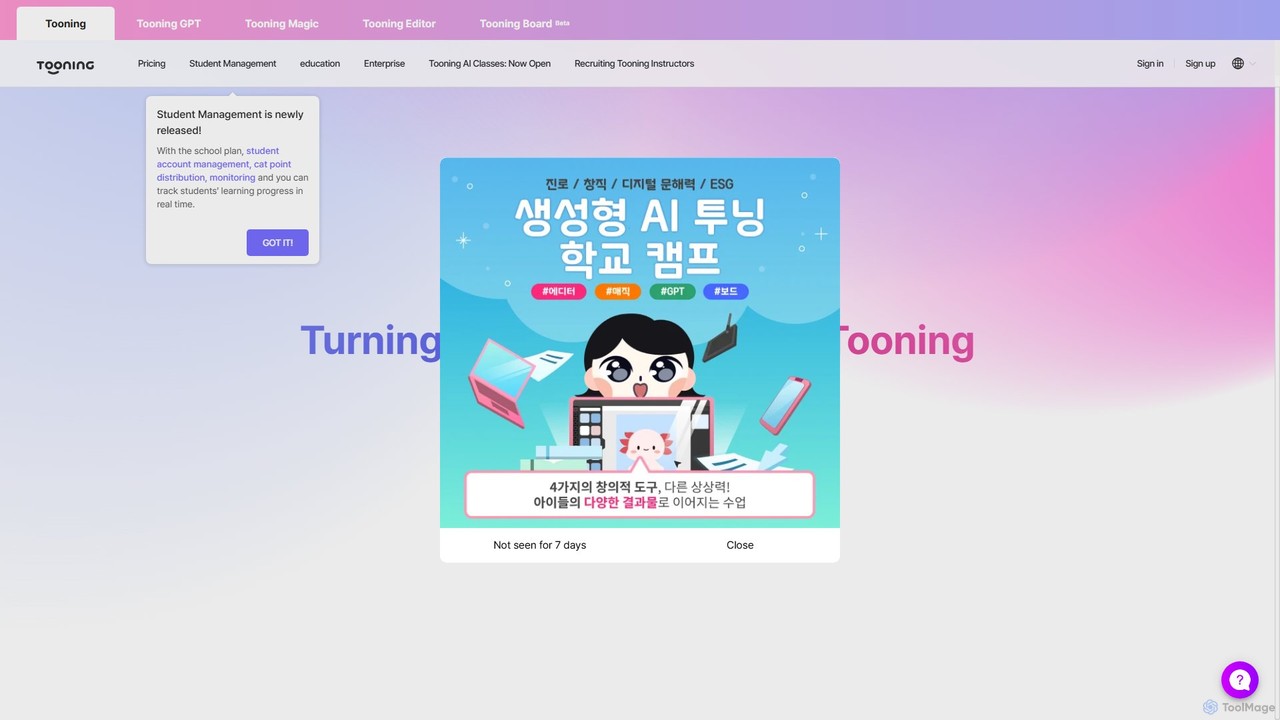
Tooning is an all-in-one AI creation and learning platform that integrates conversational AI, image generation, and a content editor. It enables users of all skill levels, especially in education and marketing, to easily create webtoons, presentations, posters, and other visual content without complex software or design skills.

Comics & Storyboarding
Visits 35.4KFavorites 148Likes 151

About Comics & Storyboarding

AI Comics & Storyboarding tools are a specialized class of design software that uses artificial intelligence to streamline the creation of sequential visual narratives. These tools leverage generative models to produce characters, scenes, and panel layouts from text prompts or sketches, ensuring stylistic and narrative consistency. They empower creators, from independent artists to film studios, to rapidly visualize stories, iterate on concepts, and accelerate the production of comics, graphic novels, and storyboards. Unlike general image generators, they are specifically optimized for panel-to-panel coherence and storytelling flow.

Core Features

  • Consistent Character Generation: Maintains a character's appearance, clothing, and features across multiple panels and scenes.
  • Automated Panel Layout: Intelligently suggests or creates comic page layouts based on script analysis or user input.
  • Style Transfer & Control: Applies and maintains a specific artistic style (e.g., manga, noir, cartoon) throughout the entire project.
  • Dynamic Scene Creation: Generates detailed backgrounds and environments that match the narrative context and camera angles.
  • Script-to-Image Conversion: Directly transforms written script descriptions into corresponding visual panels.

Applicable Scenarios

These tools are invaluable for comic book artists, webtoon creators, screenwriters, animators, and marketing professionals. They are used for rapidly prototyping graphic novel ideas, creating detailed storyboards for film and animation pre-production, and generating engaging visual content for social media campaigns or educational materials.

Selection Criteria

When choosing a tool, evaluate its ability to maintain character consistency, the variety of art styles it supports, and the flexibility of its panel and layout controls. Also, consider its export options for integration with professional editing software like Clip Studio Paint or Adobe Photoshop, and whether its pricing model aligns with your project's scope.

Comics & Storyboarding use cases

1

Rapid Storyboard Creation for Film Pre-production

A film director or storyboard artist needs to visualize a complex action sequence from a script. Instead of spending days drawing each shot by hand, they use an AI storyboarding tool. By inputting scene descriptions, camera angles ('wide shot,' 'close-up on face'), and character actions, the tool generates a complete, stylistically consistent storyboard in hours. This allows the production team to quickly review pacing, camera placement, and narrative flow, enabling faster iterations and clearer communication before filming begins.

2

Prototyping a Graphic Novel Concept

An independent comic writer has a complete script but lacks the drawing skills to create a compelling pitch. They use an AI comics tool to generate key scenes and character designs. By defining a unique art style and providing character descriptions, the AI produces high-quality concept art and sample pages. This visual prototype helps them present a professional and tangible vision of their project to publishers or for crowdfunding campaigns, significantly increasing their chances of getting funded or published.

3

Accelerating Webtoon Production

A webtoon artist faces tight weekly deadlines. To speed up their workflow, they use an AI tool for repetitive tasks. The AI assists by generating complex backgrounds based on simple descriptions, applying flat colors to line art, or even creating establishing shots. This frees up the artist to focus on the most critical elements like character expressions, dynamic poses, and paneling, helping them maintain a consistent release schedule without compromising on the quality of the main artwork.

4

Creating Engaging Marketing Comics

A marketing team wants to explain a new software feature through a short, shareable comic for social media. They use an AI comic generator to quickly produce a 4-panel strip. They input simple dialogue and action prompts, define their brand's cartoonish style, and generate a complete comic in minutes. This method is far more cost-effective and faster than hiring a freelance artist, allowing them to create a steady stream of visual content to boost engagement and communicate complex ideas simply.

5

Visualizing Narrative for Game Development

A game's narrative designer needs to map out the key story beats for an in-game cutscene. Using an AI storyboarding tool, they can quickly translate script segments into visual sequences. They can experiment with different character expressions, lighting, and compositions to set the right emotional tone. This visual guide becomes an essential reference for animators and 3D artists, ensuring the final cutscene aligns perfectly with the original narrative intent and game's aesthetic.

6

Developing Educational and Training Materials

An instructional designer is tasked with creating a training manual for a complex technical process. To make the material more accessible and memorable, they use an AI comic tool to create step-by-step visual guides. Each step is illustrated with a clear, simple panel showing a character performing the action. This visual storytelling approach helps break down dense information, improves learner retention, and makes the training process more engaging compared to text-only documents.

Comics & Storyboarding FAQ

What are AI Comics & Storyboarding tools?

AI Comics & Storyboarding tools are specialized software designed to generate sequential visual art using artificial intelligence. Unlike general image generators, they focus on narrative consistency, allowing users to create multi-panel comics and storyboards with consistent characters, styles, and settings. Key features often include panel layout generation, character locking, and style transfer to streamline the storytelling process.

How do AI comic tools differ from general AI image generators?

The primary difference lies in their purpose. General AI image generators create single, standalone images from prompts. AI comic and storyboard tools are built for sequential storytelling. They prioritize:

  • Character Consistency: Maintaining a character's look across many images.
  • Panel Coherence: Ensuring a logical flow and consistent style from one panel to the next.
  • Layout Control: Offering tools to arrange panels on a page to control narrative pacing.
In short, they manage the relationship between images, not just the images themselves.

How do I choose the right AI tool for creating comics?

When selecting an AI comic tool, consider these four factors:

  • Style Control: Does the tool offer the specific artistic style you need, or allow you to train your own?
  • Character Consistency: How effective is the tool at keeping your characters looking the same in different poses and scenes?
  • Layout & Editing Features: Does it provide flexible options for arranging panels, adding text bubbles, and making manual adjustments?
  • Export Options: Can you export high-resolution images or layered files for further work in other software?

Can I maintain a consistent character with these AI tools?

Yes, maintaining character consistency is a core feature of many dedicated AI comic and storyboarding tools. They often achieve this through features like 'character locking,' where you can define a character based on an initial image or detailed description. The AI then uses this reference to generate the character in various poses and expressions across different panels, which is a significant advantage over using general-purpose AI image generators for narrative projects.

Who can benefit from using AI Storyboarding tools?

A wide range of creators can benefit. Filmmakers and animators use them for rapid pre-production visualization. Comic and webtoon artists can accelerate their workflow for backgrounds or coloring. Writers can create visual pitches for their stories without needing drawing skills. Marketers can quickly generate engaging visual content for campaigns. Educators can create accessible instructional materials.