ToolMage
Sign in

Best 1 Document AI tools for Design

Popular Document AI tools in Design include eBooks.run, helping you work more efficiently.

Freemium

eBooks.run

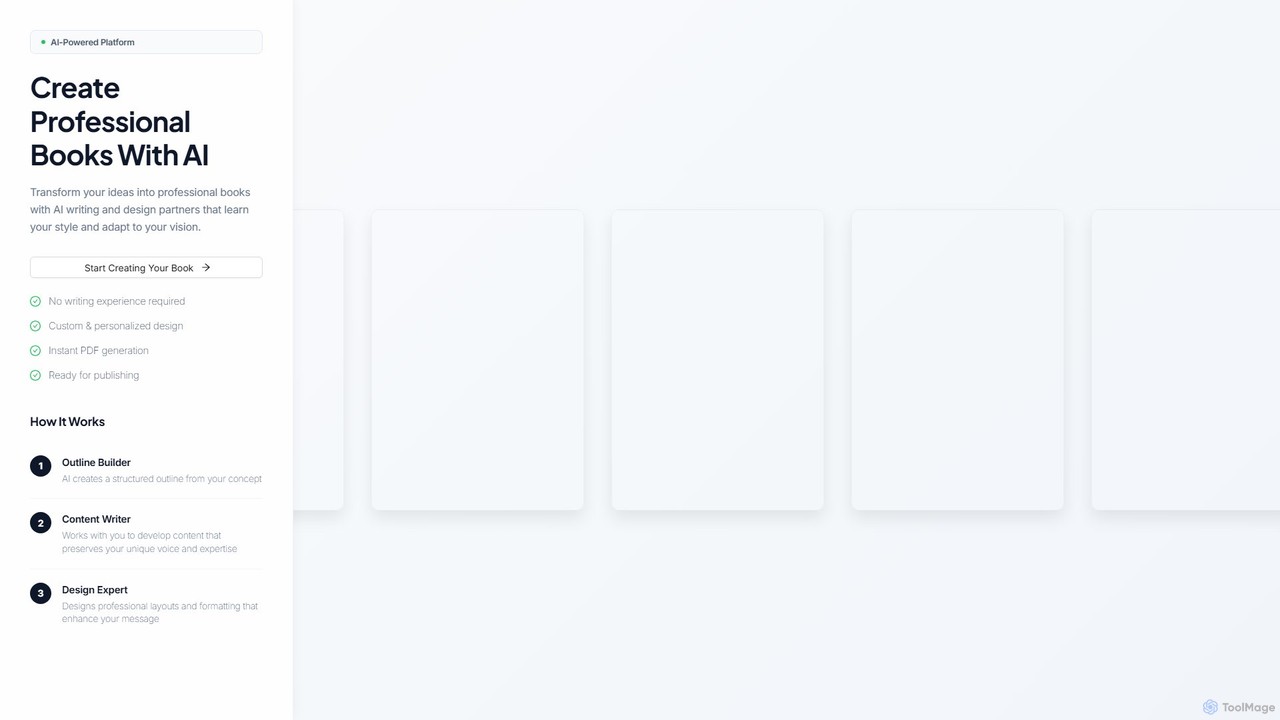
eBooks.run is an AI-powered platform that transforms your ideas into professionally written and designed books. It features AI partners for outlining, content writing, and design, making book creation accessible to everyone, regardless of writing experience. Generate publish-ready PDFs instantly.

Document
Visits 3.3KFavorites 110Likes 118

About Document

AI Document tools are specialized applications that leverage artificial intelligence to streamline and enhance the creation, editing, and management of various documents. These tools often integrate natural language processing, computer vision, and machine learning to automate tasks like content generation, layout design, and data extraction. They empower users to produce professional-grade reports, presentations, proposals, and marketing materials with greater efficiency and consistency. As a sub-category of Design tools, they specifically focus on the visual and structural integrity of documents, ensuring both aesthetic appeal and functional clarity.

Core Features

  • Automated Layout & Formatting: Intelligently arranges text, images, and elements for optimal readability and visual appeal.
  • Content Generation & Enhancement: Assists in drafting text, summarizing sections, or suggesting improvements for clarity and tone within documents.
  • Template & Style Consistency: Ensures documents adhere to predefined brand guidelines and design templates across all pages.
  • Data-to-Visualization: Converts raw data into professional charts, graphs, and infographics suitable for reports and presentations.
  • Smart Document Assembly: Automatically compiles sections from various sources into a cohesive final document.

Use Cases

These tools are widely utilized in scenarios requiring efficient and professional document output. For instance, marketing teams employ them to quickly generate on-brand brochures; sales professionals use them to customize personalized client proposals; and financial analysts can automate quarterly report creation, ensuring data presentation accuracy and professionalism.

How to Choose

When selecting an AI Document tool, consider its functional scope, such as content generation, layout automation, or specific data visualization capabilities. Also, evaluate its integration with existing design software or content management systems, and the flexibility to apply custom templates and brand guidelines. Finally, the tool's ease of use and your team's learning curve are also important considerations.

Featured tool rankings

Document use cases

1

Automated Report Generation

Financial analysts or project managers can use AI Document tools to automatically compile monthly or quarterly reports. By feeding raw data and key metrics, the AI generates structured reports with charts, summaries, and executive overviews, significantly reducing manual data entry and formatting time. This ensures consistent reporting and allows teams to focus on analysis rather than document assembly.

2

Branded Marketing Collateral Creation

Marketing teams leverage these tools to quickly produce on-brand brochures, flyers, and social media graphics. Inputting product information and brand guidelines, the AI suggests layouts, selects appropriate imagery, and formats text to maintain visual consistency across all marketing materials. This accelerates campaign deployment and ensures brand integrity.

3

Personalized Proposal & Presentation Design

Sales professionals can utilize AI Document tools to tailor sales proposals and presentations for individual clients. The AI can dynamically adjust content, case studies, and visual elements based on client profiles and specific needs, creating highly personalized and impactful documents in minutes. This enhances client engagement and improves conversion rates.

4

Technical Documentation & Manual Drafting

Technical writers and product teams employ AI Document tools to draft user manuals, guides, and internal documentation. The AI can assist in structuring complex information, suggesting clear language, and generating diagrams or flowcharts from technical specifications. This streamlines the documentation process and improves clarity for end-users.

5

Academic Paper & Thesis Formatting

Researchers and students benefit from AI Document tools by automating the formatting of academic papers, theses, and dissertations. The AI ensures adherence to specific citation styles (e.g., APA, MLA), generates tables of contents, and manages complex numbering schemes, allowing authors to concentrate on content rather than tedious formatting rules.

6

Legal Document Assembly & Review

Legal professionals use AI Document tools to assemble contracts, agreements, and legal briefs from templates and clauses. The AI can also assist in reviewing documents for consistency, identifying missing information, or flagging potential compliance issues, significantly reducing the time spent on routine document preparation and review.

Document FAQ

What are AI Document tools?

AI Document tools are software applications that use artificial intelligence to automate and enhance various aspects of document creation, editing, and management. They leverage technologies like natural language processing and machine learning to assist with content generation, intelligent layout design, data extraction, and ensuring brand consistency across documents.

How do AI Document tools differ from traditional document software?

Traditional document software (like word processors) provides manual control over formatting and content. AI Document tools, however, introduce automation and intelligence. They can proactively suggest content, automatically apply complex layouts, extract insights from text, and ensure design consistency, significantly reducing manual effort and human error in document production.

Who can benefit most from using AI Document tools?

A wide range of professionals can benefit, including marketing teams for branded collateral, sales professionals for personalized proposals, financial analysts for automated reports, technical writers for documentation, and legal teams for contract assembly. Essentially, anyone who regularly creates, manages, or designs complex documents can gain efficiency and improve quality.

What are the key features to look for in an AI Document tool?

When choosing an AI Document tool, prioritize features such as automated layout and formatting, intelligent content generation or summarization, robust template management for brand consistency, and data-to-visualization capabilities. Also, consider integration with your existing workflows and the tool's ability to handle various document types.

Can AI Document tools help maintain brand consistency?

Yes, absolutely. Many AI Document tools are specifically designed to enforce brand guidelines. They allow users to upload brand assets, fonts, color palettes, and templates. The AI then ensures that all generated or edited documents adhere strictly to these predefined styles, guaranteeing a consistent brand image across all communications and materials.