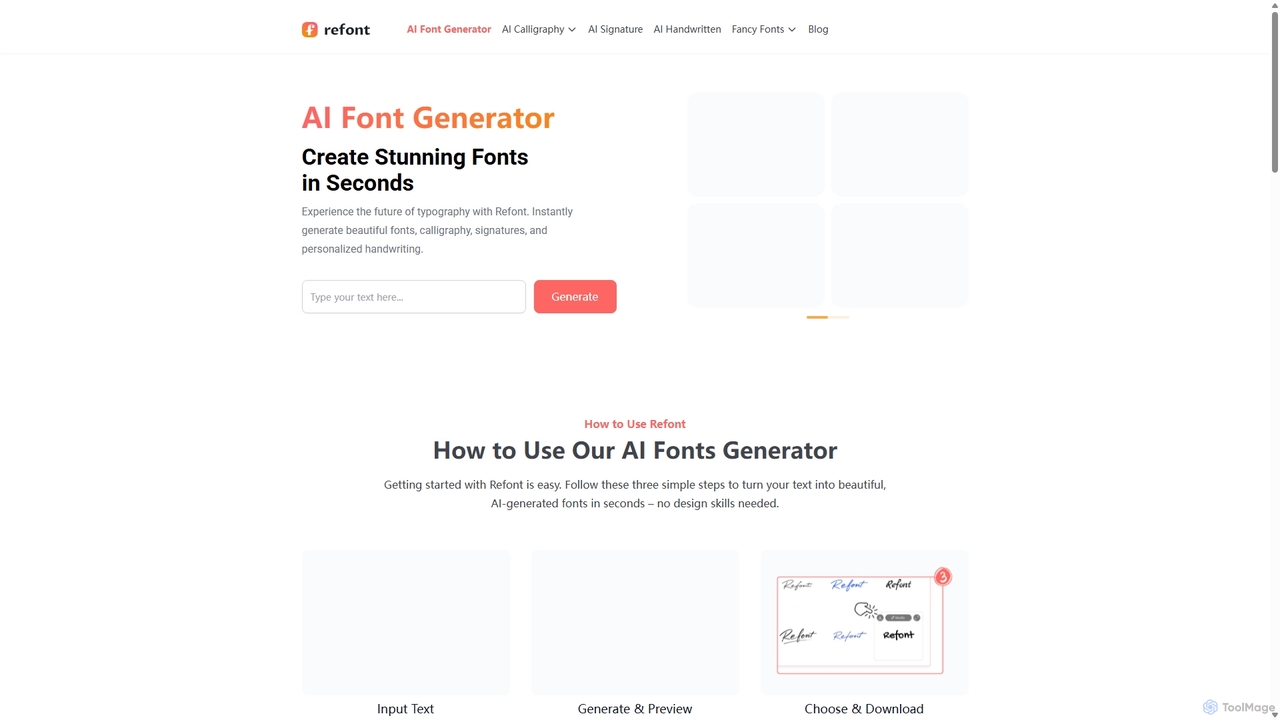
Font Generators are AI-powered tools designed to create unique and customized fonts or modify existing typographic styles. These tools leverage advanced machine learning algorithms to analyze design patterns, user inputs, and stylistic preferences, enabling the generation of diverse font variations. They empower designers, marketers, and content creators to quickly produce custom typography for branding, digital media, and print projects. By automating complex design processes, AI font generators offer unparalleled customization and speed, transforming ordinary text into visually distinct and impactful elements within the broader field of design.
Core Features
- Style Transfer: Apply the aesthetic characteristics of one font or image to another typeface.
- Parameter-based Customization: Adjust font attributes like weight, width, slant, and decorative elements via intuitive controls.
- Text-to-Font Generation: Create entirely new font styles from descriptive text prompts or keywords.
- Glyph Variation: Generate multiple stylistic alternatives and ligatures for individual characters.
- Export Options: Output generated fonts in various industry-standard formats (e.g., TTF, OTF, WOFF) for broad compatibility.
Use Cases
Font Generators are invaluable for various design applications. Graphic designers can rapidly prototype unique typefaces for client projects, ensuring brand distinctiveness. Marketing teams utilize them to craft compelling headlines and calls-to-action that stand out in campaigns. Content creators leverage these tools to personalize social media posts, video titles, and blog graphics, enhancing visual engagement and consistency across platforms.
How to Choose
When selecting a Font Generator, consider the depth of customization offered, such as control over individual glyphs or stylistic variations. Evaluate the range of output formats supported (e.g., TTF, OTF, WOFF) to ensure compatibility with your design software. Assess the sophistication of its AI capabilities, including style transfer accuracy and text-to-font generation quality. Finally, prioritize ease of use and an intuitive interface, especially if you're not a professional typographer, to streamline your workflow.