Design Best in category 1 results Game Assets AI Tool

Popular AI tools in the Game Assets field of Design include Pixel-Art.ai, etc., helping you quickly improve efficiency.

Pixel-Art.ai

Pixel-Art.ai

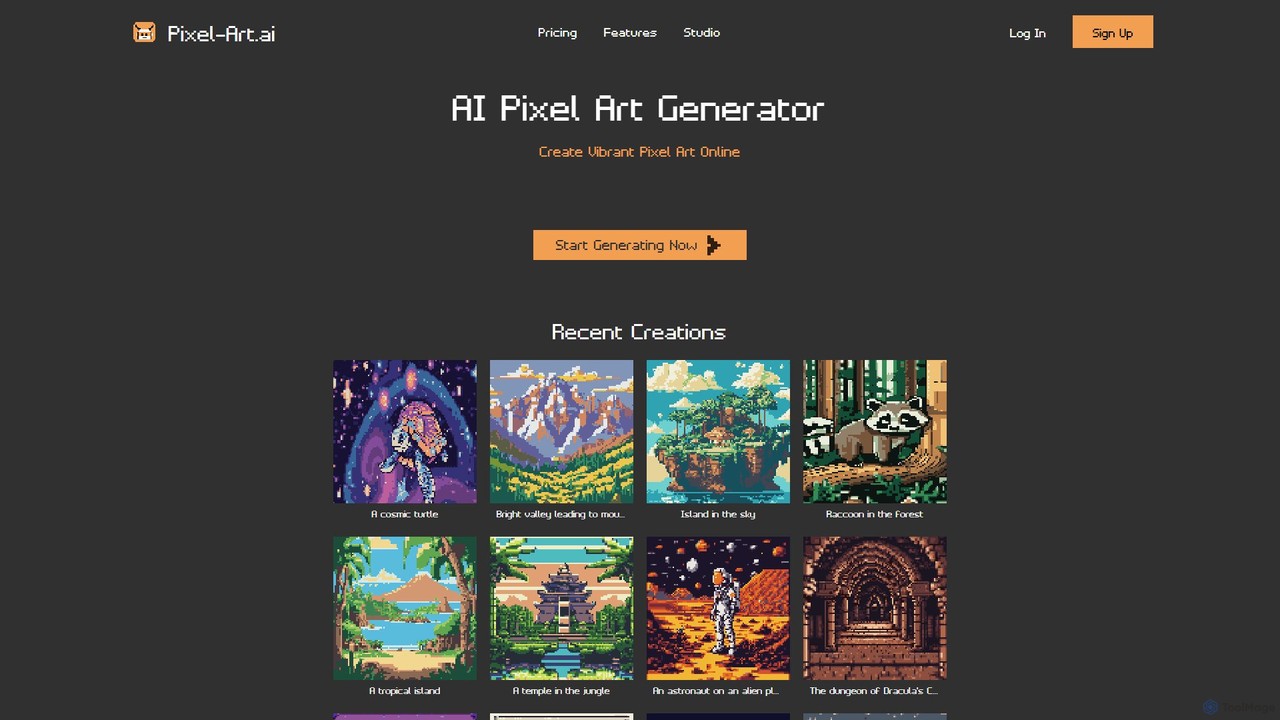
Pixel-Art.ai is a powerful AI-driven platform for creating vibrant pixel art. It combines a text-to-pixel-art generator with a …

22.8K

About Game Assets

AI Game Assets tools are a specialized category within design tools that leverage artificial intelligence to generate, modify, or enhance various elements for video games. These tools utilize advanced algorithms, including generative adversarial networks (GANs) and neural networks, to automate the creation of visual, audio, and interactive game content. Their primary value lies in significantly accelerating the game development pipeline, reducing manual effort, and enabling rapid iteration on creative concepts. By automating asset generation, game developers and designers can focus more on core gameplay mechanics and narrative design, enriching the overall player experience.

Core Features

  • 3D Model Generation: Automatically creates characters, objects, and environmental assets from text prompts, sketches, or reference images.
  • Texture & Material Creation: Generates high-resolution PBR (Physically Based Rendering) textures, normal maps, and material properties for 3D models.
  • Sound Effect & Music Generation: Produces custom sound effects, ambient audio, character voices, and background music tailored to game scenarios.
  • Animation Generation: Automates character rigging, generates motion sequences, and processes motion capture data for realistic in-game movements.
  • Concept Art & UI Element Design: Rapidly creates diverse concept art, user interface components, icons, and visual effects for game interfaces.

Applicable Scenarios

These tools are invaluable for independent game developers seeking to quickly populate their game worlds, large studios aiming to accelerate prototyping and iterate on visual styles, and individual artists needing to generate variations or fill gaps in their asset libraries. They streamline the creation of everything from environmental props and character models to soundscapes and UI elements, making game development more accessible and efficient.

How to Choose

When selecting an AI Game Assets tool, consider the specific asset types it supports (e.g., 2D, 3D, audio, animation) and the quality of its output. Evaluate its integration capabilities with popular game engines like Unity and Unreal Engine, as well as 3D modeling software. Assess the level of customization and control it offers over generated assets, ensuring it aligns with your creative vision. Finally, review the pricing model and licensing terms to ensure commercial use is permitted and cost-effective for your project.

Game AssetsUse Cases

1

Rapid Prototyping for Indie Game Development

Independent game developers can leverage AI Game Assets tools to quickly generate placeholder 3D models, textures, and sound effects. This allows them to rapidly test gameplay mechanics, level designs, and overall game flow without investing significant time in manual asset creation. For instance, a solo developer can input text prompts to create various environmental props and character models in minutes, enabling faster iteration and concept validation before committing to final art assets.

2

Automated Environment Generation for Open-World Games

Level designers working on expansive open-world games can use AI Game Assets tools to automatically generate diverse environmental assets. By defining parameters like biome type, density, and style, the AI can populate vast landscapes with unique trees, rocks, foliage, and even architectural elements. This significantly reduces the manual effort required to create immersive game worlds, allowing designers to focus on intricate level layouts and player experiences rather than repetitive asset placement.

3

Generating Character Variations and Customization Options

Game artists can utilize AI tools to generate numerous variations of character models, outfits, and facial features for non-player characters (NPCs) or player customization systems. Instead of manually sculpting each variant, an artist can provide a base model and define parameters for AI to create diverse appearances, saving hundreds of hours. This enables richer, more dynamic game worlds with unique characters, enhancing player immersion and replayability.

4

Procedural Texture and Material Creation

3D artists often spend considerable time creating realistic textures and materials. AI Game Assets tools can automate this process by generating high-quality PBR textures (e.g., wood, metal, stone, fabric) with specific properties from simple text descriptions or reference images. This allows artists to quickly apply diverse, detailed materials to their 3D models, ensuring visual consistency and saving valuable production time, especially for large asset libraries or complex environments.

5

Dynamic Soundscape and Music Generation

Audio designers can utilize AI Game Assets tools to create adaptive background music and ambient sound effects that respond dynamically to in-game events or player actions. Instead of pre-recording every possible sound variation, AI can generate context-aware audio, such as a forest soundscape that changes with weather or a battle theme that intensifies with enemy proximity. This enhances player immersion and reduces the need for extensive manual audio editing and layering.

6

UI/UX Element Design for Mobile Games

UI/UX designers for mobile games often need to create a vast array of interface elements in various styles and resolutions. AI Game Assets tools can rapidly generate icons, buttons, menus, and entire interface layouts based on design briefs or style guides. This accelerates the UI/UX design process, ensures visual consistency across different screen sizes, and allows designers to quickly iterate on user flows and visual feedback, significantly improving development efficiency for mobile titles.

Game AssetsFrequently Asked Questions