ToolMage
Sign in

Best 2 Image Analysis AI tools for Design

Popular Image Analysis AI tools in Design include vinish and ThumbnailAi, helping you work more efficiently.

vinish
Free

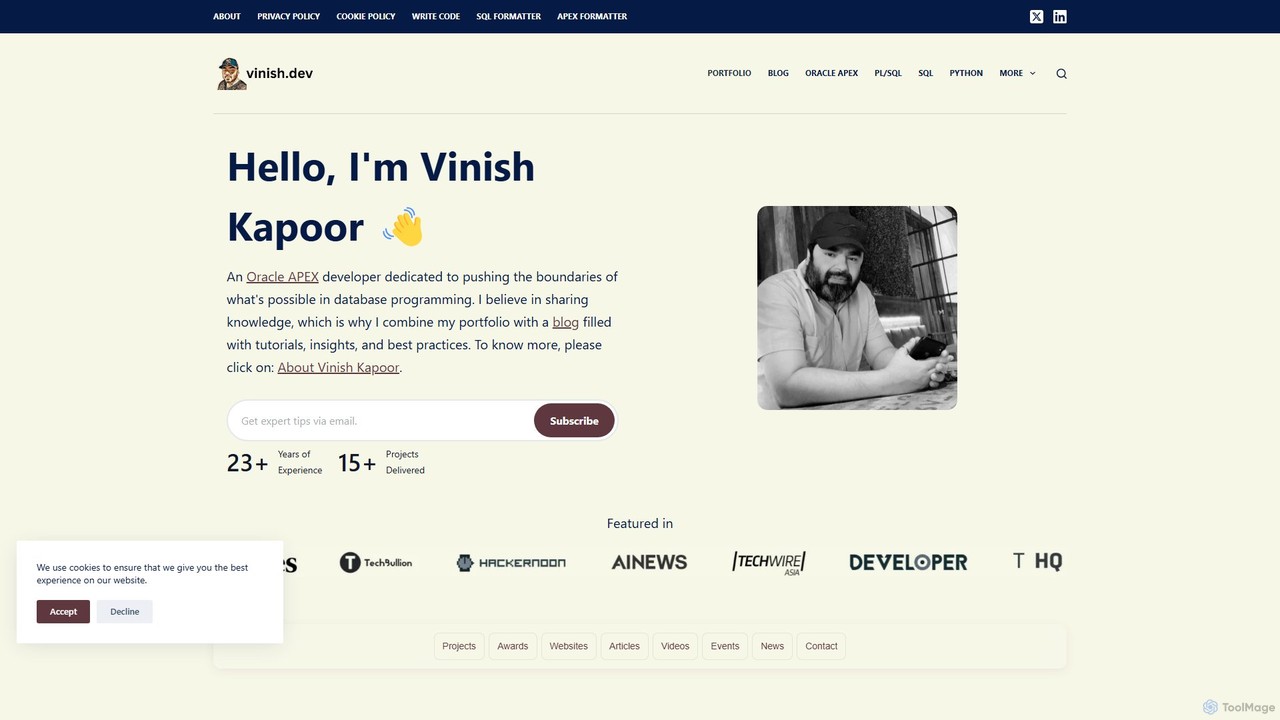
vinish

A suite of free, specialized AI and developer tools created by Oracle ACE Pro Vinish Kapoor. The platform offers an AI-powered Hate Speech Detector, an Image Anomaly Detector, and a variety of powerful utilities for Oracle SQL developers, all accessible directly through the web.

Image Analysis
Visits 156.3KFavorites 101Likes 96
ThumbnailAi
Free

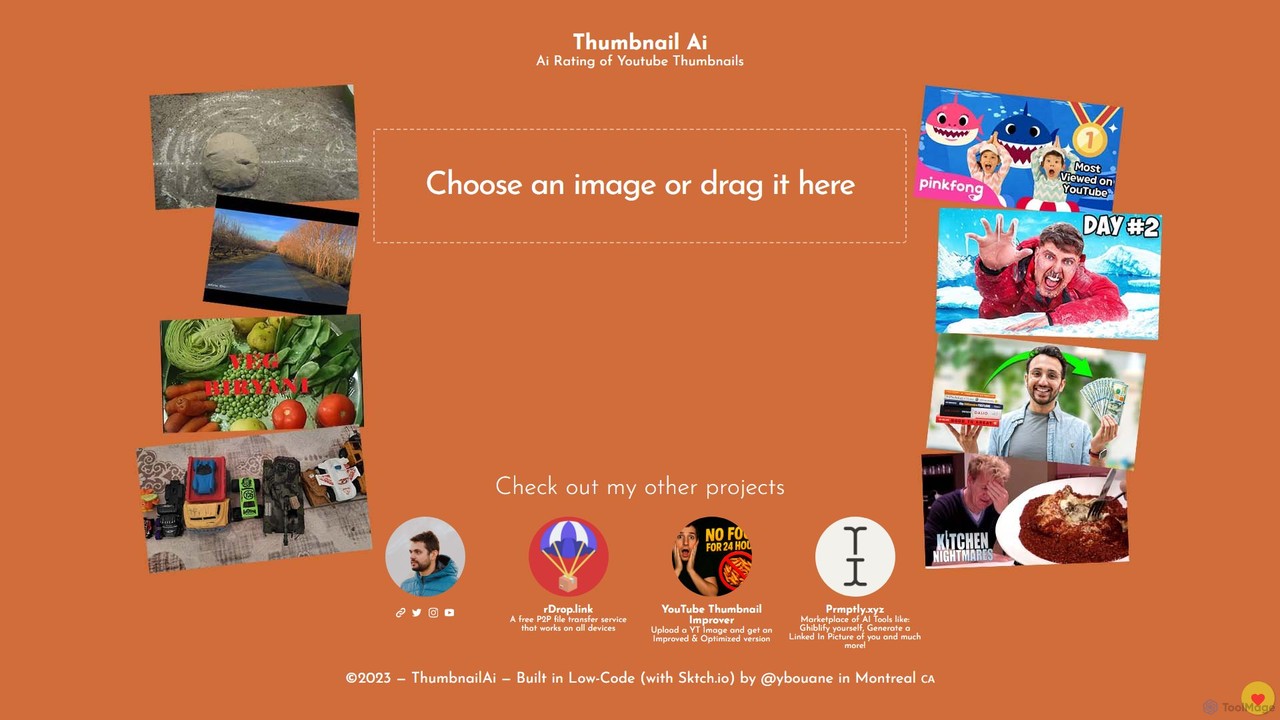
ThumbnailAi

ThumbnailAi is a free AI-powered tool for YouTube creators. It analyzes and rates your video thumbnails, providing an objective score to predict their click-through potential. By offering data-driven feedback on visual elements, it helps you optimize thumbnails to maximize clicks, engagement, and channel growth.

Image Analysis
Visits 3.7KFavorites 126Likes 125

About Image Analysis

Image Analysis tools are a class of AI software designed to automatically interpret and extract meaningful information from visual data. These tools leverage computer vision and machine learning models to identify objects, people, text, and other patterns within an image. Their primary value lies in automating the process of visual inspection and data extraction, enabling businesses to process and understand large volumes of images at scale. Within the broader design field, Image Analysis focuses on understanding existing visual content, rather than creating or editing it.

Core Features

  • Object Detection: Identifies and locates specific items within an image, often drawing bounding boxes around them.
  • Optical Character Recognition (OCR): Extracts and converts printed or handwritten text from images into machine-readable text.
  • Facial Recognition & Analysis: Detects human faces and can analyze attributes such as age, gender, and emotion.
  • Image Tagging & Categorization: Automatically generates relevant keywords and assigns categories to images based on their content.
  • Scene Understanding: Interprets the overall context of an image, such as identifying an event as a 'wedding' or a location as a 'beach'.

Use Cases

Image Analysis tools are widely used across various industries. In e-commerce, they automate product tagging and visual search. In social media, they are crucial for content moderation to detect inappropriate material. Healthcare professionals use them for preliminary analysis of medical scans, while financial institutions apply them for digitizing documents and checks through OCR.

How to Choose

When selecting an Image Analysis tool, consider the specific analysis capabilities you need (e.g., OCR vs. object detection). Evaluate the model's accuracy and precision for your specific use case. Assess its API availability and documentation for seamless integration into your existing workflows. Also, consider processing speed, scalability, and the provider's data privacy and security policies.

Featured tool rankings

Image Analysis use cases

1

Automated Product Tagging for E-commerce

An e-commerce manager is responsible for uploading hundreds of new products weekly. Manually tagging each product image with attributes like color, style, and material is time-consuming and prone to inconsistency. By using an AI Image Analysis tool, they can automate this entire process. The tool scans each product photo, uses object detection to identify the item, and automatically generates accurate tags such as 'blue cotton t-shirt' or 'leather ankle boots'. This not only saves hours of manual labor but also improves on-site search accuracy and enhances product discoverability for customers.

2

Social Media Content Moderation

A community manager for a large online platform needs to ensure that user-generated content adheres to safety guidelines. Manually reviewing millions of daily image uploads is impossible. An Image Analysis tool can be integrated into their platform to automatically scan every uploaded image in real-time. It can detect and flag inappropriate content, such as violence, hate symbols, or adult material, based on pre-trained models. This allows the moderation team to focus only on the flagged content, drastically reducing their workload and improving the platform's safety and response time to policy violations.

3

Digitizing Invoices for Automated Data Entry

An accounting department processes thousands of paper invoices and receipts each month. Manual data entry into their accounting software is tedious and error-prone. By implementing an Image Analysis tool with strong Optical Character Recognition (OCR) capabilities, they can streamline this workflow. Staff simply scan or photograph the documents. The AI then analyzes the images, identifies key fields like invoice number, vendor name, date, and total amount, and extracts this information as structured text. This data can then be automatically imported into the accounting system, reducing data entry time by over 90% and minimizing human error.

4

Brand Logo Monitoring in Digital Media

A marketing analyst needs to track the visibility of their company's logo across social media and news websites to measure sponsorship ROI. Manually searching for logos is an impossible task. They use an Image Analysis tool to continuously scan a vast number of online images. The tool is trained to recognize their specific brand logo, even when it's small, partially obscured, or at an angle. It provides a dashboard showing where and how often the logo appears, giving the marketing team valuable data on brand exposure and the effectiveness of their partnership campaigns without manual effort.

5

Analyzing Satellite Imagery for Agriculture

An agricultural scientist needs to monitor crop health across thousands of acres. Physical inspection is impractical. Using an AI Image Analysis tool, they can process satellite or drone imagery of the fields. The AI analyzes factors like color variations (indicating nutrient deficiencies or disease), plant density, and growth patterns. It can identify problem areas that need attention, predict crop yields, and help optimize irrigation and fertilization strategies. This data-driven approach allows for more precise and sustainable farming practices, improving overall farm productivity.

6

Quality Control in Manufacturing

A quality control inspector on a manufacturing line is tasked with identifying defective products. Relying on human inspection can lead to fatigue and missed defects. By installing cameras connected to an Image Analysis system, the process can be automated. The AI is trained on images of perfect and defective products. As items move along the conveyor belt, the system captures an image of each one and instantly analyzes it for scratches, cracks, misalignments, or other flaws. If a defect is detected, the system can automatically trigger an alert or divert the item, ensuring higher product quality and consistency.

Image Analysis FAQ

What is AI Image Analysis?

AI Image Analysis is the process of using artificial intelligence, particularly computer vision and machine learning algorithms, to automatically extract meaningful information from digital images. Unlike simple image viewing, these tools can perform complex tasks such as identifying and counting objects, reading text (OCR), recognizing faces, and understanding the overall context of a scene. The primary goal is to enable computers to 'see' and interpret images in a way similar to humans, but at a much greater speed and scale, automating tasks that would otherwise require manual inspection.

How to choose the right Image Analysis tool?

Choosing the right tool depends on your specific needs. Consider the following factors:

  • Specific Features: Do you need object detection, OCR, facial recognition, or something else? Choose a tool that excels in the specific task you need to automate.
  • Accuracy and Reliability: Check the provider's reported accuracy rates and, if possible, test the tool with your own data samples to see how it performs in a real-world scenario.
  • Integration (API): Ensure the tool offers a well-documented API that can be easily integrated into your existing software and workflows.
  • Scalability and Speed: Consider the volume of images you need to process and how quickly you need the results. Choose a solution that can scale with your demand.
  • Cost: Pricing models vary, often based on the number of API calls or images processed. Select a plan that aligns with your budget and usage patterns.
What's the difference between Image Analysis and Image Recognition?

Image Recognition is a core component of Image Analysis, but they are not the same. Image Recognition focuses on identifying and labeling a primary subject in an image (e.g., 'This is a cat'). Image Analysis is a broader process that goes beyond simple identification. It involves not only recognizing objects but also understanding their relationships, attributes, and the overall context. For example, an image analysis system might report: 'There are three cats on a red sofa in a living room,' providing a much richer set of data than recognition alone.

Can Image Analysis tools understand video content?

Yes, many advanced Image Analysis platforms have extended their capabilities to video analysis. Essentially, video analysis works by applying image analysis techniques to individual frames of a video in sequence. This allows the tools to perform tasks like real-time object tracking, activity recognition (e.g., identifying someone running or jumping), and scene change detection. While the core technology is similar, video analysis adds the dimension of time, enabling the understanding of motion and temporal patterns, which is crucial for applications like security surveillance and sports analytics.

Who are the primary users of Image Analysis tools?

Image Analysis tools serve a diverse range of users across many industries. Key user groups include:

  • E-commerce Managers: For automating product tagging, visual search, and quality control of product images.
  • Marketers and Brand Managers: To monitor brand logo appearances, analyze social media imagery, and understand visual trends.
  • Data Scientists and Developers: Who integrate these tools via APIs to build custom applications that require visual understanding.
  • Healthcare Professionals: For assisting in the analysis of medical images like X-rays and MRIs to detect anomalies.
  • Security Professionals: For analyzing surveillance footage to detect unauthorized access or suspicious activities.