Design Best in category 1 results Image Gallery AI Tool

Popular AI tools in the Image Gallery field of Design include Image+, etc., helping you quickly improve efficiency.

Image+

Image+

Image+ is a versatile platform for creating and managing stunning online image galleries. Ideal for artists, photographers, and …

3.8K

About Image Gallery

Image Gallery tools are AI-powered platforms designed for the intelligent organization, management, and retrieval of visual assets. These tools leverage advanced artificial intelligence to automate tasks like tagging, categorization, and search, transforming raw image collections into highly accessible and searchable visual databases. They serve as a central hub for creative professionals, marketing teams, and businesses to efficiently manage their digital imagery, streamlining design workflows and enhancing content discoverability.

Core Features

  • AI-powered Tagging: Automatically identifies objects, scenes, and concepts within images, assigning relevant keywords for easy search and categorization.
  • Intelligent Search & Filtering: Enables users to quickly find specific images using natural language queries, visual similarity, or complex metadata filters.
  • Version Control & History: Tracks changes to visual assets, allowing users to revert to previous versions and maintain a clear audit trail.
  • Collaborative Workflows: Facilitates seamless sharing, commenting, and approval processes for visual assets among team members and external stakeholders.
  • Metadata Management: Provides robust tools for editing, adding, and extracting EXIF data, IPTC information, and custom metadata fields.

Use Cases

These tools are indispensable for organizations and individuals dealing with large volumes of visual content. They are widely adopted in marketing departments for managing brand assets, by design agencies for organizing client projects, and in e-commerce for categorizing product photography, ensuring visual consistency and rapid access to required imagery.

How to Choose

When selecting an AI Image Gallery, consider the sophistication of its AI capabilities for tagging and search, the scalability of its storage and user management, its integration options with existing design and marketing tools, and the robustness of its collaboration features. Evaluate security protocols and data privacy policies, alongside pricing models that align with your team's size and usage needs.

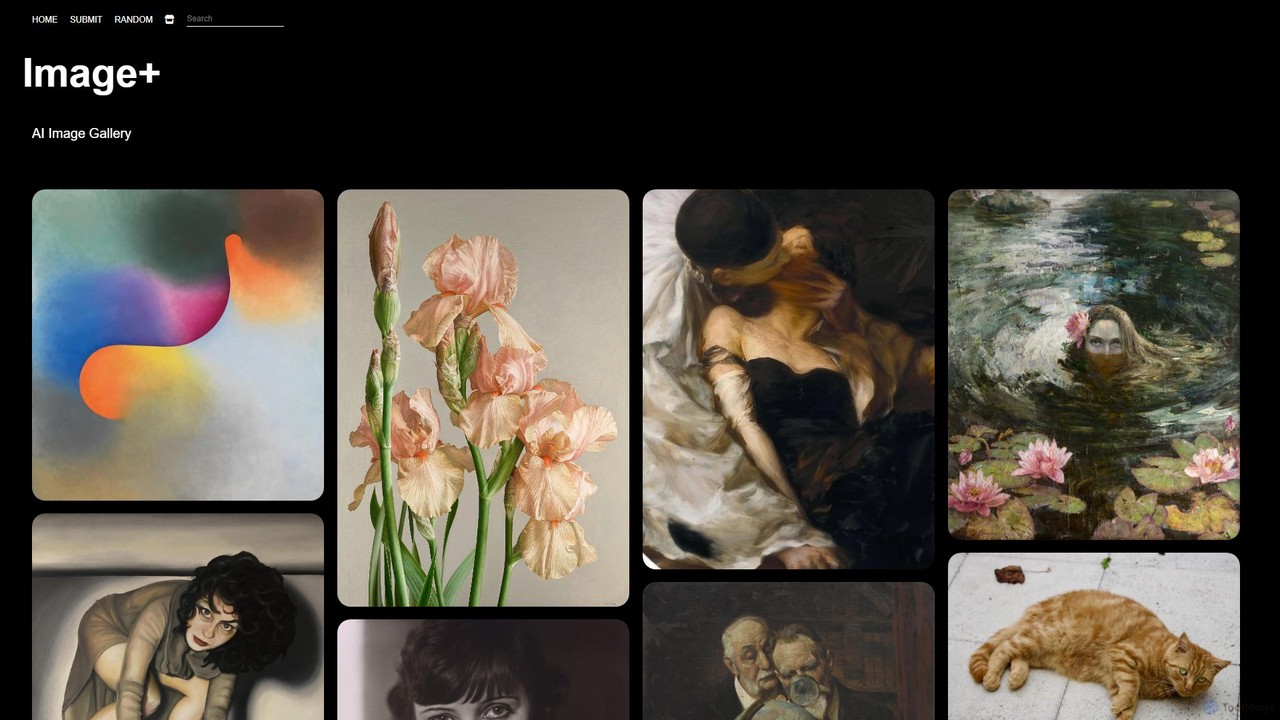
Image GalleryUse Cases

1

Centralized Brand Asset Management

Marketing teams utilize AI Image Galleries to store, organize, and distribute all official brand assets, including logos, product shots, and campaign visuals. AI tagging ensures quick retrieval of specific assets for various marketing channels, maintaining brand consistency across all communications.

2

Streamlining Design Project Collaboration

Design agencies and creative studios use these galleries to manage visual assets for multiple client projects. Features like version control, commenting, and shared collections enable seamless collaboration between designers, clients, and project managers, accelerating feedback cycles and approvals.

3

Efficient Content Creation for Social Media

Content creators leverage AI Image Galleries to rapidly discover and repurpose visual content for daily social media posts. AI-powered search allows them to find images based on themes, colors, or emotions, significantly reducing the time spent on content sourcing and enhancing posting frequency.

4

E-commerce Product Visual Organization

Online retailers employ AI Image Galleries to categorize and manage vast libraries of product photography. Automated tagging by product attributes (color, material, style) and intelligent search capabilities help merchandising teams quickly update product listings and create promotional materials.

5

Archiving and Discovering Historical Media

Museums, archives, and media companies use AI Image Galleries to digitize, organize, and make searchable their extensive collections of historical photographs and artworks. AI can identify subjects, dates, and locations, unlocking previously inaccessible visual information for research and public access.

6

Personal Creative Portfolio Management

Independent artists, photographers, and illustrators use these tools to organize their personal portfolios. AI helps categorize their artwork by style, subject, or medium, making it easier to showcase specific pieces to potential clients or curate themed exhibitions.

Image GalleryFrequently Asked Questions