Design Best in category 1 results Planning AI Tool

Popular AI tools in the Planning field of Design include Cutlist Evolution, etc., helping you quickly improve efficiency.

Cutlist Evolution

Cutlist Evolution

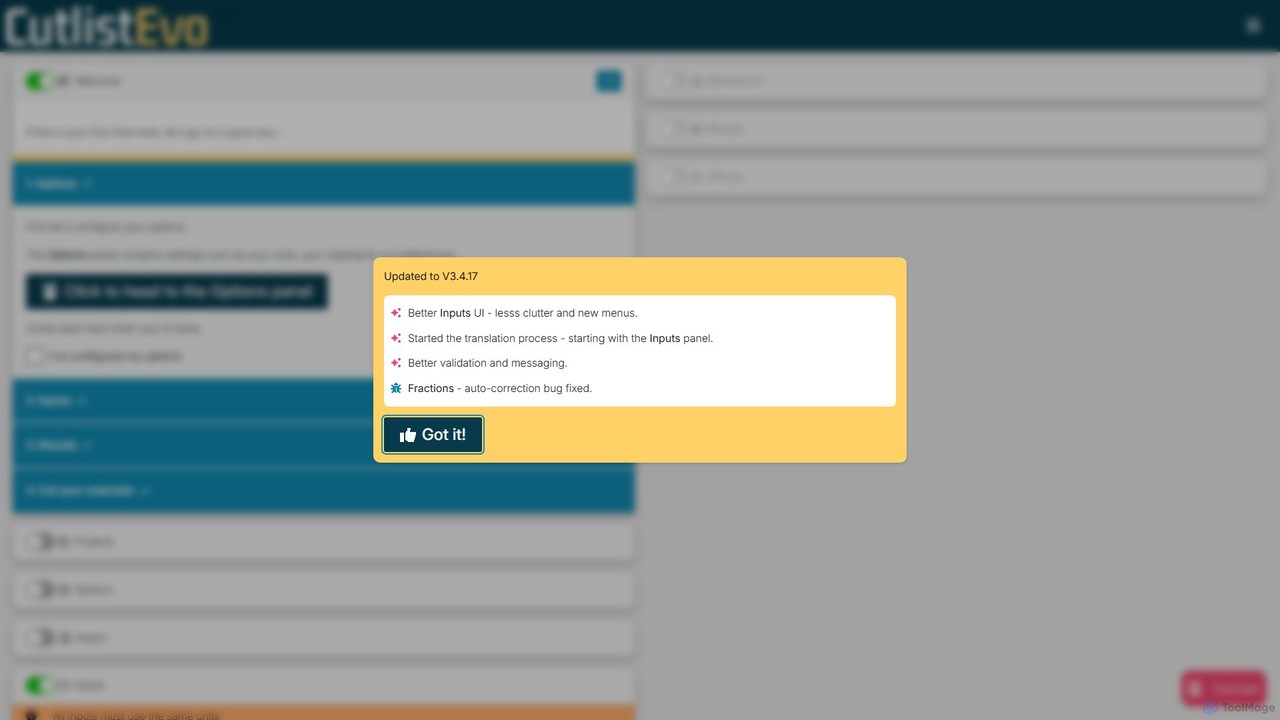
Cutlist Evolution is an AI-powered cut list optimizer designed for woodworkers, metalworkers, and manufacturers. It calculates the most …

33.6K

About Planning

Planning AI tools are specialized solutions that leverage artificial intelligence to streamline and optimize various stages of the design process. These tools utilize algorithms for predictive analysis, resource allocation, and task sequencing, enabling designers and teams to efficiently manage projects from conception to delivery. They enhance strategic foresight, improve collaboration, and ensure design initiatives stay on track and within scope.

Core Features

  • Automated Task Scheduling: AI analyzes project scope, dependencies, and team availability to generate optimized timelines and task assignments for design projects.
  • Resource Allocation Optimization: Intelligently matches design tasks with available team members, considering skills, workload, and project priorities.
  • Predictive Risk Assessment: Identifies potential bottlenecks, scope creep, or resource shortages in design projects before they occur.
  • Design Sprint Facilitation: Guides teams through structured design thinking processes, from ideation to prototyping, with AI-driven insights.
  • Content Strategy Planning: Assists in structuring design content, user flows, and information architecture based on user data and project goals.

Use Cases

Design agencies and in-house design teams frequently employ Planning AI tools to manage complex projects. For instance, a UX design team might use them to map out user journeys, allocate designers to specific research or prototyping tasks, and predict potential delays in a new app development cycle. Similarly, product design teams leverage these tools for resource planning across multiple product iterations, ensuring efficient allocation of industrial designers and engineers.

How to Choose

When selecting Planning AI tools for design, consider their integration capabilities with existing design software (e.g., Figma, Adobe Creative Suite) and project management platforms (e.g., Jira, Asana). Evaluate the depth of their AI-driven insights, such as predictive analytics for timelines or resource optimization. Assess the user interface for ease of adoption by design teams, and ensure the tool supports collaborative features essential for team-based design projects. Finally, review the scalability and pricing model to match your team's size and project volume.

PlanningUse Cases

1

Optimizing Design Project Timelines

A design project manager uses an AI planning tool to input project requirements, team availability, and design phases. The AI automatically generates an optimized timeline, identifies critical paths, and suggests task dependencies, significantly reducing manual scheduling effort and potential delays for complex UI/UX or branding projects.

2

Resource Allocation for Multiple Design Sprints

A creative director overseeing several product design teams utilizes AI planning to allocate graphic designers, UX researchers, and illustrators across concurrent design sprints. The tool considers individual skill sets, current workload, and project priorities, ensuring balanced distribution and preventing burnout while maximizing output efficiency.

3

Predictive Risk Management in Product Development

A product development team integrates an AI planning tool to monitor the progress of a new hardware design. The AI continuously analyzes project data, flagging potential bottlenecks in prototyping, material sourcing, or testing phases, allowing the team to proactively adjust plans and mitigate risks before they impact launch dates.

4

Structuring User Journey Maps and Information Architecture

A UX strategist employs an AI planning tool to assist in creating detailed user journey maps for a new digital product. The AI helps structure complex user flows, identify key touchpoints, and organize information architecture based on user research data, ensuring a logical and intuitive design foundation.

5

Automating Content Strategy for Design Assets

A marketing design team uses an AI planning tool to strategize content for upcoming campaigns. The AI helps outline the types of visual assets needed (e.g., social media graphics, website banners, video storyboards), suggests optimal posting schedules, and allocates designers to create specific content pieces, ensuring a cohesive and timely content rollout.

6

Facilitating Remote Design Workshop Planning

A distributed design team leverages an AI planning tool to organize and facilitate remote design thinking workshops. The AI assists in structuring workshop agendas, assigning pre-work tasks, and suggesting interactive activities, ensuring productive virtual collaboration and efficient idea generation across different time zones.

PlanningFrequently Asked Questions