Design Best in category 2 results Resource AI Tool

Popular AI tools in the Resource field of Design include topologyclothing、Midjourneysref, etc., helping you quickly improve efficiency.

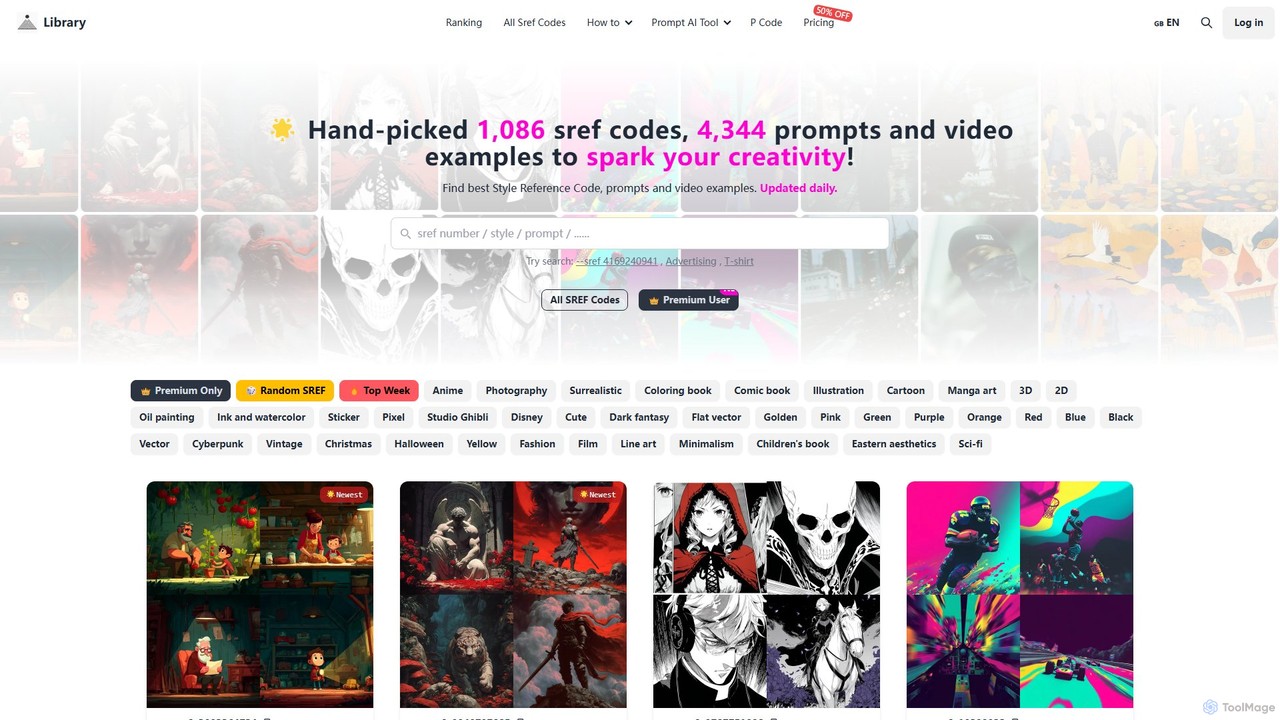
Midjourneysref

Midjourneysref

A comprehensive library of Midjourney SREF codes, prompts, and video examples. It offers over 1,000 hand-picked style reference …

2.4K
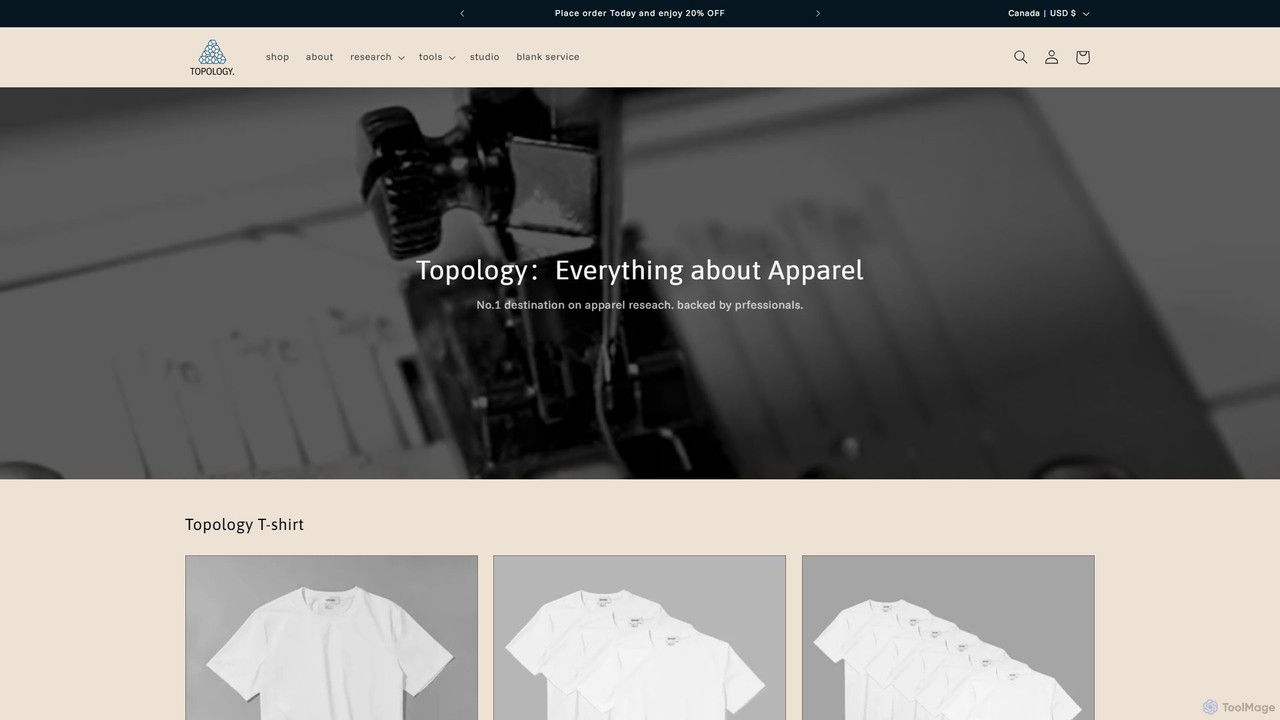
topologyclothing

topologyclothing

Topology Clothing is a comprehensive platform for fashion entrepreneurs, offering a suite of intelligent tools like an MOQ …

3.6K

About Resource

AI Resource tools are a class of design aids that use artificial intelligence to generate, discover, and curate essential design assets. These tools analyze vast visual datasets to produce unique elements like color palettes, font pairings, icons, textures, and patterns. They provide designers and creators with immediate inspiration and high-quality, consistent materials, significantly accelerating the initial stages of the creative process. Unlike traditional stock libraries, AI Resource tools can create novel, context-aware assets tailored to specific project requirements.

Core Features

  • Generative Asset Creation: Produces unique icons, patterns, and textures from text prompts or style inputs.
  • Intelligent Curation: Suggests harmonious color palettes and font pairings based on design principles and user preferences.
  • Context-Aware Search: Finds relevant assets based on mood, style, or image analysis, going beyond simple keyword matching.
  • Seamless Integration: Offers exports in standard formats (SVG, PNG, CSS) or plugins for direct use in design software like Figma or Sketch.

Use Cases

These tools are widely used by UI/UX designers, graphic designers, web developers, and brand strategists. Common applications include establishing a new brand's visual identity, generating accessible color schemes for web applications, creating custom icon sets for software, or producing unique background textures for marketing materials.

How to Choose

When selecting an AI Resource tool, consider the specific asset types you need (e.g., colors, fonts, icons). Evaluate the quality and customization level of the generated assets. Check for compatibility with your existing design workflow and software. Finally, review the licensing terms to ensure the assets can be used for your intended commercial or personal projects.

ResourceUse Cases

1

Generating a Brand Identity Kit

A startup founder or brand designer uses an AI resource tool to establish a new visual identity. By inputting keywords like 'tech, friendly, modern,' the tool generates multiple cohesive options for color palettes, font pairings, and basic icon styles. This process provides a strong, professional foundation for the brand's visual system, enabling the creation of consistent marketing materials and product interfaces without weeks of manual exploration and design work.

2

Finding an Accessible UI Color Palette

A UI/UX designer is tasked with creating a new mobile app interface that meets accessibility standards (WCAG). Instead of manually testing color combinations, they use an AI color palette generator. They can upload a reference image or select a primary brand color, and the tool generates a full palette—including primary, secondary, and accent colors—that ensures sufficient contrast ratios for text and UI elements. This saves significant time and helps create an inclusive product from the start.

3

Generating Custom Icons for an Application

A software developer needs a set of unique icons for a new feature but lacks advanced design skills. Using an AI icon generator, they can type simple text descriptions like 'gear for settings,' 'user profile with a checkmark,' or 'cloud upload arrow.' The AI generates multiple icon options in a consistent style. The developer can then download the icons as SVG files, ready for immediate implementation, ensuring a professional look without hiring a designer or searching through generic icon packs.

4

Creating Seamless Textures for 3D Models

A 3D artist or game developer needs a specific texture, like 'aged wooden planks' or 'sci-fi metal paneling,' for a model. Instead of searching libraries or creating one from scratch in Photoshop, they use an AI texture generator. By providing a text prompt, the tool generates a high-resolution, tileable texture map. They can also generate corresponding maps like normal, roughness, and metallic maps, drastically reducing the time spent on texturing and allowing for more creative iteration.

5

Discovering Unique Font Pairings

A graphic designer is working on a website redesign and wants to move beyond standard font combinations like Open Sans and Lato. They use an AI font pairing tool. After selecting a distinctive headline font, the AI analyzes its characteristics (x-height, weight, contrast) and suggests several complementary body fonts that ensure readability and create a specific mood (e.g., elegant, modern, or playful). This helps the designer make informed typographic choices quickly and confidently.

6

Generating Background Patterns for Social Media

A social media manager needs to create a visually consistent feed for an upcoming campaign. To avoid using the same background image repeatedly, they use an AI pattern generator. They can input brand colors and a simple prompt like 'minimalist geometric shapes' or 'organic floral outlines.' The tool generates an endless variety of seamless, on-brand patterns. These can be used as backgrounds for quotes, announcements, and stories, enhancing the brand's visual appeal and recognition.

ResourceFrequently Asked Questions