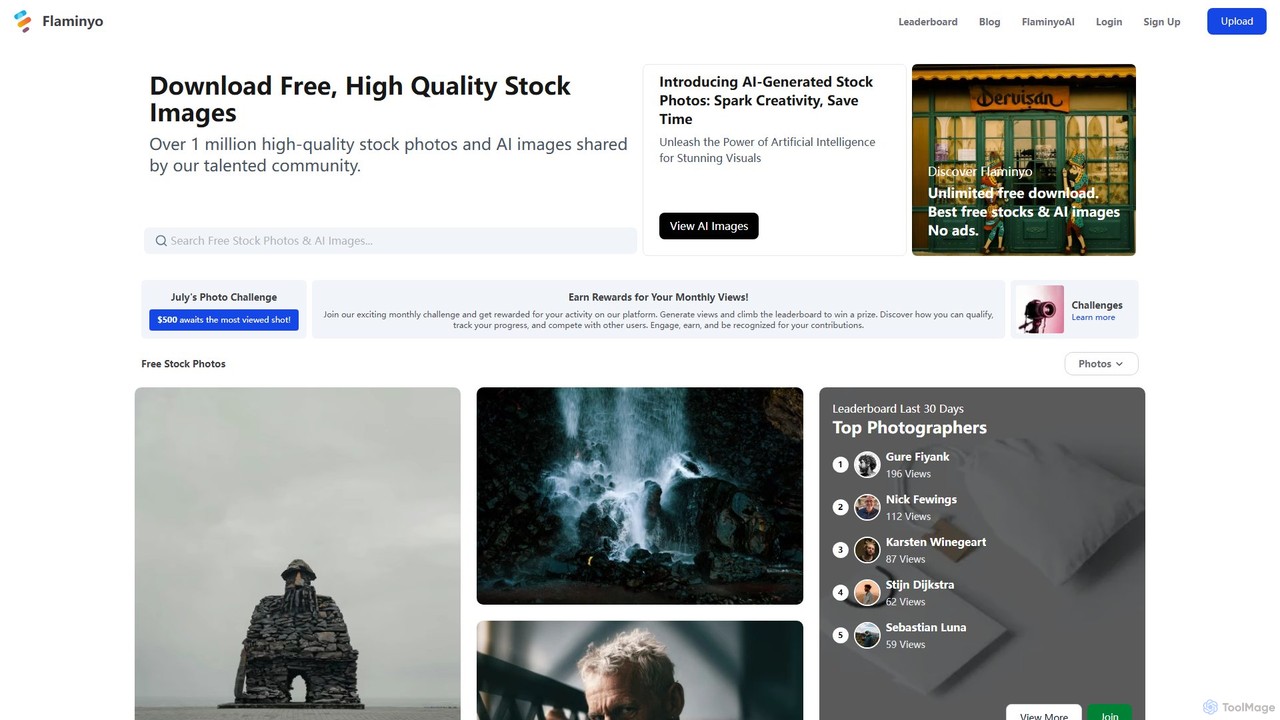
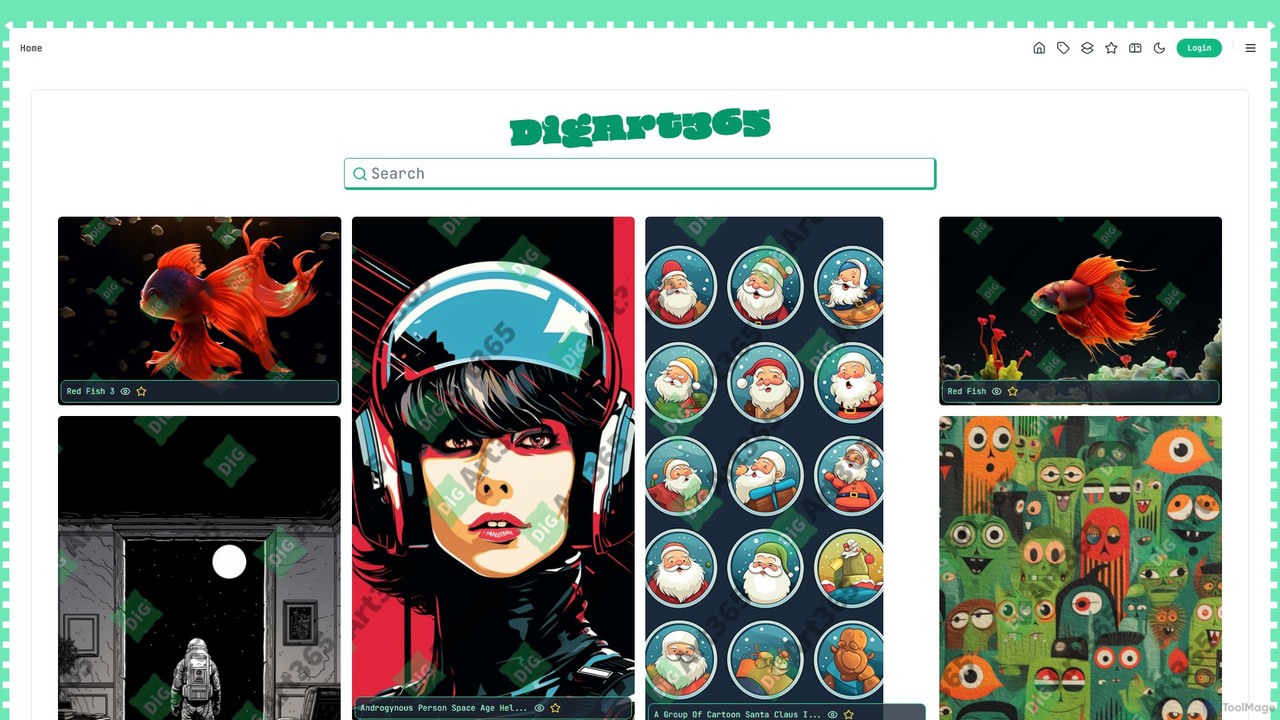
AI Design Resources are tools that generate or provide vast libraries of design assets such as images, icons, fonts, and color palettes. These tools leverage generative AI to create unique, royalty-free assets from text prompts or user inputs, or use AI to intelligently curate and tag massive asset collections. This enables designers, marketers, and content creators to quickly find or create the perfect visual elements for their projects, bypassing traditional stock services and manual creation. Many of these tools offer deep customization options, ensuring assets align perfectly with specific brand guidelines and creative visions.
Core Features
- AI Asset Generation: Creates unique design elements like icons, textures, patterns, and 3D models from simple text descriptions.
- Intelligent Curation and Search: Utilizes AI to tag and categorize large libraries, enabling intuitive natural language or visual search.
- Style Consistency: Generates a complete set of assets (e.g., an icon pack) in a unified and consistent visual style.
- Customization and Editing: Allows users to modify generated assets, such as changing colors, shapes, or styles, directly within the tool.
- Palette and Font Pairing: Suggests harmonious color palettes and typographically sound font combinations to improve design quality.
Use Cases
AI Design Resources are widely used by graphic designers, UI/UX designers, web developers, and marketing teams. They are integral for tasks such as creating custom illustrations for websites, generating unique icons for applications, developing cohesive branding materials, and sourcing background textures or patterns for digital and print media. These tools significantly accelerate the design workflow by automating the creation of foundational visual components.
How to Choose
When selecting an AI Design Resource tool, first consider the specific asset types you need (e.g., icons, photos, fonts). Evaluate whether you require generative capabilities (creating new assets) or curated libraries (finding existing assets). Assess the level of customization and control the tool offers over the output. Finally, carefully review the licensing terms to ensure the assets can be used for your intended commercial or personal projects without restriction.