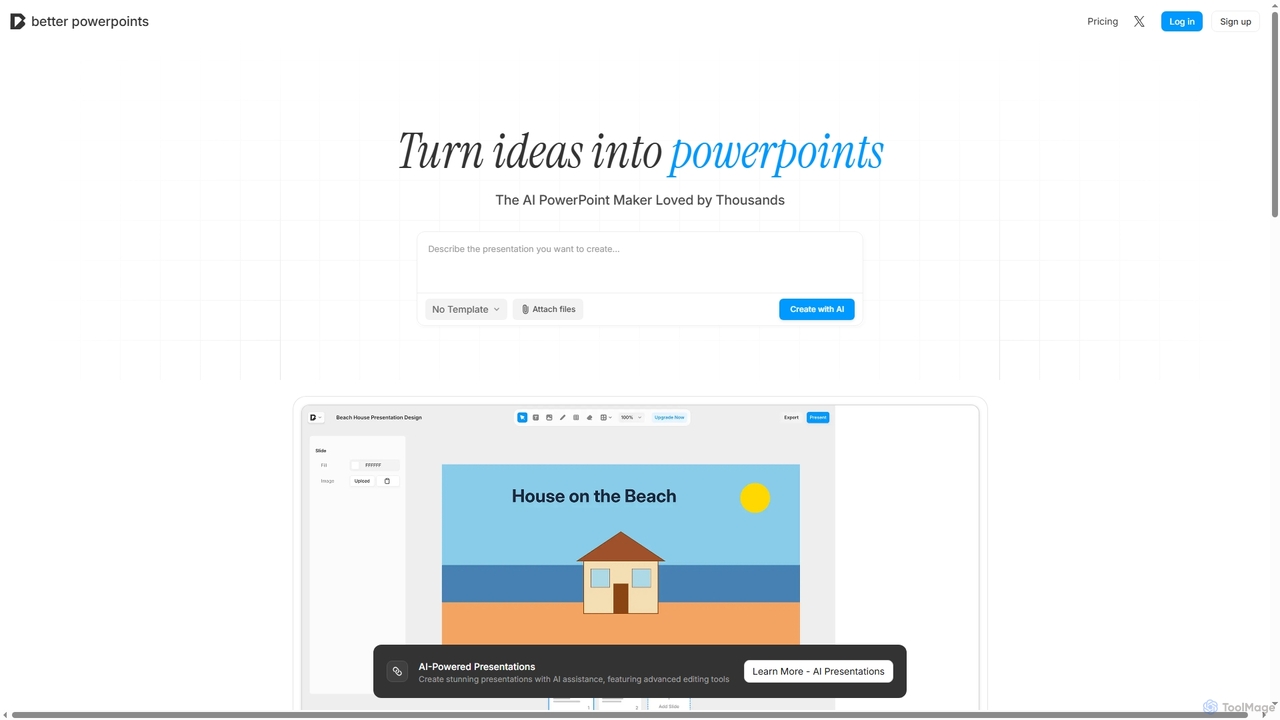
Slide Design tools are AI-powered platforms that automate and enhance the creation of visually compelling presentations. Leveraging advanced algorithms, these tools can generate layouts, suggest content, and refine aesthetics, significantly streamlining the entire presentation design process. They empower users to transform raw data and ideas into polished, professional slides with unprecedented speed and consistency, making high-quality visual storytelling accessible to everyone.
Core Features
- Automated Layout Generation: Instantly creates diverse slide layouts based on content input and design preferences.
- Content Suggestion & Refinement: Provides AI-driven recommendations for text, images, icons, and even data visualization elements.
- Brand Kit Integration: Applies corporate branding guidelines, color palettes, and fonts consistently across all slides.
- Visual Enhancement: Automatically improves image quality, suggests relevant stock photos, and ensures visual harmony.
- Multi-format Export: Exports presentations to popular formats like PowerPoint, Google Slides, and PDF, maintaining design integrity.
Use Cases
These tools are invaluable for professionals across various sectors who regularly create presentations. Marketing teams can quickly generate pitch decks and campaign reports, sales professionals can customize client-specific proposals on the fly, and educators can design engaging lesson materials. They are particularly useful for individuals or organizations needing to produce high-volume, high-quality presentations under tight deadlines, ensuring brand consistency and visual appeal without requiring extensive design expertise.
How to Choose
When selecting an AI slide design tool, consider its integration capabilities with existing presentation software (e.g., PowerPoint, Google Slides), the breadth of its design templates and customization options, and its ability to handle specific content types like data charts or complex diagrams. Evaluate the AI's intelligence in content suggestion and layout generation, the ease of use for non-designers, and the pricing model relative to your team's size and usage frequency. Prioritize tools that offer a balance of automation, flexibility, and brand compliance features.