Instastock
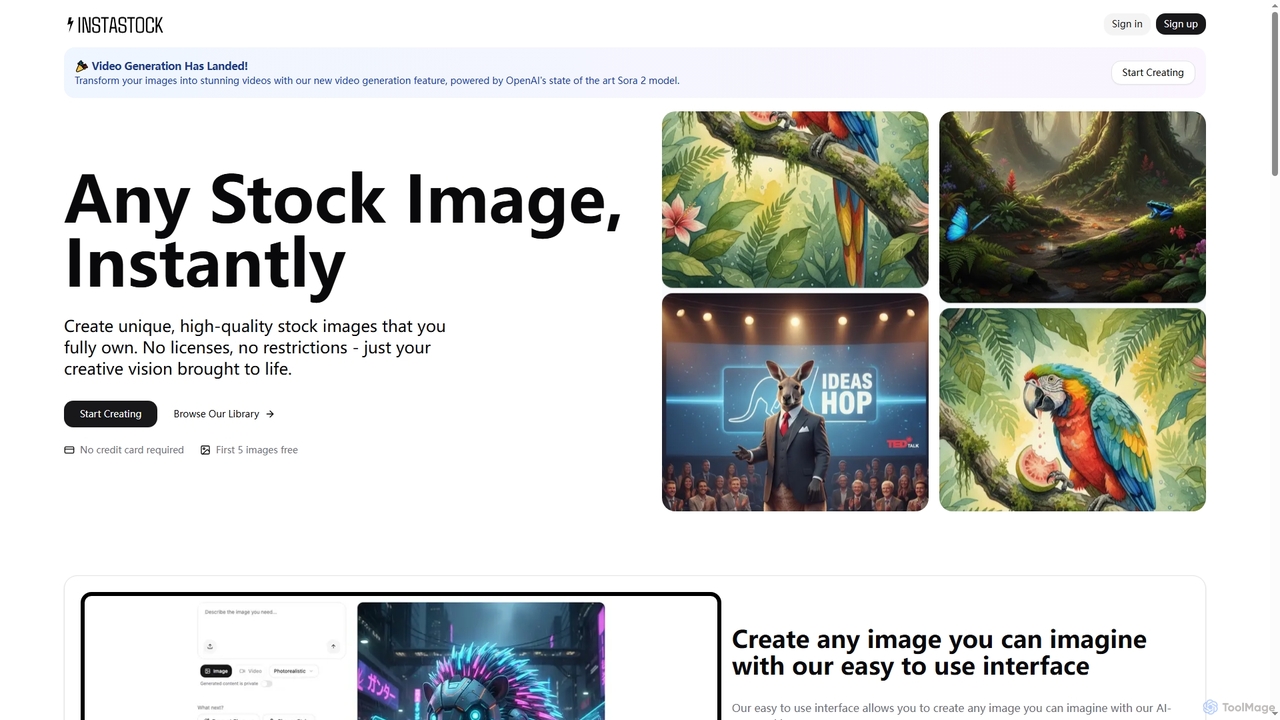
Instastock is an AI-powered platform that enables users to instantly generate unique, high-quality stock images and transform them …
Instastock is an AI-powered platform that enables users to instantly generate unique, high-quality stock images and transform them into stunning videos. It offers advanced AI editing capabilities, allowing for natural language modifications and style changes, all without licensing restrictions.
About Stock Photography
Stock Photography tools are platforms and services that leverage AI to enhance the discovery, selection, and modification of pre-existing visual assets. These AI-powered solutions utilize advanced algorithms for semantic search, visual recognition, and intelligent tagging, enabling users to quickly find high-quality images, videos, and illustrations. They streamline the creative workflow for designers, marketers, and content creators by providing vast libraries of licensed media, often integrated with AI features for efficient asset management and post-processing.
Core Features
- AI-Powered Search & Discovery: Utilizes semantic understanding and visual recognition to find relevant assets beyond keyword matching.
- Intelligent Tagging & Curation: Automatically tags content with descriptive keywords and suggests collections based on project needs.
- AI-Enhanced Editing Tools: Offers features like background removal, image upscaling, and smart cropping directly within the platform or via integration.
- Personalized Recommendations: Learns user preferences and project styles to suggest highly relevant visual content.
Use Cases
Stock Photography tools are essential for various creative and business applications. For instance, marketing teams use them to quickly source visuals for campaigns, ensuring brand consistency and legal compliance. Content creators leverage these platforms to enrich blog posts, social media updates, and video productions with professional-grade media. Additionally, web developers and UI/UX designers utilize stock assets to build prototypes and populate websites with engaging imagery, significantly reducing design time.
How to Choose
When selecting a Stock Photography tool, consider the breadth and quality of its AI-enhanced features, such as advanced search capabilities and integrated editing options. Evaluate the licensing model and pricing structure to ensure it aligns with your budget and usage requirements. Assess the library's diversity and relevance to your specific industry or niche, and check for seamless integration with your existing design software or content management systems.
Stock PhotographyUse Cases
Rapid Visual Sourcing for Marketing Campaigns
Marketing professionals frequently need diverse, high-quality visuals for advertising, social media, and promotional materials. AI-powered stock photography tools enable them to quickly search and filter vast libraries using semantic queries and visual similarity, identifying images that perfectly match campaign themes and brand aesthetics. This significantly reduces the time spent on asset acquisition, allowing teams to launch campaigns faster and maintain a consistent visual identity across all channels.
Enhancing Blog Posts and Editorial Content
Content creators and bloggers require engaging imagery to break up text, illustrate concepts, and improve reader engagement. Stock photography platforms with AI features assist in discovering visually appealing and contextually relevant photos or illustrations. AI-driven recommendations can suggest images based on article topics, while integrated AI editing tools can help crop or resize images for optimal web display, ensuring professional presentation without extensive manual work.
Accelerating Web and UI/UX Design Prototyping
Web designers and UI/UX professionals often need placeholder images and design elements during the prototyping phase. AI-enhanced stock photography tools allow for rapid access to a wide array of visual assets, from abstract backgrounds to specific object photos. AI search capabilities help designers find assets that fit specific layout requirements or aesthetic styles, speeding up the initial design process and enabling quicker iteration cycles for client presentations and user testing.
Creating Engaging Social Media Visuals
Social media managers constantly need fresh, eye-catching visuals to capture audience attention and drive engagement. AI-powered stock platforms simplify the process of finding trending or niche-specific images. Features like AI-driven smart cropping can automatically adjust images for different social media aspect ratios, and background removal tools can help customize visuals, allowing managers to produce a high volume of tailored content efficiently.
Visualizing Business Presentations and Reports
Business professionals frequently use presentations and reports to convey complex information, requiring clear and impactful visuals. Stock photography tools provide access to professional charts, infographics, and conceptual images that enhance understanding and credibility. AI search can help locate specific visual metaphors or data visualization elements, ensuring that presentations are not only informative but also visually compelling and professional.
Developing E-commerce Product Mockups
E-commerce businesses often need to showcase products in various lifestyle settings or with different models without expensive photoshoots. AI-enhanced stock photography platforms offer a wealth of background images, models, and props. Designers can use AI editing features to seamlessly integrate product images onto stock backgrounds or with stock models, creating realistic mockups for online stores, advertisements, and marketing materials, saving significant production costs and time.