Thumb
Thumb is an AI-powered design tool that generates stunning, platform-optimized thumbnails, covers, and branding visuals in seconds. It's …
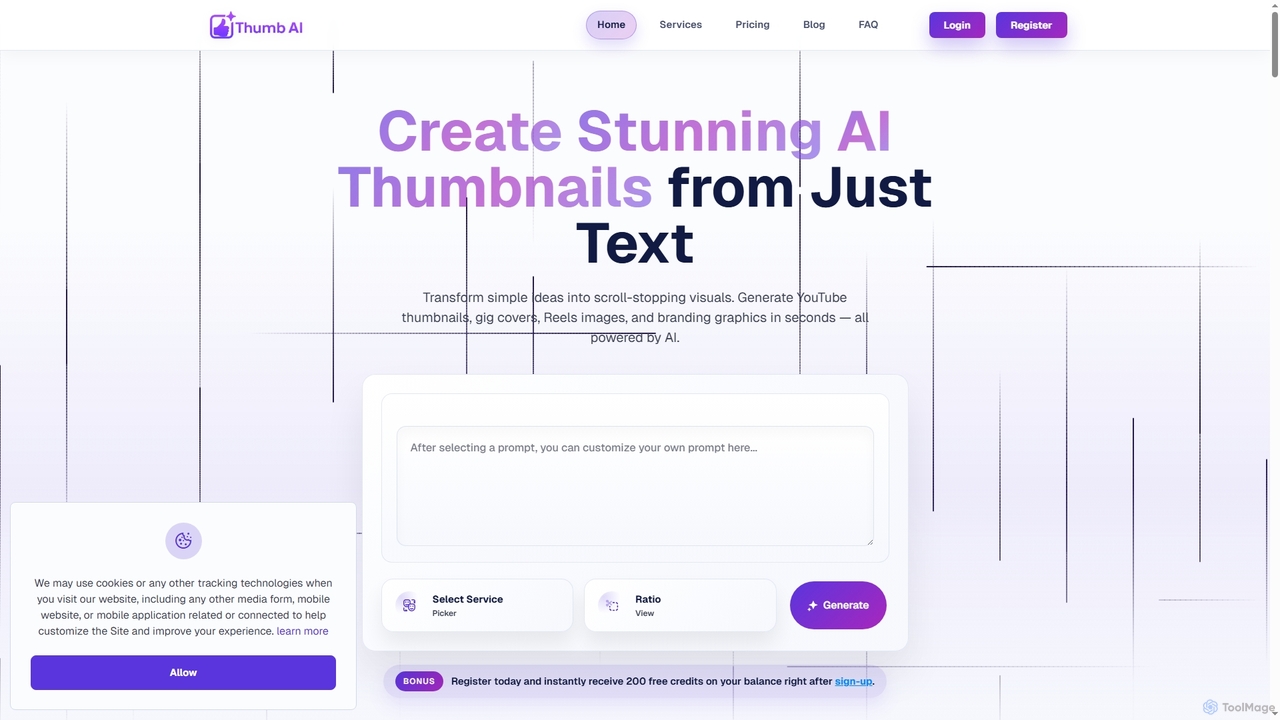
Thumb is an AI-powered design tool that generates stunning, platform-optimized thumbnails, covers, and branding visuals in seconds. It's designed for creators, marketers, freelancers, and businesses to effortlessly transform text ideas into scroll-stopping graphics for YouTube, social media, e-commerce, and more, without requiring any design experience.
About Thumbnail Generation
AI Thumbnail Generation tools are specialized applications that use artificial intelligence to automatically create compelling and high-CTR preview images for videos, articles, and social media content. Leveraging computer vision and generative models, these tools analyze content, suggest relevant visuals, apply brand styles, and generate multiple design variations in seconds. They are essential for content creators, marketers, and YouTubers looking to boost engagement and save significant design time. Unlike general design software, these generators are optimized for the specific formats and psychological principles that drive clicks.
Core Features
- Content-Aware Analysis: Automatically analyzes video or text to suggest relevant images, icons, and text overlays.
- Template-Based Generation: Offers a library of professionally designed templates optimized for platforms like YouTube, blogs, and social media.
- A/B Testing Variants: Quickly generates multiple thumbnail variations with different layouts, colors, and text to test performance.
- Brand Kit Integration: Applies consistent brand colors, fonts, and logos across all generated thumbnails to maintain brand identity.
- Automated Element Placement: Intelligently positions titles, faces, and key objects for maximum visual impact and readability.
Use Cases
These tools are ideal for YouTubers needing to produce daily video thumbnails, digital marketers creating ad creatives, and bloggers aiming to increase article click-through rates from social feeds. They streamline the workflow for anyone who needs to produce a high volume of engaging visuals without deep graphic design expertise.
How to Choose
When selecting a tool, consider the level of customization offered, the quality and variety of templates, and its ability to maintain brand consistency. Also, evaluate its AI capabilities for content analysis, support for A/B testing features, and whether its pricing model (e.g., per-thumbnail vs. subscription) aligns with your production volume.

Thumbnail GenerationUse Cases
Automating YouTube Channel Thumbnails
A full-time YouTuber or channel manager needs to create over 10 unique, high-quality thumbnails weekly while maintaining a consistent brand style. By providing a video link, the AI tool analyzes the content, extracts key frames, suggests compelling titles, and generates 5-10 branded thumbnail options based on a pre-set template. This process reduces thumbnail creation time from 30 minutes per video to under 5, improves CTR through data-driven design suggestions, and ensures brand consistency across the entire channel.
Boosting Blog Post Click-Through Rates
A content marketer or blogger wants to increase traffic from social media and search results by creating eye-catching featured images. By pasting an article title or summary, the AI generates a variety of thumbnail styles incorporating stock photos, icons, and text overlays that match the topic. This allows for rapid creation of professional-looking thumbnails without a graphic designer, enabling A/B testing on platforms like Pinterest or Facebook to find the most effective visual and ultimately increase page views.
Creating Thumbnails for E-commerce Product Videos
An e-commerce store owner needs to produce engaging thumbnails for product demo videos on platforms like Amazon or their own website. The AI tool analyzes the product video, automatically identifies the product and key features, and generates thumbnails that highlight the product in use. It can also add text callouts for benefits like "50% Off" or "New Arrival". This results in clean, professional, and click-worthy product video thumbnails at scale, helping to increase engagement and potential sales conversions.
A/B Testing Thumbnails for Marketing Campaigns
A digital advertising specialist is running a video ad campaign and needs to optimize for the highest click-through rate to lower cost-per-click (CPC). By inputting the core ad message, the AI generates a dozen variations of the thumbnail, changing backgrounds, text colors, imagery, and layouts. These variations are then used in an A/B test on the ad platform. This process quickly identifies the top-performing visual creative without extensive manual design work, leading to more efficient ad spend and higher campaign ROI.
Generating Thumbnails for Online Courses & Webinars
An online educator or corporate trainer is creating promotional materials for a series of video lessons or a live webinar. Using a branded template within the AI tool, they simply update the title for each lesson. The AI automatically adjusts the layout and may suggest relevant icons or imagery, ensuring all course materials look uniform and professional. This saves hours of repetitive design work, maintains a professional brand image across the entire course platform, and helps attract more student sign-ups.
Repurposing Content for Social Media Snippets
A social media manager is taking a long-form video, like a podcast, and cutting it into smaller clips for TikTok, Instagram Reels, and YouTube Shorts. Each clip needs its own thumbnail. The AI tool can analyze the transcript of each clip, pull out a "hook" phrase, and generate a vertically-oriented thumbnail with the quote overlaid on a compelling frame from the video. This streamlines the content repurposing workflow, ensuring even short-form clips have engaging thumbnails that encourage viewers to stop scrolling and watch.