Bolt.new
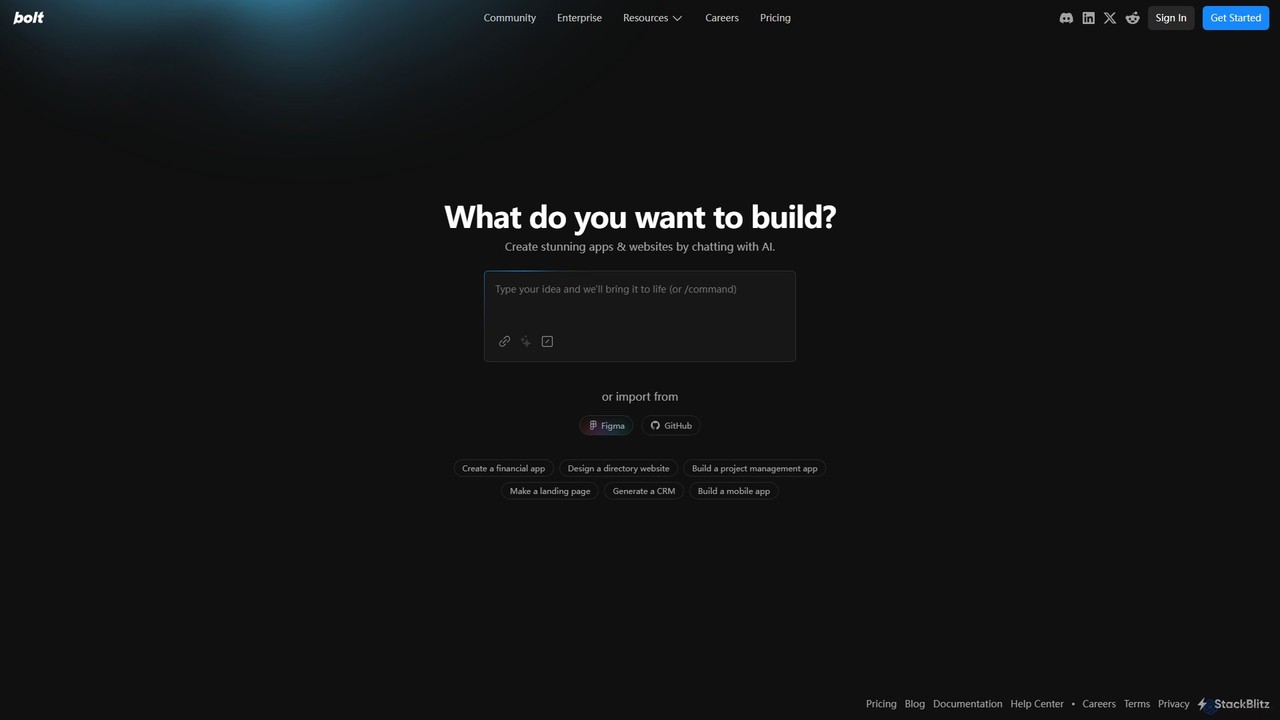
Bolt.new is an AI-powered platform that enables users to create stunning websites and applications simply by chatting. It …
Bolt.new is an AI-powered platform that enables users to create stunning websites and applications simply by chatting. It translates natural language descriptions into functional code, supports Figma and GitHub integration, and aims to accelerate the development process by up to 10x for individuals, teams, and enterprises.
About Ui Generator
UI Generators are AI-powered tools that automate the creation of user interface designs. These tools leverage machine learning and natural language processing to interpret various inputs, such as text prompts, hand-drawn sketches, or existing data. Their primary value lies in significantly accelerating the initial design phase, enabling rapid prototyping, and allowing even non-designers to quickly visualize their ideas into functional UI mockups.
Core Features
- Text-to-UI Generation: Converts natural language descriptions or requirements into complete UI layouts and components.
- Sketch-to-UI Conversion: Transforms hand-drawn wireframes or rough sketches into polished, editable digital UI designs.
- Design System Integration: Generates UIs that automatically adhere to predefined brand guidelines and design systems for consistency.
- Responsive Design Output: Creates UI designs optimized for various screen sizes and devices, ensuring adaptability across platforms.
- Component Library Access: Provides access to extensive libraries of pre-built UI elements and patterns for efficient assembly.
Applicable Scenarios
UI Generators are invaluable for product managers seeking to quickly validate concepts, designers aiming to accelerate their workflow, and developers needing to generate UIs for internal tools. They streamline the process of creating initial mockups, exploring design variations, and translating abstract ideas into tangible visual interfaces.
How to Choose
When selecting a UI Generator, consider its input flexibility (e.g., text, sketch, data), the quality and customizability of its output, and its integration capabilities with existing design tools like Figma or Sketch. Evaluate its support for specific design systems, the learning curve, and the pricing model to ensure it aligns with your team's needs and budget.

Ui GeneratorUse Cases
Rapid Prototyping for Product Concepts
Product managers or startup founders can use UI Generators to quickly visualize new product ideas. By inputting text descriptions of desired features and layouts, the AI generates multiple UI prototypes. This allows for rapid iteration, gathering early feedback from stakeholders or potential users, and validating concepts before investing significant design resources, saving time and accelerating the product development lifecycle.
Converting Hand-Drawn Sketches to Digital UI
Designers often start with hand-drawn wireframes or rough sketches to brainstorm ideas. A UI Generator can take these physical drawings, interpret the elements and their relationships, and convert them into editable digital UI designs. This significantly reduces the manual effort of translating initial concepts into digital formats, allowing designers to focus on refinement and user experience rather than tedious recreation, boosting efficiency by up to 50%.
Automating UI for Internal Developer Tools
Developers often need to build internal tools or dashboards but may lack extensive UI design skills or time. A UI Generator allows them to input functional requirements or data structures, and the AI automatically generates a clean, usable interface. This accelerates the development of internal applications, ensuring a consistent look and feel without requiring a dedicated UI/UX designer for every small project, improving developer productivity.
Generating Design Variations for A/B Testing
Marketing teams or UX researchers often need multiple UI variations to conduct effective A/B testing for landing pages, advertisements, or app features. UI Generators can quickly produce diverse layouts, color schemes, or component arrangements based on specific parameters. This enables rapid experimentation, allowing teams to test more hypotheses and optimize user engagement and conversion rates without extensive manual design work.
Creating Consistent UI Across Multiple Platforms
For products deployed across web, mobile, and desktop, maintaining UI consistency is crucial but challenging. UI Generators, especially those integrated with design systems, can automatically adapt a base design to different screen sizes and interaction paradigms. This ensures a unified brand experience across all platforms, reducing the risk of design drift and significantly cutting down the time required for cross-platform UI adaptation, leading to a 40% faster deployment.
Empowering Non-Designers to Visualize Ideas
Business analysts, product owners, or other non-design roles often have clear ideas for user interfaces but lack the tools or skills to bring them to life visually. UI Generators provide an accessible way for these individuals to translate their concepts into tangible UI mockups using simple text prompts or basic inputs. This fosters better communication within teams, accelerates the initial ideation phase, and reduces bottlenecks in the design process by enabling broader participation.