Ballpark
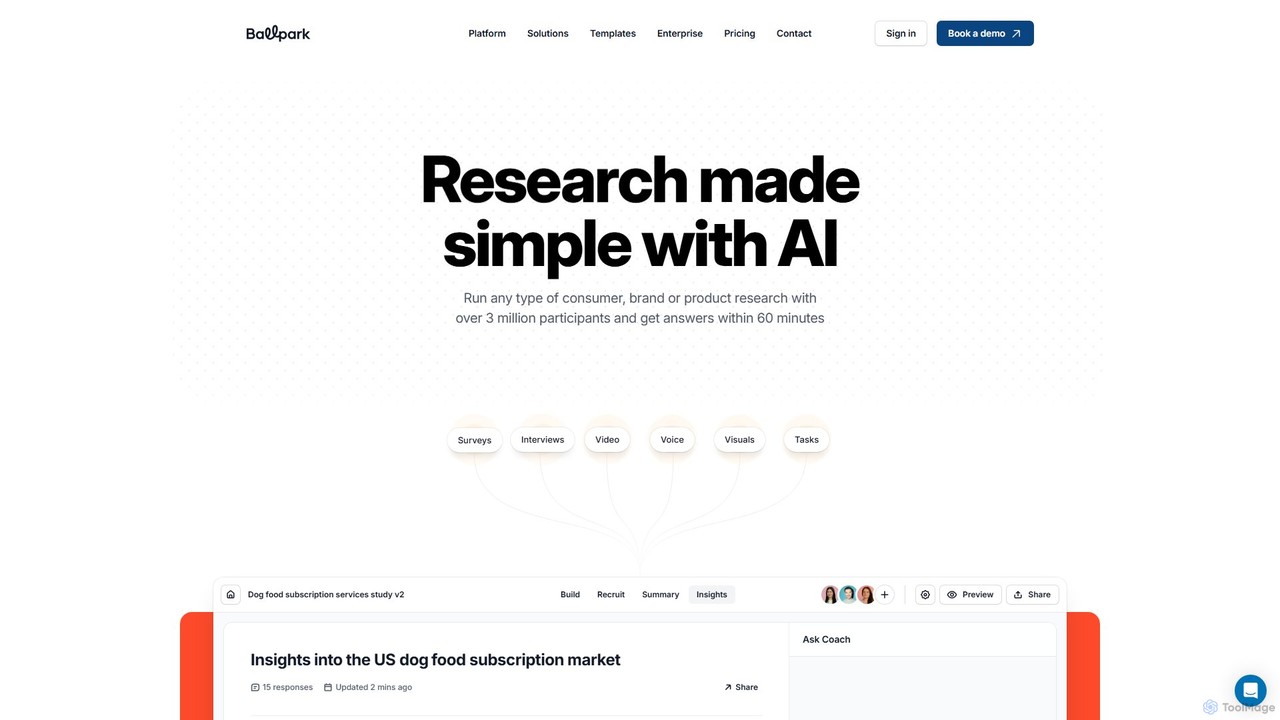
Ballpark is an all-in-one, AI-powered research platform that simplifies consumer, brand, and product research. Conduct surveys, usability tests, …
Ballpark is an all-in-one, AI-powered research platform that simplifies consumer, brand, and product research. Conduct surveys, usability tests, and live interviews with access to over 3 million global participants. Get actionable insights, AI-generated reports, and video highlight reels within minutes, making it easy for any team to make data-driven decisions.
Versive
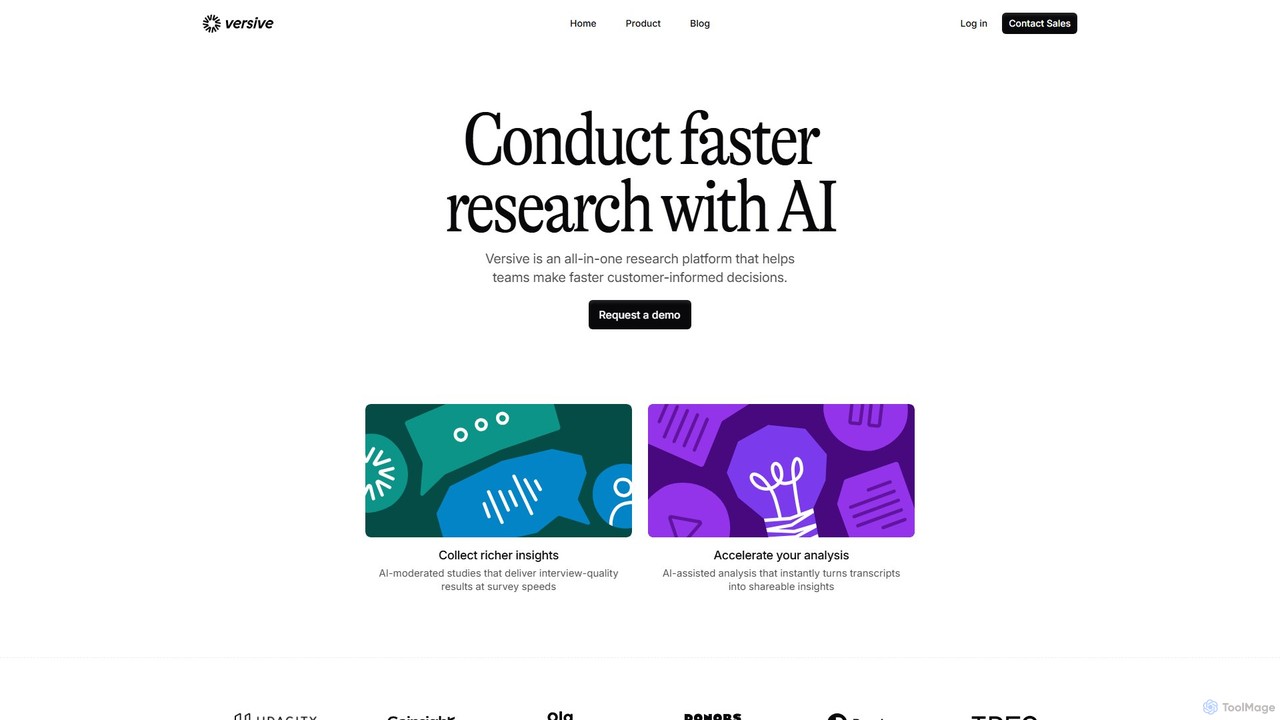
Versive is an all-in-one AI research platform that accelerates customer-informed decisions. It uses AI-moderated interviews, surveys, and usability …
Versive is an all-in-one AI research platform that accelerates customer-informed decisions. It uses AI-moderated interviews, surveys, and usability tests to deliver deep qualitative insights at the speed of quantitative surveys, complete with automated analysis and reporting.
About Usability Testing
AI Usability Testing tools are platforms that use artificial intelligence to analyze and predict user interactions with websites and applications. These tools leverage machine learning models, trained on vast datasets of user behavior, to simulate how real users would engage with a design, identifying potential friction points without needing live participants. They provide rapid, data-driven insights into visual clarity, user attention, and navigational ease, enabling teams to optimize user experience efficiently. This approach complements traditional testing by offering scalable and objective feedback early in the design process.
Core Features
- Predictive Heatmaps: Simulates user eye-tracking to generate heatmaps and attention maps, showing which elements will likely attract the most attention.
- Clarity & Engagement Scoring: Analyzes a design's layout, color, and typography to provide objective scores on its clarity and aesthetic appeal.
- Automated Journey Analysis: Identifies confusing navigation paths or points of friction by simulating user flows through a prototype or live site.
- First-Impression Testing: Generates simulated feedback on what users are likely to perceive within the first few seconds of viewing a page.
- AI-Powered Feedback Synthesis: Processes and categorizes large volumes of qualitative feedback from surveys or interviews to uncover key themes and sentiments.
Applicable Scenarios
These tools are widely used by UX/UI designers, product managers, and marketing teams in sectors like e-commerce, SaaS, and digital publishing. For instance, a designer can upload a Figma prototype to get instant feedback on a new landing page design before development begins. A product manager can use it to benchmark the clarity of their app's onboarding flow against competitors.
Selection Criteria
When choosing an AI Usability Testing tool, consider the following: integration with your existing design software (e.g., Figma, Adobe XD), the type of analysis offered (predictive vs. behavioral), the accuracy and validation of the AI models, and the granularity of the reports provided. Also, evaluate the pricing model based on the number of tests or projects you anticipate running.

Usability TestingUse Cases
Validate Landing Page Designs Before Development
A UX designer for a SaaS company is tasked with creating a new landing page to increase trial sign-ups. Before committing development resources, they upload three different design variations from Figma into an AI usability testing tool. Within minutes, the tool generates predictive heatmaps showing where users will look first, and provides clarity scores for headlines and calls-to-action. The designer discovers that one variation, despite being visually appealing, has a confusing layout that distracts users from the sign-up button. Based on this instant, data-driven feedback, the team confidently selects the most effective design, saving weeks of development time and avoiding a costly A/B test on a flawed design.
Optimize E-commerce Product Page Layout
An e-commerce manager wants to improve the conversion rate of a key product page. They use an AI usability tool to analyze the current page design. The AI's attention analysis reveals that a prominent promotional banner is drawing more attention than the 'Add to Cart' button. Furthermore, the clarity score for the product description is low, suggesting it's difficult to read. Armed with these insights, the manager redesigns the page, moving the 'Add to Cart' button to a more central position and simplifying the description's formatting. They run the new design through the AI tool again, confirming a significant improvement in predicted attention on the call-to-action before launching the changes live.
Benchmark User Experience Against Competitors
A product marketing manager is preparing a competitive analysis report. Instead of relying solely on feature comparisons, they use an AI usability testing tool to objectively measure the user experience of their homepage against three main competitors. They input the URLs of all four websites. The tool generates comparative reports on first-impression clarity, aesthetic appeal, and predicted user engagement. The results show that while their product has more features, a competitor's homepage is perceived as significantly clearer and more trustworthy. This quantitative data provides a powerful new dimension to their analysis, helping them make a strong case to leadership for a design refresh focused on simplicity and trust.
Improve Accessibility Compliance Automatically
A front-end developer is working to ensure their company's web application meets WCAG 2.1 AA standards. Manually checking every component is time-consuming and prone to error. They integrate an AI usability tool that includes an accessibility audit feature into their workflow. The tool automatically scans the entire application, flagging issues like insufficient color contrast, missing ARIA labels, and non-descriptive link text. It provides specific code-level suggestions for remediation. This allows the developer to quickly identify and fix dozens of accessibility issues, improving the experience for users with disabilities and reducing the risk of legal non-compliance, all in a fraction of the time it would take manually.
Generate Hypotheses for A/B Testing
A Conversion Rate Optimization (CRO) specialist is planning the next round of A/B tests for a client's homepage but is unsure where to start. They run the current homepage through an AI usability tool. The analysis generates an 'attention map' which highlights that the primary value proposition is being overlooked by users. It also provides a low clarity score for the main call-to-action button's text. Based on this data, the specialist formulates two strong, data-backed hypotheses: 1) Rewording the value proposition to be more direct will increase engagement. 2) Changing the button text to be more action-oriented will increase clicks. This approach replaces guesswork with targeted, evidence-based ideas, significantly increasing the likelihood of a successful A/B test.
Rapidly Iterate on Mobile App UI Mockups
A mobile app design team is working on a tight deadline to redesign their app's home screen. To speed up the iteration process, they use an AI usability tool that integrates directly with their design software. After creating a new mockup, they can trigger an AI analysis with a single click. The tool provides an immediate report on the design's clarity, predicted tap heatmaps, and potential accessibility issues. This allows the team to make informed adjustments on the fly, test another variation, and get feedback within minutes instead of days. They are able to go through five design-and-test cycles in a single afternoon, arriving at a highly optimized layout much faster than traditional feedback methods would allow.