Atheros Learning
Atheros Learning is an educational platform designed for tech professionals to master AI-driven skills in design and development. …
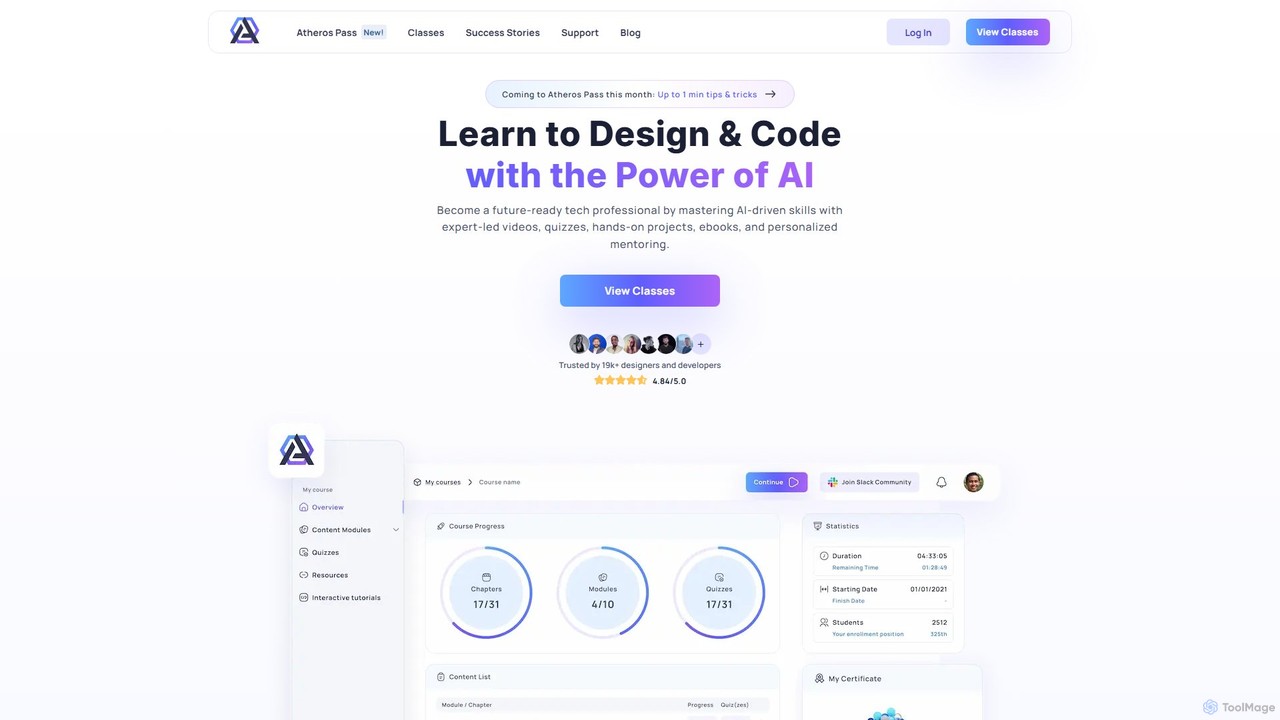
Atheros Learning is an educational platform designed for tech professionals to master AI-driven skills in design and development. It offers expert-led video courses, ebooks, hands-on projects, and personalized mentoring, all accessible through a single subscription pass.
Povio
Povio is an expert software development and design agency that partners with innovative companies to build groundbreaking digital …
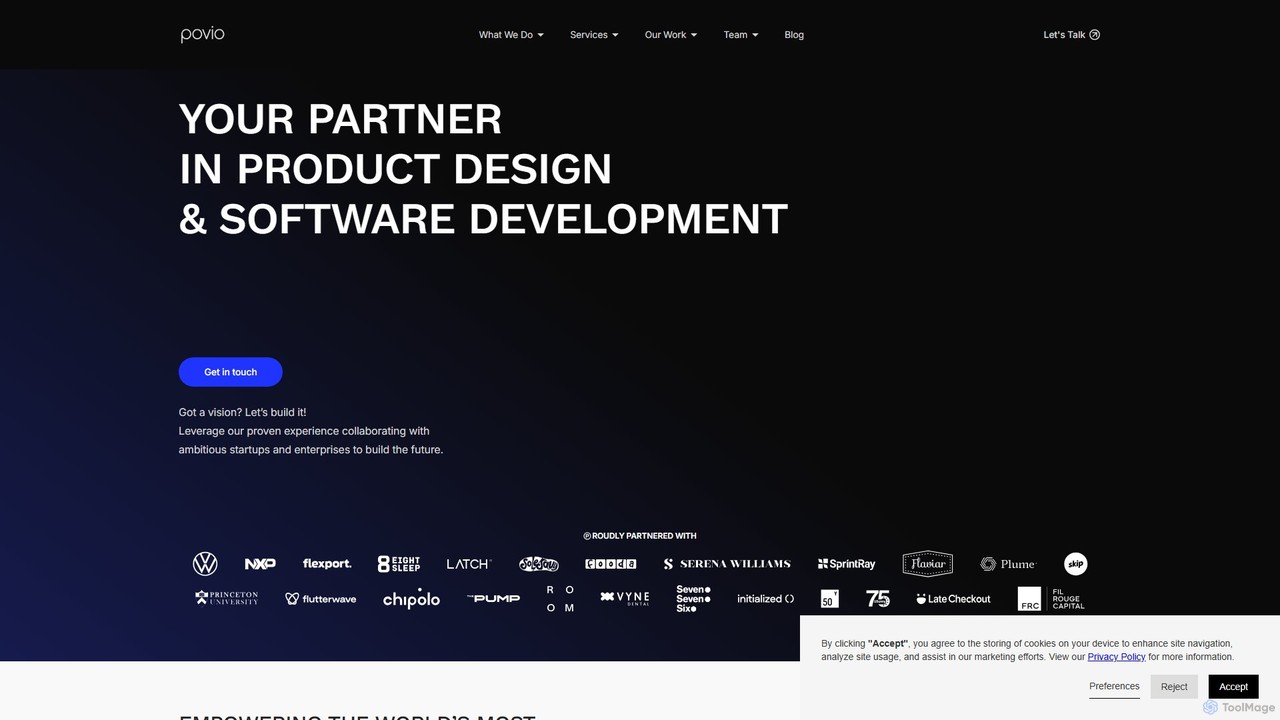
Povio is an expert software development and design agency that partners with innovative companies to build groundbreaking digital products. They offer end-to-end services, from product strategy and UX/UI design to full-stack web and mobile engineering. With deep expertise in AI, healthcare, and Web3, Povio provides flexible, scalable teams to accelerate growth and launch high-quality software on time and on budget, eliminating the complexities of traditional hiring.
Ambeego
Ambeego offers an "Agency-as-a-Service" model, providing a dedicated A-Team of design, development, and AI experts for a flat …
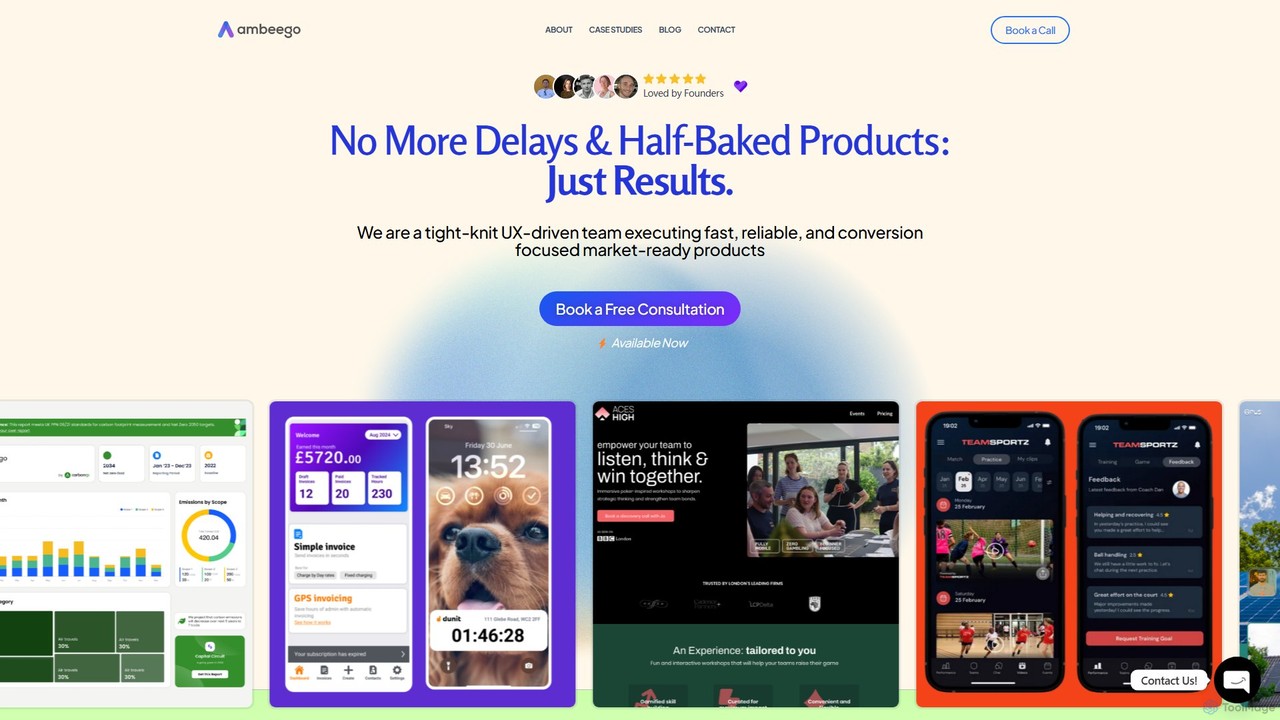
Ambeego offers an "Agency-as-a-Service" model, providing a dedicated A-Team of design, development, and AI experts for a flat monthly fee. It replaces traditional agencies and freelancers with a flexible, high-speed subscription service for building market-ready digital products. Ideal for startups and enterprises seeking quality and efficiency.
About Ux & Ui Design
AI UX & UI Design tools are specialized applications that use artificial intelligence to automate and accelerate the creation of user-centric digital interfaces. These tools leverage machine learning models to generate wireframes from text prompts, create design system components, and analyze user behavior data for insights. Their primary value lies in streamlining the design workflow, enabling rapid prototyping, and ensuring consistency across complex products. This allows design teams to focus more on strategic problem-solving and less on repetitive manual tasks.
Core Features
- Generative Wireframing: Automatically create low-fidelity and high-fidelity mockups from simple text descriptions or sketches.
- Design System Automation: Generate and maintain consistent UI components, color palettes, and typography styles.
- AI-Powered User Analysis: Analyze user session recordings or heatmaps to identify usability issues and friction points.
- Accessibility Auditing: Scan designs to detect and suggest fixes for accessibility issues, ensuring compliance with standards like WCAG.
- UI Copy Generation: Create or refine microcopy, headlines, and button text for improved clarity and user engagement.
Use Cases
These tools are primarily used by product designers, UX researchers, front-end developers, and product managers. Common applications include rapidly iterating on new feature ideas, building and scaling design systems for large organizations, and using data-driven insights to optimize user flows. They are valuable in agile environments where speed and consistency are critical.
How to Choose
When selecting an AI UX/UI Design tool, consider its integration capabilities with your existing software like Figma or Sketch. Evaluate the specific AI features you need—whether it's for initial wireframe generation, design system management, or user analytics. Also, assess the tool's learning curve, collaboration features, and data privacy policies, especially if you are working with sensitive user information.
Ux & Ui DesignUse Cases
Rapid Prototyping from a Product Brief
A product manager needs to visualize a new feature concept for stakeholder review. Instead of waiting days for manual wireframes, they input the feature requirements and user stories into an AI UX/UI tool. Within minutes, the AI generates several distinct wireflow options and screen mockups. This allows the team to immediately discuss and refine the user journey, select a promising direction, and move to high-fidelity design, reducing the initial ideation phase from days to hours.
Automating Design System Component Creation
A design team is scaling their product and needs to ensure UI consistency. They use an AI tool to automate the creation of their design system. By defining base components like buttons and input fields, the AI can generate all necessary variants (e.g., primary, secondary, disabled, hover states) and apply them across different themes (light/dark mode). This automates a tedious process, prevents inconsistencies, and allows developers to pull standardized, ready-to-use components, accelerating development.
Converting Hand-Drawn Sketches to Digital Wireframes
During a brainstorming session, a UX designer captures ideas on a whiteboard. Instead of manually recreating these sketches in a design tool, they take a photo and upload it to an AI wireframing tool. The AI recognizes the hand-drawn elements—like boxes, text placeholders, and buttons—and converts them into an editable, low-fidelity digital wireframe. This bridges the gap between physical and digital ideation, saving hours of redundant work and allowing the designer to quickly start refining the layout and interactions.
AI-Powered Usability Testing Analysis
A UX researcher has collected hours of user session recordings for a new app feature. Manually reviewing this footage is time-consuming. They upload the videos to an AI analysis tool, which automatically generates heatmaps showing where users click most, identifies 'rage clicks' indicating frustration, and transcribes user comments. The tool provides a summarized report of key usability issues and user sentiment, allowing the researcher to quickly pinpoint critical problems and present data-backed findings to the team.
Generating UI Variations for A/B Testing
A marketing team wants to optimize a landing page's conversion rate. A UI designer uses an AI tool to quickly generate multiple design variations. By providing the original design and specifying goals like 'increase sign-ups,' the AI suggests alternative layouts, button colors, headline copy, and imagery. This allows the team to create five distinct versions for an A/B test in under an hour, a task that would have taken a full day manually. The test can then identify the most effective design empirically.
Ensuring Accessibility Compliance Before Development
Before handing off designs to the development team, a UI designer runs their Figma files through an AI-powered accessibility plugin. The tool automatically scans all screens and components, flagging issues like insufficient color contrast, missing alt text placeholders for images, and improper heading structures. It provides specific WCAG 2.1 compliance ratings and suggests concrete fixes, such as recommending accessible color pairings. This proactive check helps catch and resolve critical accessibility barriers early, saving significant rework time during and after development.