Agentary
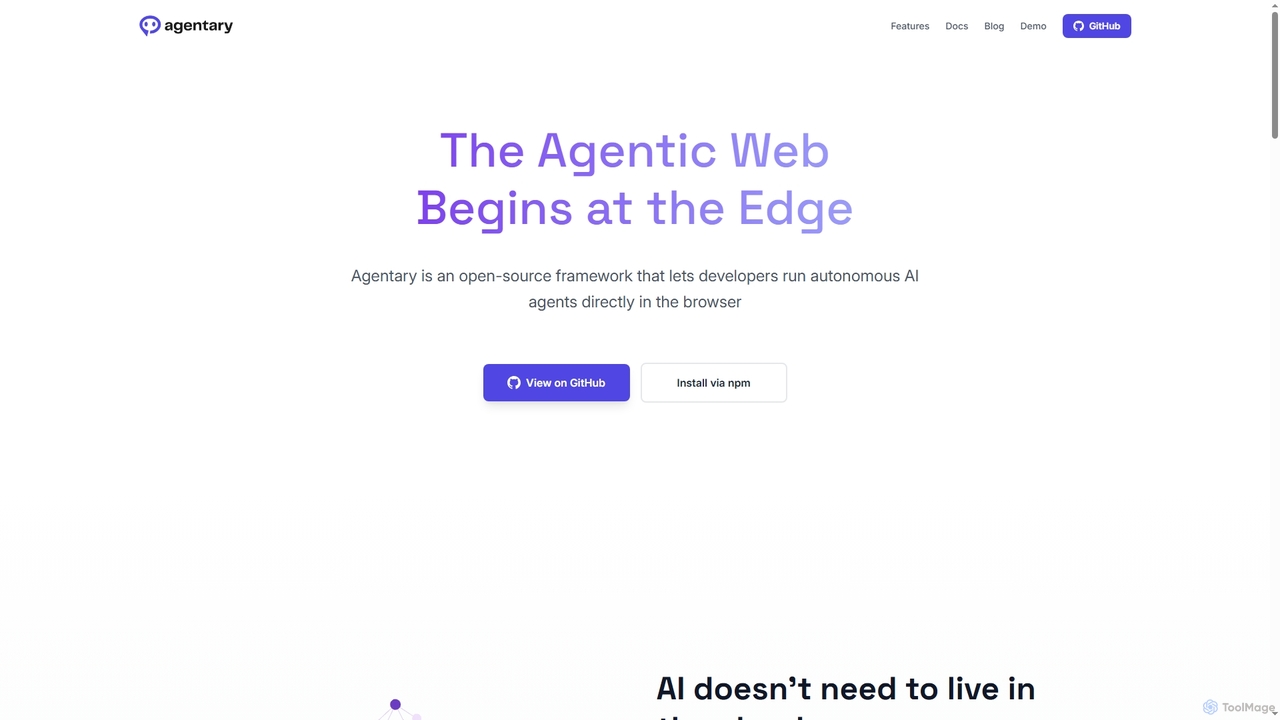
Agentary is an open-source JavaScript SDK for developers to build and run autonomous AI agents directly in the …
Agentary is an open-source JavaScript SDK for developers to build and run autonomous AI agents directly in the browser. It leverages WebGPU and WebAssembly for on-device execution, ensuring complete data privacy, zero latency, and offline functionality. This serverless framework allows for the creation of fast, private, and intelligent web applications without cloud dependencies or API costs.
Anything World
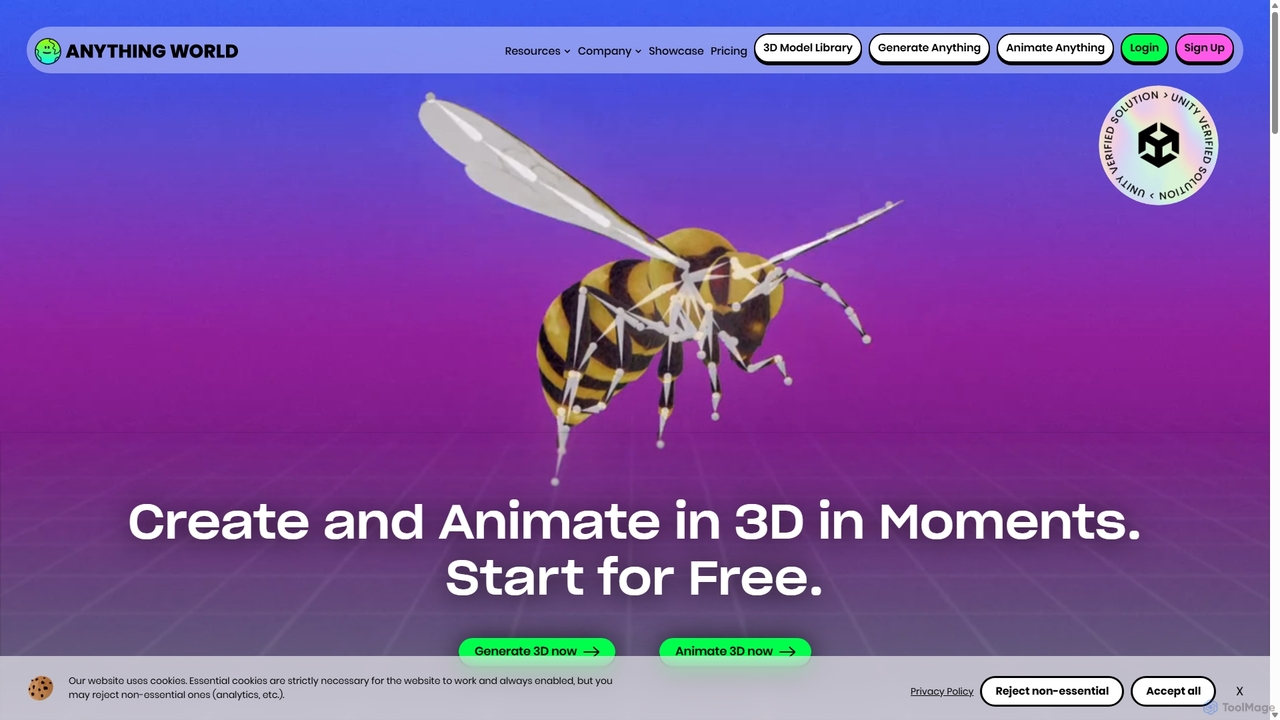
Anything World is an AI-powered platform that revolutionizes 3D content creation with automated rigging and animation. It provides …
Anything World is an AI-powered platform that revolutionizes 3D content creation with automated rigging and animation. It provides game-ready SDKs for Unity and Unreal Engine, enabling developers and artists to rapidly generate and control animated 3D models and entire virtual worlds using simple text or voice commands.
Velt
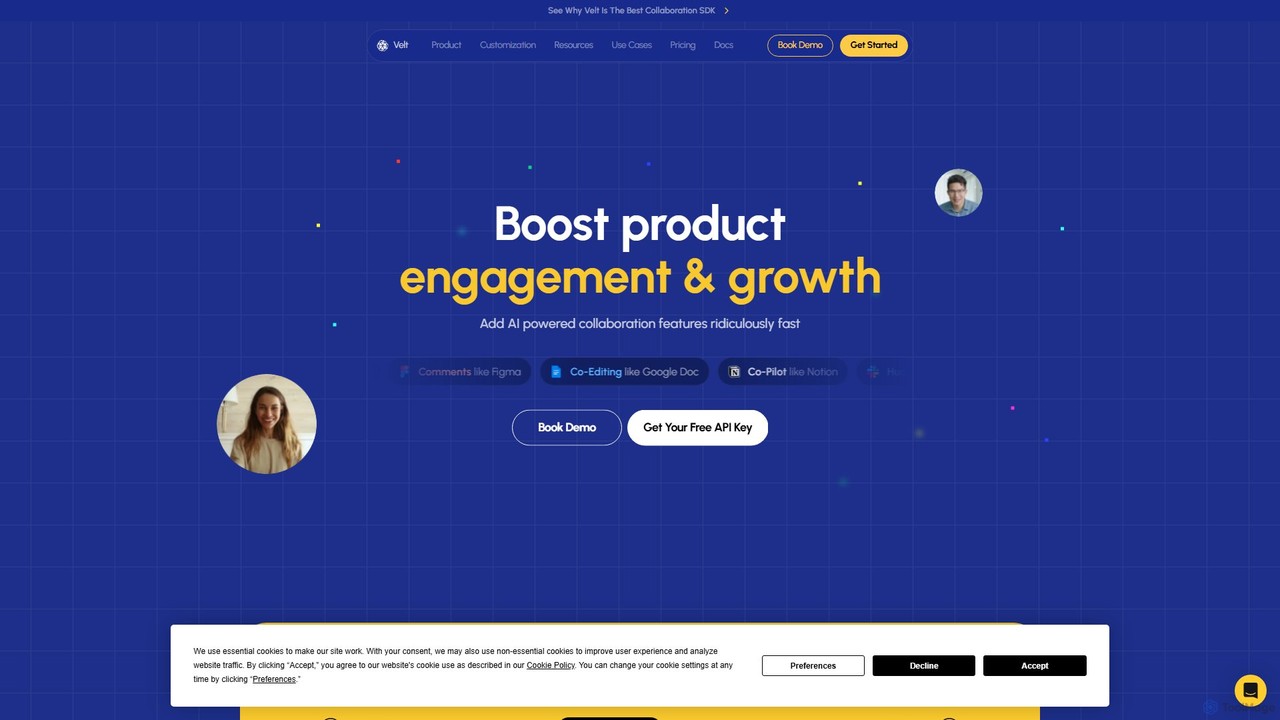
Velt is an AI-powered SDK for developers to rapidly integrate rich collaboration features like comments, co-editing, and live …
Velt is an AI-powered SDK for developers to rapidly integrate rich collaboration features like comments, co-editing, and live presence into any web application. It saves months of development time, boosts user engagement, and allows teams to ship features 5x faster.
AIHelp
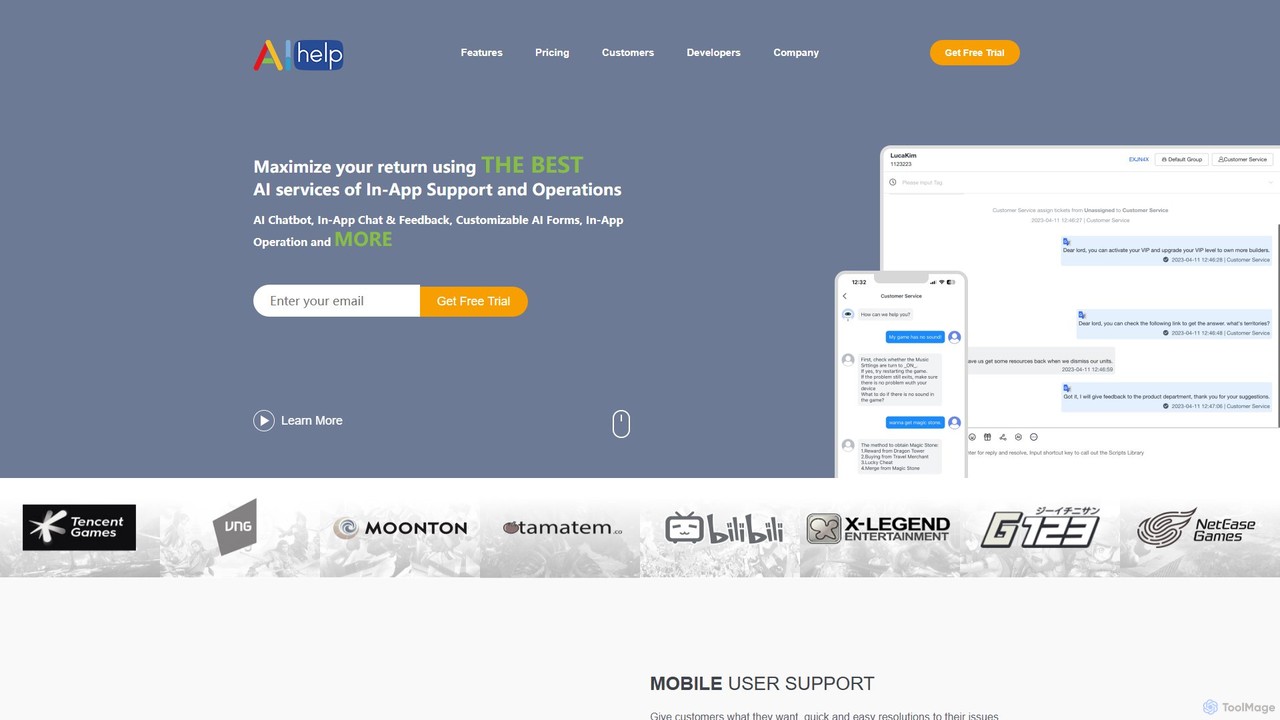
AIHelp is an AI-powered customer support and in-app operations platform for mobile and web apps. It boosts user …
AIHelp is an AI-powered customer support and in-app operations platform for mobile and web apps. It boosts user engagement and satisfaction with features like AI chatbots, in-app messaging, smart forms, and a multi-channel helpdesk, helping businesses automate support and increase efficiency.
inappchat
An AI-powered in-app chat SDK and API that enables businesses to integrate seamless, feature-rich chat functionalities into their …
An AI-powered in-app chat SDK and API that enables businesses to integrate seamless, feature-rich chat functionalities into their mobile and web applications. Enhance user engagement, provide instant customer support, and build communities with customizable chatbots and live chat.
Koah
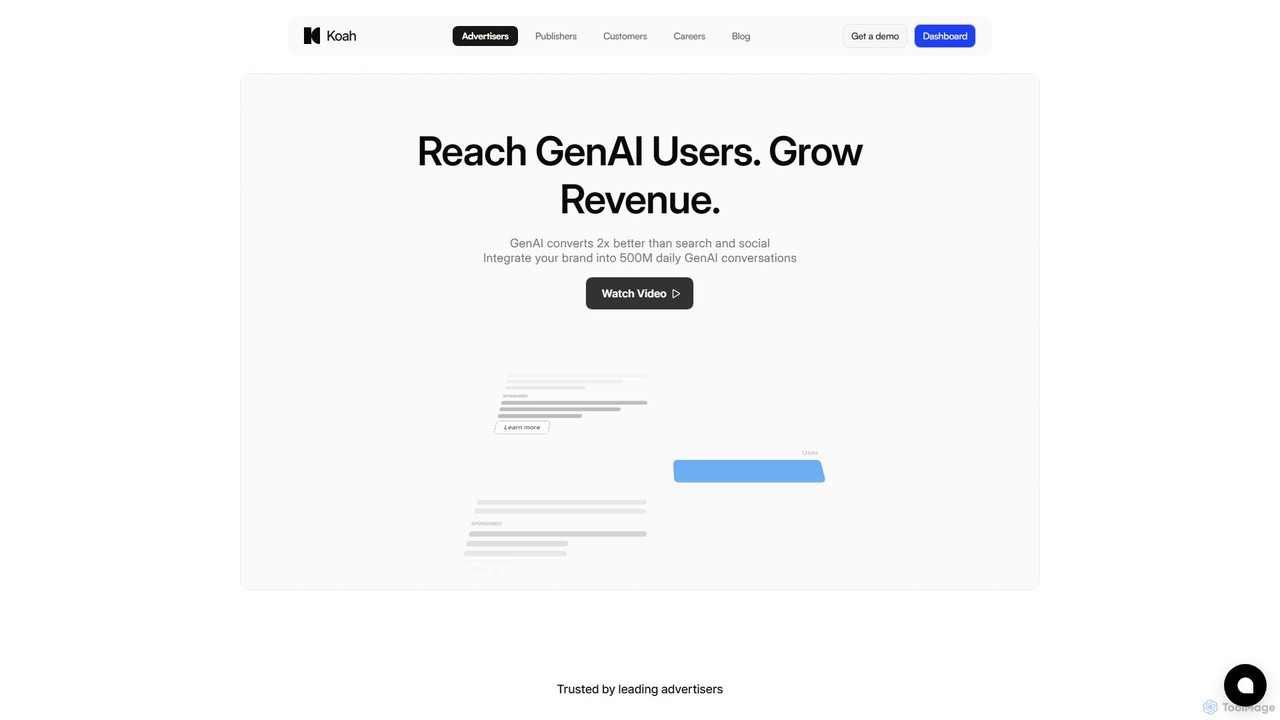
Koah is a pioneering advertising network designed for the Generative AI era. It connects advertisers with high-intent users …
Koah is a pioneering advertising network designed for the Generative AI era. It connects advertisers with high-intent users within over 50 AI applications, offering native, contextual ads that enhance the user experience. For AI developers, Koah provides a powerful SDK to monetize their applications with a scalable, non-intrusive revenue stream, boasting higher payouts than traditional display ads.

KOR Protocol
KOR Protocol is a Web3 infrastructure for AI-powered entertainment, empowering creators with on-chain IP protection, transparent licensing, and …
KOR Protocol is a Web3 infrastructure for AI-powered entertainment, empowering creators with on-chain IP protection, transparent licensing, and co-creation tools. It combines AI and blockchain to enable new revenue streams and collaborative experiences for artists, developers, and fans in music, gaming, and digital art.
IRIS
IRIS provides an advanced AI-powered audio platform that delivers real-time noise cancellation and voice enhancement. Designed for mission-critical …
IRIS provides an advanced AI-powered audio platform that delivers real-time noise cancellation and voice enhancement. Designed for mission-critical communications, it offers solutions like the Clarity app, an SDK for developers, and the VIPER embedded system for hardware, ensuring crystal-clear audio in any environment, from call centers to motorsports.
Gleap
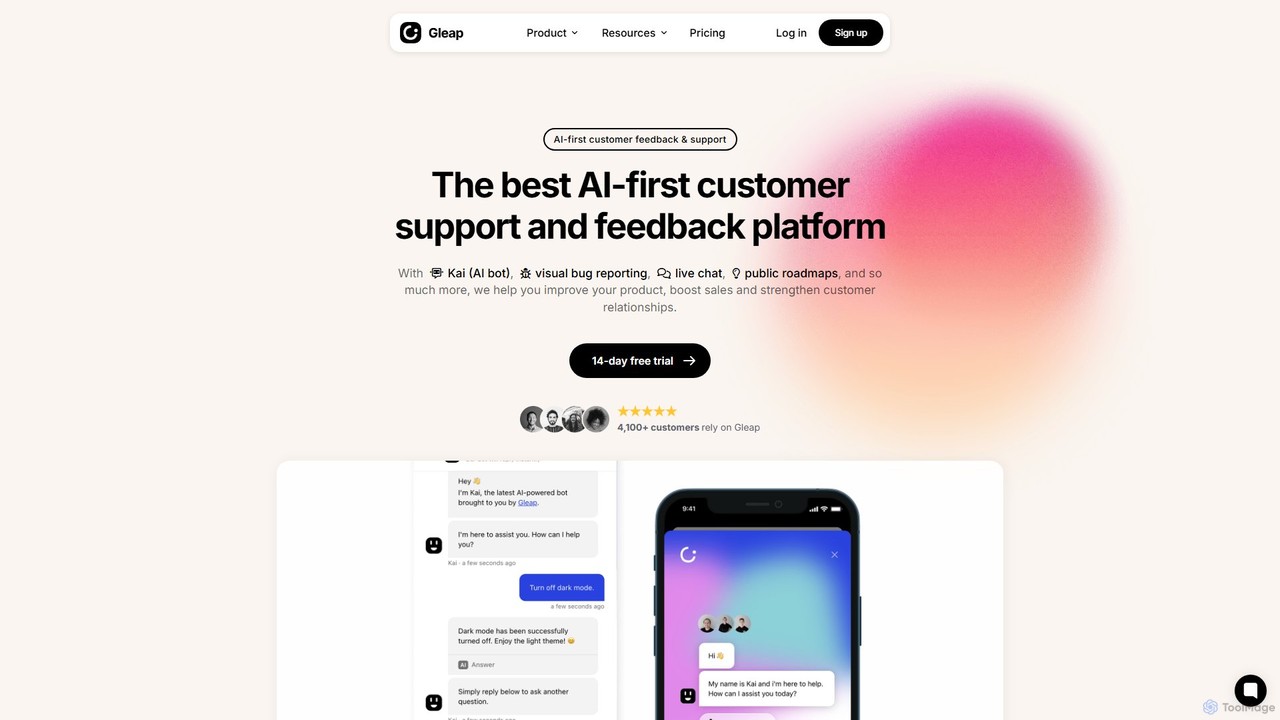
Gleap is an all-in-one, AI-powered customer feedback platform. It helps businesses collect bug reports and user feedback, provide …
Gleap is an all-in-one, AI-powered customer feedback platform. It helps businesses collect bug reports and user feedback, provide automated support with an AI chatbot, engage users with in-app messaging, and manage a public product roadmap.
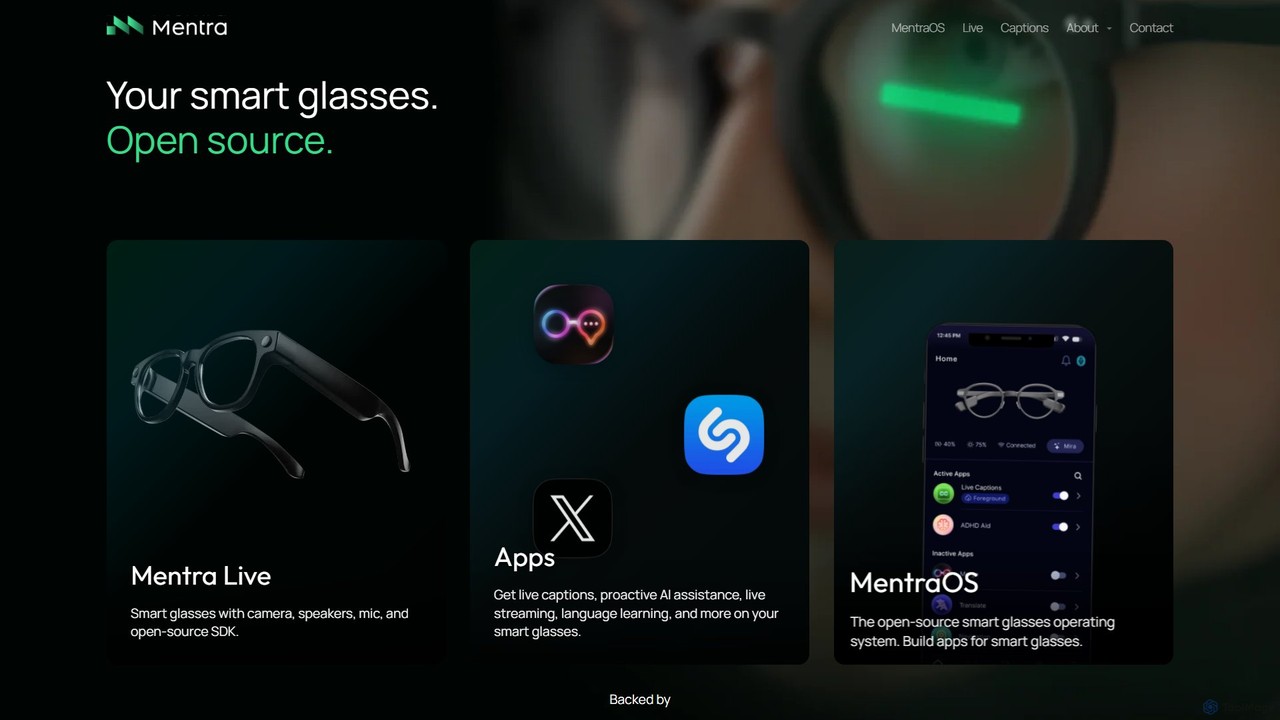
Mentra
Mentra is a pioneering platform building the future of personal computing with open-source AI smart glasses. It features …
Mentra is a pioneering platform building the future of personal computing with open-source AI smart glasses. It features Mentra Live hardware and the MentraOS operating system, designed for proactive AI assistance, unrestricted live streaming, real-time translation, and a robust developer ecosystem. It aims to be the 'Android for smart glasses'.
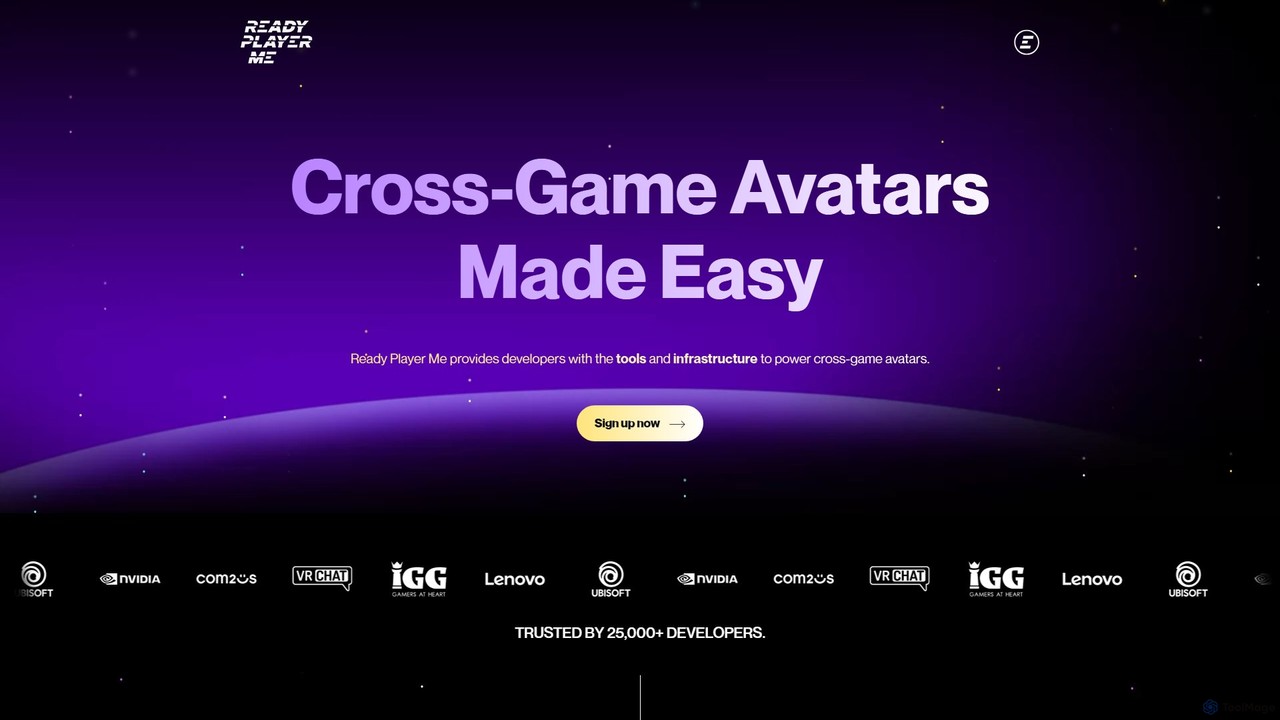
Ready Player Me
Ready Player Me is a cross-game avatar platform for developers, providing SDKs and tools to integrate a highly …
Ready Player Me is a cross-game avatar platform for developers, providing SDKs and tools to integrate a highly customizable 3D avatar system into games and metaverse applications. It leverages AI for avatar creation and offers monetization opportunities through a shared cosmetic economy.
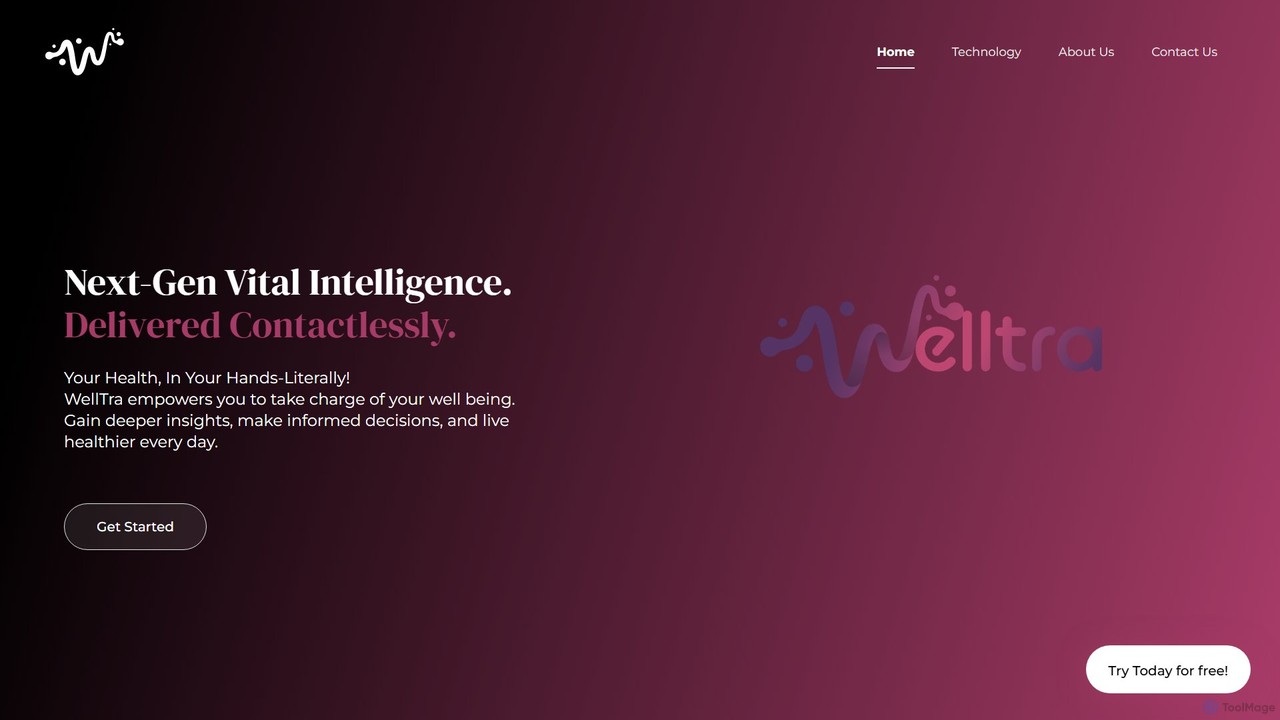
WellTra
WellTra is a next-generation AI platform that provides contactless vital sign monitoring using any standard camera. Leveraging rPPG …
WellTra is a next-generation AI platform that provides contactless vital sign monitoring using any standard camera. Leveraging rPPG technology, it measures key health metrics like heart rate, blood pressure, and stress levels in real-time, offering personalized wellness insights while prioritizing user privacy through on-device processing.
About Sdk
An AI SDK (Software Development Kit) is a collection of tools, libraries, and pre-packaged code that enables developers to integrate artificial intelligence features into their applications. These kits abstract away the complexity of underlying machine learning models, providing simplified APIs for tasks like computer vision, natural language processing, or speech recognition. By using an AI SDK, developers can significantly accelerate the development process, reduce the need for specialized AI expertise, and efficiently deploy powerful AI capabilities across different platforms. This approach allows for the creation of smarter, more interactive software without building AI systems from the ground up.
Core Features
- Pre-trained Models: Provides access to ready-to-use models for common AI tasks, saving significant training time.
- API Wrappers & Libraries: Offers simplified functions and classes in various programming languages to interact with complex AI services.
- Performance Optimization Tools: Includes tools for optimizing model inference speed and resource usage on target devices (e.g., mobile, edge).
- Code Samples & Documentation: Offers comprehensive guides, tutorials, and sample projects to facilitate quick integration.
- Data Processing Utilities: Contains helper functions for preparing and transforming data into formats required by AI models.
Applicable Scenarios
AI SDKs are widely used by mobile and web application developers, IoT engineers, and enterprise software teams. For instance, a mobile developer can use a vision SDK to add real-time object detection to a camera app. A web developer might integrate an NLP SDK to power a customer service chatbot. In the enterprise space, they are used to build features for automated document analysis or predictive analytics within existing business software.
Selection Criteria
When choosing an AI SDK, consider the following: platform compatibility (iOS, Android, Web, etc.) and programming language support. Evaluate the scope and quality of its AI features—does it meet your specific needs for image recognition or text analysis? Assess its performance, memory footprint, and scalability, especially for on-device deployment. Finally, review the licensing terms, pricing model, and the quality of its documentation and community support.
SdkUse Cases
Adding Smart Filters to a Photo Editing App
A mobile app developer wants to enhance their photo editing application with AI-powered features. Instead of building complex image processing algorithms from scratch, they integrate a computer vision SDK. This allows them to quickly implement features like automatic background removal, object recognition for tagging, and artistic style transfers. By calling simple functions from the SDK, the developer can offer sophisticated editing options that would otherwise require months of specialized R&D, significantly improving user engagement and app value.
Integrating a Voice Assistant into an IoT Device
An IoT hardware engineer is developing a smart home hub. To provide a hands-free user experience, they need to implement voice command capabilities. Using a speech recognition and NLP SDK, the engineer can integrate wake-word detection, speech-to-text conversion, and natural language understanding directly onto the device's firmware. The SDK provides optimized libraries for the specific hardware, ensuring low latency and efficient processing. This allows the team to focus on the device's core functionality rather than the complexities of building a voice interface from scratch.
Building a Real-time Translation Feature in a Chat App
A software company wants to add a real-time translation feature to its global messaging application to break down language barriers between users. A developer on the team uses a translation SDK that supports multiple languages. By integrating a few lines of code, they can capture outgoing messages, send them to the translation service via the SDK, and display the translated text to the recipient almost instantly. The SDK handles authentication, API call formatting, and error handling, allowing the developer to deploy a robust, multi-language communication feature in days instead of months.
Automating Data Extraction from Invoices
An enterprise developer is tasked with automating the accounts payable process. A key challenge is extracting structured data (like vendor name, date, and total amount) from thousands of PDF invoices in various formats. By using a Document AI SDK, the developer can build an application that processes these documents. The SDK provides pre-trained models for invoice analysis, allowing the application to identify and extract relevant fields with high accuracy. This eliminates manual data entry, reduces errors, and accelerates the entire payment cycle, saving the company significant operational costs.
Implementing a Personalized Recommendation Engine
A developer at an e-commerce company is building a feature to show personalized product recommendations to users. They use a recommendation engine SDK to simplify this complex task. The SDK provides functions to track user behavior (like clicks and purchases), process this data, and generate relevant recommendations in real-time. By integrating the SDK into their backend, the developer can quickly launch a sophisticated personalization feature that improves product discovery and increases sales, without needing a dedicated team of data scientists to build and maintain the recommendation algorithms.
Developing a Sentiment Analysis Tool for Customer Feedback
A product manager wants to understand customer sentiment from thousands of app reviews and support tickets. A developer uses a Natural Language Processing (NLP) SDK to build an internal analysis tool. The SDK provides a simple API call to perform sentiment analysis on a given text, classifying it as positive, negative, or neutral. The developer quickly builds a script that iterates through all feedback, passes it to the SDK, and stores the sentiment score in a database. This enables the product team to create dashboards that visualize sentiment trends over time, identify urgent issues, and make data-driven decisions without manually reading every piece of feedback.