ToolMage
Sign in

Best 3 Api & Sdk AI tools for Development

Popular Api & Sdk AI tools in Development include Nylas, Picsart, and QuickBlox, helping you work more efficiently.

Freemium

QuickBlox

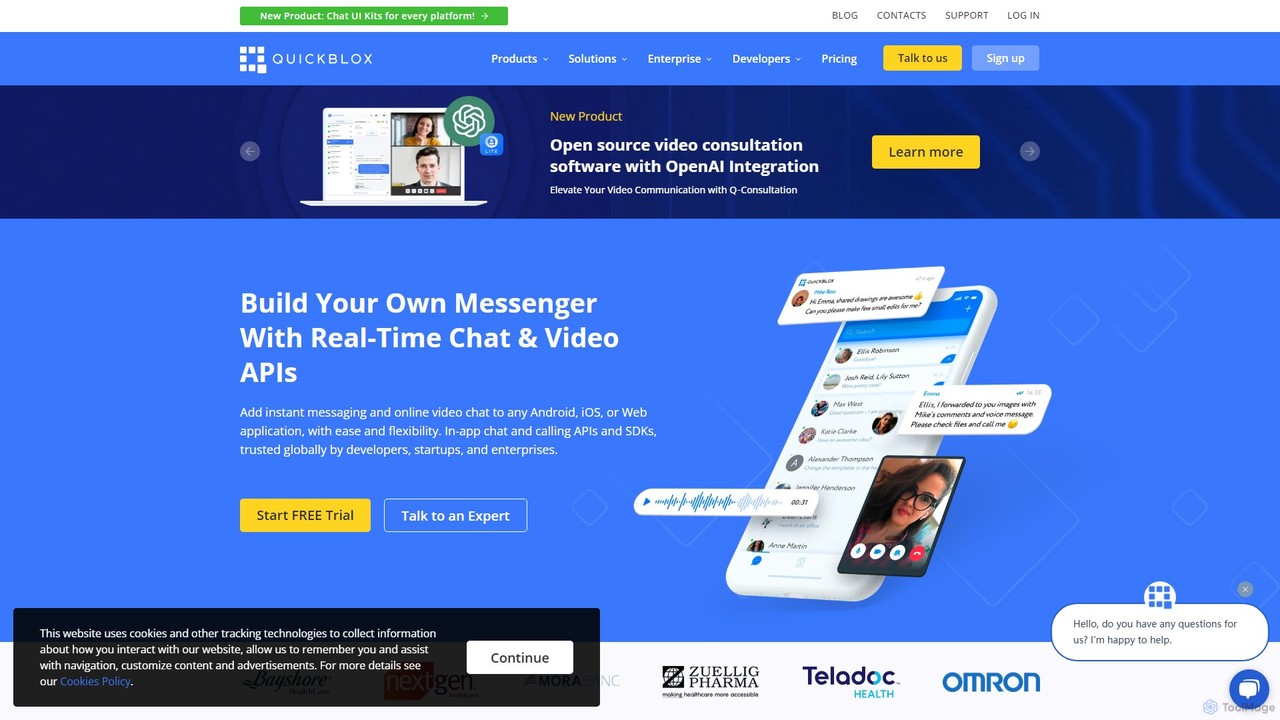
QuickBlox is a Communication Platform as a Service (CPaaS) that provides developers with APIs and SDKs to easily integrate real-time chat, video, and voice calling features into their web, mobile, and desktop applications. It offers a scalable, secure, and feature-rich solution for various industries, including healthcare, education, and retail.

Chat & Messaging
Visits 17.7KFavorites 106Likes 85
Freemium

Picsart

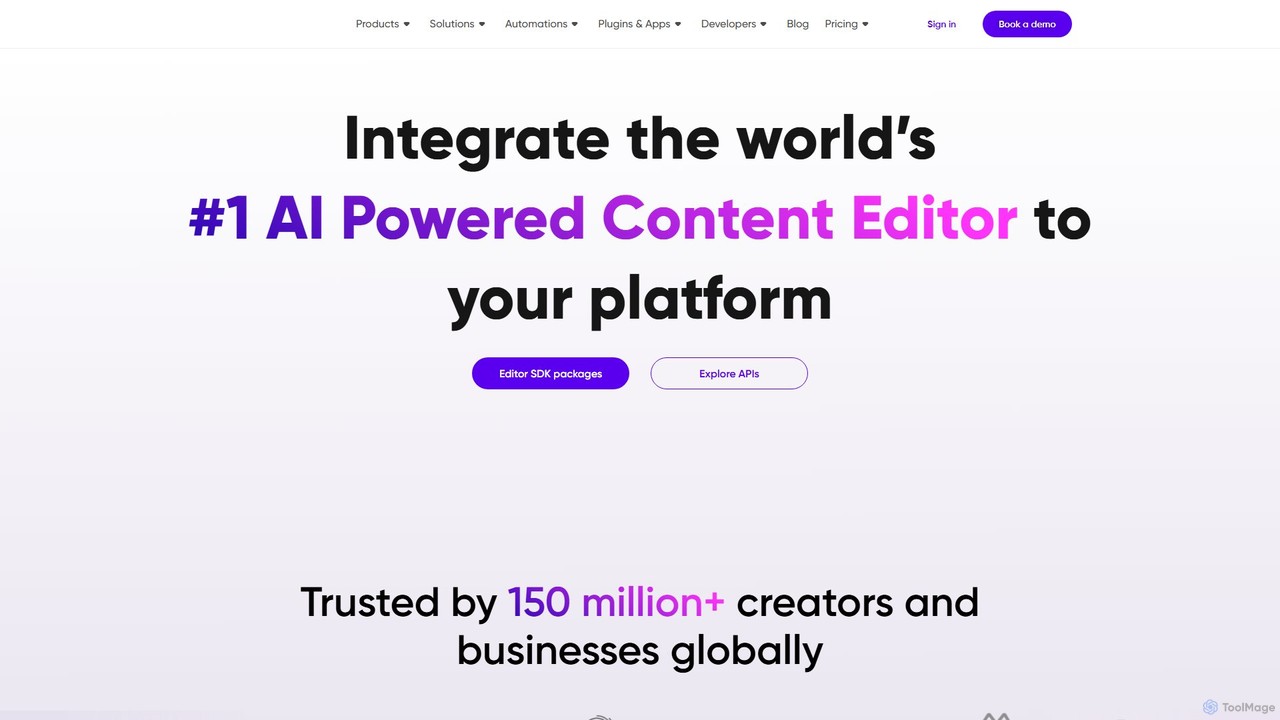
Picsart provides powerful photo and video editing APIs and SDKs for businesses. It allows developers to integrate a world-class, AI-powered content editor directly into their platforms. Key features include generative AI tools like text-to-image and background removal, extensive content libraries, and highly configurable solutions for web-to-print, e-commerce, and marketing automation, enabling businesses to offer advanced creative capabilities to their users seamlessly.

Api & Sdk
Visits 182.2KFavorites 116Likes 138
Freemium

Nylas

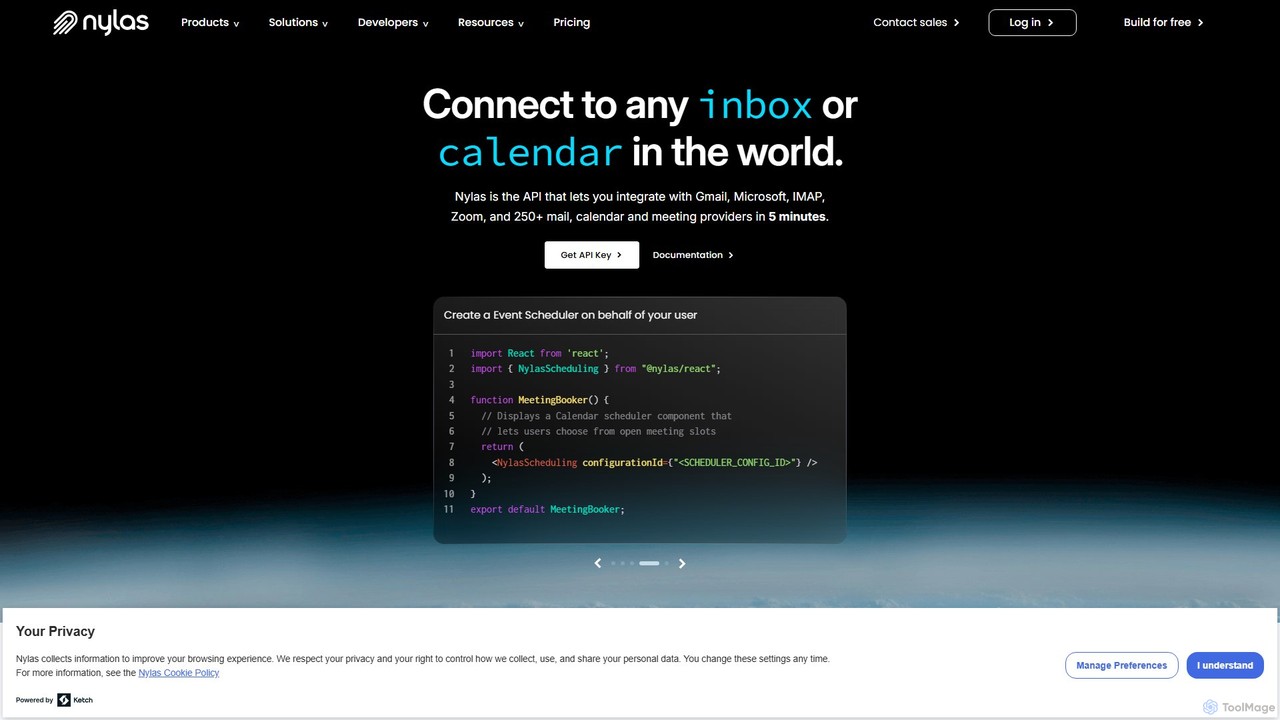
Nylas is a universal API platform for developers, enabling seamless integration of email, calendar, and contact functionalities into any application. It connects to hundreds of providers like Gmail and Microsoft 365 with a single API, saving significant development time. Nylas also offers an AI-powered Notetaker API for transcribing online meetings, empowering developers to build advanced communication features quickly and securely.

Crm
Visits 193.4KFavorites 124Likes 117

About Api & Sdk

API & SDK tools provide developers with programmatic access to pre-built AI models and functionalities. These toolkits act as a bridge, allowing the integration of complex AI capabilities like natural language processing, computer vision, or speech recognition directly into applications, websites, or services. This approach dramatically accelerates development cycles by eliminating the need to build and train machine learning models from scratch. By leveraging these interfaces, developers can build sophisticated, AI-powered features with greater efficiency and scalability, focusing on application logic rather than complex AI infrastructure.

Core Features

  • Pre-trained Model Access: Instantly utilize sophisticated, pre-trained AI models for specific tasks through simple API calls.
  • Scalable Endpoints: Rely on managed, high-availability infrastructure that scales automatically to handle fluctuating workloads.
  • Multi-language SDKs: Use Software Development Kits (SDKs) tailored for popular programming languages like Python, JavaScript, and Java to simplify integration.
  • Comprehensive Documentation: Access detailed guides, code examples, and API references to streamline the development process.

Use Cases

These tools are fundamental in modern software development. They are used to build intelligent customer service chatbots, automate content moderation on social platforms, add voice command features to mobile apps, and create personalized recommendation engines for e-commerce. Any application requiring a layer of intelligence can benefit from these integrations.

How to Choose

When selecting an AI API or SDK, evaluate the model's performance and accuracy for your specific use case. Analyze the pricing structure, such as pay-per-call versus subscription tiers. It's also crucial to assess the quality of the documentation, API response latency, and the provider's data privacy and security policies to ensure they meet your project's standards.

Featured tool rankings

Api & Sdk use cases

1

Build a Smart Customer Support Chatbot

A developer at an e-commerce company needs to reduce the volume of support tickets. By integrating a Natural Language Processing (NLP) API, they can build a chatbot capable of understanding customer inquiries like 'Where is my order?' or 'How do I make a return?'. The API handles intent recognition and entity extraction, allowing the chatbot to query internal systems and provide instant, accurate responses 24/7. This automates routine queries and frees up human agents to handle more complex customer issues.

2

Automate Content Moderation for a Social Platform

A social media startup needs an efficient way to moderate user-generated content to maintain community standards. Instead of hiring a large team of human moderators, they use a computer vision API. Developers integrate the API to automatically scan uploaded images and videos for inappropriate content, such as violence or hate speech. The API returns a confidence score, allowing the platform to automatically flag or remove content that violates its policies, ensuring a safer user environment at scale.

3

Add Voice Commands to a Mobile Application

A mobile app developer wants to improve accessibility and user experience by adding voice control. They use a Speech-to-Text SDK for iOS and Android. The SDK provides the necessary libraries and code samples to integrate voice recognition directly into the app. Users can then perform actions, such as 'search for nearby restaurants' or 'add milk to my shopping list', simply by speaking. The SDK handles the audio processing and transcription, converting spoken words into text that the application can act upon.

4

Automate Data Extraction from Documents

A financial services company processes thousands of invoices and receipts daily, a task that requires significant manual data entry. To automate this, their development team integrates an Optical Character Recognition (OCR) API. The application can now automatically scan document images, and the API extracts key information like invoice numbers, dates, and total amounts. This structured data is then fed directly into their accounting software, drastically reducing manual labor, minimizing errors, and accelerating payment processing cycles.

5

Develop a Personalized Recommendation Engine

An online streaming service wants to increase user engagement by providing personalized content suggestions. Their developers use a machine learning API that specializes in recommendations. By sending user activity data—such as viewing history and ratings—to the API, they receive a ranked list of recommended movies and shows for each user. This allows them to build a 'Recommended for You' section without needing a dedicated data science team, improving user retention and discovery.

6

Create a Real-Time Language Translation Feature

A developer is building a global communication app and wants to break down language barriers between users. They integrate a text translation API into the app's chat functionality. When a user sends a message, the app detects the recipient's language preference and makes an API call to translate the message in real time. The recipient sees the message in their native language instantly. This feature, powered by the API, fosters a more inclusive and connected global community without requiring complex in-house translation infrastructure.

Api & Sdk FAQ

What are AI APIs and SDKs?

AI APIs (Application Programming Interfaces) and SDKs (Software Development Kits) are tools that allow developers to add artificial intelligence features to their applications without building the AI models themselves. An API provides a direct way to send data to an AI model and get a response, while an SDK is a more comprehensive package that includes libraries, code samples, and documentation to make using the API easier within a specific programming language like Python or JavaScript.

How do I choose the right AI API or SDK?

To choose the right tool, consider these factors:

  • Functionality: Does it perform the specific task you need, such as text analysis, image recognition, or speech-to-text?
  • Performance: Evaluate its accuracy, speed (latency), and reliability. Many providers offer a free tier for testing.
  • Pricing: Compare pricing models. Some charge per API call, while others have monthly subscriptions. Ensure it fits your budget at scale.
  • Documentation & Support: Good documentation, clear code examples, and responsive developer support are crucial for smooth integration.
What is the difference between an API and an SDK for AI?

An API (Application Programming Interface) is the endpoint that receives requests and sends back responses from the AI model. It's like a menu in a restaurant; you make a request and get a result. An SDK (Software Development Kit) is a set of tools that makes it easier to use the API in a specific programming environment. It's like a meal kit that includes the menu, pre-measured ingredients (libraries), and instructions (code samples), so you can build your application faster. You use the SDK to more easily communicate with the API.

Do I need machine learning expertise to use AI APIs?

No, one of the primary benefits of using AI APIs is that you do not need deep machine learning or data science expertise. The provider handles the complexity of building, training, and maintaining the AI models. As a developer, you only need to know how to make an API request and handle the response within your application. This accessibility allows developers from all backgrounds to integrate powerful AI capabilities into their projects.

What are the typical pricing models for AI APIs?

Pricing for AI APIs varies but generally falls into a few common models:

  • Pay-As-You-Go: You are charged based on usage, such as per API call, per 1,000 characters of text processed, or per minute of audio transcribed. This is flexible and cost-effective for variable workloads.
  • Tiered Subscriptions: You pay a fixed monthly fee for a set number of API calls or a certain level of usage. Higher tiers offer more requests and sometimes additional features.
  • Free Tier: Most providers offer a limited free tier for developers to experiment and build prototypes before committing to a paid plan.