ToolMage
Sign in

Best 1 Chatbot AI tools for Development

Popular Chatbot AI tools in Development include Dify, helping you work more efficiently.

Dify
Freemium

Dify

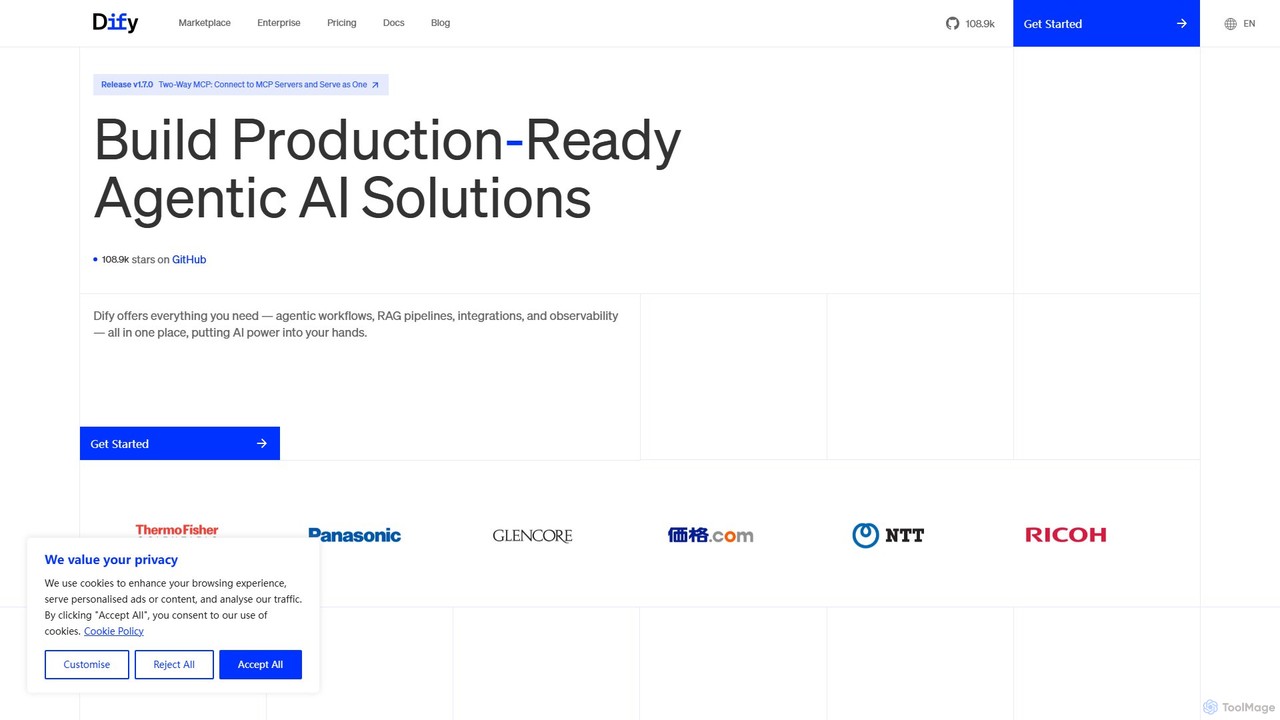
Dify is an open-source, low-code AI development platform for building and operating production-ready generative AI applications. It enables the creation of AI agents and workflows powered by RAG pipelines, extensive model support, and full observability, simplifying the entire development lifecycle from idea to deployment.

Ai Agent
Visits 1.1MFavorites 80Likes 83

About Chatbot

Chatbot tools are applications designed to build and deploy AI-powered agents that simulate human conversation through text or voice. These tools leverage Natural Language Processing (NLP) and machine learning to understand user queries, discern intent, and provide relevant, automated responses. As a key component in the development toolkit, they enable businesses to automate customer support, lead generation, and user engagement across websites and messaging platforms. Modern chatbot platforms often provide low-code or no-code interfaces, allowing both developers and non-technical users to create and manage conversational AI efficiently.

Core Features

  • Natural Language Processing (NLP): Understands user intent, context, and sentiment beyond simple keyword matching.
  • Multi-channel Integration: Deploys seamlessly across websites, mobile apps, social media, and messaging platforms like Slack or WhatsApp.
  • Visual Flow Builder: Allows for the creation of complex conversation logic using a drag-and-drop graphical interface.
  • API Connectivity: Integrates with external systems like CRMs, databases, and third-party services to fetch or send data.
  • Analytics Dashboard: Tracks key performance metrics such as user engagement, resolution rates, and conversation paths for optimization.

Use Cases

Chatbot tools are widely used in customer service for automating FAQs, in e-commerce for product recommendations and order tracking, and in marketing for qualifying leads. They are also deployed internally for IT helpdesks and HR onboarding processes, providing instant, 24/7 support without human intervention.

How to Choose

When selecting a chatbot tool, evaluate its NLP capabilities for understanding complex language. Check its integration options to ensure it connects with your existing tech stack (e.g., CRM, helpdesk). Assess the ease of use of its conversation builder and its scalability to handle future traffic. Finally, consider whether a no-code, low-code, or code-first platform best fits your team's technical skills.

Featured tool rankings

Chatbot use cases

1

Automate Customer Support Triage

A customer support team uses a chatbot on their website to provide instant answers to frequently asked questions like 'What are your business hours?' or 'How do I track my order?'. For more complex issues, the bot collects initial user information (name, issue category, account ID) and creates a support ticket, assigning it to the appropriate human agent. This process filters out up to 60% of repetitive queries, allowing agents to focus on high-priority cases and reducing average response times.

2

Qualify E-commerce Leads 24/7

An online furniture store deploys a chatbot to engage website visitors. The bot proactively asks questions to understand a visitor's needs, such as 'What room are you shopping for?' and 'What's your style preference?'. Based on the answers, it recommends relevant products and can offer a time-limited discount code to encourage a purchase. If the visitor shows strong interest but doesn't buy, the bot collects their email address for follow-up, effectively turning anonymous traffic into qualified leads around the clock.

3

Streamline Internal IT Helpdesk Requests

An IT department uses a chatbot integrated into their company's messaging platform (e.g., Slack or Microsoft Teams). Employees can interact with the bot to perform common tasks like resetting their password, requesting access to a software application, or troubleshooting VPN issues. The bot guides them through a series of steps and, if the issue is resolved, closes the ticket automatically. This automation handles over 40% of routine IT requests, freeing up helpdesk staff to focus on complex system-wide problems.

4

Automate Appointment Booking for Services

A local dental clinic implements a chatbot on its website and Facebook page. Potential patients can ask about services, check for available appointment slots, and book a consultation directly within the chat interface, even outside of office hours. The chatbot integrates with the clinic's calendar system to ensure real-time availability and sends automated appointment confirmations and reminders via email or SMS. This reduces the administrative workload on reception staff and provides a convenient booking channel for patients.

5

Gather User Feedback and Conduct Surveys

A SaaS company uses a chatbot to collect user feedback after a customer completes a key action, like setting up a new feature. The chatbot initiates a conversational survey, asking questions like 'On a scale of 1-5, how easy was the setup process?' and 'Do you have any suggestions for improvement?'. This approach feels more engaging than a traditional email survey and results in a higher completion rate. The collected data is automatically sent to a database for analysis, providing the product team with continuous, real-time user insights.

6

Onboard New Users for a Software Product

A project management software company uses an in-app chatbot to guide new users through their first experience. Upon signing up, the chatbot welcomes the user and provides a step-by-step tutorial on creating their first project, adding tasks, and inviting team members. It uses a series of interactive prompts and short messages to make the learning process manageable. This guided onboarding helps users understand the product's core value quickly, increasing activation rates and reducing the likelihood of early churn.

Chatbot FAQ

What is a Chatbot tool?

A Chatbot tool is a software platform used to design, build, and deploy automated conversational agents. These tools provide the framework for creating bots that can interact with users via text or voice on websites, apps, and messaging platforms. They typically include features like a visual conversation builder, Natural Language Processing (NLP) to understand user intent, and integrations with other business systems like CRMs or calendars. The primary goal is to automate communication for tasks such as customer support, lead generation, and information retrieval.

How to choose the right Chatbot platform?

To choose the right platform, consider these key factors:

  • NLP Capabilities: Assess its ability to understand complex queries, context, and multiple languages, rather than just matching keywords.
  • Integration Options: Ensure it can connect seamlessly with your essential business tools, such as your CRM, helpdesk software, and databases.
  • Ease of Use: Evaluate the user-friendliness of the conversation builder. A visual, drag-and-drop interface is often ideal for non-technical teams.
  • Channel Support: Confirm that the platform supports deployment on all the channels where your audience is active, like your website, mobile app, or social media.
  • Analytics: Look for robust reporting features that provide insights into user interactions, resolution rates, and areas for improvement.
What's the difference between an AI Chatbot and a rule-based chatbot?

The core difference is intelligence and flexibility. A rule-based chatbot follows a predefined script or decision tree. It can only respond to specific keywords or commands it's been programmed with, making it suitable for simple, predictable tasks like basic FAQs. An AI chatbot, on the other hand, uses Natural Language Processing (NLP) and machine learning to understand the user's intent, context, and sentiment, even if the phrasing is new or complex. This allows for more natural, human-like conversations and the ability to handle a much wider range of user queries.

Can chatbot tools integrate with other software?

Yes, integration is a critical feature of modern chatbot tools. Most platforms are designed to connect with a wide range of third-party applications via APIs (Application Programming Interfaces) or pre-built connectors. Common integrations include:

  • CRM Systems: To pull customer data or create new leads (e.g., Salesforce, HubSpot).
  • Helpdesk Software: To create support tickets or check ticket status (e.g., Zendesk, Jira).
  • E-commerce Platforms: To track orders or check product availability (e.g., Shopify, Magento).
  • Calendars: To book appointments or schedule meetings (e.g., Google Calendar, Outlook).

This connectivity allows chatbots to perform complex actions and provide personalized experiences, rather than just answering questions from a static knowledge base.

Who can benefit from using Chatbot tools?

A wide range of roles and departments can benefit from chatbot tools. Developers use them to build sophisticated conversational interfaces without starting from scratch. Customer support teams leverage them to automate responses to common questions, reducing ticket volume and freeing up agents for complex issues. Marketing and sales professionals use them for 24/7 lead generation and qualification on websites. Finally, HR and IT departments can deploy them internally to automate employee onboarding, answer policy questions, or resolve common technical problems, improving internal efficiency.