ToolMage
Sign in

Best 1 Systems Engineering AI tools for Development

Popular Systems Engineering AI tools in Development include Reqi, helping you work more efficiently.

Reqi
Freemium

Reqi

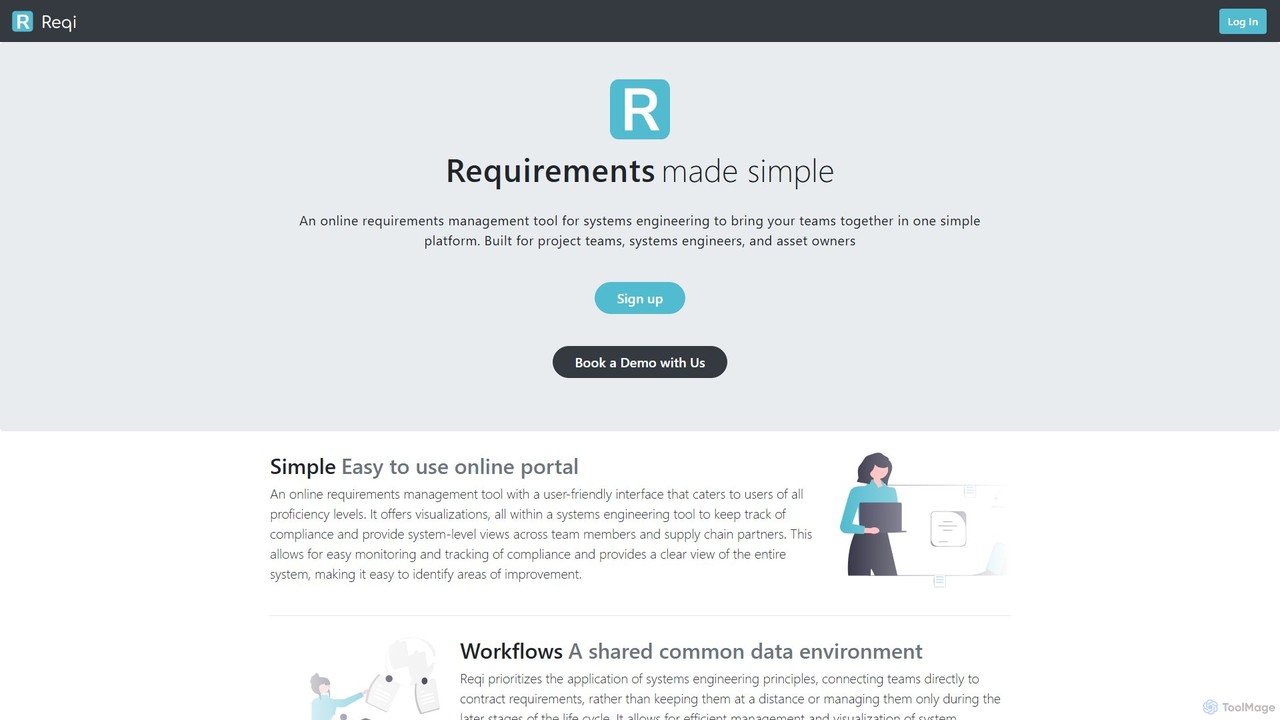
Reqi is an AI-powered online requirements management tool designed for systems engineering. It simplifies complex projects by providing a collaborative platform for teams, systems engineers, and asset owners. Featuring an AI bot, Rex, it automates requirement generation, refines specifications, and manages risk throughout the project lifecycle, ensuring traceability and compliance from conception to delivery.

Compliance
Visits 9.5KFavorites 130Likes 122

About Systems Engineering

AI Systems Engineering tools are a specialized category of development software that applies artificial intelligence to manage the lifecycle of complex systems. These tools leverage machine learning and natural language processing to enhance tasks like requirements analysis, system design, simulation, and verification. Their primary value lies in reducing complexity, identifying potential errors early, and accelerating the development of robust systems in industries like aerospace, automotive, and healthcare. They focus on the high-level architecture and behavior of the entire system, rather than just individual code components.

Core Features

  • AI-Powered Requirements Analysis: Automatically analyzes requirement documents to detect ambiguities, inconsistencies, and gaps.
  • Automated Model Generation: Creates system models (e.g., SysML, UML) from natural language descriptions to ensure design consistency.
  • Intelligent Simulation & Verification: Generates optimized test cases and uses predictive models to validate system behavior against requirements.
  • System Architecture Optimization: Evaluates and suggests optimal system designs based on performance, cost, and reliability constraints.

Use Cases

These tools are critical for systems engineers, architects, and project managers in regulated and mission-critical industries. For example, an aerospace engineer can use them to verify flight control software, while an automotive team can simulate autonomous driving scenarios to ensure safety compliance.

How to Choose

When selecting a tool, consider its modeling language support (SysML, UML), integration with existing PLM and ALM software, the sophistication of its AI algorithms for analysis and verification, and its ability to handle the scale and complexity of your specific projects.

Featured tool rankings

Systems Engineering use cases

1

Automating Requirements Validation for Aerospace Systems

An aerospace systems engineer is tasked with validating over 10,000 requirements for a new satellite. Manually checking for conflicts and ambiguities is extremely time-consuming. Using an AI Systems Engineering tool, the engineer uploads all requirement documents. The tool's NLP engine processes the text, automatically flagging vague terms, conflicting statements, and incomplete specifications. It generates a report highlighting high-risk requirements, allowing the team to address critical issues in hours instead of weeks, significantly reducing the risk of costly design changes later in the project.

2

Generating Test Cases for Autonomous Vehicle Software

A software validation team for an automotive company needs to ensure the safety of their autonomous driving system. It's impossible to physically test every possible driving scenario. The team uses an AI Systems Engineering tool to model the vehicle's control logic. The AI then generates thousands of virtual test scenarios, including rare but critical edge cases like sudden obstacles or unusual weather conditions. This allows for comprehensive testing coverage that would be impractical in the real world, helping to identify potential software flaws and improve the system's overall reliability and safety before deployment.

3

Optimizing System Architecture for a Medical Device

A medical device company is designing a new networked patient monitoring system. The system architect needs to balance performance, security, and cost. They use an AI Systems Engineering tool to input the system requirements and constraints. The tool generates several potential architectural designs, each with a detailed analysis of its trade-offs. It simulates data flow and processing loads to predict performance bottlenecks and identifies potential security vulnerabilities based on established patterns. This allows the architect to make an informed, data-driven decision, selecting an architecture that is both robust and cost-effective, accelerating the design phase significantly.

4

Predicting Failure Modes in Industrial IoT Systems

A manager of a large manufacturing plant relies on a complex Industrial IoT (IIoT) system for automation. Unplanned downtime is extremely costly. The team uses an AI Systems Engineering tool that integrates with their operational data. The tool builds a digital twin of the system and uses machine learning to analyze sensor data in real-time. It identifies subtle patterns that precede equipment failure, providing predictive maintenance alerts. This allows the maintenance team to schedule repairs proactively before a critical failure occurs, maximizing uptime and reducing operational costs.

5

Formal Verification of Critical Software Logic

For a mission-critical system like a railway signaling controller, software errors can have catastrophic consequences. A verification engineer uses an AI-powered systems engineering tool to perform formal verification. Instead of just testing, this process mathematically proves that the software's logic adheres to its safety specifications under all possible conditions. The AI assists by exploring the vast state space of the software more efficiently and suggesting counterexamples if a property cannot be proven. This provides a much higher level of assurance than traditional testing alone, which is essential for certifying safety-critical systems.

6

Managing Complex Software Dependencies and Interfaces

A software architect is designing a large-scale enterprise application composed of hundreds of microservices. Manually tracking all dependencies and API interfaces is nearly impossible and prone to integration errors. The architect uses an AI Systems Engineering tool to automatically map the entire system architecture. The tool visualizes dependencies, flags potential circular dependencies, and analyzes API contracts for inconsistencies. When a developer proposes a change to a service's API, the AI can simulate the impact of that change across the entire system, identifying all other services that would be affected. This prevents breaking changes and ensures smooth integration during development.

Systems Engineering FAQ

What are AI Systems Engineering tools?

AI Systems Engineering tools are advanced software applications that use artificial intelligence to support the design, analysis, and management of complex systems. Unlike general development tools focused on code, these tools address the entire system architecture, from initial requirements to final validation. Key capabilities include using NLP to analyze requirements, machine learning to generate and test system models, and AI-driven simulation to predict system behavior. They are primarily used to manage complexity and ensure reliability in mission-critical projects.

How do AI Systems Engineering tools differ from traditional MBSE tools?

The key difference is the active use of AI for automation and insight. Traditional Model-Based Systems Engineering (MBSE) tools provide a framework for manually creating and managing system models. AI Systems Engineering tools build upon this by:

  • Automating Model Creation: Generating models from natural language requirements.
  • Providing Deeper Analysis: Using AI to detect subtle design flaws or inconsistencies that are difficult to find manually.
  • Optimizing Designs: Suggesting alternative architectures or parameters to meet performance goals.
In essence, traditional MBSE tools help you document a design, while AI-powered tools actively assist in creating and validating a better design.

Who should use AI Systems Engineering tools?

These tools are most beneficial for professionals involved in the development of complex, high-stakes systems. Key users include:

  • Systems Engineers: For requirements analysis, architecture design, and system integration.
  • Software & Hardware Architects: To model, simulate, and optimize system designs before implementation.
  • Verification & Validation (V&V) Engineers: To automate testing, perform formal verification, and ensure compliance with safety standards.
  • Project Managers: To gain better insight into system complexity, track requirements coverage, and mitigate risks early in the development cycle.
They are particularly valuable in industries like aerospace, defense, automotive, medical devices, and industrial automation.

What are the key features to look for in an AI Systems Engineering tool?

When choosing a tool, focus on features that address the core challenges of systems engineering. Key features include:

  • Requirements Analysis: Strong NLP capabilities to parse documents, identify ambiguities, and trace requirements through the lifecycle.
  • Modeling Support: Compatibility with standard languages like SysML or UML and the ability to generate or suggest model components.
  • Simulation & Analysis Engine: Powerful capabilities to simulate system behavior, run trade-off analyses, and predict performance.
  • Integration: Seamless integration with other development tools like PLM (Product Lifecycle Management), ALM (Application Lifecycle Management), and CAD software.
  • Verification & Validation: Features for automated test generation, formal methods support, or fault-tree analysis to ensure system correctness.

Can these tools replace systems engineers?

No, AI Systems Engineering tools are designed to augment, not replace, human expertise. They act as powerful assistants that handle tedious, data-intensive, and complex analytical tasks. This frees up systems engineers to focus on higher-level problem-solving, creative design, stakeholder communication, and making critical judgment calls. The tools provide data-driven insights and automate repetitive work, allowing engineers to be more effective and efficient in their roles, ultimately leading to better and safer systems.