Development Best in category 1 results Tool Builder AI Tool

Popular AI tools in the Tool Builder field of Development include Knowledgio, etc., helping you quickly improve efficiency.

Knowledgio

Knowledgio

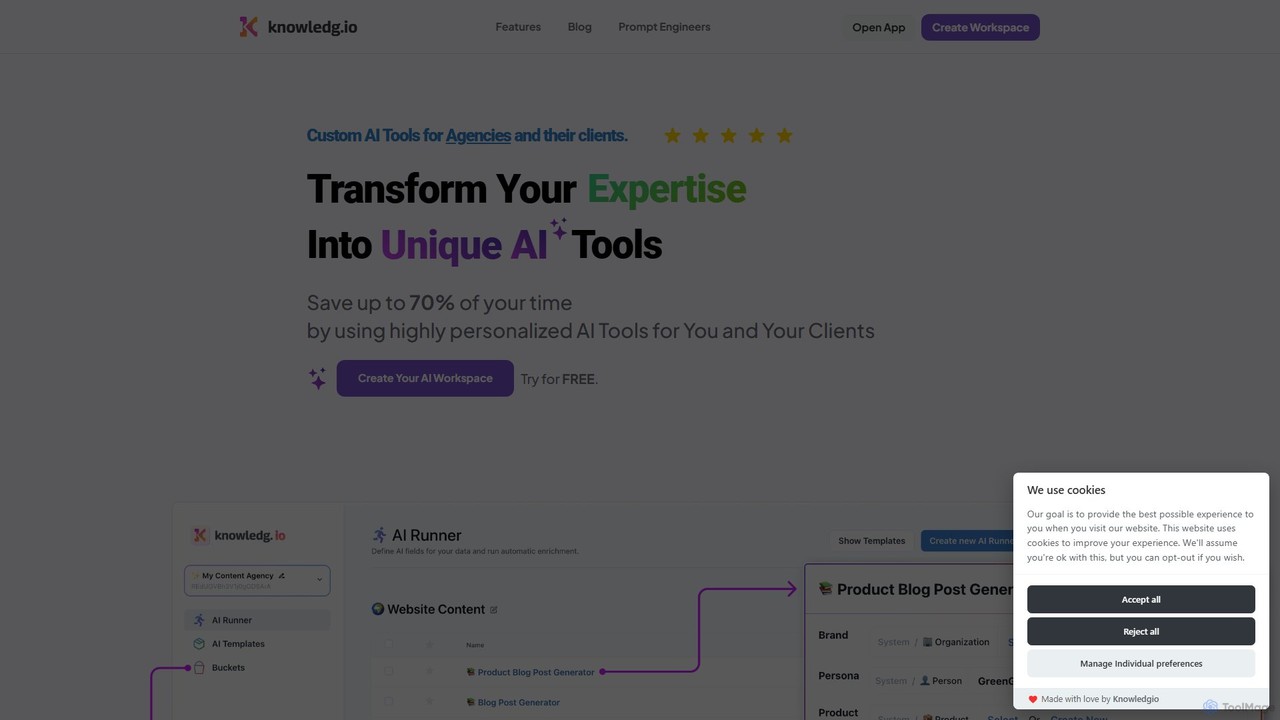
Knowledgio is a no-code platform that enables agencies, consultants, and businesses to transform their expertise into custom, monetizable …

2.2K

About Tool Builder

Tool Builders are AI-powered platforms that enable users to create custom AI applications and workflows, often with minimal or no coding. These tools typically leverage visual interfaces and drag-and-drop functionalities to integrate various AI models, data sources, and logic. They democratize AI development, allowing individuals and businesses to rapidly prototype and deploy tailored AI solutions for specific needs, bridging the gap between complex AI technologies and practical applications within the broader Development category.

Core Features

  • Visual Workflow Editor: Drag-and-drop interface for designing AI application logic and data flow.
  • AI Model Integration: Seamlessly connect and utilize pre-trained or custom AI models (e.g., LLMs, image recognition, NLP).
  • Data Input/Output Management: Tools for handling diverse data formats and integrating with external databases or APIs.
  • Custom Logic & Automation: Define conditional logic, loops, and automated actions within the AI workflow.
  • Deployment & Sharing: Options to publish, embed, or share the built AI tools as web apps, APIs, or internal utilities.

Use Cases

Tool Builders are invaluable for accelerating innovation and solving specific business challenges. They are used by citizen developers, product managers, and even seasoned engineers to quickly bring AI ideas to life, test hypotheses, and create bespoke solutions without the overhead of traditional software development cycles.

How to Choose

When selecting an AI Tool Builder, consider its ease of use and learning curve, the range and flexibility of integrated AI models, and its data handling capabilities. Evaluate deployment options, scalability, and the platform's ability to integrate with your existing tech stack. Pricing models and community support are also crucial factors for long-term viability and success.

Tool BuilderUse Cases

1

Automate Custom Content Generation

Marketing teams or content creators can use Tool Builders to construct AI-powered content generators. By integrating large language models (LLMs) and defining specific prompts and output formats, they can automate the creation of blog post drafts, social media captions, or product descriptions. This significantly reduces manual writing time, allowing for rapid content scaling and consistent brand voice across various platforms.

2

Rapid Prototyping of AI Applications

Developers and product managers can leverage Tool Builders for rapid prototyping of new AI application ideas. Instead of extensive coding, they can visually assemble components, connect AI models, and test user interfaces in days, not months. This accelerates the validation of concepts, allowing for quicker iteration cycles and more efficient resource allocation before committing to full-scale development.

3

Build Internal AI Assistants for Business Operations

Businesses can create custom internal AI assistants to streamline various operational tasks. For instance, an HR department might build an AI tool to answer common employee queries about policies, or a sales team could develop an AI assistant for lead qualification and initial outreach. These tools integrate with existing internal systems, improving efficiency and reducing the workload on human staff by automating repetitive information retrieval and communication.

4

Develop Interactive AI Chatbots for Customer Service

Customer service teams can utilize Tool Builders to design and deploy interactive AI chatbots tailored to specific customer needs. By connecting natural language processing (NLP) models and defining conversational flows, they can create bots that handle FAQs, guide users through troubleshooting, or even process simple transactions. This enhances customer experience by providing instant support 24/7 and frees up human agents for more complex issues.

5

Create Custom Data Analysis Workflows with AI

Data analysts and researchers can build bespoke AI-powered data analysis workflows using Tool Builders. They can integrate various data sources, apply machine learning models for classification or prediction, and visualize results without writing extensive code. This allows for tailored insights from complex datasets, enabling faster decision-making and the exploration of unique analytical approaches specific to their research or business intelligence needs.

6

Personalized Learning and Recommendation Systems

Educators or e-commerce platforms can utilize Tool Builders to develop personalized learning paths or recommendation engines. By integrating user behavior data with AI models, they can create systems that suggest relevant courses, products, or content based on individual preferences and past interactions. This enhances user engagement and satisfaction by delivering highly tailored experiences, driving better educational outcomes or increased sales conversions.

Tool BuilderFrequently Asked Questions